How to connect the driver for the Pilot Pro?
Wired connection
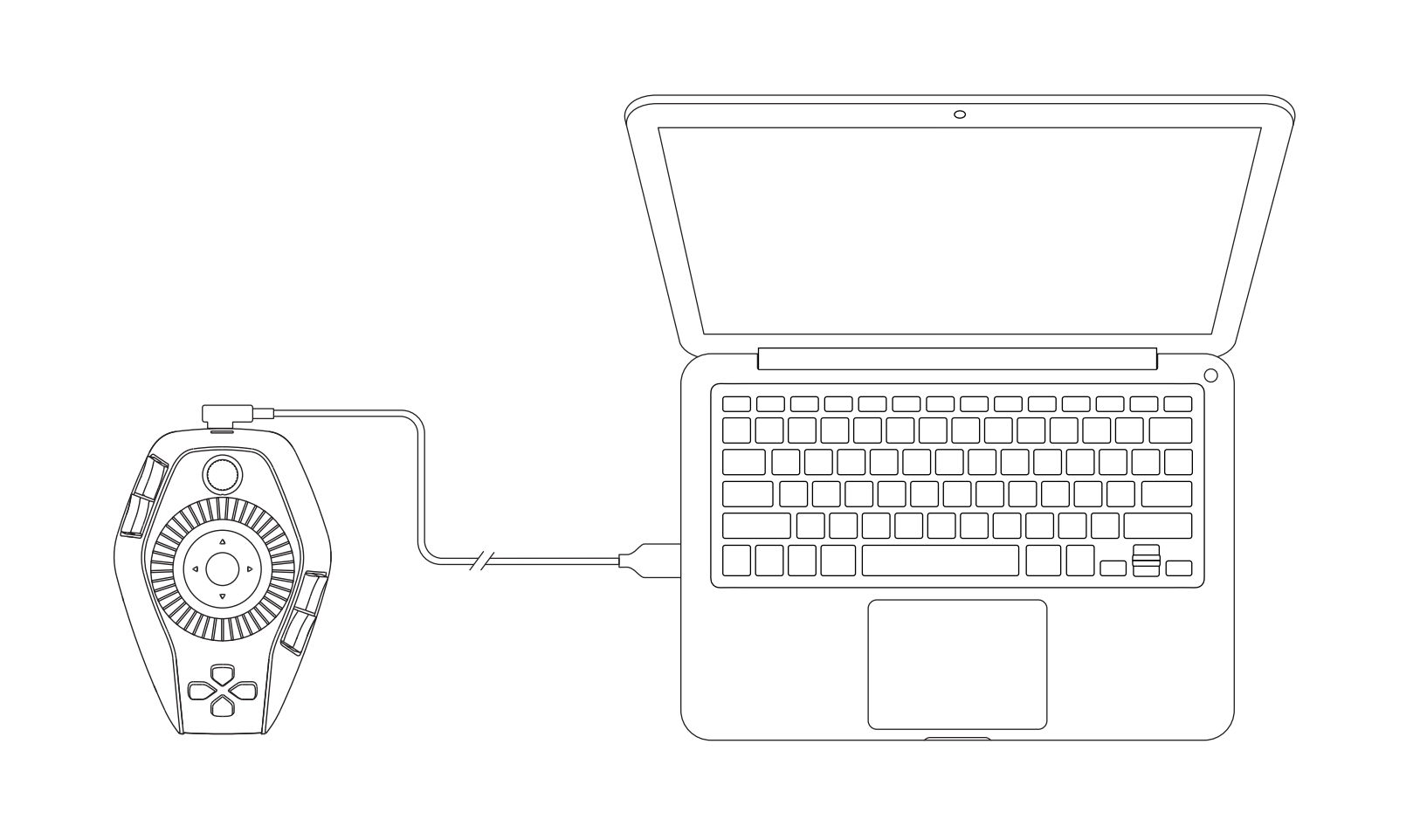
Connect the controller to your computer using a cable.
Wireless connections
A. Bluetooth receiver connection
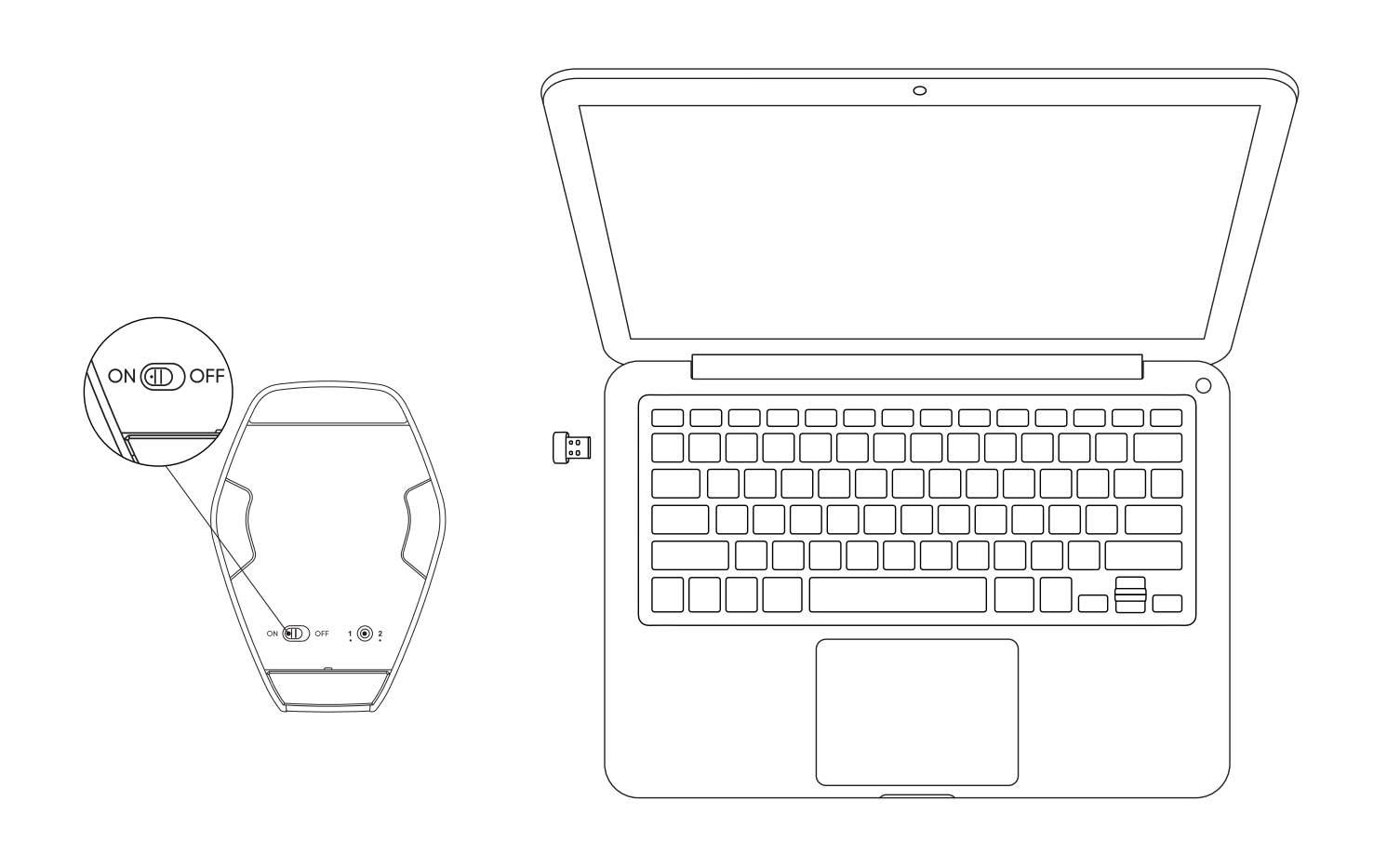
1.Connect the Bluetooth dongle to your computer.
2.Turn the Bluetooth switch at the bottom of the controller to "ON";
3.The white light stays on for 10 seconds before turning off, indicating a successful connection.
*If your Bluetooth receiver requires re-pairing with the device, download the wireless pairing tool from the XPPen official website based on your product model, and follow the instructions to complete the pairing process.
B. Bluetooth wireless direct connection
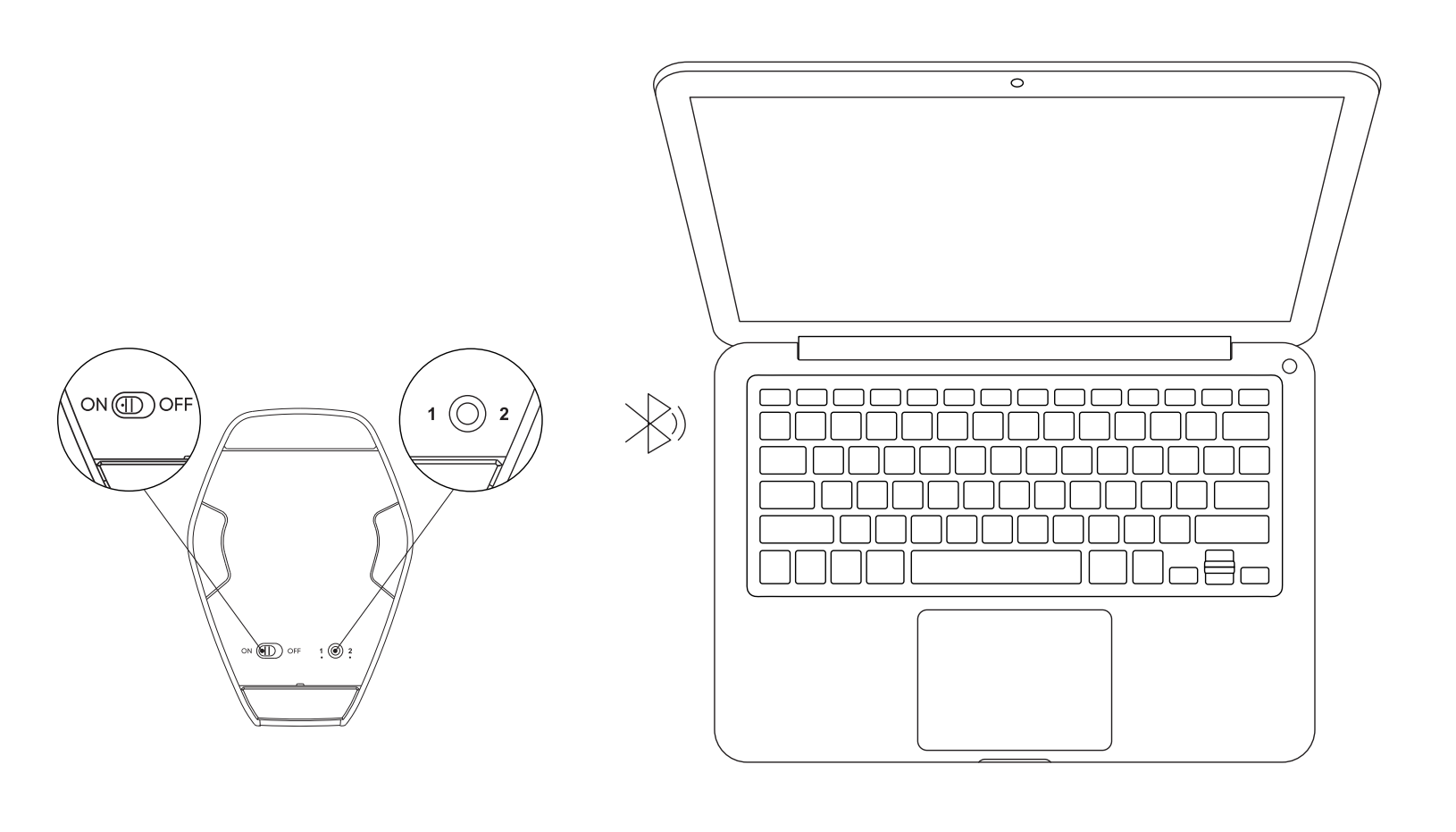
1.Set the Bluetooth switch at the bottom of the controller to 'ON' to make the white light flash slowly.
2.Press and hold the Bluetooth button for 3 seconds to flash the white light and enter pairing mode.
3.In the computer's Bluetooth settings, add a Bluetooth device, search for the device name "PilotPro", and select Pair.
4.To connect another computer, press and hold the Bluetooth button once to switch to a different Bluetooth channel, then repeat the steps above.