Windows Touchscreen Target Display Setup Guide
Applicable Model:Artist Pro 16TP,Artist Ultra 16,Artist Pro 27 (Gen 2)
Windows Touchscreen Target Display Setup Guide
Purpose: Assign touch input functionality to the specific display you need to control.
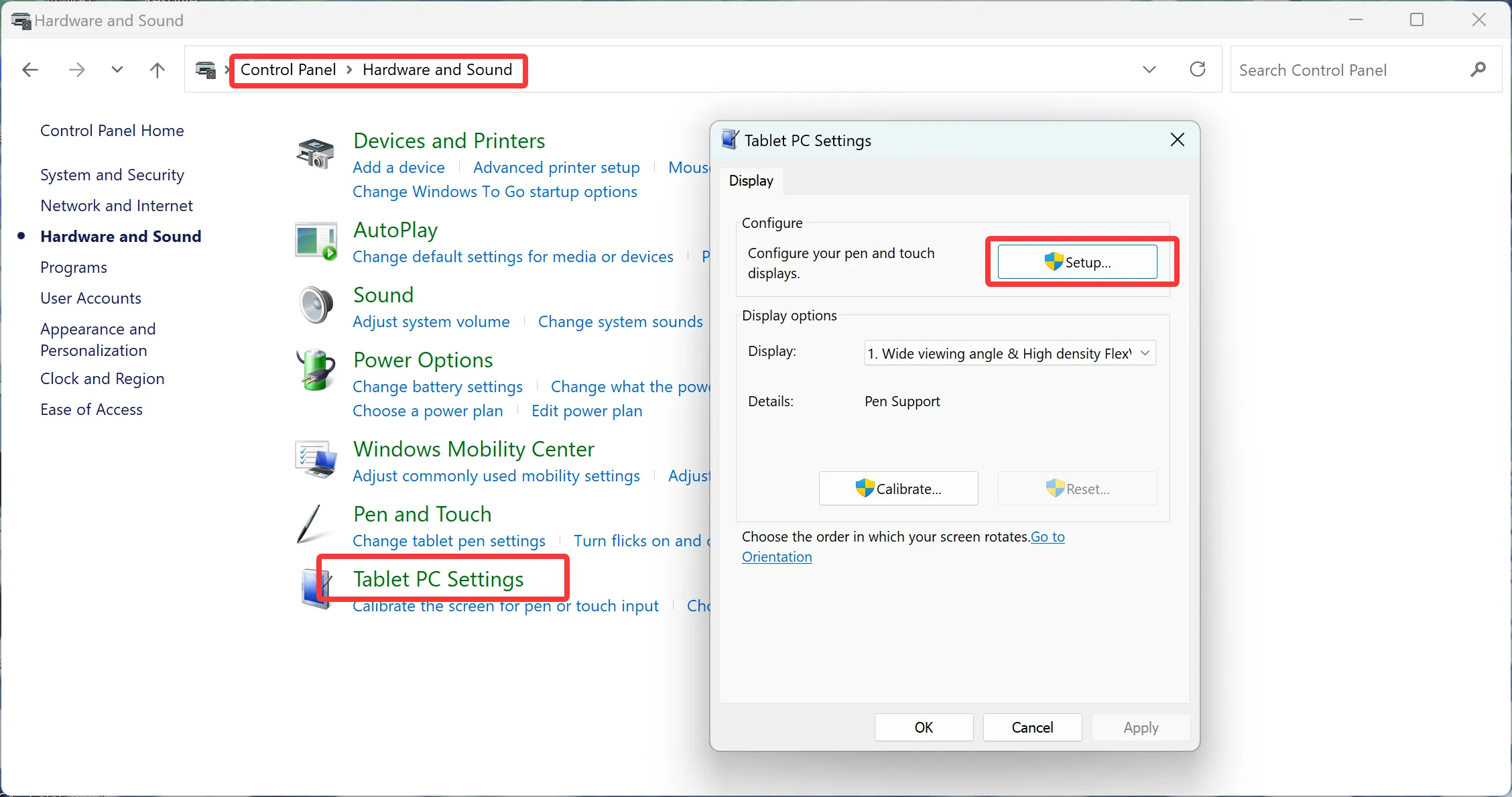
Step 1: Power on your PC, navigate to Control Panel → Tablet PC Settings → Setup, then select Touch Input from the options.
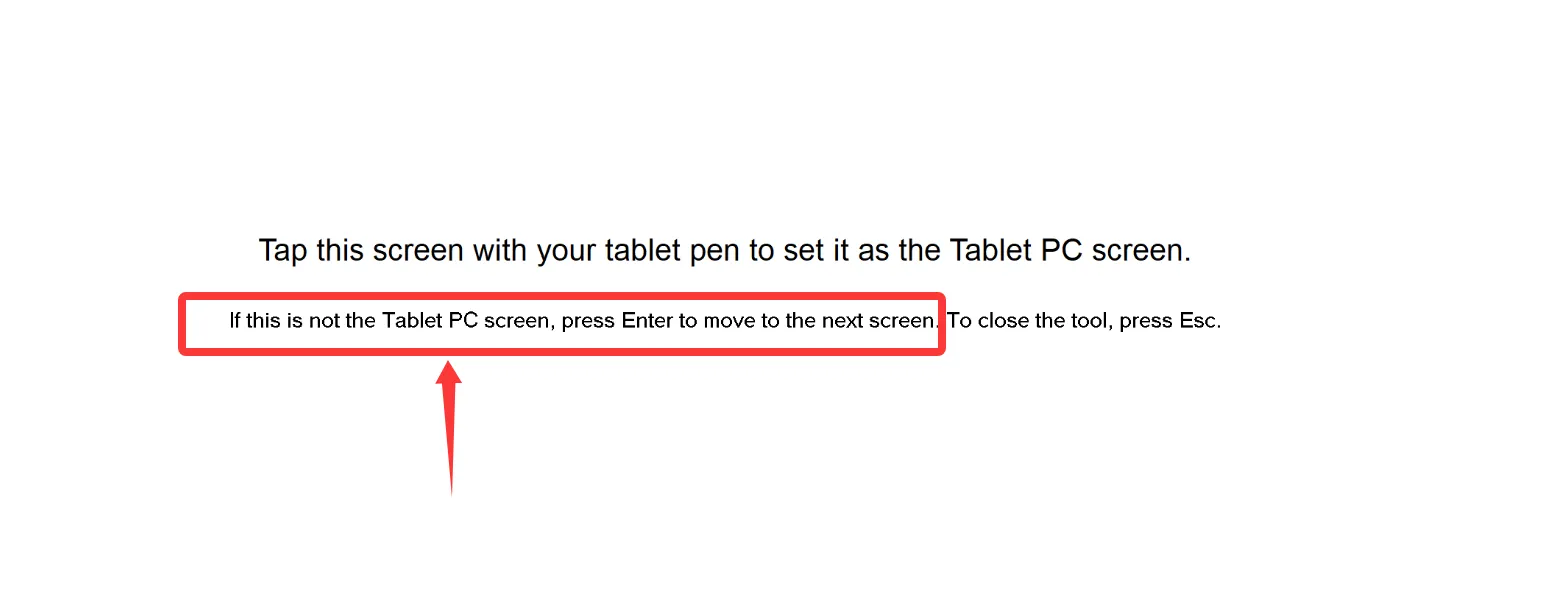
Step 2: Press the Enter key on your keyboard to cycle and select your target display, then tap the screen with your finger to finalize the configuration.