
Getting started with your
XPPen Artist Pro 27 (Gen 2)
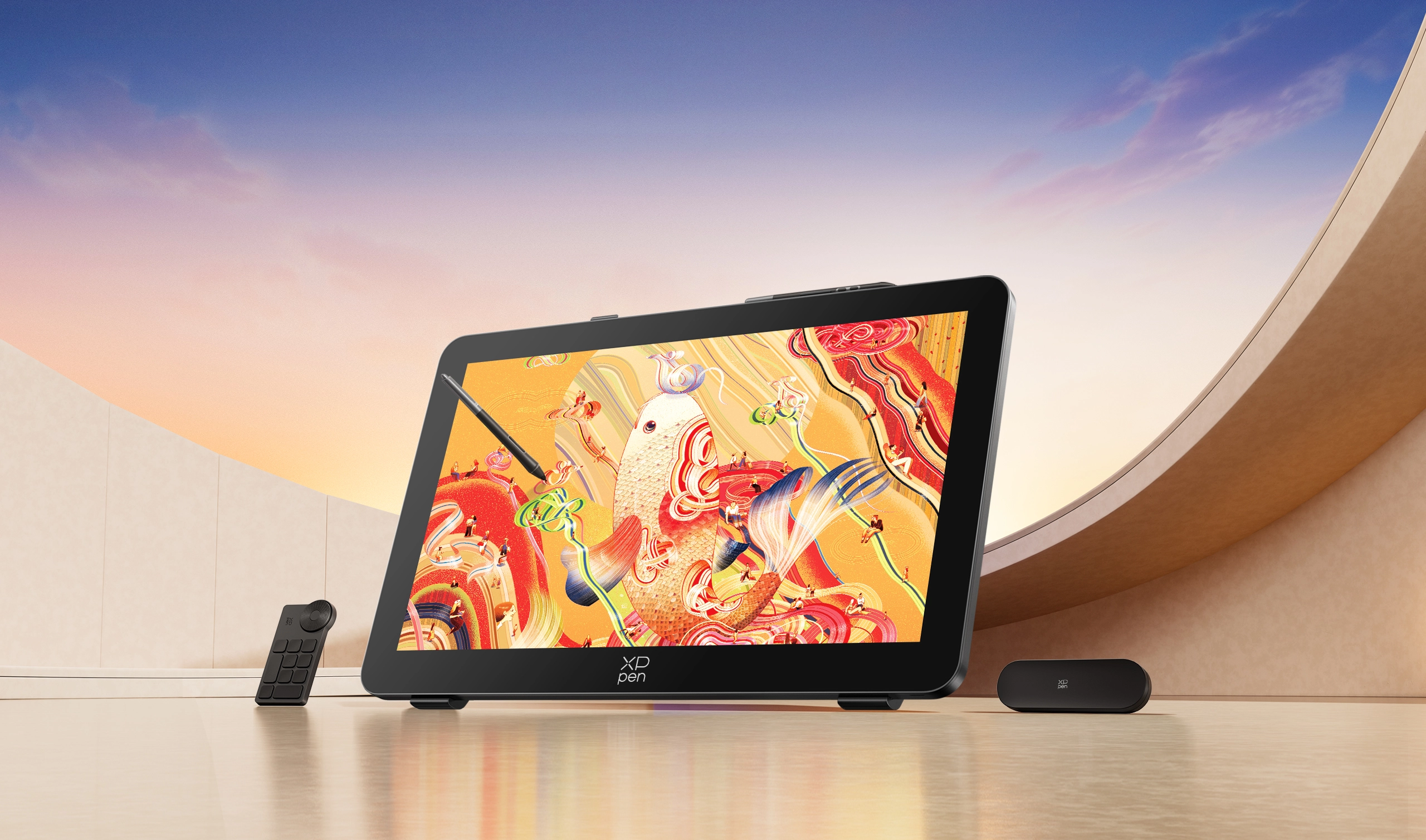
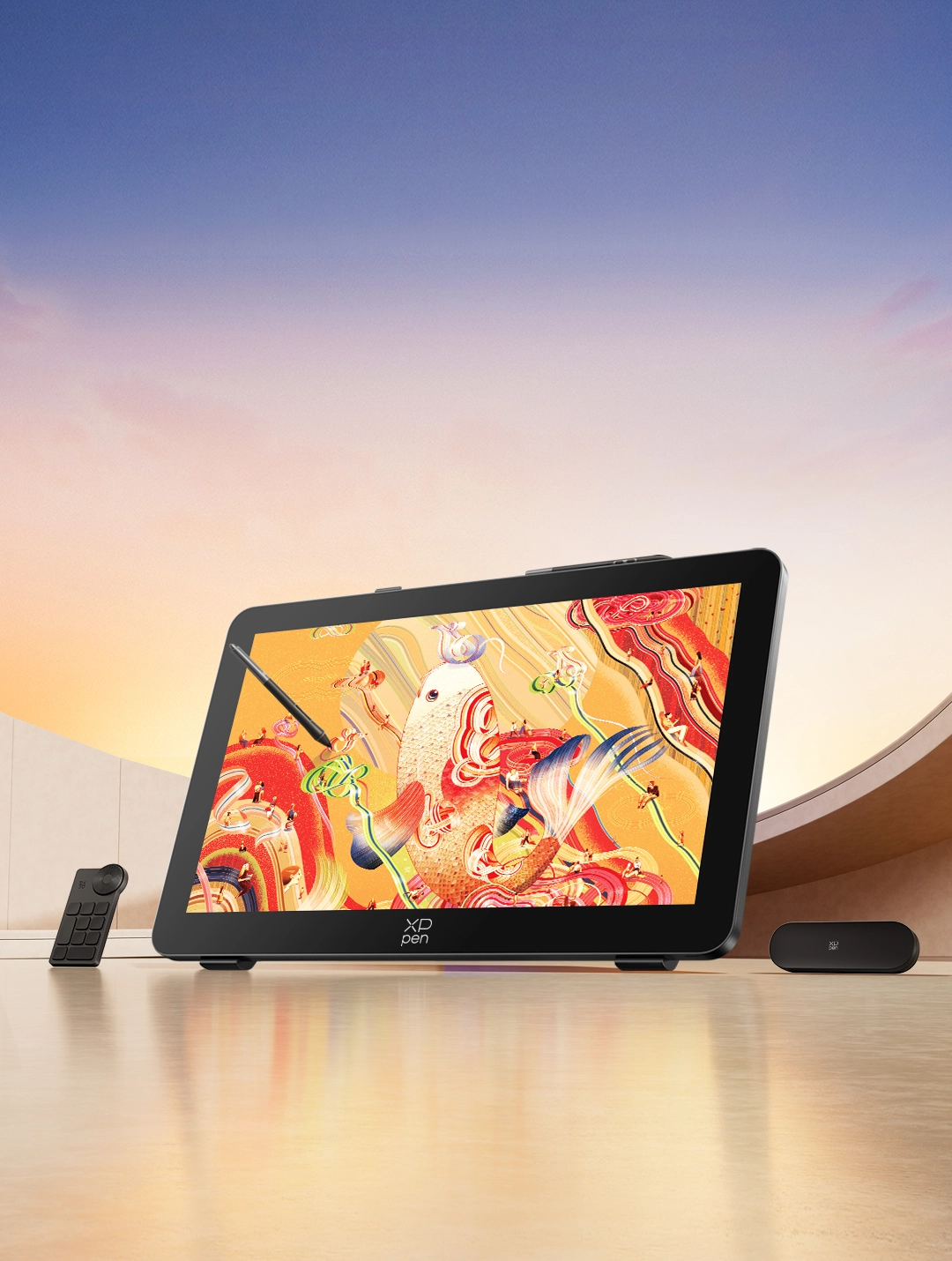
Artist Pro 27 (Gen 2)
Color Master Touchscreen Drawing Display
Color in Prime,
Creativity Unleashed
4K+120Hz Mega Display | 1.07 Billion Colors | X-Touch Solution


Artwork by world-renowned artist, Victo Ngai
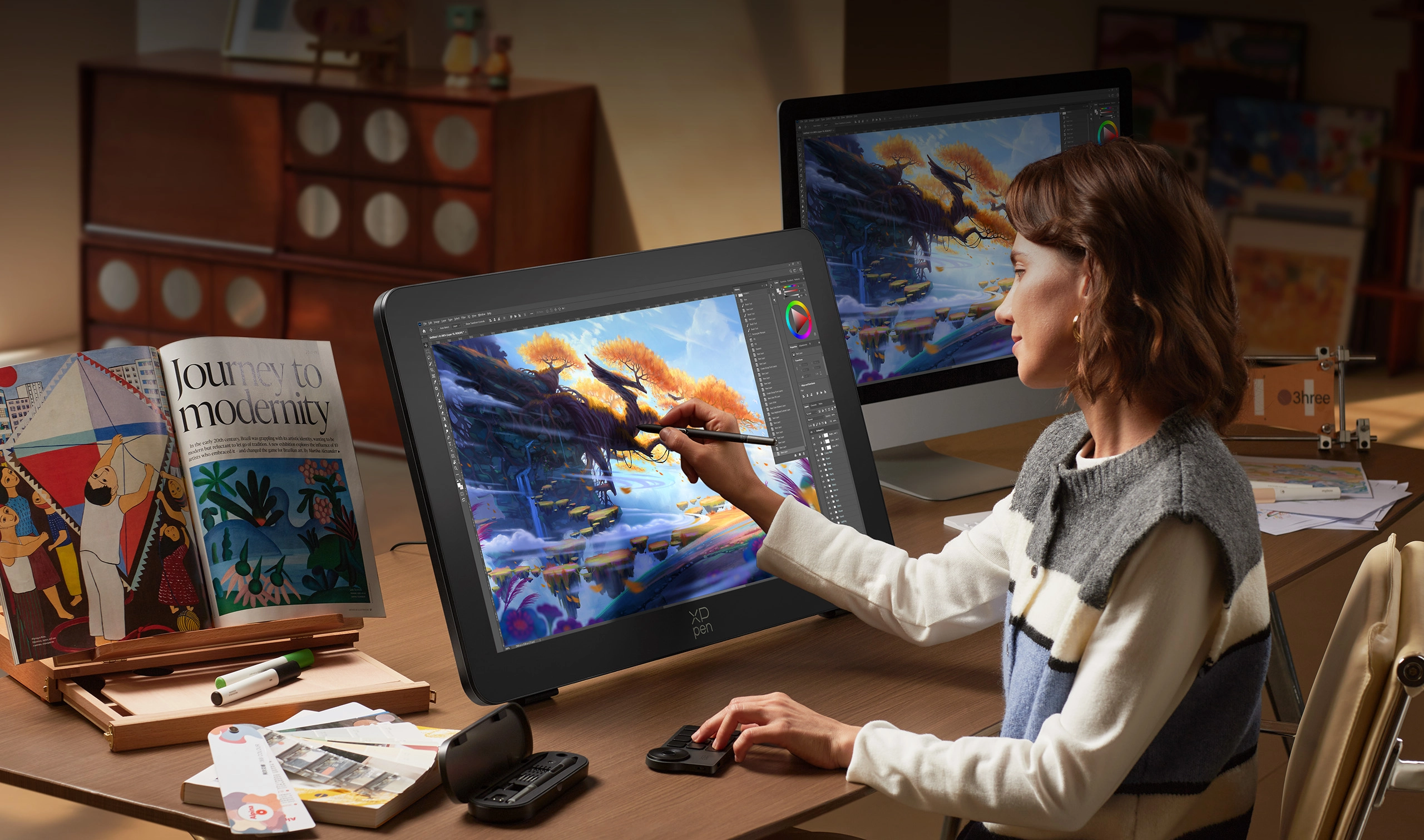
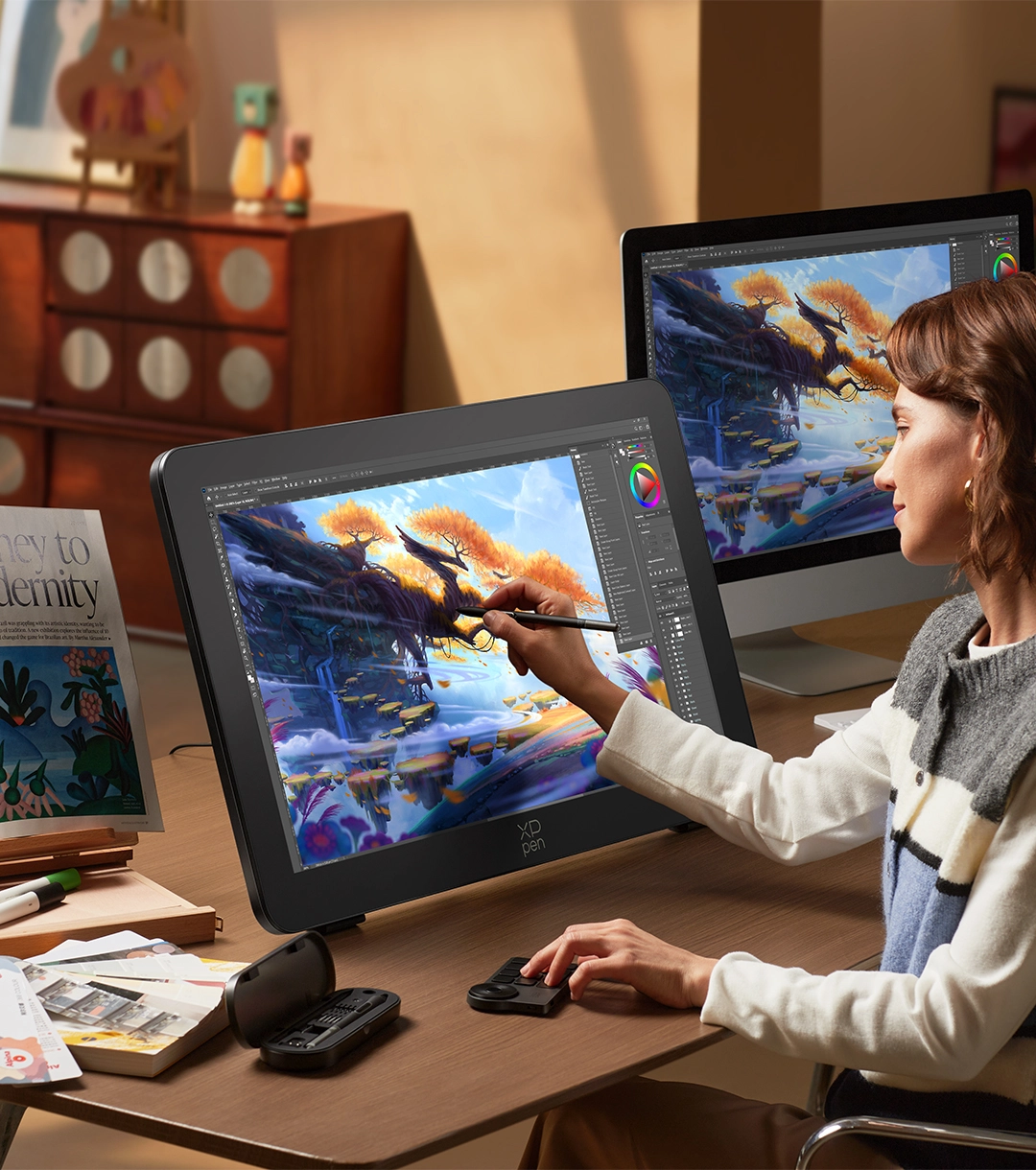
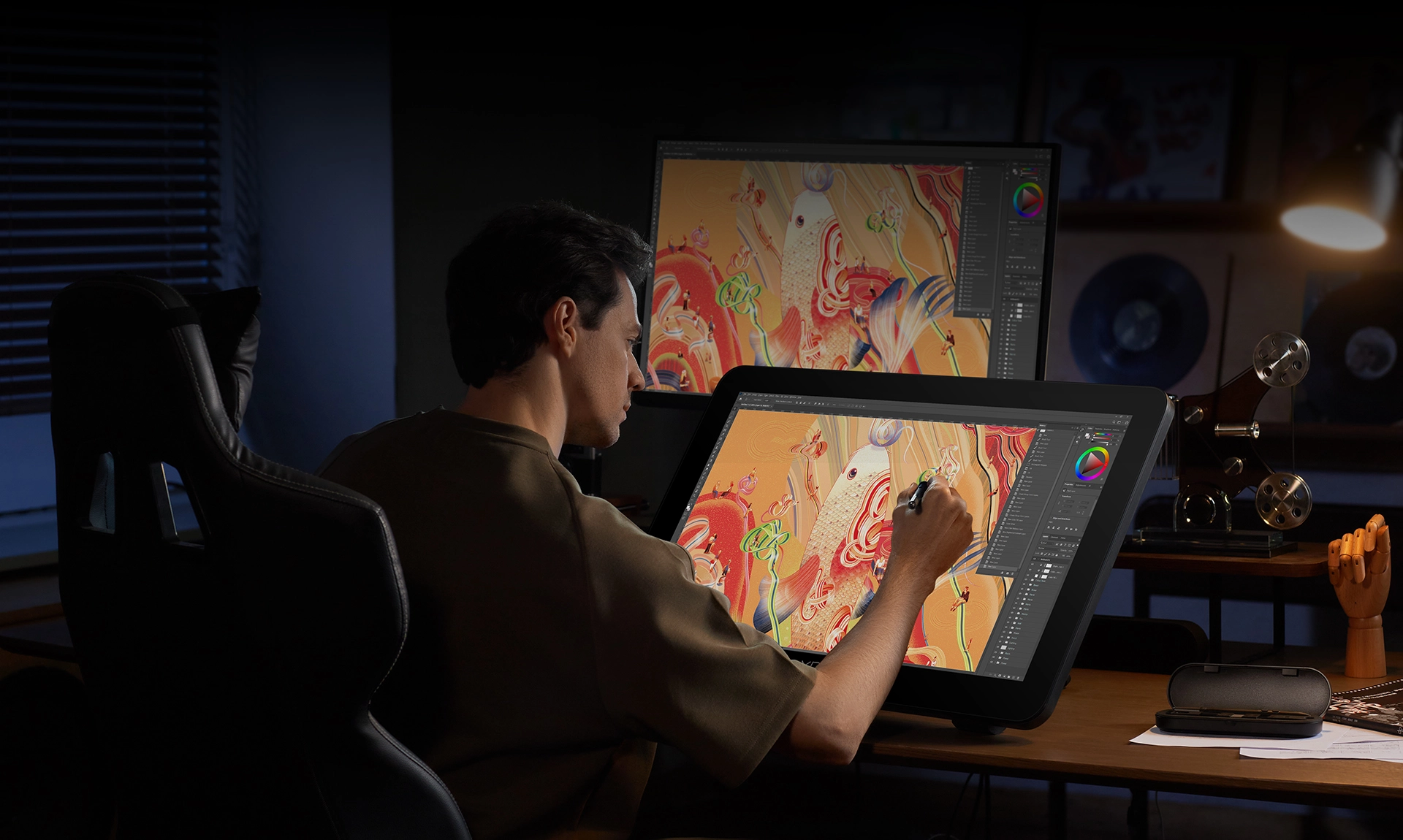
Get ready for the 27-inch mega display of Artist Pro 27 (Gen 2).
It presents the magnificent grandeur
of large-scale artwork in 4K Ultra HD.
The 1.07 billion colors reveal rich and delicate transitions
of light and shadow.
The new X-Touch solution, combined with flagship dual styli, makes creation smoother and more fluid;
The 120Hz high refresh rate brings dynamic images conceived in the mind to life on the display;
Let your creativity soar on this high-quality drawing display.

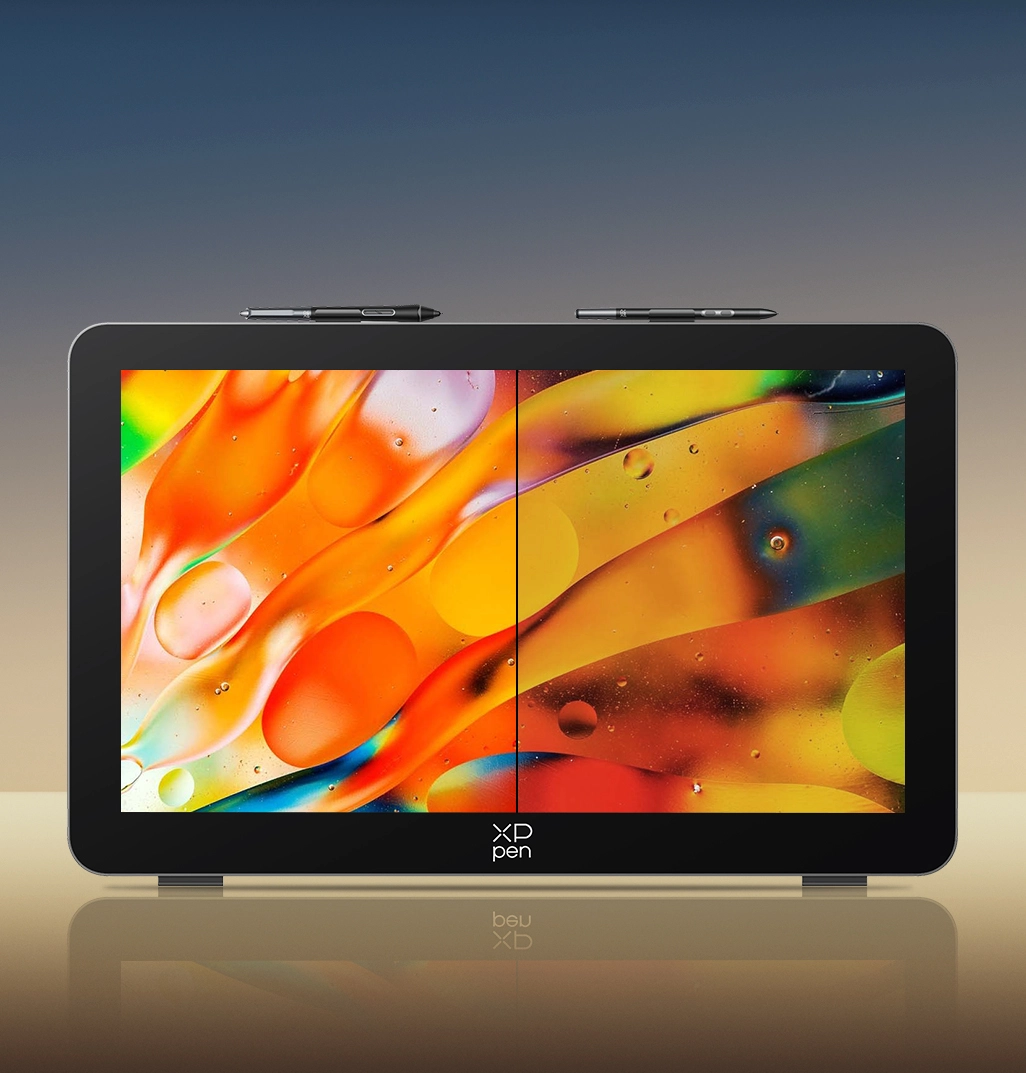
1.07 Billion Colors
Subtle and Detailed Transition
1.07 billion
Standard

X-Touch Solution
Efficient Control, Smooth Operation
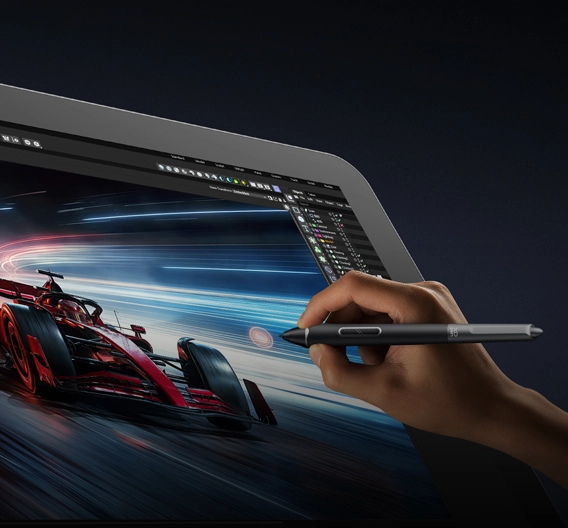
120Hz High Refresh Rate
Present Dynamic Details Vividly and Clearly
Calman Verified
Professional Color Accuracy Guaranteed
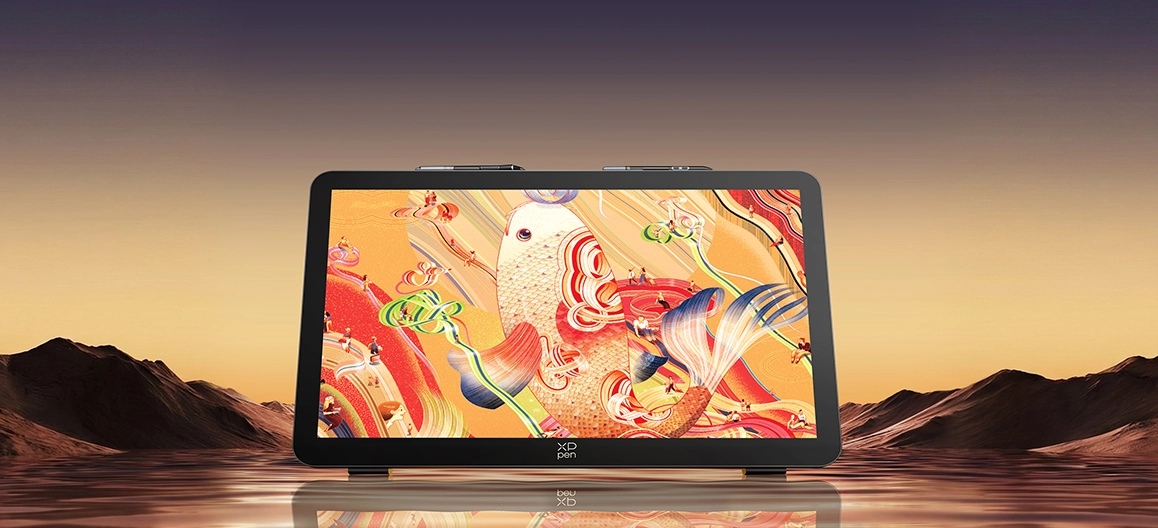
27-inch 4K Mega Display
Panoramic View for Artwork
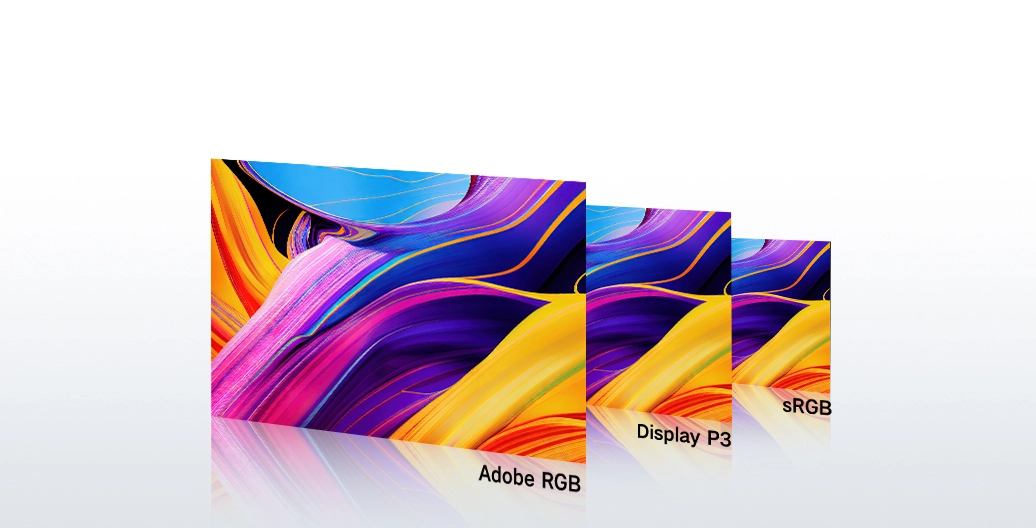
Ultra-high Color Gamut Coverage
99% Adobe RGB, 99% sRGB, 97% Display P3
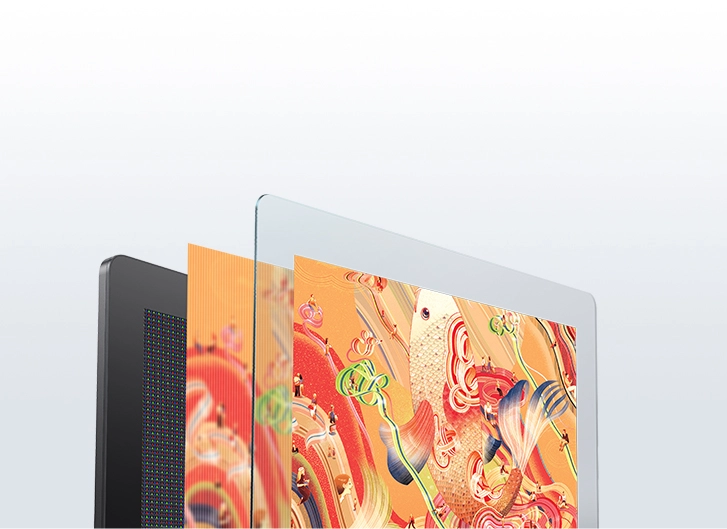
New-gen Luminous Etched Glass
Clear Visuals with 30% Increase in Light Transmittance
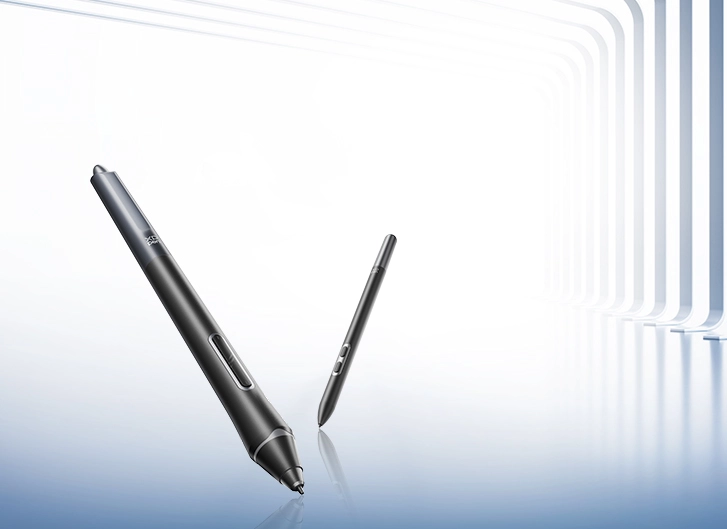
Dual X3 Pro Styli
16K Pressure Levels, Smooth Strokes at Will
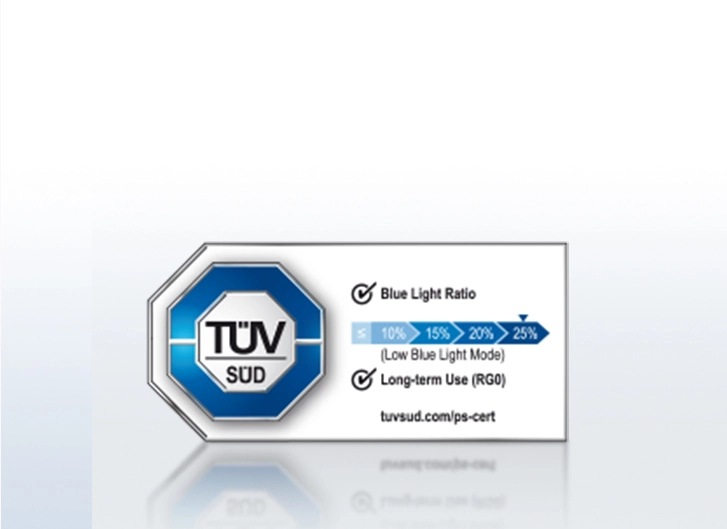
TÜV SÜD Low Blue Light Certification
Clear Visions, Caring for Eyes
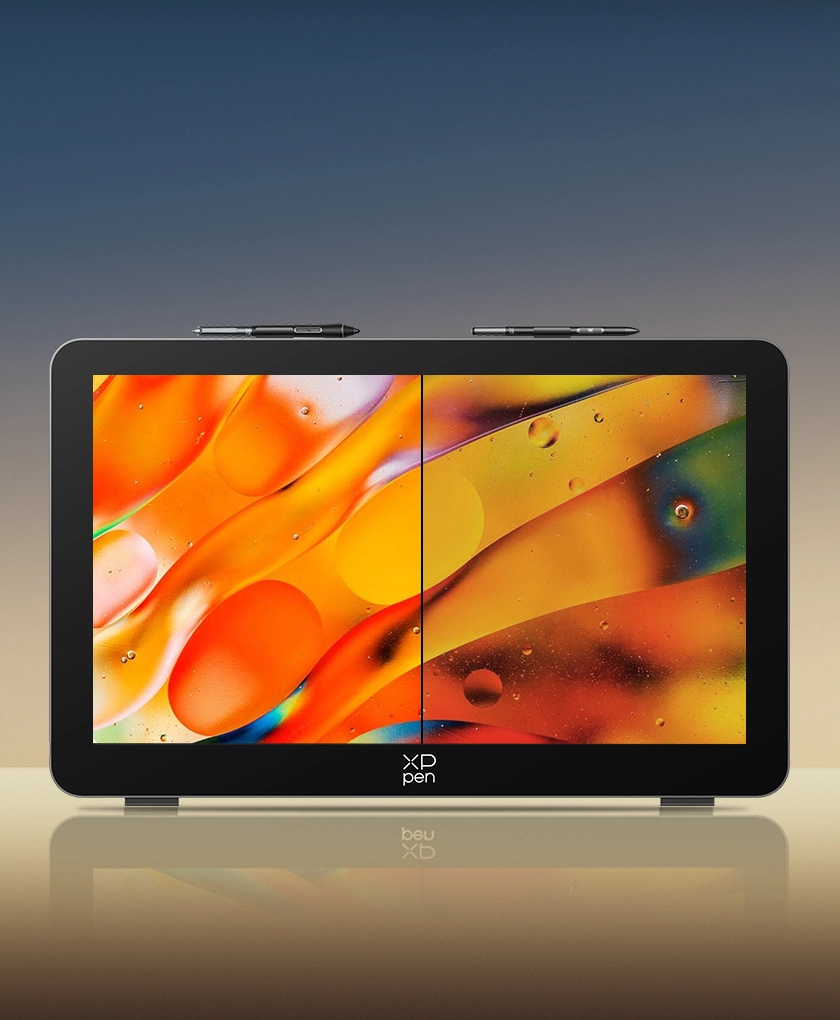
1.07 Billion Colors
Subtle and Detailed Transition
1.07 billion
Standard
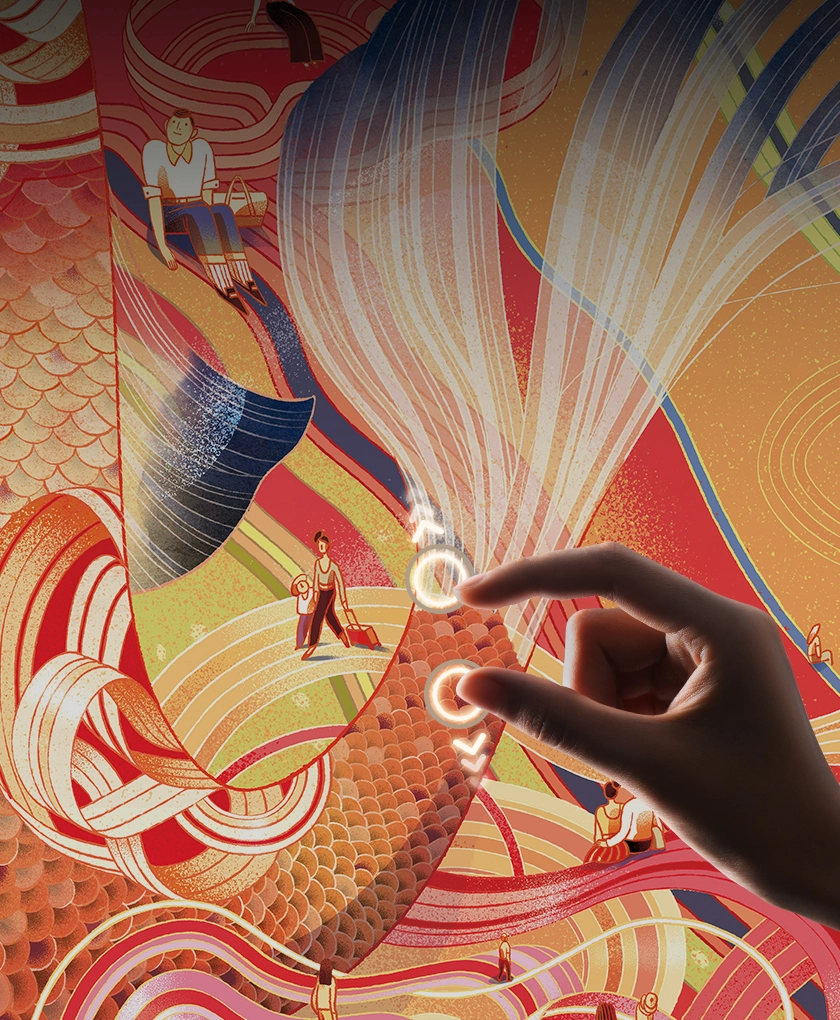
X-Touch Solution
Efficient Control, Smooth Operation
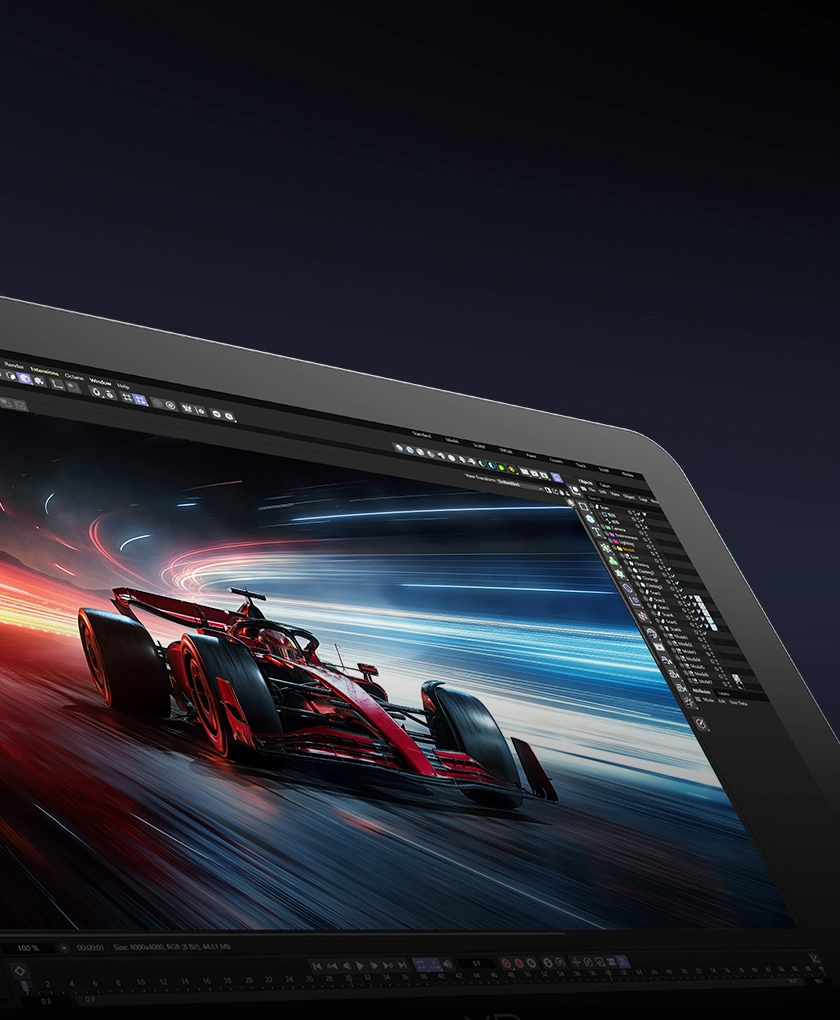
120Hz High Refresh Rate
Present Dynamic Details Vividly and Clearly
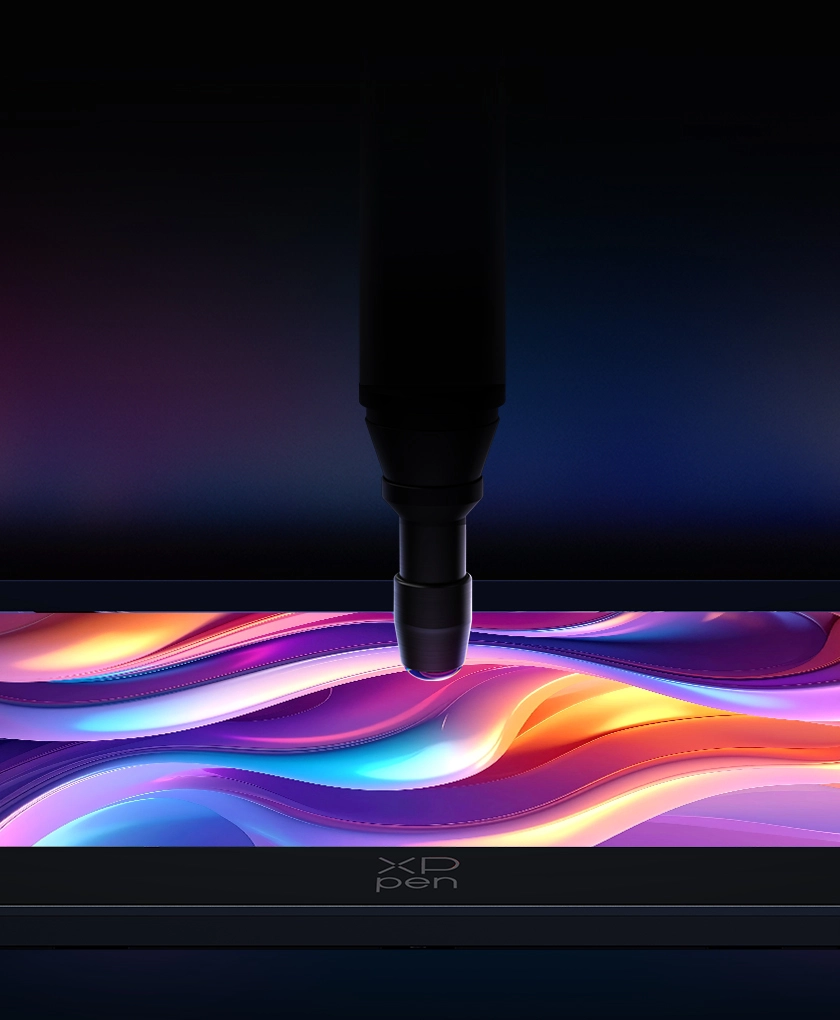
Calman Verified
Professional Color Accuracy Guaranteed
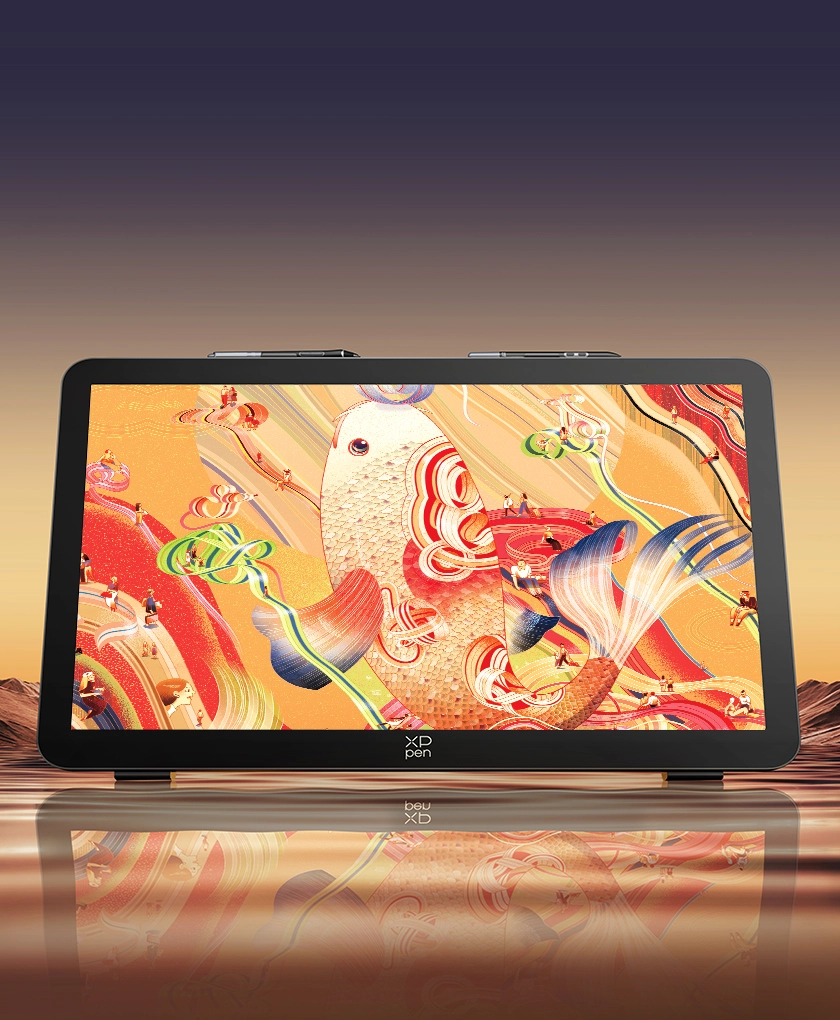
27-inch 4K Mega Display
Panoramic View for Artwork
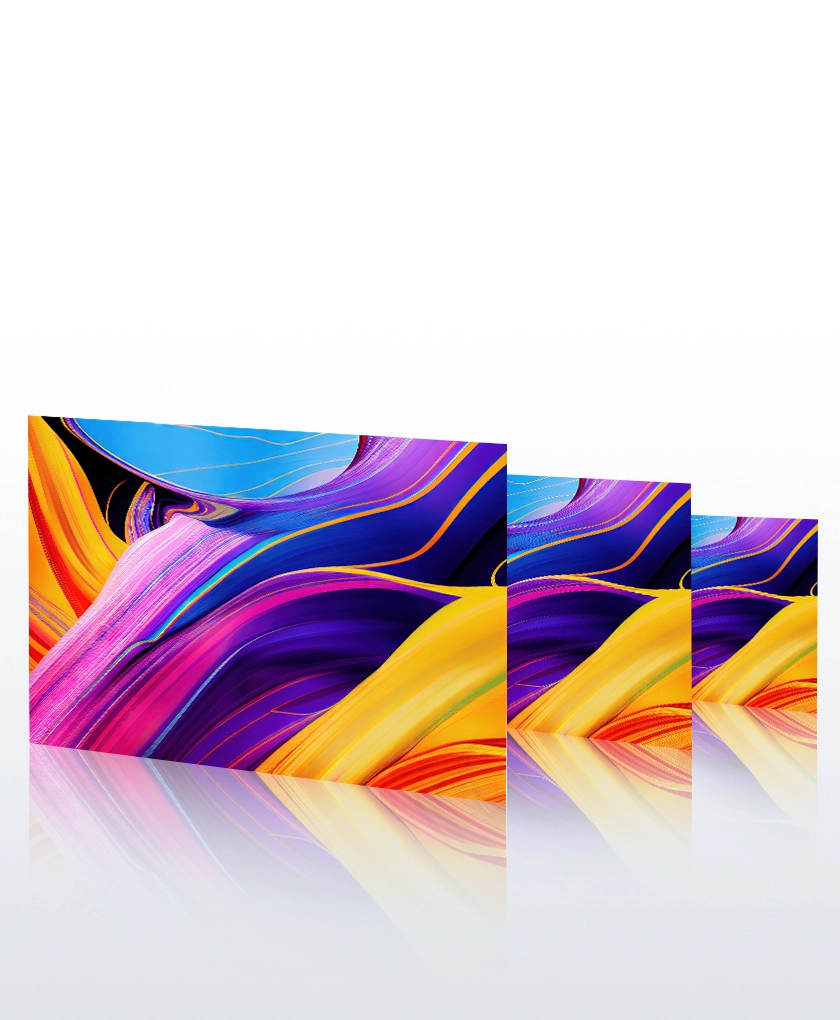
Ultra-high Color Gamut Coverage
99% Adobe RGB, 99% sRGB, 97% Display P3
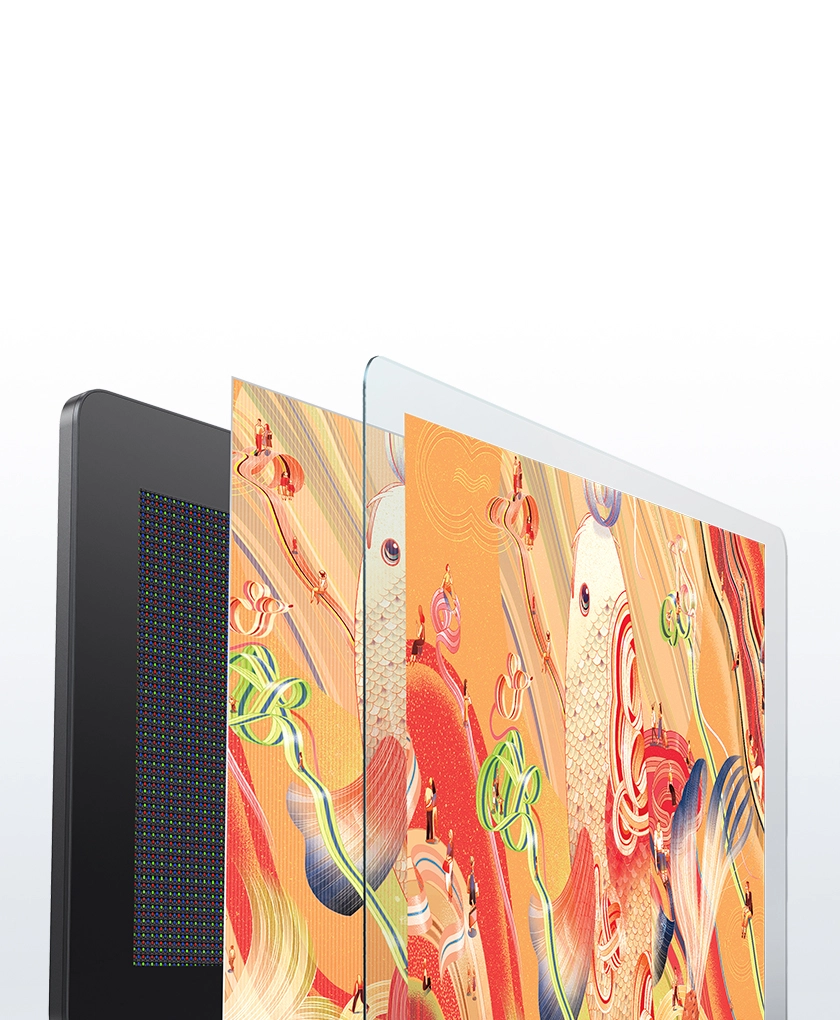
New-gen Luminous Etched Glass
Clear Visuals with 30% Increase in Light Transmittance
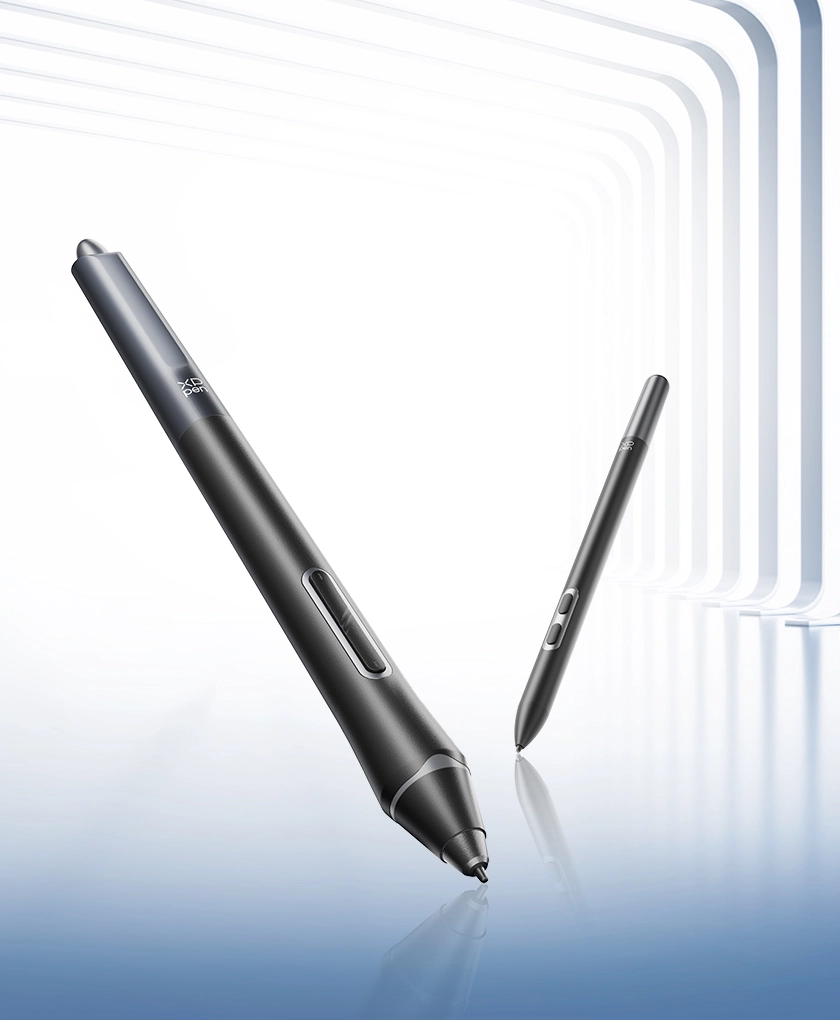
Dual X3 Pro Styli
16K Pressure Levels, Smooth Strokes at Will
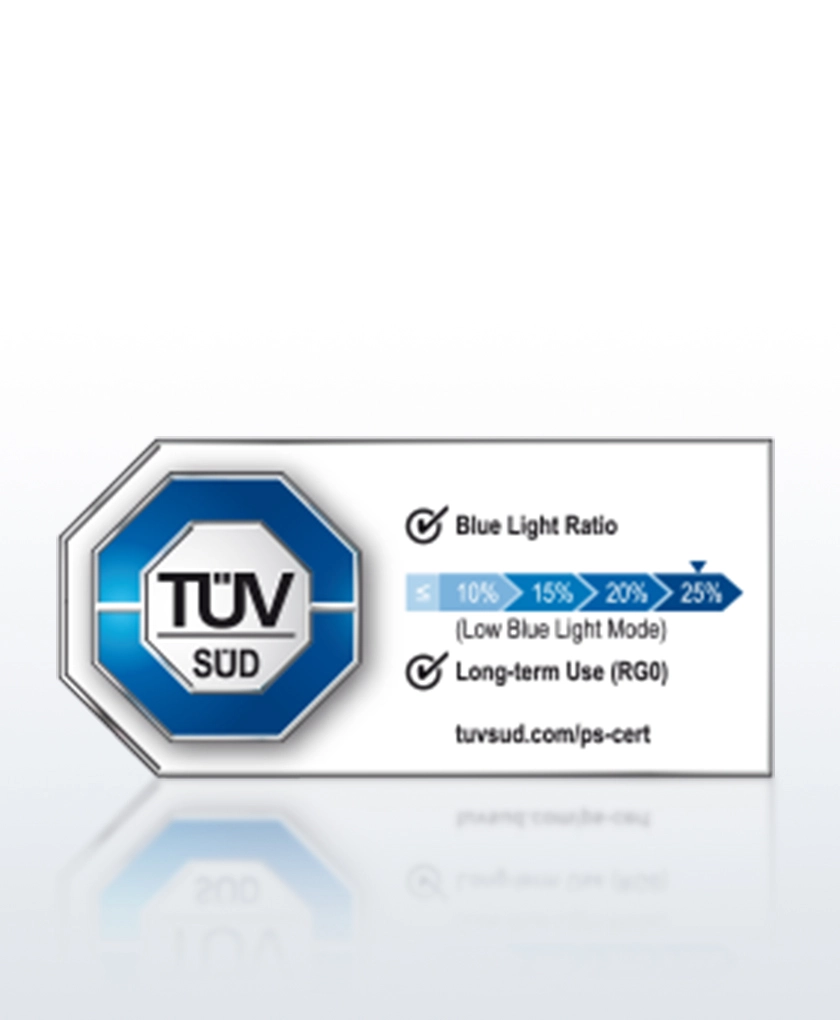
TÜV SÜD Low Blue Light Certification
Clear Visions, Caring for Eyes


Victo Ngai
Illustrator Victo Ngai excels at blending intricate lines with cultural traditions and contemporary aesthetics to create a unique magical realism style.
Her exceptional artistic creativity has earned her a place on Forbes' "30 Under 30" list in the Arts and Fashion category, five Gold Medals from the Society of Illustrators in New York, and made her the first Chinese artist to win the Hamilton Gold Medal from the Society of Illustrators.
Her work has been featured in extensive reports by numerous international media outlets, including The Wall Street Journal, The Independent, and Marie Claire, and she has collaborated with brands such as Gucci, Apple, Johnnie Walker, and American Express.
XPPen, in collaboration with Victo Ngai, explores the fusion of stylistic expression and cutting-edge technology, jointly launching the Artist Pro 27 (Gen 2) drawing display.

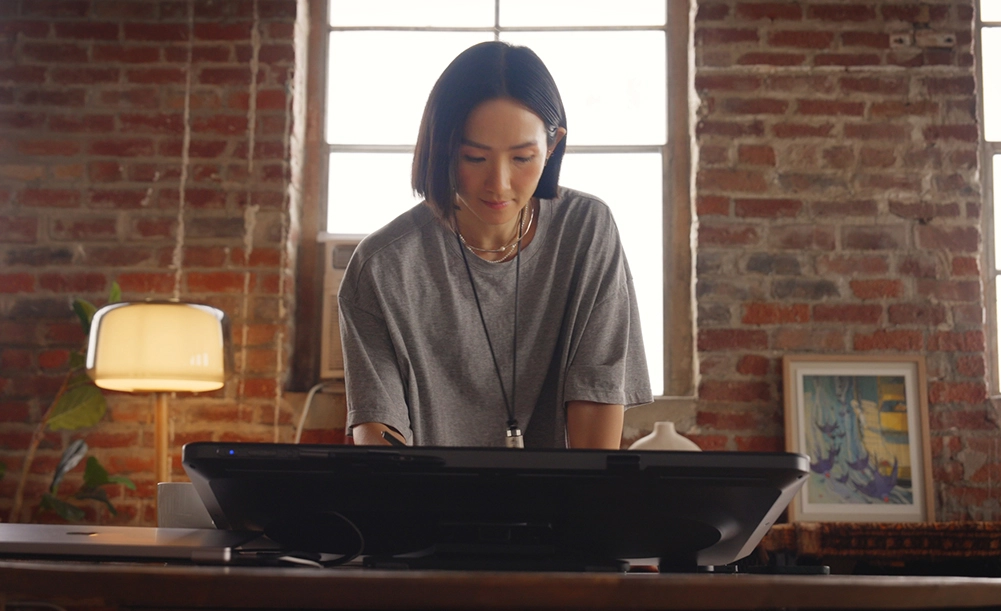
Limitless Canvas, Broad Horizon
Get ready for XPPen's first 27-inch 4K mega display. It allows you to view massive artworks on a single screen,
captivating you with its crystal-clear details. ADS-IPS technology provides a 178° viewing angle,
ensuring consistent color and contrast for collaborative creation for higher collaboration efficiency.
27-inch Display
4K Resolution
178° Viewing Angle
Dynamic Creation,
Consistent and Vivid
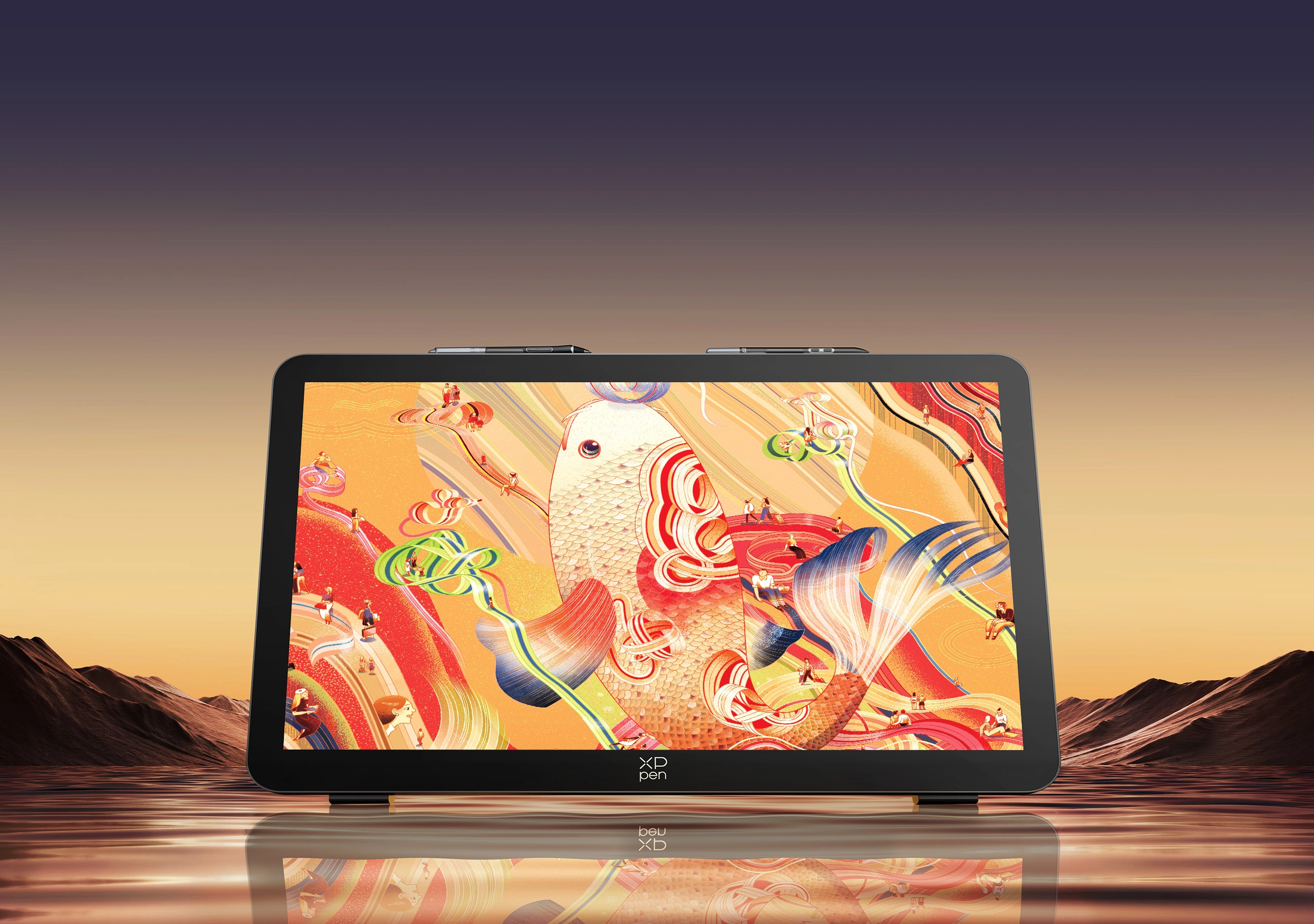
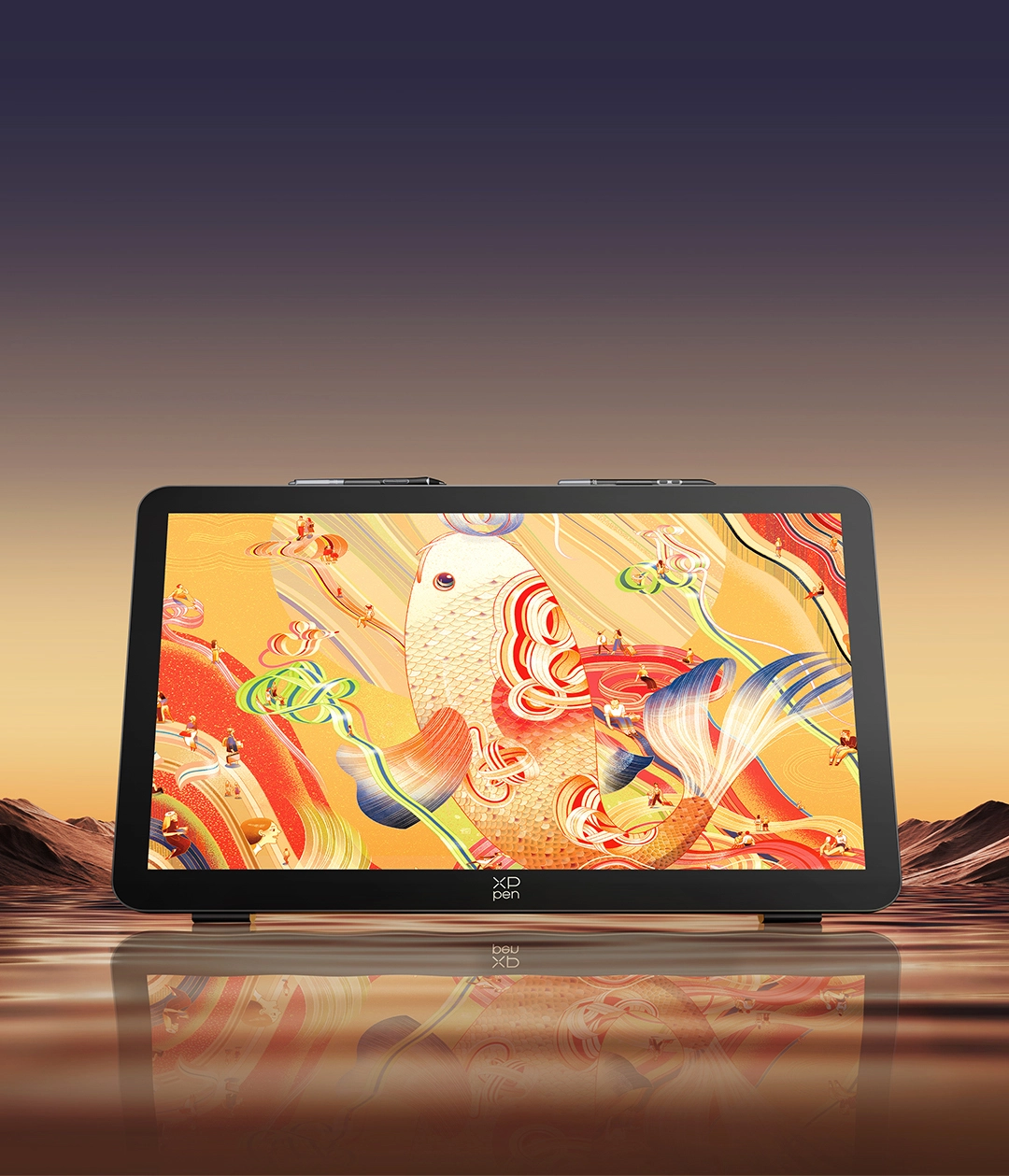
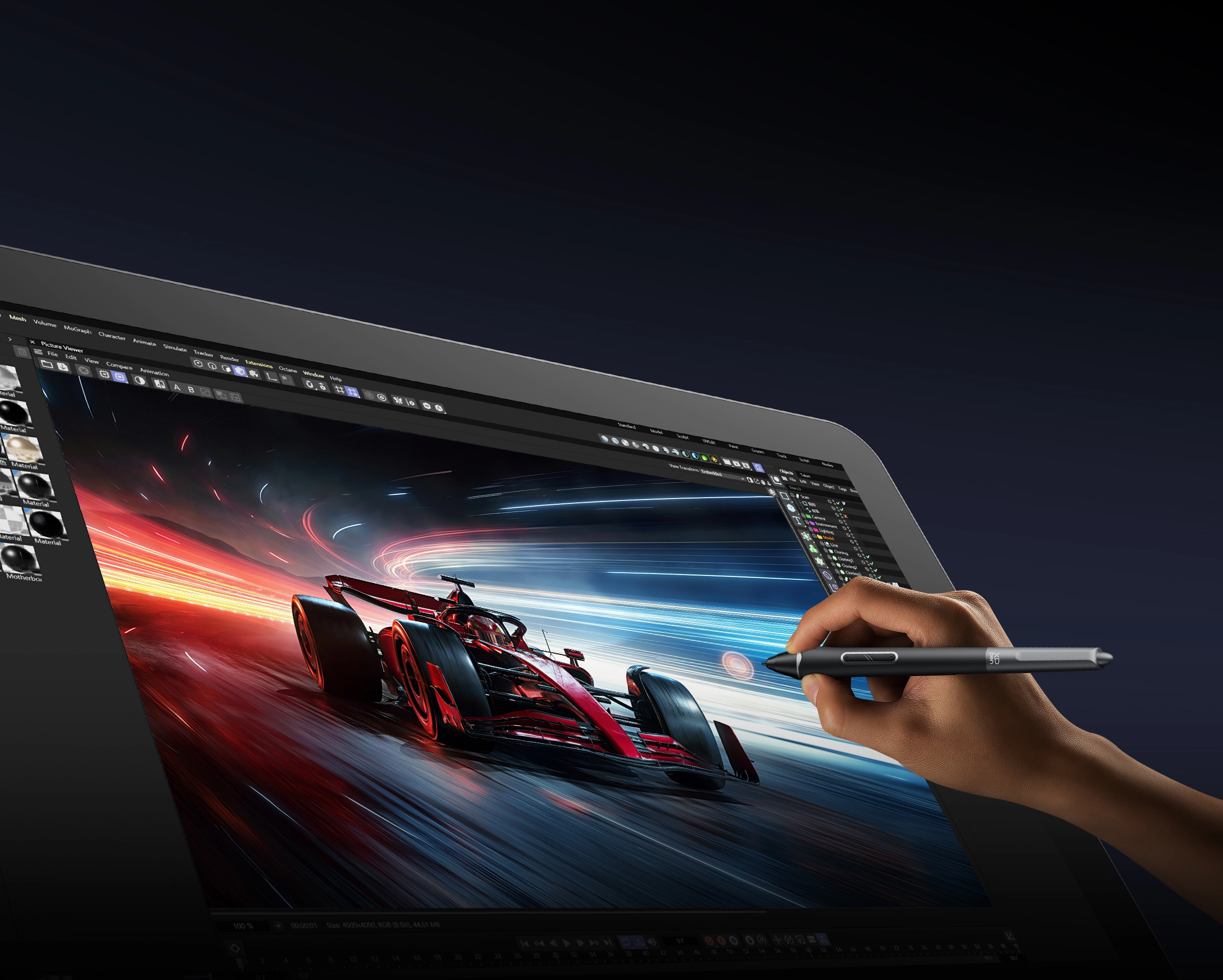
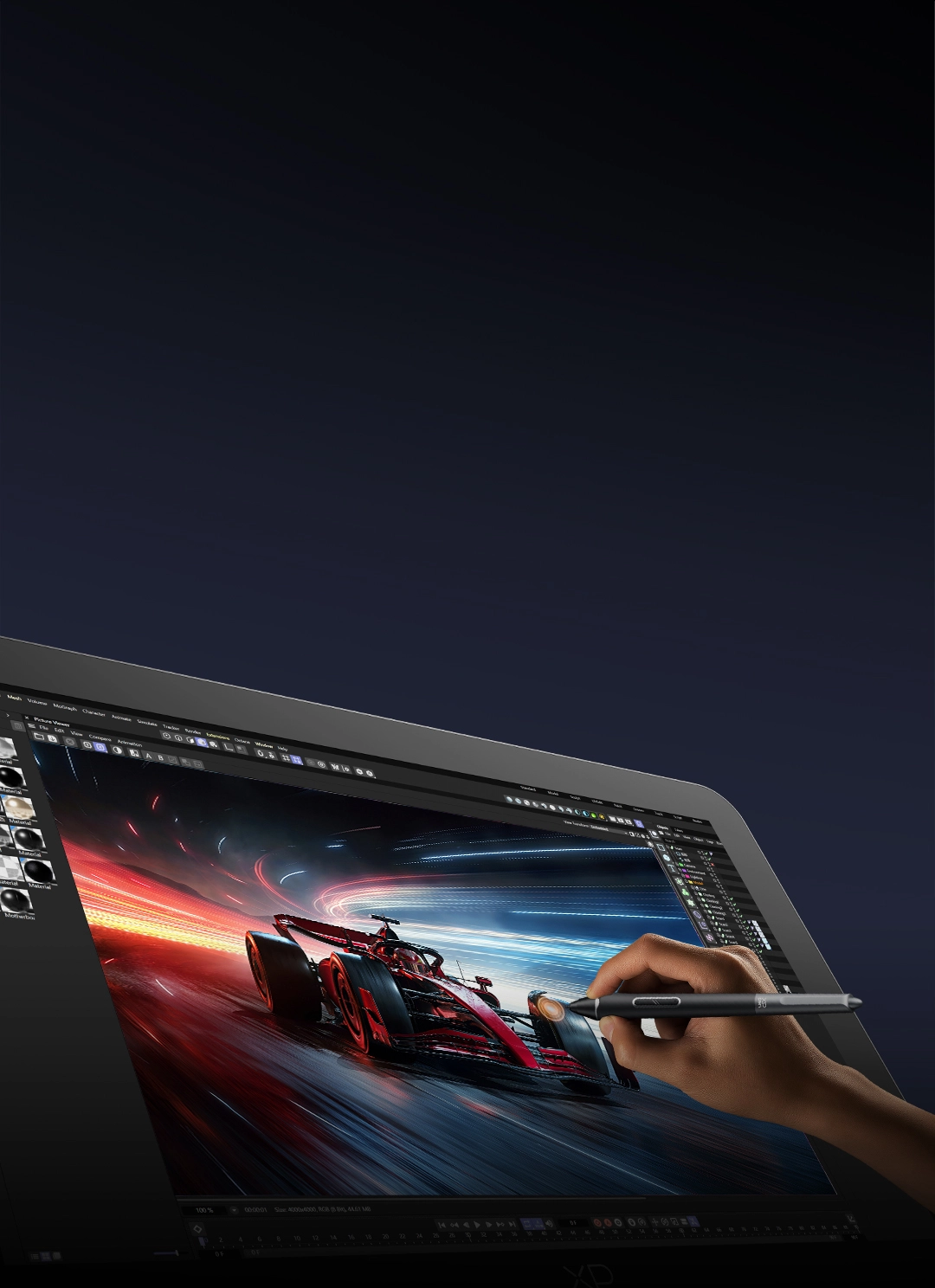
The 120Hz refresh rate minimizes motion blur, delivering smooth performance for animations,
3D models, and high-frame-rate videos. With an ultra-fast 5ms response time that reduces pen trail,
you can unlock your creative potential and achieve work that goes beyond limits.
120Hz Refresh Rate
5ms Response Time
Billions of Colors,
Glamorous More Than Ever
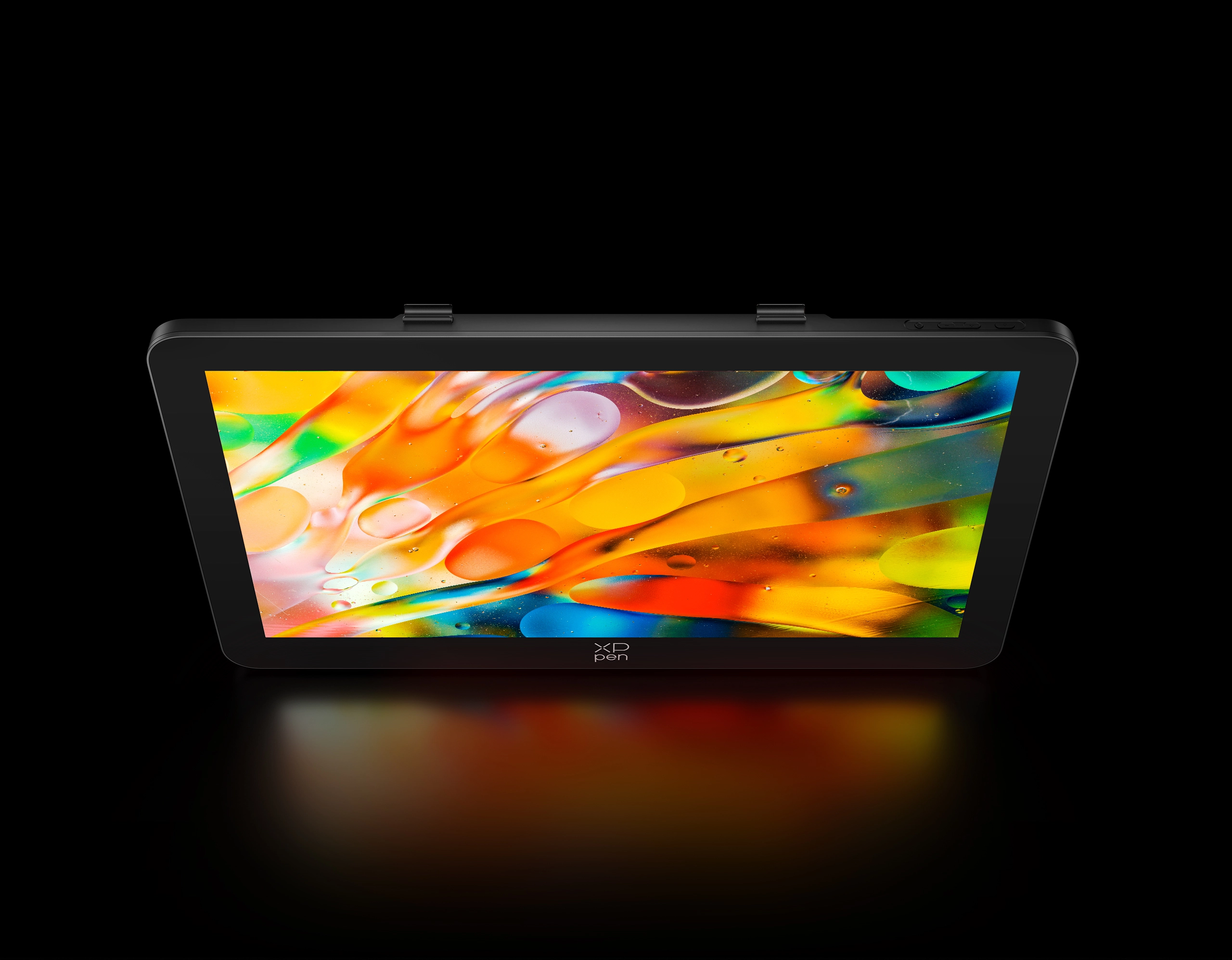
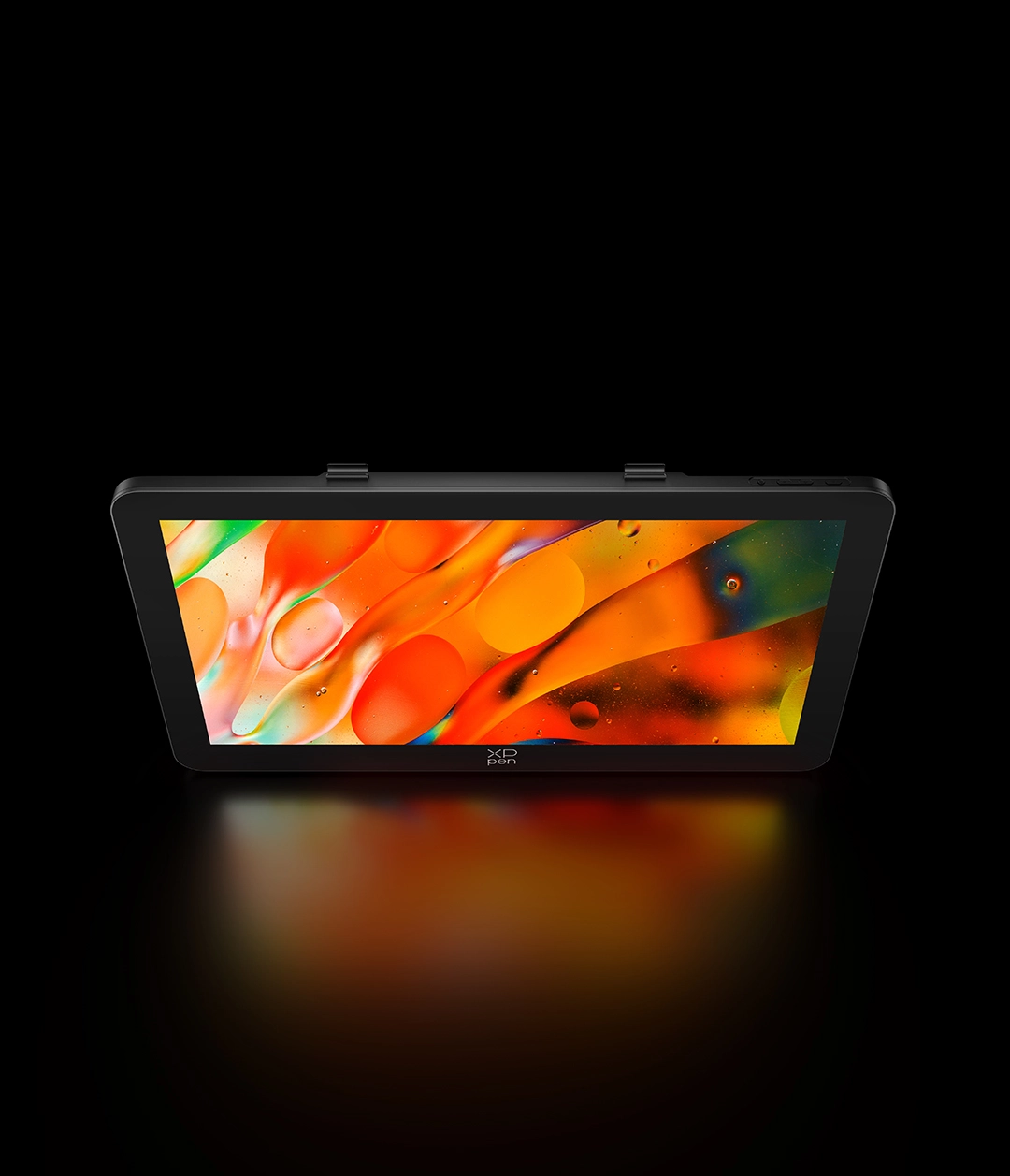
With 1.07 billion colors, it captures rich layers and subtle gradations for smooth, delicate transitions.
Three professional color gamut options ensure high-quality image processing and grading.
Immerse yourself in artwork on this incredible drawing display.
Color Gamut Coverage Ratio
99% Adobe RGB
99% sRGB
97% P3
Calman Verified,
Exceptional Color Accuracy Assured
Delta E < 1 ensures true-to-life color accuracy. Calman Verified guarantees professional-grade results, while the XPPen ColorMaster* software enables calibration of color temperature and space for precise and consistent performance.
Delta E < 1 Color Accuracy
Calman Verified Display
XPPen ColorMaster Color Calibration
*To perform color calibration, XPPen ColorMaster requires a Calman colorimeter. If you wish to perform further color calibration, please use or purchase a colorimeter separately.
*Compatible colorimeter models: Portrait C6 HDR2000, Portrait C6 HDR5000, Calibrite ColorChecker Display Pro, Calibrite ColorChecker Display Pro (HL), Calibrite ColorChecker Display Plus (HL), Calibrite ColorChecker Display (SL), X-Rite i1Display Pro, X-Rite i1Display Plus.
Sharp Contrast in Every Detail
HDR display expands dynamic range, delivering brilliant highlights and deep
shadows with detailed rendering. It fully reveals subtle textures and minute variations,
empowering your creativity by faithfully reproducing every detail of your vision.
Paper-like Display,
Eye-caring and Transparent
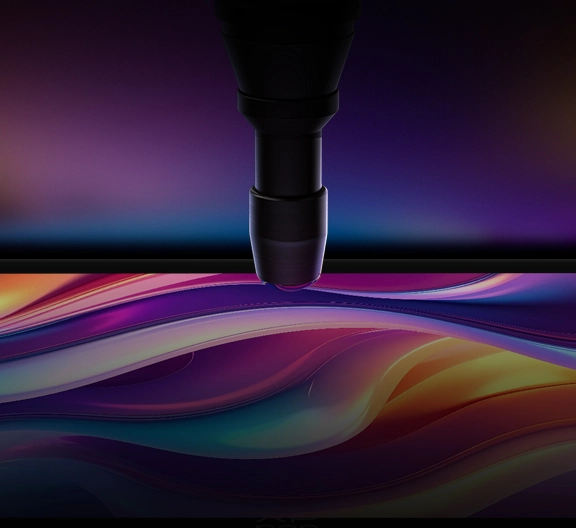
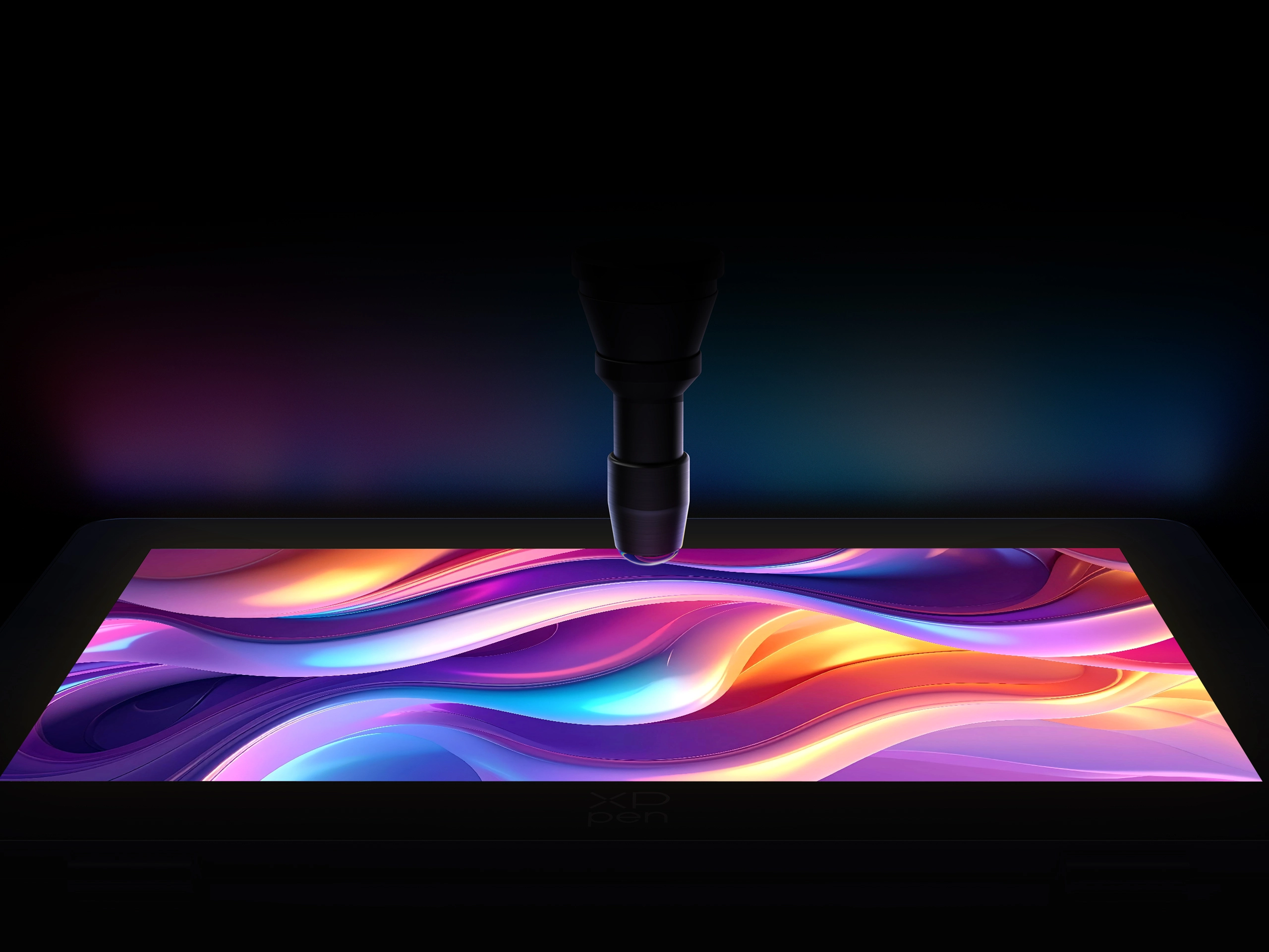
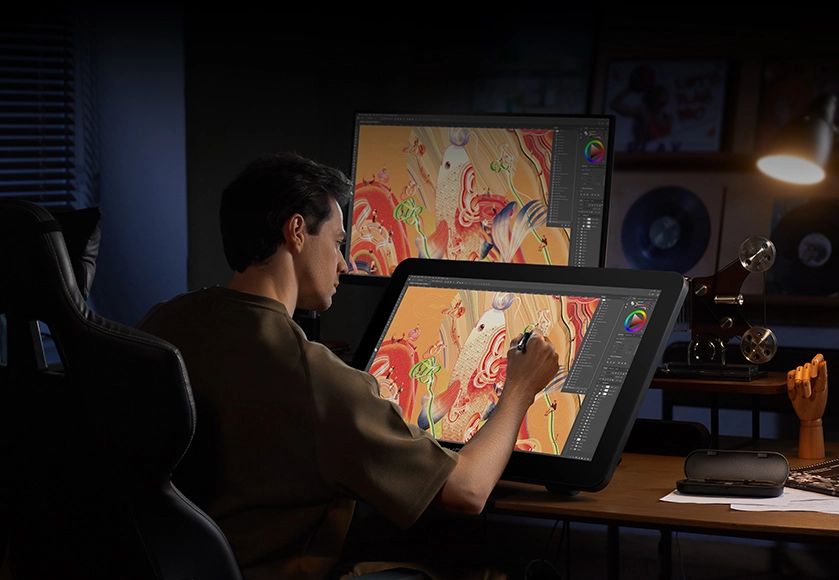
The fully laminated display eliminates the gap between the pen tip and the cursor, delivering a more natural writing experience. The new-gen luminous etched glass is only 0.7 mm thick, increasing light transmittance by 30%, retaining a paper-like feel while reducing fingerprints and improving clarity.
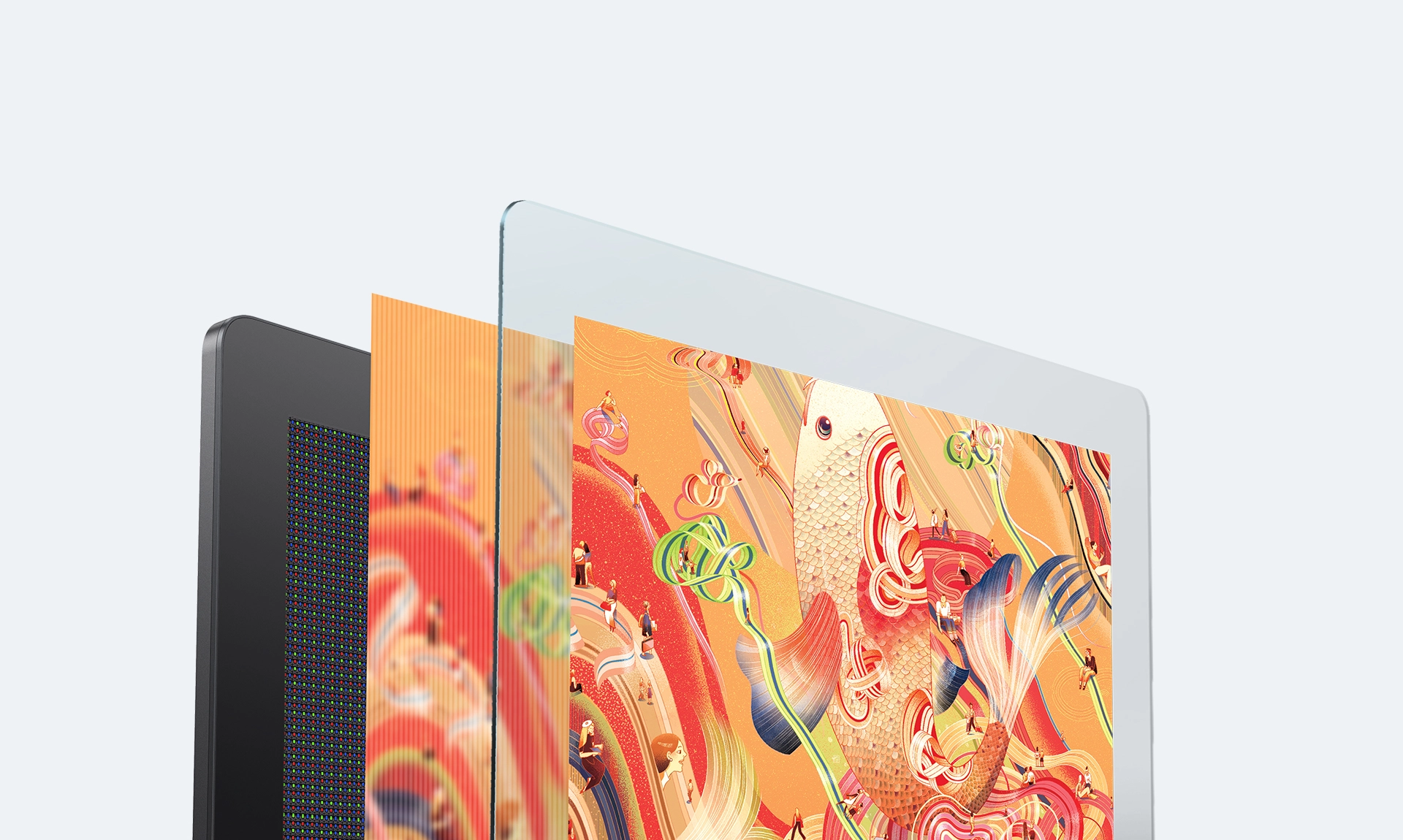
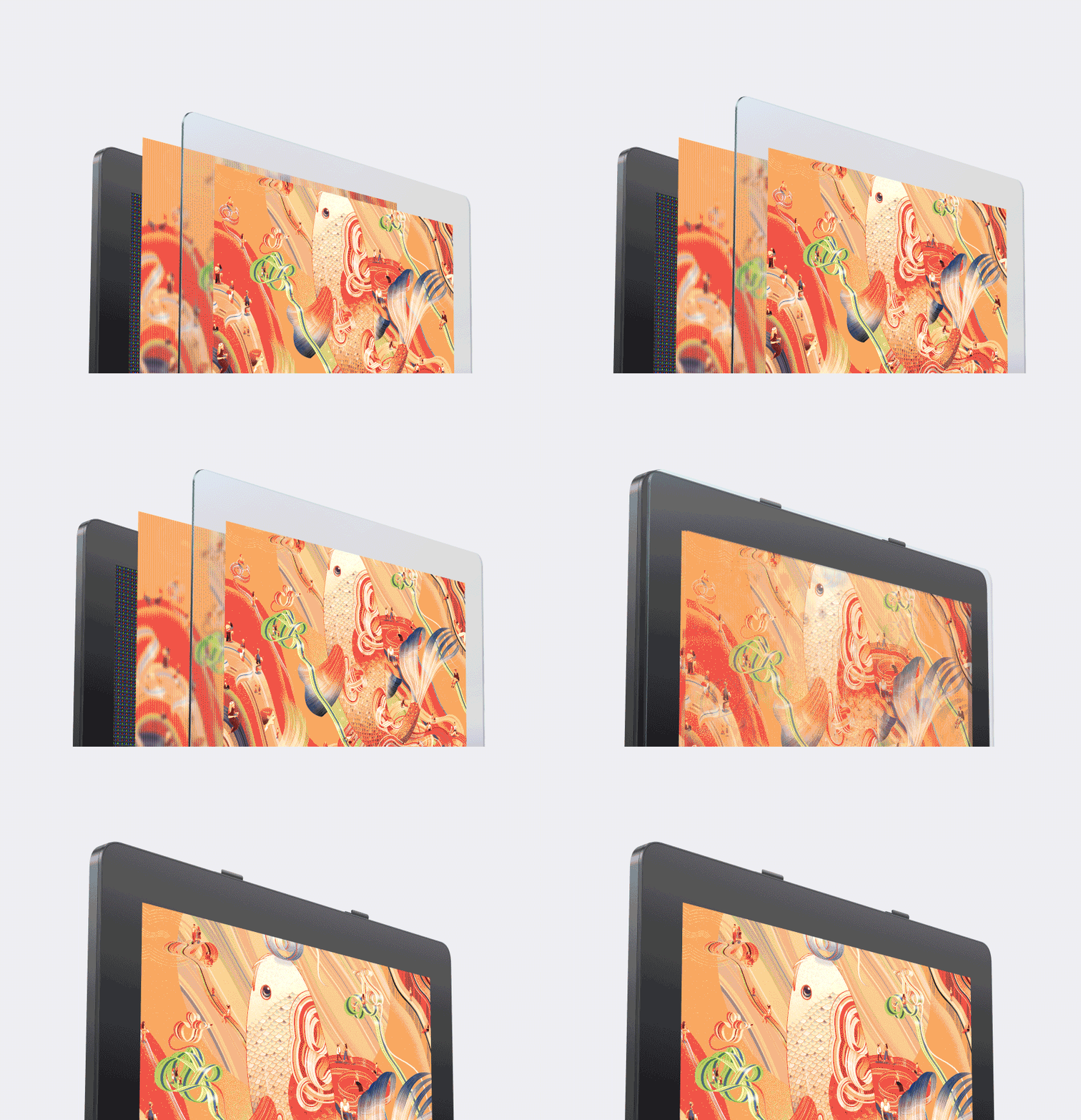
New-gen Luminous Etched Glass
Full-laminated Technology
TÜV SÜD Low Blue Light Certification
X-Touch Solution
Intuitive Control at Your Fingertips
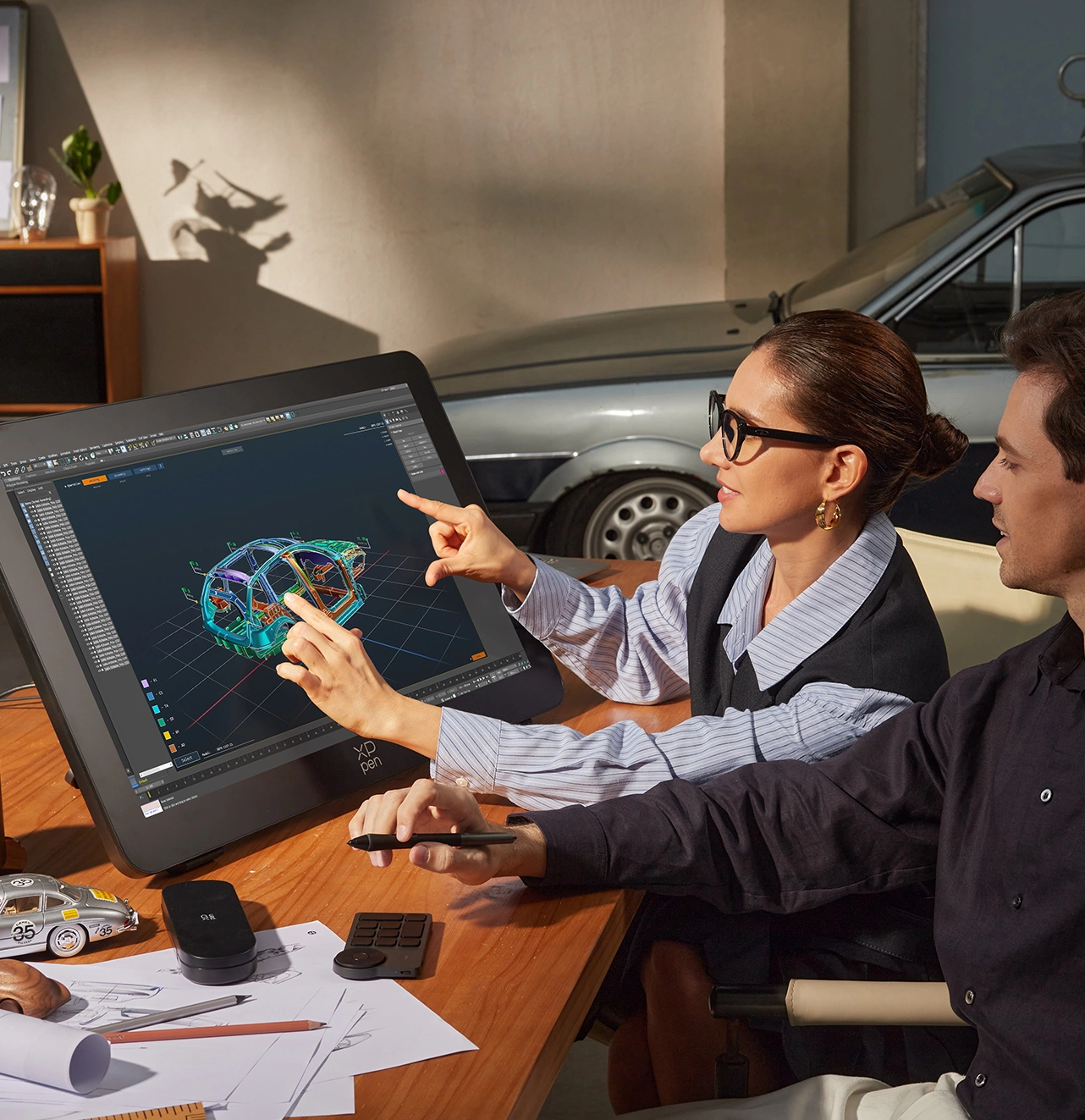
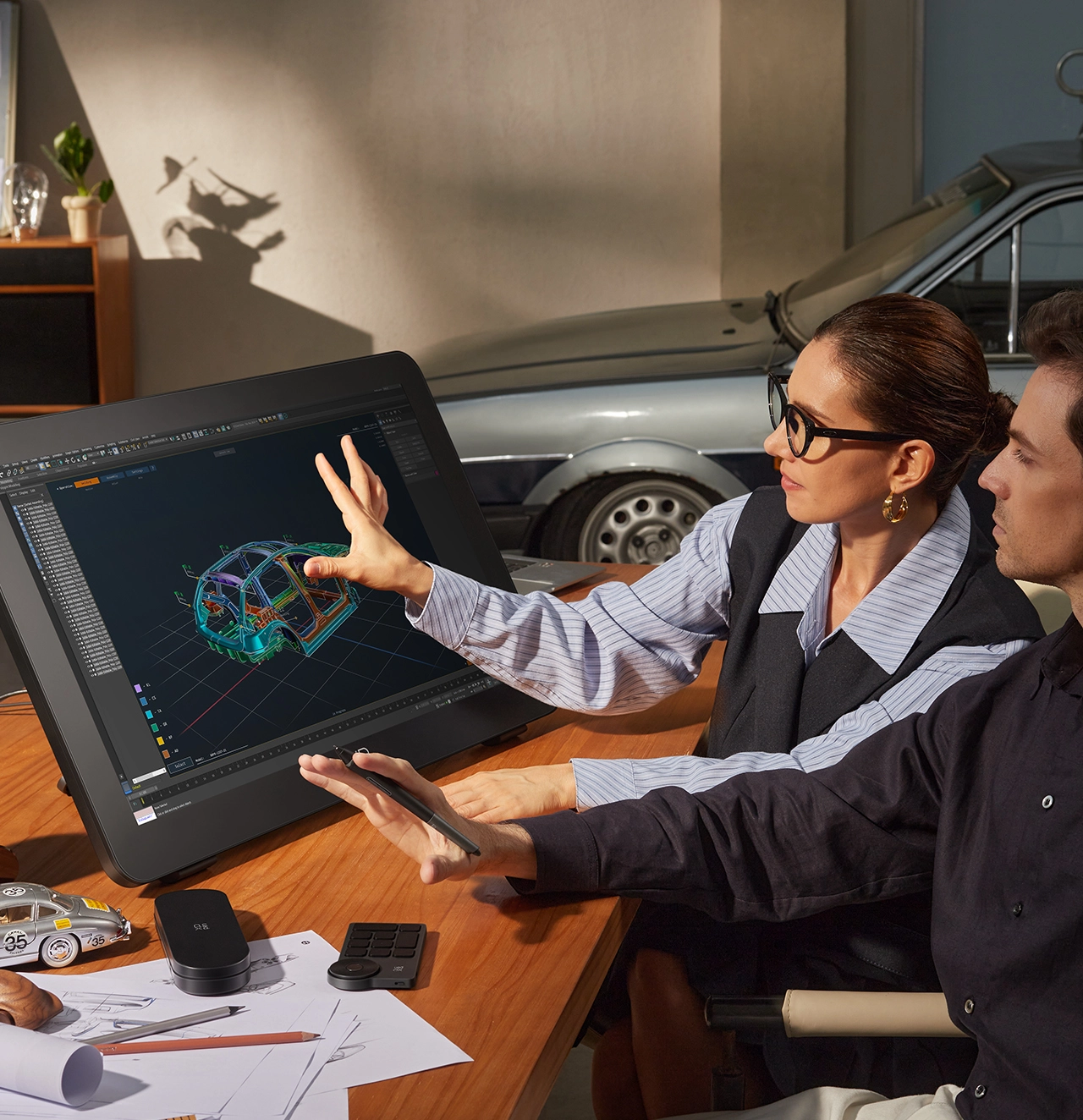
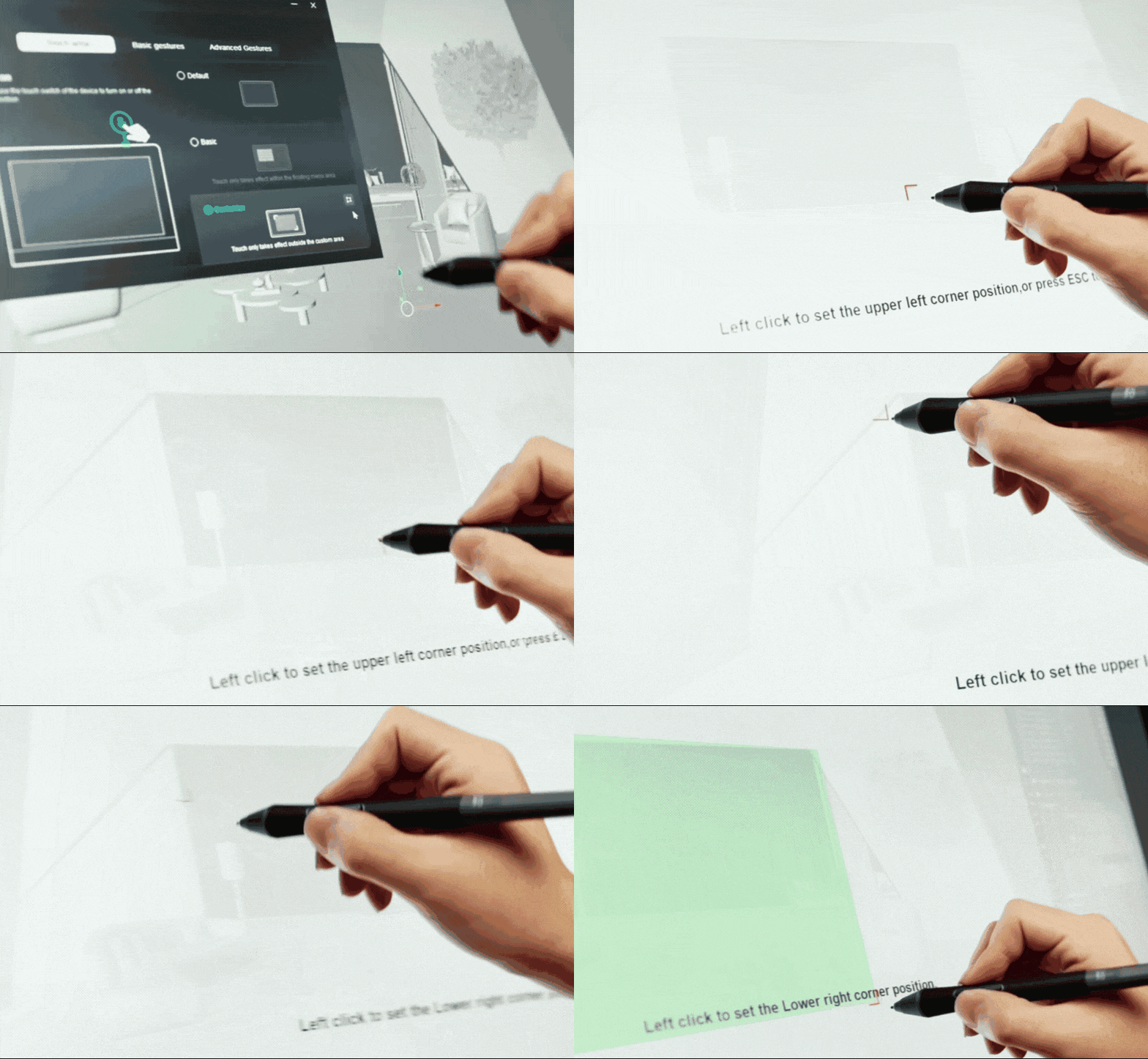
X-Touch supports Windows and macOS touch gestures, delivering smooth, intuitive swipes, zooms, and rotations so you can create like a pro from day one. Ten-finger touch responds instantly to keep pace with inspiration, while custom gestures let you shape a seamless creative workflow.


Ten-point Multi-touch


Customizable Touching Gesture


Ten-point Multi-touch
Customizable Touching Gesture
Free Control,
Free Customization
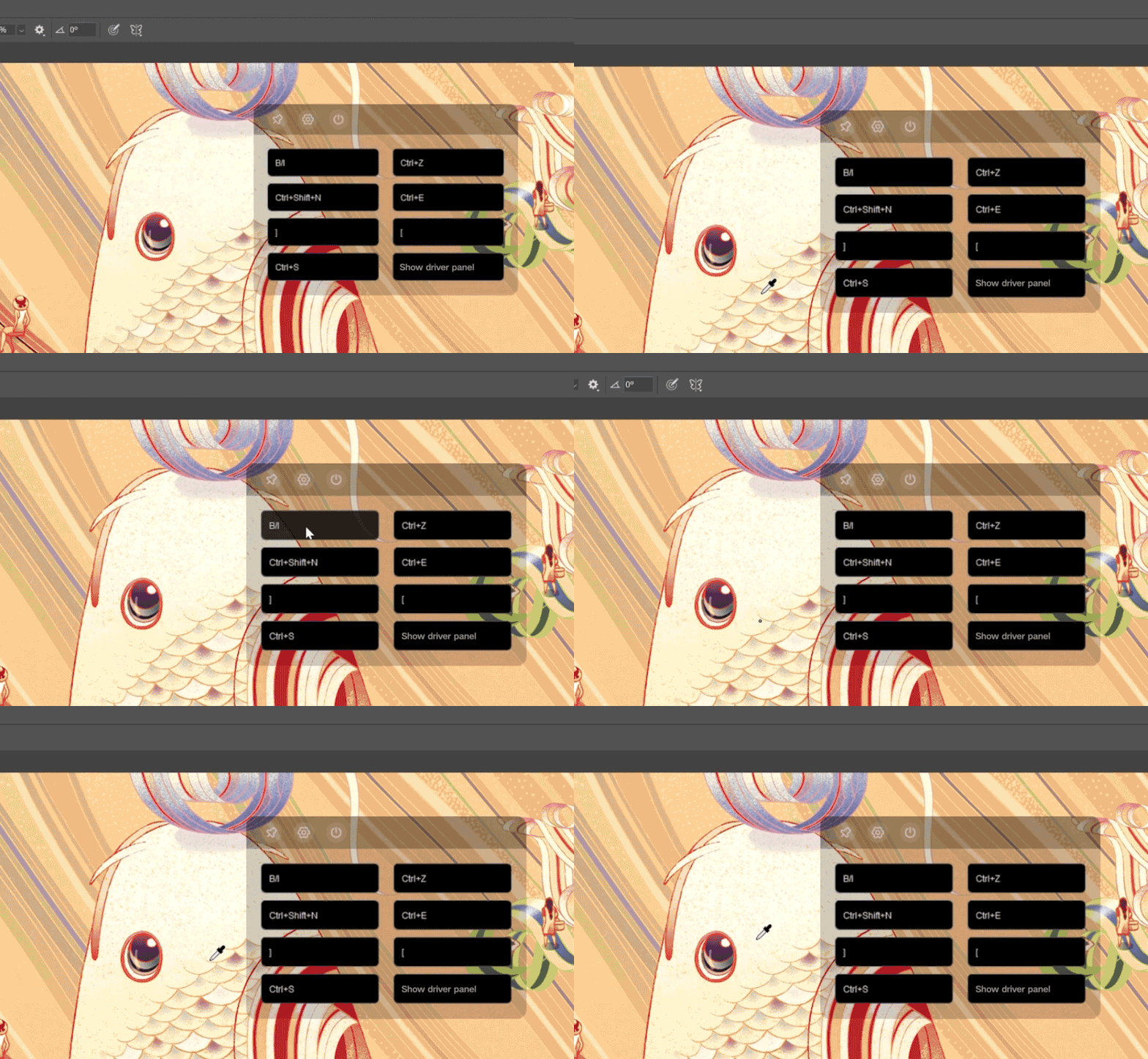
You can set non-touch areas to prevent accidental touches during detailed work. A floating menu, accessed via shortcuts or gestures, lets you copy, paste, delete, and undo. X-Touch also supports fully customizable functions—you make the rules.


Customizable Touching Area

Floating Menu
Customizable Touching Area
Floating Menu
Flagship Dual Styli,
Double Your Potential
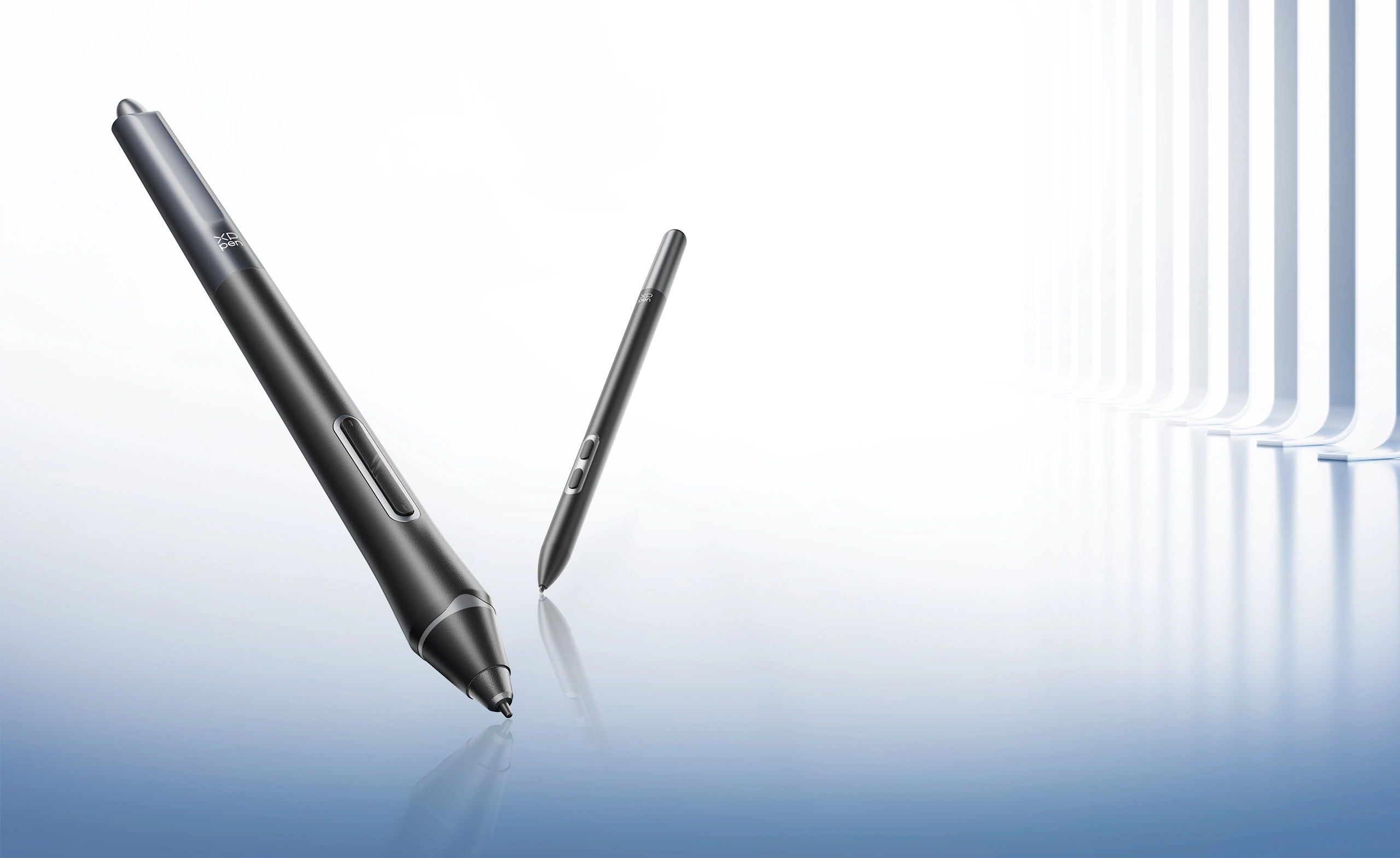
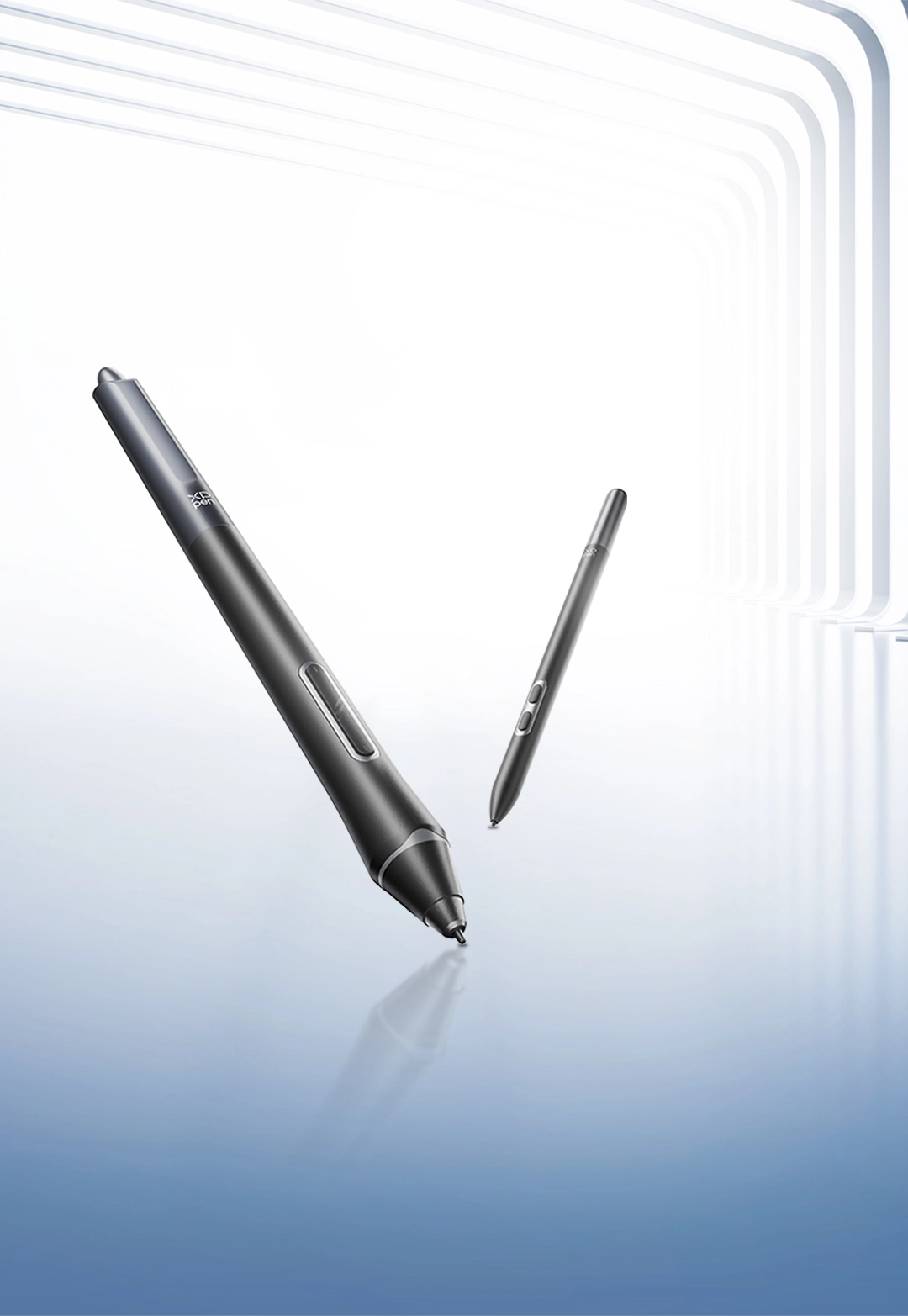
The X3 Pro stylus features a silicone grip for a secure hold and stable strokes. The X3 Pro slim stylus has a 26° tapered design, offering an unobstructed view, allowing for detailed and refined artwork.

16K Pressure Levels

3g Initial Activation Force

60° Tilt

±0.4 mm (center) Accuracy
*All X3 Pro series styli apply to Artist Pro 27 (Gen 2).
Thoughtful Details, Covered
Meticulously refining every visible detail, allowing you to fully dedicate yourself to the artwork.
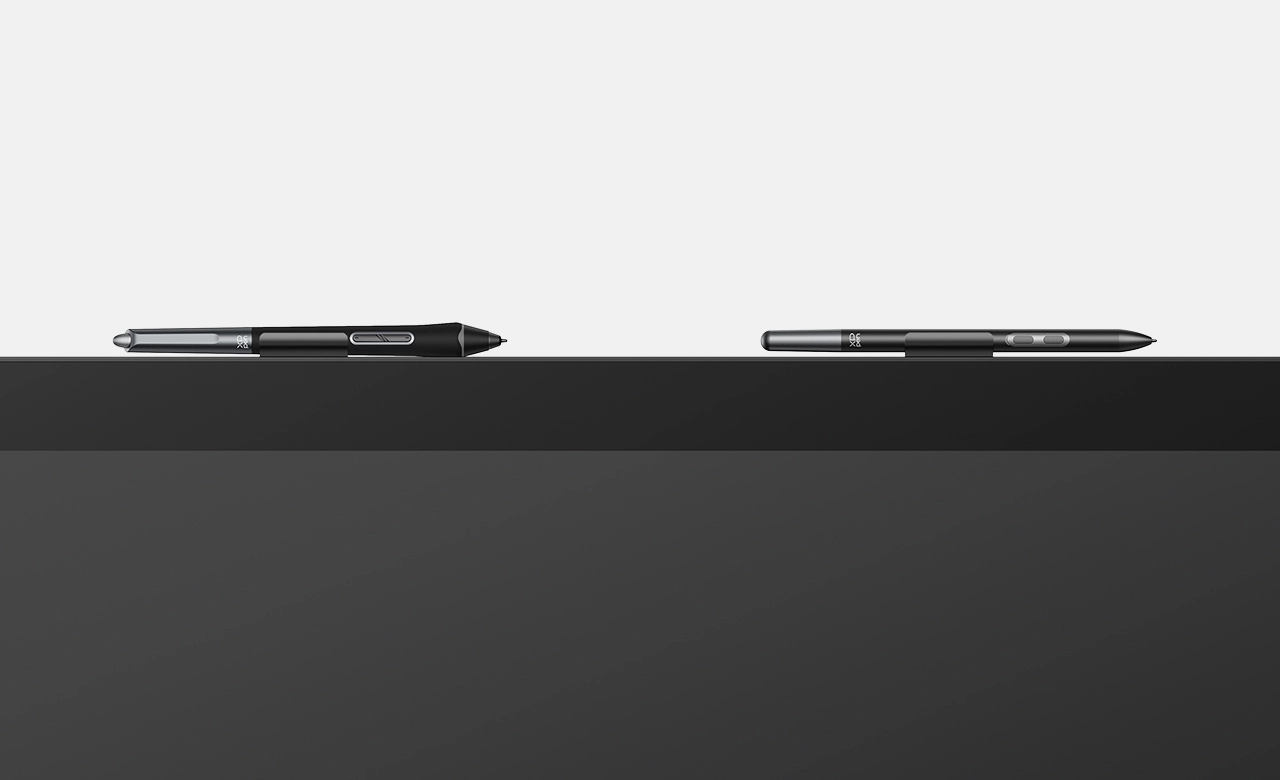
Detachable dual pen clips.
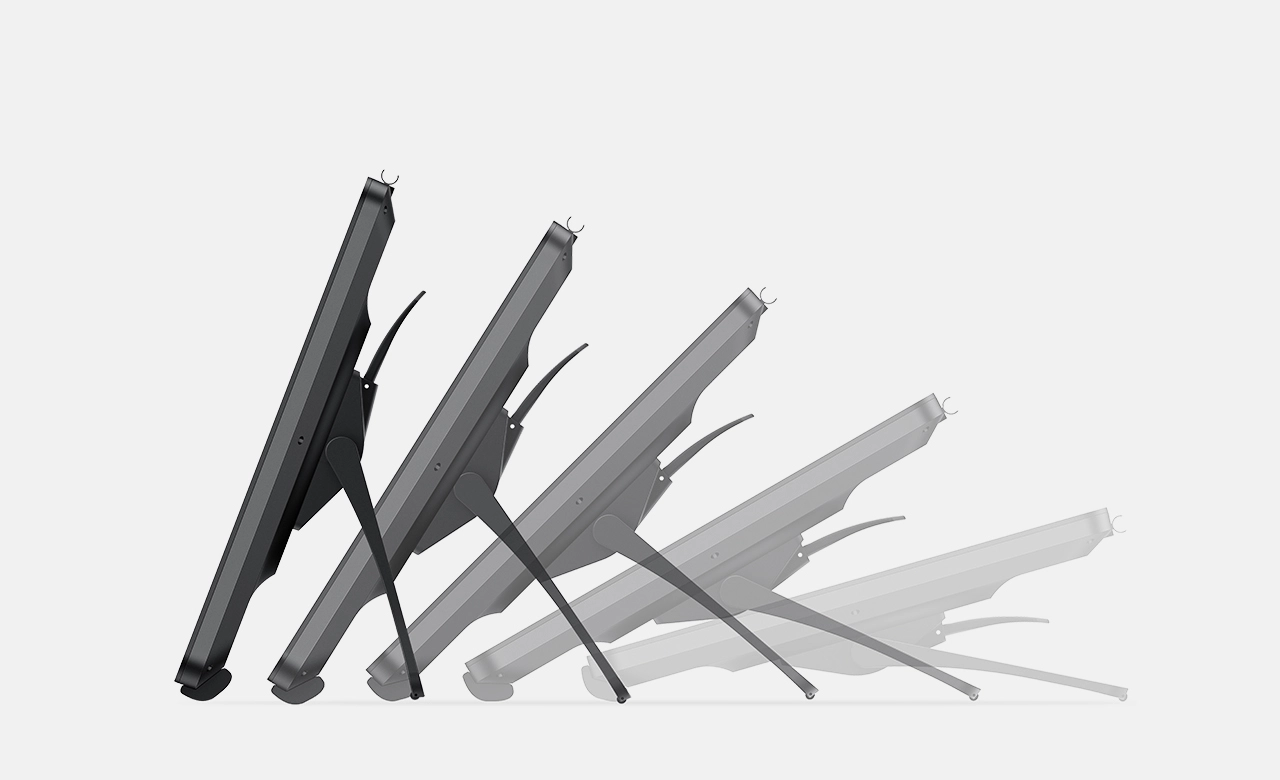
An adjustable stand is included in the package.
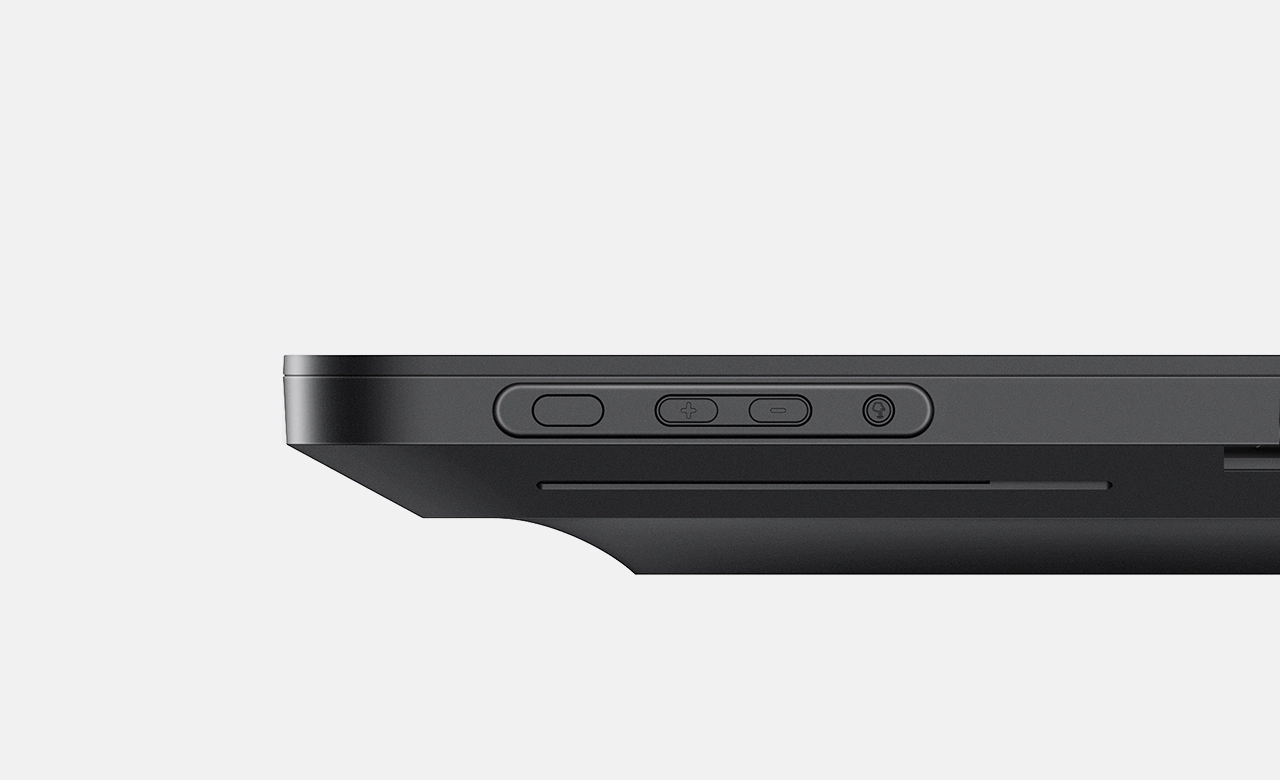
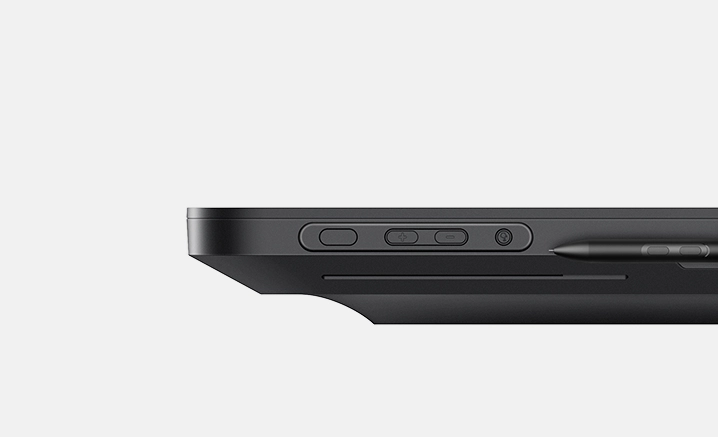
Physical buttons for brightness adjusting or signal switching.
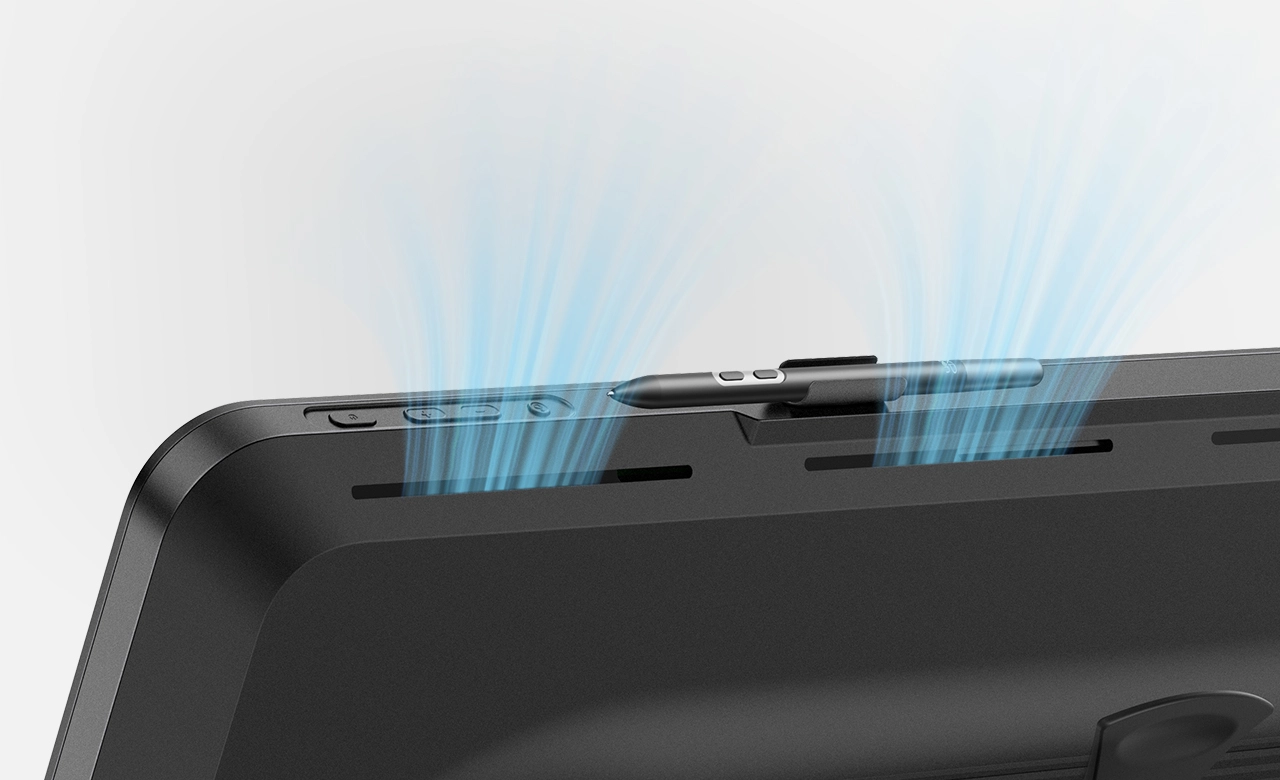
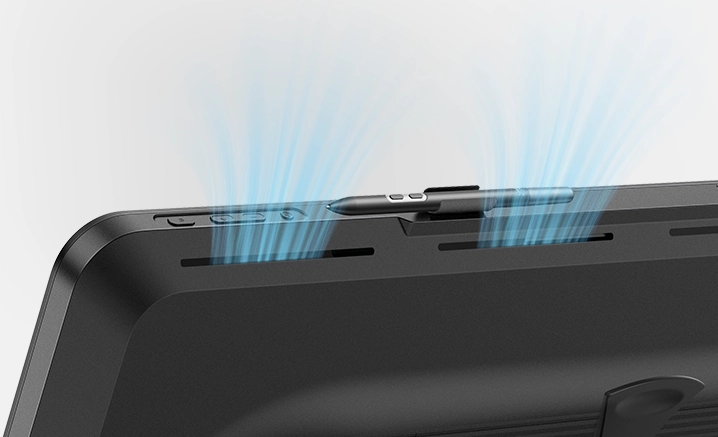
Top-and-bottom airflow design for silent cooling.

High Compatibility, More Possibility
Works smoothly with various systems and software. Easily switching between different devices.

Windows 7 or later (Touch function supports only on Windows 10 or later)
macOS 12 or later
Android 10.0 or later (USB3.1 DP1.2 required)
ChromeOS 88 or later
Linux (Touch function supports only on Ubuntu 20.04 LTS or later)
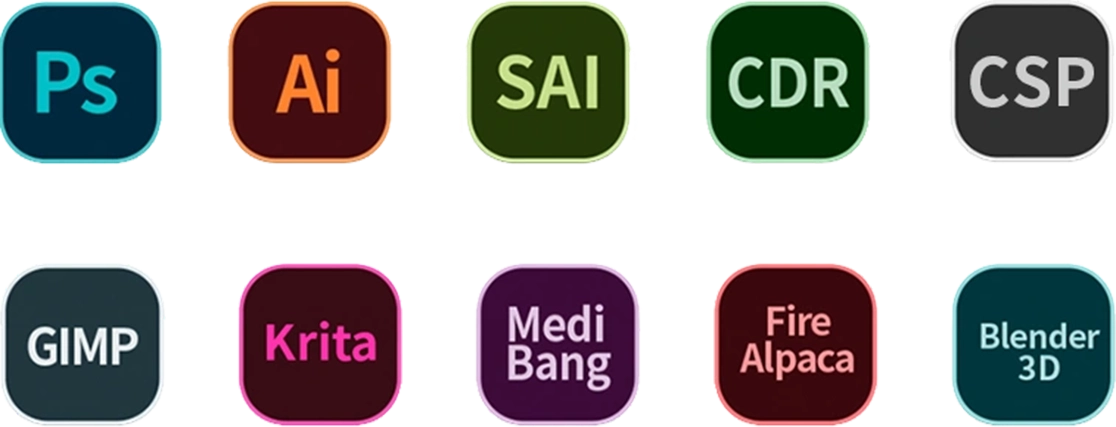
Compatible with popular digital art software such as Adobe Photoshop, Illustrator, SAI, CDR, Clip Studio Paint, GIMP, Krita, MediBang, FireAlpaca, Blender3D, etc.
One Display for Infinite
Creation Scenarios
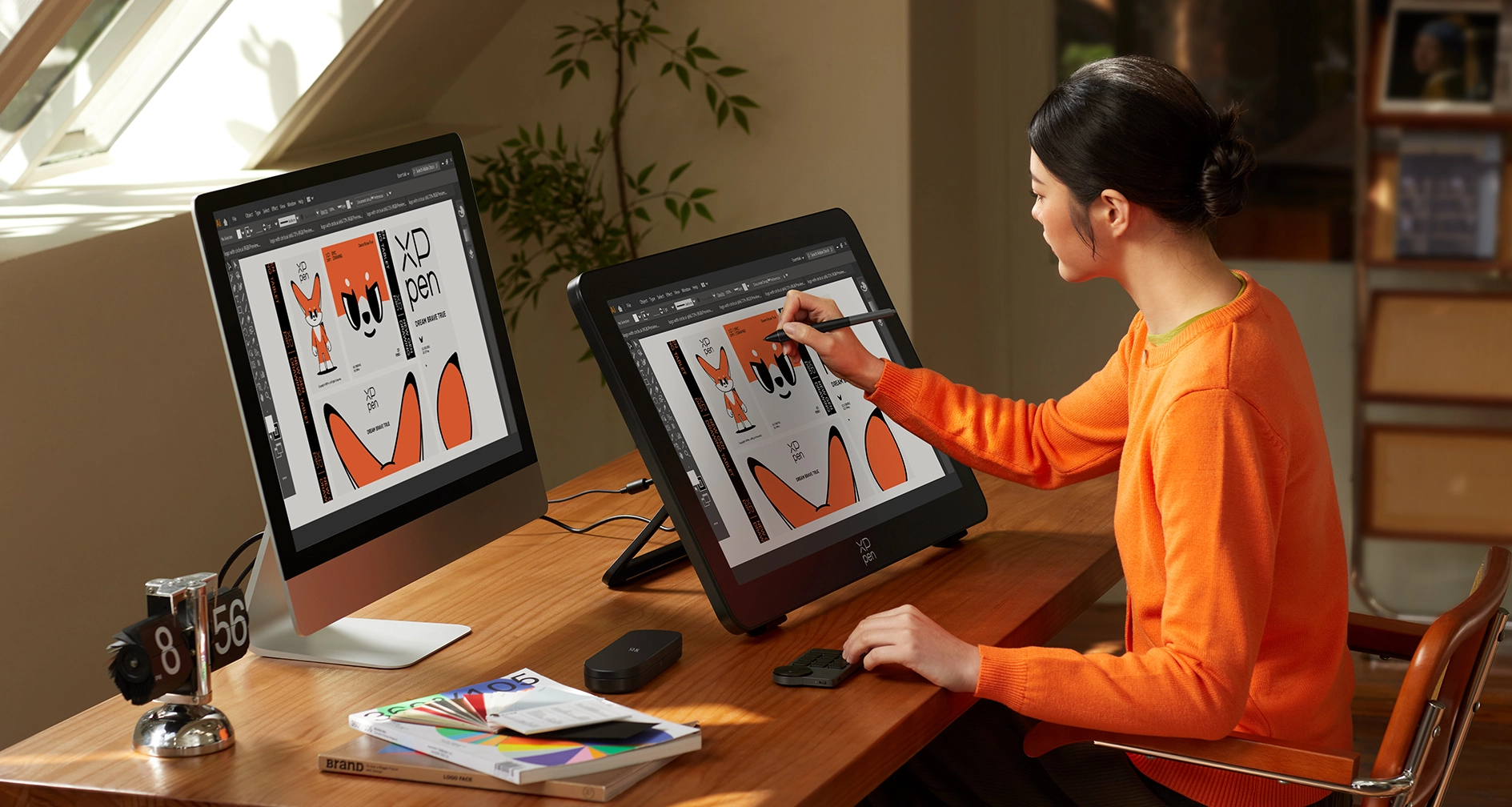
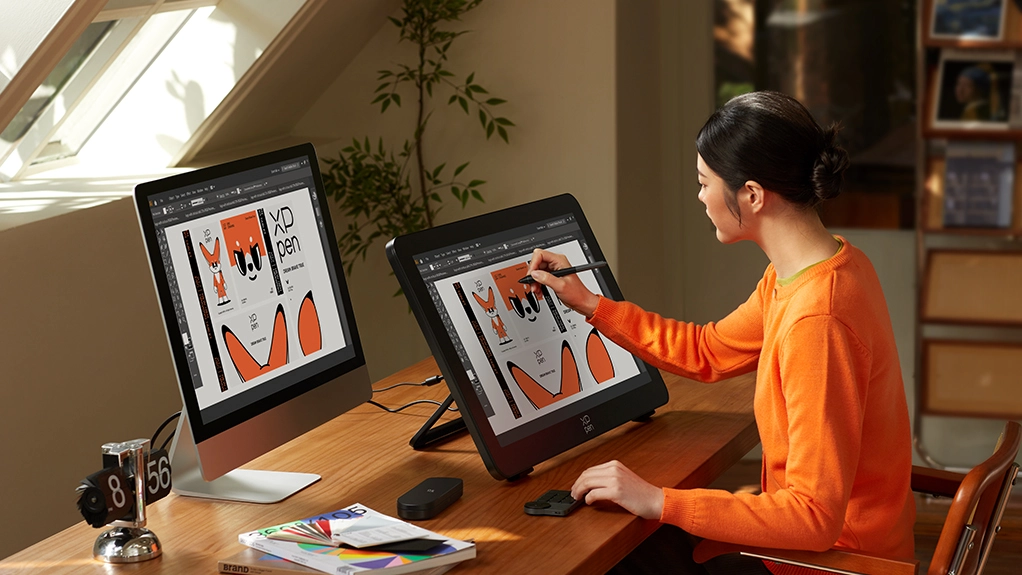
Graphic Design The 27-inch mega display features 4K ultra-high-definition resolution, providing a wide and clear view that allows your creativity to flourish.
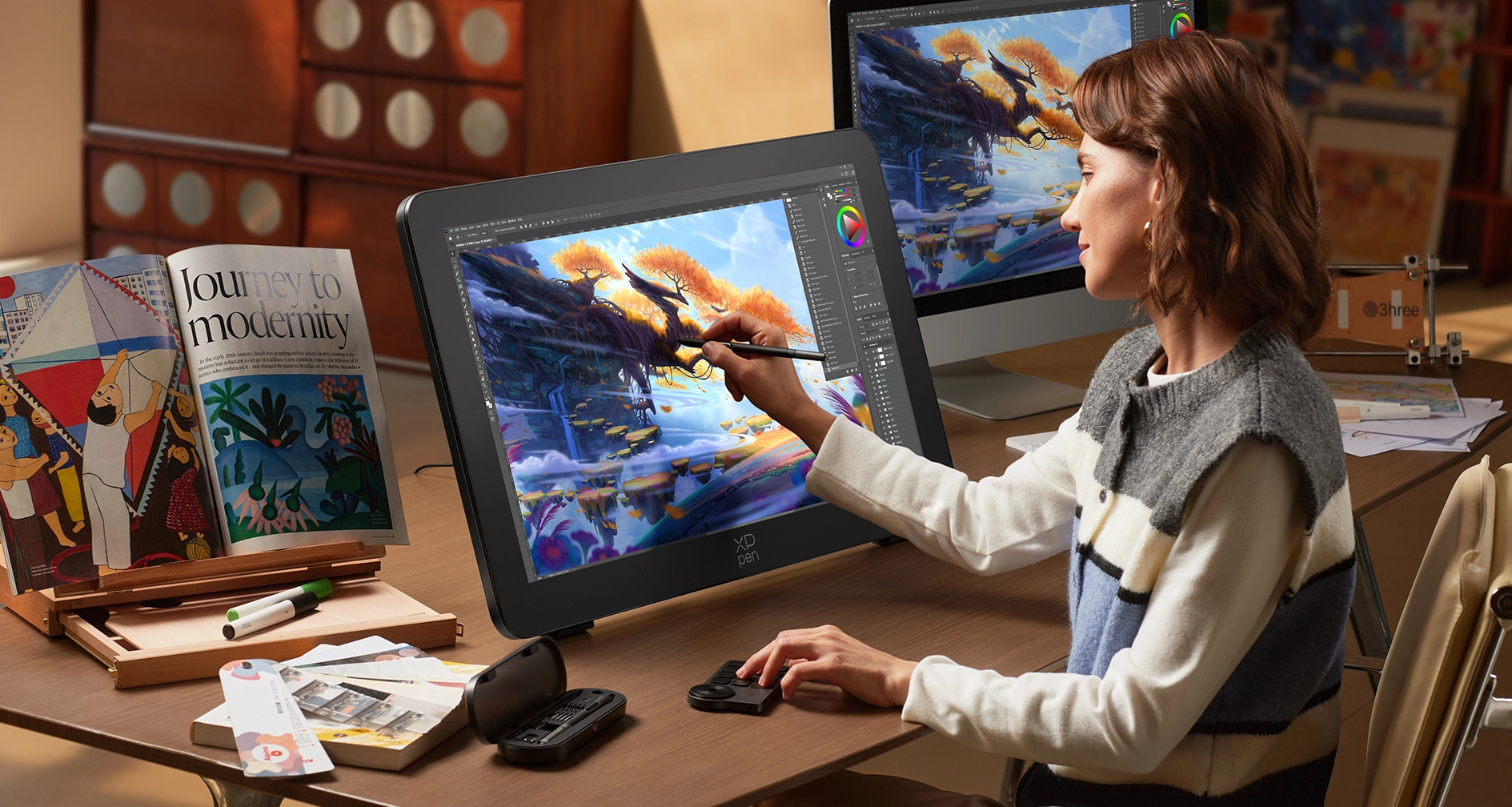
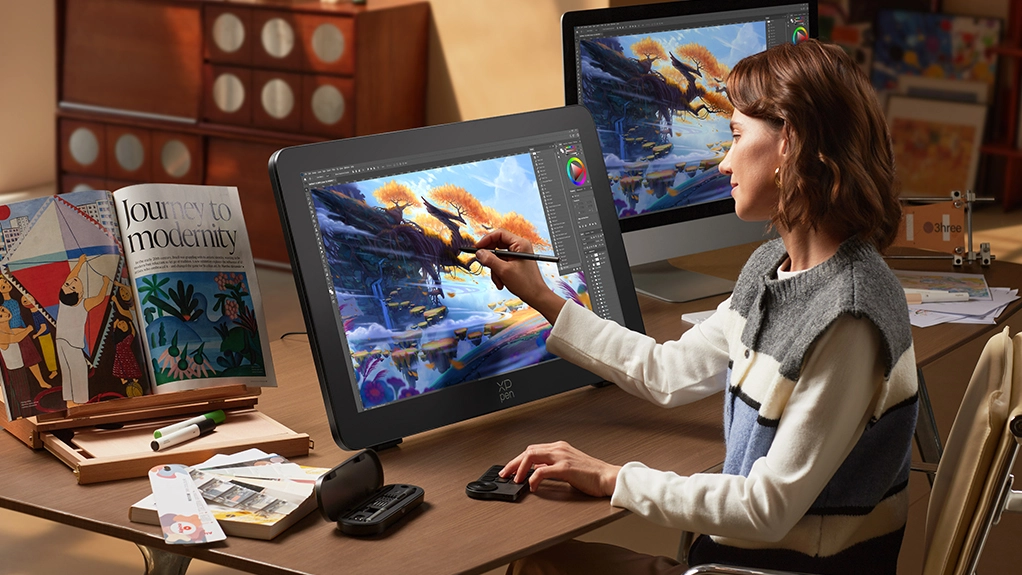
Illustration Creation With 16K ultra-sensitive pressure sensitivity and X-Touch solution, immerse yourself in the creative flow with smooth, responsive lines and effortless touch control.
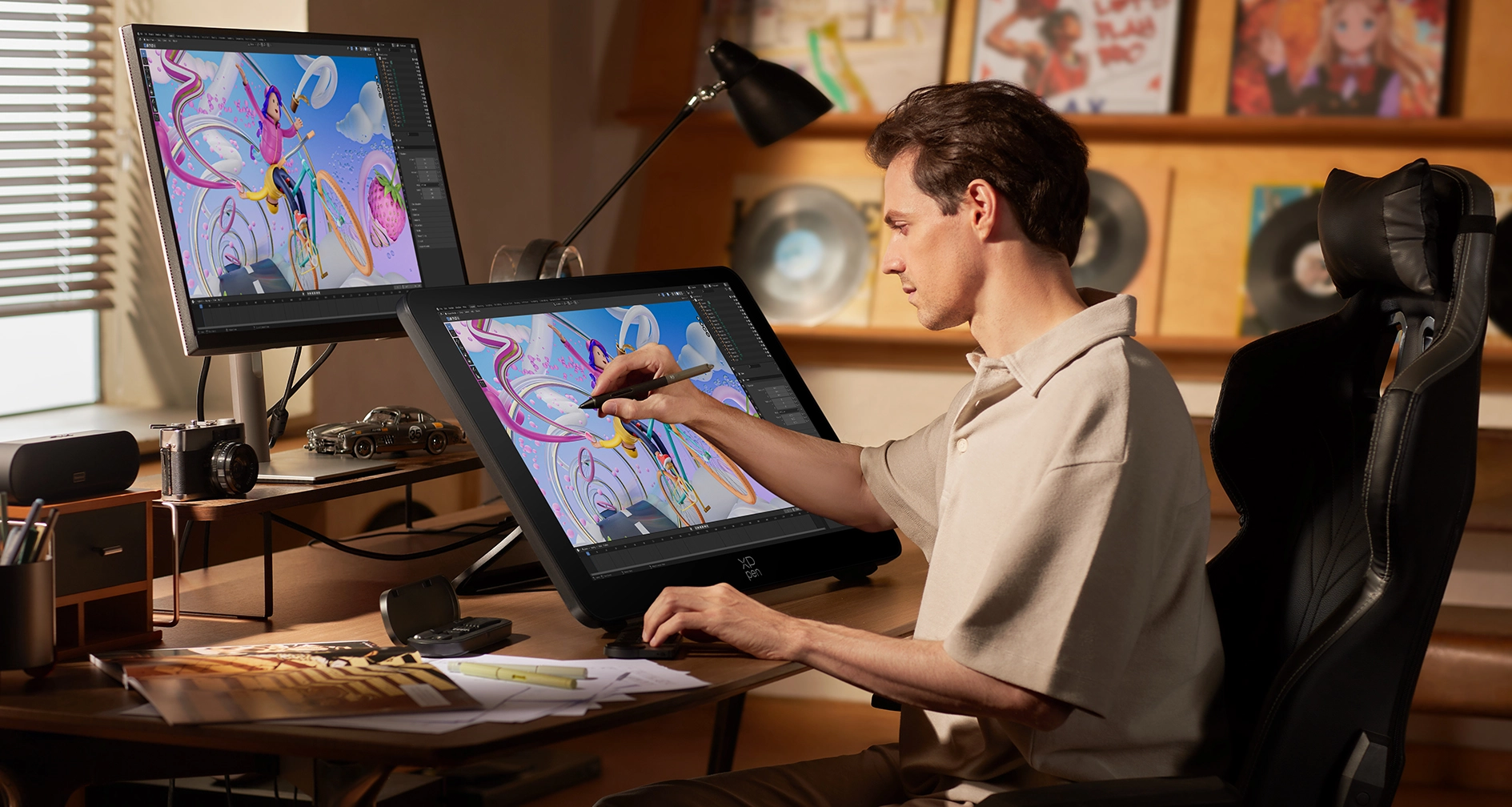
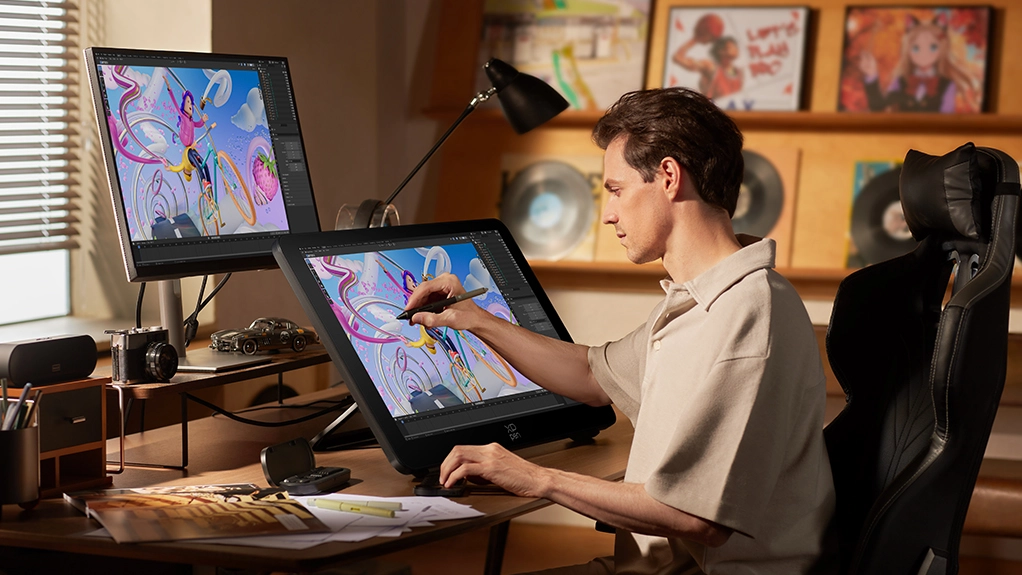
Animation Creation With a color accuracy of Delta E < 1 and a 120Hz refresh rate, color grading and dynamic effect previews can be completed seamlessly, allowing for a smooth and uninterrupted creative workflow.
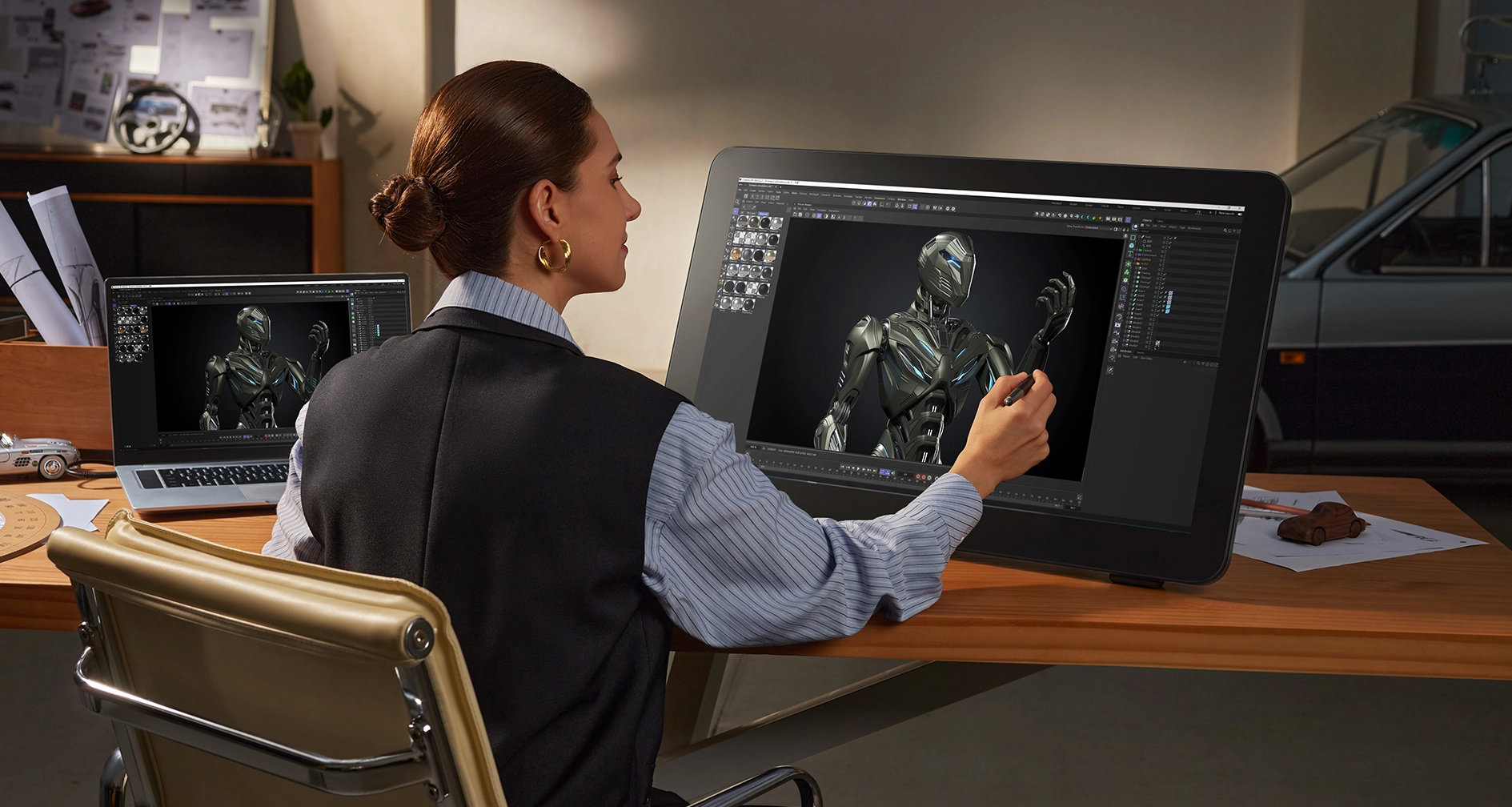
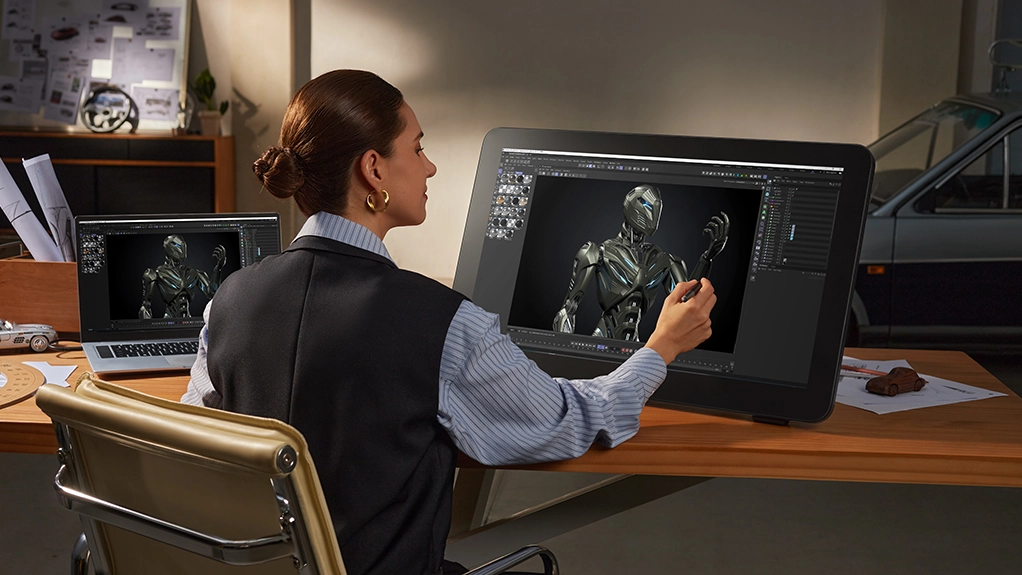
3D Rendering Featuring a professional-grade 4K mega display with wide color gamut coverage, the colors and details of both still images and animations are exactly the same as the final delivered version.

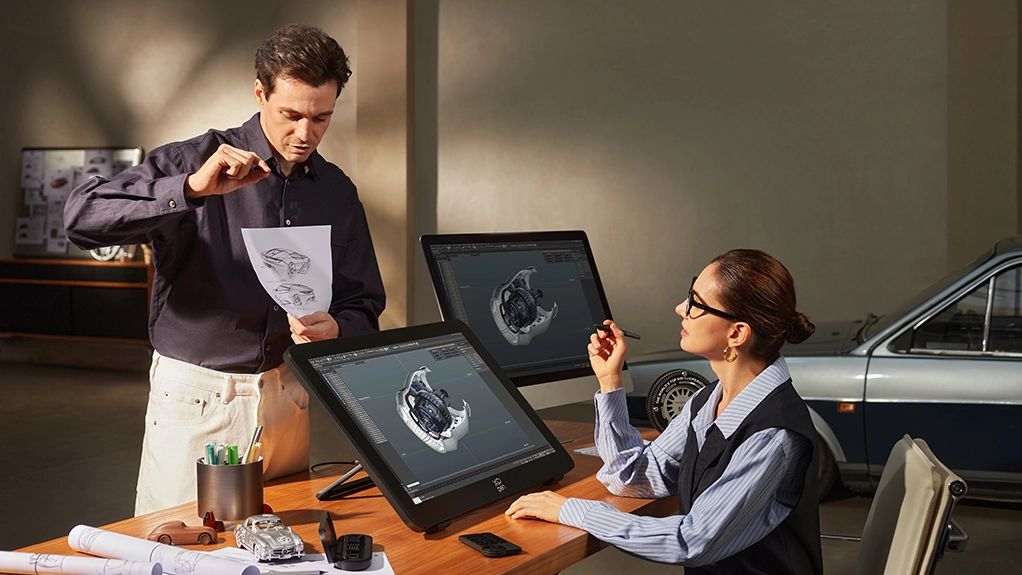
Industrial Design The ultra-sensitive digital stylus, paired with next-gen luminous etched glass, allows for sketching and CMF expression with a feel indistinguishable from drawing on paper.

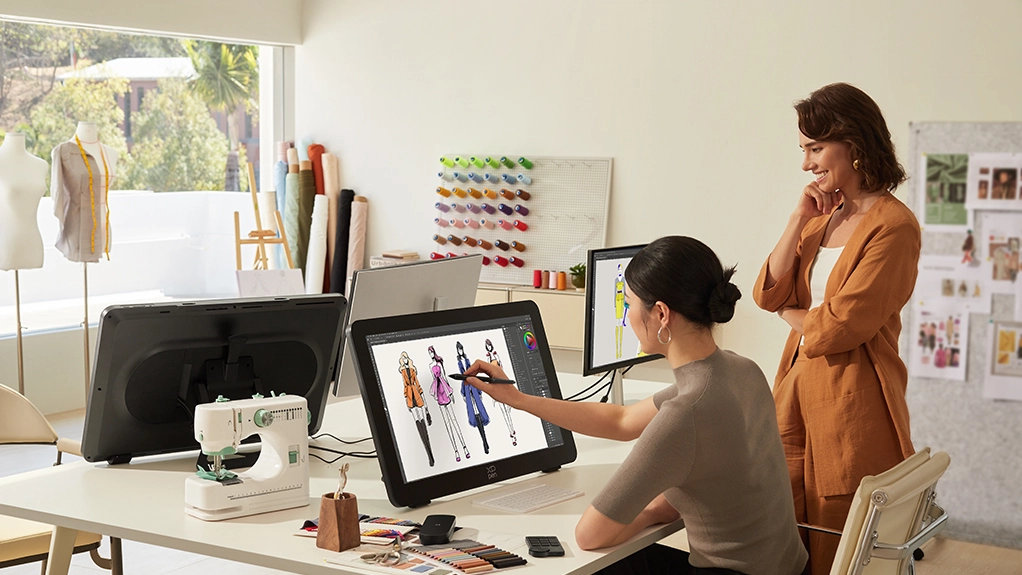
Art Education The X-Touch solution, combined with a large, wide-angle display, allows for clear demonstration of techniques and presentation of results. Even sitting in the back of the classroom, students can easily see the key creative points.
Specifications

| Linux OS | Version | Package Format | Supported Software |
| Arch | Arch Linux2019.12.01(64-bit) | .deb, .sh | GIMP, Krita |
| Centos | Centos7.0(64-bit) | .rpm, .sh | GIMP |
| Centos8(64-bit) | .rpm, .sh | GIMP, Krita | |
| Debian | debian-9.5.0-amd64-netinst(64-bit) | .deb, .sh | GIMP, Krita |
| elementary OS | elementary OS 5.0(64-bit) | .deb, .sh | GIMP, Krita |
| ezgo Linux | ezgo14(64-bit) | .deb, .sh | GIMP, Krita |
| Fedora | Fedora32(64-bit) | .rpm, .sh | GIMP, Krita |
| Mageia | Mageia-7.1(64-bit) | .rpm, .sh | GIMP, Krita |
| Manjaro | manjaro-xfce-20.1.2-201019(64-bit) | .deb, .sh | GIMP |
| Mint | linuxmint-18.2-cinnamon-64bit | .deb, .sh | GIMP, Krita |
| OpenSUSE | openSUSE-Tumbleweed(64-bit) | .rpm, .sh | GIMP, Krita |
| Pop!_OS | pop-os_19.10(64-bit) | .deb, .sh | GIMP, Krita |
| Red Hat | Red Hat7(64-bit) | .rpm, .sh | GIMP |
| Ubuntu | Ubuntu14.04(64-bit) | .deb, .sh | GIMP, Krita |
| Ubuntu16.04(64-bit) | .deb, .sh | GIMP, Krita | |
| Ubuntu17.04(64-bit) | .deb, .sh | GIMP, Krita | |
| Ubuntu18.04(64-bit) | .deb, .sh | GIMP, Krita | |
| Ubuntu19.04(64-bit) | .deb, .sh | GIMP, Krita | |
| Ubuntu20.04(64-bit) | .deb, .sh | GIMP, Krita |
| Function | Krita 4.3.0 | Gimp 2.10.20 | Inkscape 0.92 |
| Pen Pressure Sensitivity | |||
| Tilt | |||
| Mouse Function | |||
| Eraser Button (Stylus:PH01, P06) | |||
| Switch between Pen and Eraser Modes | |||
| *If you have any further queries, please do not hesitate to contact us at service@xp-pen.com. | |||
Linux OS
Arch
Version
Arch Linux2019.12.01(64-bit)
Package Format
.deb, .sh
Supported Software
GIMP, Krita
Centos
Version
Centos7.0(64-bit)
Centos8(64-bit)
Centos8(64-bit)
Package Format
.rpm, .sh
.rpm, .sh
.rpm, .sh
Supported Software
GIMP
GIMP, Krita
GIMP, Krita
Debian
Version
debian-9.5.0-amd64-netinst(64-bit)
Package Format
.deb, .sh
Supported Software
GIMP, Krita
elementary OS
Version
elementary OS 5.0(64-bit)
Package Format
.deb, .sh
Supported Software
GIMP, Krita
ezgo Linux
Version
ezgo14(64-bit)
Package Format
.deb, .sh
Supported Software
GIMP, Krita
Fedora
Version
Fedora32(64-bit)
Package Format
.rpm, .sh
Supported Software
GIMP, Krita
Mageia
Version
Mageia-7.1(64-bit)
Package Format
.rpm, .sh
Supported Software
GIMP, Krita
Manjaro
Version
manjaro-xfce-20.1.2-201019(64-bit)
Package Format
.deb, .sh
Supported Software
GIMP
Mint
Version
linuxmint-18.2-cinnamon-64bit
Package Format
.deb, .sh
Supported Software
GIMP, Krita
OpenSUSE
Version
openSUSE-Tumbleweed(64-bit)
Package Format
.rpm, .sh
Supported Software
GIMP, Krita
Pop!_OS
Version
pop-os_19.10(64-bit)
Package Format
.deb, .sh
Supported Software
GIMP, Krita
Red Hat
Version
Red Hat7(64-bit)
Package Format
.rpm, .sh
Supported Software
GIMP
Ubuntu
Version
Ubuntu14.04(64-bit)
Ubuntu16.04(64-bit)
Ubuntu17.04(64-bit)
Ubuntu18.04(64-bit)
Ubuntu19.04(64-bit)
Ubuntu20.04(64-bit)
Ubuntu16.04(64-bit)
Ubuntu17.04(64-bit)
Ubuntu18.04(64-bit)
Ubuntu19.04(64-bit)
Ubuntu20.04(64-bit)
Package Format
.deb, .sh
.deb, .sh
.deb, .sh
.deb, .sh
.deb, .sh
.deb, .sh
.deb, .sh
.deb, .sh
.deb, .sh
.deb, .sh
.deb, .sh
Supported Software
GIMP, Krita
GIMP, Krita
GIMP, Krita
GIMP, Krita
GIMP, Krita
GIMP, Krita
GIMP, Krita
GIMP, Krita
GIMP, Krita
GIMP, Krita
GIMP, Krita
Function
Pen Pressure Sensitivity
Krita 4.3.0
Gimp 2.10.20
Inkscape 0.92
Tilt
Krita 4.3.0
Gimp 2.10.20
Inkscape 0.92
Mouse Function
Krita 4.3.0
Gimp 2.10.20
Inkscape 0.92
Eraser Button(Stylus:PH01, P06)
Krita 4.3.0
Gimp 2.10.20
Inkscape 0.92
Switch between Penand Eraser Modes
Krita 4.3.0
Gimp 2.10.20
Inkscape 0.92
*If you have any further queries, please do not hesitate to contact us at service@xp-pen.com.
| List of compatible Android devices | |
| HUAWEI Mate 10 | HUAWEI Mate 10 Pro |
| HUAWEI Mate 20 | HUAWEI Mate 20 Pro |
| HUAWEI Mate 20 X | HUAWEI Mate 30 Pro |
| HUAWEI Mate 40 | HUAWEI Mate 40 pro |
| HUAWEI Mate 30E Pro 5G | HUAWEI P20 |
| HUAWEI P20 Pro | HUAWEI P30 |
| HUAWEI P30 Pro | HUAWEI P40 |
| HUAWEI P40 Pro | HUAWEI P40 Pro+ |
| HUAWEI Mate 50 | HUAWEI Mate 50 Pro |
| HUAWEI Mate 40E | HUAWEI Mate 40 Pro+ |
| HUAWEI P50 Pro | HUAWEI P50 |
| HUAWEI P50E | HUAWEI Mate X2 |
| HUAWEI Mate Xs2 | HUAWEI Mate 50E |
| HUAWEI Mate 40E Pro | HUAWEI Mate 40 RS |
| HUAWEI P50 Pocket | Honor Note10 |
| Honor V20 | Honor 30pro+ |
| Honor Magic4 | Honor Magic5 Pro |
| Samsung Galaxy A90 5G | Samsung Galaxy Note9 |
| Samsung Galaxy Note10 | Samsung Galaxy Note10+ 5G |
| Samsung Galaxy S8 | Samsung Galaxy S8+ |
| Samsung Galaxy S9 | Samsung Galaxy S9+ |
| Samsung Galaxy S10 | Samsung Galaxy S10+ |
| Samsung Galaxy S10e | Samsung Galaxy S20 |
| Samsung Galaxy S20+ | Samsung Galaxy S20 Ultra |
| Samsung Galaxy S20 FE 5G | Samsung Galaxy S21 |
| Samsung Galaxy S21 FE | Samsung Galaxy S21 ultra |
| Samsung Galaxy S22 | Samsung Galaxy S22 Ultra |
| Samsung Galaxy Note20 | Samsung Galaxy Note20 Ultra |
| Samsung Galaxy Tab S7 | Samsung Galaxy Tab S7 FE |
| Samsung Galaxy Tab S5e | Samsung Galaxy S21+ |
| Samsung Galaxy S22+ | Samsung Galaxy S23 |
| Samsung Galaxy S23+ | Samsung Galaxy S23 Ultra |
| Samsung Galaxy Z Fold4 | Samsung W22 |
| Samsung W21 | Samsung W20 |
| Samsung Galaxy Tab S8 | Samsung Galaxy Tab S8+ |
| Samsung Galaxy Tab S8 Ultra | Samsung Galaxy Tab S7+ |
| Samsung Galaxy Tab S6 | |