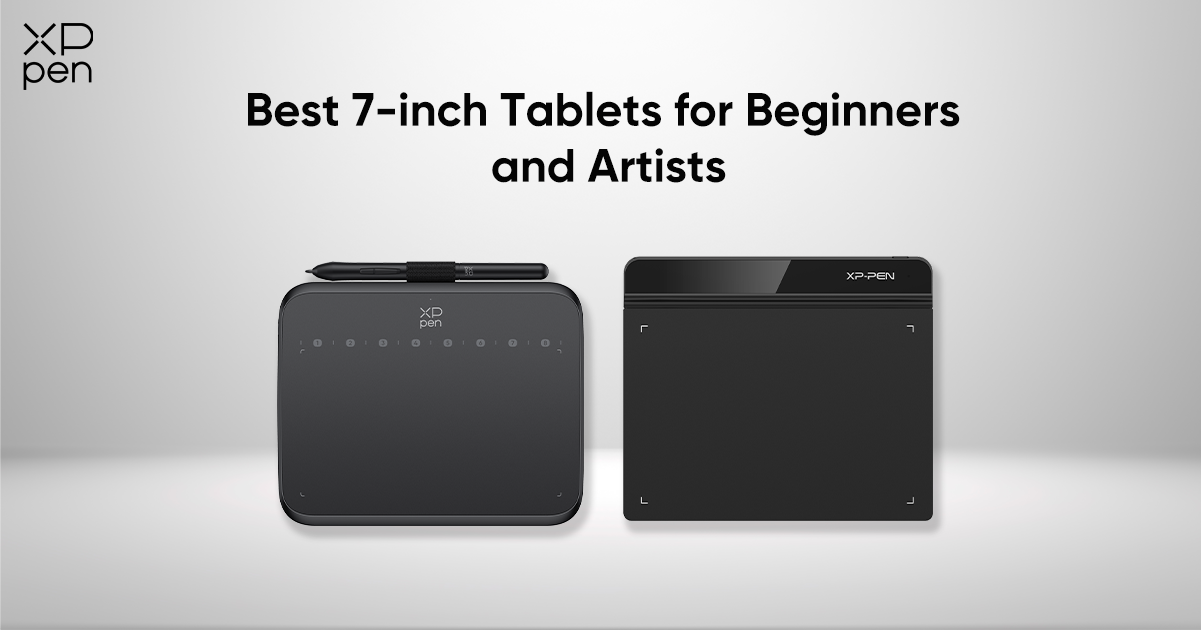
Best 7-inch Tablets for Beginners and Artists — Portable and Professional
ROUNDUPSIn the world of digital art and creative design, smaller tablets are becoming an increasingly popular choice among both beginners and professionals. A 7-inch drawing tablet strikes the perfect balance between portability and performance — compact enough to slip into your backpack, yet powerful enough to deliver a professional drawing experience.
Whether you’re a student just starting your creative journey, a professional artist looking for a travel companion, or a gamer who enjoys OSU!, a well-designed 7-inch tablet offers the precision, responsiveness, and versatility you need. These compact devices are ideal for sketching, photo editing, note-taking, online teaching, or even digital signatures in business meetings.
In this guide, we’ve rounded up the best 7-inch Tablets for Beginners and Artists, featuring options that combine professional-grade pressure sensitivity, durable build quality, and seamless compatibility across devices. From the XPPen Deco 640 — a perfect entry-level 16K pen tablet — to the XPPen Star G640, a lightweight yet professional-grade drawing companion, we’ll help you find the right tablet to match your creative lifestyle.
Quick view
| Feature / Model | XPPen Deco 640 | XPPen Star G640 |
|---|---|---|
| Stylus | P01, battery-free, 16K pressure levels, tilt 60° | P01D, battery-free, 8K pressure levels |
| Active Area | 16 cm × 9 cm (~6.3" × 3.5") | 6" × 4" (~16 cm × 10 cm) |
| Pressure Levels | 16,384 | 8,192 |
| Tilt Support | Yes, up to 60° | No |
| Report Rate | ≥220 RPS | Not specified |
| Resolution | 5080 LPI | 5080 LPI |
| Reading Height | 10 mm | 10 mm |
| Shortcut Keys | 8 soft shortcut keys | / |
| Connectivity | USB-C | Micro USB |
| Weight | 170 g | 162g |
| Android Compatibility | Android 10.0 or later (OTG) | No |
| Supported OS | Windows 7(or later)macOS 10.13(or later)Android 10.0(or later)Chrome OS 88(or later)Linux | Windows 7(or later)macOS X 10.10(or later) |
| Price | £24.99 | £22.99 |
| Best For | artists, digital painting, creative software users | Portability, OSU! gaming, casual drawing |
Why Choose a 7-inch Drawing Tablet?
A 7-inch drawing tablet has become one of the most popular choices for beginners, students, mobile artists, and even professionals who need a compact digital tool. Despite its small size, this category offers impressive performance, accuracy, and cross-platform compatibility. Here’s why a 7-inch tablet might be the perfect fit:
Portability
A 7-inch tablet is incredibly easy to carry, making it ideal for travel, classrooms, coffee shops, or outdoor sketching. It fits effortlessly into backpacks or laptop sleeves, allowing artists to practice and create anywhere.
Affordability
Smaller tablets are usually budget-friendly, offering a low-cost entry point for new digital artists, hobbyists, and students. They provide excellent value without sacrificing essential features like pressure sensitivity and smooth pen tracking.
Efficiency
Though compact, 7-inch tablets are versatile and efficient. They’re great for:
Digital illustration and sketching
Handwritten notes
Photo retouching
Graphic design
Rhythm gaming such as OSU!, thanks to their fast response times
Compatibility
Most 7-inch tablets work with a wide range of systems, including:
Windows
macOS
ChromeOS
Android smartphones and tablets This flexibility ensures that users can easily integrate the device into their existing setup.
Top 7-inch Tablets for Beginners and Artists
Below are the best options for users looking for portable, affordable, and responsive 7-inch drawing tablets.
XPPen Deco 640 (7.2'') — Best Entry-Level 16K Drawing Tablet
The XPPen Deco 640 offers an ultra-sensitive pen experience that closely mimics traditional drawing. With a high report rate and impressive pressure recognition, it provides smooth lines and excellent control—ideal for new artists developing their skills.
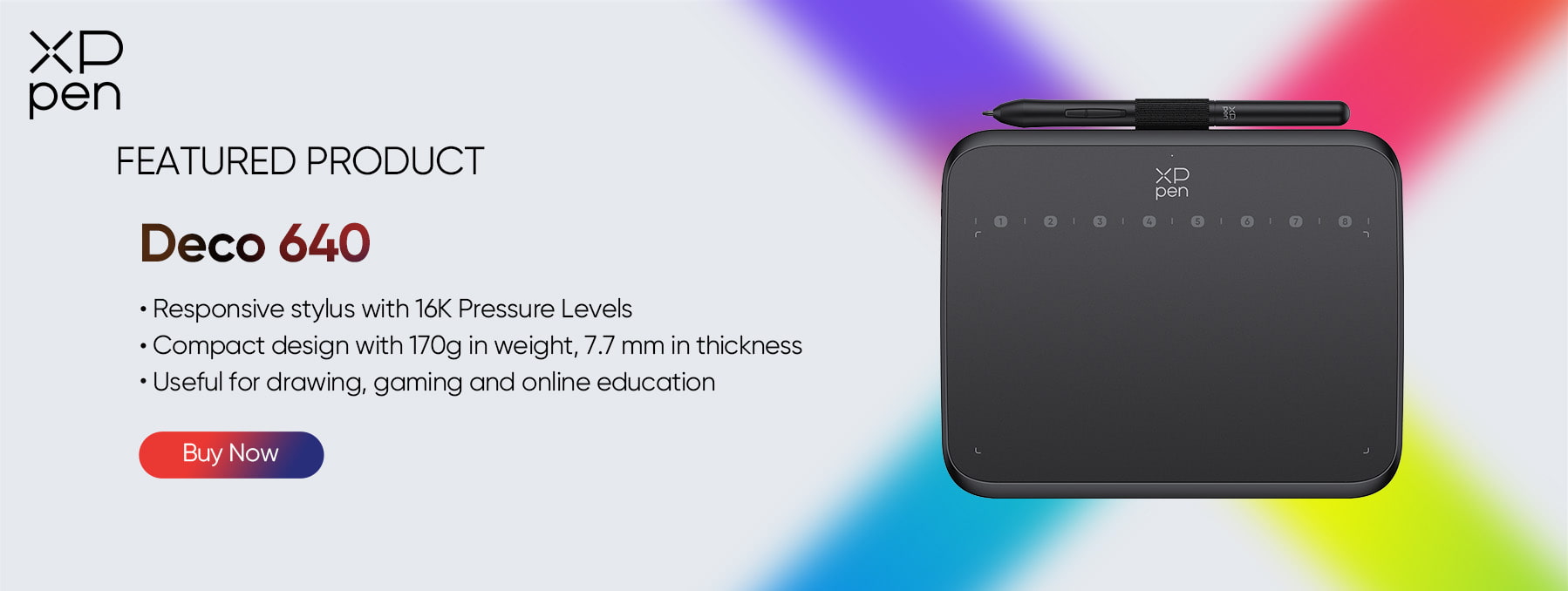
Key Features:
16,384 Levels of Pressure Sensitivity (16K) Offers exceptionally fine pressure detection, allowing smooth transitions from light strokes to heavy shading. Ideal for beginners practicing line control and for artists who want natural, expressive brushwork.
8 Customizable Shortcut Keys Designed for efficiency, the keys let you assign frequently used functions—like undo, brush size adjustment, or switching tools—so you can draw faster and more comfortably.
Compact and Portable 7.2-Inch Working Area Lightweight at only 170g, the Deco 640 is easy to carry between school, home, or studio setups. Despite its compact size, the tablet maintains high accuracy and responsiveness.
60° Tilt Support Detects pen tilt for natural shading effects, allowing techniques similar to pencils and markers. Perfect for sketching, rendering, and practicing traditional art methods digitally.
5080 LPI Resolution & 220 RPS Report Rate Provides sharp, detailed pen tracking with minimal latency. Lines appear smooth and consistent, even during fast strokes—great for quick sketching and continuous line art.
USB-C Connectivity & Broad Device Compatibility The USB-C port ensures easier and more stable plug-in, and the tablet works seamlessly with Windows, macOS, and Android devices.
Best For:Beginners who want professional-grade precision without a high price tag.
Extras:
10 × Pen Nibs
1 × USB-C to USB-A Cable
1 × Nib Extractor
1 × USB to USB-C Adapter
No.2 XPPen Star G640 (7.21") — Best Portable Professional Tablet
The XPPen Star G640 is known for its portability and fast performance. Its slim profile makes it perfect for creators who work on the go, and its responsive pen is trusted by professionals for sketching, signing documents, and gaming.
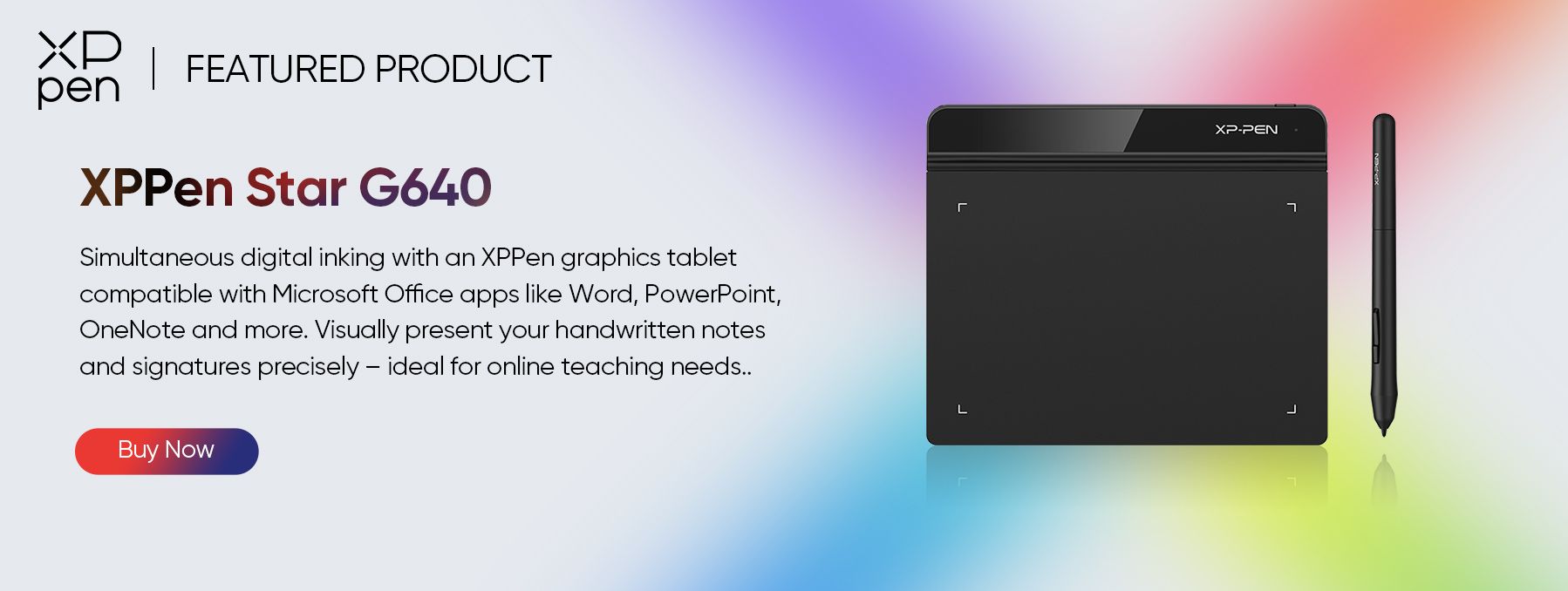
Key Features:
8192 Levels of Pressure Sensitivity Offers smooth, accurate pen control suitable for sketching, note-taking, signing documents, and fast OSU! gameplay. The pressure response is consistent and reliable even during rapid movements.
Ultra-Thin 2 mm Body One of the slimmest tablets available—extremely lightweight and easy to slip into a backpack, laptop sleeve, or tablet pouch. Perfect for professionals or students who need maximum portability.
Battery-Free Stylus No charging is required. The pen uses electromagnetic resonance technology, ensuring stable performance without interruptions. Ideal for long work sessions or gaming marathons.
High Responsiveness for OSU! and Professional Use Designed for low latency and fast tracking, making it a top choice for OSU! players and creators who need accurate, real-time pen input.
Micro USB Connection & Wide Software Compatibility Simple plug-and-play setup with major creative apps such as Photoshop, SAI, and Clip Studio Paint. Also supports office tools for digital signatures and annotations—great for business and school use.
Best For:Professionals who need a compact drawing tool OSU! gamers who require high responsiveness and low latency
Extras:
10 × Pen Nibs
1 × USB-C to USB-A Cable
1 × Nib Extractor
1 × USB to USB-C Adapter
How to Choose the Right 7-inch Tablet
Choosing the best 7-inch tablet depends on your skill level, workflow, and where you plan to use it. Here’s a quick guide:
For Beginners
Look for:
Easy setup
Adequate pressure sensitivity
Compatibility with drawing apps like Krita or ibisPaint Affordable models such as the Deco 640 are perfect starters.
For Professionals
Prioritize:
Higher pressure levels
Tilt support
Shortcut buttons for faster workflow These features improve precision and efficiency in advanced projects.
For Mobile Creators
Focus on:
Lightweight design
Slim form factor
USB-C or Android phone compatibility This ensures smooth on-the-go drawing and note-taking.
For Education or Office Use
Check support for:
OneNote
Word
Acrobat
Other document or annotation apps This helps with digital signatures, highlighting, and workplace collaboration.
FAQ
Q1: Are 7-inch tablets good for digital art?
Yes. A 7-inch drawing tablet offers an excellent balance between portability and control. While larger tablets provide more drawing space, 7-inch models are easier to carry, set up, and use for sketching, note-taking, and digital illustration — especially for beginners and mobile creators.
Q2: What’s the difference between XPPen Deco 640 and Star G640?
The Deco 640 is a more advanced model featuring 16,384 pressure levels, 60° tilt support, and 8 shortcut keys, making it ideal for beginners who want professional precision. The Star G640, on the other hand, is ultra-thin (2mm) and lightweight, with 8192 pressure levels, focusing on portability and professional use on the go — perfect for traveling artists and OSU! gamers.
Q3: Are there any 7-inch drawing tablets that work with Android phones?
Yes, XPPen Deco 640 supports Android 10.0 and above via USB-C or adapter connection.
Conclusion
Compact doesn’t mean compromised — and these 7-inch drawing tablets prove it. Whether you value precision, portability, or affordability, each of the tablets featured here offers a distinct advantage for different types of creators.
If you're a beginner looking for a reliable and natural drawing experience, the XPPen Deco 640 stands out with its groundbreaking 16K pressure levels and tilt support. For those who need a portable yet professional tool, the XPPen Star G640 delivers exceptional performance in an ultra-slim design.
No matter your skill level or creative goals, investing in the right 7-inch tablet will help you draw, design, and express your imagination freely — turning every stroke into a step toward your next masterpiece.
About Us
Founded in 2005, XPPen is a leading global brand in digital art innovation under Hanvon UGEE. XPPen focuses on the needs of consumers by integrating digital art products, content, and services, specifically targeting Gen-Z digital artists. XPPen currently operates in 163 countries and regions worldwide, boasting a fan base of over 1.5 million and serving more than ten million digital art creators.
Learn more






-
 Deco 640
Slim, narrow-edged, 170 g super light
Concise strokes with 16384 pressure levels
Easy setting with 4.0 Driver
It features:
Portable for on-the-go creativity and your perfect OSU! tablet.
-
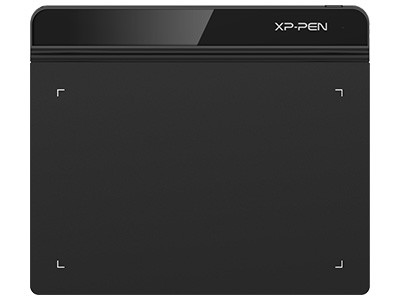 Star G640
6 x 4 inch working area
A battery-free stylus
lt feartures:
Designed for both left andright-handed users
Supports connections with Androiddevices
Ready to invest in the right tools?
Get expert buying advice, unbiased reviews, and exclusive deals on drawing tablets, and accessories.
