The Best Laptop for Game Development in 2026: Coding, Design & Rendering Tested
ROUNDUPSIn 2026, Game Development is a truly hybrid discipline. It is no longer defined by just one programming language or one type of professional. Today’s developers are coders, artists, designers, filmmakers, and technical engineers all at once. It involves building immersive environments, sculpting characters, painting textures, designing UI systems, and optimizing performance—all while working on the move.
Yet there is a reality most developers rarely notice until it slows them down: we invest thousands into powerful laptops but ignore the creative interface we actually touch every day. A laptop alone delivers raw speed—but without a precise, natural creative input, much of that power is wasted.
To build a truly functional mobile game studio, two essentials must work together: raw computing power from your laptop and creative precision from a professional drawing tablet. Together, they form the foundation for efficient, high-quality game creation anywhere.
In this guide, we look at the top 3 laptops dominating 2026’s game development landscape and the two essential XPPen pen displays that elevate them from powerful machines to fully capable creative workstations.
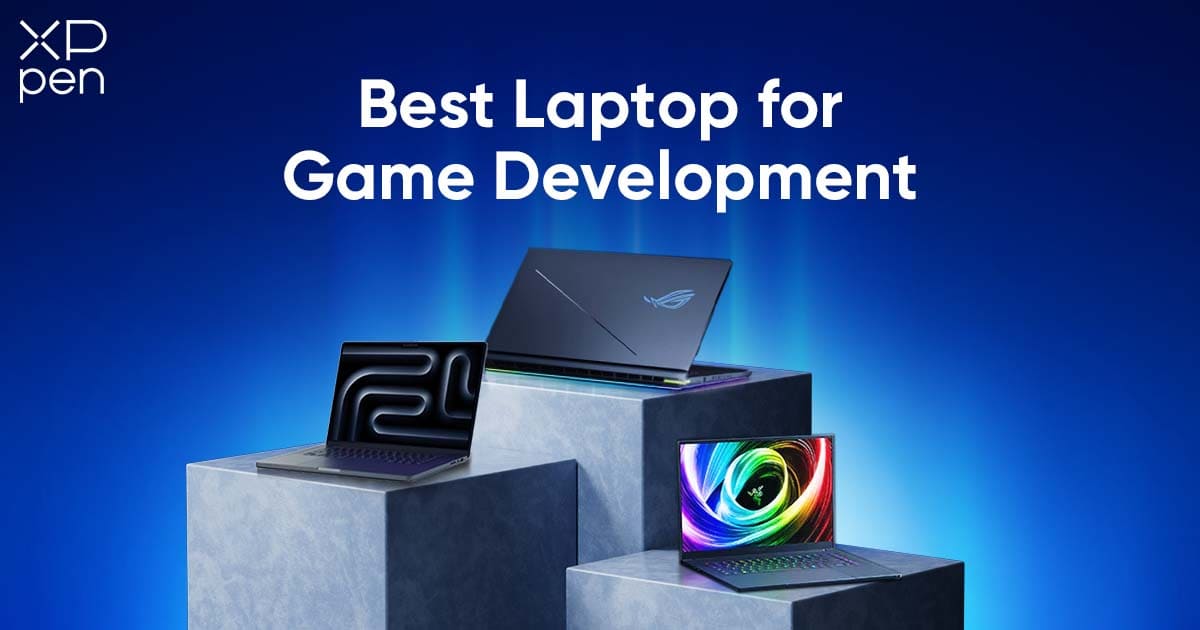
Top 3 Laptops for Game Development
| Category | ASUS ROG Strix SCAR 18 | MacBook Pro 16 (M4 Max) | Razer Blade 16 |
|---|---|---|---|
| Positioning | The Performance Beast | The Ecosystem King | The Balanced Hybrid |
| CPU Performance | Top-tier high-TDP processors | Apple M4 Max – efficient and powerful | High-performance Intel/AMD (model-dependent) |
| GPU Capability | Powerful discrete GPU ideal for advanced rendering | Powerful integrated GPU | High-performance discrete GPU |
| Portability | Low to moderate (large chassis) | Good (portable for its class) | Excellent (thin and premium) |
| Ecosystem | Windows – wide software compatibility | Deep Apple ecosystem integration | Windows – strong gaming and creation flexibility |
| Pen/Handwriting Support | Requires external pen display | Requires external pen display | Requires external pen display |
| Key Takeaway | Maximum performance without compromise | Most stable and color-accurate pro machine | Best mobility-performance balance |
1.The Performance Beast: ASUS ROG Strix SCAR 18
Best for: Unreal Engine 5 workflow, high-poly sculpting, large-scale open-world projects, Technical Artists.
This machine is built for raw computational force. Equipped with high-TDP flagship CPUs and top-tier NVIDIA RTX laptop GPUs, it is designed to handle the heaviest workloads developers can throw at it: cinematic lighting pipelines, Nanite megascans, virtual production scenes, massive shader graphs, and demanding GPU rendering tasks. Its large 18-inch display with high refresh rates ensures fluid real-time previews, while the robust cooling system maintains sustained performance during extended production sessions.
Beyond brute strength, it also excels at handling multitasking environments, typical for advanced production—running Unreal Engine, DCC tools, AI workflows, and multiple utilities simultaneously without bottlenecks. However, despite all its computational dominance, it still lacks one critical creative link: a precise, natural pen-based input method. Complex sculpting, concept iteration, and visual ideation still feel constrained without a true pen interface.
Key characteristics:
-
Top-end CPU + flagship NVIDIA RTX GPU performance
-
Large high-refresh display suitable for real-time visualization
-
Excellent for cinematic pipelines and GPU-intensive workflows
-
Heavier, more desktop-replacement than mobile workstation
-
No native pen input, relies on external pen displays
2. The Ecosystem King: MacBook Pro 16 (M4 Max)
Best for: Unity developers, mobile game creators, cinematic animation workflows, creators deeply invested in Apple’s ecosystem.
The MacBook Pro 16 (M4 Max) prioritizes refinement, stability, and consistency. It delivers stunning color accuracy, exceptional display brightness, and an industry-leading Mini-LED screen that is ideal for cinematic color work, animation review, concept visualization, and editorial workflows. Its incredible thermal efficiency means it runs impressively quiet and cool, even under sustained heavy workloads like rendering, compiling, or animation playback.
Performance is smooth, predictable, and highly optimized. Developers benefit from excellent battery endurance for mobile production, seamless integration with iOS development tools, Final Cut, Logic, and other Apple-optimized pipelines. It is an ideal production machine for those who value reliability, polish, and ecosystem synergy over raw brute force.
However, the MacBook Pro suffers from a fundamental creative limitation: it lacks true pen-based creative input. For industries where drawing, sculpting, character iteration, and hands-on artistic exploration are essential, this absence becomes a structural bottleneck.
Key characteristics:
-
Exceptional color accuracy and cinematic display quality
-
Extremely quiet, thermally efficient performance
-
Best-in-class reliability and system stability
-
Ideal for Apple ecosystem workflows and mobile development
-
No native pen input, requires an external pen display
3. The Balanced Hybrid: Razer Blade 16
Best for: Indie developers, solo creators, and multi-disciplinary professionals handling both coding and design.
The Razer Blade 16 is designed for creators who demand power without sacrificing mobility or aesthetics. It delivers strong workstation-class performance in a sleek, premium chassis, making it perfect for professionals who frequently travel, switch environments, or work in flexible studio setups. It has enough compute capability to handle modeling, texturing, rendering, and game engine development without feeling like a compromise.
Its build quality feels professional, its display options provide strong color performance and fast refresh options, and its portability makes it one of the most practical high-performance creative laptops. It thrives in hybrid workflows where a creator might code in the morning, model and texture in the afternoon, and test builds at night.
Yet, despite all its refinements, one limitation remains consistent with the others: with only a trackpad or mouse, intuitive sketching, natural sculpting, and expressive digital painting remain out of reach without a dedicated pen interface.
Key characteristics:
-
Strong balance of performance and portability
-
Premium, thin chassis for mobility-focused professionals
-
Excellent for hybrid coding + creative workflows
-
Strong display and build quality
-
No built-in pen input, external pen display required
Why Your Laptop Needs a Professional Pen Display
The Problem with Mice: Coding is comfortable with a mouse, but when it comes to sculpting in ZBrush, painting detailed textures in Substance Painter, illustrating 2D art, or sketching UI layouts, a mouse simply cannot provide the precision or natural feel that creative work requires.
The "One-Person Studio" Concept: Modern indie developers transition constantly between Visual Studio or VS Code for development and Blender, Photoshop, or Clip Studio for visual creation. Efficiency matters, and using the right creative tool significantly reduces work time.
The Solution: An external drawing screen does more than add extra screen space—it adds capability. It becomes an intuitive digital canvas, allowing you to draw, sculpt, design, and create naturally, directly on the display.
The Ultimate Upgrade: XPPen Drawing Tablets
-
The High-end Choice – Artist Ultra 16
Target Audience: Lead artists, art directors, cinematic designers, lighting specialists, and game developers pushing visual quality to its limit.
The Artist Ultra 16 is engineered for professionals who demand precision, stability, and uncompromising visual performance. Its large, high-resolution pen display delivers exceptional color accuracy and fluid pen input, making it ideal for concept development, cinematic scene refinement, sculpting, and high-end illustration. Built for intensive production workflows, it offers a seamless creative experience where every stroke, adjustment, and design decision feels natural and immediate. This is the device for creators who refuse to settle for anything less than absolute creative control.
4K OLED Display
Lighting defines atmosphere. Color defines mood. Contrast defines realism. The Artist Ultra 16’s 4K OLED display ensures every subtle shadow, every highlight, every color gradient appears exactly as intended. Blacks are truly black. Neon lighting glows with cinematic intensity. Scenes feel alive and immersive—even, even before they reach the game engine. What you see isn’t just close to the final result—it is the final result.
Professional Touch & Pen Input
With full multi-touch support and dual EMR pens featuring 16K pressure sensitivity, every brush stroke feels organic and responsive. Whether you’re sculpting muscle definition, painting weathered textures, or refining UI iconography, your hand movements translate naturally, eliminating the mechanical feeling of mouse-based creation. It feels intuitive, fluid, and deeply human—exactly how creativity should feel.
Color Accuracy You Can Trust
With Calman verification and Delta E < 1.1, the display delivers studio-grade precision without constant recalibration. Your textures, lighting passes, and concept art look consistent across platforms and final builds, giving you absolute confidence when making visual decisions.
Design & Portability
Despite its power, the Artist Ultra 16 remains sleek and portable enough to stay with you wherever creativity strikes. It is designed not just as a tool, but as a professional instrument worthy of high-end creators. If visual perfection and professional polish define your work, the Artist Ultra 16 is the ultimate upgrade for serious developers who refuse compromise.
2. The Value Champion – Artist Pro 16 (Gen 2)
If your budget is limited, the XPPen Artist Pro 16 (Gen 2) is also a good choice.
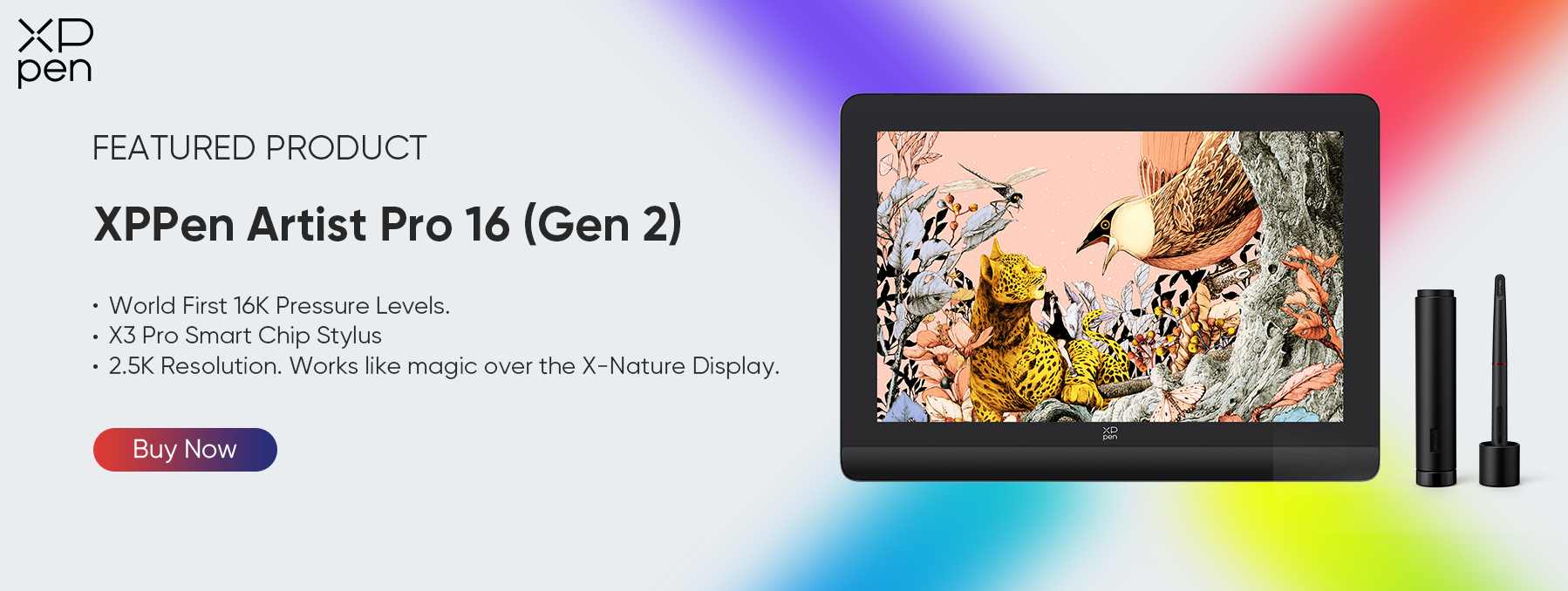
Target Audience: Indie developers, students, studios on a budget, and creators who need professional performance without premium cost.
2.5K Resolution – The Perfect Balance
With a sharp 2.5K display, the Artist Pro 16 (Gen 2) strikes the ideal middle ground. Text is crisp for coding, UI design remains clear, and colors stay precise—all, while remaining significantly more affordable than 4K OLED panels.
Same Professional Pen Performance
This is where value truly shines: you get the SAME groundbreaking 16K pressure technology as the flagship Ultra model. You are not sacrificing drawing feel, responsiveness, or pen accuracy—you’re simply choosing a smarter display option for your budget. For anyone building their career, starting a studio, or upgrading their workflow responsibly, this is arguably the best investment you can make.
How They Work Together
Imagine a workflow where every part of your creative process has its own perfect environment:
Screen 1 – Your Laptop: Code editors, engine inspectors, debugging tools, compilers. Everything logical and structural lives here.
Screen 2 – Your XPPen Display: Where creativity happens:
-
Sculpting characters in ZBrush directly on the screen
-
Painting textures and environments naturally
-
Designing UI elements with intuitive hand control
-
Even playtesting using touch input on the Artist Ultra 16
Coding and creativity finally coexist efficiently rather than fighting for space.
FAQ
Q1: I’m primarily a programmer. Is a drawing display really necessary for me?
-
A: Absolutely. While keyboards are for code, game development involves constant visual iteration. An XPPen display allows you to sketch UI layouts, create quick placeholder assets, sculpt terrain in Unity/Unreal, or annotate code logic on a digital whiteboard. It replaces the clumsiness of a mouse with the precision of a pen, significantly speeding up the "Design" phase of your workflow.
Q2:Will these pen displays work with the laptops mentioned (MacBook/ASUS/Razer)?
-
A: Yes. Both XPPen models support USB-C connectivity. If your laptop has a full-featured USB-C port (which all modern gaming laptops and MacBooks do), you can connect with a single cable for both power and video. They are fully compatible with Windows, macOS, and Linux.
Q3: Does the 4K resolution of the Artist Ultra 16 affect game performance?
-
A: The XPPen acts as a secondary monitor. Modern laptop GPUs (like the RTX 40 series or Apple M-series chips) can drive a 4K external display effortlessly. You can run your game engine on the laptop screen and keep your texture tools or reference art on the XPPen 4K screen without noticing any performance drop.
Conclusion
A powerful laptop is only half of a true game development setup. To build worlds, characters, and experiences that resonate with players, you need tools that respect both your technical precision and your artistic instincts.
Stop forcing creativity through a mouse. Upgrade your workflow. Choose the Artist Ultra 16 for unmatched OLED brilliance, or the Artist Pro 16 (Gen 2) for unbeatable professional value.
About Us
Founded in 2005, XPPen is a leading global brand in digital art innovation under Hanvon UGEE. XPPen focuses on the needs of consumers by integrating digital art products, content, and services, specifically targeting Gen-Z digital artists. XPPen currently operates in 163 countries and regions worldwide, boasting a fan base of over 1.5 million and serving more than ten million digital art creators.
Learn moreRecommended Articles
ROUNDUPS What are the Best Drawing and Graphics Tablets for Game Design? TIPS 7 Best Free Drawing Websites Online No Download TIPS 7 Best Clothing Design Software Tools 2026 KNOWLEDGE Complete Game Designer Guide Salary, Skills & More TIPS Digital Nomad Lifestyle 101: Everything You Need to Know






-
 Artist Ultra 16
15.6-inch 4K OLED Display
Calman Verified with Delta < 1.1
Dual Styli with 16K Pressure Levels
Ultra-low latency with response time under 1 ms
X-Touch Solution: Supports multi-point touch for intuitive control
It features:
New-Gen Touch-screen Drawing Display
-
 Artist Pro 16 (Gen 2)
World first 16K pressure levels
X3 Pro smart chip stylus
2.5K resolution. Works like magic over the X-nature display
It features:
Ready to invest in the right tools?
Get expert buying advice, unbiased reviews, and exclusive deals on drawing tablets, and accessories.
