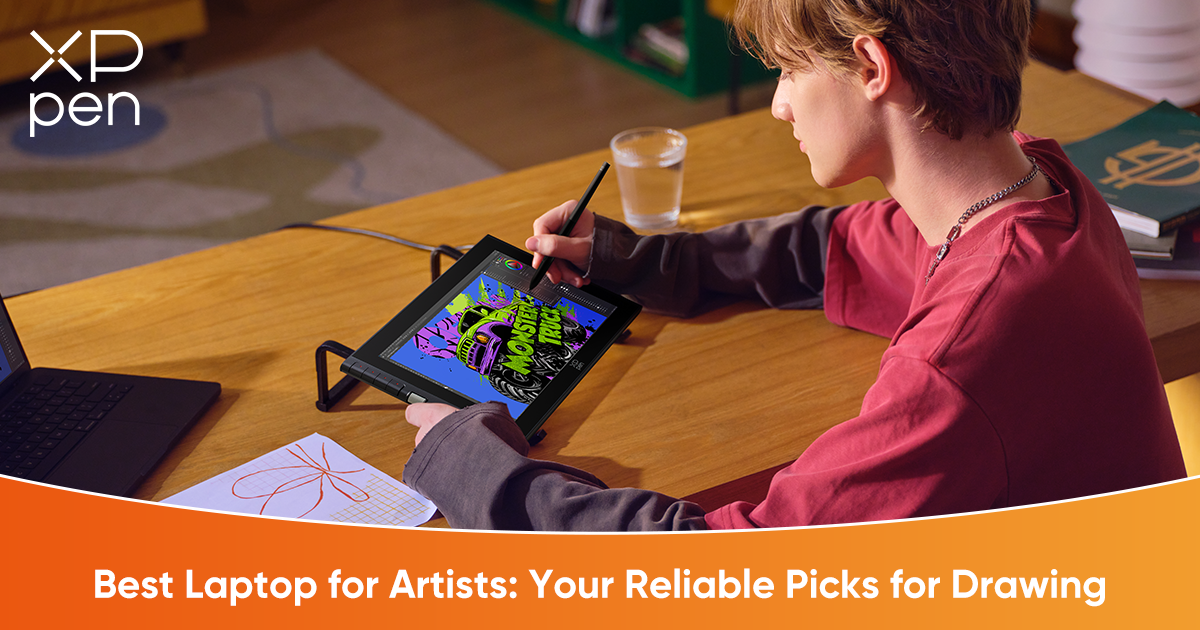
4 Best Laptops for Artists in 2026
ROUNDUPSArt has evolved far beyond physical paper and canvas. Today, digital creation dominates, whether you’re illustrating, animating, or designing 3D assets. But with this evolution comes higher demands on hardware. Modern creative workflows—high-resolution texture painting, multi-layer illustrations, 3D modeling, and real-time rendering—require machines that are fast, responsive, and capable of handling complex tasks without lag. A laptop that struggles with heavy Photoshop or Blender projects can frustrate creativity and slow down production.
Think of your creative setup like a high-performance sports car. The laptop is the Engine: it delivers the raw horsepower necessary to power demanding software and render heavy scenes efficiently. But without precision control, that power is wasted. This is where a drawing display comes in—the Steering Wheel. It provides tactile feedback, pressure sensitivity, and ergonomic control, allowing you to guide that raw computational power exactly where you need it. Together, the engine and steering wheel define a smooth, efficient, and enjoyable workflow.
In this guide, we will explore the top four laptops for creatives in 2026 and pair them with two standout XPPen drawing displays that unlock their full potential. Whether you are a professional illustrator, student, or hobbyist, this guide will help you make a choice that balances performance, portability, and precision.
Top 4 Laptops for Digital Art in 2026
1. The Industry Standard: Apple MacBook Pro 14/16 (M4 Pro/Max)
Best For: Professional Illustrators and Concept Artists
Why it Wins:
The MacBook Pro remains the benchmark for professional creative work. Its Liquid Retina XDR display delivers true-to-life colors, deep contrast, and exceptional brightness, letting you see your artwork exactly as it will appear in print or on other screens. Battery life is unmatched, enabling all-day work unplugged—perfect for long creative sessions without interruptions. The seamless integration with macOS and optimized creative apps like Adobe Photoshop, Illustrator, and Procreate allows you to focus on art, not troubleshooting software issues.
Key Spec:
Unified Memory Architecture (UMA) provides extremely fast access to large Photoshop and Illustrator files, even with dozens of high-resolution layers, textures, or 3D assets open simultaneously.
2. The Windows Powerhouse: ASUS ProArt P16
Best For: 3D Artists (Blender, Maya) and Animators
Why it Wins:
ASUS has designed the ProArt P16 specifically for creators. Its NVIDIA RTX 40-Series GPU delivers lightning-fast rendering and real-time viewport performance in 3D software. The ProArt OLED screen ensures accurate colors across the DCI-P3 gamut, making it ideal for photo-realistic rendering. The inclusion of the ASUS Dial provides tactile, software-specific control over brush size, zoom, and other functions, enhancing workflow efficiency. Its military-grade durability ensures it can withstand travel, long studio sessions, and daily wear without compromise.
Key Spec:
Combines studio-grade performance with robust durability, bridging creative power and reliability.
3. The Portable Gamer-Creator: ROG Zephyrus G14
Best For: Student Artists and Game Developers
Why it Wins:
The ROG Zephyrus G14 is a compact 14-inch powerhouse that balances gaming performance with creative capability. Its high refresh rate display ensures smooth stylus response, reducing lag when drawing detailed vector lines or rapid brush strokes. Lightweight yet robust, it fits in backpacks easily, allowing students and traveling creators to work anywhere. With powerful CPU and GPU options, it handles both creative and recreational tasks, making it perfect for multitasking between study, creation, and play.
4. The Budget Hero: Acer Swift X 14
Best For: Beginners and Hobbyists
Why it Wins:
The Acer Swift X 14 challenges the perception that entry-level laptops can’t deliver professional-quality visuals. Its 2.8K OLED display covers 100% of the DCI-P3 color gamut, ensuring vibrant, accurate colors that reflect your creative intent. Unlike many budget machines with washed-out screens, this laptop allows beginners to see their colors, layers, and details clearly—features often reserved for devices at twice the price.
Pro Tip: Not sure which specs matter most? CPU or GPU? RAM or Storage? For a deep dive into hardware specifications, check out our comprehensive guide to choosing a computer for digital art.
III. Completing Your Studio: Choosing the Right Drawing Display
Even the best laptop screens are not ideal for direct drawing. Hinges can wobble, screens are not pressure-sensitive, and fingerprints or glare can interfere with precision. For artists seeking control, pairing your laptop with a dedicated drawing display is essential. XPPen offers two standout displays: one optimized for professionals needing visual fidelity and one designed for students or creators on the go.
We have selected two standout models—one for the traveling professional and one for the productive student.
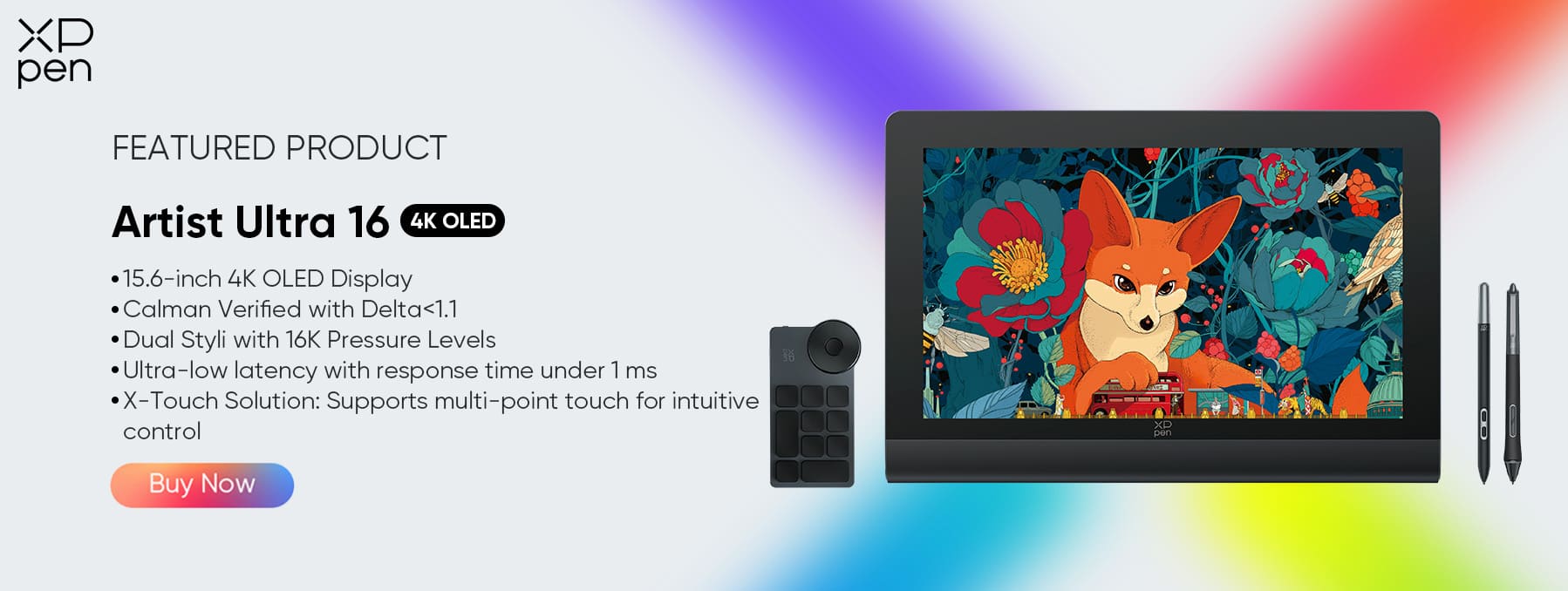
The Professional Choice: Artist Ultra 16
Target User: The Pro who needs the XPPen Artist Ultra 16 to match the visual quality of their MacBook Pro or OLED laptop.
Key Features:
-
4K OLED Display: True blacks and infinite contrast ensure that colors on screen match what will appear in print or digital media.
-
Professional X-Touch Control: Multi-touch functionality lets you zoom, pan, and rotate the canvas with your fingers while drawing with the pen, streamlining workflow.
-
Ultimate Mobility: Thin, light, and USB-C compatible, it transforms any workspace—coffee shop, studio, or home desk—into a high-end art station.
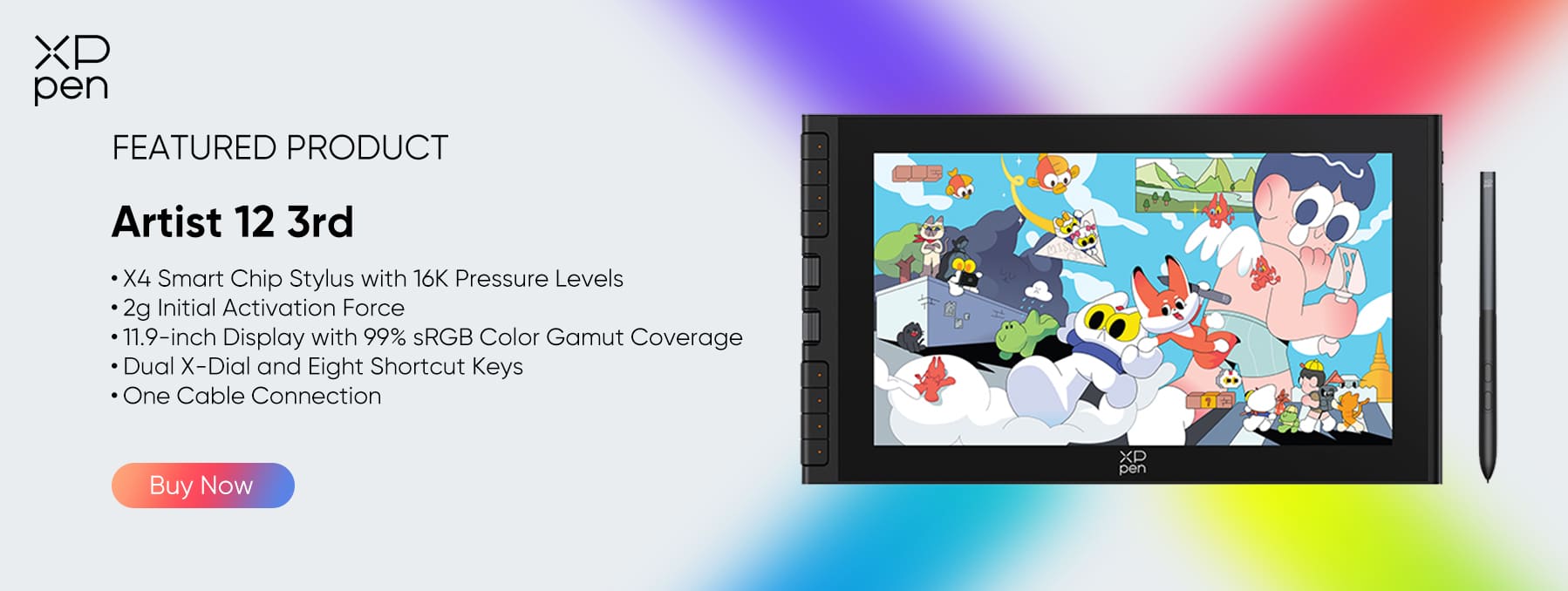
The Efficiency & Value Choice: Artist 12 3rd
Target User: Students, Comic Artists, and Speed-Painters who rely on the XPPen Artist 12 3rd to streamline their workflow and create on the go.
Key Features:
-
DualDial Design:
The Dual-dial design allows for free canvas adjustment, including seamless zooming, rotating, and scaling.
-
The All-New X4 Stylus:
-
Tech Leap: Introduce the X4 Smart Chip Stylus.
-
Benefit: Features industry-leading 16K pressure sensitivity, an ultra-low 2g activation force, and supports magnetic attachment. It offers a stiffer, more stable pen tip feel that mimics a traditional ink pen.
-
Compact Power: The 11.9-inch size is small enough to fit alongside a 13–14 inch laptop in a backpack, making it perfect for on-the-go creation.
IV. Comparison: Which Setup Suits You?
| Feature | Laptop + Artist Ultra 16 | Laptop +Artist 12 3rd |
|---|---|---|
| Best For | Illustration, Fine Art, 3D Texturing | Comics, Line Art, Sketching |
| Screen Tech | 4K OLED (Visual Perfection) | FHD IPS (Reliable Workhorse) |
| Workflow | Multi-Touch Gestures | Physical Scroll Wheel Efficiency |
| Stylus | Dual X3 Pro Styli (16K Pressure) | New X4 Smart Chip Stylus (Next-Gen Feel, 16K) |
FAQ
Q1: Do I need a powerful GPU to use a 4K drawing screen like the Ultra 16?
A: A dedicated GPU helps, but modern integrated graphics (like M3 or Intel Ultra) can handle 4K 2D drawing easily.
Q2: Why choose Artist 12 3rd over a larger tablet?
A: For students or travelers, portability is key. The Scroll Wheel and X4 Stylus also offer a workflow speed that many larger, button-less tablets lack.
VI. Conclusion
Step one is finding the right laptop to power your digital creativity. Step two is choosing a display that translates your hand movements into precise, responsive strokes. Whether you prioritize the visual brilliance and immersive 4K experience of the Artist Ultra 16 or the portability and tactical efficiency of the Artist 12 3rd, XPPen drawing displays complete your digital art studio and elevate your creative workflow.
About Us
Founded in 2005, XPPen is a leading global brand in digital art innovation under Hanvon UGEE. XPPen focuses on the needs of consumers by integrating digital art products, content, and services, specifically targeting Gen-Z digital artists. XPPen currently operates in 163 countries and regions worldwide, boasting a fan base of over 1.5 million and serving more than ten million digital art creators.
Learn more






-
 Artist 12 3rd
X4 Smart Chip Stylus with 16K Pressure Levels
2g Initial Activation Force
11.9-inch FHD Display with 99% sRGB Color Gamut Coverage
Dual X-Dial and Eight Shortcut Keys
One Cable Connection
It features:
Best 12-inch drawing tablet for beginners
-
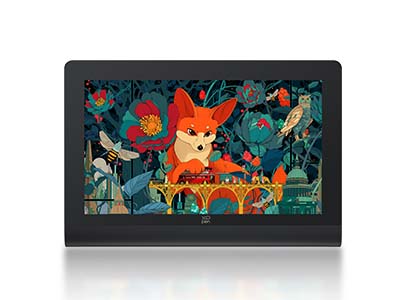 Artist Ultra 16
15.6-inch 4K OLED Display
Calman Verified with Delta < 1.1
Dual Styli with 16K Pressure Levels
Ultra-low latency with response time under 1 ms
X-Touch Solution: Supports multi-point touch for intuitive control
It features:
New-Gen Touch-screen Drawing Display
Ready to invest in the right tools?
Get expert buying advice, unbiased reviews, and exclusive deals on drawing tablets, and accessories.
