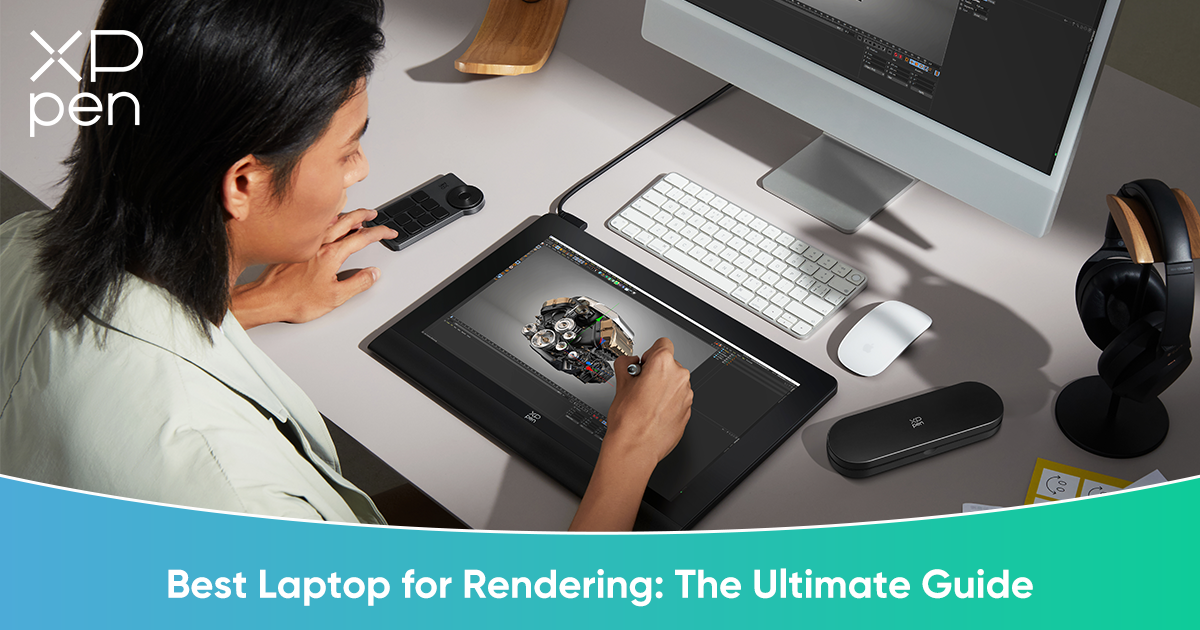
4 Best Laptops for Rendering in 2026 - The Ultimate Guide
ROUNDUPSRendering—whether for 3D modeling, architectural visualization, or VFX—is the most hardware-intensive task in the creative industry. Unlike general design work, rendering involves massive calculations, complex lighting simulations, and large-scale scene management. A laptop for rendering isn’t just about running software—it’s about delivering consistent, fast, and stable performance under heavy workloads, often for hours at a time. Slow render times can stall creative decisions and disrupt deadlines, making hardware choice a critical factor for professional artists.
It’s important to understand the difference between CPU and GPU rendering. CPU rendering, often used for physics simulations, complex calculations, or procedural generation, relies on the central processor to compute each frame. GPU rendering, on the other hand, excels at ray-tracing workflows in engines like Redshift, Octane, and Blender Cycles. It leverages parallel processing to dramatically speed up rendering, especially for photorealistic lighting, reflections, and complex shaders. Knowing which engine you primarily use will inform whether your hardware should prioritize CPU cores, GPU performance, or a balance of both.
In this guide, we will review the top four laptops that define the “best laptop for rendering” in 2026. We will also introduce the essential peripherals—three distinct XPPen tools—that enable 3D artists to work efficiently and accurately at every stage of production, from sculpting to final render.
4 Best Laptops for Rendering in 2026
1. The Absolute Beast: MSI Raider GE78 HX (or latest Titan Model)
Target: Hardcore 3D Generalists and VFX Artists
Specs: Intel Core i9-14900HX, NVIDIA RTX 4090 (16GB VRAM)
Why it Wins:
The MSI Raider series offers uncompromising power. Its high TGP (Total Graphics Power) ensures the RTX 4090 runs at peak performance, reducing render times dramatically. Massive cooling solutions prevent thermal throttling during overnight renders or extended simulation work. For VFX artists and generalists juggling complex scenes, this laptop delivers the speed and stability necessary to handle every asset with confidence.
2. The Creator’s Workstation: ASUS ProArt Studiobook 16 OLED
Target: Architects and Product Designers
Specs: Calibrated 3.2K OLED Screen, RTX 4070/4080, ASUS Dial Control
Why it Wins:
The ASUS ProArt Studiobook is tailored for precision. Its color-accurate OLED screen ensures your renders look exactly as intended before final export, reducing guesswork and revisions. The ASUS Dial offers tactile control over timelines, brush adjustments, and viewport navigation, accelerating creative decisions. Its combination of a reliable GPU, professional display, and specialized controls makes it a versatile tool for architectural visualization and product design.
3. The Mobile Standard: Apple MacBook Pro 16 (M4 Max)
Target: Motion Designers (Cinema 4D) and Houdini Artists
Specs: M4 Max Chip (up to 40-core GPU), Unified Memory up to 128GB
Why it Wins:
Apple’s MacBook Pro excels in loading and manipulating massive geometry-heavy scenes thanks to its Unified Memory Architecture. While Windows laptops may offer higher raw GPU power, the MacBook Pro’s architecture allows smooth multitasking across complex assets without running out of memory. Motion designers and Houdini artists benefit from the Mac’s combination of GPU acceleration, stability, and an optimized software ecosystem.
4. The Budget Performer: Lenovo Legion Pro 5i
Target: Students and Freelancers
Specs: NVIDIA RTX 4060/4070, Efficient Cooling
Why it Wins:
The Legion Pro 5i provides an excellent price-to-performance ratio. It can handle moderate Blender and Maya scenes without lag, making it ideal for students or freelancers who need reliable hardware on a budget. Its well-designed thermal system ensures stable performance during intensive renders, while keeping costs manageable for those not ready to invest in flagship hardware.
III. Beyond the Mouse: Elevating the 3D Workflow
Rendering is only the final step in the 3D production pipeline. Before you hit “render,” artists must sculpt, texture, and composite assets with precision. Delicate sculpting requires pressure-sensitive input to capture subtle forms; texturing demands fine control over brush opacity and placement; post-production and compositing require exact masking and corrections.
You may say, "I can use a mouse to complete these steps." While a mouse can assist you in completing the pre-render process, it lacks productivity. A mouse is clumsy for:
Sculpting: ZBrush/Blender sculpting requires organic pressure sensitivity.
Texturing: Substance Painter requires precise strokes for weathering and detail.
Post-Production: Photoshop compositing needs fine masking control.
A mouse can hardly provide this level of control. Therefore, input devices like graphic tablets with high-pressure styluses are indispensable for maintaining creative accuracy throughout the workflow.
To help you find the perfect match, we have selected three distinct XPPen tools that cater to different levels of 3D production, ensuring you have the hardware to match your creative ambition.
High-Performance Graphic Drawing Tablets for 3D Rendering
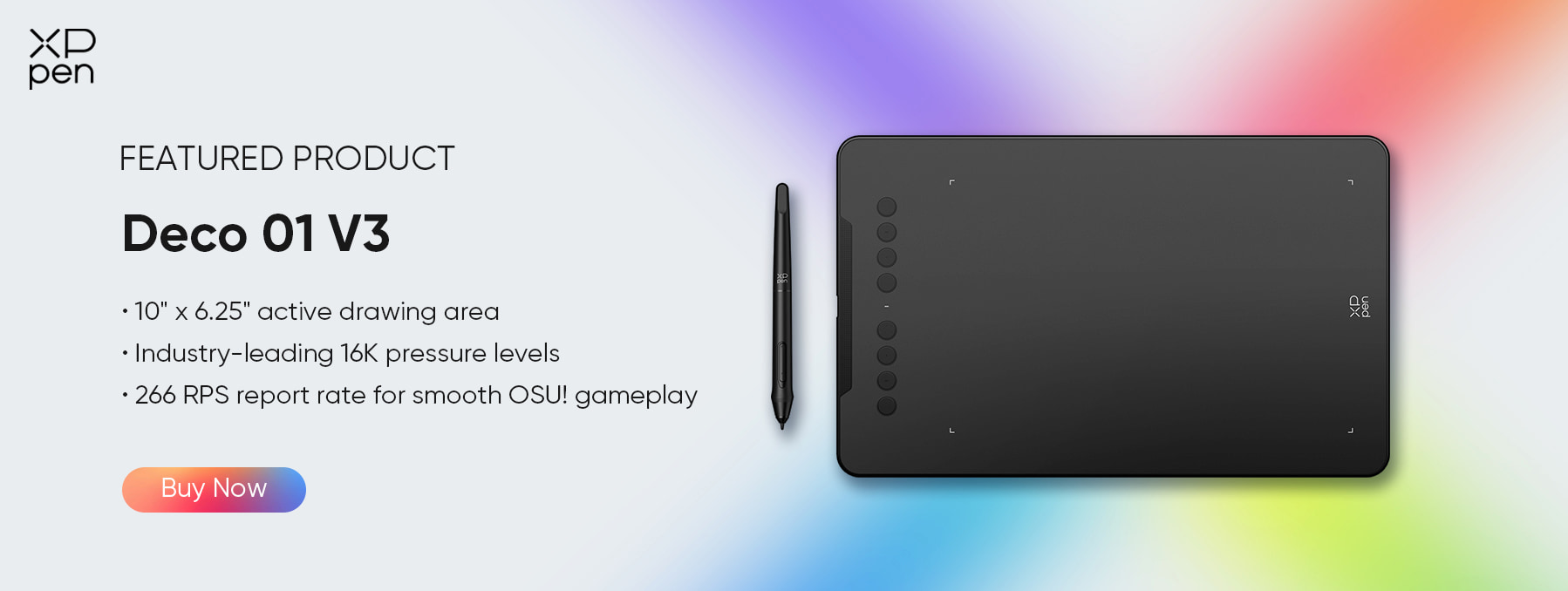
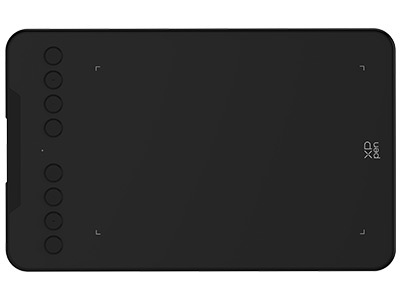
1. The Entry-Level Transition: XPPen Deco 01 V3
Positioning: Budget-Friendly & Lightweight
Target User: Students or mouse-users looking to try a pen for the first time.
Key Features:
16K Pressure Sensitivity: Upgraded to 16,384 levels. This delivers significantly smoother control for ZBrush sculpting compared to older 8192-level tablets.
Pen Tablet (No Screen): Focuses purely on input. A large 10 x 6.25-inch active area gives enough room to map to your laptop screen.
Verdict: If you've spent your entire budget on a laptop, this is the most cost-effective way to achieve flagship-level pressure sensitivity to replace your mouse.
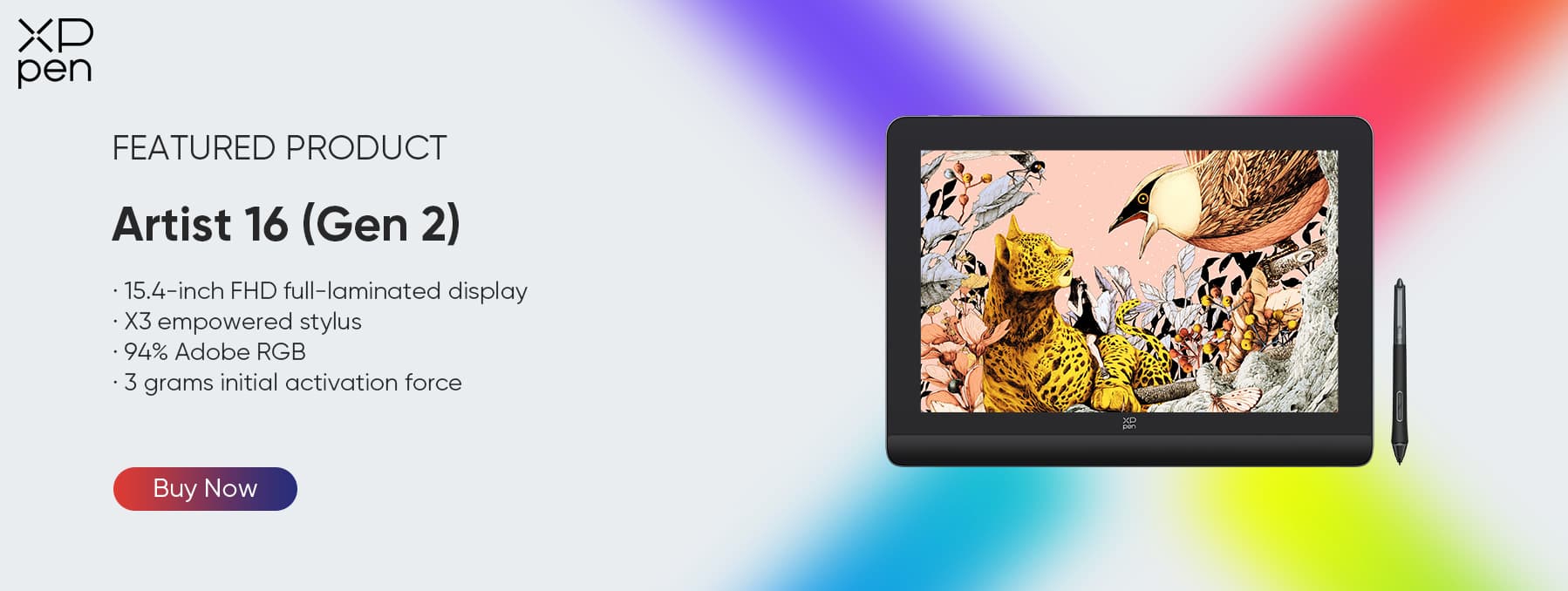
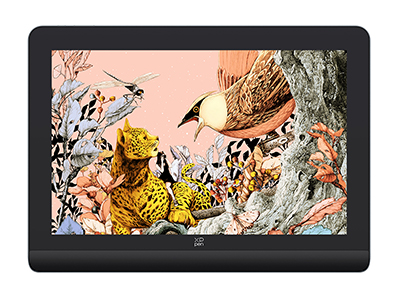
2. The Professional Standard: XPPen Artist Pro 16 (Gen 2)
Positioning: High-Performance Portability
Target User: Freelance 3D Artists and Character Designers.
Key Features:
2.5K Resolution: Crisp enough to see texture details and UI elements clearly.
16K Pressure Levels (X3 Pro Chip): The industry’s highest sensitivity. Crucial for subtle sculpting (e.g., skin pores) and controlling opacity in texture painting.
Verdict: It balances screen real estate with desk space. It fits easily into a bag with your laptop, making it a portable 3D studio.
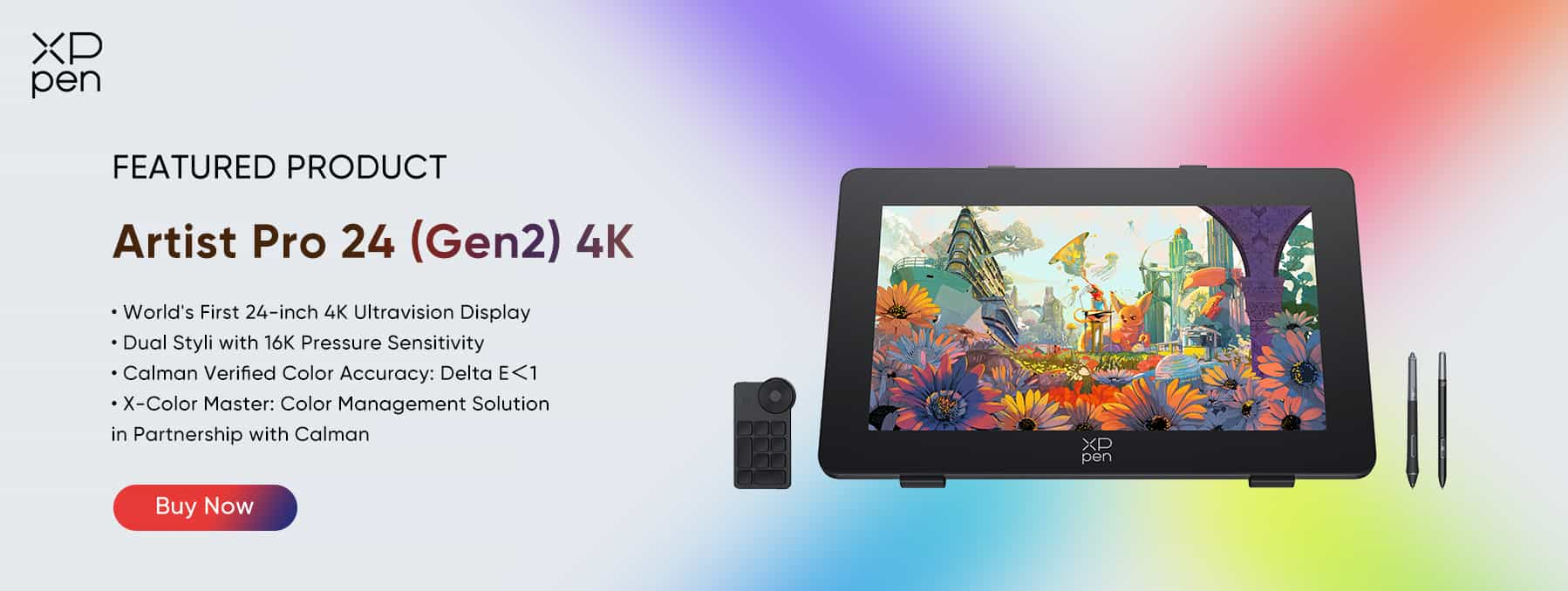
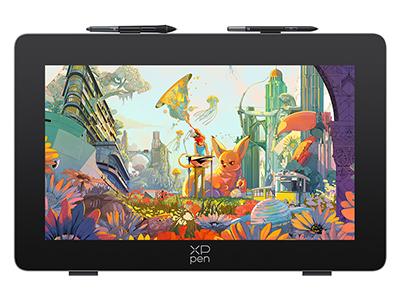
3. The Ultimate Flagship: XPPen Artist Pro 24 (Gen 2) 4K
Positioning: The Studio Centerpiece
Target User: Senior Environment Artists, ArchViz Pros, and Studio Directors.
Key Features:
4K UHD Resolution: View your 3D renders in native 3840 x 2160 sharpness. This allows you to spot noise, artifacting, or texture errors without needing to zoom in constantly.
Calman Verified Colors: Features professional-grade color accuracy (99% Adobe RGB / DCI-P3). Essential for "Lighting Artists" to ensure the final render's mood is perfect across all screens.
Ergonomics: Large 24-inch canvas allows for full arm movement, reducing fatigue during marathon crunch sessions.
Verdict: This is for the artist who demands the large 24-inch size and 4K resolution. It matches the power of a high-end rendering laptop with a display that offers zero compromises on visual fidelity.
Comparison
| Feature / Device | Deco 01 V3 | Artist Pro 16 (Gen 2) | Artist Pro 24 (Gen 2) 4K |
|---|---|---|---|
| Active Area / Screen | 10×6.25 in (No Screen) | 16 in, 2.5K | 24 in, 4K UHD |
| Pressure Levels | 16K (P05) | 16K (X3 Pro) | 16K (X3 Pro) |
| Tilt Support | 60° | 60° | 60° |
| Portability | Very High | High | Medium |
| Best For | Beginners / Students | Freelancers / Character Artists | Senior Artists / Studio Work |
| Display Type | None | Built-in | Built-in |
| Color Accuracy | N/A | 99% sRGB | 99% Adobe RGB / DCI-P3 |
| Ideal Workflow | Sculpting Practice | Sculpting + Texturing | Sculpting + Texturing + Post-Production |
| Price | ~$48.99 | ~$479.99 | ~$1039.99 |
FAQ
Q1: Can I use a drawing tablet for 3D Modeling (not just sculpting)?
A: Yes. Many pros prefer a pen for modeling (vertex manipulation) because it reduces wrist strain (RSI) compared to a mouse. The "Pen Mode" allows for absolute positioning, which is faster for navigating complex 3D viewports in Maya or Blender.
Q2: Does the screen resolution of the tablet affect rendering speed?
A: No. Your laptop’s GPU handles the rendering calculation. The tablet’s resolution (like the 4K on the Artist Pro 24) is just a "monitor." It helps you see the work more clearly, but it does not add load to the render engine itself.
Q3: How do I connect a 4K Drawing Display to my laptop?
A: You simply need a full-featured USB-C port (Thunderbolt 3/4) or an HDMI+USB combination. Most high-end rendering laptops listed above (MSI, MacBook, ASUS) can power the Artist Pro 24 (Gen 2) 4K directly via a single USB-C cable or the included 3-in-1 cable, ensuring zero latency.
VI. Conclusion
To build the ultimate mobile render setup, you need two components: a high-performance laptop to handle the calculations and a precision XPPen interface to handle the artistry. Start with the Deco 01 V3 if you’re learning sculpting; upgrade to the Artist Pro 16 (Gen 2) for serious freelance or professional work; and invest in the Artist Pro 24 (Gen 2) 4K when you’re ready to dominate the industry with pixel-perfect precision, full-arm control, and maximum visual fidelity.
About Us
Founded in 2005, XPPen is a leading global brand in digital art innovation under Hanvon UGEE. XPPen focuses on the needs of consumers by integrating digital art products, content, and services, specifically targeting Gen-Z digital artists. XPPen currently operates in 163 countries and regions worldwide, boasting a fan base of over 1.5 million and serving more than ten million digital art creators.
Learn more






-
 Artist Pro 24 (Gen 2) 4K
World's First 24-inch 4K Ultravision Display
Dual Styli with 16K Pressure Sensitivity
Calman Verified Color Accuracy: Delta E<1
Color Management Solution in Partnership with Calman
It features:
Explore the Artistry of Colors
-
 Deco 01 V3
10" x 6.25" active drawing area
Industry-leading 16K pressure levels
266 RPS report rate for smooth OSU! gameplay
It features:
Unleash your creative potential with the Deco 01 V3!
-
 Artist Pro 16 (Gen 2)
World first 16K pressure levels
X3 Pro smart chip stylus
2.5K resolution. Works like magic over the X-nature display
It features:
-
Artist Pro 24 (Gen 2) 4K
World's First 24-inch 4K Ultravision Display
Dual Styli with 16K Pressure Sensitivity
Calman Verified Color Accuracy: Delta E<1
Color Management Solution in Partnership with Calman
It features:
Explore the Artistry of Colors
Ready to invest in the right tools?
Get expert buying advice, unbiased reviews, and exclusive deals on drawing tablets, and accessories.
