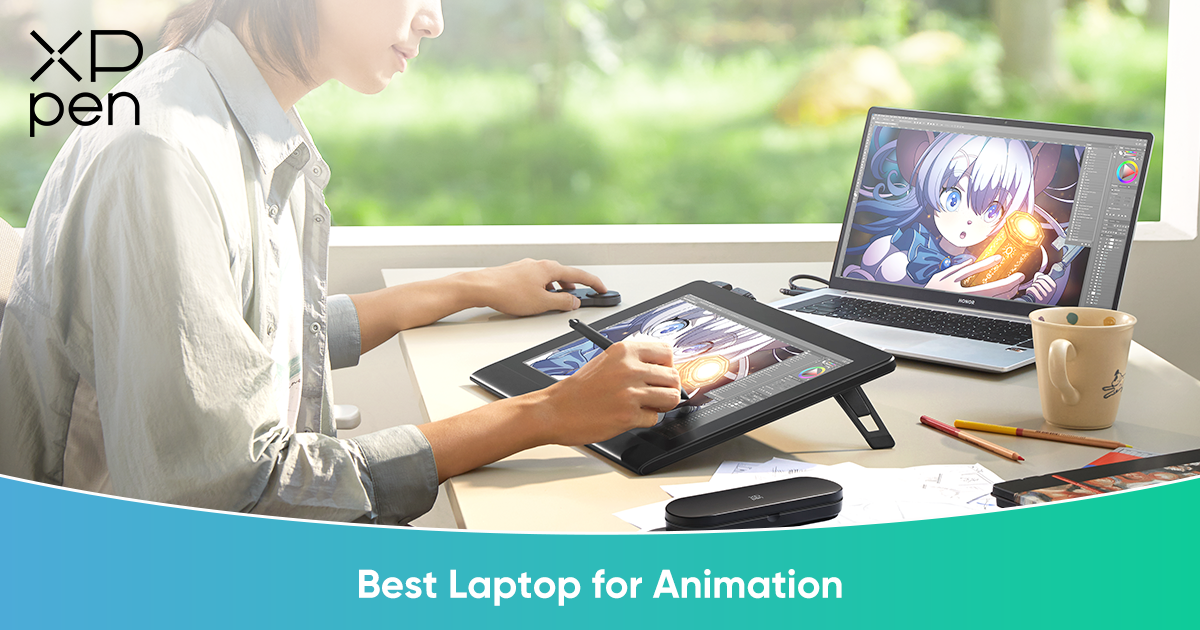
3 Best Laptops for Animation in 2026 & The Ultimate Display Setup
FOCUSEDAnimation is one of the most hardware-intensive creative disciplines. Whether you are producing 2D frame-by-frame animation in software like Toon Boom Harmony or TVPaint, or handling high-end 3D modeling, simulation, and rendering in Maya, Blender, or Cinema 4D, standard office laptops simply cannot keep up. They often throttle under heavy loads, leading to dropped frames, laggy playback, and crashes that interrupt your workflow. For animators, hardware limitations aren’t just inconvenient—they can fundamentally slow down the creative process and affect deadlines.
In this guide, we will review the top three laptops for animation in 2026, highlighting the models that provide the power, speed, and stability required for professional workflows. We will also introduce the XPPen Artist Ultra 16—a professional drawing display designed to complement these laptops and deliver pixel-perfect precision for 2D and 3D animators alike.
Top 3 Laptops for Animation in 2026
1. Apple MacBook Pro 16 (M4 Max Chip)
Best For: Motion Graphics, 2D Animation, and Compositing
Why it Wins:
M4 Max Performance: The Apple M4 Max’s Unified Memory architecture allows animators to play back massive After Effects projects or layered Toon Boom timelines without stuttering. Large 4K compositions with multiple effects and high-resolution textures run smoothly, eliminating the frustration of dropped frames.
Display: The Liquid Retina XDR display delivers unparalleled brightness, contrast, and color accuracy, which is critical when animators perform final color grading or compositing. Every shadow, highlight, and hue is reproduced faithfully, ensuring your renders match your creative intent.
Battery Life: Unmatched efficiency means you can animate on the go, in a coffee shop or on a flight, without constantly hunting for a power outlet. The MacBook Pro 16 enables long mobile workflows without sacrificing performance.
2. ASUS ProArt P16 (2025 Model)
Best For: 3D Generalists, Maya/Blender Users, and Technical Artists
Why it Wins:
The "Pro" Touch: Physical ASUS Dial integration enhances workflow with Adobe Creative Cloud. Timeline scrubbing, brush size adjustments, and zooming are faster and more intuitive, letting animators focus on creativity rather than menus.
Next-Gen Specs: Equipped with AMD Ryzen AI 9 processors and NVIDIA GeForce RTX 50-Series (or high-end 40-Series) graphics, the P16 handles ray-traced rendering, physics simulations, and 3D viewport playback effortlessly. Complex 3D scenes and particle simulations can run in real time, making iterative animation workflows smoother.
Touch OLED Display: Native 4K OLED technology ensures perfect blacks and vibrant colors. For color-critical tasks, such as compositing or lighting checks, this display provides a true representation of your work, helping maintain accuracy throughout production.
3. MSI Raider GE78 HX
Best For: VFX Artists and Students needing maximum raw power
Why it Wins:
Cooling: Animation rendering generates significant heat over long sessions. The MSI “Cooler Boost 5” system keeps the CPU (Intel Core i9 HX-Series) and GPU running at high clock speeds without thermal throttling, even during overnight renders or long VFX sequences.
RGB Aesthetics: Beyond performance, the Raider series offers stylish RGB lighting and customizable effects—a bonus for animators who appreciate an aesthetic and immersive workspace.
Raw Performance: Ideal for students or professionals handling demanding 3D animation projects that require maximum computational horsepower without compromise.
Pairing Your Laptop with a Professional Drawing Display for Animation
Even the most powerful laptop can fall short if the artist lacks a precise, ergonomic input device. Sculpting characters, drawing keyframes, or adjusting fine details with a trackpad or mouse is slow, inefficient, and physically straining. The gap between raw computational power and precise creative input must be bridged with a professional pen display. Professional animators rely on a dedicated drawing tablet like XPPen to translate their hand movements into accurate strokes.
Among available options, the XPPen Artist Ultra 16 emerges as the ultimate solution, combining portability with studio-grade visual fidelity. It allows animators to maintain a natural workflow while matching the visual performance of high-end laptops.
Highlight: XPPen Artist Ultra 16—Best X-Touch Drawing Tablet for Animation
Why it pairs perfectly with high-end laptops:
If you bought a MacBook Pro or OLED laptop, you need a drawing screen that matches that visual quality. And the XPPen Artist Ultra 16 is your answer. Let's explore some of its useful features.
4K OLED Visuals (The "Retina" Match)
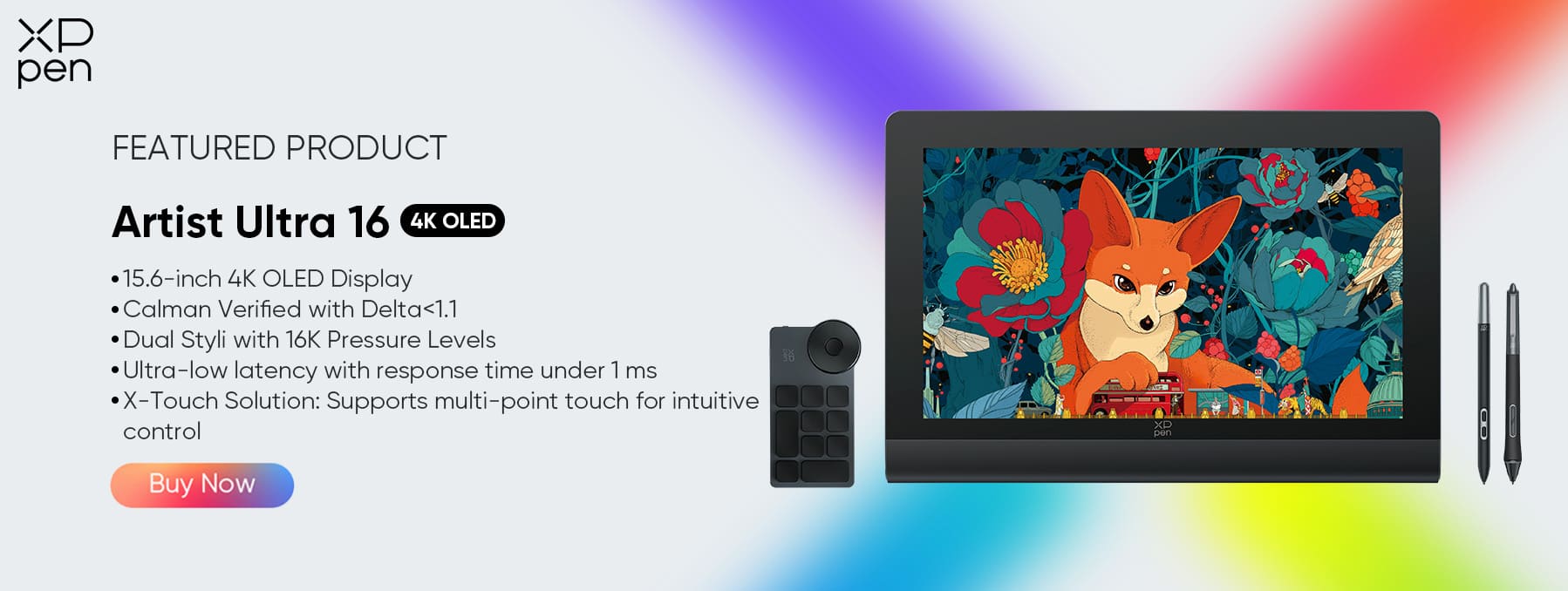
Specs: 15.6-inch 4K (3840 x 2160) resolution with OLED technology.
Benefit: Delivers True Blacks and infinite contrast (100,000:1). It is Calman Verified with 99% Adobe RGB and 99% sRGB coverage, ensuring the colors you paint are exactly what appears in the final render.
16K Pressure Levels & Dual Styli
Specs: Powered by the X3 Pro Smart Chip.
Dual Pens: Includes both the standard X3 Pro Stylus (for grip) and the X3 Pro Slim Stylus (pencil-like feel).
Benefit: 16,384 pressure levels allow for the subtlest opacity changes when painting backgrounds or texturing 3D models.
Next-Gen "X-Touch" Control
Specs: 10-point multi-touch support.
Workflow: Use your fingers to zoom, pan, and rotate your Toon Boom or Blender canvas effortlessly while drawing with the pen—mimicking the natural workflow of traditional paper animation.
Approach to Zero Lag & Compact Design
Specs:<1ms response time (critical for fast animation strokes) and a sleek 13.5mm profile.
Portability: It slides into a backpack right next to your laptop, creating a portable animation studio anywhere.
V. FAQ
Q1: How much RAM do I really need for animation in 2026?
A: For professional work, 32GB is the new minimum. If you are doing simple 2D vector animation (Toon Boom Harmony), 16GB might survive, but for 3D simulation (Maya/Blender) or 4K compositing (After Effects), you should aim for 64GB to ensure smooth playback and previewing without caching delays.
Q2: Is a 4K OLED screen like Artist Ultra 16 necessary for animation?
A: While you can animate on 1080p, the 4K OLED on the Artist Ultra 16 is a game-changer for two reasons:
Pixel Precision: You can see clean line art without "jaggies" (aliasing) and check texture details without zooming in constantly.
Color Grading: The OLED’s true blacks and 99% Adobe RGB coverage mean you can trust your screen for the final color pass/lighting check, acting as a reference monitor.
Q3: Does the Artist Ultra 16 have lag? Fast strokes are crucial for 2D animation.
A: Almost no lag. One of the biggest advantages of OLED technology is its response time. The Artist Ultra 16 boasts a <1msresponse time, which virtually eliminates the "ghosting" or cursor lag often found on standard LCD/IPS screens. It keeps up with even the fastest sketching gestures.
VI. Conclusion
For modern animators, the synergy between a high-performance laptop and a professional drawing display is no longer optional—it is essential. By pairing a top-tier machine—like the MacBook Pro 16 M4 Max or ASUS ProArt P16—with the XPPen Artist Ultra 16, you achieve the perfect balance of raw computational power and precision control.
This combination not only delivers the rendering speed you need but also grants you the creative freedom you deserve, future-proofing your studio for 2026 and beyond. Whether you are producing 2D animation, motion graphics, or complex 3D sequences, this setup ensures your workflow remains fast, accurate, and enjoyable.
About Us
Founded in 2005, XPPen is a leading global brand in digital art innovation under Hanvon UGEE. XPPen focuses on the needs of consumers by integrating digital art products, content, and services, specifically targeting Gen-Z digital artists. XPPen currently operates in 163 countries and regions worldwide, boasting a fan base of over 1.5 million and serving more than ten million digital art creators.
Learn more






Ready to invest in the right tools?
Get expert buying advice, unbiased reviews, and exclusive deals on drawing tablets, and accessories.
