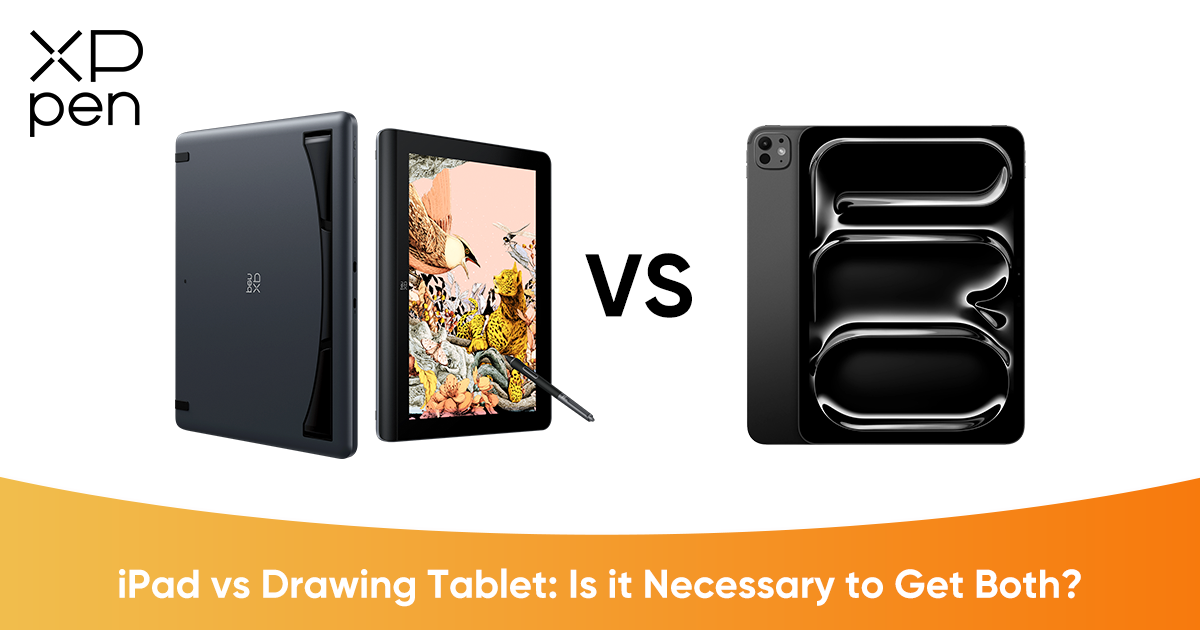
iPad vs Drawing Tablet: Is It Necessary to Get Both?
ROUNDUPS"Is it still necessary to buy a drawing tablet if I already have an iPad?"
For many creators today, this is no longer a simple purchasing question. It is more about redefining how, where, and at what depth they will use the tool to create. When you already own an iPad, a device capable of drawing, note-taking, and entertainment, it is natural to wonder whether investing in a dedicated drawing display still makes sense. The iPad has become a household staple for digital creativity. For many users, especially those already deeply rooted in the Apple ecosystem, accustomed to Procreate’s intuitive workflow, and satisfied with a portable screen size around 11 inches, the iPad + Apple Pencil combination feels complete and comfortable.
It is lightweight, powerful enough for most artistic needs, and always ready when inspiration strikes. So, with such a capable mobile device, is a dedicated drawing display simply redundant? Or is it solving a different creative need?
In fact, they are not competitors; instead, they complement each other. The iPad excels in flexibility, mobility, and ecosystem convenience, while a professional drawing display optimizes for immersion, visual precision, comfort, and long-form creation. Together, they form a workflow that adapts to both spontaneous creativity and serious professional production.
The Advantage of iPad
Unconstrained Portability:
An iPad frees you from desks and cables. You can sketch on a couch, refine ideas during a commute, or draw quietly in a café. This eliminates friction, making it easier to start creating instead of waiting for the “perfect setup.” It turns creativity into a lifestyle, not just a workstation task.
The Ecosystem Experience:
The magic of the iPad lies not only in the hardware, but in the ecosystem wrapped around it. Familiar gestures, refined interfaces, and powerful creative apps like Procreate, Concepts, and Clip Studio Paint provide an intuitive creative playground. Files sync smoothly across devices, AirDrop transfers references instantly, and everything feels cohesive and seamless.
The Good Enough Factor:
For idea generation, sketching practice, illustrations, doodling, and even some professional creations, the iPad delivers a smooth, low-latency experience that feels natural and satisfying. The 11–13 inch display strikes a balance between portability and usability, making it a dependable everyday creative companion.
The Drawing Display Advantage
Breaking the Size Barrier:
Professional drawing tablets have several sizes, from 6 inches to 24 inches, or even 27 inches. If vivid color performance, high definition, and clear details matter to you, then a large-size tablet with 4K resolution might be your choice.
Moving from an ~11-inch mobile screen to a 16-inch or even 24-inch professional display fundamentally changes how your body interacts with your art. Larger displays encourage natural, broader arm movements instead of small wrist strokes, creating a more traditional drawing posture and better ergonomics. At the same time, creative software interfaces can spread comfortably across the screen so your canvas is not buried under menus, toolbars, and panels.
Visual Precision & Detail:
Professional drawing displays prioritize ultimate image quality. Higher resolutions allow you to see textures, brush behavior, and subtle shading transitions more clearly. Laminated screens and refined surface textures reduce glare and provide a more “paper-like” resistance, giving every stroke richer feedback than a smooth glass surface.
Long-Session Comfort:
Drawing displays are built for creators who sit down to truly focus—to work for hours, refine intricate lines, color-grade artwork, and push every detail to perfection. Adjustable stands support healthier posture, helping protect your neck, shoulders, and back during extended creative sessions. It feels less like a “tablet experience” and more like a professional creative workstation.
Further reading: Wacom vs iPad: Which Is Better for Digital Drawing?
Choosing the Right Tool for the Stationary Experience
Scenario A: The Balanced Upgrade (Clarity + Space)
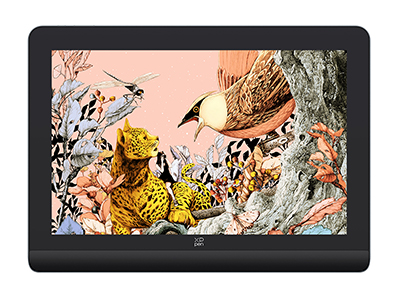
Recommended Product: XPPen Artist Pro 16 (Gen 2)
Key Spec: 2.5K Resolution (2560 × 1600)
The Appeal:This 16-inch display hits the “Goldilocks zone”: significantly larger than an iPad or laptop display, yet compact enough to fit comfortably on most desks without overwhelming your workspace. It features a built-in foldable stand for flexible viewing angles and even supports a one-click switch to tablet mode, adapting quickly to different work scenarios.
Why 2.5K Matters:If you are used to Apple Retina screens, standard 1080p displays often appear slightly grainy. The 2.5K resolution delivers crisp, finely detailed lines and smooth color transitions, ensuring every stroke feels visually satisfying and accurate to your expectations.
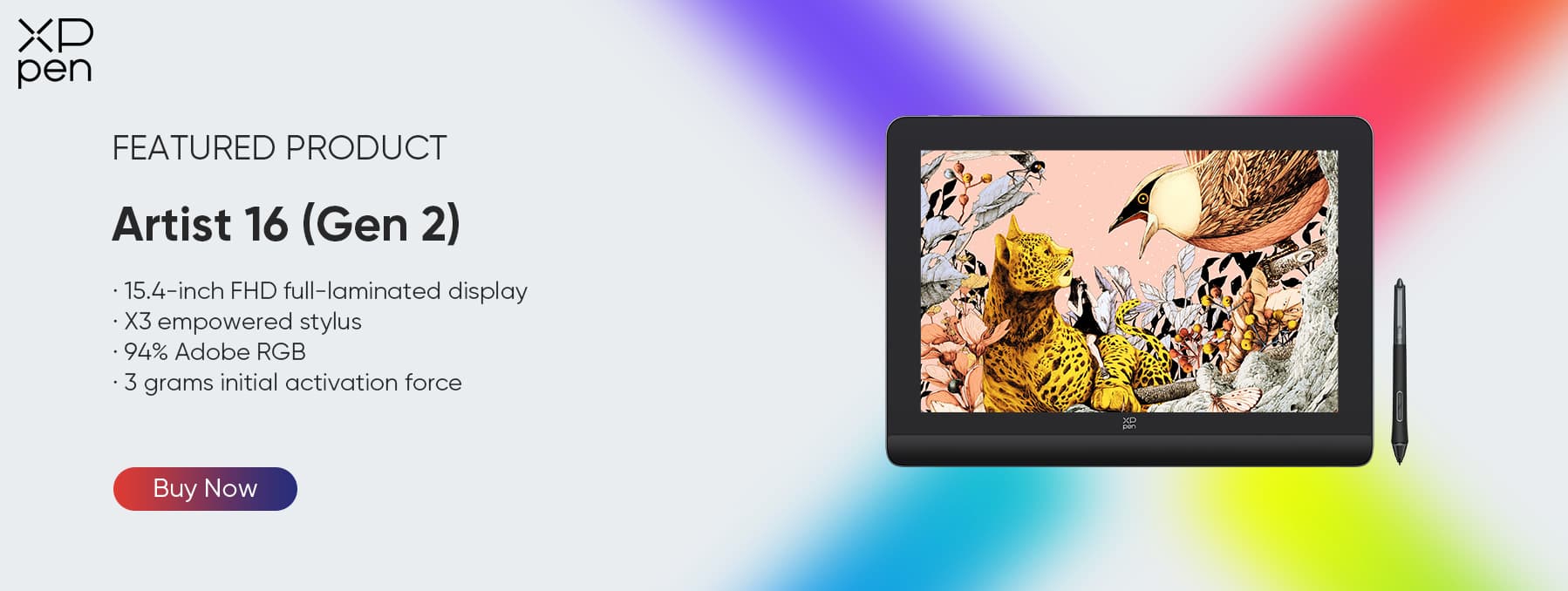
Scenario B: The Ultimate Canvas (Maximum Detail)
Recommended Product: XPPen Artist Pro 24 (Gen 2) 4K
Key Spec: 4K Ultra HD Resolution (3840 × 2160)
The Appeal:This is for creators who want nothing short of a true studio-grade digital canvas. The nearly 24-inch display provides massive real estate, enabling you to view your canvas and reference images side-by-side without compromise. Whether you are rendering complex illustrations, refining character details, working on large projects, or handling advanced texturing, the sheer clarity and space elevate your productivity and visual control.
Why 4K clarity Matters:Every pixel is precise. You see textures exactly as they should be, line work remains razor-sharp even when zoomed in, and colors appear vibrant and accurate. For professionals or ambitious learners seeking uncompromised visual fidelity, this level of detail is essential.
FAQ
Q1: Is it necessary to buy a drawing tablet if I already have an iPad?
A: It depends on your needs. If you prioritize portability, are using it for amateur/hobbyist work, and are comfortable with the Apple ecosystem and iPad apps (like Procreate), the iPad + Apple Pencil is sufficient. However, if you aim to advance to professional digital art and require a large screen with high definition, superior color accuracy, and fine detail control, a dedicated drawing display is highly recommended.
Q2: Do these drawing displays work without a computer, like an iPad?
A: No. Unlike the iPad, the Artist Pro series are specialized displays that must connect to a computer (Windows, macOS, or sometimes Android). They leverage your computer's power to run desktop software.
Q3: How does the stylus compare to the Apple Pencil?
A: Both are excellent, but they feel different. The XPPen X3 Pro Smart Chip Stylus and the X3 Pro Slim Stylus both feature 16K pressure levels (industry-leading sensitivity), offering a more traditional, nuanced pen-on-paper feel compared to the hard plastic-on-glass feel of the Apple Pencil.
Q4: Why are 2.5K and 4K resolutions so important?
A: iPad users are used to Retina screens. Standard 1080p drawing tablets can look grainy to them. The Artist Pro 16 (Gen 2)’s 2.5K and Artist Pro 24 (Gen 2)’s 4K resolutions ensure the transition is seamless, maintaining the sharp visual quality you are used to.
VI. Conclusion
Use the iPad when you crave spontaneity, mobility, and instant creativity wherever inspiration appears, and choose a drawing display when you want to sit down, concentrate deeply, and work on high-precision details with the comfort and immersion of a large, high-resolution screen.
In essence, they serve different creative moments: the iPad supports free, flexible, everyday creation, while a professional drawing display becomes a dedicated creative space that elevates your workflow, enhances visual clarity, and makes long sessions more comfortable.
If you truly value the drawing experience and want your creative process to feel more professional, immersive, and visually accurate, adding a 2.5K or 4K drawing display to your toolkit is not just an upgrade—it is a meaningful evolution of how you create.
About Us
Founded in 2005, XPPen is a leading global brand in digital art innovation under Hanvon UGEE. XPPen focuses on the needs of consumers by integrating digital art products, content, and services, specifically targeting Gen-Z digital artists. XPPen currently operates in 163 countries and regions worldwide, boasting a fan base of over 1.5 million and serving more than ten million digital art creators.
Learn moreRecommended Articles
TIPS iPad vs. Android Tablet: Which One You Should Buy in 2026 ROUNDUPS iPad vs Samsung Tablet 2026: Which One Fits Your Needs?






-
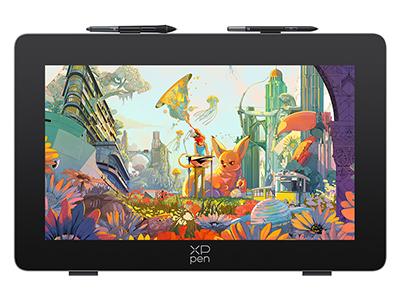 Artist Pro 24 (Gen 2) 4K
World's First 24-inch 4K Ultravision Display
Dual Styli with 16K Pressure Sensitivity
Calman Verified Color Accuracy: Delta E<1
Color Management Solution in Partnership with Calman
It features:
Explore the Artistry of Colors
-
 Artist Pro 16 (Gen 2)
World first 16K pressure levels
X3 Pro smart chip stylus
2.5K resolution. Works like magic over the X-nature display
It features:
Ready to invest in the right tools?
Get expert buying advice, unbiased reviews, and exclusive deals on drawing tablets, and accessories.
