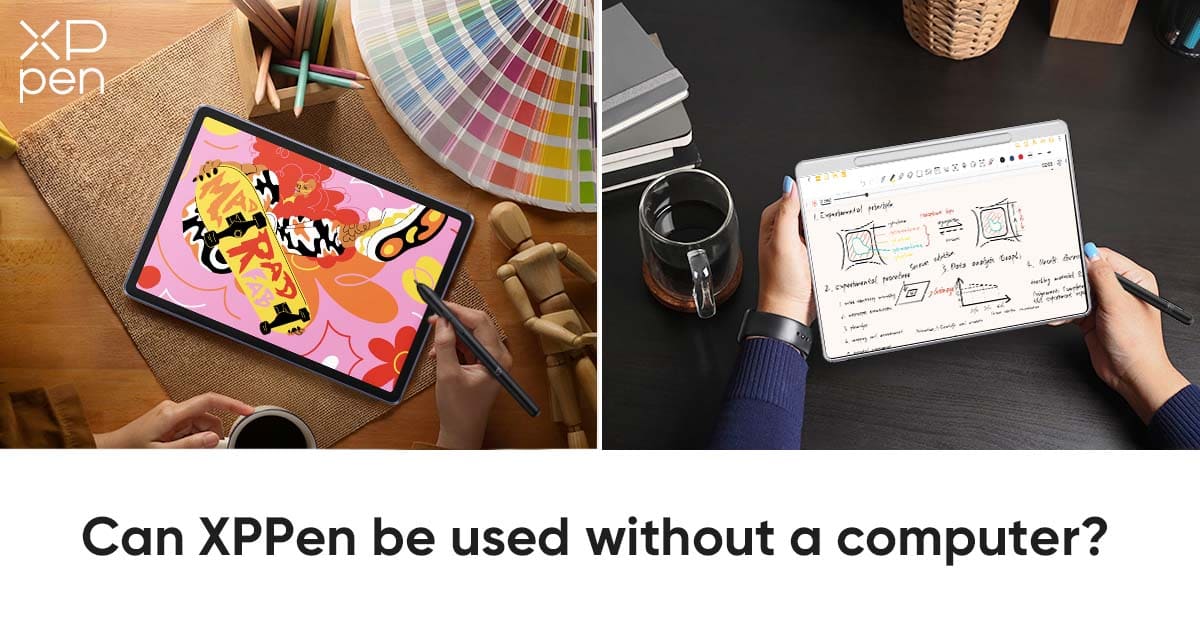
Can XPPen be used without a computer?
KNOWLEDGECan XPPen products be used without a computer? The answer is yes.
XPPen has expanded beyond traditional computer-connected drawing tablets to embrace the growing demand for mobile creativity. Now, XPPen also offers standalone devices that combine portability, precision, and creative freedom in a single solution.
With the introduction of XPPen’s standalone product line, creators are no longer tied to bulky laptops or limited to conventional tablets. Designed for artists, students, and professionals alike, these devices make it easy to create anytime and anywhere — whether in the studio, on the go, or even during meetings.
What standalone devices does XPPen offer?
To meet these different creative scenarios, XPPen has taken a dual approach with two distinct standalone devices, each designed for a specific way of working.
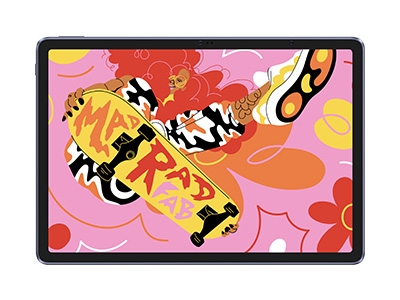
For creators focused on digital art and visual production, the XPPen Magic Drawing Pad offers a versatile, Android-based drawing experience tailored for professional illustration, full-color workflows, and expressive digital painting. It delivers the flexibility of a mobile device without compromising on precision or creative control.
For those whose workflow centers on writing, planning, and idea capture, the XPPen Magic Note Pad serves as a dedicated smart notebook. Free from the distractions of traditional tablets or computers, it provides a focused environment for handwriting, brainstorming, and organizing thoughts wherever inspiration strikes.
Magic Drawing Pad vs. Magic Note Pad
| Feature | Magic Drawing Pad | Magic Note Pad |
|---|---|---|
| Display Size | 12.2-inch | 10.95-inch |
| Stylus | X3 Pro Slim Stylus (EMR)16K Pressure, Standard Nibs. | X3 Pro Pencil 2 (EMR)16K Pressure, Optimized for writing, Hard/Soft Nibs included. |
| Performance | 8GB RAM + 256GB ROMDesigned for heavy art layers. | 6GB RAM + 128GB ROMSufficient for notes, docs, and light sketching. |
| Connectivity | DP-IN SupportedCan connect to PC as a secondary monitor. | Standard USB-CData transfer & charging only (No monitor mode). |
| Battery | 8000mAh | 8000mAh |
| Price (Approx.) | ~$499.99 | ~$359.99 |
The Artist’s Choice: XPPen Magic Drawing Pad
The Magic Drawing Pad is not just a traditional drawing tablet—it’s a standalone Android device built specifically for artists. It is designed to meet the demanding requirements of professional digital art, providing both freedom of mobility and the capability to produce high-fidelity, multi-layer artwork. Unlike conventional consumer tablets, it focuses on creative precision over entertainment.
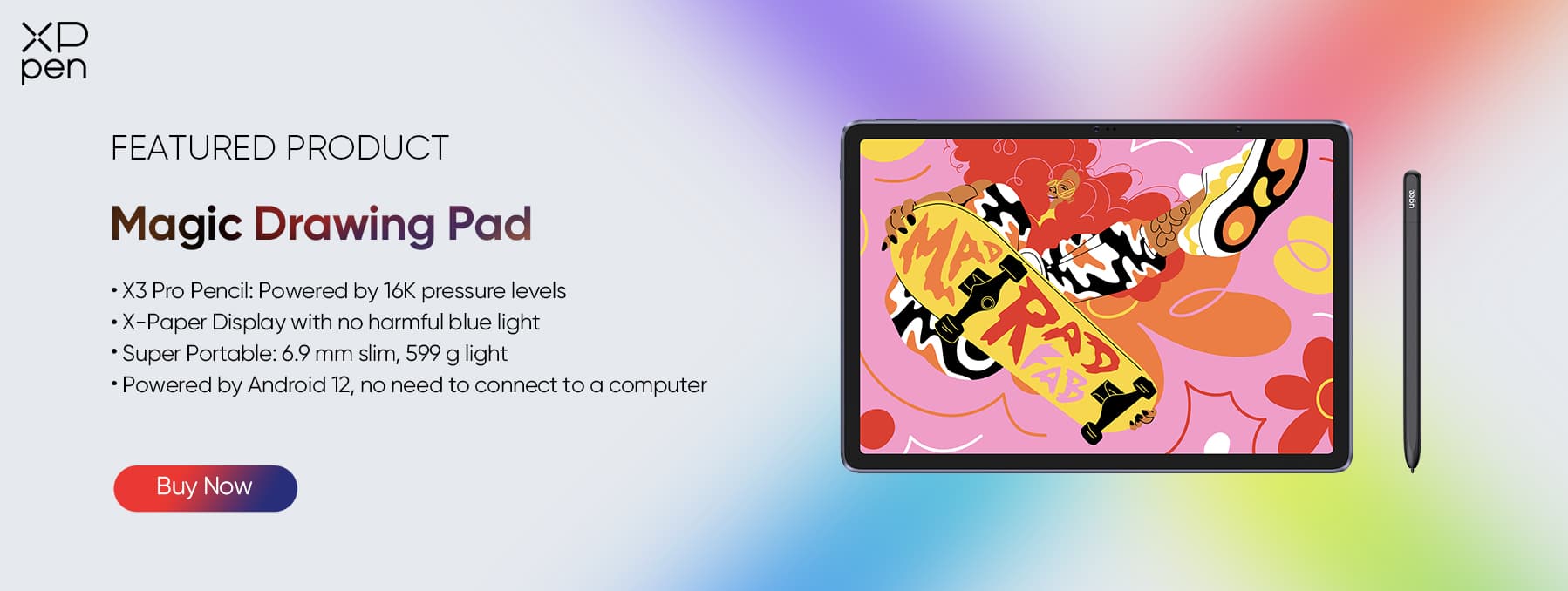
The Key Feature: X3 Pro Slim Stylus (EMR)
16K Precision: Industry-first 16,384 levels of pressure sensitivity capture the lightest flick of the wrist and the heaviest stroke with remarkable fidelity. Every subtle nuance of your brush or pencil movement is translated onto the screen, giving you unmatched control over line thickness, opacity, and flow.
EMR Technology: The stylus is battery-free and never needs charging. Artists can focus entirely on creation without interruptions, allowing uninterrupted, long drawing sessions.
Slim Profile: The ergonomic, slim design reduces hand fatigue, giving the feel of a traditional pencil in your hand. Long illustration sessions—whether in a cafe, train, or at home—remain comfortable, letting creativity flow naturally.
The Feel: X-Paper Display (AG Etched Technology)
The screen integrates AG Etched Technology to provide a friction-rich, paper-like texture that replicates the tactile sensation of drawing on real paper.
Unlike the slippery glass of typical consumer tablets, the matte surface ensures precise line control, smooth shading, and confident stroke accuracy.
Software Freedom: Android 14 & Google Play Store
Latest OS: Powered by Android 14, the device offers stability, speed, and access to the latest system features for creative work.
Full App Ecosystem: With access to the Google Play Store, you can install professional-grade apps such as ibis Paint X, Sketchbook, Medibang Paint, Infinite Painter, and Clip Studio Paint. This makes the device fully independent, no computer required, while still maintaining compatibility with popular software pipelines.
Versatility: DP-IN Functionality (Hybrid Mode)
Not Just a Tablet: The DP-IN feature allows the Magic Drawing Pad to connect to a PC or Mac via USB-C.
Second Life: When connected, it becomes a professional secondary drawing display, similar to a Cintiq, enabling a seamless integration into a desktop workflow while retaining its standalone Android capabilities.
Use Case:
Who is it for? Illustrators, comic artists, concept designers, and anyone who needs portable, full-color drawing capability.
Scenario: Perfect for painting layered illustrations while commuting, sketching ideas in a cafe, or relaxing at home, then docking it at your workstation for high-precision work on a larger screen.
XPPen Magic Note Pad- Best for Note-taking
The Magic Note Pad is a smart digital notebook designed to replace traditional paper for students, professionals, and creatives who need a focused, distraction-free writing surface. Unlike tablets with social apps and heavy operating systems, it offers a minimalist, productivity-focused environment.
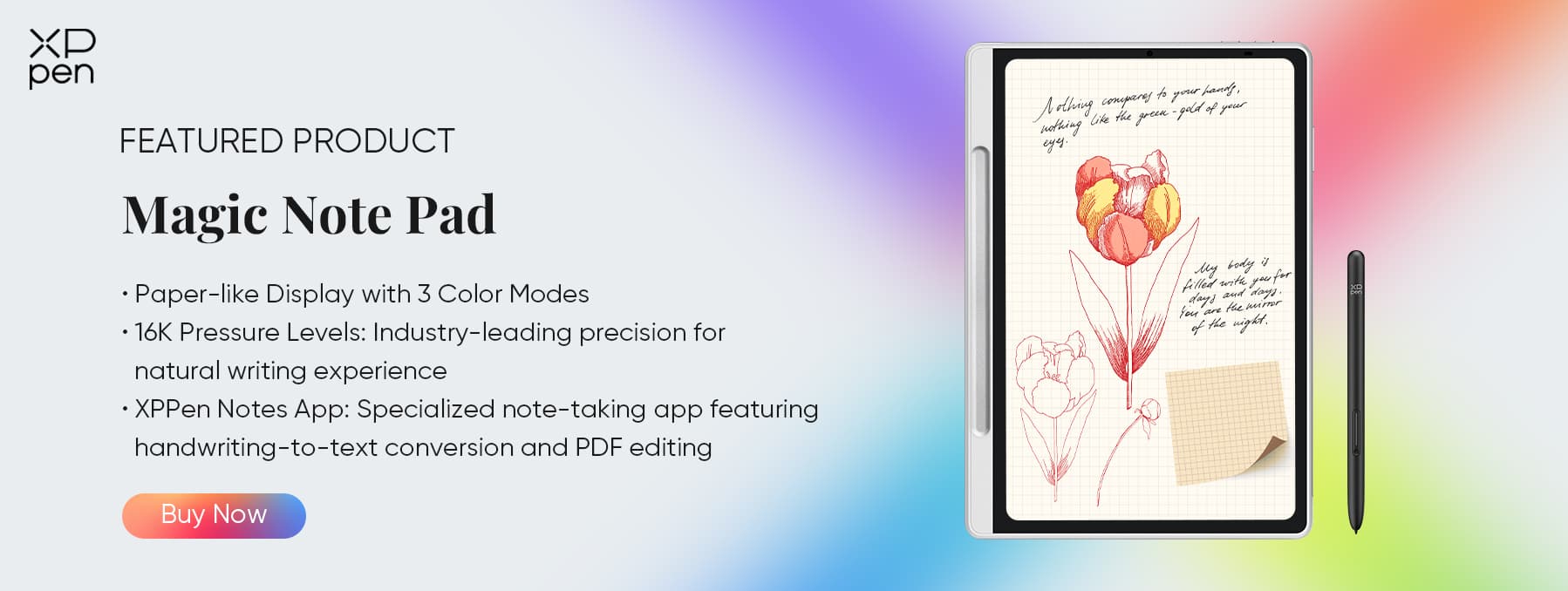
The Key Feature: 3-in-1 X-Paper Technology
This technology replicates the friction, damping, and tactile feel of high-quality paper, eliminating the slick, “slippery” feel of glass screens.
The result is a stable and familiar writing surface that makes the transition from traditional notebooks seamless and enjoyable.
Additionally, it supports instant color-mode switching, allowing users to switch effortlessly between vivid full color, soft low-saturation tones, and an immersive paper-like black-and-white mode to suit different reading and writing scenarios.
The Writing Experience: 16K Pressure Sensitivity
The included pro-level stylus captures every nuance of your handwriting or sketch, from light, delicate strokes to bold, deliberate marks.
Zero latency ensures every word and sketch appears instantly and naturally, closely mimicking the physical act of writing on paper.
Smart Digitization & Software Freedom
Free Premium Apps: Bundled with XPPen Notes, MyScript Math, and MyScript Notes, providing powerful tools for note-taking, mathematical problem solving, and workflow optimization.
Handwriting-to-Text: Accurately converts handwritten notes into digital text in multiple languages, making sharing and editing effortless.
Audio Recording: Voice sync allows you to capture lectures or meeting discussions while annotating notes in real-time.
Cloud Sync: Automatically uploads your work to cloud services for easy access, editing, and sharing across devices.
Use Case:
Who is it for? Students, journalists, business professionals, and anyone who regularly writes or sketches ideas.
Scenario: Ideal for note-taking during classes or meetings, creating sketches and flowcharts, journaling, or solving math problems without the eye strain of a backlit screen.
Comparison: Which Standalone Device is Right for You?
Choose the Magic Drawing Pad if:
Your focus is art and illustration. Its optimized screen, pen precision, and hybrid mode make it perfect for professional digital creators.
Choose the Magic Note Pad if:
You need a dedicated note-taking or reading device. It is perfect for students, professionals, and anyone who writes extensively and wants distraction-free productivity.
Conclusion
The days of relying on a heavy laptop for digital creation are over. XPPen’s standalone devices bring portability, precision, and true creative freedom into your everyday lifestyle. For visual creators pursuing the perfect stroke, the Magic Drawing Pad delivers a professional, pen-focused digital art experience. For thinkers who need to capture ideas, organize thoughts, and take notes efficiently, the Magic Note Pad is the ideal companion. No matter where inspiration strikes—on the go, in class, at work, or at home—XPPen empowers you to sketch, write, design, and innovate freely without a computer, turning every moment into a creative opportunity.
About Us
Founded in 2005, XPPen is a leading global brand in digital art innovation under Hanvon UGEE. XPPen focuses on the needs of consumers by integrating digital art products, content, and services, specifically targeting Gen-Z digital artists. XPPen currently operates in 163 countries and regions worldwide, boasting a fan base of over 1.5 million and serving more than ten million digital art creators.
Learn moreRecommended Articles
KNOWLEDGE Are No-Computer Drawing Tablets Worth the Money? FOCUSED Magic Drawing Pad: XPPen's First Standalone Drawing Tablet






-
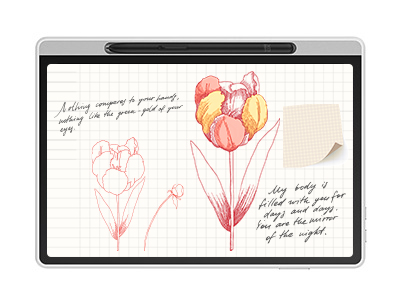 Magic Note Pad
Paper-like Display with 3 Color Modes
Industry-leading 16K pressure-sensitive stylus
Specialized note-taking app featuring handwriting-to-text conversion and PDF editing
It features:
The world's first 3-in-1 color notepad, perfect for note-taking.
-
 Magic Drawing Pad
X3 Pro Slim Stylus with 16,384 pressure levels and tilt support
X-Paper display featuring anti-glare and fingerprint resistance
Clip Studio Paint and ibis Paint X 3-month free membership
Super portable- just 6.9mm thin and weighs only 590g
Supports dual Windows and DP-IN functions
It features:
Powered by Android 14, no need to connect to a computer to use.
-
Magic Note Pad
Paper-like Display with 3 Color Modes
Industry-leading 16K pressure-sensitive stylus
Specialized note-taking app featuring handwriting-to-text conversion and PDF editing
It features:
The world's first 3-in-1 color notepad, perfect for note-taking.
-
Magic Drawing Pad
X3 Pro Slim Stylus with 16,384 pressure levels and tilt support
X-Paper display featuring anti-glare and fingerprint resistance
Clip Studio Paint and ibis Paint X 3-month free membership
Super portable- just 6.9mm thin and weighs only 590g
Supports dual Windows and DP-IN functions
It features:
Powered by Android 14, no need to connect to a computer to use.
Looking for the Best Drawing & Design Apps?
Discover essential drawing techniques, expert tips, and the best app recommendations to boost your creativity and master digital art.
