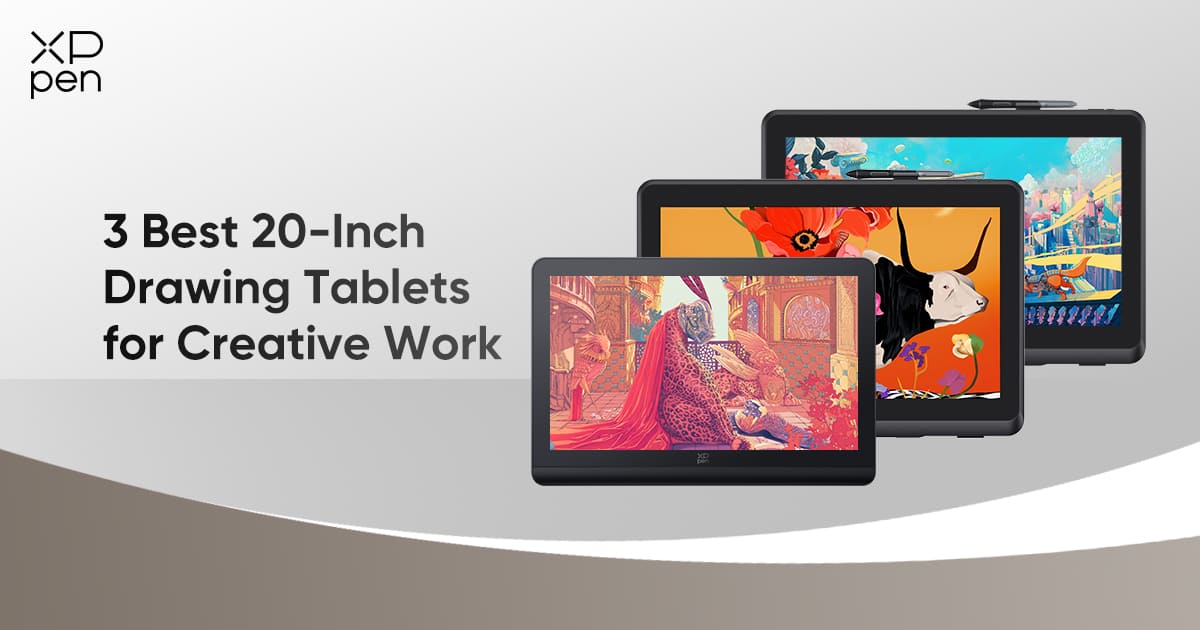
3 Best 20-Inch Drawing Tablets for Creative Work
ROUNDUPSCreative professionals, such as illustrators, animators, 3D designers, and video editors, rely on high-performance pen displays that can keep pace with their demanding workflows. Drawing tablets in the 20–22 inch range strike an ideal balance between generous workspace and manageable desk footprint, enabling artists to fully immerse themselves in their craft without overwhelming their setup.
In this article, we’ll explore three standout models from XPPen: the Artist Pro 19 (Gen 2), Artist Pro 22 (Gen 2), and Artist 22 Plus. Each offers a different combination of resolution, color performance, stylus technology, and price, making them appealing to a wide range of creative users.
Before diving into each product, it’s important to understand the key factors that determine a tablet’s usefulness for professional work.
Key Factors to Consider in 20-Inch Drawing Tablets
Before we break down each device, it’s helpful to understand why these key factors matter. Different creative tasks—whether illustration, animation, video editing, or 3D design—place varying demands on resolution, color performance, and stylus responsiveness. Having a clear sense of these criteria not only makes the upcoming comparisons more meaningful but also helps you identify which features align most closely with your personal workflow needs.
Resolution – High-resolution large screens provide ample canvas space, enabling artists to render fine details accurately while accommodating multiple toolbars and wide workspace layouts without feeling cramped.
Color Accuracy & Gamut – High-end creative work demands accurate and consistent color reproduction, typically evaluated through sRGB, Adobe RGB, and Display P3 coverage, as well as low Delta E values.
Color Depth & Brightness – Greater color depth delivers smoother gradients and more natural transitions, while adequate brightness ensures consistent visibility across different lighting conditions—both essential for accurate color and value judgment.
Stylus Performance – Pressure sensitivity, tilt recognition, accuracy, and low latency all influence how closely a digital pen replicates the feel and control of traditional drawing tools.
Screen Construction – Features such as full lamination, anti-glare glass, and reduced parallax help improve screen clarity and enhance drawing precision.
Connectivity & Compatibility – Flexible port options, robust operating system support, and wide compatibility with creative software are all essential for maintaining a smooth and reliable workflow.
Ergonomics – Adjustable stands, comfortable viewing angles, and overall device weight all influence long-term comfort and posture during extended use.
Budget & Value – Creatives must balance premium features with cost to choose the device that truly suits their needs.
With these factors in mind, let’s examine how each of the three XPPen models stacks up.
XPPen 20-Inch Drawing Tablets Overview
| Feature | Artist Pro 19 (Gen 2) | Artist Pro 22 (Gen 2) | Artist 22 Plus |
|---|---|---|---|
| Display Size | 18.4" | 21.5" | 21.5" |
| Resolution | 4K (3840×2160) | 2.5K QHD (2560×1440) | Full HD (1920×1080) |
| Color Coverage | 99.8% sRGB96% Adobe RGB98% Display P3 | 99% sRGB99% Adobe RGB94% Display P3 | 130% sRGB (native)99% sRGB coverage |
| Color Accuracy (Delta E) | < 1.5 (Calman-verified) | < 1 | Not specified |
| Color Depth | 10-bit* | 8-bit (16.7M colors) | 8-bit |
| Brightness | 250 cd/m² | 250 cd/m² | 250 cd/m² |
In-Depth Reviews of the Top 20-Inch Drawing Tablets
As we move into the detailed product evaluations, it becomes clear that each of XPPen’s 20-inch-class displays brings its own strengths to professional workflows. The following in-depth reviews break down how each model performs in real creative environments, helping you identify which device best aligns with your artistic needs and working style.
1. XPPen Artist Pro 19 (Gen 2)
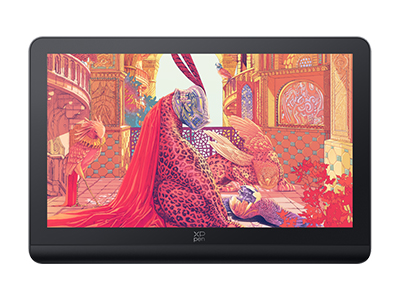
The Artist Pro 19 (Gen 2) is designed for artists who prioritize clarity and precision. Its 18.4-inch 4K display (3840×2160) delivers exceptional sharpness—ideal for detail-oriented illustration, texture work, and pixel-precise editing.
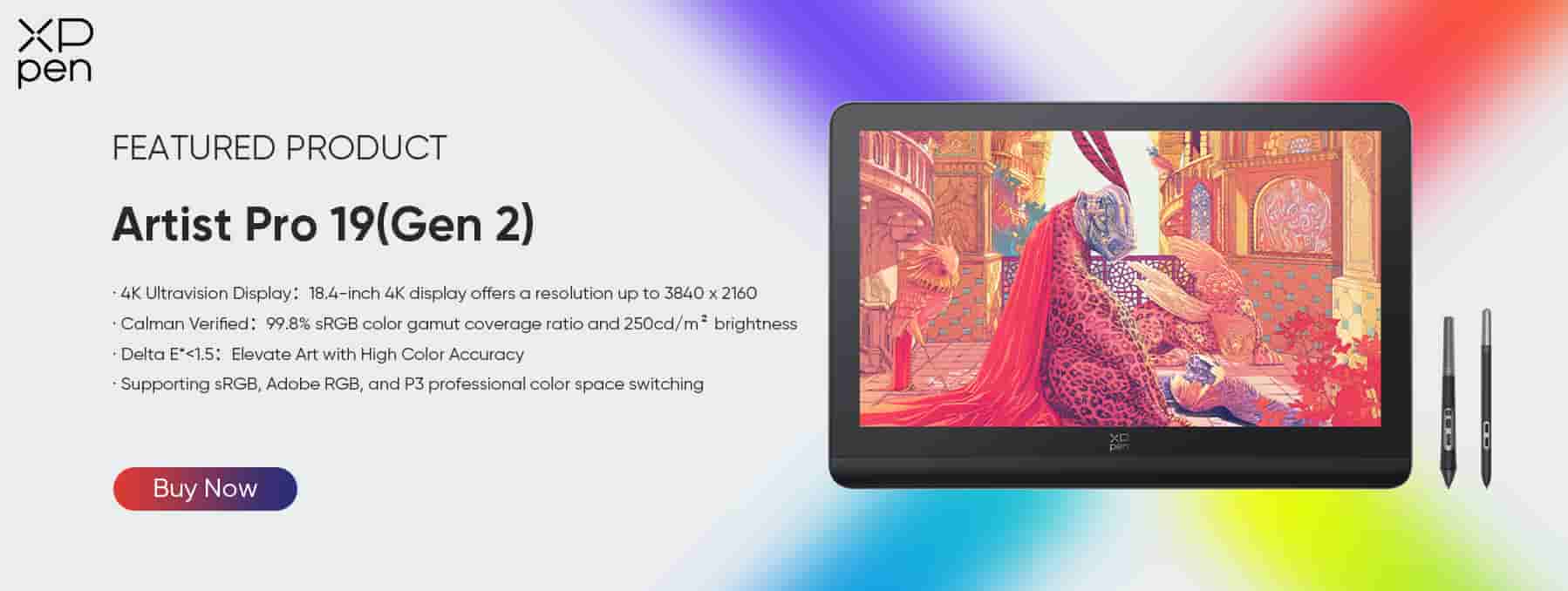
Color Coverage: 99.8% sRGB, 96% Adobe RGB, 98% Display P3
Color Accuracy: Delta E < 1.5, Calman-verified
Color Depth & Brightness: 10-bit* color depth and 250 cd/m² brightness
Stylus: Dual 16K pressure-level styluses with tilt recognition
Screen: Full-laminated panel with anti-reflective glass to minimize parallax
Accessories: Wireless Shortcut Remote ACK05
This model offers top-tier resolution in a compact professional package.
While the Pro 19 (Gen 2) emphasizes ultra-high resolution in a slightly smaller canvas, the Artist Pro 22 (Gen 2) expands workspace while maintaining professional-grade color performance.
2. XPPen Artist Pro 22 (Gen 2)
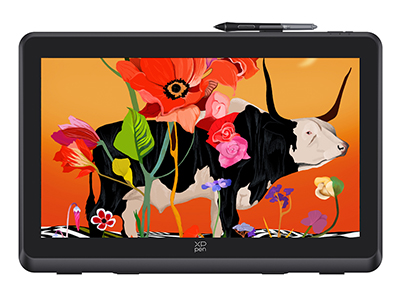
With a larger 21.5-inch 2.5K QHD display (2560×1440), the Artist Pro 22 (Gen 2) provides ample room for multitasking and intricate compositions. Its color performance makes it particularly suited for color-sensitive work such as concept art and animation.
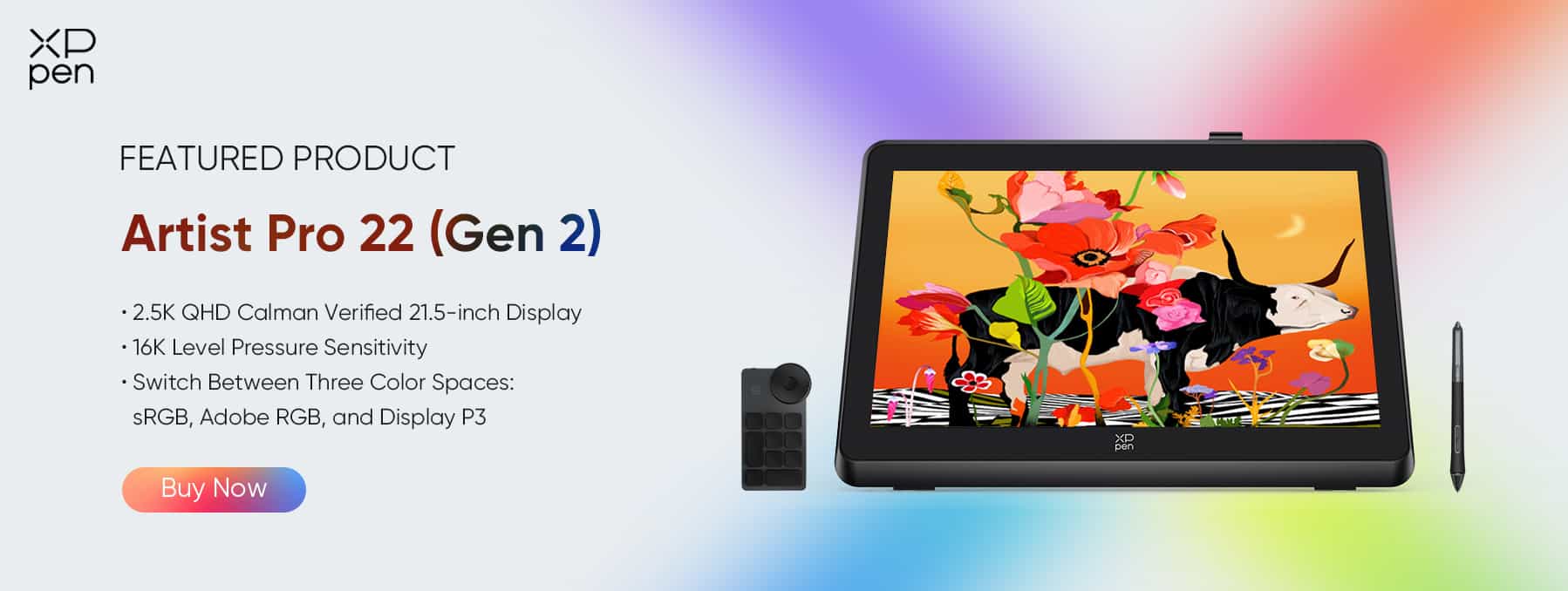
Color Coverage: 99% sRGB, 99% Adobe RGB, 94% Display P3
Color Accuracy: Delta E < 1
Brightness & Color: 250 cd/m² peak brightness, 16.7 million display colors
Stylus: 16K pressure levels with tilt
Accessories: ACK05 Shortcut Remote, ergonomic ACS02 stand
Compatibility: Windows, macOS, Linux, and major creative software
Its balance of size, accuracy, and workflow features positions it as a versatile professional tool.
For creators who want similar stylus performance with a slightly more budget-conscious option, the Artist 22 Plus offers large-screen versatility with good color and pressure sensitivity.
3. XPPen Artist 22 Plus
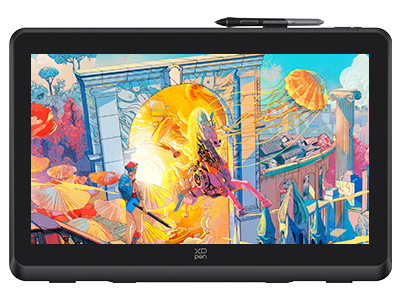
The Artist 22 Plus features a large 21.5-inch Full HD display (1920×1080), making it a strong option for general creative tasks and studio productivity.
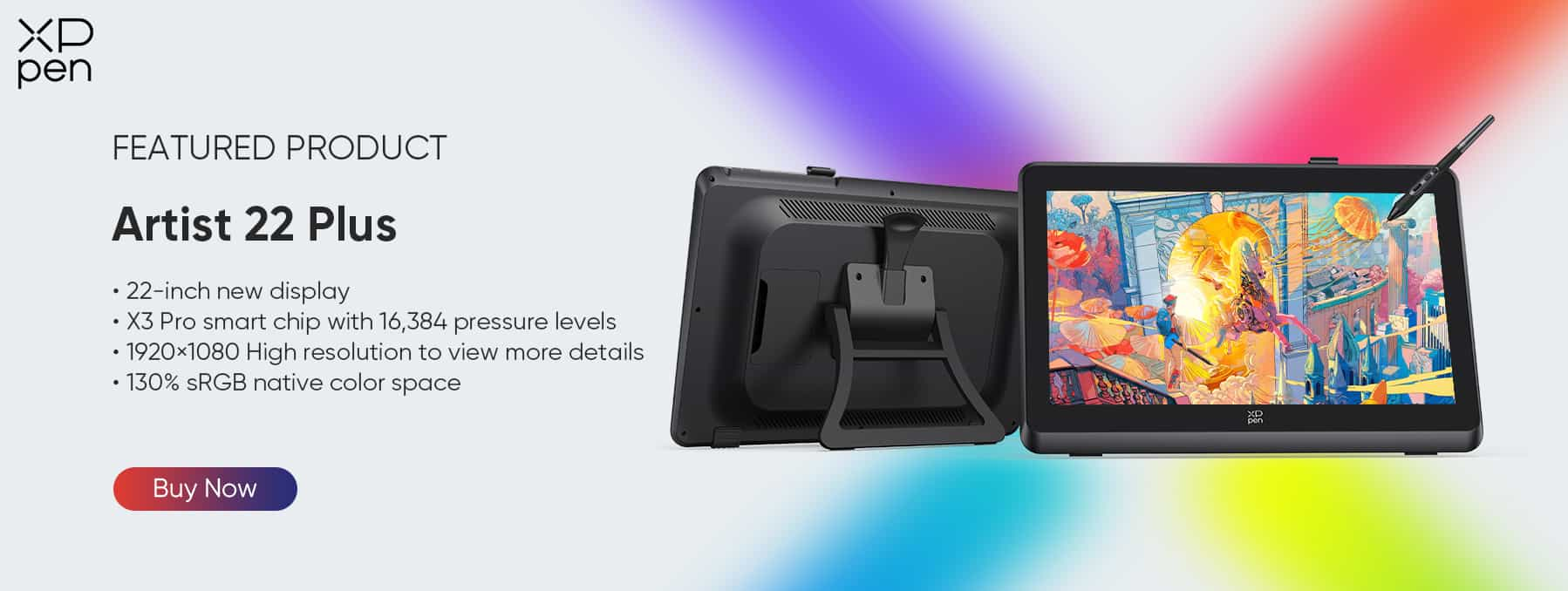
Color Performance: 130% sRGB native color gamut, covering 99% sRGB
Stylus: X3 Pro Smart Chip stylus with 16K pressure levels
Color Depth & Brightness: 8-bit color depth and 250 cd/m² brightness
This model offers excellent size and reliability for creators who want strong performance at a lower price point.
Now that we’ve outlined each product, let’s directly compare them across the most critical factors for creative professionals.
Detailed Comparison
1. Resolution & Screen Size
Artist Pro 19 (Gen 2): Highest detail with a 4K display; slightly smaller screen increases pixel density.
Artist Pro 22 (Gen 2): Larger 2.5K canvas—ideal for most professional workflows.
Artist 22 Plus: Full HD resolution with a spacious workspace suitable for general creation and multimedia.
Resolution is one factor, but accurate color representation is equally essential for professional results.
2. Color Accuracy & Gamut
Artist Pro 19: Extremely precise, ΔE < 1.5.
Artist Pro 22 (Gen 2): Professional-grade accuracy, ΔE < 1, with multiple color gamuts supported.
Artist 22 Plus: Strong color coverage for its price bracket, making it ideal for budget-minded creatives.
Beyond visuals, stylus performance determines how natural and precise your drawing feels.
3. Stylus Performance
All three products come equipped with the X3 Pro Smart Chip Stylus, offering:
X3 Pro Smart Chip Stylus Specs
3g Initial Activation Force (IAF) – extremely light touch response
90 ms response time – faster than previous-gen styluses
±0.4 mm accuracy – precise stroke tracking
0.6 mm tip travel – shorter movement for stable, controlled lines
Improved stroke consistency due to upgraded internal stability
Felt nib support for a paper-like drawing feel
Battery-free EMR technology
Digital eraser + dual shortcut buttons
Lightweight 16 g body & ergonomic silicone grip
4.4 Compatibility
All three XPPen models—the Artist Pro 19 (Gen 2), Artist Pro 22 (Gen 2), and Artist 22 Plus—offer the same compatibility across operating systems, creative software, and connection options.
Supported Operating Systems
Windows
macOS
ChromeOS
Linux (most major distributions)
Supported Creative SoftwareCompatible with nearly all industry-standard creative applications, including Adobe Photoshop, Adobe Illustrator, Clip Studio Paint, and Blender
Finally, budget and value considerations help finalize the choice depending on needs.
Recommendations
Artist Pro 22 (Gen 2): Best choice for professionals requiring top-tier color accuracy and a large workspace.
Artist Pro 19 (Gen 2): Perfect for creators who prioritize ultra-high-resolution detail on a slightly smaller screen.
Artist 22 Plus: Ideal for beginners and budget-conscious artists looking for solid performance without the premium price.
Consider your workspace, computer specs, and long-term usability when making a decision.
Buying Tips
Ensure your computer can support higher resolutions like 4K or 2.5K.
Check included accessories—cables, remotes, and stands vary by model.
Pay attention to ergonomics: stands, wrist rests, and adjustable angles can significantly affect comfort.
Evaluate pen nib availability and warranty coverage for long-term use.
By considering these tips, you can make an informed choice to optimize your creative workflow.
FAQs About 20-Inch Drawing Tablets
Q1: Can these tablets be used with Mac, Windows, Linux, and Android?Yes, all three tablets—Artist Pro 19 (Gen 2), Artist Pro 22 (Gen 2), and Artist 22 Plus—are compatible with Windows, macOS, Linux, and Android through USB-C. Some advanced features, such as shortcut key customization or tilt sensitivity, may vary slightly depending on the operating system.
Q2: What is the difference between 4K, 2.5K, and Full HD for creative work?The 4K display on the Artist Pro 19 (Gen 2) provides the greatest detail and is ideal for fine illustration, precise photo editing, and print work. The 2.5K display of the Artist Pro 22 (Gen 2) offers a larger canvas with excellent detail, making it well-suited for professional workflows like animation and 3D modeling. The Full HD display of the Artist 22 Plus provides a spacious workspace for general creative work, multimedia projects, and content consumption, but has lower pixel density than the 2.5K or 4K options.
Q3: Can I mount these tablets on third-party arms or stands?Yes, all three tablets support VESA mounts. The Artist Pro 19 (Gen 2) uses a 75×75 mm VESA mount, while the Artist Pro 22 (Gen 2) and Artist 22 Plus use 100×100 mm mounts. This allows flexible positioning with desk arms or wall mounts to suit your preferred drawing posture.
Q4: Which tablet is best for beginners versus professionals?The Artist 22 Plus is a strong choice for beginners or budget-conscious creatives who want a large workspace with solid color accuracy and stylus performance. Professionals, illustrators, animators, or designers who require ultra-high resolution or precise color control should consider the Artist Pro 22 (Gen 2) or Artist Pro 19 (Gen 2), with the Pro 19 being ideal for fine-detail 4K work.
Conclusion
20-inch drawing tablets deliver an ideal blend of generous screen real estate and manageable desk footprint, giving creators the space they need without overwhelming their workspace. XPPen’s lineup in this category offers compelling options for different budgets and professional demands—from the ultra-high-resolution clarity of the Artist Pro 19 (Gen 2) to the expansive, color-accurate workspace of the Artist Pro 22 (Gen 2), and the versatile, budget-friendly Artist 22 Plus.
Ultimately, the right choice depends on your priorities: resolution quality, color performance, stylus precision, workflow needs, and your long-term creative goals. By weighing these factors carefully, you can select a display that enhances your productivity, elevates your artwork, and supports your growth as a creative professional.
About Us
Founded in 2005, XPPen is a leading global brand in digital art innovation under Hanvon UGEE. XPPen focuses on the needs of consumers by integrating digital art products, content, and services, specifically targeting Gen-Z digital artists. XPPen currently operates in 163 countries and regions worldwide, boasting a fan base of over 1.5 million and serving more than ten million digital art creators.
Learn more






-
 Artist Pro 22 (Gen 2)
2.5K QHD Calman Verified 21.5-inch Display
16K Level Pressure Sensitivity
Switch Between Three Color Spaces: sRGB, Adobe RGB, and Display P3
It features:
Ignite All-round Performance
-
 Artist Pro 19 (Gen 2)
18.4-inch 4K display offers a resolution up to 3840 x 2160
99.8% sRGB color gamut coverage ratio and 250cd/m² brightness
Supporting sRGB, Adobe RGB, and P3 professional color space switching
It features:
Immerse in every color, excel in every pixel.
-
 Artist 22 Plus
22-inch expansive canvas for boundless creativity
130% sRGB native color space for lifelike colors
Ergonomic X-Inspo Wrist Rest for comfort
It features:
It is armed with the groundbreaking X3 Pro Roller Stylus!
-
Artist Pro 22 (Gen 2)
2.5K QHD Calman Verified 21.5-inch Display
16K Level Pressure Sensitivity
Switch Between Three Color Spaces: sRGB, Adobe RGB, and Display P3
It features:
Ignite All-round Performance
Ready to invest in the right tools?
Get expert buying advice, unbiased reviews, and exclusive deals on drawing tablets, and accessories.
