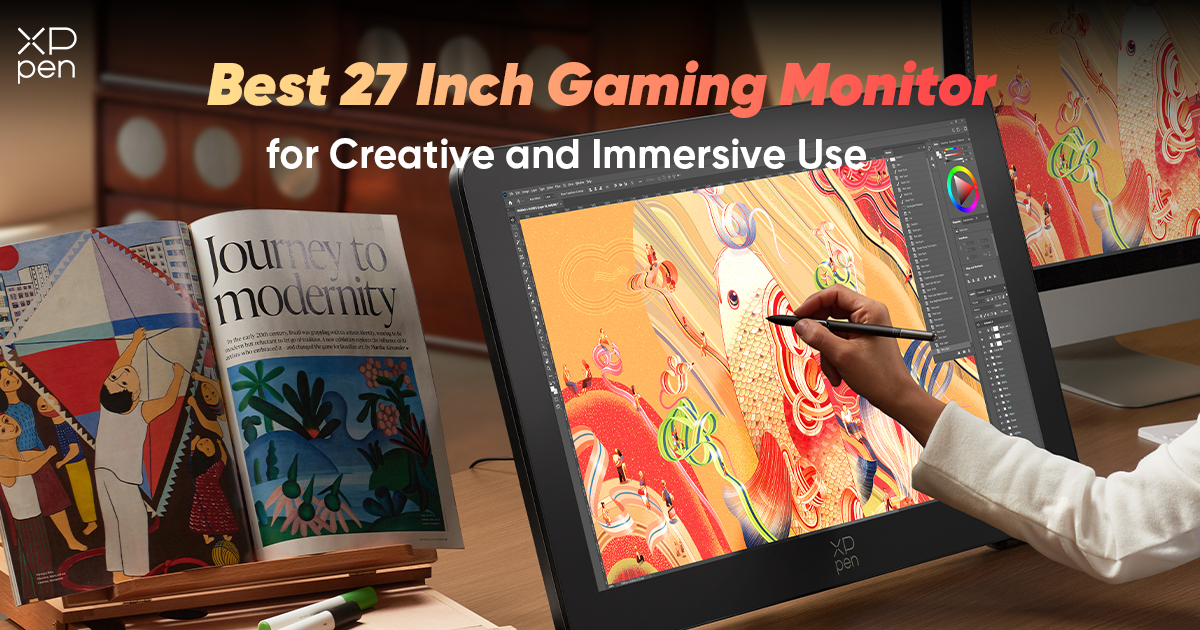
Best 27 Inch Gaming Monitor for Creative and Immersive Use in 2026
ROUNDUPSThe line between gaming and creative hardware continues to blur as technology advances. Many modern creators, such as digital artists, video editors, and 3D designers, also enjoy immersive gaming experiences on the same workstation.
Because of this overlap, the 27-inch gaming monitor category has become one of the most versatile display segments in the industry. A 27-inch screen provides a balanced viewing size, while high resolutions and faster refresh rates can enhance both gaming performance and creative workflows.
In this guide, we explore several strong 27-inch gaming monitor options in 2026 ****that offer immersive visuals while remaining capable tools for creative work.
What to Look for in a 27 Inch Gaming Monitor
Resolution and Image Quality
While many gaming monitors prioritize refresh rate, 4K resolution can significantly enhance visual clarity. For creators who also game, this level of detail benefits both digital art and modern games with complex textures.
Refresh Rate
Higher refresh rates—such as 120Hz or higher—create smoother motion during gameplay and reduce perceived input lag.
Color Performance
For creators who also use their display for design or editing, color accuracy and wide color gamut coverage remain important.
Ergonomics and Comfort
Gaming sessions and creative work can both last several hours, making adjustable stands and comfortable viewing angles important considerations.
Top 27 Inch Gaming Monitors in 2026
1. XPPen Artist Pro 27 (Gen 2)
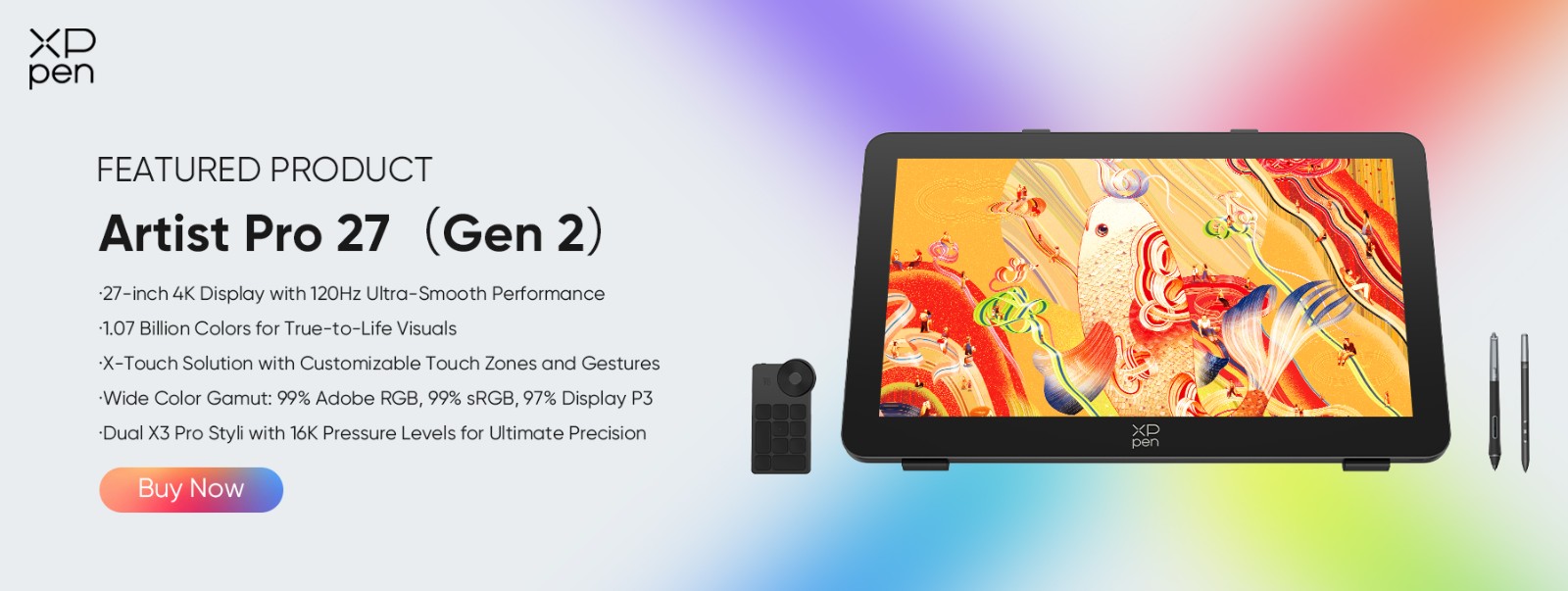
Although primarily designed as a professional pen display, the XPPen Artist Pro 27 (Gen 2) also functions as a capable 27-inch gaming monitor thanks to its 4K 120Hz display.
This combination of high resolution and high refresh rate allows for sharp visuals while maintaining smooth motion in games. For users who divide their time between creative work and entertainment, this can be an appealing balance.
The display is also Calman Verified with Delta E < 1, delivering extremely accurate color reproduction. While this level of calibration is designed for creative workflows, it also yields vivid, lifelike visuals during gameplay.
Another unique feature is the touch-enabled display with the X-Touch Control System, which allows navigation gestures and interface control directly on the screen.
The device features a fanless, silent design, ensuring background noise does not interfere with either gaming or creative work.
An adjustable stand is included, offering a wide-angle range of 16° to 72° to help users find a comfortable viewing position, whether drawing, working, or gaming.
At $1,079.99, it sits in the premium monitor category while offering features that combine professional creative tools with immersive display performance.
Pros
-
4K 120Hz display
-
Calman Verified color accuracy
-
Delta E < 1 precision
-
Touch functionality and stylus support
-
Fanless silent design
-
Adjustable stand included
Cons
-
Larger and heavier than most gaming monitors
-
Designed primarily for creative workflows
2. ASUS ROG Swift PG27UQ
The ASUS ROG Swift PG27UQ has long been recognized as a high-performance 4K gaming display. It offers strong brightness levels, fast response times, and premium build quality.
Its high refresh rate and gaming-focused features make it a solid choice for players who prioritize competitive performance.
Pros
-
Strong gaming performance
-
High brightness and HDR support
-
Premium build quality
Cons
-
Expensive compared to many 4K monitors
-
Not optimized for creative workflows
3. LG UltraGear 27GP950
The LG UltraGear 27GP950 is a well-balanced 4K gaming monitor that combines fast refresh rates with good color performance.
It offers a high refresh panel and reliable image quality, making it appealing to users who want a display suitable for both gaming and occasional creative tasks.
Pros
-
Fast refresh rate
-
Sharp 4K resolution
-
Good color reproduction
Cons
-
Standard IPS contrast levels
-
Limited specialized creative features
4. Dell G3223Q
The Dell G3223Q delivers strong gaming performance on a larger display. Although slightly bigger than 27 inches, it remains a popular option for players who want an immersive 4K experience.
It balances performance, connectivity, and design in a package suitable for both gaming setups and workstations.
Pros
-
High-quality 4K display
-
Strong gaming performance
-
Reliable build quality
Cons
-
Larger than traditional 27-inch monitors
-
Limited creator-focused features
Gaming and Creative Work on One Monitor
For many users, the ideal display is one that can support both creative productivity and immersive entertainment.
High resolution benefits digital art and modern games alike, while higher refresh rates make both scrolling and game-play feel smoother.
Displays that combine accurate color reproduction, high refresh rates, and ergonomic design can therefore serve as versatile tools for both work and recreation.
Final Thoughts
The 27-inch gaming monitor market in 2026 offers a wide range of displays tailored to different user types. Some prioritize competitive gaming performance, while others balance visual quality with creative capabilities.
For users who want a monitor that can support both creative work and entertainment in one setup, it is worth looking beyond gaming specs alone and considering factors such as color accuracy, screen resolution, and overall usability. A well-chosen display can make a meaningful difference not only in play, but also in how comfortably and efficiently you work every day.
For those exploring options in this category, XPPen offers a range of pen displays and creative monitors designed for different workflows and creative needs. Visit the XPPen official website to explore more products and find the display that best fits your setup.
FAQ
Is a 27-inch gaming monitor a good size?
Yes. A 27-inch monitor is considered the "sweet spot" and provides a balanced viewing size that works well for both gaming and productivity tasks.
Is 4K worth it for gaming?
4K resolution offers sharper textures and more detailed visuals. However, it also requires more powerful graphics hardware to maintain high frame rates.
Can gaming monitors be used for creative work?
Yes. Many gaming monitors now offer strong color performance and high resolutions, making them suitable for creative tasks such as photo editing and digital illustration.
What refresh rate should I choose?
A refresh rate of 120Hz or higher provides smoother motion and improved responsiveness during game play.
About Us
Founded in 2005, XPPen is a leading global brand in digital art innovation under Hanvon UGEE. XPPen focuses on the needs of consumers by integrating digital art products, content, and services, specifically targeting Gen-Z digital artists. XPPen currently operates in 163 countries and regions worldwide, boasting a fan base of over 1.5 million and serving more than ten million digital art creators.
Learn more






Ready to invest in the right tools?
Get expert buying advice, unbiased reviews, and exclusive deals on drawing tablets, and accessories.
