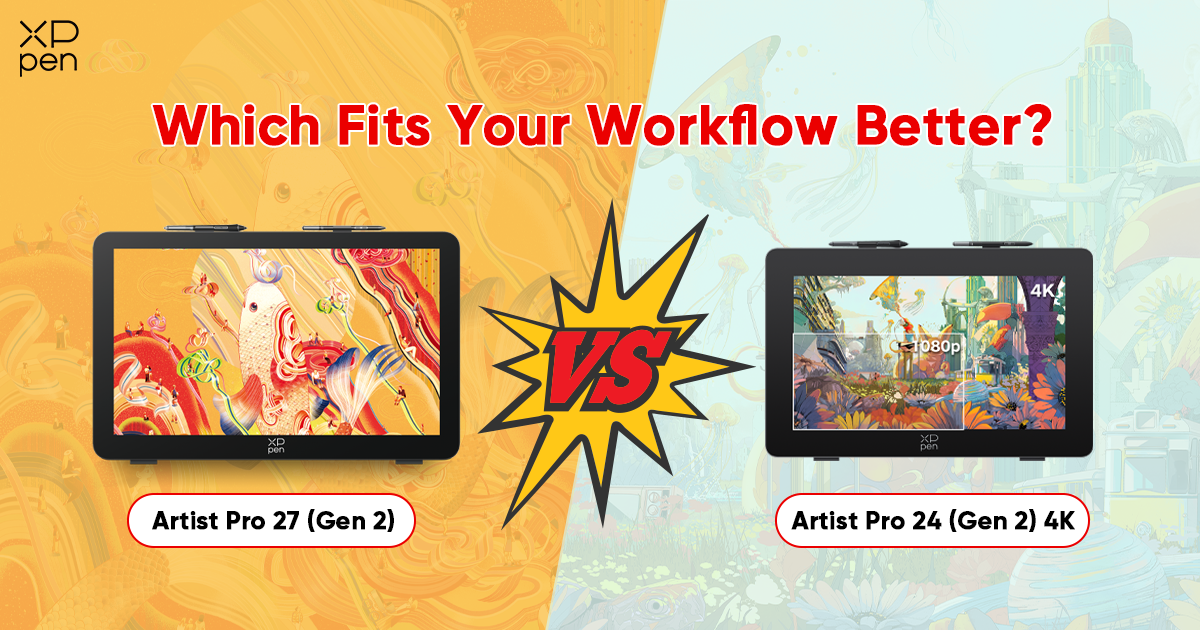
XPPen Artist Pro 27 (Gen 2) vs Artist Pro 24 (Gen 2) 4K: Which Fits Your Workflow Better?
ROUNDUPSThe decision to choose between two high-end pen displays from the same brand is not as easy as it may seem. When the two tablets share the same dual X3 Pro stylus, 16,384 pressure levels, and a beautiful 4K display, the choice is no longer about paper specs. It begins to be about day-to-day work.
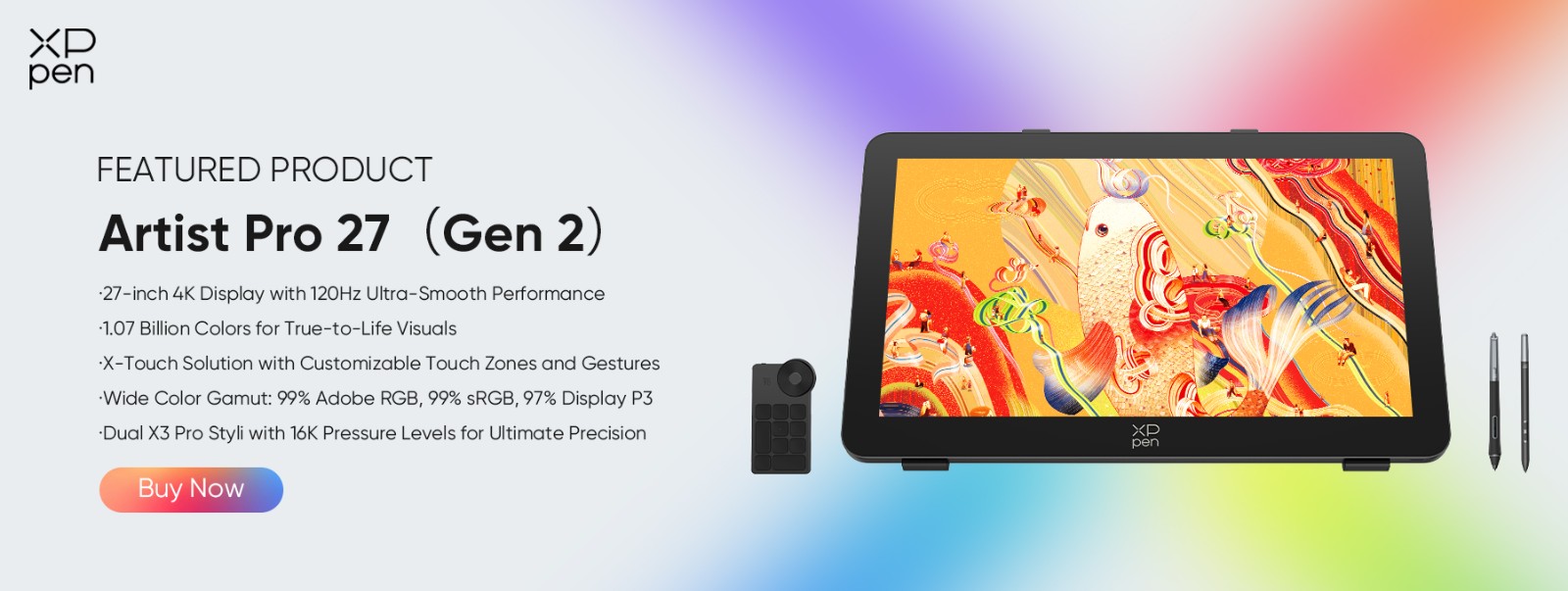
The new Artist Pro 27 (Gen 2) features a larger 26.9-inch screen, a 120Hz refresh rate, and the X Touch Control system introduced by XPPen. The Artist Pro 24 (Gen 2) 4K has a smaller footprint and costs far less to buy.
Both tablets are created to address the requirements of professionals, and none of them is compromised. But which of these is worthy of being placed on your desk? It all depends on whether you want the high-refresh fluid feel and more drawing room, or pixel-perfect color on a size that will not stuff up your workstation.
In this comparison, both tablets are considered in the workflows that are most important to you, i.e., illustration, graphic design, animation, 3D work, and digital painting, so that you leave with an answer and not more questions.
XPPen Artist Pro 27 (Gen 2) vs Artist Pro 24 (Gen 2) 4K at a Glance
A brief comparison of the main specifications of these two tablets.
| Feature | Artist Pro 27 (Gen 2) | Artist Pro 24 (Gen 2) 4K |
|---|---|---|
| Display Size | 26.9 inch | 23.8 inch |
| Resolution | 3840 × 2160 (4K) | 3840 × 2160 (4K) |
| Refresh Rate | 120Hz | 60Hz |
| Response Time | 5ms | 14ms |
| Color Coverage | 99% sRGB / 99% Adobe RGB / 97% DCI-P3 | 99% sRGB / 99% Adobe RGB / 98% DCI-P3 |
| Color Accuracy | Calman Verified with excellent color accuracy | Calman Verified with excellent color accuracy |
| Stylus | Dual X3 Pro (Smart Chip + Slim) | Dual X3 Pro (Smart Chip + Slim) |
| Pressure Levels | 16,384 | 16,384 |
| Tilt Support | Up to 60° | Up to 60° |
| Touch System | X Touch Control (3 modes) | Standard Touch |
| Anti-Glare Glass | Yes (Etched, Full Lamination) | Yes (Etched, Full Lamination) |
| Stand | ACS02B Adjustable (16°–72°) | ACS02B Adjustable (16°–72°) |
| Connectivity | USB-C / DisplayPort / HDMI | USB-C / DisplayPort / HDMI |
| Price | $1,709.99 (Learn More) | $1039.99 (Learn More) |
On paper, these two tablets are very close. The differences between the two is reduced to the screen size, the refresh rate, and the verification of colors. The 27 will provide you with more real estate and quicker display, and the 24 will provide you with a smaller, certified color workflow.
All other features are almost the same like the experience with stylus, the quality of the glass, the connection options, the design of the stand, and the support of the OSs, which include Windows, macOS, Android, ChromeOS, and Linux.
Which One Feels Better for Different Types of Creative Work?
This depends on the type of creative work you do and how you use your tools day to day.
Digital Illustration
The 27-inch display will be a clear advantage to illustrators who create detailed compositions, character sheets, comic panels, concept drawings, or detailed linework. The additional screen area will allow you to have your entire screen on display without having to zoom in and out or scroll.
When you are working on a complicated illustration with dozens of layers, having a visual treat of the entire work simultaneously transforms your decision-making process. The earlier you notice the proportion problems, the more confident you will be in handling your composition, the less time you will spend in navigating, and the more time you will spend drawing.
The 120Hz refresh rate also makes a real difference when inking. Strokes feel immediate, and the subtle lag you sometimes notice on slower displays simply disappears. If your illustrations tend to be dense and layered, the 27 is the more comfortable long-session choice.
That said, the 24 is no slouch. If you mainly work on single-character pieces or tighter compositions, its 23.8 inches will feel perfectly spacious. Calman-verified color accuracy also means your finished pieces look exactly right the moment you export them, with no guessing whether the colors shifted between the screen and delivery.
Graphic Design
Color is everything in graphic design. Brand palettes, print-ready files, and client presentations all depend on what you see on screen matching what actually gets delivered. This is where the Artist Pro 24 (Gen 2) 4K takes the lead.
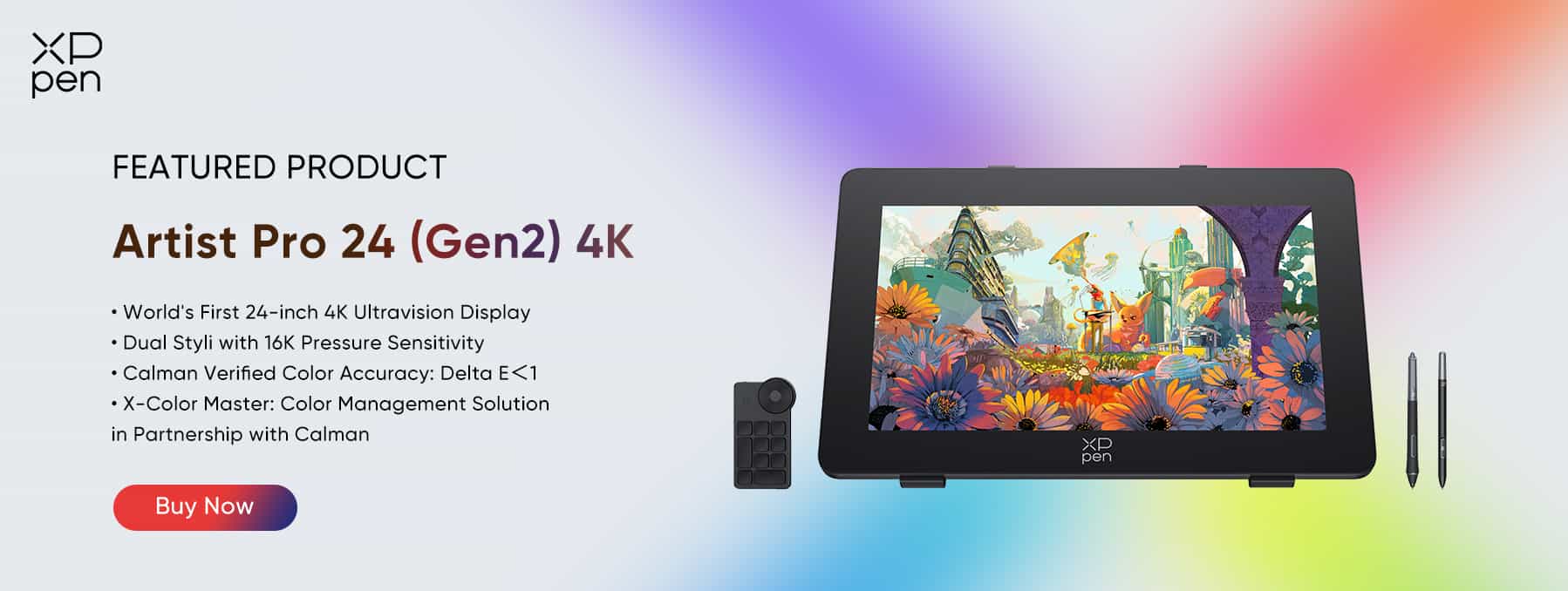
Calman verification is not just a marketing phrase; it means the display has been individually tested and confirmed to hit strict color targets. That certification has a tangible value to designers whose work frequently involves color-sensitive work, or those clients who pay by brand-compliant work.
The 27-inch model delivers excellent color performance with 99% Adobe RGB and 97% DCI-P3 coverage, making it a strong choice for creative work. The 24-inch model offers similarly impressive results, with only about a 1% difference in DCI-P3 coverage. In practice, both displays provide highly accurate and reliable color, suitable for professional use.
Animation
Animation is where the Artist Pro 27 (Gen 2) genuinely pulls ahead. The 120Hz refresh rate changes how you experience your own work: frame transitions look smooth, playback feels natural, and drawing itself feels much closer to working on paper. Animators who spend long hours scrubbing through timelines, previewing motion, and checking the flow between keyframes will feel the difference the first time they sit down with it.
The 26.9-inch screen also gives you plenty of breathing room. In most animation software, you are juggling a canvas, a timeline, layer panels, and reference windows at the same time. The larger display lets you keep all of those visible at a usable size without switching views every few minutes. For serious animation production work, the 27 is the clear recommendation.
3D Rendering and Concept Work
3D artists tend to split their time between software panels, viewport navigation, and pen-based input. In this type of work the screen size is a better consideration than the refresh rate. The 27 inch screen allows you to have a large viewport and still have side panels visible which actually is an advantage when using programs such as Blender 3D that are generous with screen space.
Both tablets offer the full versatility of connectivity and operate on all leading operating systems, whereby neither poses a compatibility challenge to existing studio systems. In the case of 3D concept artists working on painted textures or matte painting it becomes again pertinent to the accuracy of the color of the 24 and it should be considered in the decision.
Professional Digital Painting
Painters working at a professional level care about both color and canvas size, and the right answer here genuinely depends on your painting style. The Artist Pro 27 (Gen 2) is an immersive painting surface that encourages large, sweeping brushwork. The 120Hz display ensures that your strokes appear to respond instantly and without any noticeable lag, which is essential when you are working with textured brushes, applying layers of paint in thin strokes, or blocking in broad values.
To the painters who create work to be printed, editorial, or client submitted, the 24, with its Calman-tested display, serves as a better assurance that what you paint is what gets delivered. It removes a variable from your workflow that would otherwise require calibration tools or a secondary reference monitor. If you paint commercially and color precision is part of your professional standard, the 24 makes that process more reliable.
How to Choose Between Artist Pro 27 (Gen 2) and Artist Pro 24 (Gen 2) 4K
To choose between the two, keep the following things in mind:
Screen Size Preference
If you regularly feel like your current display is cramped, or if you frequently switch between reference windows, tool panels, and your canvas, go with the 27. The extra inches are not just about seeing things bigger; they change how you organize your workspace and how fluidly you can move between tasks. If your desk is limited in space or you prefer a more focused drawing surface without peripheral clutter, the 24 will serve you well without ever feeling restrictive.
Workflow Style
Animation, complex illustration, and 3D work all benefit directly from the 27’s larger display and faster refresh rate. Graphic design and color-critical print work lean toward the 24’s Calman-verified accuracy. If your work genuinely spans both types, say you illustrate and also do brand design, think about which takes up more of your working hours and weigh your decision accordingly.
Workspace and Desk Setup
A 27-inch pen display is a meaningful physical presence on a desk. Before committing, measure your available surface area. You will need clearance for the display, room for the stand at your preferred angle, and enough space to move your arm freely across the full drawing surface. The 24 fits more comfortably into tighter setups and is easier to reposition if you work across multiple locations or occasionally need to pack up your studio.
Color Priority vs. Immersive Experience
This is the real trade-off at the heart of this comparison. The 27 delivers a more immersive, higher-performance drawing experience with a display that responds faster and gives you more room.
The 24 delivers tighter color guarantees backed by third-party verification. If you are genuinely torn, ask yourself: when something goes wrong in a finished project, is the problem usually a color issue or a workspace and performance issue? Your honest answer will point you toward the right tablet.
FAQs
What is the main difference between Artist Pro 27 (Gen 2) and Artist Pro 24 (Gen 2) 4K?
The most significant distinctions are screen size, screen refresh rate, and color calibration. The 27 features a 26.9-inch screen with a 120 Hz refresh rate and X Touch Control system. The 24 has a 23.8-inch Calman-approved display with a 60Hz refresh rate. They are both 4K resolutions, feature the dual X3 Pro stylus system with 16,384 pressure levels, etched anti-glare glass, and the ACS02B adjustable stand.
How do I decide between Artist Pro 27 (Gen 2) and Artist Pro 24 (Gen 2) 4K?
Make a choice based on your workflow and workspace. Select the 27 when you work in animation, illustration, or 3D and require a bigger and faster screen. We recommend the 24 when color accuracy is highly valued, when you have a smaller desk, or when you require Calman-certified color printing for client or print work.
Should I choose a 24-inch or 27-inch drawing display?
A 27-inch monitor is appropriate in intricate and multi-panel tasks and where you should be in a position to view your entire canvas and reference materials, tool panels, or timelines. The more physical footprint of a 24-inch display is more versatile and provides closer color accuracy review and is thus a better option in terms of print, branding and color sensitive professional output.
Which model is better for professional artists?
Both of them are professional-level tools. The Artist Pro 27 (Gen 2) is the better option for animators and illustrators who require an immersive, high-performance drawing experience. The Artist Pro 24 (Gen 2) 4K is the choice for graphic designers and colorists who require reliable, predictable color output.
Conclusion
There is no bad choice between these two tablets. The Artist Pro 27 (Gen 2) and Artist Pro 24 (Gen 2) 4K are not only serious work tools but can be well-maintained even when faced with the most demanding creative tasks. The choice depends on what is most important to you during a working day.
Go with the Artist Pro 27 (Gen 2) when you need a bigger, faster, more three-dimensional drawing surface, when animation, detailed illustration, or 3D work occupies a considerable part of your creative time. The 120Hz display and X Touch Control system give it a performance advantage that will be felt from the first time you use it, and the very size of the canvas makes extended creative work hours feel truly painless.
Option 2: Go with the Artist Pro 24 (Gen 2) 4K if you cannot compromise on color accuracy, and you need to know that Calman verifies the accuracy of every project you turn over. It is also the wiser option when your workspace is small, when changing locations, or when you just require professional-quality color without using other calibration equipment.
Either way, you are getting XPPen's best stylus technology, a true 4K panel, full lamination with etched anti-glare glass, and a build quality designed to withstand daily professional use. The only real question left is which set of strengths matches the work you do.
About Us
Founded in 2005, XPPen is a leading global brand in digital art innovation under Hanvon UGEE. XPPen focuses on the needs of consumers by integrating digital art products, content, and services, specifically targeting Gen-Z digital artists. XPPen currently operates in 163 countries and regions worldwide, boasting a fan base of over 1.5 million and serving more than ten million digital art creators.
Learn more






-
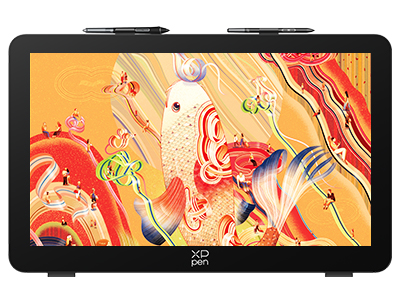 Artist Pro 27 (Gen 2)
26.9-inch 4K 120Hz Mega Display
1.07 Billion Colors
X-Touch Solution, Intuitive Control
Calman Verified, Exceptional Color Accuracy Assured
Dual X3 Pro Styli with 16K Pressure Levels
It features:
Best 27-inch drawing tablet for pros
-
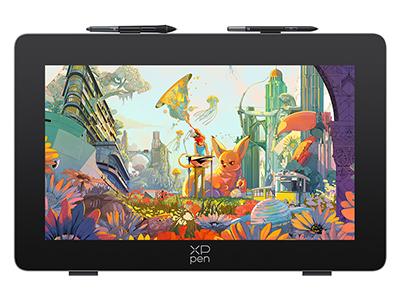 Artist Pro 24 (Gen 2) 4K
World's First 24-inch 4K Ultravision Display
Dual Styli with 16K Pressure Sensitivity
Calman Verified Color Accuracy: Delta E<1
Color Management Solution in Partnership with Calman
It features:
Explore the Artistry of Colors
Ready to invest in the right tools?
Get expert buying advice, unbiased reviews, and exclusive deals on drawing tablets, and accessories.
