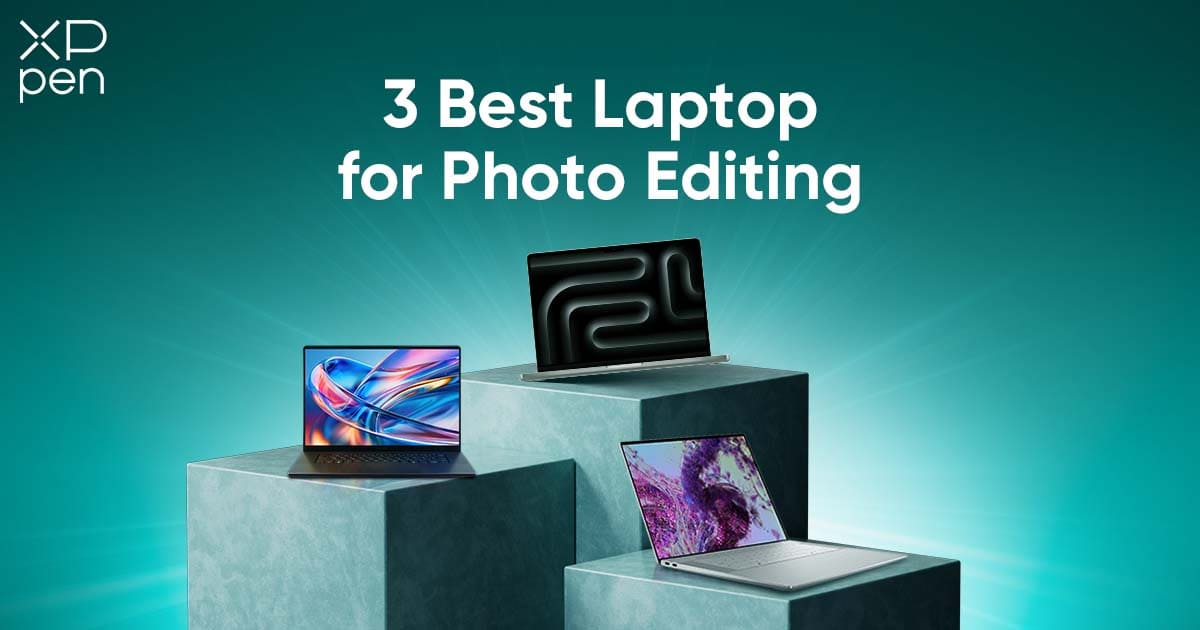
Best Laptop for Photo Editing: Top Picks for 2026
ROUNDUPSIn 2026, photo editing has evolved beyond simple exposure corrections and contrast tweaks. Modern editing environments—powered by AI-driven tools such as Generative Fill, AI Denoise, and automatic masking in Photoshop and Lightroom—require significantly more computing performance than ever before. Photographers are no longer just adjusting sliders; they are reconstructing scenes, enhancing fine skin texture, cleaning complex backgrounds, and rendering massive RAW files with precision.
However, there is a gap in many photographers’ workflows. While powerful laptops provide the performance required to process demanding software, many creators still rely on a mouse or trackpad for retouching—tools that lack the precision and natural control needed for truly professional results. The output may be technically correct but often lacks finesse.
In this guide, we will review the top three laptops of 2026 designed specifically with photographers in mind. More importantly, we will introduce the essential creative companion that transforms these laptops from powerful editing machines into intuitive, artistic photo-retouching workstations.
What makes a laptop "Pro"?
Before choosing the right laptop, it is important to understand what separates a true professional-grade editing system from an ordinary consumer device.
First, color accuracy is everything. Professional photography demands that what you see on the screen matches what eventually appears in print, on client monitors, and on social platforms. Displays with Delta E < 2 accuracy and 100% coverage of sRGB or Adobe RGB ensure consistency across workflows, minimizing the risk of oversaturated tones or shifted skin colors.
Second, performance determines your efficiency. Modern AI photo tools require high processing capability. A professional editing laptop should have at least 32GB RAM, fast SSD storage, and powerful GPUs capable of handling complex effects, instant previews, and high-volume batch processing without slowing down. When your tools respond instantly, creativity stays uninterrupted.
2026 Professional Photography Laptops: Parameter & Price Comparison
| Features | Apple MacBook Pro 16 (M4 Pro/Max Chip) | Dell XPS 16 (OLED Model) | ASUS ProArt P16 (2026 Edition) |
|---|---|---|---|
| Core Positioning | Industry Standard for Pro Photography | Premium Windows Flagship for Creatives | Specialized Creative Workstation (Hybrid Creators) |
| Processor | Apple M4 Pro/Max Chip (up to 16-core CPU) | Intel Core Ultra 9 | AMD Ryzen AI 9 HX 370 |
| GPU | Apple M4 GPU (up to 30-core, hardware-accelerated ray tracing) | NVIDIA GeForce RTX 4070 | NVIDIA GeForce RTX 5060/5070 |
| Display | 16.2-inch Liquid Retina XDR; up to 1600 nits HDR; 100% P3 gamut; 10-bit color; ΔE < 1 | 16-inch 4K+ OLED InfinityEdge touchscreen; 1,000,000:1 contrast; 120Hz; 100% sRGB/99% P3; ΔE ≈ 0.96; TÜV-certified | 16-inch 2.8K OLED touchscreen; 550 nits; 1,000,000:1 contrast; 100% P3/sRGB; 4 color modes; ΔE < 1; Pantone-Validated |
| Memory & Storage | Up to 128GB unified memory; Customizable SSD (up to 8TB) | 32GB LPDDR5X; 2TB PCIe 4.0 SSD | 64GB LPDDR5X; 2TB PCIe 4.0 SSD |
| Battery & Charging | 100Wh battery; up to 18 hours of use; MagSafe 3 charging | 56Wh battery; up to 10 hours of use; Thunderbolt 4 charging | 90Wh battery; up to 8 hours of light editing; 100W PD fast charging |
| Portability (Weight/Thickness) | 2.15kg / 16.8mm | 2.1kg / 17.5mm | 1.8kg / 14.9mm |
| Operating System | macOS Sonoma | Windows 11 Pro | Windows 11 Home |
| Key Unique Features | macOS ecosystem synergy (AirDrop, SideCar); whisper-quiet operation | Windows Studio Effects; AI noise cancellation; Windows Hello | Innovative ASUS Dial; full-size SD Express 7.0 card reader; ASUS OLED Care |
| US MSRP (Base/High-End Model) | Base (M4 Pro, 18GB/512GB): $2,499; High-End (M4 Max, 36GB/1TB): $3,999 | Base (Core Ultra 9/32GB/2TB/RTX 4070): $2,799; Premium (with upgraded accessories): $3,299 | Base (Ryzen AI 9/64GB/2TB/RTX 5060): $2,199; High-End (RTX 5070): $2,599 |
| Target Users | Commercial/wedding photographers, on-location pros prioritizing color accuracy & reliability | Windows-preferring pro photographers (fashion/portrait/cinematic) | Hybrid creators, pros preferring tactile control, budget-conscious shooters |
Top 3 Laptops for Photo Editing in 2026
No.1 The Industry Standard: Apple MacBook Pro 16 (M4 Pro/Max Chip)
Core Positioning
The gold standard for professional photography, designed for commercial/wedding photographers and on-location pros needing uncompromising color accuracy, reliability, and all-day battery life.
Flagship Specifications & Photography Advantages
-
Unmatched Color Performance: 16.2-inch Liquid Retina XDR display (up to 1600 nits HDR brightness), factory-calibrated with 100% P3 gamut, 10-bit color, and ΔE < 1. Ensures screen-to-print consistency, trusted by global studios, no frequent recalibration needed.
-
Fast & Silent Performance: Apple M4 Pro/Max chip (up to 16-core CPU, 30-core GPU) with 128GB unified memory. Handles batch RAW processing, AI retouching, and 4K video editing seamlessly. Advanced thermal systems enable whisper-quiet operation, ideal for quiet venues.
-
All-Day Battery: 100Wh battery delivers up to 18 hours of use, supporting full-day RAW editing on the go without thermal throttling. MagSafe 3 port adds convenience and protection.
-
Ecosystem Optimization: macOS Sonoma integrates seamlessly with Adobe Creative Cloud and Capture One. Synergy with iPhone/iPad (AirDrop, SideCar) enhances workflow. 1080p FaceTime camera facilitates remote client reviews.
Target Users
Commercial/wedding photographers and on-location pros prioritizing color accuracy, reliability, and mobile performance.
No.2 The Windows Masterpiece: Dell XPS 16 (OLED Model)
Core Positioning
Premium Windows flagship for photographers in the Windows ecosystem, offering immersive visuals, studio-grade contrast, and luxury craftsmanship—ideal for fashion/portrait/cinematic photography.
Flagship Specifications & Photography Advantages
-
Immersive OLED Display: 16-inch 4K+ OLED InfinityEdge touchscreen (1,000,000:1 contrast, 120Hz refresh rate), covering 100% sRGB, 99% P3 gamuts with ΔE ≈ 0.96. TÜV-certified for low blue light, perfect for detail-focused editing.
-
Strong Multitasking Performance: Intel Core Ultra 9 + RTX 4070 GPU, 32GB LPDDR5X memory, 2TB PCIe 4.0 SSD. Runs multiple editing software simultaneously, ensuring fast loading and seamless switching.
-
Premium & Portable: CNC aluminum body + carbon-fiber palm rest (2.1kg, 17.5mm thin). Full-size backlit keyboard and precision touchpad enhance usability on the go.
-
Seamless Workflow Features: Windows Studio Effects, AI noise cancellation, and Windows Hello. Three Thunderbolt 4 ports + MicroSD slot (bundled HUB for expansion) ensure compatibility with Windows tools.
Target Users
Windows-preferring pro photographers, especially fashion/portrait/cinematic specialists valuing immersive visuals and premium design.
No.3 The Creator Specialist: ASUS ProArt P16 (2026 Edition)
Core Positioning
Specialized creative workstation for hybrid photography-video creators and pros needing tactile control. Combines pro color performance, powerful hardware, and innovation at a competitive price.
Flagship Specifications & Photography Advantages
-
Pantone-Validated Display: 16-inch 2.8K OLED touchscreen (ΔE < 1, 100% P3/sRGB, 4 color modes), 550 nits brightness, 1,000,000:1 contrast. ASUS OLED Care minimizes burn-in with 2-year warranty.
-
Innovative ASUS Dial: Tactile dial integrated into touchpad, customizable for brush size, exposure adjustment, etc., in editing software. Reduces shortcut reliance, speeds up workflows.
-
Powerful Hybrid Performance: AMD Ryzen AI 9 HX 370 + RTX 5060/5070, 64GB memory, 2TB SSD. Handles RAW processing and 4K video editing. 90Wh battery with 100W PD charging supports on-location work.
-
Practical Design: All-metal body (1.8kg, 14.9mm thin). Full-size SD Express 7.0 card reader and comprehensive ports eliminate adapters. Comfortable backlit keyboard enhances long editing sessions.
Target Users
Hybrid photography-video creators, pros preferring tactile control, and budget-conscious shooters prioritizing color accuracy and performance.
Elevating Your Workflow: The Power of a Drawing Display
Even with the most advanced laptop, editing with a mouse remains a limitation. Painting precise masks, dodging and burning tiny facial details, retouching flyaway hair, or cleaning complex skin textures becomes slow and frustrating. It feels unnatural, like trying to draw with a bar of soap instead of a pen.
Photo editing is fundamentally artistic and tactile. A stylus restores that organic connection. With real pressure sensitivity and natural pen movement, every brush stroke becomes expressive rather than mechanical.
When you connect a dedicated drawing display to your laptop, your desk transforms into a dual-screen digital darkroom—one screen for controls, panels, and tools; the other for hands-on creative refinement. This setup dramatically boosts both speed and artistic confidence.
Besides, many photographers also enhance their editing setup with dedicated workflow tools. While a drawing display improves precision during retouching, an editing controller can help streamline repetitive actions such as zooming, adjusting brush sizes, navigating images, and executing common shortcuts.
For example, the XPPen Pilot Pro combines programmable keys, precision dials, and an all-way joystick to provide faster access to frequently used functions in creative software. Paired with a capable laptop and a drawing display, it can help create a more efficient and intuitive photo editing workflow.
The Perfect Partner: XPPen Artist Pro 16 (Gen 2)
The XPPen Artist Pro 16 (Gen 2) is not just another accessory; it is the ideal creative companion for photographers in 2026, designed specifically to elevate retouching precision and editing comfort.
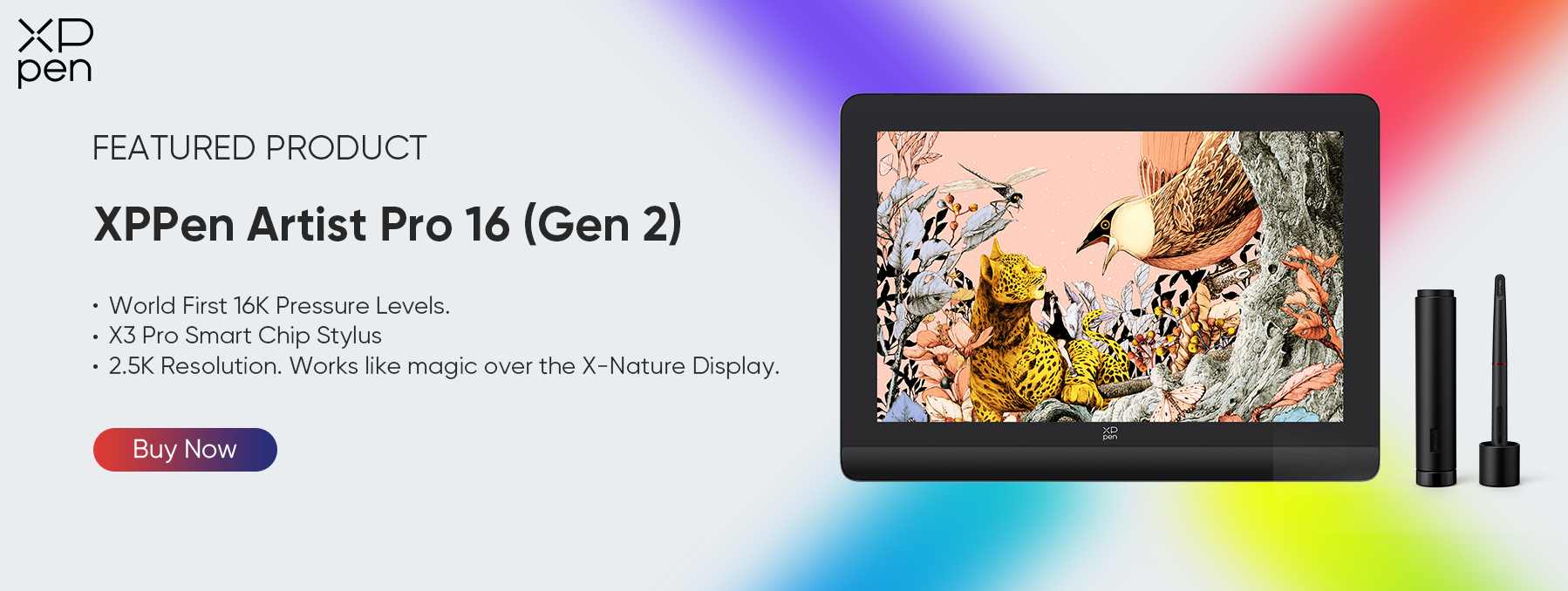
1. 16K Pressure Levels (X3 Pro Chip): Precision Retouching
With 16,384 pressure levels, every movement of the pen becomes gracefully controlled. Light pressure softly builds tone, while firmer strokes deliver stronger effects. When performing delicate techniques like Frequency Separation or Dodge & Burn, this level of nuance helps create natural transitions instead of harsh digital artifacts. Skin remains realistic, highlights look gentle, and every edit feels handcrafted.
2. The Visual Sweet Spot: 2.5K Resolution
The display strikes the perfect balance. It is sharper than 1080p, offering enough clarity to identify fine pores, noise patterns, and micro-details without the overwhelming cost of 4K panels. The 16:10 aspect ratio provides more vertical space, meaning you can comfortably fit both your image and editing tools on the display without constant zooming or scrolling.
3. Color Accuracy for Professionals
High sRGB and Adobe RGB coverage ensures consistent color reproduction. Whether you work on a calibrated MacBook, Dell XPS, or another reference display, the Artist Pro 16 (Gen 2) maintains alignment, meaning you can trust what you are seeing during critical grading and retouching decisions.
4. Ergonomics & Efficiency
Editing should never feel like a chore. The included Wireless Shortcut Remote (ACK05) allows you to map essential tools like Undo, Save, Brush Size adjustments, and Zoom controls—all accessible without lifting your hand away from the workflow. Meanwhile, the textured display surface provides a subtle paper-like resistance, making photo retouching feel intuitive, comfortable, and precise—like working directly on a physical print.
FAQ
Q1: Will the Artist Pro 16 (Gen 2) work with my MacBook or Windows laptop?
Yes. It supports full USB-C connectivity. If your laptop (like the models listed above) has a full-featured USB-C/Thunderbolt port, you can connect with a single cable for a clean, clutter-free desk.
Q2: Is a drawing tablet really necessary for Lightroom users, or just for Photoshop?
While essential for Photoshop (masking/retouching), it is also excellent for Lightroom. You can use the pen to drag sliders with precision and use the "Adjustment Brush" to locally brighten faces or skies much faster than with a mouse.
Q3: Do I need to calibrate the XPPen display?
The Artist Pro 16 (Gen 2) comes pre-calibrated with excellent color accuracy. However, for professional printing workflows, you can easily calibrate it using a colorimeter (like a Spyder or X-Rite) to match your laptop screen perfectly.
Conclusion
A high-end laptop like the MacBook Pro or Dell XPS gives you the raw performance needed to run the AI-driven tools redefining modern photo editing. But performance alone isn’t enough. When paired with the XPPen Artist Pro 16 (Gen 2), that computing power becomes something far more expressive—offering the precision, control, and tactile interaction required for nuanced retouching.
The ideal photo editing setup in 2026 isn’t just about faster processors or smarter software. It’s about how naturally you can shape an image. By combining professional-grade computing with pen-based input, your workflow shifts from technical adjustments to intentional image crafting—allowing you to work with the focus and finesse of a true digital artisan.
About Us
Founded in 2005, XPPen is a leading global brand in digital art innovation under Hanvon UGEE. XPPen focuses on the needs of consumers by integrating digital art products, content, and services, specifically targeting Gen-Z digital artists. XPPen currently operates in 163 countries and regions worldwide, boasting a fan base of over 1.5 million and serving more than ten million digital art creators.
Learn moreRecommended Articles
ROUNDUPS Best Tablet for Photo Editing in 2026 (5 Top Options) ROUNDUPS 7 Best Graphics Tablets for Photo Editing and Photoshop ROUNDUPS Find Your Ideal Monitor for Photo Editing: Our Top Recommendations






Ready to invest in the right tools?
Get expert buying advice, unbiased reviews, and exclusive deals on drawing tablets, and accessories.
