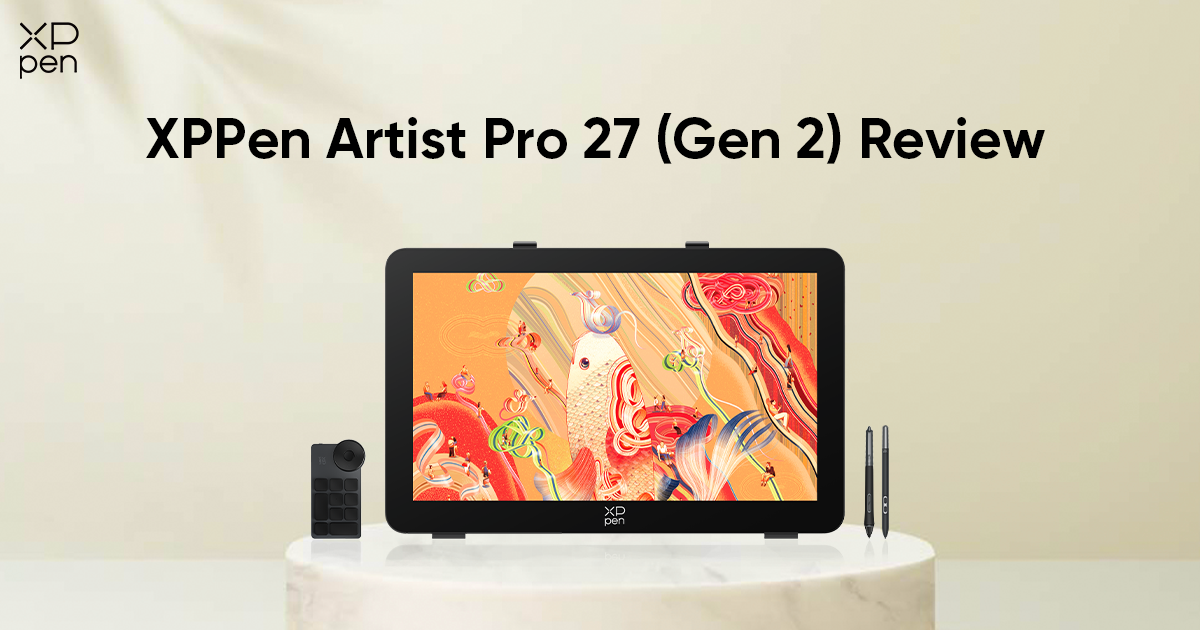
XPPen Artist Pro 27 (Gen 2) Review: A 4K 120Hz Drawing Tablet with Smart Touch Control
FOCUSEDDigital art tools continue to evolve as the demands of professional creators grow. From high-resolution displays to increasingly precise stylus technology, artists today expect hardware that keeps pace with fast, complex, and creative workflows. Large-format pen displays have become exceptionally popular among illustrators, animators, and designers who require expansive workspaces and uncompromising visual accuracy.
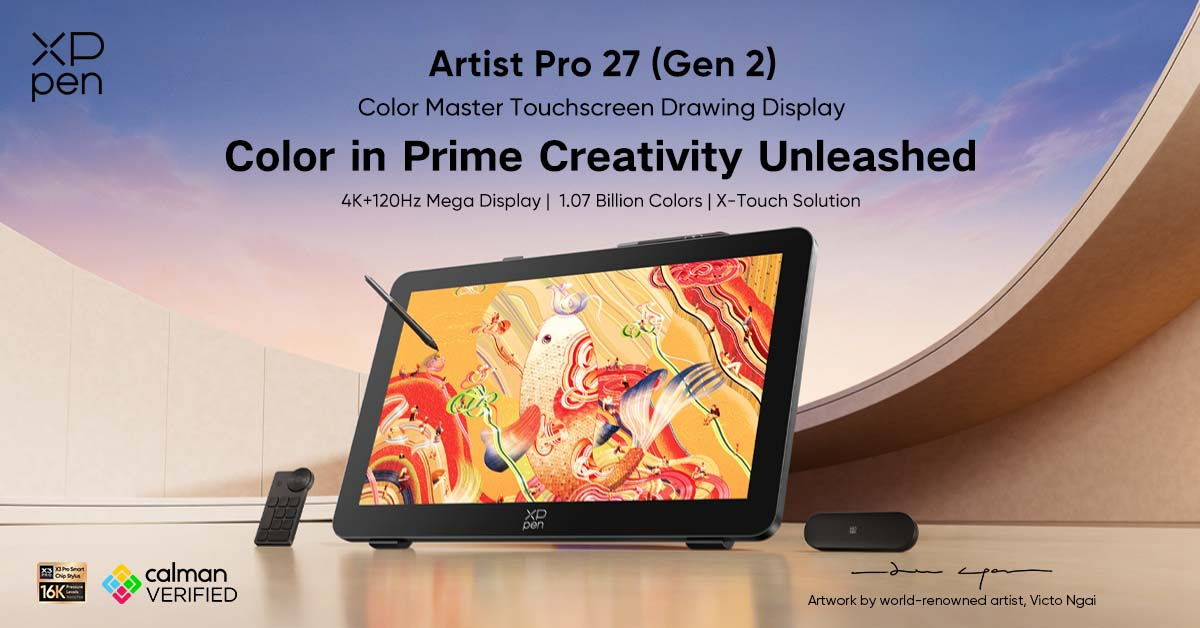
The XPPen Artist Pro 27 (Gen 2), officially launched on March 20, 2026, is designed to meet those expectations. Built around a large 26.9-inch 4K display, advanced X3 Pro stylus technology, and a flexible touch workflow system, the device aims to support professional artists who rely on speed, precision, and comfort throughout long work sessions.
Below, we will take a closer look at the technologies and workflow features that define the XPPen Artist Pro 27 (Gen 2).
Why Professional Artists Choose Large Pen Displays
For many artists, the jump from smaller tablets to larger pen displays marks a significant upgrade in efficiency. A larger drawing surface offers several practical advantages.
First, screen real estate directly influences creative freedom. When working on detailed illustrations or high-resolution concept art, artists regularly need to zoom in and out repeatedly on smaller screens. A 27-inch display reduces the need for constant zooming, allowing creators to work comfortably at higher magnifications while still maintaining a clear view of the overall composition.
Second, large displays improve multi-panel workflows. Animation timelines, layer panels, reference images, and tool palettes can remain visible without overcrowding the main canvas. This is particularly useful for animators and designers who manage multiple interface elements simultaneously.
Finally, a larger workspace helps support natural drawing movements. Artists can rely more on arm movement than on small wrist motions, which many find more comfortable over long periods. Over time, this can help reduce strain and promote healthier drawing habits.
What Defines a Professional 27-Inch Drawing Tablet
Not all large pen displays are designed to handle professional workloads. Several key factors separate professional-grade drawing tablets from entry-level devices.
Display Quality
A professional display must deliver high resolution, consistent brightness, and accurate color reproduction. Artists working in print, animation, or digital media depend on displays that faithfully reproduce colors across different devices and formats.
Color Accuracy
Wide color gamut coverage is essential for professional work. Displays capable of reproducing large portions of sRGB, Adobe RGB, and DCI-P3 color spaces allow artists to see slight variations in hue and saturation. This ensures that the final artwork preserves consistency across screens, prints, and production pipelines.
Stylus Precision
The stylus is the primary interface between the artist and the digital canvas. High pressure sensitivity, tilt recognition, and low latency contribute to a drawing experience that feels natural and responsive.
Responsiveness and Performance
Display refresh rate and response time can significantly affect the drawing experience. A higher refresh rate allows strokes to appear more fluid on screen, reducing visual lag and improving overall responsiveness.
Workflow Features
Professional artists also benefit from customizable controls, touch gestures, ergonomic stands, and silent operation, features that make long work sessions more comfortable and efficient.
These characteristics define the expectations for modern professional drawing displays and provide the context for understanding the Artist Pro 27 (Gen 2).
Who Is the XPPen Artist Pro 27 (Gen 2) For?
The XPPen Artist Pro 27 (Gen 2) is designed for creators who require a powerful, large-format digital canvas for professional work.
Professional Illustrators
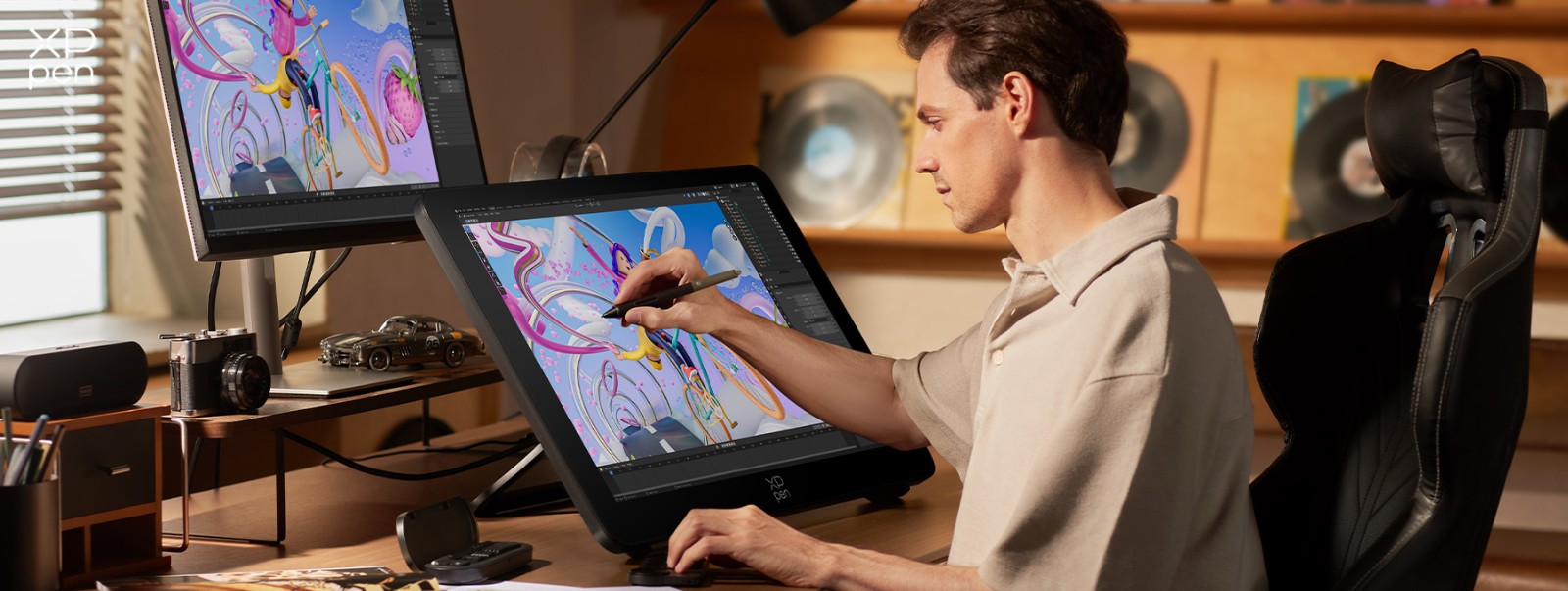
Illustrators often work with detailed compositions and complex brushwork. The large 4K display allows them to zoom into intricate sections of an image while still maintaining awareness of the full composition. Pressure-sensitive stylus control also supports nuanced line variation and expressive digital painting techniques.
Concept Artists
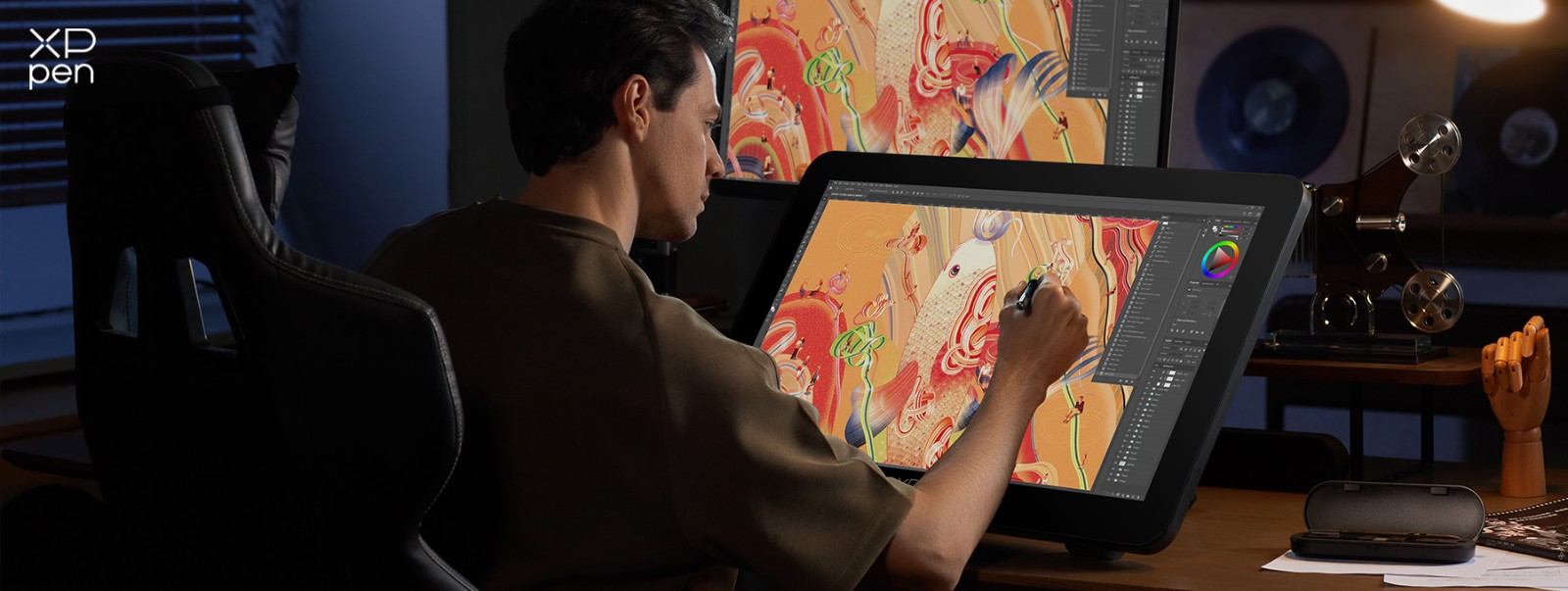
Concept artists frequently move between sketching, painting, and refining visual ideas for characters, environments, and props. A spacious drawing area combined with fast refresh rates allows them to sketch rapidly and iterate on designs without visual lag interrupting their workflow.
Animation Creators
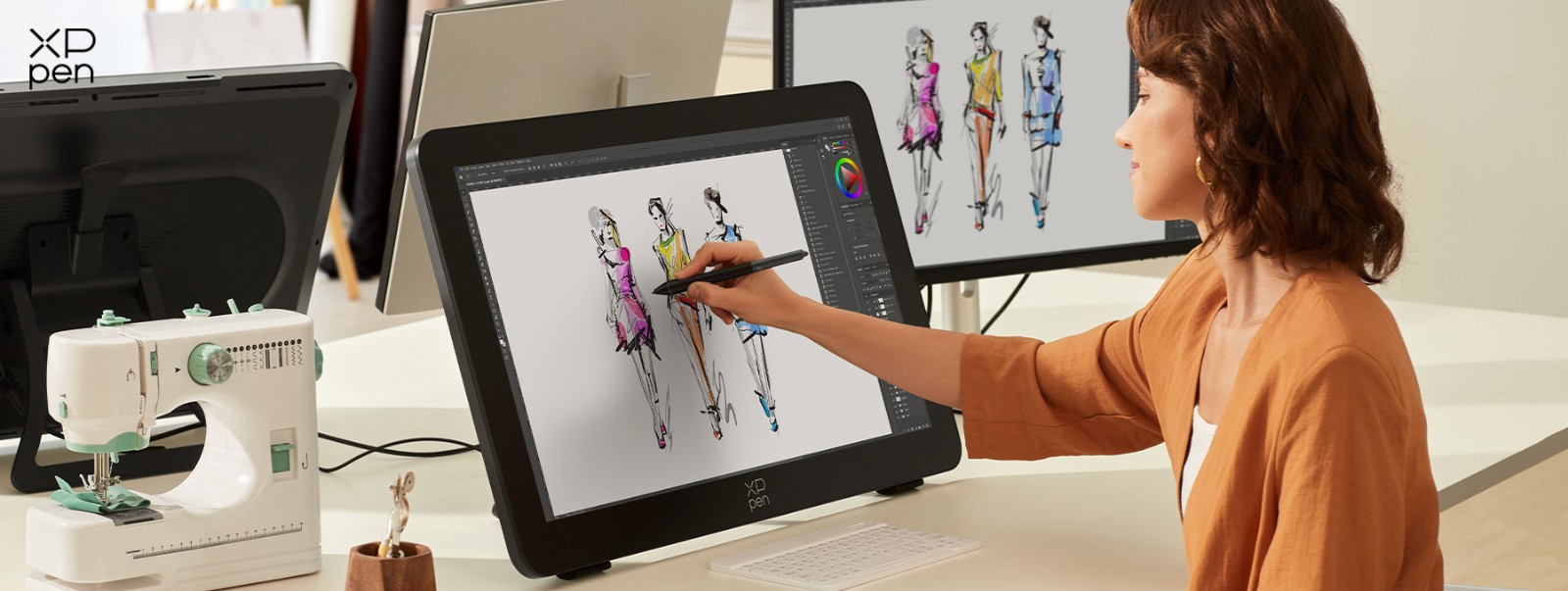
Animation production often involves managing timelines, layers, and reference panels alongside the canvas. The large screen of the Artist Pro 27 (Gen 2) provides ample space for multiple panels while promoting a comfortable drawing area for frame-by-frame work.
Graphic Designers
Designers working on branding, typography, or layout projects benefit from color-accurate displays and precise pen input. The wide color gamut helps preserve consistency across digital and print media, while customizable shortcuts streamline repetitive design tasks.
Advanced Hobbyists
Serious hobbyists who are upgrading their creative setup may also appreciate the professional features of the Artist Pro 27 (Gen 2). For artists transitioning toward freelance or professional work, a high-quality pen display can become a central part of a long-term creative workspace.
Meet the XPPen Artist Pro 27 (Gen 2): A 4K 120Hz Drawing Tablet with Smart Touch Control
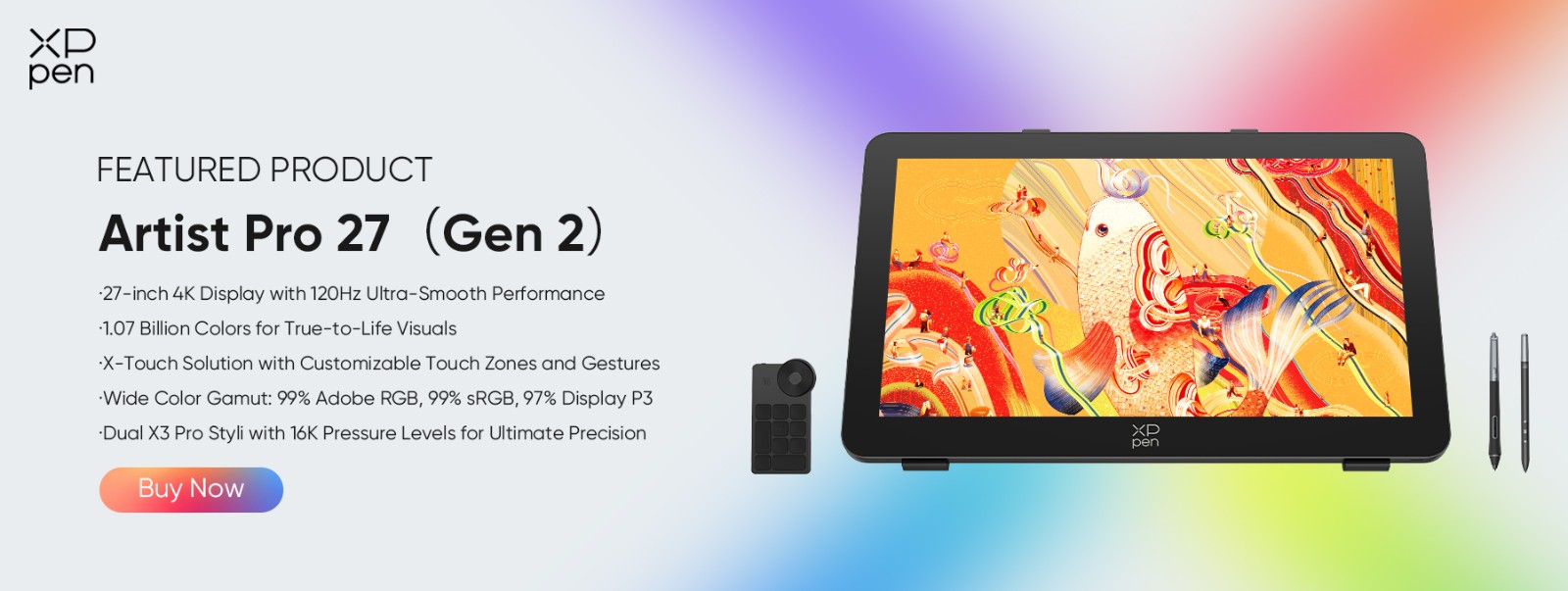
The XPPen Artist Pro 27 (Gen 2) is designed as a professional creative workstation built around a large, high-performance display and an adaptable input system. Its goal is to provide artists with a fluid drawing experience while supporting the stringent demands of illustration, animation, design, and digital painting.
Key Specifications of Artist Pro 27 (Gen 2)
| Feature | Specification |
|---|---|
| Resolution | 3840 × 2160 |
| Color Gamut | 99% sRGB, 99% Adobe RGB, 97% DCI-P3 |
| Brightness | 350 nit |
| Response Time | 5 ms |
| Refresh Rate | 120 Hz |
| Pen Pressure Levels | 16,384 |
| Tilt Support | 60° |
| Connectivity | USB-C, DisplayPort, HDMI |
| Compatibility | Windows, macOS, Android, ChromeOS, Linux |
| Launch Price | $1709.99 (Buy Now) |
Note: Compatibility details may vary by operating system version, and touch functionality is supported on selected systems. Please refer to the official specifications for full system requirements. Price may vary based on different regions.
4K 120Hz Mega Display
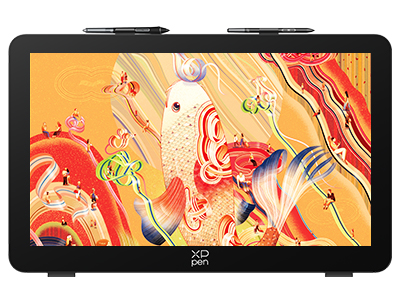
At the center of the Artist Pro 27 (Gen 2) is a 26.9-inch 4K LCD display with a resolution of 3840 × 2160. This high pixel density ensures that fine details, such as brush textures, line work, and subtle gradients, remain clear and sharp.
Beyond resolution, the display features a 120Hz refresh rate and 5ms response time. These specifications improve visual performance when drawing, especially during fast strokes or rapid brush movements. For artists accustomed to traditional media, this smoother response helps digital strokes feel more immediate and natural.
Professional Color Accuracy
Color fidelity is crucial to professional digital art production. The Artist Pro 27 (Gen 2) supports 1.07 billion colors and offers wide color coverage across multiple industry standards:
-
99% sRGB
-
99% Adobe RGB
-
97% DCI-P3
This wide gamut allows artists to work confidently in color-sensitive environments such as print design, animation production, and digital publishing. Accurate color reproduction ensures artwork maintains visual consistency across platforms and devices.
X-Touch Workflow System
The X-Touch Control System introduces a flexible way to manage creative workflows. The tablet includes three customizable touch modes, allowing artists to switch between gesture-based controls depending on their task.
-
Default Mode
In Default Mode, the entire display area is touch-enabled. This allows artists to use multi-touch gestures across the full screen, including pinching to zoom, rotating the canvas, and panning around large compositions. This mode is great for artists who frequently move around large illustrations or reference materials.
-
Basic Mode
Basic Mode limits touch interaction to the floating on-screen menu, while disabling both single-finger and multi-finger input across the rest of the display. This configuration helps prevent accidental touch inputs while drawing, which can sometimes occur when a hand rests on the screen during detailed work. Artists can still access important touch controls through the floating menu, but the main drawing area remains dedicated entirely to stylus input.
-
Custom Mode
Custom Mode provides the most flexible setup. In this mode, artists can define a specific area of the display where touch input is disabled, such as the canvas itself. Touch gestures remain active outside of the custom area, allowing them to be used for navigation or interface controls.
Ultimately, these modes can be used for navigation, canvas rotation, zooming, or other frequently used commands. A physical touch switch lets artists quickly turn touch functionality on or off, helping reduce unintended touch input during drawing.
For many creators, this combination of customizable gestures and physical controls helps streamline repetitive actions, keeping the focus where it should be: on the art!
Dual X3 Pro Stylus Technology
The Artist Pro 27 (Gen 2) includes dual X3 Pro stylus pens, designed to deliver high levels of precision and responsiveness.
The X3 Pro Smart Chip Stylus features an advanced EMR technology that supports highly responsive input. It also includes a silicone grip sleeve that helps reduce hand fatigue during long sessions. This added grip can make extended illustration or painting work more comfortable, particularly for artists who spend hours refining detailed compositions.
Alongside it, the X3 Pro Slim Stylus provides a more streamlined, lightweight option. Its slimmer design offers enhanced ergonomics for artists who prefer a pen shape closer to traditional drawing tools. The stylus also features removable shortcut keys, allowing artists to reduce or eliminate accidental button presses.
Each stylus supports 16,384 pressure levels, enabling meticulous control over brush size, opacity, and texture. This increased level of sensitivity allows artists to create expressive strokes ranging from delicate line work to bold painterly marks.
The stylus also supports up to 60° tilt recognition, which is especially useful for shading techniques, calligraphic strokes, and natural brush simulations in painting software.
Providing two styluses offers flexibility for artists who prefer different pen configurations or want a backup tool readily available during intensive projects.
Designed for Long Creative Sessions
Comfort and ergonomics are essential when working for extended periods. The Artist Pro 27 (Gen 2) incorporates several design choices intended to support long sessions.
The display uses etched anti-glare glass with full lamination, reducing reflections and creating a drawing surface that feels closer to paper. This helps maintain clarity while minimizing eye strain. It also features TÜV SÜD-certified low blue light performance to support more comfortable long-session use.
The included ACS02B adjustable stand allows the display angle to be adjusted from 16° to 72°, enabling artists to find a comfortable drawing posture whether seated upright or leaning forward.
Additional support comes from the ACK05 wireless shortcut keyboard, which provides customizable shortcut buttons for commonly used commands.
Finally, the device features a fanless, silent design, eliminating background noise and allowing artists to concentrate fully on their creative work.
Broad Software Compatibility
The Artist Pro 27 (Gen 2) supports major digital art software including Adobe Photoshop, Illustrator, Clip Studio Paint, Krita, MediBang, FireAlpaca, GIMP, Blender 3D, and more, making it easier to integrate into existing creative workflows.
FAQ
Q1: What are the benefits of a 27-inch drawing tablet?
A 27-inch drawing tablet offers a larger workspace, allowing artists to work on detailed projects without constant zooming. The expanded screen area also accommodates tool panels, references, and timelines, thereby improving workflow efficiency.
Q2: Is a 4K display important for digital art?
A 4K display offers a higher pixel density, helping artists see fine details more clearly. This is particularly useful when working on high-resolution illustrations, textures, or print-ready artwork where visual precision matters.
Q3: Who is the XPPen Artist Pro 27 (Gen 2) designed for?
It is designed for professional illustrators, concept artists, animation creators, graphic designers, and advanced hobbyists who want a large, color-accurate pen display for demanding creative workflows.
Q4: Why choose theXPPen Artist Pro 27 (Gen 2)?
In the professional 27-inch pen display category, XPPen Artist Pro 27 (Gen 2) stands out by combining several features that creators often look for in a single device: a 4K 120Hz display, wide-gamut color performance, dual X3 Pro styli, and a customizable X-Touch workflow system. While many products in this category emphasize only one or two aspects of the creative experience, the Artist Pro 27 (Gen 2) is designed to deliver a more complete balance of display quality, pen precision, workflow flexibility, and long-session comfort.
Q5: What software does XPPen Artist Pro 27 (Gen 2) support?
It supports mainstream digital art software such as Adobe Photoshop, Illustrator, SAI, CDR, Clip Studio Paint, GIMP, Krita, MediBang, FireAlpaca, and Blender 3D.
Availability
The XPPen Artist Pro 27 (Gen 2) is now available through official XPPen channels at a launch price of $1,709.99 in the US store. With its combination of 4K 120Hz display performance, customizable touch workflow and dual stylus support, it offers a strong new option in the professional 27-inch pen display category.
Note: Availability may vary by region. Please visit the official product page for the latest purchasing details.
Final Thoughts
As digital art continues to evolve, creators increasingly look for tools that combine high-resolution displays, responsive stylus technology, and efficient workflow controls. Large-format pen displays provide the space and precision needed for modern illustration, animation, and design.
For artists and designers seeking a large-format pen display that balances performance, flexibility, and workflow efficiency, the XPPen Artist Pro 27 (Gen 2) stands out as a strong new option in the professional creative market.
It brings together a 4K 120Hz display, wide color coverage, dual X3 Pro styli, and a customizable X-touch system in a single creative workstation. Its ergonomic design and silent operation also make it well suited for demanding creative workflows.
Learn more about the XPPen Artist Pro 27 (Gen 2) on the official product page and explore its full specifications, availability, and more details.
About Us
Founded in 2005, XPPen is a leading global brand in digital art innovation under Hanvon UGEE. XPPen focuses on the needs of consumers by integrating digital art products, content, and services, specifically targeting Gen-Z digital artists. XPPen currently operates in 163 countries and regions worldwide, boasting a fan base of over 1.5 million and serving more than ten million digital art creators.
Learn moreRecommended Articles
TIPS 10 Best Free Drawing Software Tools for Digital Art FOCUSED XPPen Artist Ultra 14 Review: Is It Worth Buying?






Ready to invest in the right tools?
Get expert buying advice, unbiased reviews, and exclusive deals on drawing tablets, and accessories.
