Should You Get A 27-Inch Tablet For Digital Art?
FOCUSEDLarge drawing surfaces are becoming more accessible, and the 27-inch tablet is leading that shift. What was once limited to high-end studios is now within reach for serious artists and designers who want a workspace that matches their ambitions. But bigger isn't always automatically better, and there's a lot worth thinking through before committing to a display this size.
In this article, we'll cover everything you need to know about 27-inch tablets, from the difference between a tablet and a pen display to the workflows they're built for and the ones where they might actually get in your way.
What Is A 27-Inch Tablet?
"27-inch tablet" almost always refers to a pen display, which is a large screen you draw directly on with a pressure-sensitive pen. It's worth clarifying what that means, because it's easy to confuse with a screenless tablet, where you draw on a pad while looking at a separate monitor, or with a standard 27-inch monitor paired with a tablet computer. These are fundamentally different tools and multiple factors affect how you choose your graphic drawing tablet.
The distinction matters because it changes how you work at a basic level. With a pen display, your hand, pen, and canvas are all in the same visual space. You can see exactly where your pen is making contact as it makes contact, which creates a drawing experience much closer to working on paper or traditional canvas.
In terms of active drawing space, a 27-inch pen display gives you 596.7 x 335.7mm to work with. That's larger than an A3 sheet of paper and more than twice the surface area of a 16-inch pen display.
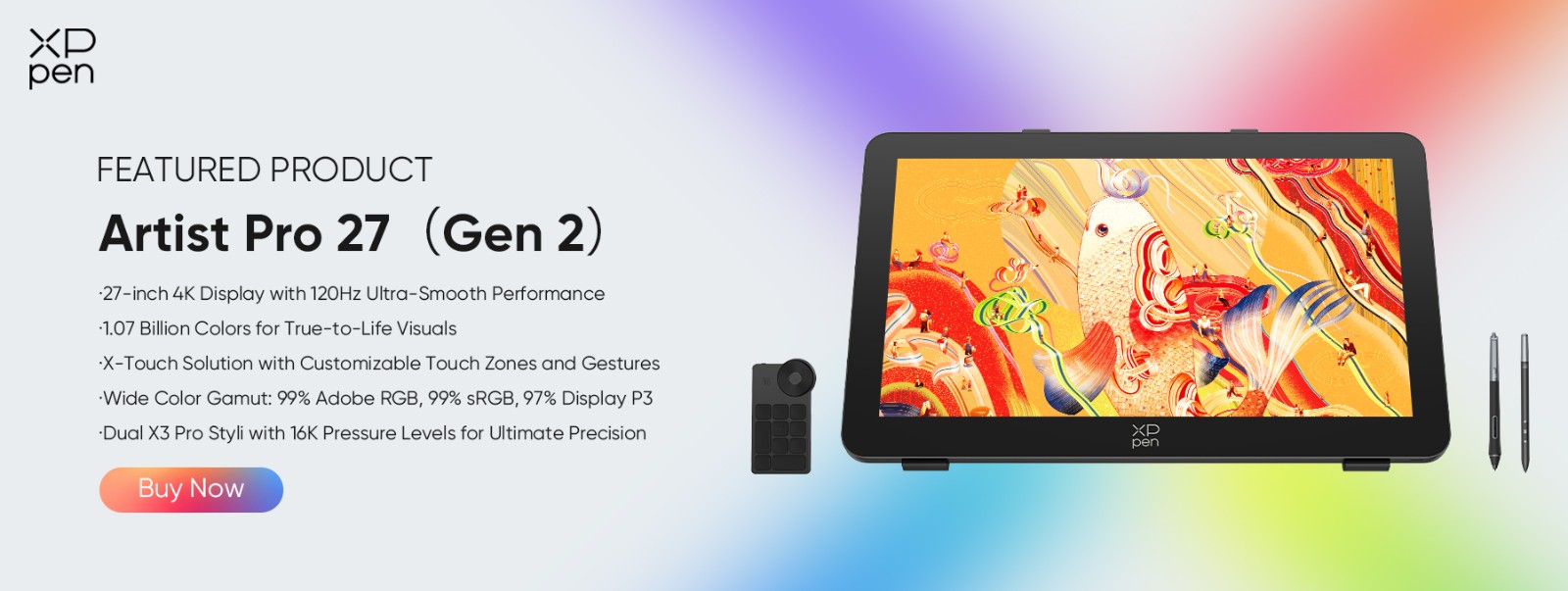
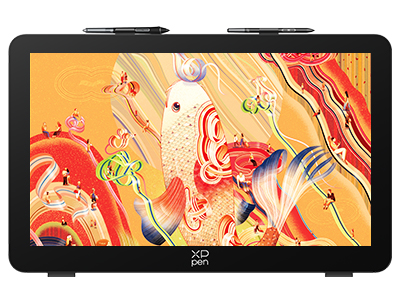
The current benchmark in this category is the XPPen Artist Pro 27 (Gen 2), a 4K pen display with a 26.9-inch LCD running at 120Hz, 99% Adobe RGB coverage, Calman Verified color accuracy at ΔE below 1, and a dual-stylus setup with 16,384 levels of pressure sensitivity.
The Pros of a 27-Inch Tablet
Massive Workspace
The most obvious advantage is the sheer amount of canvas space you get without ever needing to zoom. If your work is print-oriented, whether that's book illustrations, posters, or large-scale character art, being able to view your composition at or near actual size changes how you work in a meaningful way. Your canvas, reference image, and layer panel can all be open at once without anything feeling cramped.
For complex compositions with multiple figures, environments, or technical elements, that's not a luxury. It's a genuine productivity advantage.
Enhanced Detail Work
The Artist Pro 27 (Gen 2) runs a 26.9-inch panel at native 4K resolution, 3840x2160 pixels. That pixel density holds up across the entire surface, whether you're painting individual strands of hair on a character portrait or adding minute details to an environment concept. It doesn't thin out in the corners or lose sharpness at the edges.
This is also where 27-inch pen displays separate themselves from 27-inch monitors paired with a separate tablet input. When your hand is physically on the surface, pixel-level accuracy matters in a way that it simply doesn't when you're working at arm's length from a screen.
Professional Workflow Benefits
A 27-inch screen changes how a multi-panel workflow actually feels, in a way that a 16-inch screen simply can't. Artists who have spent years hiding and showing panels on a smaller display consistently say that moving to a large pen display is the single biggest productivity improvement they've made to their setup.
There's also a reasonable case for reduced eye strain over time. Larger buttons, larger menu text, and not having to lean in to read anything small add up across a full workday. The Artist Pro 27 (Gen 2) is TÜV SÜD Low Blue Light certified, and the luminous etched glass increases light transmittance by up to 30% compared to conventional etched glass, which helps reduce the fatigue that comes with working on a matte surface for extended periods. You can even use it for video editing.
Future-Proofing
The industry is moving toward 4K as a baseline, not just for screens but for deliverable file sizes too. For illustrators working on high DPI print work, animators on 4K timelines, or photographers preparing files for large format output, working in an environment that matches your deliverable resolution matters. A 27-inch 4K pen display puts you in exactly that position without any approximation required.
Immersive Creative Experience
A lot of artists transitioning from traditional mediums say the hardest part of going digital is adjusting to screenless tablets, where your hand and your eyes are no longer working in the same place. A 27-inch pen display removes that problem entirely. The surface is large enough that the interface stops being something you're navigating and becomes something you're just working on, which many artists describe as the closest digital art gets to a purely physical experience.
Who Should Get a 27-Inch Tablet?
Professional illustrators creating work for publishing, print, or editorial use are the most direct fit. The near-actual-size canvas, verified color accuracy, and 4K resolution all align with work that's ultimately headed for physical reproduction.
Digital Painters
Digital painters working on photorealistic portraits, landscape painting, or fine art reproduction will find the 26.9-inch surface closer to a traditional canvas than anything else in this category. The X3 Pro Smart Chip Stylus, with its 3g activation force and 0.4mm center accuracy, gives fine art painters the kind of precise control that work demands.
Animators
Animators benefit from the 120Hz refresh rate in a specific way. It reduces motion blur during gestural drawing and keeps up with the continuous speed changes that come with frame-by-frame animation and storyboarding.
3D Artists
3D artists working in ZBrush or Blender for sculpting and texture painting gain a meaningful advantage from the canvas size and pen input, replacing mouse-based workflows with something far more intuitive for brush-based work.
Professional Photographers
Professional photographers doing precise retouching, masking, or frequency separation will find the combination of display size, color accuracy, and pen input significantly more comfortable than working with a mouse.
Architects and Industrial Designers
Architects and industrial designers creating CAD work or presentation graphics benefit from being able to display technical drawings at or near actual size, which changes how you assess proportion and detail in ways a smaller screen simply can't replicate.
FAQs
Is a 27-inch tablet too big for digital art?
Not really for most uses. The main limitation is desk space. The Artist Pro 27 (Gen 2) measures 681.3 x 423.8mm, so you'll want a desk at least 55cm deep to use it comfortably. If that's a constraint, the 22-inch or 16-inch options are the practical alternative.
What is the best 27-inch drawing tablet in 2026?
For the price, the XPPen Artist Pro 27 (Gen 2). The Calman verified 4K display, 120Hz refresh rate, 16,384 pressure levels, dual stylus, and 10-point multi-touch is a combination you won't find on any other tablet at the same price point.
How much desk space do you need for a 27-inch tablet?
The Artist Pro 27 (Gen 2) with the stand included measures 681.3 x 423.8mm. Plan for at least 75cm wide and 55cm deep.
Is a 27-inch tablet better than two monitors for digital art?
It depends on how much of your time is spent working with software panels. Worth noting that the pen display replaces one of your monitors, it doesn't add to your setup. For digital artists specifically, it's usually the better choice.
Can a beginner use a 27-inch tablet?
Technically yes, but it's hard to recommend as a first investment. However, for beginners, we suggest that you get comfortable with digital drawing first, then consider stepping up to this size.
Does a 27-inch tablet cause arm fatigue?
More than a smaller tablet, yes. The adjustable stand, which goes from 16 to 72 degrees, helps significantly. Working at an angle rather than flat reduces fatigue over long sessions.
What computer specs do you need?
Any mid-range machine from the past few years will handle 4K resolution for 2D drawing and painting programs without issue.
Is the XPPen Artist Pro 27 (Gen 2) worth it?
For professionals and semi-professionals spending most of their day drawing, painting, or creating detailed visuals, yes. It's professional-grade quality and earns its price if this is how you spend your working hours.
Conclusion
A 27-inch tablet makes the most sense for professional illustrators, digital painters, animators, photographers, and designers who spend the bulk of their time in large-format or detail-intensive work. The workspace advantage is real and significant, not a marginal upgrade.
For professionals ready to commit, the XPPen Artist Pro 27 (Gen 2) is the current standard. Calman Verified 4K display, 120Hz, ΔE below 1 color accuracy in Adobe RGB, 16,384 levels of pressure sensitivity with two styli included, and build quality designed specifically for professional use. If you're buying a 27-inch tablet in 2026, this is the one.
About Us
Founded in 2005, XPPen is a leading global brand in digital art innovation under Hanvon UGEE. XPPen focuses on the needs of consumers by integrating digital art products, content, and services, specifically targeting Gen-Z digital artists. XPPen currently operates in 163 countries and regions worldwide, boasting a fan base of over 1.5 million and serving more than ten million digital art creators.
Learn more






Ready to invest in the right tools?
Get expert buying advice, unbiased reviews, and exclusive deals on drawing tablets, and accessories.
