How to Join Art Fight 2026: A Full Beginner's Guide
KNOWLEDGEEvery July, a massive digital phenomenon takes over the online art community. Digital art feeds fill up with stunning illustrations of unique characters, all tagged with a single, highly energetic battle cry: Art Fight .
If you have ever wanted to share your original characters (OCs), get free high-quality artwork, and push your creative limits alongside thousands of artists worldwide, you are in the exact right place.
This beginner-friendly guide walks you through absolutely everything you need to know to survive and thrive in Art Fight 2026.
Part 1. What is Art Fight?
For the uninitiated, Art Fight is a massive, free-to-play, month-long web game designed to connect artists through a mutual exchange of gift art.
The game divides its massive player base into opposing teams. The goal? "Attack" players on other teams by drawing their original characters. Every piece of art you submit earns points for your team, based on the complexity, detail, and polish of your piece.
It is a beautiful, gamified giant art trade where everyone walks away with a gallery full of gorgeous free art of their beloved OCs, making friends along the way.
Part 2. How to Join Art Fight 2026: A Step-by-Step Beginner’s Guide
If you are brand new to Art Fight 2026 , the interface and terminology ("attacks," "defenses," "sorting") can feel a bit overwhelming.
Don’t worry! This highly detailed guide walks you through the entire process—from registering your account to preparing your very first "battle-ready" character.
Step 1: Register and Secure Your Account (The Basics)
To get started, you will need to create your official account on the platform.
-
Navigate to the Site: Go to Art Fight official website .
-
Fill Out the Registration Form: Click Register in the top right corner. You will need to provide a unique username, a valid email address, and a secure password.
Age Requirement: You must be at least 13 years old to create an account.
-
Understand Your Username Rules:
-
When you sign up, you get one free username change
-
You are granted one additional free name change every year on January 1st (you can hoard up to 12 name changes maximum).
-
You can only change your username once every 30 days. Choose something you like!
-
-
Confirm Your Email & Log In: Check your inbox for a confirmation link, click it, and log back into the site.
Step 2: Set Up Your Profile & Artist Preferences
Before you upload characters, you need to tell other players who you are and what your boundaries are. This prevents unwanted interactions and ensures you get art you actually enjoy.
-
Go to Profile Settings: Click on your username in the top right corner and select Settings .
-
Write Your Bio: Keep it friendly and concise. Introduce yourself, mention what kind of art you create (digital, traditional, 3D, etc.), and link your external art portfolios (like Toyhou.se, Bluesky, or Instagram) if you have them.
-
Define Your Permissions (Crucial!): Every artist has boundaries. Clearly state your rules in your bio or the global permissions tab:
-
Are you okay with gore, horror, or blood?
-
Do you allow people to draw your characters in alternate outfits or "AUs" (Alternate Universes)?
-
Can people draw your characters "shipping" (in relationships) with theirs?
-
Do you mind if they draw your character as a different gender or species?
-
-
Add a Profile Icon: Upload an avatar (under 5MB, formatted as a .PNG, .JPG, or .GIF).
Troubleshooting Tip: If you upload a new icon and it doesn't seem to update, perform a "hard refresh" on your browser ( Ctrl+F5 on Windows or ⌘+Shift+R on Mac) to clear your cache.
Step 3: Upload Your Characters (The "Targets")
If you don't upload any characters, other players won't have anything to draw, meaning you won't receive any attacks!
-
Navigate to Character Submission: Click Characters in the top navigation bar and select Submit Character .
-
Upload a Reference Sheet: Upload an image of your character under the 5MB
Pro-Tip: Clean, flat-color references (lineart with solid color fills and no complex shading or dramatic lighting) are the best. This makes it incredibly easy for other artists to grab your character’s exact colors with an eyedropper tool.
-
Fill Out the Character Details:
-
Name: Give your character their name.
-
Species/Type: Categorize them (e.g., Human, Feral, Anthro, Monster, Robot). This helps artists who only specialize in certain genres find your character.
-
Description & Personality: Keep it brief but expressive! Write a short list of personality traits (e.g., "A grumpy wizard who hates rain" or "A bubbly space-alien who loves sweets" ). This gives artists pose and expression ideas.
-
Specific Permissions: If a character has unique rules (e.g., "This specific character must always wear their glasses" ), list them directly in the character's individual permissions box.
-
-
Save and Arrange: Once uploaded, you can go to Manage Characters under your profile dropdown to drag and drop your characters into your preferred order. Put your favorites at the very top!
Step 4: Get Sorted Into a Team (Joining the Fight)
Now that your profile is polished and your characters are ready, it's time to choose your alliance.
-
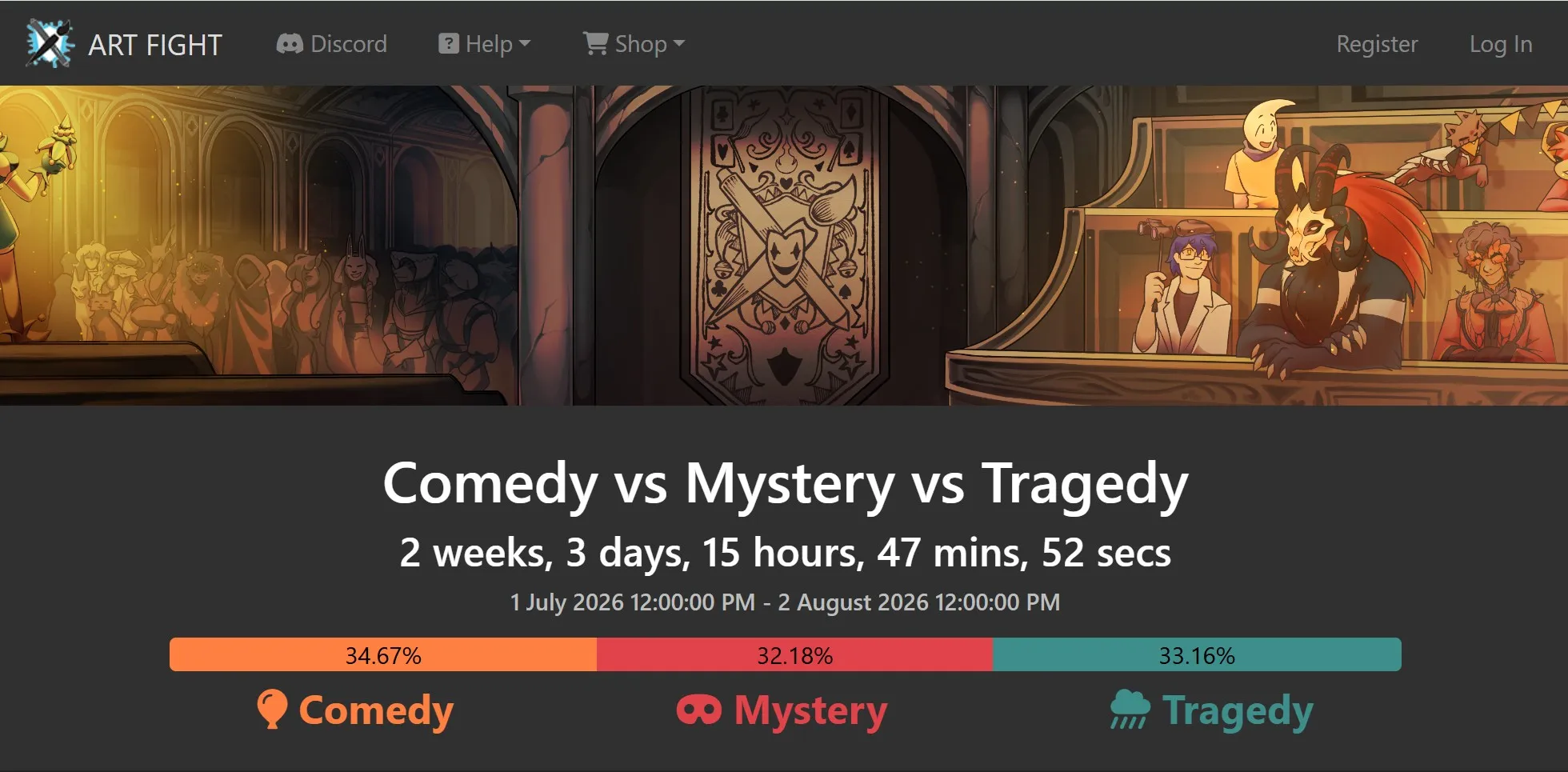
Find the Event Button: During the active July season, you will see a "Current Event" button in the top right header next to your username. Click it.
-
Get Sorted: Click the "Get Sorted" button on the event page.
-
Randomization & Switches: The system will randomly assign you to one of the three active anniversary teams: Team Comedy , Team Mystery , or Team Tragedy . Your username color will change to match your team's colors.
-
Don't like your team? You have two team switches remaining after your initial sorting (three random sorting attempts in total). You can click "Visit Team Sorting" to roll the dice again.
-
Want to play with friends? If your friend has already been sorted, they can send you a team invite link/code, allowing you to bypass the randomizer and join their exact team.
-
-
Spectator Mode: If you change your mind and decide you'd rather look at art without being attacked or earning points, click the "Make me a Spectator" Your username will turn grey, and you will be safe from incoming attacks.
You're Ready! What's Next?
Congratulations—you are officially a participant in Art Fight 2026!
To start your journey, click on the Characters tab in the main menu, use the site filters to browse other players' characters, and click the Bookmark button on any designs that catch your eye. Once you've finished drawing a character, submit it via the "Submit Attack" button, and watch your team's score climb!
Note: If you want to play on the same team as your friends, you can use a "Friendly invite" code (if they are already sorted) to guarantee you land on the same team!
Once you are sorted, you are officially in the game! You can now search for other players, bookmark characters you want to draw, and wait for your first incoming attack notification.
Part 3. Everything About Art Fight 2026
To celebrate its major 10th Anniversary milestone, Art Fight 2026 is doing things a little differently. Here is the breakdown of this year’s core mechanics, themes, rules, and customization tools:
The 2026 Theme: Three-Way Battle!
In a massive twist on the classic two-team format, Art Fight 2026 features three teams for the anniversary season!
| Team | Theme Vibe |
|---|---|
| Team Comedy | Playful, chaotic, bright, and lighthearted characters. |
| Team Mystery | Enigmatic, dark, magical, and intriguing characters. |
| Team Tragedy | Melancholy, dramatic, emotional, and gothic characters. |
Art Fight 2026 Rules to Live By
To keep the game fun and safe for everyone, Art Fight enforces strict guidelines:
-
Respect Character Permissions: Check an artist's profile permissions before drawing. If they say "no blood," respect it.
-
No Tracing or AI-Generated Art: Every submission must be 100% your own original drawing. Tracing, copying, or using AI tools will get you disqualified immediately.
-
Appropriate Tagging: Ensure you tag any mature, sensitive, or suggestive content correctly so users who prefer to filter it out can do so.
-
Submit Art Created During the Event: You cannot upload pre-made drawings or old sketches. Every attack must be drawn during July 2026.
Part 4. The Quick Guide: Community Secrets & Tactical Rules
Much of the Art Fight hype happens off-site. On platforms like Reddit's r/OriginalCharacter, creators gather in megathreads to swap team cards and share Google Form "hitlists" to plan their targets. Combining these social habits with the latest platform rules is the best way to set yourself up for a stress-free season.
1. Dive Into the Social Scene
Do not wait on the main site for people to find you. Share your profile in community megathreads, find mutual follows, and submit your OCs to other players' hitlists. Whether you draw digitally, traditionally, or make quick comics, putting yourself out there early gets you on the community's radar before July begins.
2. Know the 3D Model & Tracing Rules
Art Fight allows you to use 3D models, pose apps, and free assets as visual references for anatomy, composition, or lighting. However, directly tracing over them in your final submissions is strictly prohibited. The platform values manual artistic translation to keep the event fair.
3. Use Character Tags for Visibility
Proper tagging is the easiest way to get your OCs drawn. When uploading your roster, tag them with specific traits like "mermaid," "robot," or "monster." Hundreds of artists search these exact tags to find OCs they love to draw, so do not let your designs get lost in the crowd.
4. Bypass the Day-One Server Lag
On July 1st, a massive traffic spike usually causes the site to lag or crash. To beat the rush, upload your reference sheets, customize your layout, and organize your character profiles in mid-to-late June so your page is fully ready before the servers melt.
5. Drop the "Art Fight Anxiety"
Art Fight is a low-pressure exchange, not a strict competition. You are never obligated to revenge every attack, and you do not need to submit fully rendered masterpieces. Simple sketches, traditional drawings, and quick mini-comics are highly celebrated, so focus on having fun at your own pace.
Part 5. Is It Too Late to Join the Art Fight?
Not at all!
The official "on-season" run of Art Fight is from July 1st at 6:00 pm UTC (12:00 pm MT) to August 1st at 12:00 pm MT .
-
Mid-to-Late June: Pre-registration opens! You can sign up early and select your team before the fight officially kicks off.
-
During July: You can join at absolutely any point—even in the final week! You can jump in, upload characters, and throw down "revenge" attacks immediately.
-
August to June (Off-Season): The event is inactive. You cannot join teams or earn points, but the site remains open! You can edit, upload, and organize your characters all year round.
Gear Upgrade Tip: Unleash Your Creativity with XPPen
When you're aiming to churn out multiple high-quality attacks a week, your digital setup makes all the difference. Efficiency, comfort, and precise pressure sensitivity are your best friends during the July grind.
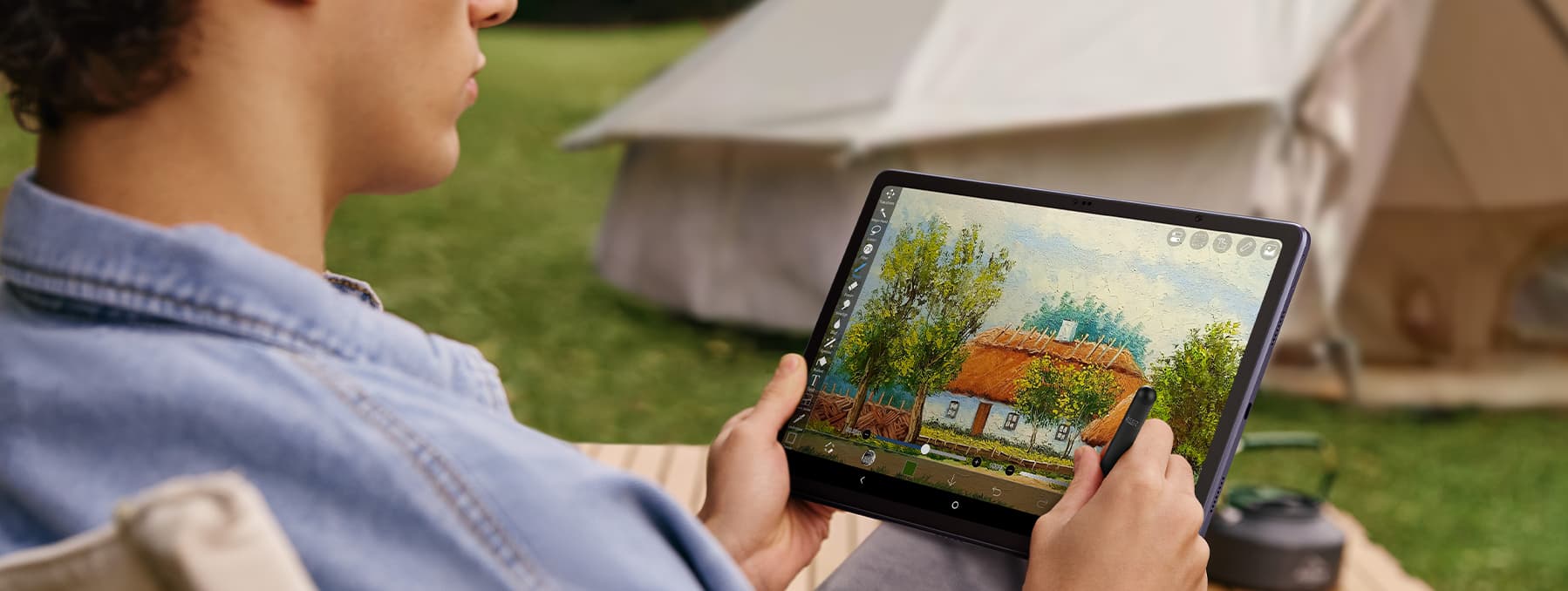
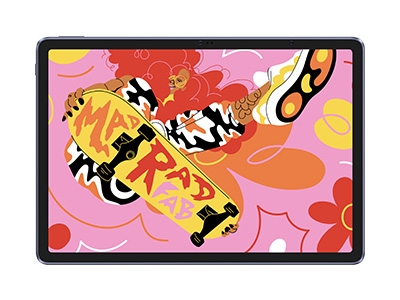
If you are looking for a powerful, portable way to draw on the go—whether you're sketching on the couch or illustrating in a cafe—the XPPen Magic Drawing Pad is a good choice.
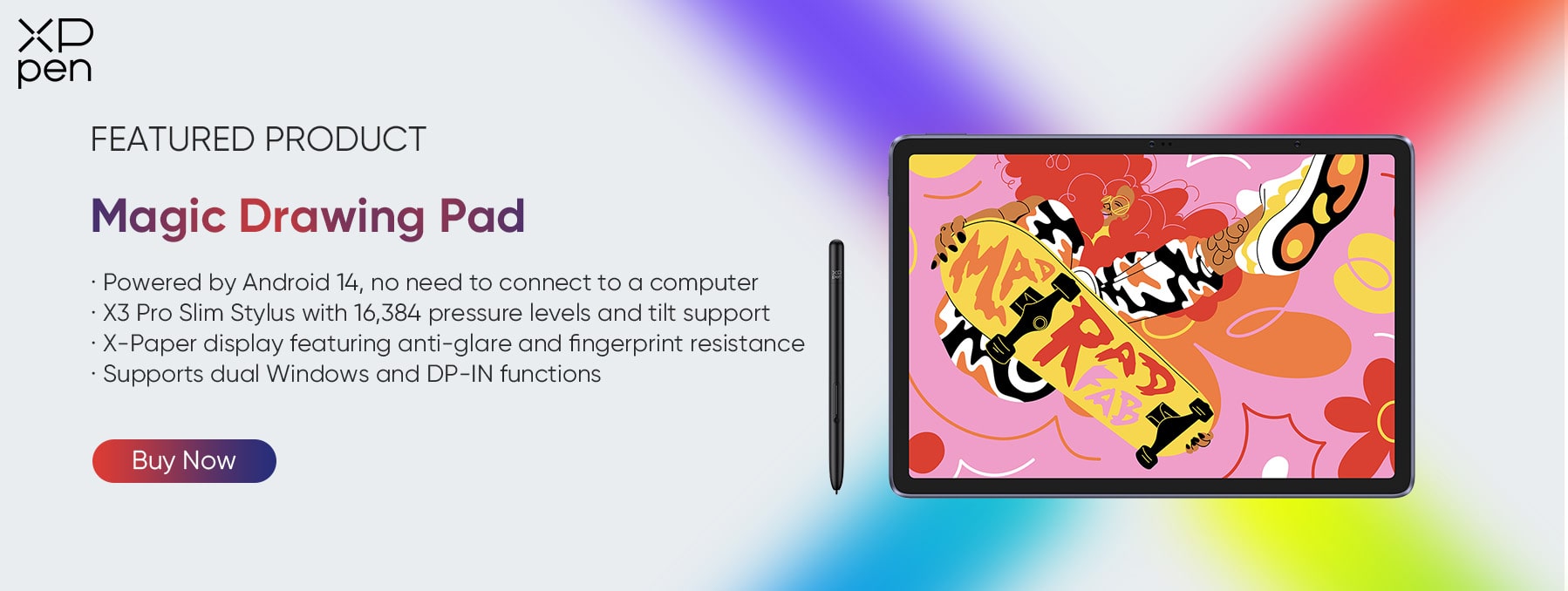
Unlike traditional tablets that require a computer connection, this is a standalone, ultra-slim Android drawing tablet. It features a stunning paper-like screen surface and comes equipped with an X3 Pro Pencil boasting 16,384 levels of pressure sensitivity—offering incredibly smooth, lag-free line work. It is the perfect tool to help you sketch, color, and upload your Art Fight attacks quickly and comfortably from anywhere.
FAQs about Art Fight 2026
Q1: Can anyone join Art Fight?
Yes! Anyone over 13 years old can join at any time. You can register and jump right into the game even if the event is already active, and you are free to upload or edit your characters all year round.
Q2: Can I participate as a beginner artist?
Absolutely! Artists of all skill levels are welcome. The point system calculates attack values solely based on how finished your artwork is (such as a sketch versus a fully shaded piece) rather than your technical skill level, making it a supportive and fair space for everyone.
Q3: Why am I getting an error when trying to upload my art?
The most common cause is file size. The maximum image file size allowed on the platform is 5MB. Make sure your drawing is saved under this limit and is formatted as a .PNG, .JPG, or .GIF file.
Q4: Can I draw traditional art, or does it have to be digital?
Traditional art is fully welcome! Just make sure to take a clean, well-lit photo or scan of your physical drawing before uploading it to the site so your team gets the proper points.
Read more about Art Fight FAQs
Conclusion
Art Fight is a magical time of year that brings the global digital art community closer together. Whether you are fighting for Team Comedy , Team Mystery , or Team Tragedy this year, remember that the ultimate goal isn't just about winning points—it is about having fun, challenging your creative limits, and celebrating the joy of original character design.
So, what are you waiting for? Set up your profile, upload your favorite OCs, and get ready to dive into the battle.
If you want to make this season your most productive one yet, grab a high-performance tool like XPPen Magic Drawing Pad to keep your lines sharp and your workflow seamless. Let the battle begin, and happy sketching!
About Us
Founded in 2005, XPPen is a leading global brand in digital art innovation under Hanvon UGEE. XPPen focuses on the needs of consumers by integrating digital art products, content, and services, specifically targeting Gen-Z digital artists. XPPen currently operates in 163 countries and regions worldwide, boasting a fan base of over 1.5 million and serving more than ten million digital art creators.
Learn moreRecommended Articles
FOCUSED Magic Drawing Pad: XPPen's First Standalone Drawing Tablet TIPS 6 Best Random Drawing Prompt Generators Easy & Funny OTHERS Rule of Thirds in Drawing and Art with Examples 2026 KNOWLEDGE Positive and Negative Space in Digital Art: What Every Artist Needs to Know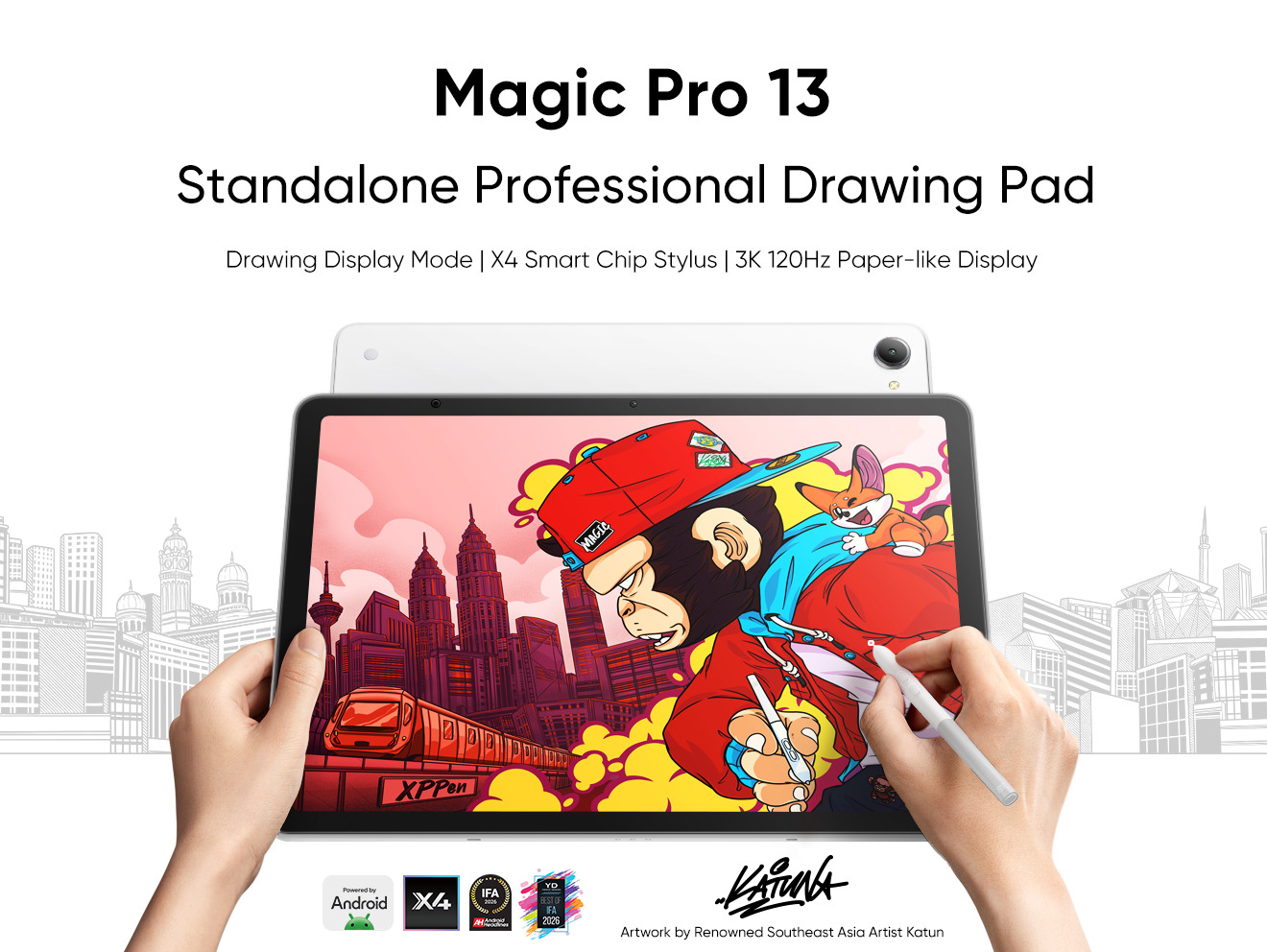





-
 Magic Drawing Pad
X3 Pro Slim Stylus with 16,384 pressure levels and tilt support
X-Paper display featuring anti-glare and fingerprint resistance
Clip Studio Paint and ibis Paint X 3-month free membership
Super portable- just 6.9mm thin and weighs only 590g
Supports dual Windows and DP-IN functions
It features:
Powered by Android 15, no need to connect to a computer to use.
-
Magic Drawing Pad
X3 Pro Slim Stylus with 16,384 pressure levels and tilt support
X-Paper display featuring anti-glare and fingerprint resistance
Clip Studio Paint and ibis Paint X 3-month free membership
Super portable- just 6.9mm thin and weighs only 590g
Supports dual Windows and DP-IN functions
It features:
Powered by Android 15, no need to connect to a computer to use.
Looking for the Best Drawing & Design Apps?
Discover essential drawing techniques, expert tips, and the best app recommendations to boost your creativity and master digital art.
