6 Best Drawing Apps for iPad Free & Paid 2026
KNOWLEDGEThe iPad has become one of the best devices for digital art. Paired with an Apple Pencil, it gives you everything you need to sketch, paint, design, or bring ideas to life.
The only real challenge? Choosing the right drawing app.
With hundreds of options on the App Store, finding the best one can feel overwhelming. Some apps are built for beginners. Others pack pro-level tools for illustrators, designers, and animators. Picking the wrong one slows your progress and wastes time and money.
This guide cuts through the noise. We’ve selected the best iPad drawing apps based on ease of use, features, performance, and value. Whether you sketch for fun, design graphics, or create professional art, there’s an app here for you.
By the end, you’ll know exactly which iPad drawing app fits your style, skill level, and budget — so you can start creating with confidence.
Part 1. Best Drawing Apps for iPad at a Glance
| App | Best For | Price | Skill Level |
|---|---|---|---|
| Procreate | All-around digital art | One-time purchase | Beginner–Pro |
| Adobe Illustrator for iPad | Vector design | Subscription | Intermediate–Pro |
| Adobe Photoshop for iPad | Photo editing & concept art | Subscription | Intermediate–Pro |
| Adobe Fresco | Free digital painting | Free | Beginner–Pro |
| Affinity Designer 2 | Professional design | Check current pricing | Intermediate–Pro |
| Clip Studio Paint | Comics, manga, and illustration | Subscription (with free trial) | Beginner–Pro |
Part 2. 6 Best Drawing Apps for iPad 2026
1. Procreate — The Ultimate All-Rounder
-
Best for: Illustrators, hobbyists, lettering artists, and anyone who wants a powerful yet intuitive drawing experience.
-
Pricing: One-time purchase (No subscription)
-
Skill Level: Beginner to Professional
-
Platform: iPad only
If you ask ten artists what app they use, most of them will say Procreate . You pay for it once. No monthly fees. The app is simple to use too — open it up, and in ten minutes you're already painting something.
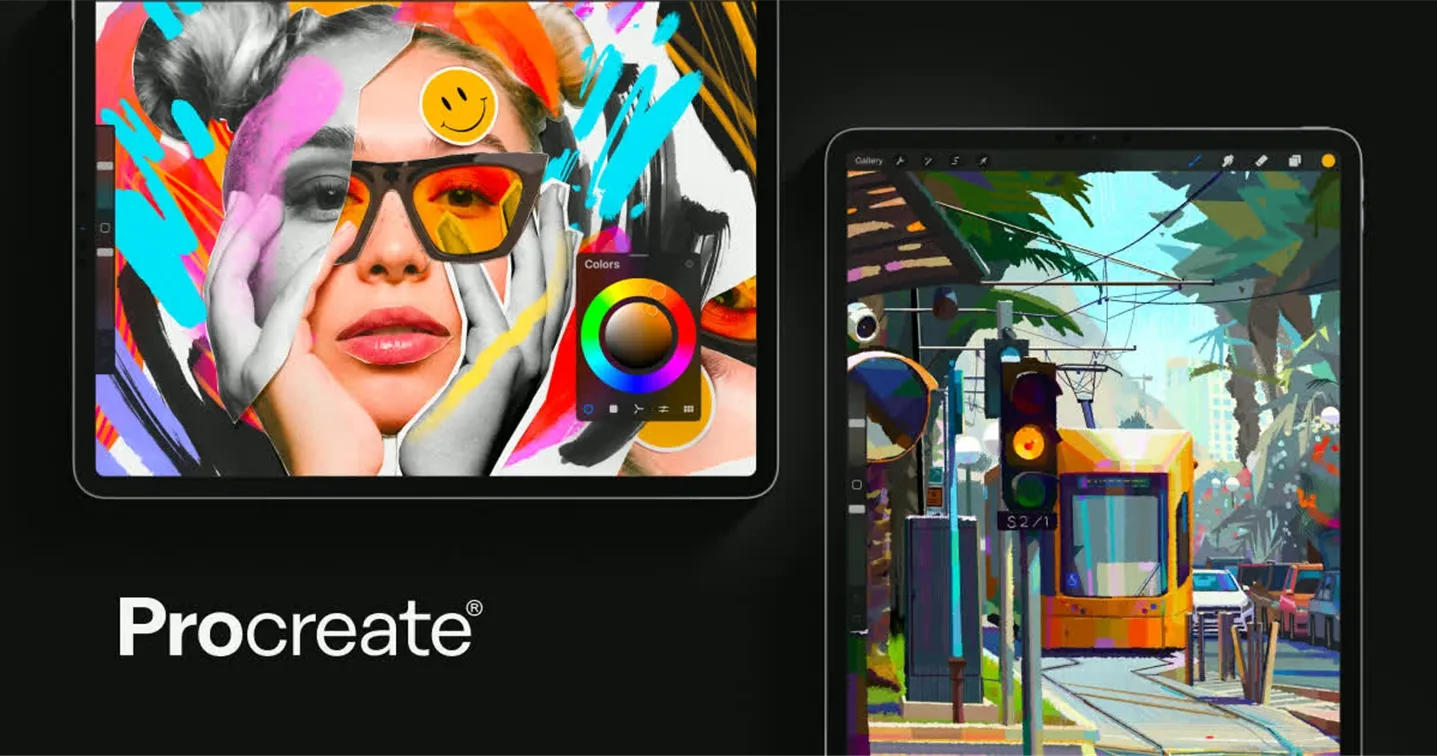
The brush engine is a big reason artists stick with it: it includes stabilization that smooths out shaky linework without making strokes look artificial, along with hundreds of customizable brushes for painting, inking, and texture work. You can also make short animations and looping videos right inside the app now.
One thing to know: Procreate only works on iPad, and it doesn't do vector art. But for drawing, painting, and sketching, it's still the safest first pick.
Why It Stands Out
Procreate is the gold standard of iPad art. It’s not just an app; it’s a phenomenon. Built from the ground up for iPad, it harnesses the full power of iPadOS and the Apple Pencil to deliver a buttery-smooth, responsive experience.
2. Adobe Illustrator for iPad — Vector Design on the Go
-
Best for: Graphic designers, branding specialists, logo designers, and anyone who needs precise vector artwork.
-
Pricing: Monthly subscription (included in Creative Cloud)
-
Skill Level: Intermediate to Professional
-
Platform: iPad + desktop sync
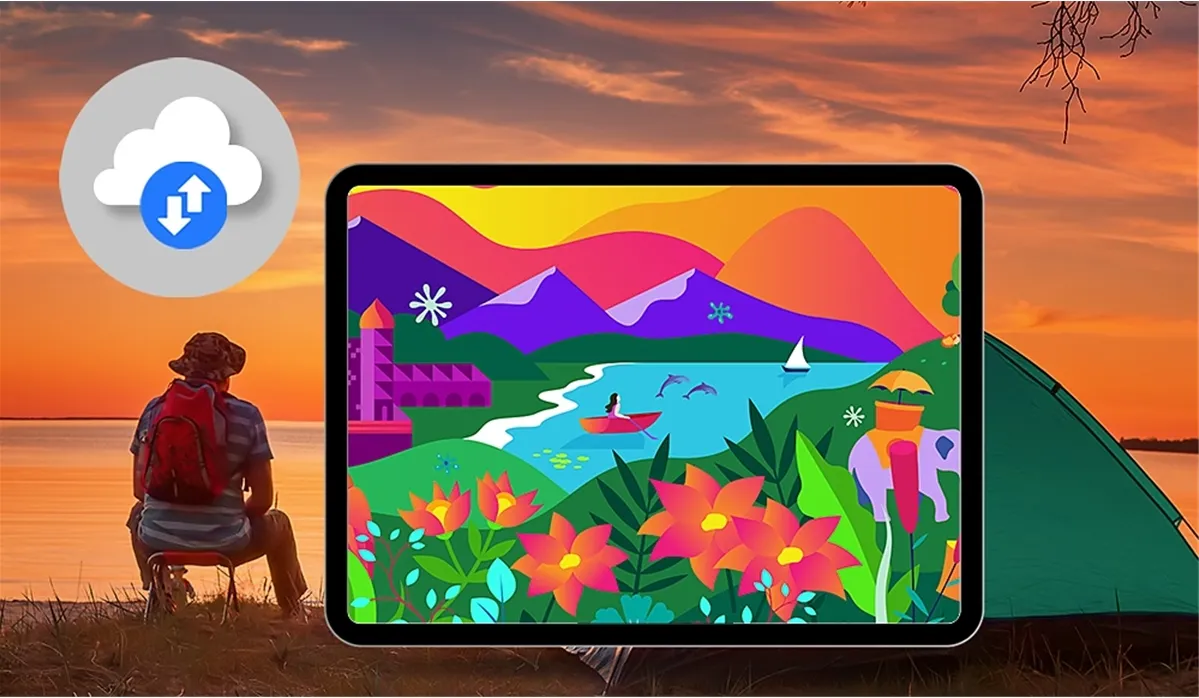
If you’re a graphic designer, branding specialist, or anyone who works with logos, icons, or typography, Illustrator for iPad is a tool you’ll want to have. It brings the industry-standard vector design experience to a portable form factor, allowing you to create precise, scalable artwork wherever you are.
The cloud sync is seamless — you can start a project on your desktop, refine it on your iPad during a commute, and finalise it back on your Mac. Everything stays in sync automatically. There’s also a feature called Repeat that makes creating complex patterns and radial designs surprisingly fun and easy.
Why It Stands Out
Illustrator for iPad brings the full power of vector design to a touch interface. Every line, curve, and shape is mathematically defined, which means your artwork stays razor-sharp at any zoom level — essential for professional design work that needs to scale from a business card to a billboard without losing quality. The Repeat feature alone makes pattern creation faster and more intuitive than on desktop.
3. Photoshop for iPad — Image Editing and Photo Retouching
-
Best for: Photographers, photo retouchers, concept artists, and anyone who works with raster images and needs professional-grade editing tools.
-
Pricing: Monthly subscription (included in Creative Cloud)
-
Skill Level: Intermediate to Professional
-
Platform: iPad + desktop sync
While Illustrator handles vector graphics, Photoshop for iPad is built for a completely different purpose: editing pixels. It’s the go-to tool for photographers, digital artists, and anyone who needs to retouch photos, create composites, or work with raster images.
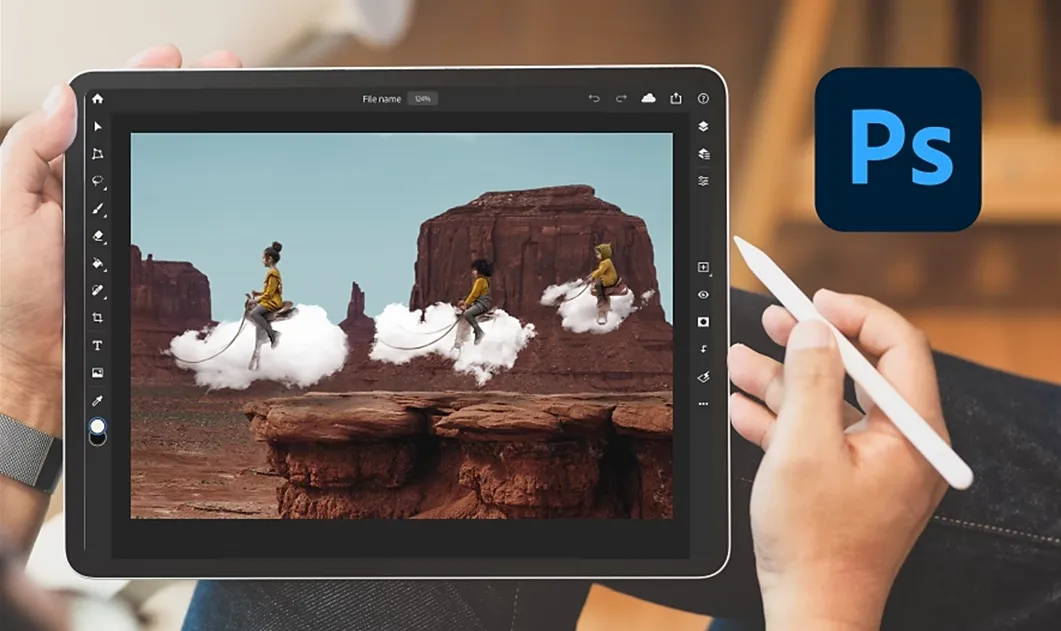
The standout feature here is Generative Fill. You can select an area of an image, type a prompt, and the app will generate new content or remove unwanted objects in seconds. It saves hours of manual work. Photoshop also brings over the essential tools you’d expect — layers, masks, adjustment layers, and blend modes — so you can work non-destructively and always go back to tweak your edits.
Why It Stands Out
Photoshop for iPad brings desktop-grade image editing to a mobile device with a level of sophistication that few apps can match. The Generative Fill is a genuine game-changer — what used to take minutes of careful cloning and healing now takes seconds with a text prompt. Combined with the Apple Pencil, it offers a precision that makes complex retouching feel natural and intuitive.
4. Adobe Fresco — Best Free App Right Now
-
Best for: Traditional artists transitioning to digital, watercolorists, oil painters, and budget-conscious creators.
-
Pricing: 100% Free (No subscription, no watermark, no trial)
-
Skill Level: Beginner to Professional
-
Platform: iPad
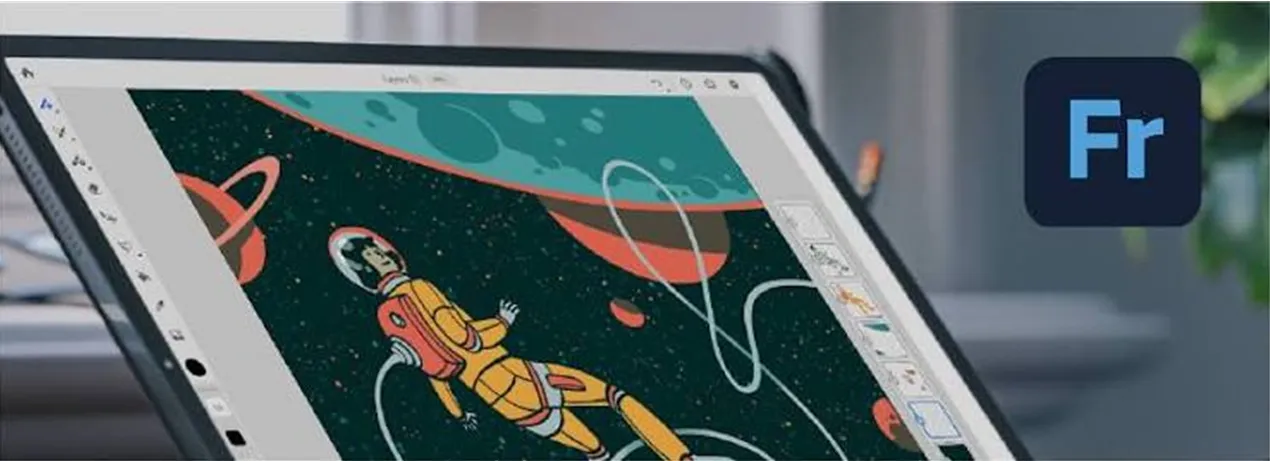
Not many people talk about Adobe Fresco , but they should. It mixes regular brushes with special "live brushes" that simulate how real paint and ink behave — colors bleed and blend on the canvas the way wet media would on paper.
The best part: Fresco used to need a subscription for the good stuff. Now it's completely free. Every tool is unlocked. It's a little less polished than Procreate, and some people find the brush menu a bit busy. But if money is tight, this is the best free drawing app you can get on iPad today.
Why It Stands Out
Fresco is completely free , and it’s an incredible option. Its standout feature is the revolutionary “Live Brushes” that simulate real-world painting physics with astonishing accuracy.
5. Affinity Designer 2 — Best for Precise Design Work
-
Best for: UI/UX designers, graphic designers, vector illustrators, and professionals who want a one-time-purchase alternative to Adobe.
-
Pricing: One-time purchase (No subscription)
-
Skill Level: Intermediate to Professional
-
Platform: iPad (also available on Mac/PC)
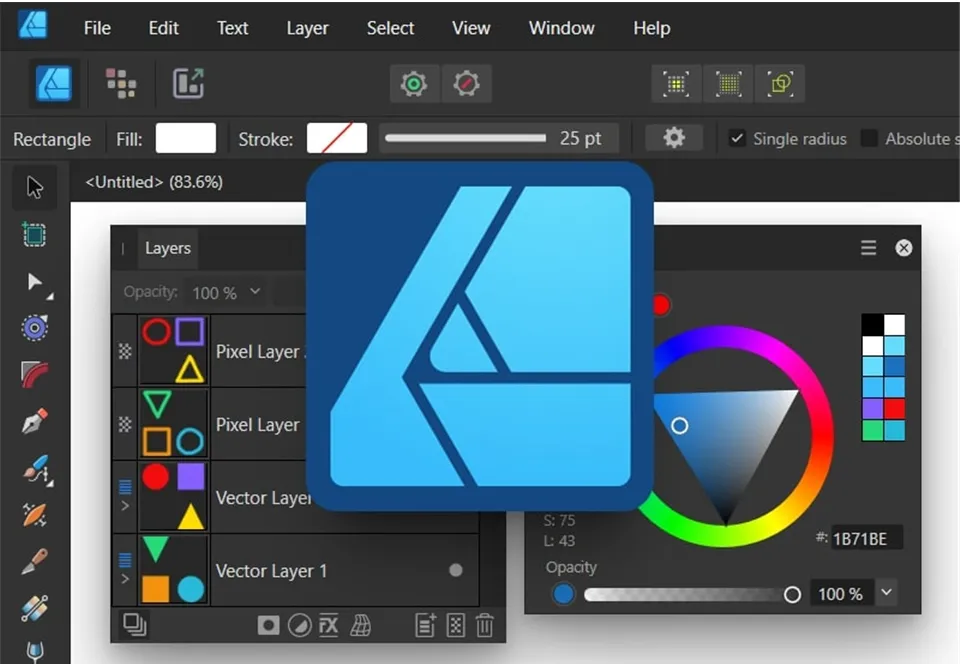
Affinity Designer is made for people doing real design work, not loose sketching. You get huge canvases, deep zoom for fine detail work, and a full library of Pantone colors (used a lot in print and branding). You can save your files as PDF, SVG, and more.
It used to cost money, but now it's totally free with everything included. If you do logos, branding, or technical drawings, this app is worth putting next to Procreate on your iPad, not instead of it.
Why It Stands Out
Affinity Designer 2 is a powerhouse that sits in a unique middle ground. It can handle both vector and raster workflows in a single document — often called a “hybrid” app. It rivals Adobe Illustrator but costs a fraction of the price.
6. Clip Studio Paint — Best for Manga and Comics
-
Best for: Manga artists, comic creators, webtoon artists, and illustrators who need specialized drawing tools.
-
Pricing: Subscription
-
Skill Level: Beginner to Professional
-
Platform: iPad + Desktop
If you're creating manga, comics, or webtoons , Clip Studio Paint is one of the best drawing apps for iPad. Unlike general-purpose painting apps, it is built around the needs of comic artists, with dedicated tools for panel layouts, inking, speech balloons, perspective, and screen tones.
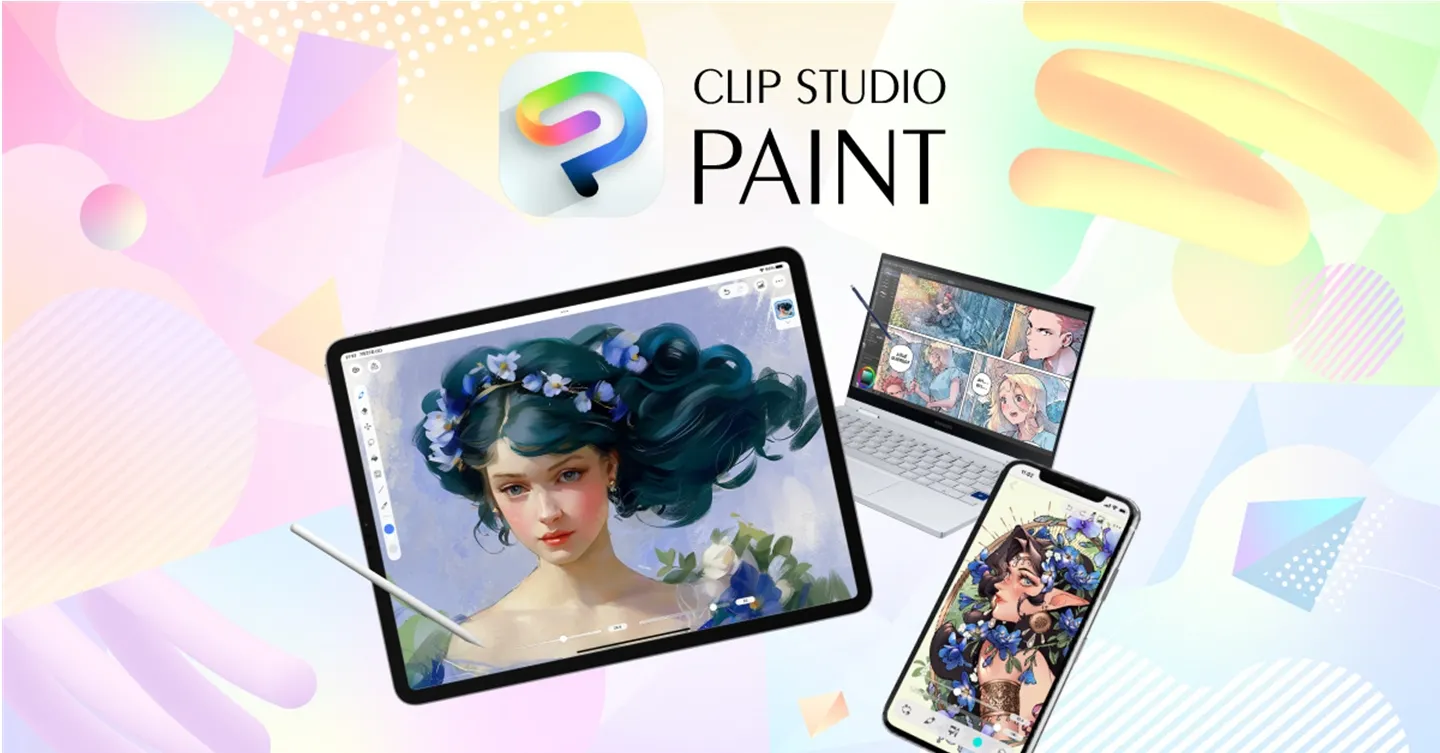
Its brush library is another major strength. You can choose from pens, pencils, markers, and other customizable brushes to create different line styles. It also supports 3D models and references, which can help with difficult poses and perspectives.
Why It Stands Out
Clip Studio Paint combines professional drawing tools with a workflow designed specifically for comics and manga. Its panel, perspective, 3D reference, and animation tools make it more versatile than a basic sketching app.
Part 3. iPad vs. Regular Drawing Pad: Which Is Better for Drawing?
If you're choosing a device specifically for digital art, iPad vs. XPPen Magic Drawing Pad is a more useful comparison than simply looking at tablets by price. Both are standalone drawing devices, but they are designed with different priorities.
The iPad is a general-purpose tablet with a large app ecosystem. The XPPen Magic Drawing Pad is built primarily around drawing, with a pen-focused workflow and Android-based creative software.
| iPad + Apple Pencil | XPPen Magic Drawing Pad | |
|---|---|---|
| Best for | General use + drawing | Dedicated digital art |
| Drawing apps | Procreate, Fresco, Clip Studio Paint | ibisPaint, Infinite Painter, Clip Studio Paint, etc. |
| Pen | Apple Pencil | XPPen stylus |
| Portability | Excellent | Excellent |
| Drawing focus | General-purpose device | Art-focused device |
| Operating system | iPadOS | Android |
| Best advantage | Large app ecosystem | Drawing-focused hardware and workflow |
Choose an iPad if you want more than drawing
An iPad makes sense if you want one device for drawing, entertainment, browsing, note-taking, video editing, and everyday productivity . With Apple Pencil, apps such as Procreate and Adobe Fresco provide a polished drawing experience.
The biggest advantage is the iPadOS ecosystem. You have access to a wide range of creative apps, including professional tools such as Procreate, Photoshop, Illustrator, and Clip Studio Paint.
For artists who already use other Apple devices, the broader ecosystem can also make file transfer and workflow integration more convenient.
Choose XPPen Magic Drawing Pad if drawing is the priority
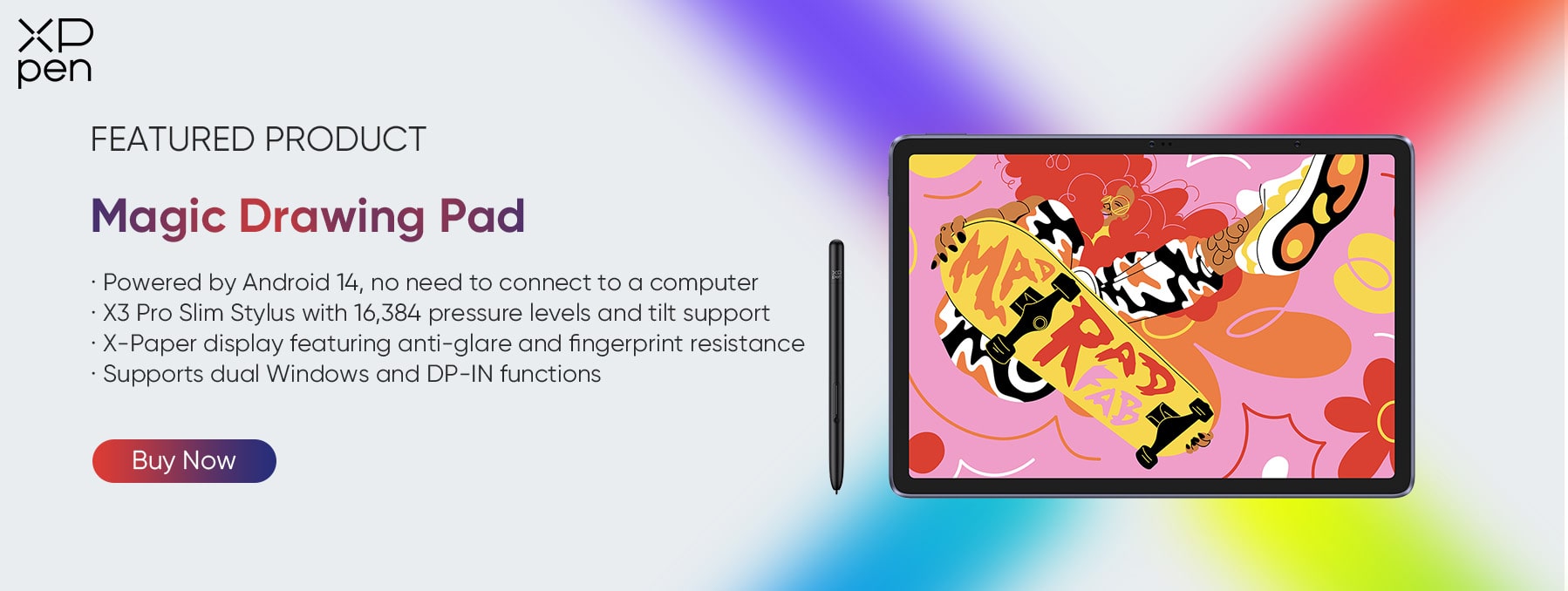
The XPPen Magic Drawing Pad is designed specifically with digital artists in mind. Instead of treating drawing as one feature among many, it combines a large drawing display, a dedicated stylus, and Android-based creative apps into a portable art workstation.
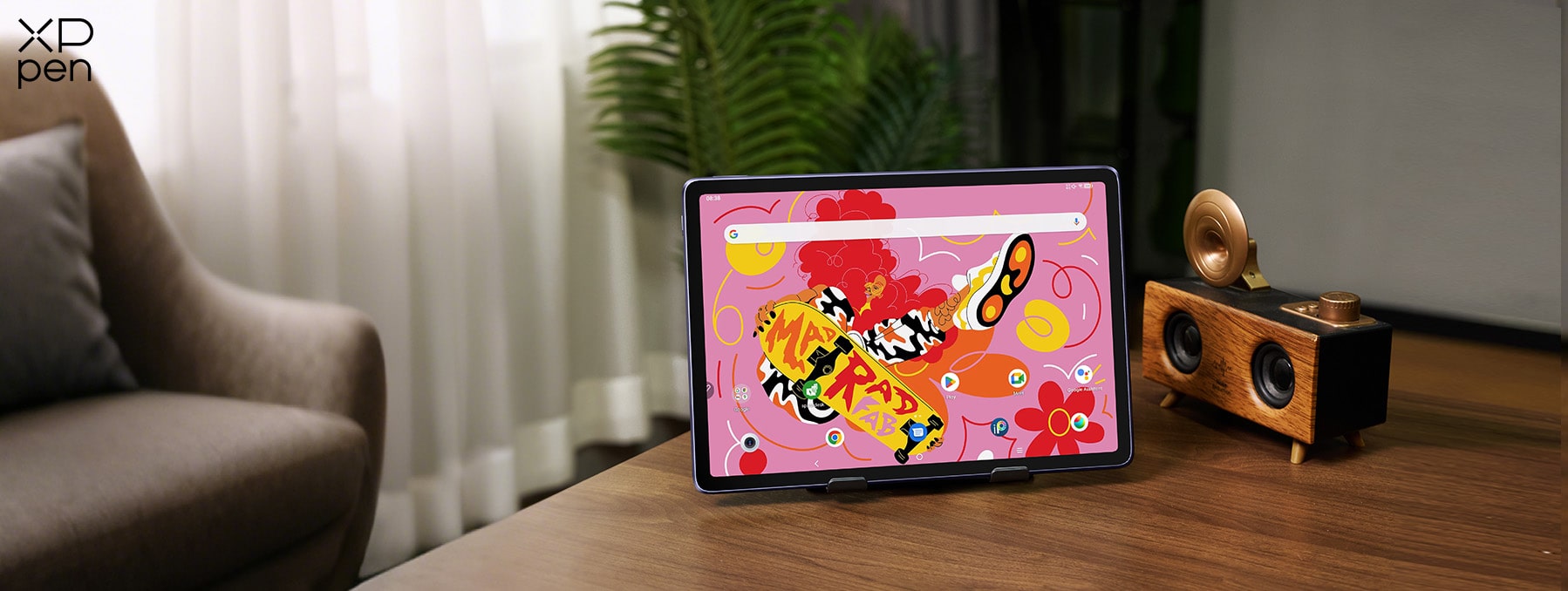
This makes it particularly appealing to artists who want:
-
A dedicated digital drawing device
-
A large screen for sketching and illustration
-
A more traditional pen-on-screen experience
-
Portable digital art without connecting to a PC
-
Access to Android drawing and creative apps
It can be a particularly interesting alternative for artists who don't want to enter the Apple ecosystem or pay separately for an iPad and Apple Pencil.
Part 4. FAQs about Drawing Apps for iPad
Q1: Do I need an Apple Pencil to draw on an iPad?
No, your finger works fine for quick sketches. But most drawing apps need an Apple Pencil for pressure and tilt features to work properly.
Q2: Is Procreate a one-time purchase or a subscription?
It's a single payment with no monthly fees. That makes it one of the more affordable professional drawing apps you can buy for iPad.
Q3: Can I use Adobe Fresco for free?
Yes, Fresco removed its subscription completely. Every premium tool is now free on iPad, making it the strongest free painting app around right now.
Q4: Which app is best for comics or manga?
Clip Studio Paint is made specifically for that. It has panel layout tools, perspective guides, and comic brushes that regular painting apps don't offer.
Q5: What if I want vector art instead of painting?
Affinity Designer 2 and Adobe Illustrator for iPad both handle vector work well. Affinity is free with full features, and Illustrator syncs with desktop files.
Conclusion
The best iPad drawing app depends on your needs. Procreate is the best all-around choice, Adobe Fresco is a great free option, Clip Studio Paint is ideal for comics, and Affinity Designer or Adobe Illustrator suit vector design.
If you want a portable device built specifically for digital art, the XPPen Magic Drawing Pad is also worth considering as an alternative to the iPad + Apple Pencil setup.
Choose the tools that fit your workflow today, and upgrade when your creative needs grow.
About Us
Founded in 2005, XPPen is a leading global brand in digital art innovation under Hanvon UGEE. XPPen focuses on the needs of consumers by integrating digital art products, content, and services, specifically targeting Gen-Z digital artists. XPPen currently operates in 163 countries and regions worldwide, boasting a fan base of over 1.5 million and serving more than ten million digital art creators.
Learn moreRecommended Articles
FOCUSED Magic Pro 13 vs iPad Pro: The Best Standalone Drawing Pad? ROUNDUPS 5 Best iPad Alternatives for Drawing and Artists FOCUSED 5 Best iPads for College: Top Picks for Every Student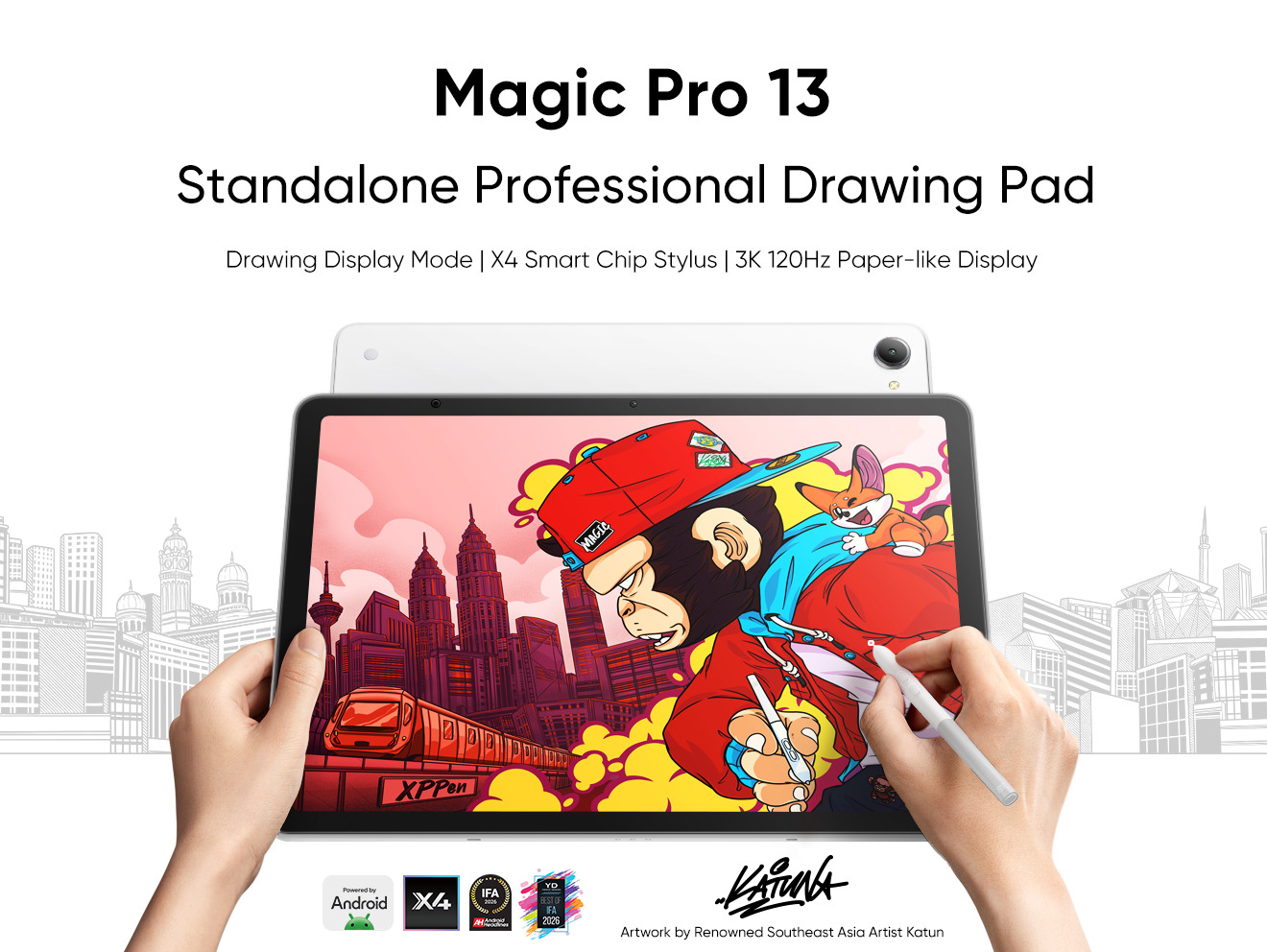





-
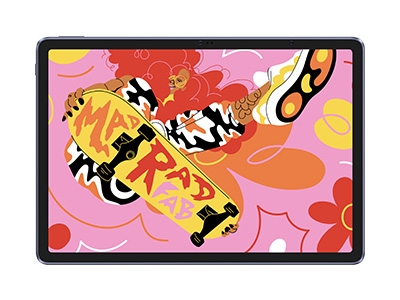 Magic Drawing Pad
X3 Pro Slim Stylus with 16,384 pressure levels and tilt support
X-Paper display featuring anti-glare and fingerprint resistance
Clip Studio Paint and ibis Paint X 3-month free membership
Super portable- just 6.9mm thin and weighs only 590g
Supports dual Windows and DP-IN functions
It features:
Powered by Android 15, no need to connect to a computer to use.
-
Magic Drawing Pad
X3 Pro Slim Stylus with 16,384 pressure levels and tilt support
X-Paper display featuring anti-glare and fingerprint resistance
Clip Studio Paint and ibis Paint X 3-month free membership
Super portable- just 6.9mm thin and weighs only 590g
Supports dual Windows and DP-IN functions
It features:
Powered by Android 15, no need to connect to a computer to use.
Looking for the Best Drawing & Design Apps?
Discover essential drawing techniques, expert tips, and the best app recommendations to boost your creativity and master digital art.
