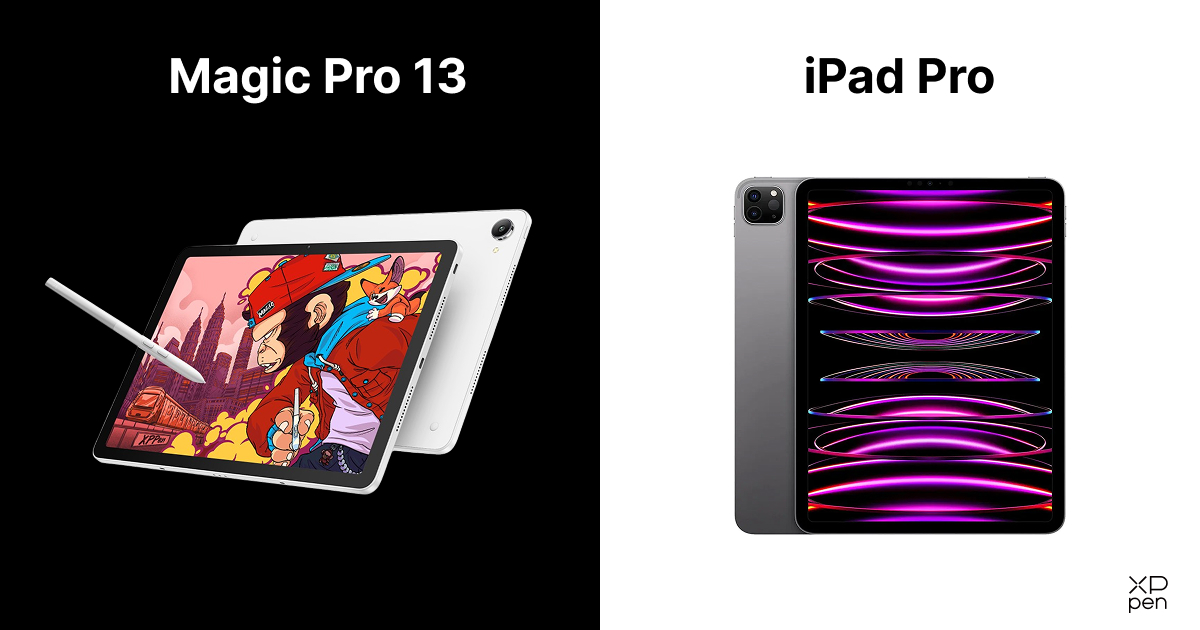
Magic Pro 13 vs iPad Pro: The Best Standalone Drawing Pad?
FOCUSEDAs someone interested in art, have you ever wondered whether to buy Apple's top-tier tablet or a graphic tablet designed specifically for digital illustration? For a long time, the answer was straightforward: just take an iPad Pro, buy an Apple Pencil, and adjust your drawing style to suit its slippery, glossy glass surface.
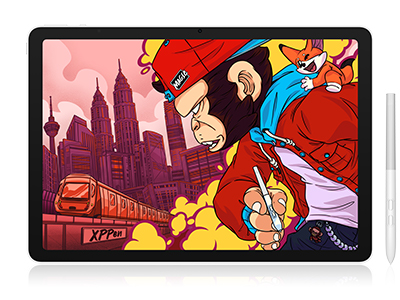
However, when XPPen launched the industry's first professional mobile drawing pad, the digital sketching landscape shifted drastically. And with the launch of the all-new XPPen Magic Pro 13 , it's only natural that artists are once again weighing their options and comparing the XPPen Magic Pro 13 vs iPad Pro.
But sometimes, this comparison goes well beyond a simple contest of benchmark figures; it's really about how the hardware works with an artist's hands, eyes, and everyday workflow.
Quick Overview: XPPen Magic Pro 13 vs. iPad Pro
-
Best for Digital Artists: XPPen Magic Pro 13, with its nano-etched matte screen, battery-free stylus, and 16K pressure sensitivity.
-
Best for Procreate Users: Apple iPad Pro, thanks to its powerful hardware and dedicated iPadOS creative ecosystem.
-
Best for Desktop Workflows: XPPen Magic Pro 13, which supports USB-C connectivity to Windows PCs and Macs for drawing directly in desktop software.
-
Best for Expandable Storage: XPPen Magic Pro 13, with MicroSD support for up to 2TB of additional storage.
-
Best for Multimedia: iPad Pro, featuring a premium OLED display, excellent HDR performance, and powerful all-around computing capabilities.
The Bottom Line: If drawing precision, natural pen-on-screen feel, and desktop creative flexibility are your priorities, the XPPen Magic Pro 13 is worth considering. If you rely on Procreate and want a premium all-purpose tablet, the iPad Pro remains a compelling choice.
Deep Head-to-Head Comparison
1. Screen Experience & Drawing Feel
The first thing you notice when you compare the XPPen Magic Pro 13 with the iPad Pro is the display surface. Since visual clarity is important in digital art, for an illustrator who is painting line art for six hours the surface friction influences accuracy, fatigue, and physical control.
Of course, the iPad Pro has a beautiful Tandem OLED display which is extremely bright, achieves deep black levels, and makes HDR films look stunning. Yet when you draw directly on its standard glossy glass, that same bright OLED panel feels like skating on wet ice. The Apple Pencil nib moves unpredictably on the polished glass, forcing you to keep your hand muscles stiff just to keep lines from wobbling.
The XPPen Magic Pro 13 solves this from within the glass itself:
-
Anti Glare, Anti Fingerprint, Nano-Etched Glass: The Magic Pro 13 uses microscopic chemical etching directly on the display glass, along with an anti-fingerprint coating. It creates a soft, paper-like tactile friction for an almost pencil and paper-sketching feel.
-
3K Resolution at 120Hz Fluidity: Featuring an expansive 12.95-inch canvas at 3096 × 2064 resolution (287 PPI) and a 3:2 aspect ratio, it matches the iPad Pro's fluid 120Hz refresh rate.
-
Brightness and Eye Comfort: With 650 nits of brightness, you can sketch outdoors on a sunlit patio. The device is also certified by TÜV SÜD as emitting low levels of blue light to protect your vision when working late at night in the studio.

2. Stylus Accuracy & Ergonomics
After the screen, pen performance is the most important factor creators look for in digital art tablets; the Apple Pencil Pro is sleek and responsive for general note-taking, but it has limitations and specific disadvantages for illustrators.
The tablet does not come with it, so you need to spend an extra $79 to $129. Moreover, the Apple Pencil is powered by an internal battery which must be charged magnetically on the tablet's frame. Once that battery runs out, your workflow stops right away.
Moreover, instead of customizable buttons to boost productivity, youare limited to double taps or squeeze gestures. By default, the device alternates between pen and eraser, but you can change this; you can switch tools by double-tapping. If shortcut buttons play an essential role in your workflow, this limitation can impact your productivity.
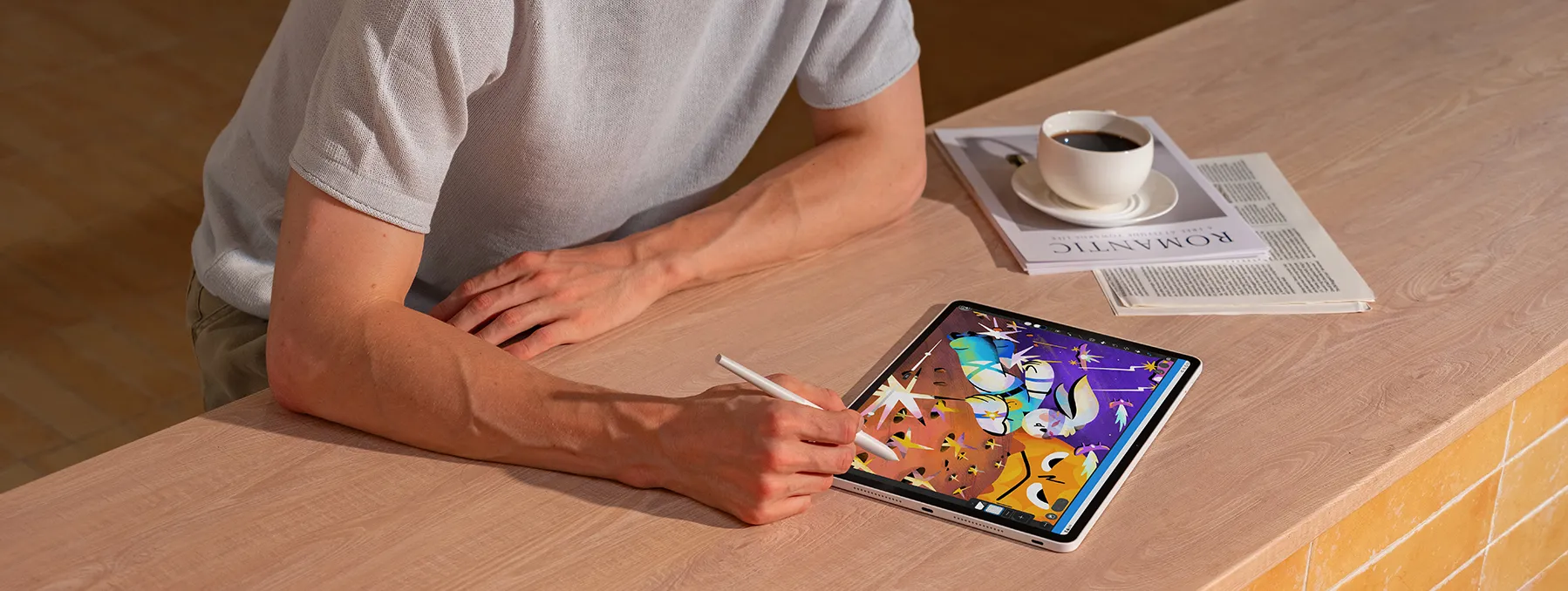
On the other hand, Magic Pro 13 comes with the brand-new X4 Smart Chip Stylus. The pen uses passive electromagnetic resonance (EMR) technology, so it needs no charging or Bluetooth pairing. You just pick it up and start drawing.
More importantly, its internal architecture represents a technical leap:
-
16K Pressure Sensitivity: Offering double the industry standard, the stylus actively responds to micro-gradations in hand pressure. It detects small pressure variations when drawing with uneven pressure and adjusts line width based on the pressure applied.
-
2g Initial Activation Force (IAF): The pen tip registers your stroke the exact instant it touches the glass, capturing feather-light cross-hatching without requiring deliberate downward force.
-
Innovative Pen Tip: By reducing the tip travel to 0.3 mm and reshaping the nib into a rigid bullet design, XPPen has eliminated the tip wobble, which was a problem with older digital pens and has improved stroke stability by 200%.
3. The Ultimate Deal Breaker
If you have an iPad Pro and want to draw in desktop programmes such as full-featured Photoshop, Blender, ZBrush, or Maya, you'll need software-sharing solutions like Sidecar (only available on Mac), Astropad, or Duet Display. Because these systems transmit your video signal over Wi-Fi or a USB cable by encoding it, you may experience cursor lag and lost frames when working quickly with your brush.
The XPPen Magic Pro 13 overcomes this by connecting directly to a Windows PC or Mac via USB-C, thereby becoming a 3K, 120Hz drawing monitor with responsive pen input. This lets you sketch on the go, then connect to your computer at home to finish detailed designs in professional desktop software.
4. Hardware & Productivity
Examining the Xppen Magic Pro 13 vs iPad Pro specs reveals two very different approaches to internal engineering:
-
Performance: The iPad Pro features Apple’s own M-series chip, which provides raw computing power sufficient for editing multi-track 4K video. The Magic Pro 13 runs on the flagship 4nm MediaTek Dimensity 8300, paired with 8GB of RAM. Although Apple performs better in synthetic benchmarks, the Dimensity 8300 ensures smooth and lag-free performance when working with high-resolution, multi-layered drawings in Clip Studio Paint, ibisPaint, and MediBang Paint.
-
Storage: While the base model of the iPad Pro comes with 256 GB, Apple is known for imposing high prices on storage upgrades. The Magic Pro 13 has a MicroSD slot that supports cards up to 2TB, which enables you to store thousands of RAW reference photos and large PSD files at a low cost.
-
Battery and Charging: The Magic Pro 13 has a huge 10,200 mAh battery and includes 45W PD fast charging via two USB-C ports, so you can charge the device while using external peripherals.
5. Creative Software Ecosystem
iPadOS offers design applications such as Affinity, Ibis Paint, Autodesk Graphics and, in particular, Procreate. Although Procreate is appreciated for its simple user interface, iPadOS is still limited by its tablet-based file management. Several professional programs, along with some Adobe Creative Cloud applications, offer limited features or aren't available for iPad. Popular 3D programs such as Blender and Unity are also primarily designed for desktop use.
If one is looking for a full professional design workflow, it is usually better to choose a drawing tablet such as the Magic Pro 13 together with a laptop or a PC since it supports professional Android drawing applications and provides access to a wider variety of advanced software for use in architecture, 3D modeling, fashion design, animation, and other kinds of creative work.
Best of all, Magic Pro 13 comes with artistic membership Perks that include six months of ibisPaint, three months of Clip Studio Paint, three months of MediBang Paint, and one month of WPS Office right from the start.
Side-by-Side Specs: XPPen Magic Pro 13 vs iPad Pro specs
| Specification | XPPen Magic Pro 13 | Apple iPad Pro (13-inch) |
|---|---|---|
| Primary Category | Professional All-Scenario Drawing Pad | High-End Multimedia Tablet |
| Display Canvas | 12.95 inches (3:2 Golden Ratio) | 13.0 inches (roughly 4:3) |
| Resolution & PPI | 3096 × 2064 (3K, 287 PPI) | 2752 × 2064 (264 PPI) |
| Refresh Rate | Adaptive 60Hz / 90Hz / 120Hz | ProMotion 10Hz to 120Hz |
| Surface Finish | Native AG+AF Nano-Etched Glass | Ultra-Glossy Glass (Nano-texture is expensive upgrade) |
| Peak Brightness | 650 nits (Typical) | 1000 nits SDR/XDR, 1600 nits HDR |
| Color Gamut | 100% sRGB, 96% DCI-P3 (System Switching) | Wide Color (P3) |
| Stylus Included? | Yes, X4 Smart Chip Stylus (In the Box) | No, Apple Pencil Pro Sold Separately ($129) |
| Pen Technology | Battery-Free EMR | Active Capacitive (Requires Magnetic Charging) |
| Pressure Levels | 16,384 Levels | Apple Pencil Pressure Precision |
| Initial Activation Force | 2 grams (0.3 mm Tip Travel) | ~3–5 grams |
| Hardware PC Display Mode | Native One-Cable USB-C DP-IN (3K 120Hz) | None (Requires 3rd-party Wi-Fi/Software tools) |
| Processor | MediaTek Dimensity 8300 (4nm Flagship) | Apple M-Series Silicon |
| RAM & Storage | 8GB RAM + 256GB ROM | 8GB / 16GB RAM + 256GB to 2TB |
| Storage Expansion | MicroSD Slot (Up to 2TB) | None |
| Battery & Charging | 10,200 mAh (45W PD Fast Charging) | ~38.99 Wh (~10 hours, 20W–30W charging) |
| Connectivity | Dual USB-C Ports, Wi-Fi 6E, BT 5.4 | Single Thunderbolt / USB-C Port, Wi-Fi 6E |
| Price | $1199 - $1499 | $899.99 |
Choosing for Your Experience Level
When comparing the Xppen Magic Pro 13 vs iPad Pro for beginners, the decision depends on one's budget and on how steep the learning curve is. For beginning artists and art students, the iPad Pro may seem like a rather intimidating financial obstacle. After you buy the iPad Pro, you'll need to add an Apple Pencil Pro, a protective case and screen protectors, which will quickly raise your total outlay.
When the original Magic Drawing Pad was launched, it offered creators an affordable alternative to the base iPad and the iPad Air. Even in the earlier comparison between the XPPen Magic Drawing Pad vs iPad , the original Magic Drawing Pad stood out for its 16K-pressure X3 Pro stylus, the matte screen finish, and Android advantage at a price far below Apple's.
Now, the Magic Pro 13 represents the budget-friendly, long-term investment for beginners:
-
Everything’s Included: The tablet, the X4 stylus, replacement felt and POM nibs, a drawing glove, and a full-featured USB-C cable.
-
Begginer-Friendly Eco System: You can use intuitive Android apps to draw on the couch, or connect the device to your computer for more complex desktop creative suites without buying new hardware.
Who Should Buy Which Tablet?
Choose the XPPen Magic Pro 13 if:
You are a dedicated digital illustrator or concept artist and place a high value on drawing with a pen on the screen, the low amount of force required to activate it, and the tactile feedback associated with drawing.
You use both mobile and desktop setups. Want the freedom offered by sketching outdoors together with the convenience of a desktop display for use in the studio.
You value the all-inclusive value by opting for the package that includes a professional stylus, replacement nibs, and cables, rather than paying luxury markups.
You want expandable storage up to 2 TB without having to pay monthly cloud fees.
Choose the Apple iPad Pro if:
Your art workflow depends entirely on Procreate, the iPad Pro is the perfect art gadget for you.
You want a top-quality multimedia screen for watching HDR films, playing mobile games, and carrying out everyday tasks.
You don't mind spending more money on the base tablet, stylus, and accessories.
Frequently Asked Questions
1. Is the XPPen Magic Pro 13 a better choice for drawing than the iPad Pro?
Yes, for those who have a dedicated artistic workflow. The Magic Pro 13 achieves a genuine paper-like tooth thanks to tG+AF nano-etched glass, overcoming the slick, slippery feel of the iPad Pro's glossy screen. Moreover, its X4 Smart Chip stylus provides 16,384 levels of pressure, an initial activation force of just 2g (almost imperceptible), and never requires charging.
2. What is the best XP-Pen drawing pad?
The XP-Pen Magic Pro 13 is the best choice if you want both mobility and the full power of a desktop workstation. The XP-Pen Magic Drawing Pad offers good value for people looking for an inexpensive, standalone digital sketchbook.
3. What is the main benefit of the Magic Pro 13 when compared with the iPad Pro?
The main point of difference is Drawing Display Mode. With a single USB-C cable, the Magic Pro 13 becomes a native, low-latency 3K, 120Hz pen monitor for your Windows or Mac computer, giving you access to desktop programmes such as full Photoshop and Blender. In contrast, the iPad Pro cannot function as a native external monitor without relying on third-party network streaming apps, which add compression and latency.
4. Which is the best drawing tablet overall?
If you want an all-in-one device that works as an Android art slate on the go and an uncompromised 3K 120Hz pen display at your desk, the upcoming Magic Pro 13 is one of the most flexible creative tablets available.
Conclusion
The iPad Pro remains a powerful, premium tablet, especially well-suited to media consumption and a wide range of digital lifestyle activities. However, for people whose main concern is drawing, painting and visual storytelling, the XPPen Magic Pro 13 Standalone Drawing Pad offers a more artist-focused digital sketching solution.
Unlike earlier mobile drawing pads which had 60Hz displays and low-end processors, the Magic Pro 13 features a 120Hz refresh rate, 3K resolution, 650 nits of brightness, and full hardware PC display support. For someone who is looking for a creative tool that has been designed from the beginning for artists and doesn't want to spend a lot of money, the Magic Pro 13 is the clear choice.
About Us
Founded in 2005, XPPen is a leading global brand in digital art innovation under Hanvon UGEE. XPPen focuses on the needs of consumers by integrating digital art products, content, and services, specifically targeting Gen-Z digital artists. XPPen currently operates in 163 countries and regions worldwide, boasting a fan base of over 1.5 million and serving more than ten million digital art creators.
Learn moreRecommended Articles
ROUNDUPS XPPen Magic Pro 13 vs Magic Drawing Pad: Which to Buy? ROUNDUPS 5 Best iPad Alternatives for Drawing and Artists FOCUSED 5 Best iPads for College: Top Picks for Every Student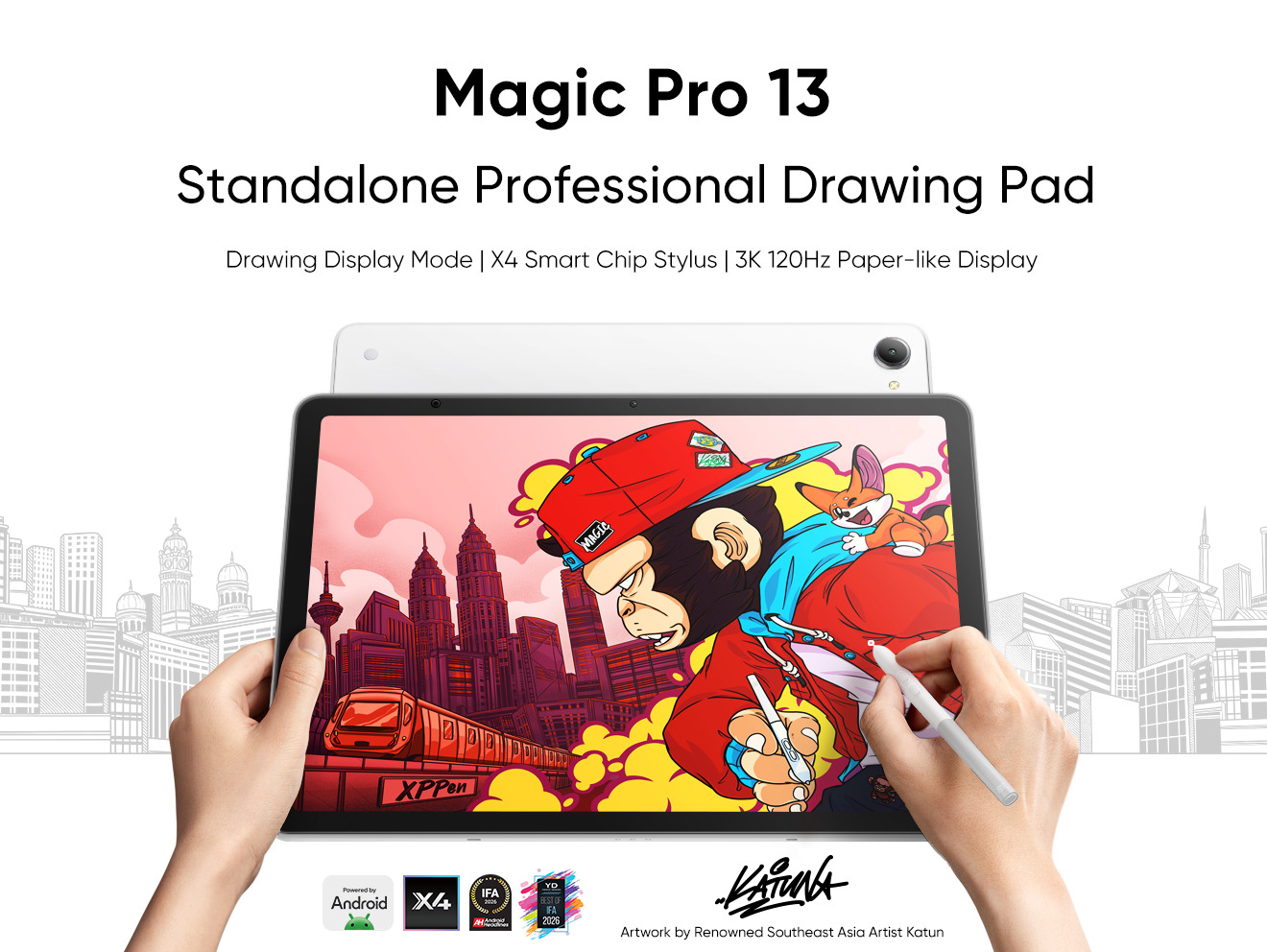





Ready to invest in the right tools?
Get expert buying advice, unbiased reviews, and exclusive deals on drawing tablets, and accessories.
