Best Pink Drawing Tablets for Beginners [2026 Guide]
ROUNDUPSPink drawing tablets are not just pretty; they are real, powerful tools that help you create digital art. A pink drawing tablet is a great choice for creating digital art. It combines a stylish design with the features you need to sketch, illustrate, and draw with confidence.
Whether you are a beginner, a student, or a hobby artist, the right tablet can make drawing easier and more enjoyable. It is perfect for beginners on a low budget. We will introduce three popular budget pink drawing tablets from XPPen . Which one is perfect if you are just starting?
Key Takeaways: Pink Drawing Tablets at a Glance
| XPPen Deco 01 V3 | XPPen Artist 12 3rd (Pink Version) | XPPen Artist 16 (2nd Gen) | |
|---|---|---|---|
| Type | Pen Tablet (No Screen) | Pen Display (With Screen) | Pen Display (With Screen) |
| Screen Size | No screen | 11.9 inches | 15.4 inches |
| Pen Pressure | 16,384 levels | 16,384 levels | 8,192 levels |
| Drawing Area | 10 x 6.25 inches | 11.9-inch display | 15.4-inch display |
| Shortcut Keys | 8 | 8 + 2 dials | 10 |
| Best For | Kids & budget beginners | Portable screen tablet | Larger screen beginners |
| Regular Price | $69.99 | $239.99 | $399.99 |
| Sale Price | $47.99 | $209.99 | $259.99 |
Note: Specific prices vary by region and promotions; please check the page for accurate information.
Best Pink Drawing Tablet Without Screen
Screenless drawing tablets are a great choice for beginners who want to learn digital art without spending too much. They are affordable, easy to use, and offer all the essential features to build your drawing skills.
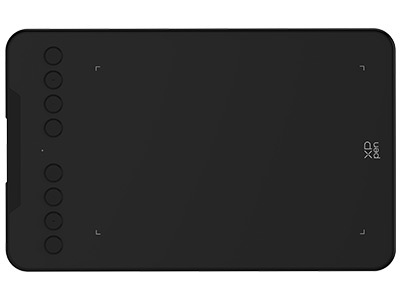
XPPen Deco 01 V3: Best Entry-Level Pink Drawing Tablet for Kids
If you are brand new to digital art and do not want to spend a lot of money yet, the XPPen Deco 01 V3 is a wonderful place to start. This entry-level drawing tablet is screenless and therefore requires connection to a computer or Android devices (10.0 and above).
That means, you draw on the tablet surface with the pen, and the lines show up on your computer/Android monitor. It works like a mouse but uses a pen for smoother control. The bright pink finish also adds a stylish touch to your desk.
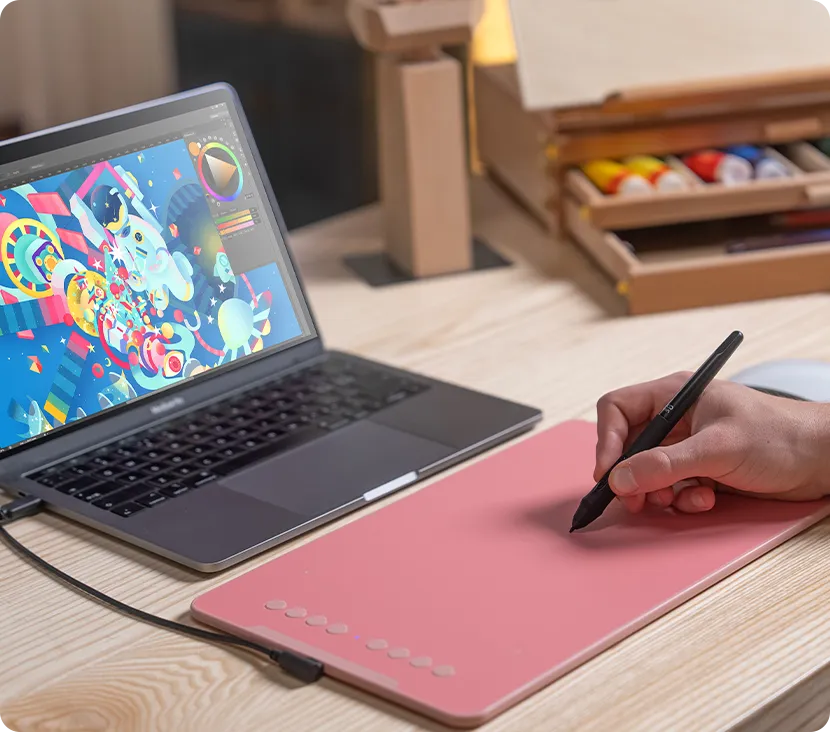
Quick Specs:
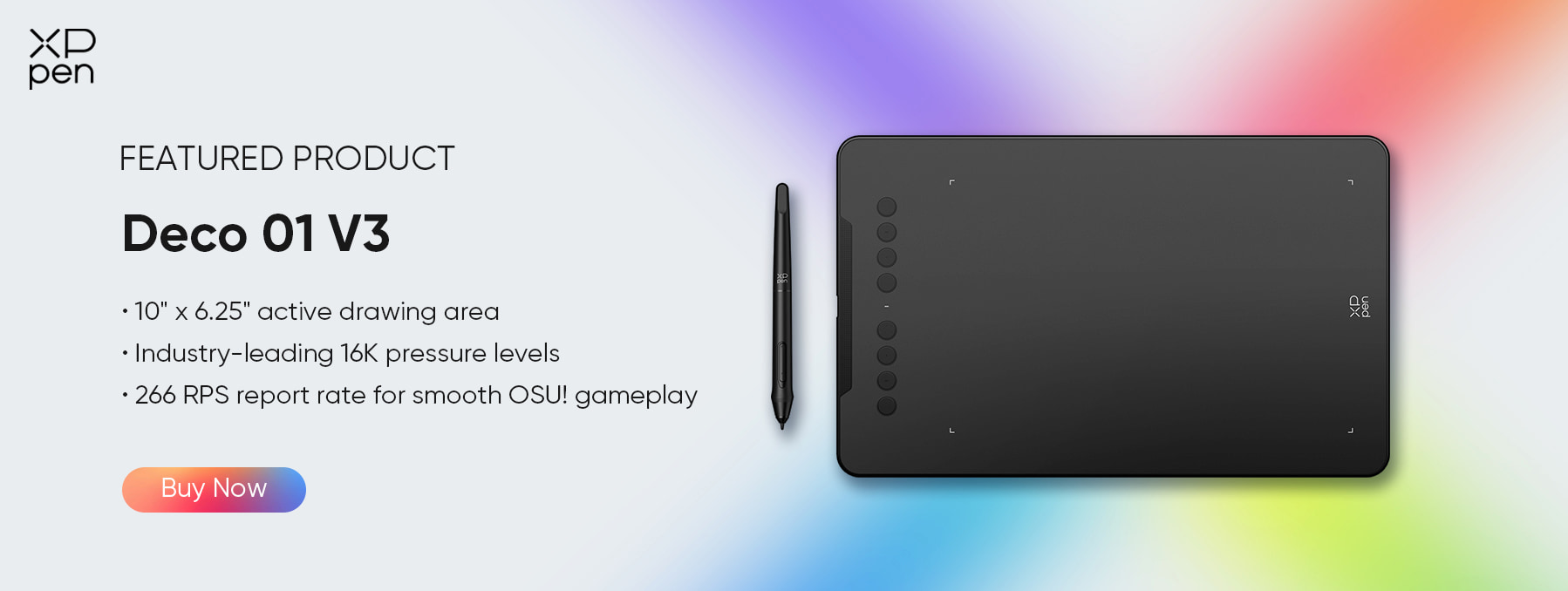
- Drawing Area : 10 x 6.25 inches
- Pen Pressure: 16,384 levels
- Tilt Support: 60 degrees
- Shortcut Keys: 8 customizable keys
- Thickness: Just 8mm — very thin
- Connection: USB-C
- Works with: Windows, macOS, Android 10+, Chrome OS, Linux
Pros
- The pink color gives the tablet a fun and stylish look.
- The large drawing area gives you plenty of space to draw comfortably.
- With 16,384 levels of pen pressure, your lines feel smooth and natural.
- The battery-free pen never needs charging, so it's always ready to use.
- 60° tilt support helps you create smoother shading and more natural strokes.
- At just 8 mm thick, the tablet is light and easy to carry.
- It also works with Android phones and tablets.
- You can use it with popular drawing apps like Photoshop, Clip Studio Paint, and Paint Tool SAI.
- The 8 shortcut keys can be customised to speed up your workflow.
- It comes with free drawing software, so you can start creating right away.
Cons
- No built-in screen, so you draw while looking at your computer.
- It may take a little practice if you're new to pen tablets.
- Wired only, so it must stay connected with a USB cable.
Why We Like It
The XPPen Deco 01 V3 offers excellent value with 16,384 pressure levels, a large drawing area, and a slim pink design. It also features 8 customisable shortcut keys and works with Android tablets as well as computers.
Who Should Buy It
- Kids and teenagers drawing digitally for the first time
- Students who need something affordable and reliable
- Anyone who already has a good monitor and just needs a drawing surface
- People who want something light and easy to carry around
Best Pink Drawing Tablet with Screen
A pen display is different from a pen tablet . With a pen display, you draw directly ON the screen, just like drawing on real paper. Most beginners find this much easier and more natural. Here are the two best options from XPPen.
You May Also Like: Graphic Tablet vs Drawing Tablet: What is the Difference?
XPPen Artist 12 3rd: Best Compact Pink Pen Display for Beginners
The XPPen Artist 12 3rd is XPPen's newest small drawing display, released in October 2025. It comes with the latest X4 Smart Chip Stylus , two brand-new scroll dials, and a magnetic pen storage. It is one of the most exciting beginner pen displays available right now. A pink version of XPPen Artist 12 3rd is released with the same features as the current model.
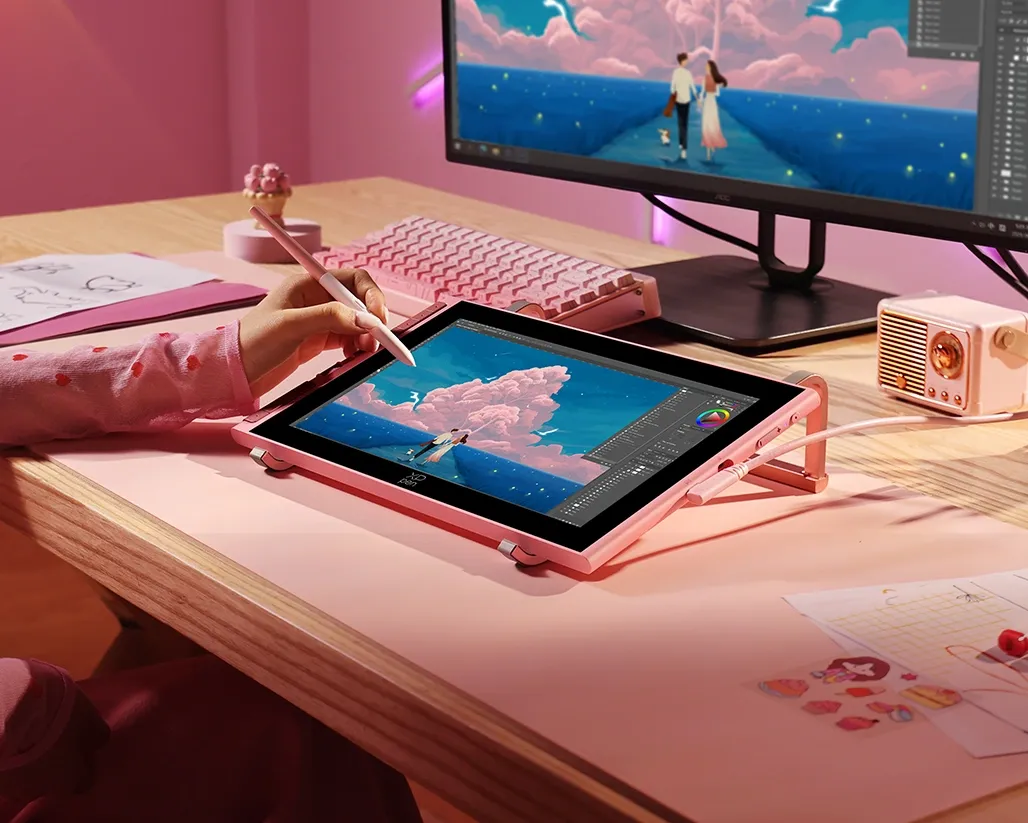
Quick Specs:
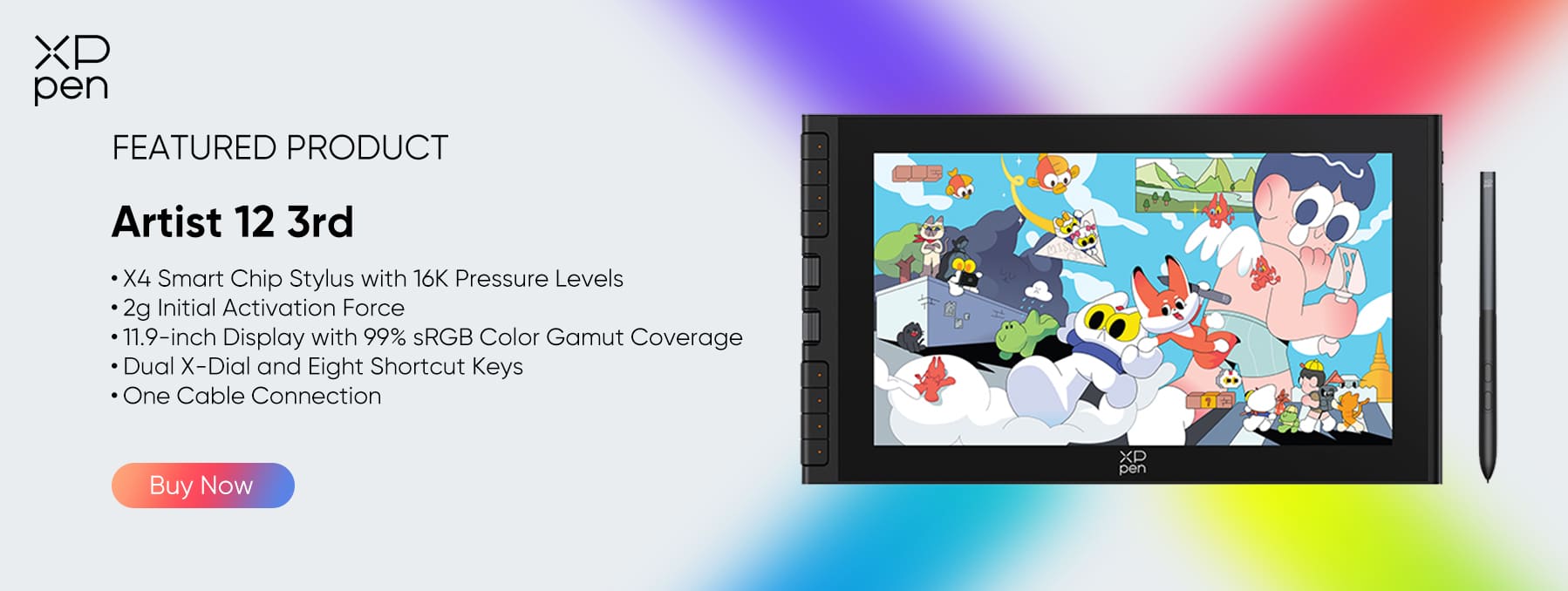
- Screen Size: 11.9 inches
- Resolution: 1920 x 1080 (Full HD)
- Color Accuracy: 99% sRGB, 96% Adobe RGB
- Pen Pressure: 16,384 levels (X4 Smart Chip)
- Tilt Support: 60 degrees
- Shortcut Keys: 8 keys + 2 rotary X-Dial dials
- Weight: 719g — very light
- Connection: USB-C
- Works with: Windows, macOS, Android 10+, Chrome OS, Linux
Pros
- Latest X4 Smart Chip pen with 16,384,384 pressure levels
- Pen tip moves only 0.3mm, lines are steady and accurate
- New X-Dial dials let you zoom and adjust brush size by scrolling very smoothly
- Magnetic pen storage: the pen snaps to the side of the tablet, so you never lose it
- Laminated screen with matte glass surface feels like drawing on real paper
- 99% sRGB coloraccuracy;, colors look true and vivid
- Very light at 719g, easy to carry to school or a cafe
- Comes with a stand, a glove, and 10 extra pen tips
- Can also work as a screenless tablet if needed
- 18-month warranty
Cons
- The 11.9-inch screen can feel small for very detailed work
- Screen brightness is 260 nits, not the brightest
- Needs to be connected to a computer; it does not work on its own
Why We Like It
The XP-Pen Artist 12 3rd is a big step forward in affordable drawing displays. The X4 Smart Chip pen is incredibly sensitive. You can draw the thinnest line with almost no pressure at all; the pen almost draws on its own weight. Lines stay accurate all the way to the very edges of the screen, too.
The two X-Dial scroll dials are a game-changer for beginners. Instead of pressing keys to zoom in and out, you just spin the dial. It feels natural and keeps your creative flow going. The magnetic pen storage is a small detail but a very smart one. Your pen just snaps to the side of the tablet like a magnet. No more losing your pen under papers or rolling off the desk.
Who Should Buy It
- Beginners who want to draw directly on a screen for the first time
- Students who need something portable and light
- Anyone working in a small space
- People who want the latest drawing technology without a huge price tag
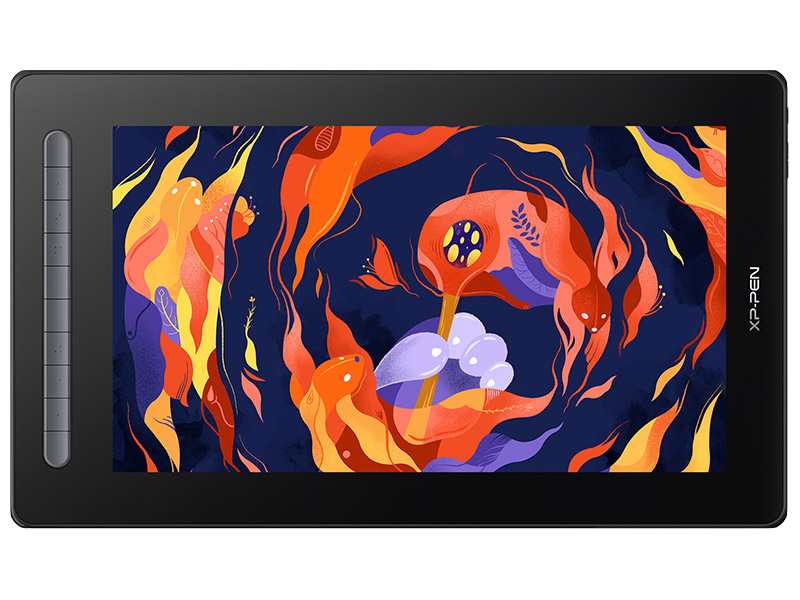
XPPen Artist 16 (2nd Gen): Best Large Pink Pen Display for Beginners
If you want a bigger screen and more room to draw, the XPPen Artist 16 (2nd Gen) is the one to get. It has a 15.4-inch display, almost the size of a laptop screen, and gives you a wide, comfortable space to create. It comes in four colours, including pink, and the pink version looks stunning.
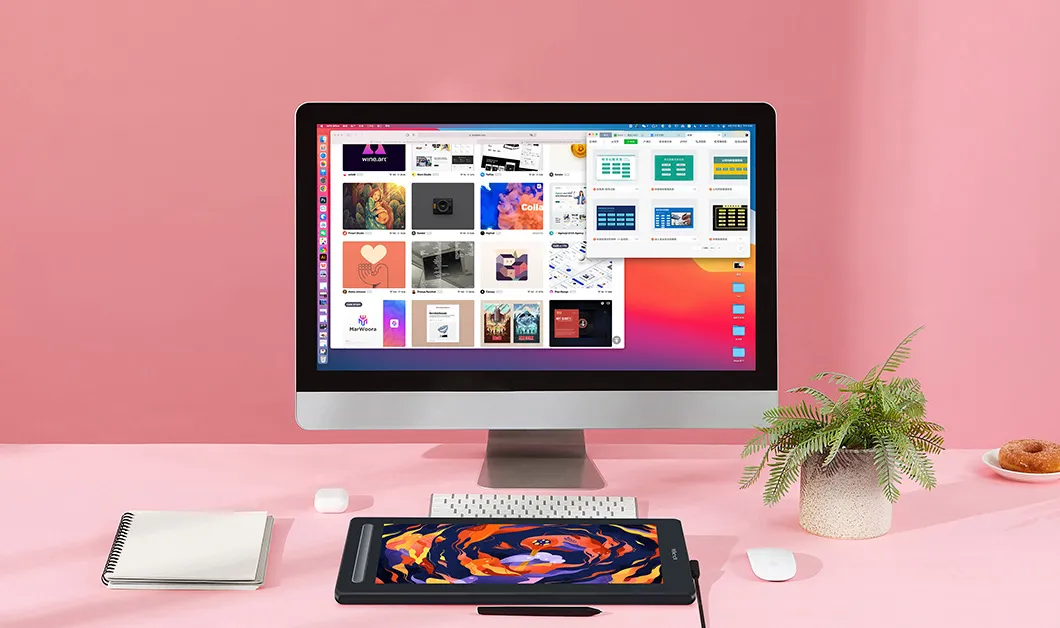
Quick Specs:
- Screen Size: 15.4 inches
- Resolution: 1920 x 1080 (Full HD)
- Color Accuracy: 127% sRGB, 94% Adobe RGB
- Pen Pressure: 8,192 levels (X3 Smart Chip)
- Tilt Support: 60 degrees
- Shortcut Keys: 10 customizable express keys
- Connection: USB-C + 3-in-1 HDMI cable
- Works with: Windows 7+, macOS 10.10+, Android, Chrome OS 88+, Linux
Pros
- Available now in pink, right
- Large 15.4-inch screen, lots of space for detailed artwork
- Full-laminated display: no gap between glass and screen; pen lands exactly where you draw
- Matte surface feels like real paper, comfortable for long sessions
- 127% sRGB rich and vivid colors
- 10 customizable shortcut keys, one for every action you use often
- X3 Smart Chip pen: battery-free, responsive, and accurate
- Can switch to screenless tablet mode – two products in one
- Works with Photoshop, Illustrator, SAI, Krita, Clip Studio, and more
- Also works with Android devices
- Comes with free drawing software
Cons
- Bigger and heavier, not as easy to carry around
- No stand included; you need to buy one separately
- USB-C video cable not included; only the 3-in-1 HDMI cable comes in the box
- 8,192 pressure levels lower than the Artist 12 3rd, but still very good for beginners
Why We Like It
The XPPen Artist 16 (2nd Gen) feels like a real professional workspace. The 15.4-inch display gives you plenty of space for detailed artwork without feeling restricted. Its fully laminated screen removes the gap between the pen and display, making every stroke feel precise, natural, and accurate from the start. One button gives you two modes. Use it as a display tablet or switch to a regular pen tablet in seconds.
Who Should Buy It
- Beginners who want a large, comfortable screen to draw on
- Artists who work from home and have desk space
- Anyone working on detailed illustrations or comics
- People who are upgrading from a screenless tablet to a display for the first time
Pen Tablets vs Pen Displays: What Is the Difference?
A lot of beginners are confused about this, and that is completely normal. Here is the simple explanation.
A pen tablet has no screen. You draw on a flat surface, and the lines appear on your computer monitor. It works like a mouse but with a pen. The Deco 01 V3 is a pen tablet. It is cheaper, lighter, and smaller. The only challenge is that your hand draws in one place while your eyes look somewhere else. Most people get used to this within a few days.
A pen display has a screen built in. You draw directly on the screen and watch the lines appear right under your pen tip, exactly like drawing on paper. The Artist 12 3rd and Artist 16 (2nd Gen) are pen displays. They feel more natural, especially for beginners, but they cost more.
How to Choose the Best Pink Drawing Tablet
There are four simple things to think about before you buy:
- Screen or no screen: If drawing on a separate surface while looking at a monitor sounds confusing to you, get a pen display. If budget were the main concern, I'd go with the pen tablet.
- Size: The Artist 12 3rd is compact and light, which is good for small desks and travel. The Artist 16 (2nd Gen) is bigger and great for detailed work but better suited for a fixed desk.
- Budget: The Deco 01 V3 is the most affordable. The Artist 12 3rd is mid-range. The Artist 16 (2nd Gen) costs the most but is still a great deal for a drawing display with a screen.
- Portability: If you move around a lot, the Deco 01 V3 or Artist 12 3rd is your best choice. The Artist 16 (2nd Gen) is best as a permanent desk setup.
FAQs
Is it hard to use a drawing tablet without a screen?
It is not hard; it just feels a little different at first. Your hand draws on the tablet, but your eyes look at the monitor. This takes some getting used to, but most beginners adapt in just a few days. Practising simple lines and shapes for 20 to 30 minutes a day speeds things up. Many professional artists use screenless tablets every day and love them.
What is the difference between a drawing tablet and a display tablet?
A drawing tablet has no screen. You draw on a flat surface, and lines appear on your computer monitor. A display tablet has a screen built in; you draw directly on the screen and see lines appear right where your pen touches. Display tablets are more natural and easier for beginners. Drawing tablets are more affordable.
Which drawing tablet with a screen is best for beginners?
The XPPen Artist 12 3rd is the best choice for most beginners. It has the newest pen technology, 16,384 pressure levels, dual scroll dials, a magnetic pen holder, and a very portable size, all at a beginner-friendly price if you want more screen space and have room on your desk.
About Us
Founded in 2005, XPPen is a leading global brand in digital art innovation under Hanvon UGEE. XPPen focuses on the needs of consumers by integrating digital art products, content, and services, specifically targeting Gen-Z digital artists. XPPen currently operates in 163 countries and regions worldwide, boasting a fan base of over 1.5 million and serving more than ten million digital art creators.
Learn moreRecommended Articles
ROUNDUPS 5 Best Cheap Drawing Tablets in 2026(With Screen & Screenless) FOCUSED XPPen Artist 12 3rd Review: The Best Portable Drawing Tablet for Beginners FOCUSED Best Portable Drawing Tablet with Screen under $200





-
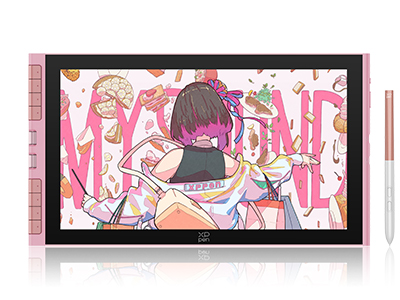 Artist 12 3rd (Pink Version)
X4 Smart Chip Stylus with 16K Pressure Levels
2g Initial Activation Force
11.9-inch FHD Display with 99% sRGB Color Gamut Coverage
Dual X-Dial and Eight Shortcut Keys
One Cable Connection
It features:
Best 12-inch drawing tablet for beginners
-
 Deco 01 V3
10" x 6.25" active drawing area
Industry-leading 16K pressure levels
266 RPS report rate for smooth OSU! gameplay
It features:
Unleash your creative potential with the Deco 01 V3!
-
Artist 12 3rd (Pink Version)
X4 Smart Chip Stylus with 16K Pressure Levels
2g Initial Activation Force
11.9-inch FHD Display with 99% sRGB Color Gamut Coverage
Dual X-Dial and Eight Shortcut Keys
One Cable Connection
It features:
Best 12-inch drawing tablet for beginners
Ready to invest in the right tools?
Get expert buying advice, unbiased reviews, and exclusive deals on drawing tablets, and accessories.
