What to Do With Your Old Tablet: Smart Ideas 2026
KNOWLEDGEYour old tablet isn't dead—it's just not doing what you bought it for anymore. That doesn't mean it's ready for the trash. You can give it a second act as a dedicated device, sell it while it still has value, or recycle it without guilt.
What matters most is doing it right: protecting your data, prepping the device properly, and choosing the option that fits its condition and your needs. Here's how to handle each one.
Part 1. What to Do with Old Tablet: The 3 Core Options
When you finally decide to tackle that old tablet gathering dust, you have three primary paths forward: give it a new job (Repurpose), turn it into cash (Sell), or dispose of it responsibly (Recycle).
The right choice depends entirely on the tablet’s condition and what you hope to gain—whether it’s a useful gadget, extra money, or peace of mind about the environment.
No matter which option you pick, the journey always starts with the same critical step: securing your personal data.
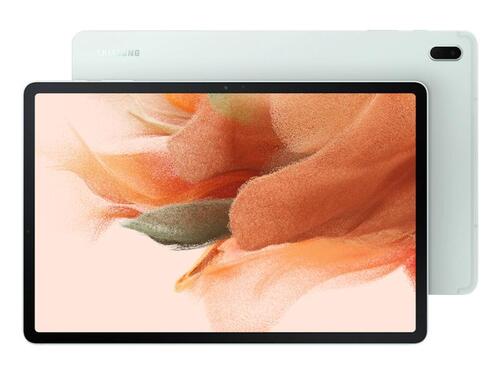
1. Repurpose: Give Your Tablet a Second Life
If your tablet still functions but struggles with modern apps, repurposing is often the smartest move. By dedicating the device to a single, simple task, you bypass its performance limitations and turn it into a specialized tool for your home or office.
A tablet that feels sluggish running social media can be perfectly fast at displaying recipes or controlling smart lights.
What you can do with a repurposed tablet:
1. Smart Home Hub
Mount it on the wall or place it on a stand to control smart lights, thermostats, security cameras, and music from one central dashboard. This approach gives you a dedicated, always-visible controller that anyone in the house can use.
2. Digital Photo Frame
Load up a slideshow app with your favorite memories and set it on a shelf. It brings your photos to life in a way a static frame never could.
3. Kitchen Assistant
Keep it on the counter for recipes, timers, and cooking conversions—without worrying about getting your expensive new tablet covered in flour and oil.
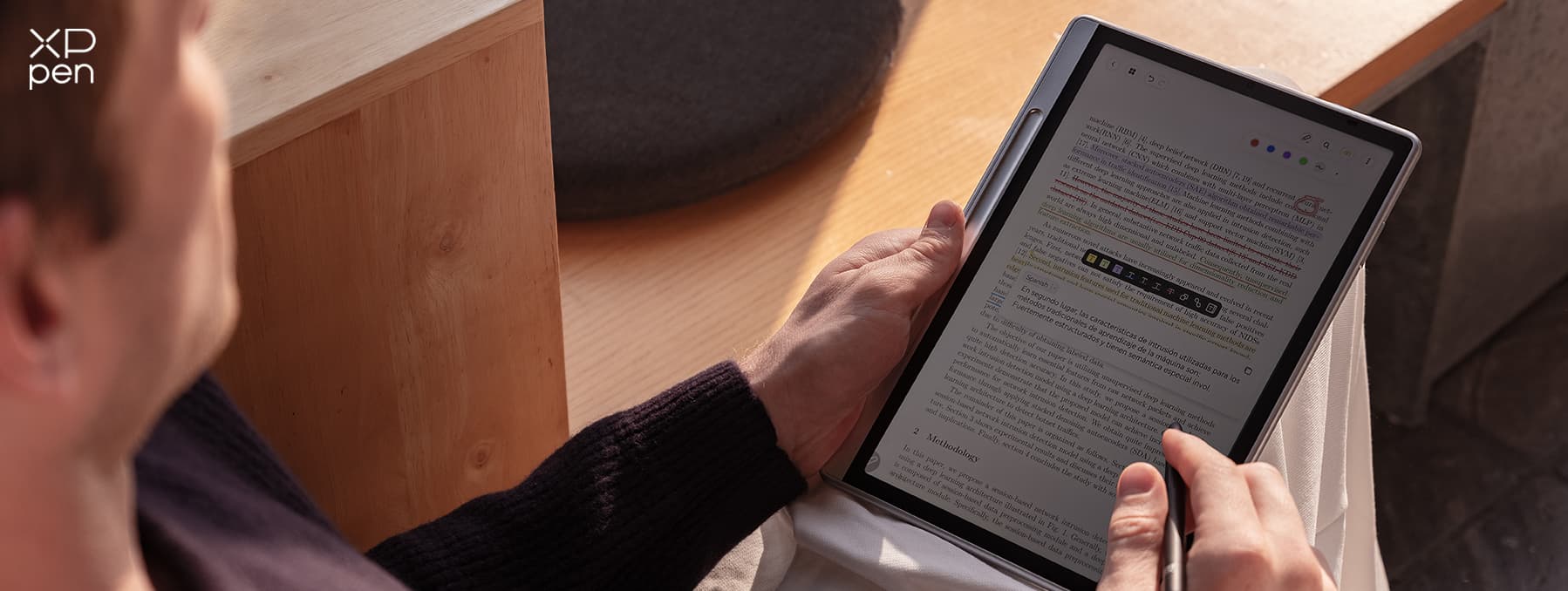
4. Dedicated E-Reader
Strip it down to just a reading app like Kindle or Kobo, creating a distraction-free experience for curling up with a book.
5. Smart Home Voice Satellite
With apps like Home Assistant, you can turn an old tablet into a voice-controlled smart home assistant that can respond to wake words and control connected devices.
6. Security Camera Monitor
Dedicate it to displaying a live feed from your smart doorbell or baby monitor.
What to do BEFORE repurposing:
-
Back up your data: Save important photos, documents, and contacts to the cloud ( Google Drive , iCloud ) or transfer them to a computer. Once you wipe the tablet, everything disappears.
-
Perform a Factory Reset: This wipes the slate clean of your personal information. On Android, go to Settings > System > Reset > Factory data reset.
-
Remove external cards: Double-check for any SIM or microSD cards and take them out.
-
Install only essential apps: Once reset, install only the one or two apps needed for its new purpose. This keeps the aging processor from getting bogged down.
-
Address battery concerns: If you plan to keep the tablet plugged in 24/7 (like a wall-mounted hub), be aware that this can degrade the battery and even cause swelling over time. Consider using a smart plug to automate charging between 20% and 80% to preserve battery health.
Pro tip for wall-mounted hubs
Enable “Stay Awake” in Developer Options (tap the build number 7 times in Settings > About tablet) to keep the screen on. You can also use apps like Fully Kiosk Browser to lock the tablet into a single app.
2. Sell: Turn Your Old Tablet into Cash
If your tablet is still in good condition and relatively modern, selling it is a great way to offset the cost of an upgrade. Even devices with minor cosmetic flaws have value.
Your main selling options:
1. Trade-in Websites (Easiest)
Companies like MusicMagpie , Mazuma Mobile , and Gazelle offer instant quotes online. You just tell them the model and condition, post the tablet for free, and get paid quickly. This route is fast and hassle-free.
2. Online Marketplaces (Potentially Higher Payout)
Platforms like eBay , Facebook Marketplace , or Swappa let you set your own price and keep more of the sale. This requires more effort—taking photos, writing descriptions, and handling postage or meeting buyers—but can be more rewarding.
3. Direct Listing vs. Instant Trade-in
Direct listings offer higher potential payouts but require medium effort and moderate speed. Trade-in programs offer fixed quotes with low effort and fast payment.
What to do BEFORE selling:
-
Back up your data: Save everything you want to keep to the cloud or a computer.
-
Sign out of all accounts: Before resetting, sign out of your Apple ID or Google Account. This prevents the tablet from locking to your identity after the reset (Factory Reset Protection).
-
Perform a Factory Reset: This is non-negotiable. It severs the connection between your personal life and the physical device. For Android: Settings > System > Reset > Factory data reset.
-
Remove FRP protection: After resetting, ensure Factory Reset Protection is disabled so the new owner can set up the tablet without needing your Google credentials.
-
Remove external cards: Don’t forget to take out any SIM or microSD cards that may contain personal data.
-
Clean the tablet and gather accessories: Gently wipe the screen and casing. Including the original charger, cables, and even a case can boost resale value.
Is selling the old tablet safe?
Yes, as long as you properly wipe your data. A factory reset is the standard security measure, but for complete peace of mind, consider using data sanitization methods (overwriting, cryptographic erase) recommended by organizations like the ITU.
The key is ensuring the storage media has been “cleared” or “purged” so data cannot be recovered.
3. Recycle: Do the Responsible Thing
When your tablet is dead, too old, or beyond repair, recycling is the only responsible option. Throwing it in the bin is dangerous because tablets contain toxic materials like lead, mercury, and cadmium that can leach into the environment.
They also contain valuable metals like gold, silver, and copper that can be recovered. UK households alone create around 400,000 tonnes of e-waste each year, so recycling makes a real impact.
How to recycle correctly:
-
Find a certified e-waste recycler:
Use your local council’s website or tools like “ Recycle Your Electricals ” to find approved drop-off points. Many retailers and councils offer free e-waste recycling events.
-
Wipe your data: Before you take it in, perform a factory reset to protect your privacy. A factory reset may not be perfectly secure for all data, but it’s a crucial first step. For more sensitive data, consider using data destruction services offered by certified recyclers.
-
Remove accessories:
Recycle the charger and cables too—or donate them if they’re still useful. Do not include a SIM or microSD card.
-
Handle swollen batteries with care:
If your tablet battery is bulging or swollen, do not try to remove it yourself. It’s a fire and chemical hazard. Power it down immediately, avoid pressing on the screen, and take it to a professional recycler who handles hazardous materials safely.
Why recycling matters?
Recycling your tablet isn't just about clearing out clutter—it's about keeping toxic materials like lead and mercury out of the soil and water. Beyond that, these devices contain valuable metals including gold, silver, copper, and lithium that can be recovered and reused, reducing the need for new mining.
With UK households generating around 400,000 tonnes of e-waste annually, recycling keeps millions of tonnes of electronics out of landfills every year.
Part 2. What to Do with Old Tablet: More Creative Options
Beyond the main three, there are other clever and even artistic ways to repurpose your old tablet, especially if it’s not suitable for sale or traditional recycling.
-
Secondary Monitor - Use an app like Duet Display or Splashtop to turn your old tablet into a second screen for your laptop, great for extending your workspace or keeping reference materials open .
-
Always-On Calendar or Weather Station - Mount it in the hallway or by the front door to display a daily calendar, to-do list, and weather forecast .
-
Security Camera Monitor - Dedicate it to displaying a live feed from your smart doorbell or a baby monitor .
-
DIY Smart Mirror - Mount it behind a two-way mirror to create a smart mirror that shows news, weather, and time.
-
Interactive Art or Musical Instrument - With a bit of technical know-how, you can use apps or software like Zombitron to turn an old tablet into a musical controller or part of an interactive art installation .
Part 3. Everything You’ve Been Wondering About Old Tablets
1. How to destroy a tablet before recycling?
Physical destruction is the only surefire way to guarantee data can’t be recovered from a non-working device. You can use a drill to damage the memory chip on the motherboard. However, for most users, this is overkill.
Using a certified recycler with data destruction services (like a 3-pass data overwrite or SSD erasure) is a safer and more responsible choice .
2. What is the best way to dispose of unwanted tablets?
The best way is to recycle them through a certified e-waste recycling center. This ensures hazardous materials are processed safely and valuable materials are recovered. Some services offer a secure chain of custody and data destruction certificates .
3. How to completely erase an Android tablet?
The most common and effective method is a Factory Reset. Go to Settings > System > Reset > Factory data reset. This removes all apps, accounts, and settings. For an extra layer of security, you can also manually delete files from internal storage beforehand.
Be aware that sophisticated recovery is still technically possible, but a factory reset is sufficient for most personal devices .
4. What to do with old tablets that don’t work anymore?
If it’s completely dead, the primary option is responsible recycling. You can also take it to an electronics retailer that offers trade-in programs, which may offer a small discount on a new purchase even for broken devices.
As a last resort, you could use it for parts or as a physical project, but always prioritize recycling to protect the environment .
5. What is the average lifespan of a tablet?
The lifespan of a tablet depends on the model and how it’s used. Android tablets typically last 2 to 5 years , with some premium models lasting up to 7 years. iPads generally last a bit longer, typically 4 to 7 years , thanks to longer software support from Apple and higher build quality.
The limit is usually software support; once security updates stop, the device becomes a security risk even if the hardware still works .
Part 4. Ready for a Fresh Start? Try the XPPen Magic Drawing Pad
If your old tablet is giving up, or you've always wanted to try digital art, the XPPen Magic Drawing Pad is worth a look. It's built specifically for drawing and works straight out of the box.
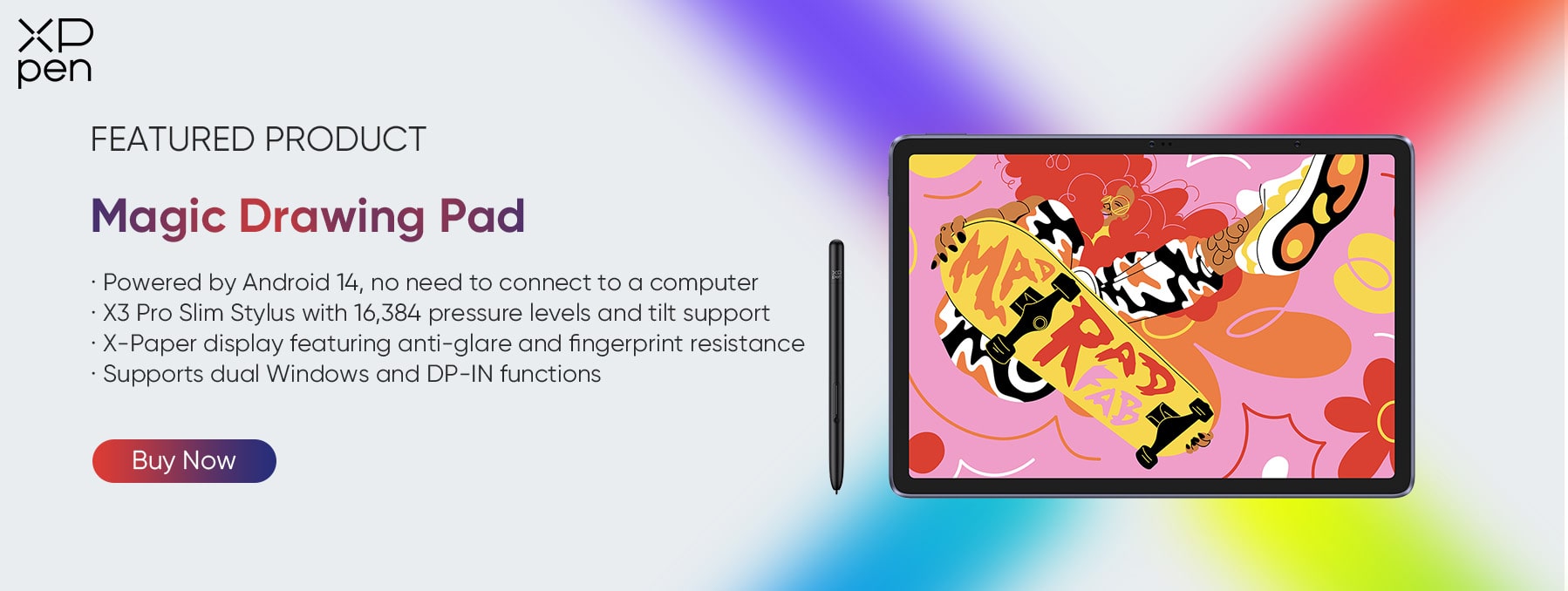
The screen feels like paper when you draw, with no glare and eye-friendly certification for long sessions. The pen is the real standout—16,384 pressure levels mean light strokes look light, heavy ones look bold. It doesn't need charging or pairing. Just pick it up and start.
The tablet runs Android, so you can download drawing apps directly. Popular ones like Clip Studio Paint come pre-installed. Storage is plenty, the battery lasts all day, and you can plug it into a PC or Mac with one cable when you're at a desk. Simple, portable, and ready to go.
Conclusion
Your old tablet is far from worthless. Whether you choose to repurpose it as a smart home hub or digital photo frame, sell it to make some extra cash, or recycle it responsibly, you have multiple options that benefit you and the environment.
The most important step is always to secure your data with a factory reset and remove any external storage.
For those looking to upgrade their creative toolkit, the XPPen Magic Drawing Pad offers a compelling, drawing-first experience that turns your ideas into reality, anywhere you go. Don’t let your technology gather dust—give it a new purpose.
About Us
Founded in 2005, XPPen is a leading global brand in digital art innovation under Hanvon UGEE. XPPen focuses on the needs of consumers by integrating digital art products, content, and services, specifically targeting Gen-Z digital artists. XPPen currently operates in 163 countries and regions worldwide, boasting a fan base of over 1.5 million and serving more than ten million digital art creators.
Learn moreRecommended Articles
TIPS iPad vs. Android Tablet: Which One You Should Buy in 2026 ROUNDUPS 6 Best Android Tablets 2026: Best Picks for Every Need KNOWLEDGE E-Reader vs Tablet in 2026: Which One Should You Buy? ROUNDUPS Best Pink Drawing Tablets for Beginners [2026 Guide] TIPS Tablet Sustainability: How to Make Your Device Last Longer and Waste Less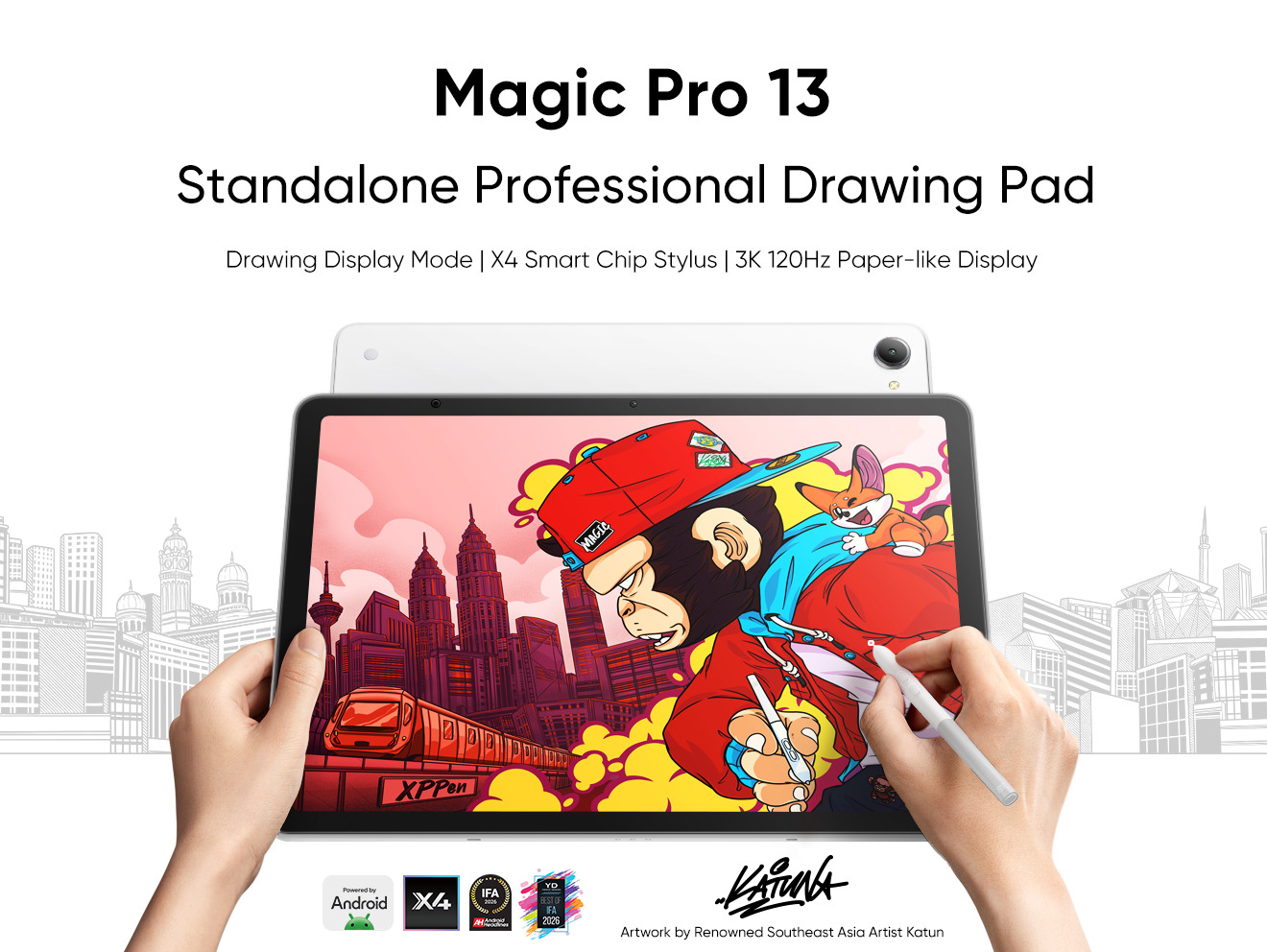





-
 Magic Drawing Pad
X3 Pro Slim Stylus with 16,384 pressure levels and tilt support
X-Paper display featuring anti-glare and fingerprint resistance
Clip Studio Paint and ibis Paint X 3-month free membership
Super portable- just 6.9mm thin and weighs only 590g
Supports dual Windows and DP-IN functions
It features:
Powered by Android 14, no need to connect to a computer to use.
-
Magic Drawing Pad
X3 Pro Slim Stylus with 16,384 pressure levels and tilt support
X-Paper display featuring anti-glare and fingerprint resistance
Clip Studio Paint and ibis Paint X 3-month free membership
Super portable- just 6.9mm thin and weighs only 590g
Supports dual Windows and DP-IN functions
It features:
Powered by Android 14, no need to connect to a computer to use.
Looking for the Best Drawing & Design Apps?
Discover essential drawing techniques, expert tips, and the best app recommendations to boost your creativity and master digital art.
