E-Reader vs Tablet in 2026: Which One Should You Buy?
KNOWLEDGEYou're ready to go digital with your reading. But when you start looking at devices, you hit a wall: e-reader or tablet?
It seems like a simple question, but the answer depends on more than specs. Both let you read digital books, but they're built for completely different experiences. One is a specialized tool for reading. The other is a general-purpose machine that does everything, including reading.
The choice isn't about which is "better" — it's about which fits your habits. Let's walk through the real differences and help you decide.
Quick Verdict
A useful way to choose is to think in terms of intent. If your primary goal is to read more books with less friction, buy an e-reader. If your goal is to own one device that can do everything reasonably well, buy a tablet.
| Choose an e-reader if... | Choose a tablet if... |
|---|---|
| You read in bed, outside, or for long sessions | You want comics, videos, apps, and productivity in one device |
| Battery life matters more than speed | You care more about color, sharpness, and multitasking |
| You want a distraction-free experience | You already own a tablet and read occasionally |
Part 1: E-Reader vs Tablet — Which Is Better?
Let’s look at the key differences that matter most to real-world use.
1. Screen Experience
The biggest difference is the screen. E-readers use E Ink, which reflects light like paper, while tablets use LCD or OLED displays that shine light directly into your eyes. This is why tablets can feel like staring at a light source, while E Ink is gentler and calmer.
Research shows that reading from an e-reader is similar to reading from paper in terms of eye strain. Tablets are sharper and more colorful but can cause more visual fatigue during extended use.
Color is a major dividing line too. Some modern e-readers offer color E Ink, useful for comics and magazines, but tablets still win for richer color, higher refresh rates, and vivid displays.
2. Battery Life and Portability
Battery life is one of the clearest reasons people choose an e-reader. E-readers typically last well over a week on a charge, while tablets need charging much more often. E-readers use very little power because the image only changes when you turn the page.
This changes how the device feels in real life. An e-reader is something you can leave in a bag for days and still trust, while a tablet is more like a small computer that needs regular charging. For travel, commuting, or bedtime reading, that distinction is huge.
Weight matters too. E-readers are generally lighter than tablets, making them easier to hold for long periods. A lighter device encourages more reading because it feels less like a chore to pick up.
3. Reading Comfort
If you mostly read novels, nonfiction, and long-form text, the e-reader is usually the better tool. Its paper-like display reduces the sense of being “on a screen,” making reading feel more like a physical book.
Research on reading comprehension found that tablets ranked second only to paper, while e-readers came third — but these differences disappeared when scrolling wasn’t required. When text was paginated, comprehension was comparable to paper.
Night reading is more nuanced. Many modern e-readers include front lighting and warm-light controls, emitting significantly less blue light than tablets, which can matter if you read before sleep.
4. Features and Flexibility
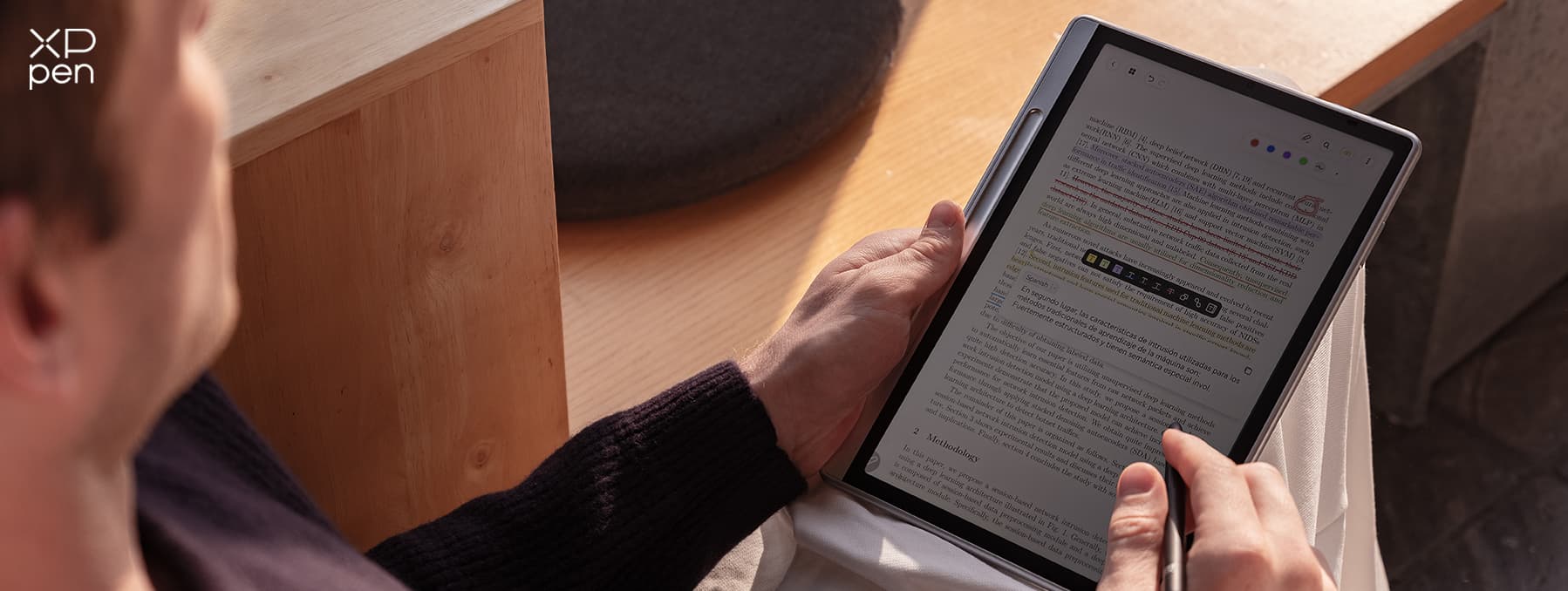
This is where tablets pull ahead decisively. A tablet is a full-purpose portable computer with apps, streaming, games, web browsing, and note-taking. If you want multitasking, the tablet is the better fit.
E-readers can now do more than they used to — color screens, stylus input, Bluetooth audiobooks, and cloud syncing. But the tablet remains more flexible overall. It can handle reading and everything around it, while an e-reader is optimized to do one thing extremely well.
5. File Formats and Usability
E-readers generally support a wide range of ebook formats, while tablets often depend on apps for format compatibility. E-readers are also built to preserve your reading position naturally, contributing to the “book-like” experience. Tablets can do this too, but usually through apps rather than through the device itself.
This is why e-readers feel more focused. They’re engineered for reading continuity, while tablets are engineered for general-purpose flexibility.
Part 2: E-Reader vs Tablet — A Side-by-Side Comparison
| Feature | E-Reader | Tablet |
|---|---|---|
| Screen Tech | E Ink—reflects light like paper | LCD/OLED—shines light into your eyes |
| Battery Life | Weeks (2-4 weeks typical) | Hours (8-12 hours typical) |
| Eye Comfort | Excellent for long reading | Can cause strain over extended sessions |
| Outdoor Use | Great in sunlight (no glare) | Poor (glare washes out the screen) |
| Weight | 180–230g (like a paperback) | 280–710g+ (heavier, more tiring to hold) |
| Color Display | Muted color on premium models | Full, rich color |
| Distractions | None—just reading | All of them (notifications, apps, browser) |
| App Ecosystem | Very limited (mostly books) | Full app store access |
| Note-Taking | Basic highlighting, or stylus on premium models | Advanced with stylus and apps |
| Price | $110–$500 | $200–$1200+ |
| Best For | Novel readers, long commutes, travel, bedtime | Students, professionals, multitaskers |
Part 3: E-Reader vs Tablet — Where Each Device Wins
What E-Readers Do Best
-
Battery life that lasts weeks, not hours — A Kindle Paperwhite can last up to 12 weeks on a single charge. An iPad? About 10 hours.
-
Eyes that don't fight the screen — E Ink doesn't emit blue light the way tablets do. Front lights reflect off the screen rather than blasting through it.
-
Distraction-free reading — No notifications, no apps, no browser. Just you and the book.
-
Readable in direct sunlight — E Ink thrives in sunlight. The brighter the day, the clearer the text looks.
-
Lightweight and compact — Most e-readers weigh between 180 and 230 grams, about as much as a paperback.
What Tablets Do Better
-
Versatility — Read books, check email, watch Netflix, browse the web, and take notes. One device does it all.
-
Color for comics, magazines, and textbooks — Color E Ink exists but is muted. Tablets offer full, rich color.
-
Note-taking and productivity — Tablets with stylus support let you take handwritten notes, annotate PDFs, and organize your work.
-
You probably already own one — If you have a tablet, you don't need to buy anything else. The Kindle app gives you access to the same library.
Part 4: Top Picks to Consider for Reading
1. E-Readers
-
Amazon Kindle Paperwhite (2024) — The best overall e-reader for most people. Features a 7-inch 300ppi display, 12-week battery life, IPX8 waterproofing, and auto-adjusting front light. Great balance of performance, price, and reliability.
-
Kobo Clara Colour — Ideal for library lovers with seamless OverDrive integration for borrowing books directly. Its 6-inch color E Ink display works for graphic novels, though colors are muted. Waterproof, repairable, with around two weeks of battery life.
-
Amazon Kindle Scribe (2024) — Best for handwritten notes. The 10.2-inch display feels like paper when writing, and the included Premium Pen makes annotations natural. Perfect for students and professionals who mark up PDFs.
2. Tablets
-
Apple iPad (11th Gen, 2025) — PCMag’s top tablet for reading. Sharp 11-inch Liquid Retina display, A16 processor, full access to reading apps, and 10-hour battery. Heavier than an e-reader but far more versatile.
-
Apple iPad mini (2024) — The sweet spot between portability and power. Its 8.3-inch display is close in size to an e-reader but with full color, 90Hz refresh rate, and the entire App Store. Mashable’s top pick for portable reading.
3. Tablet for Reading and Note-Taking
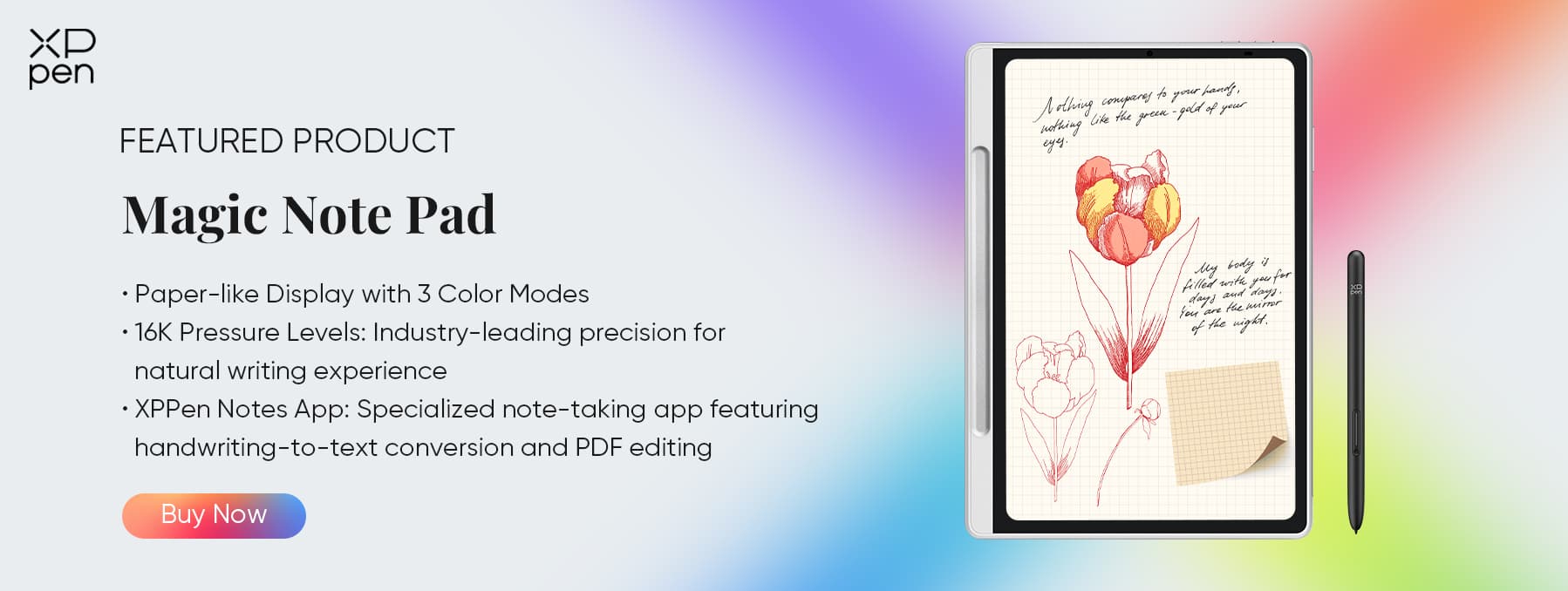
XPPen Magic Note Pad — A 4.8-star device that blends a notebook, e-reader, and tablet. Its 3-in-1 display switches between full-color, eye-friendly, and e-ink modes. The battery-free stylus feels natural, the 90Hz refresh rate keeps things smooth, and Android 14 lets you install Kindle and other apps.
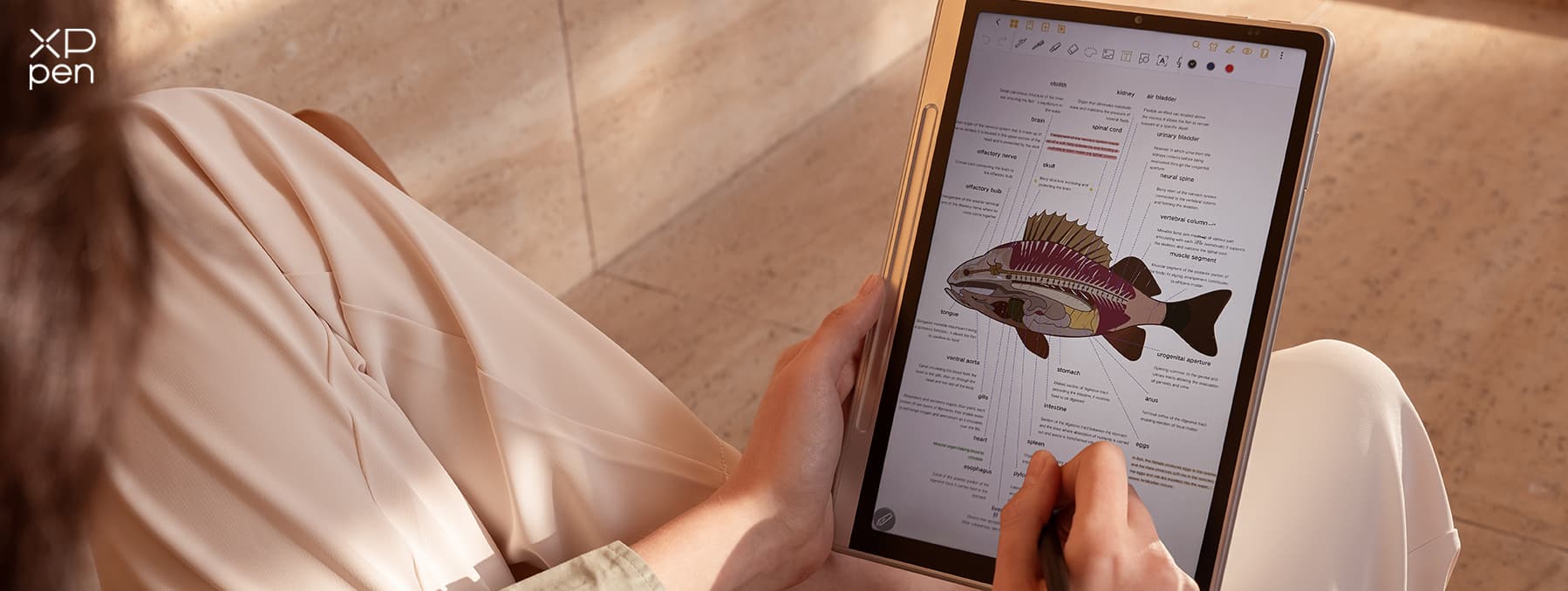
At 495g and around $440, it’s lighter and cheaper than an iPad with a stylus — a smart choice for students, professionals, or avid readers.
Part 5: FAQs about E-Reader vs Tablet
Q1: Is it better to read on an e-reader or a tablet?
It depends on what you’re reading and how often. For novels and long-form text, e-readers are more comfortable and less distracting. For comics, magazines, and content where color matters, tablets are better. Research shows that when scrolling isn’t required (i.e., with pagination), comprehension is similar across devices .
Q2: What are the disadvantages of e-readers?
E-readers have limited functionality—they’re mostly for reading. They don’t support video or web browsing well, color is limited even on premium models, and you’re often tied to one bookstore ecosystem (like Amazon for Kindle). They also have slower refresh rates than tablets.
Q3: Can a tablet be used as an e-reader?
Yes. You can install reading apps like Kindle, Kobo, or Libby on any tablet. For occasional reading, this works fine. But tablets are heavier, have shorter battery life, and cause more eye strain during extended reading sessions.
Q4: Is it better to get a tablet or a Kindle?
If you read daily and want a comfortable, distraction-free experience, get a Kindle. If you need a versatile device for work, study, and occasional reading, a tablet makes more sense. Some people buy both—a Kindle for reading and a tablet for everything else.
Q5: Is a color e-reader worth it?
If you read comics, graphic novels, or content with color illustrations, yes. But color E Ink currently has lower contrast and muted colors compared to tablets. It’s also more expensive than black-and-white e-readers. For text-focused reading, stick with black-and-white.
Conclusion
If your primary goal is to read more books without distractions, get an e-reader. If you need one device for everything — work, study, entertainment, and occasional reading — get a tablet. And if you want something that sits comfortably in the middle, with great note-taking and a paper-like screen, the XPPen Magic Note Pad is worth considering.
There's no universal right answer. Just the right answer for you. Think about how you actually spend your time, and the choice becomes much easier.
About Us
Founded in 2005, XPPen is a leading global brand in digital art innovation under Hanvon UGEE. XPPen focuses on the needs of consumers by integrating digital art products, content, and services, specifically targeting Gen-Z digital artists. XPPen currently operates in 163 countries and regions worldwide, boasting a fan base of over 1.5 million and serving more than ten million digital art creators.
Learn moreRecommended Articles
ROUNDUPS The Best Color E Ink Tablets of 2026: Expert Picks for Reading and Writing ROUNDUPS Best E Ink Tablets of 2026: Eye-Friendly Screens for Reading, Writing, and Beyond KNOWLEDGE E Ink vs. LCD Display: Which is Better for Reading? ROUNDUPS The 7 Best Tablets for Reading in 2026: Ultimate Guide for Bookworms & PDF Lovers FOCUSED Best Tablets for Note Taking in 2026: 7 Picks Tested & Compared FOCUSED XPPen Magic Note Pad Review: A 3-in-1 Paper-Like Tablet





Looking for the Best Drawing & Design Apps?
Discover essential drawing techniques, expert tips, and the best app recommendations to boost your creativity and master digital art.
