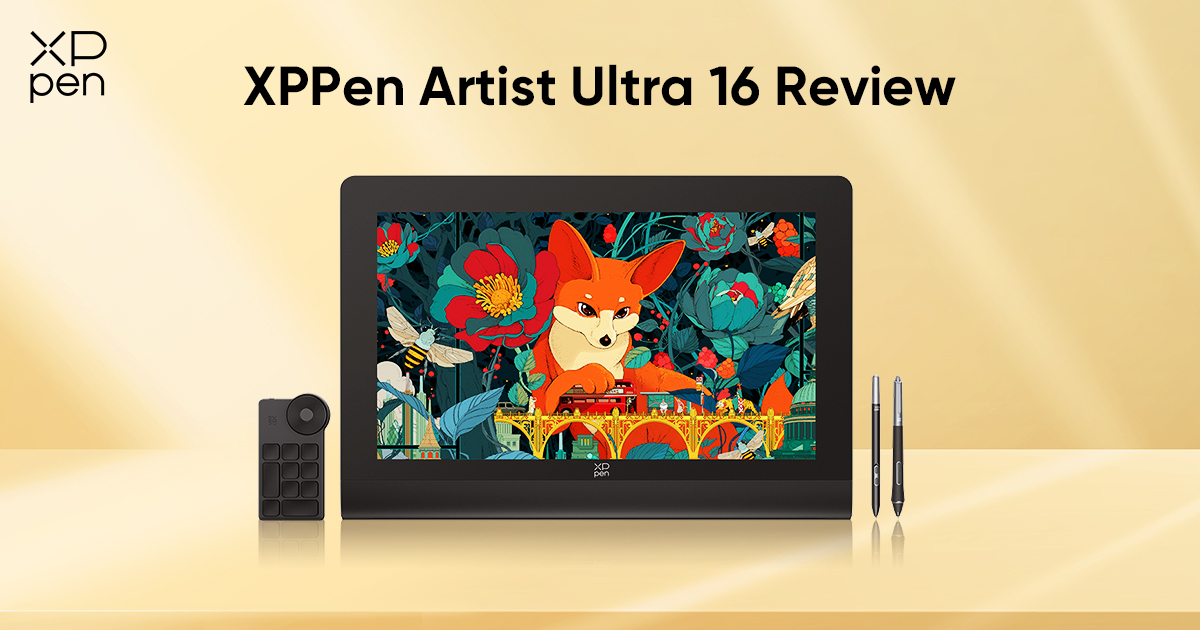
XPPen Artist Ultra 16 Review: 4K OLED Touch Pen Display
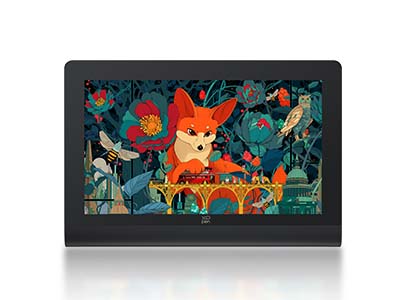
FOCUSEDHere it is — the first 4K OLED pen display in XPPen's Artist Ultra series: Artist Ultra 16.
For quite a while, many of our users have been hoping for a more powerful drawing tablet with a touch screen. (We heard you.) With Artist Ultra 16, that long-awaited feature finally arrives in a form that feels truly worth the wait.
In today’s article, we will take a closer look at what makes Artist Ultra 16 stand out, how its key features support real creative work, and what kind of users can get the most out of it.
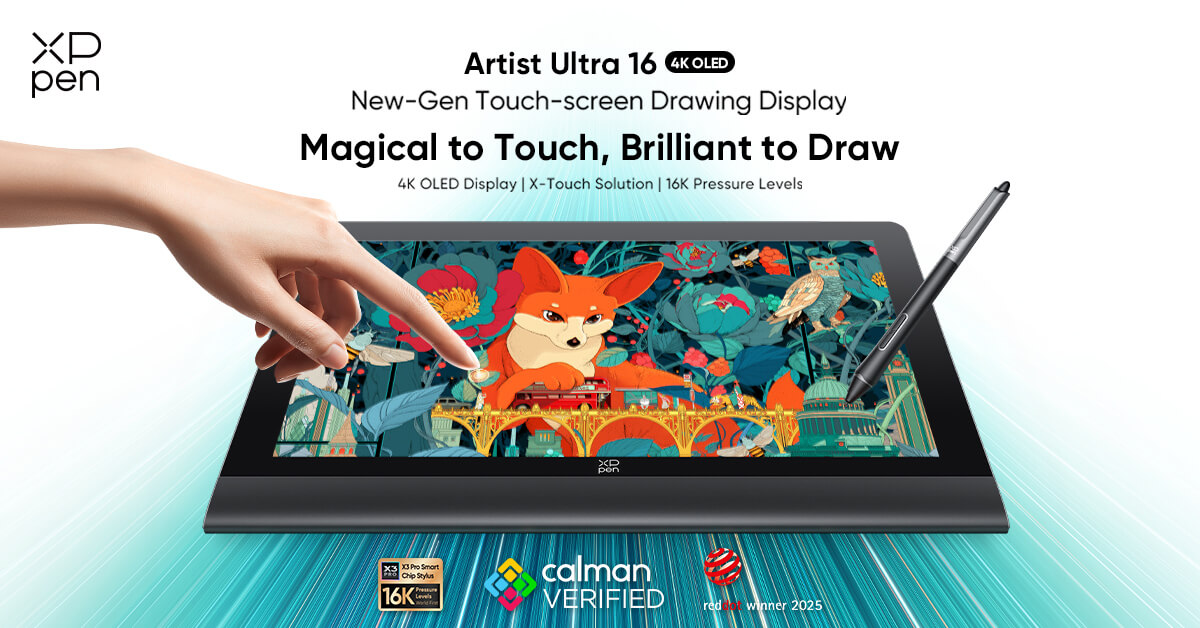
Artist Ultra 16 at a Glance
| Highlight | What It Means |
|---|---|
| 15.6-inch 4K OLED Display | Sharp detail and richer contrast in a compact creative workspace |
| 1.07 Billion Colors | Smoother gradients and more nuanced color transitions |
| 99% Adobe RGB / 99% sRGB / 98% Display P3 | Broad color coverage for color-critical creative work |
| Delta E < 1.1 | High color accuracy for more reliable visual judgment |
| 10-Point Touch | Easier zooming, rotating, and navigating on screen |
| Dual X3 Pro Styli | Two pen options for different drawing habits and comfort needs |
| Dual Full-Featured USB-C Ports | Cleaner, more flexible connectivity |
| Shortcut Remote + Stand Included | More convenient workflow and out-of-box usability |
Note: If you'd like to learn more details, feel free to check the full specs of Artist Ultra 16. Or, watch the unboxing video below.
What Can You Do with Artist Ultra 16?
If you have ever zoomed in far too much just to check one tiny edge, second-guessed your colors because different screens told different stories, or stared at a desk full of cables wondering why your “creative setup” feels more like cable management practice, Artist Ultra 16 is clearly designed with those moments in mind.
A truly helpful pen display is never just about the specs printed on the page. What really matters is what it lets you do more easily, more accurately, and with less friction.
When color inconsistency keeps slowing you down…
You finish retouching a photo, polish an illustration, or tweak a design until it looks right—then you open it on another screen and suddenly the shadows feel off, the skin tone looks strange, or the brand color is not quite what you thought it was. That kind of back-and-forth is exhausting, and it can quietly eat up more time than people expect.
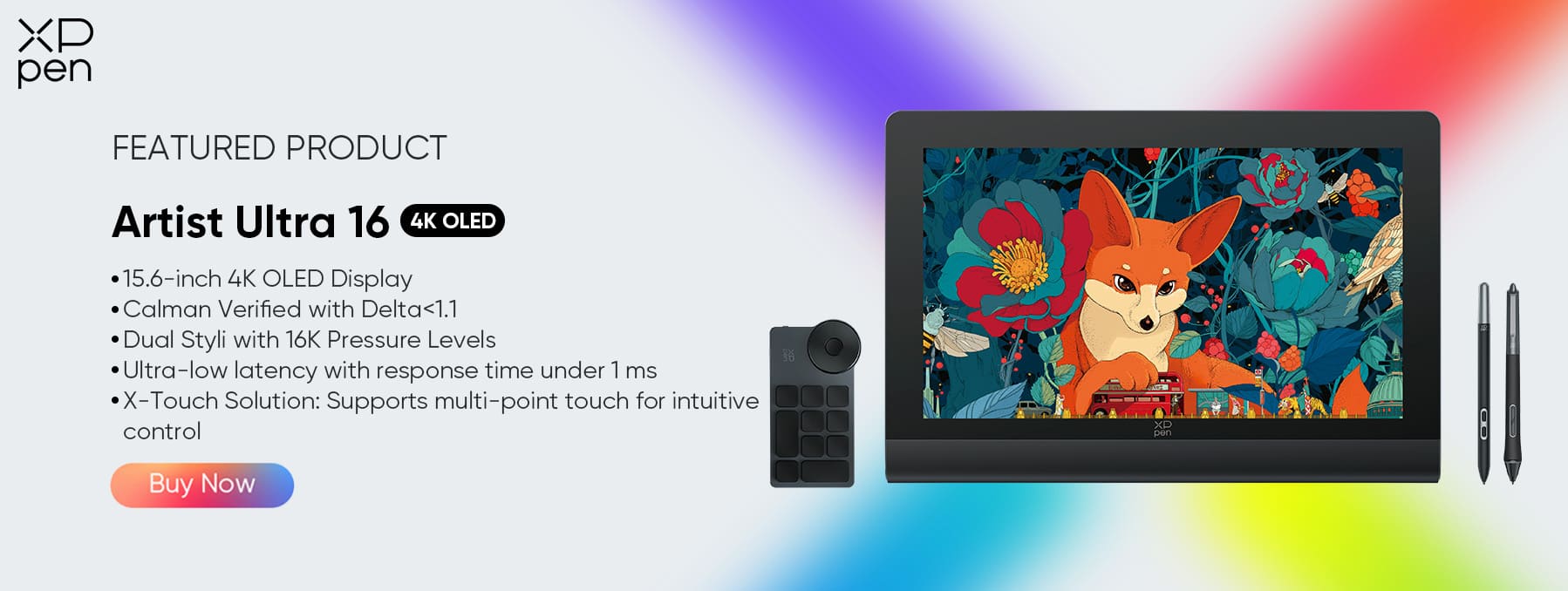
Artist Ultra 16 is built to reduce that uncertainty. With 1.07 billion colors, 99% Adobe RGB, 99% sRGB, 98% Display P3, and Delta E < 1.1, it is positioned for creators who need richer color depth and more dependable accuracy in their day-to-day work. In practical terms, that means smoother gradients, better control over subtle tonal shifts, and more confidence when working on photography, branding, concept art, or any project where color decisions actually matter.
When your current display looks decent but not precise enough…
Some displays look nice at first glance. Fewer actually help you judge fine details with confidence.
That is where the 4K OLED display becomes one of Artist Ultra 16’s biggest strengths. OLED brings deeper blacks, stronger contrast, and a more vivid sense of depth, while 4K helps keep textures, brushwork, small interface elements, and fine image details looking crisp. On a 15.6-inch canvas, that extra clarity is a real bonus. It gives you a dense, refined viewing experience without forcing you into a much larger setup.
For creators who regularly work close to the screen—whether that means retouching hair strands, checking texture detail, cleaning line art, or refining masks—this sharper 4k drawing tablet can make the work feel more precise and less visually tiring.
When touch is the feature you have been waiting for…
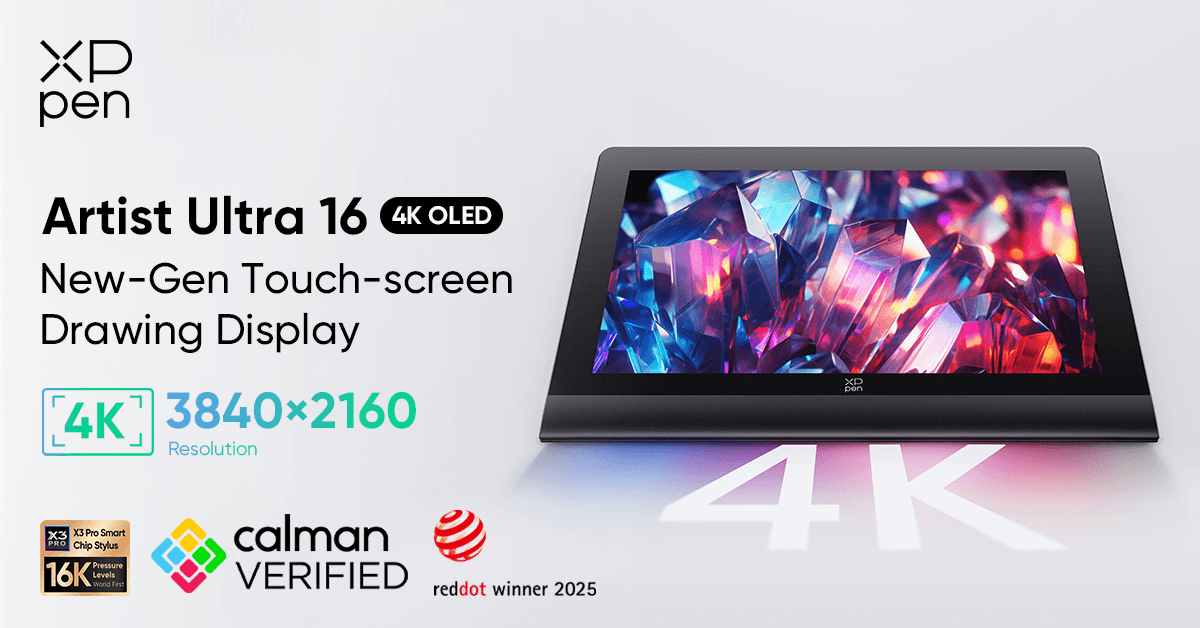
For many creators, touch support has been one of those long-awaited features that felt like it should have arrived much sooner. With Artist Ultra 16, it finally does—and in a way that feels genuinely useful.
Its 10-point touch support makes actions like zooming, rotating the canvas, and moving around the workspace feel much more direct. Rather than constantly jumping between the pen, keyboard, and other controls, you can interact with the screen in a way that feels faster, smoother, and more natural. Artist Ultra 16 also includes a shortcut remote, so commonly used tools and commands stay closer at hand, which is especially helpful when your workflow gets busy.
There is even a physical switch on the top of this touch screen drawing tablet, allowing you to turn touch on or off whenever you need. And because touch should help your workflow—not interrupt it—Artist Ultra 16 also comes with a two-finger artist glove to reduce accidental input. You can also customize the touch area to better match the way you work. If you would like to see how that works in practice, take a look at the video below.
When you are tired of your desk being taken over by too many cables…
A good creative setup should help you focus on your work, not on where the next cable is supposed to go.
Artist Ultra 16 supports dual full-featured USB-C ports, which gives users a cleaner and more flexible connection setup. For creators working with modern laptops or trying to keep their desk less cluttered, this is a very practical advantage. It helps reduce cable mess, simplifies setup, and makes it easier to move between different workspaces when needed.
When you've stepped into a higher level of drawing...
At a certain point, “it works” stops being a satisfying answer while creating your artwork.
If you are still at the stage where you just need a basic pen display for casual sketching, Artist Ultra 16 may be more than you need. But if your work now depends on better display quality, stronger color confidence, smoother workflow control, and a more refined overall experience, then this is exactly the kind of upgrade that starts to make sense.
Final Thoughts
Artist Ultra 16 is built for creators who want more from a 16-inch pen display: sharper detail, richer color, more intuitive control, and a cleaner setup that fits modern creative work. Rather than simply checking boxes on a spec list, it brings together features that directly support the way many photographers, designers, illustrators, and digital creators actually work.
If color matters in your workflow, if touch is a feature you have been waiting for, or if you are ready to move beyond a setup that feels merely “fine,” Artist Ultra 16 is well worth a closer look. Explore Artist Ultra 16’s product page to see the full details and find out whether it is the right fit for your creative workflow today. Also, feel free to find more free drawing software and cost-effective digital tools on XPPen.
FAQ
Q1: Is Artist Ultra 16 good for photo editing?
Yes. Artist Ultra 16 is especially relevant for users who care about color accuracy, visual detail, and tonal depth. That makes it a strong option for photo editing and other color-sensitive workflows.
Q2: Is Artist Ultra 16 suitable for professional illustrators?
Yes. It is designed for more serious creative use, with a premium display, responsive pen input, and workflow-friendly features that support longer and more demanding sessions.
Q3: Does Artist Ultra 16 support touch?
Yes. It supports 10-point touch, which can help with zooming, navigation, and a more direct on-screen workflow.
Q4: Is 4K worth it on a 16-inch pen display?
For users doing photo editing, precision design work, or detail-heavy visual tasks, yes. For lighter sketching or more casual use, the benefit may feel less essential.
Q5: What kind of users is Artist Ultra 16 best for?
It is best suited to photographers, designers, illustrators, and intermediate to advanced creators working in animation, VFX, and 3D who want stronger display performance and a more refined creative experience. That said, Artist Ultra 16 may be more than some users actually need. If you are simply looking for a more beginner-friendly pen display for everyday drawing and learning, Artist 12 3rd may be a more suitable place to start.
Q6: Is Artist Ultra 16 worth it?
If you need a 16-inch pen display with stronger color performance, a 4K OLED screen, touch support, and a more refined overall workflow, XPPen Artist Ultra 16 is well worth considering. It is especially suited to photographers, designers, illustrators, and other creators who need more than a basic drawing display.
About Us
Founded in 2005, XPPen is a leading global brand in digital art innovation under Hanvon UGEE. XPPen focuses on the needs of consumers by integrating digital art products, content, and services, specifically targeting Gen-Z digital artists. XPPen currently operates in 163 countries and regions worldwide, boasting a fan base of over 1.5 million and serving more than ten million digital art creators.
Learn moreRecommended Articles
TIPS 10 Best Free Drawing Software Tools for Digital Art FOCUSED XPPen Artist Ultra 14 Review: Is It Worth Buying?






Ready to invest in the right tools?
Get expert buying advice, unbiased reviews, and exclusive deals on drawing tablets, and accessories.
