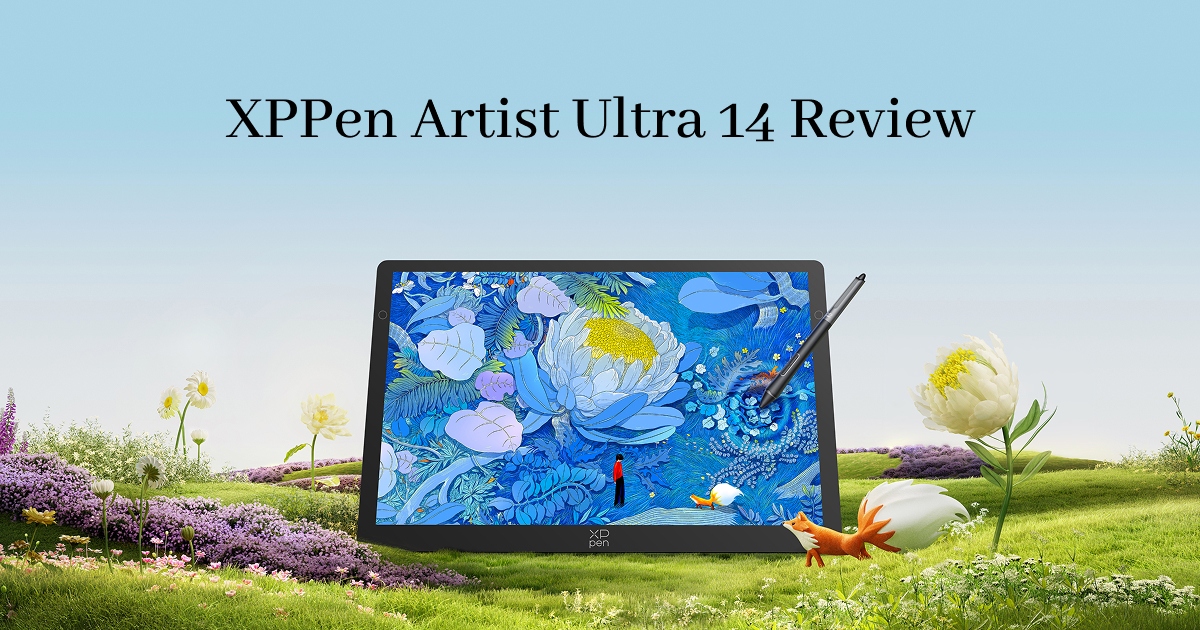
XPPen Artist Ultra 14 Review: Is It Worth Buying?
FOCUSEDChoosing a pen display often means balancing screen quality, workspace, portability, and price. Larger drawing displays offer more room but are harder to carry, while compact models often compromise on performance.
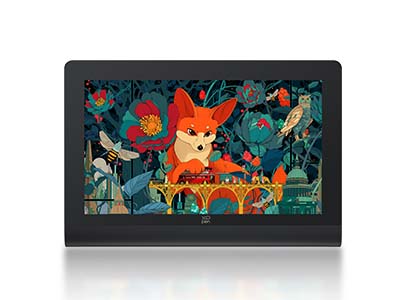
The XPPen Artist Ultra 14 aims to bridge that gap with a 14-inch 2.8K OLED display, 90Hz refresh rate, 10-bit color, 99% Adobe RGB/sRGB/Display P3 coverage, 16,384 levels of pen pressure, and 10-point touch—all in a 720g body.
But how does it perform in real-world use? This review looks beyond the specs, drawing on hands-on testing, professional reviews, users' discussions, and other third-party feedback to examine its strengths, limitations, and ideal users.
XPPen Artist Ultra 14 at a Glance
| Feature | XPPen Artist Ultra 14 |
|---|---|
| Display | 14-inch AMOLED/OLED |
| Resolution | 2880 × 1800 (2.8K) |
| Aspect Ratio | 16:10 |
| Refresh Rate | 90Hz |
| Color Gamut | 99% Adobe RGB, 99% sRGB, 99% Display P3 |
| Brightness | 350 nits typical |
| Touch Screen | 10-point touch, Anti-glare glass, Anti-fingerprint coating |
| Stylus | X3 Pro Smart Chip Stylus + X3 Pro Slim Stylus |
| Pressure Sensitivity | 16,384 levels |
| Tilt Support | 60° |
| Initial Activation Force | 3g |
| Accuracy | ±0.4mm at center |
| Active Area | 301.8 × 188.6mm |
| Weight | 720g |
| Thickness | 6mm |
| Connectivity | Full-featured USB-C |
| Compatibility | Windows, macOS, Android, ChromeOS, Linux |
| Price | $699 |
The specifications make the Artist Ultra 14 one of the more feature-rich portable pen displays in its class. It combines a high-density OLED panel with full lamination, touch support, two styluses, and a relatively lightweight body.
The more interesting question, however, is whether those specifications translate into a better drawing experience.
[XPPen Video] Meet your ultra-slim display: Artist Ultra 14. Let creation happen everywhere
Part 1. Display and Drawing Experience: How Good Is the 2.8K OLED Screen?
The display is easily the Artist Ultra 14's biggest selling point.
Its 14-inch OLED panel has a 2880 × 1800 resolution, giving it roughly 243 pixels per inch. The 16:10 aspect ratio also provides a little more vertical workspace than the conventional 16:9 format.
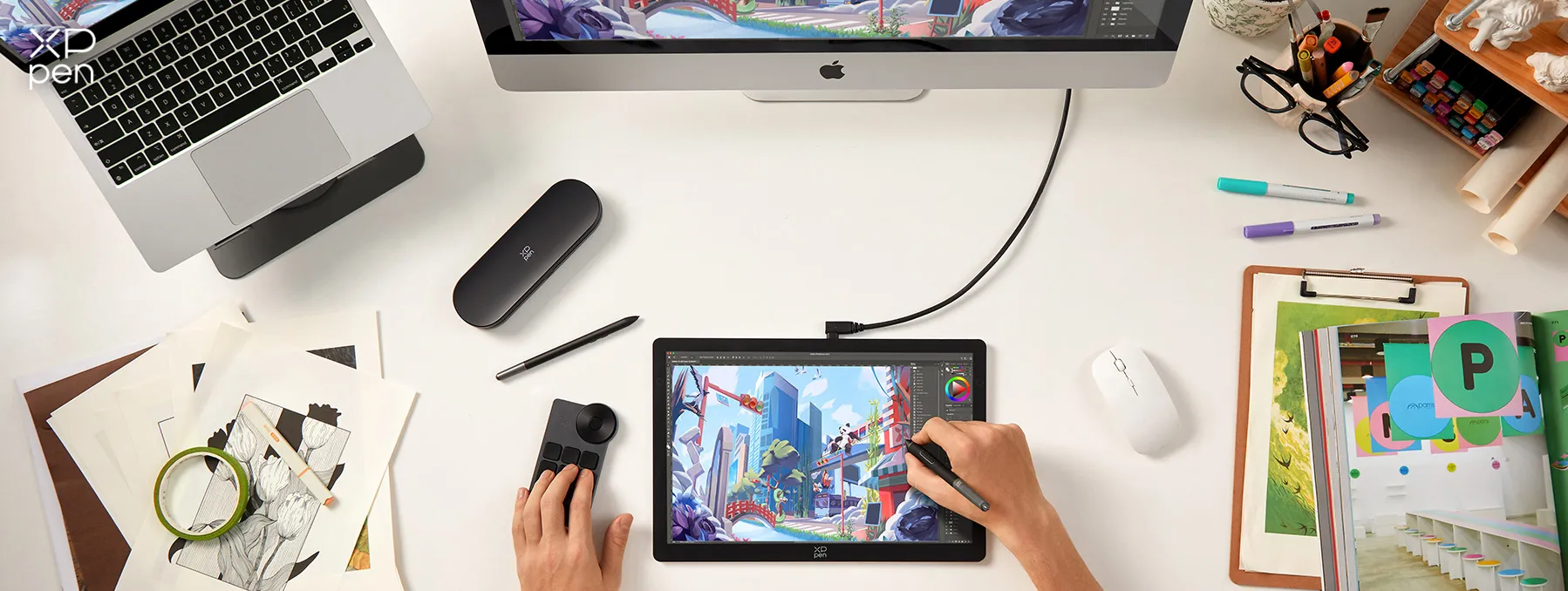
For digital artists, the combination matters because a high pixel density makes fine details look cleaner, while OLED gives the screen significantly deeper blacks and stronger contrast than a typical LCD drawing display.
XPPen rates the display at 99% Adobe RGB, 99% sRGB, and 99% Display P3 coverage, with native 10-bit color and 1.07 billion displayed colors. It also uses a fully laminated display and anti-glare glass.
OLED makes a noticeable difference
Independent reviewers were particularly positive about the screen.
Creative Bloq described the Artist Ultra 14 as a highly portable drawing display with vibrant colors, deep blacks, and smooth responsiveness. The publication also highlighted the combination of 2.8K resolution, 90Hz refresh rate, and wide color coverage as major strengths.
Parka Blogs ' hands-on testing was similarly positive. The reviewer found the OLED panel impressive in terms of contrast and color performance and noted that the matte surface provided a smooth drawing experience while still offering useful control over the pen.
This is especially valuable for artists working with:
-
Digital painting
-
Concept art
-
Character illustration
-
Comics and manga
-
Photo editing
-
Color-sensitive design
-
Detailed line art
The screen doesn't simply make artwork look more attractive. High resolution and strong contrast can make small details easier to judge, particularly when you're zoomed in on a painting or working with subtle tonal transitions.
How good are the X3 Pro styluses?
The Artist Ultra 14 comes with two styluses: the X3 Pro Smart Chip Stylus and X3 Pro Slim Stylus. Both support 16,384 levels of pressure and 60-degree tilt recognition.
Creative Bloq made a similar point in its coverage, arguing that factors such as pen feel, surface texture, responsiveness, and real-world control are more meaningful than simply increasing the pressure-sensitivity number.
Parka Blogs' testing found good pressure control and generally accurate cursor tracking. The reviewer also found the pen comfortable to use and capable of producing controlled lines and pressure transitions.
For artists, this is the more important takeaway: The Artist Ultra 14's pen experience is about consistency and control rather than simply having a large pressure-sensitivity number.
Part 2. Portability and Everyday Use: Is 14 Inches the Sweet Spot?
The Artist Ultra 14’s biggest advantage may be its portability . At just 720g and 6mm thick, it is much easier to carry than larger professional pen displays, like Artist Pro 27 (Gen 2), while its roughly 302 × 189mm active area still provides a substantial workspace.
This portability has been praised by reviewers and users alike. Bonus Action , for example, found it considerably more travel-friendly than the Artist Ultra 16. For artists moving between home, studio, school, or travel setups, the 14-inch format offers a useful balance between workspace and mobility.
The trade-off is obvious: 14 inches may feel cramped for artists who work on complex compositions or use software with extensive tool panels . The 16:10 aspect ratio provides a little more vertical workspace, but artists who primarily work at a fixed desk may still prefer a 16-inch or larger display.
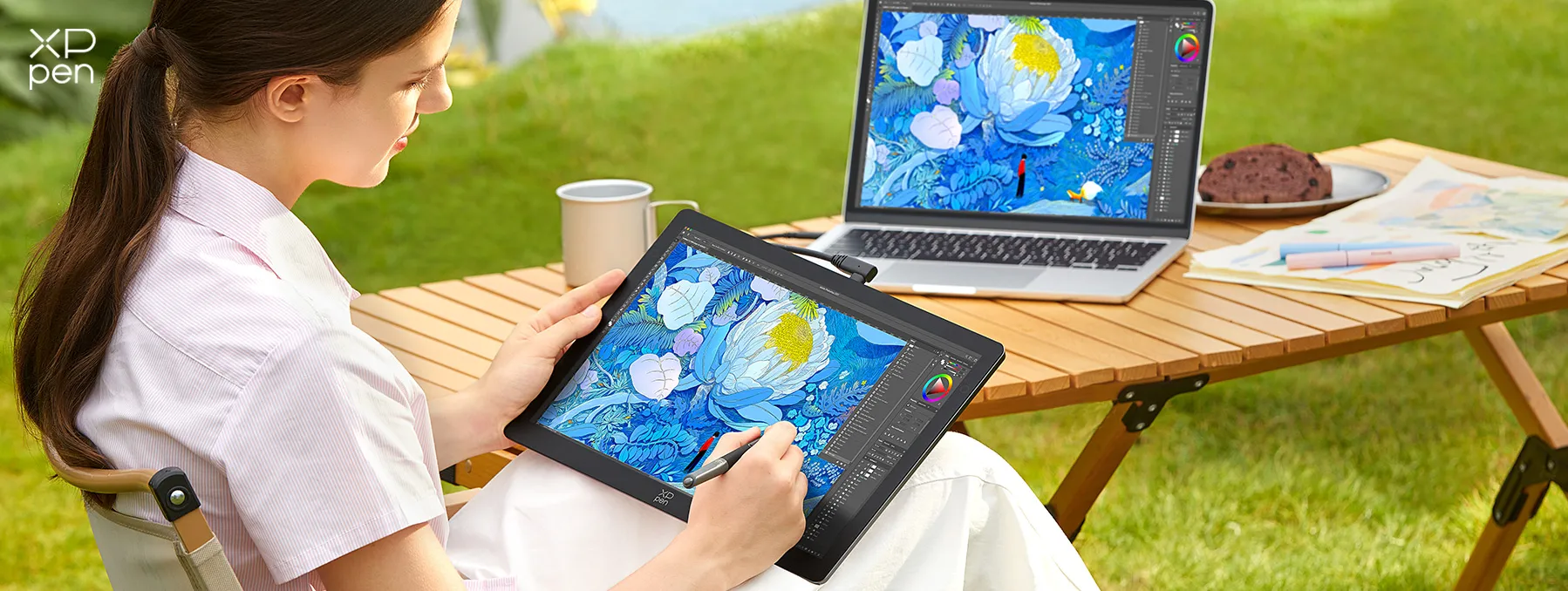
The accessory bundle also adds value, including two styluses, a shortcut remote, stand, cables, replacement nibs, and an artist glove , so most users can start working without many additional purchases.
In short, the 14-inch size is more about finding the right balance between professional workspace and portability .
Also Read: 6 Best Standalone Portable Drawing Tablets
Part 3. Touch, Compatibility, and Software Experience
The Artist Ultra 14 adds 10-point touch for gestures such as zooming, panning, and rotating the canvas.
For most users, the bigger advantage is its Windows and macOS compatibility . The Artist Ultra 14 works with popular creative software including Photoshop, Illustrator, Clip Studio Paint, Krita, GIMP, MediBang, FireAlpaca, and Blender, allowing artists to maintain a familiar desktop workflow while working away from the studio.
Android support is more limited. Compatibility varies between apps, and some may not provide full pressure sensitivity or palm rejection. If Android is your primary platform, check support for your specific drawing app before buying.
Part 4. What Artists Say: Reddit, Professional Reviews, and YouTube Feedback
Looking at third-party feedback is especially useful because the Artist Ultra 14 is still a relatively new product. The professional reviews so far are overwhelmingly positive about the product's core strengths.
What professional reviewers like
Creative Bloq highly recommends the XPPen Artist Ultra 14, describing it as a "perfectly portable OLED tablet that feels great to use and is incredible value". The reviewer highlighted it as a strong choice for artists who want a portable, high-quality OLED drawing tablet. The main drawbacks are its relatively small 14-inch screen and slightly lightweight styluses.
Tech Yahoo gives the XPPen Artist Ultra 14 a highly positive review. The reviewer considers it an excellent-value portable pen display, offering premium features at a competitive price. The main drawback is that the 14-inch screen can feel cramped for complex illustration, 3D, or animation workflows.
Notebookcheck highlights the Artist Ultra 14’s 2.8K 90Hz OLED display, accurate colors, slim 720g design, versatile controls, and single-cable USB-C connectivity, presenting it as a portable, professional-grade drawing display for creative work.
These reviews point toward a consistent conclusion: The Artist Ultra 14's strongest selling point is the combination of professional image quality and genuine portability.
Feedback from Reddit and YouTube
Reddit users generally appreciate the OLED screen, slim build, and laptop-friendly portability. Some users also consider the Artist Ultra 14 a clear winner over comparable products , particularly for its display quality, portability, and overall feature set.
YouTube reviewers highlight the Artist Ultra 14's standout OLED display, ultra-slim design, and powerful yet portable form factor. Brad Colbow was particularly impressed by how good the screen looked and how thin the tablet was, while Yapura Meri highlights its powerful capabilities in a compact package.
XPPen Artist Ultra 14 Review From Brad Colbow
CHIQUITA ULTRA PODEROSA - XPPEN Artist Ultra 14 OLED From Yapura Meri
Overall, the consensus is strong hardware with a few workflow-dependent trade-offs, particularly around screen size, portability, touch, and OLED durability .
Part 5. XPPen Artist Ultra 14 vs. Artist Ultra 16: Which One Should You Choose?
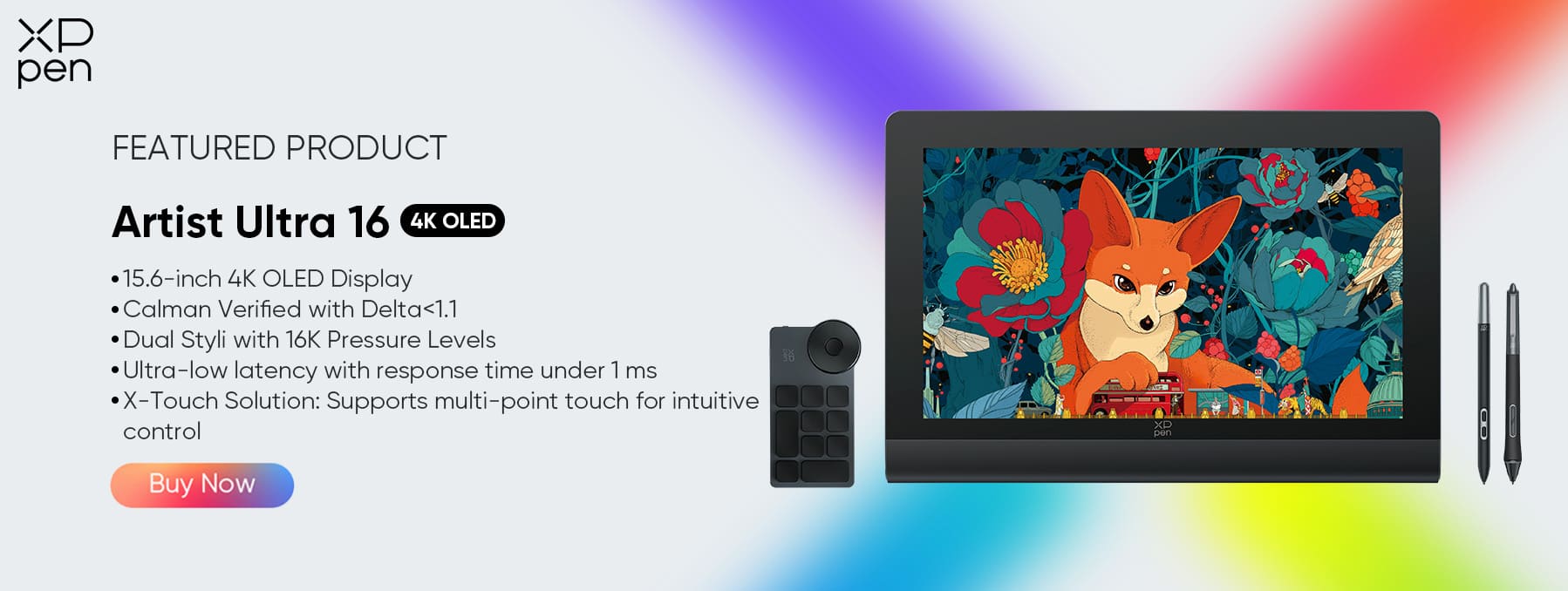
The choice between the XPPen Artist Ultra 14 and XPPen Artist Ultra 16 mainly comes down to portability vs. workspace . Both offer high-quality OLED displays and professional pen performance, but their different sizes suit different workflows.
| Feature | Artist Ultra 14 | Artist Ultra 16 |
|---|---|---|
| Display | 14-inch OLED | 16-inch OLED |
| Resolution | 2.8K | 4K |
| Aspect Ratio | 16:10 | 16:9 |
| Refresh Rate | 90Hz | 60Hz |
| Color | 99% Adobe RGB / 99% sRGB / 99% Display P3 | 99% Adobe RGB / 99% sRGB / 98% Display P3 |
| Pressure Sensitivity | 16,384 levels | 16,384 levels |
| Touch | 10-point touch | 10-point touch |
| Best For | Portable professional work | Larger workspace and studio work |
| Main Advantage | Lightweight and easy to carry | More canvas space for for detailed artwork |
Artist Ultra 14: Better for Portability
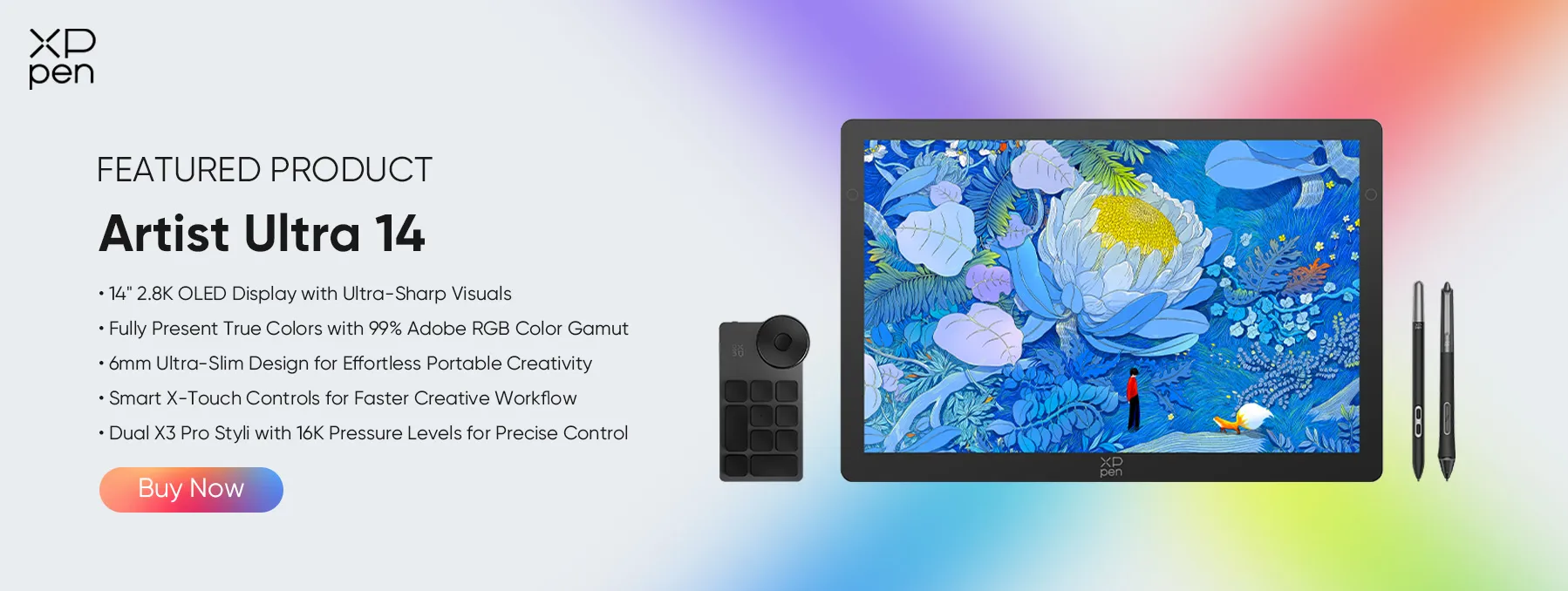
At around 720g and 6mm thick , the XPPen Artist Ultra 14 is easier to pair with a laptop and carry between home, studio, classroom, or other workspaces. Its 2.8K OLED display also delivers high pixel density and excellent image quality despite the compact size.
Artist Ultra 16: Better for Workspace
The XPPen Artist Ultra 16 provides more drawing space, which can be valuable for detailed artwork, large brush strokes, or software with extensive toolbars and panels.
In short: choose the Artist Ultra 14 if portability matters most; choose the Artist Ultra 16 if you spend most of your time at a desk and want more room to work.
Part 6. Final Verdict: Is the XPPen Artist Ultra 14 Worth It?
The XPPen Artist Ultra 14 offers a strong balance of professional display quality and portability . Its 2.8K OLED screen, wide color gamut, 10-bit color, 90Hz refresh rate, and accurate X3 Pro styluses make it well suited to illustration, digital painting, comics, and other creative work.
At just 720g , its biggest advantage is mobility. Reviews from Creative Bloq, Parka Blogs, and Bonus Action generally praise its display, pen performance, and portable design, while noting some limitations with touch, compatibility, and the smaller 14-inch workspace.
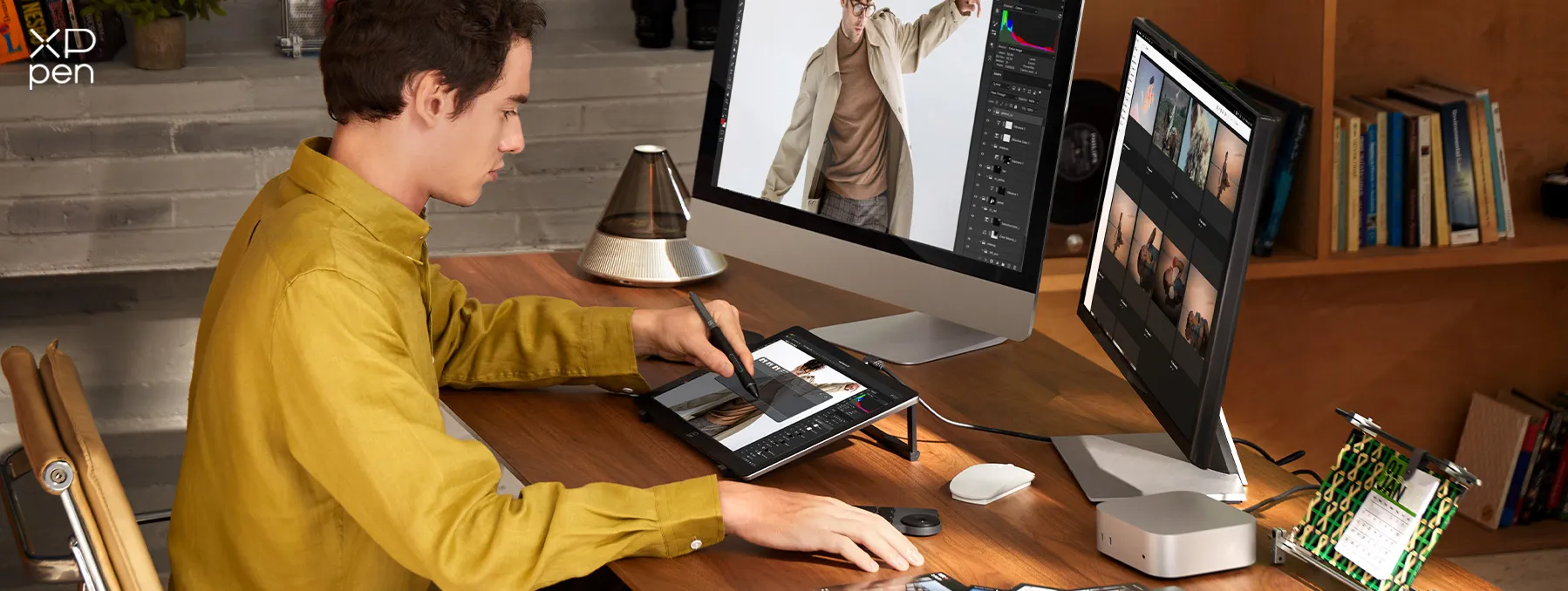
Overall, it’s best for artists who want a high-quality desktop workflow they can take on the go . If you prefer a large studio canvas or a standalone tablet, a different option may be a better fit.
Best for
-
Professional illustrators
-
Digital painters
-
Comic and manga artists
-
Concept artists
-
Art students
-
Creators with small workspaces
-
Artists who travel frequently
-
Artists who want a portable desktop workflow
-
Creators upgrading from an LCD pen display
Consider another option if you:
-
Need the largest possible drawing area
-
Prefer a standalone tablet
FAQs about XPPen Artist Ultra 14
Q1: Is the XPPen Artist Ultra 14 good for professional artists?
Yes. The combination of a 2.8K OLED display, wide color gamut, 10-bit color, 90Hz refresh rate, accurate stylus, and compatibility with professional desktop software makes it suitable for professional illustration, digital painting, comics, concept art, and design.
Q2: Is 14 inches big enough for digital art?
It depends on your workflow. The 14-inch display is well suited to illustration, sketching, painting, and portable work. If you frequently use complex software interfaces or prefer broad arm movements, a 16-inch or larger display may be more comfortable.
Q3: Is the Artist Ultra 14 portable?
Yes, but it is important to understand what "portable" means. At 720g and 6mm thick, the display itself is highly portable. However, it is a pen display rather than a standalone tablet, so you'll generally need a laptop or compatible computer as part of the setup.
Q4: Is the OLED display good for color-sensitive work?
The display is designed for wide-gamut color work, with 99% Adobe RGB, sRGB, and Display P3 coverage according to XPPen. Independent testing has also reported strong color performance.
Q5: Should I buy the Artist Ultra 14 or Artist Ultra 16?
Choose the Artist Ultra 14 if portability is important. Choose the XPPen Artist Ultra 16 if you primarily work at a fixed desk and want more drawing space. The two products are aimed at different workflows rather than simply different performance levels.
Q6: Is the XPPen Artist Ultra 14 worth buying?
For artists who want a portable professional pen display, the XPPen Artist Ultra 14 is a compelling option. Its strongest combination is the 2.8K OLED screen, 90Hz refresh rate, capable X3 Pro styluses, wide color coverage, and 720g portable design. The main trade-offs are the smaller 14-inch workspace, reliance on a computer, and some limitations around touch and platform compatibility.
About Us
Founded in 2005, XPPen is a leading global brand in digital art innovation under Hanvon UGEE. XPPen focuses on the needs of consumers by integrating digital art products, content, and services, specifically targeting Gen-Z digital artists. XPPen currently operates in 163 countries and regions worldwide, boasting a fan base of over 1.5 million and serving more than ten million digital art creators.
Learn moreRecommended Articles
FOCUSED XPPen Artist Ultra 16 Review: 4K OLED Touch Pen Display KNOWLEDGE 6 Best Drawing Apps for iPad Free & Paid 2026 KNOWLEDGE 8 Best Apps for Interior Design (Free & Paid) TIPS Is the XPPen Artist Ultra 16 a Good Alternative to the iPad? TIPS 10 Best Free Drawing Software Tools for Digital Art





-
 Artist Ultra 14
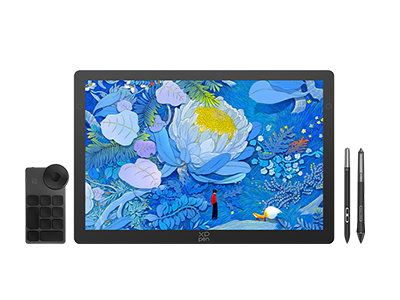
14-inch 2.8K OLED Display with Ultra-Sharp Visuals
99% Adobe RGB Color Gamut for True-to-Life Color
Ultra-Slim 6mm Design for Portable Creativity
Dual X3 Pro Styli with 16K Pressure Levels
Smart X-Touch Controls for Faster Workflow
It features:
Best 14" OLED drawing display for precision and portability
-
 Artist Ultra 16
15.6-inch 4K OLED Display
Calman Verified with Delta < 1.1
Dual Styli with 16K Pressure Levels
Ultra-low latency with response time under 1 ms
X-Touch Solution: Supports multi-point touch for intuitive control
It features:
New-Gen Touch-screen Drawing Display
-
Artist Ultra 14
14-inch 2.8K OLED Display with Ultra-Sharp Visuals
99% Adobe RGB Color Gamut for True-to-Life Color
Ultra-Slim 6mm Design for Portable Creativity
Dual X3 Pro Styli with 16K Pressure Levels
Smart X-Touch Controls for Faster Workflow
It features:
Best 14" OLED drawing display for precision and portability
Ready to invest in the right tools?
Get expert buying advice, unbiased reviews, and exclusive deals on drawing tablets, and accessories.
