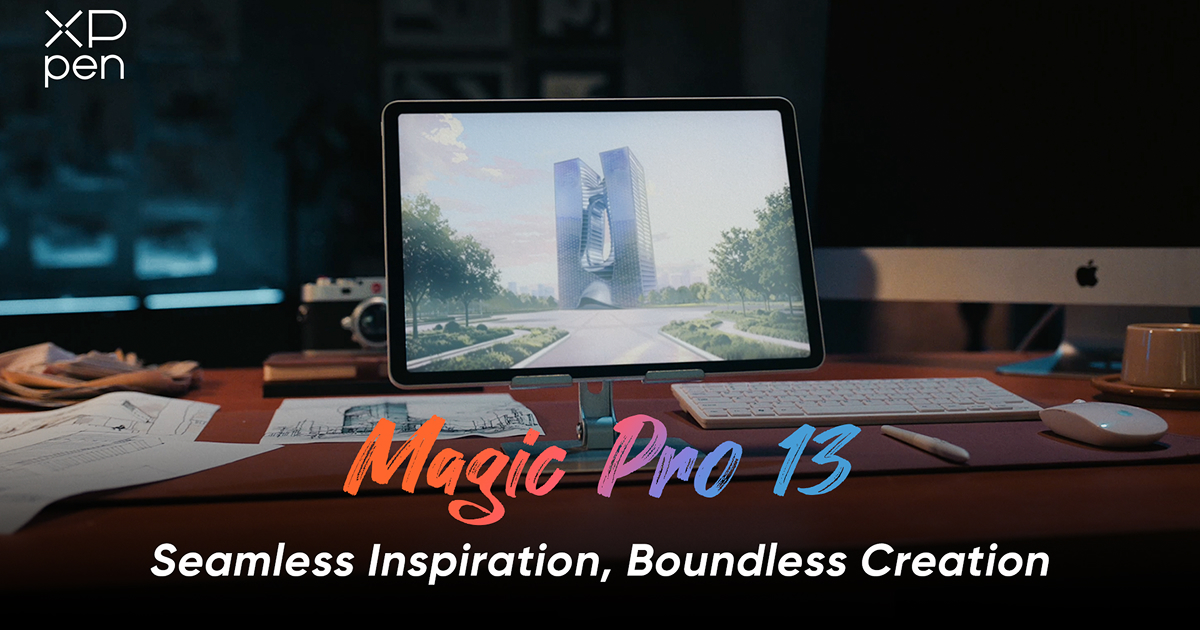
XPPen Magic Pro 13 Review: Is It Worth Buying?
FOCUSEDFor years, digital artists working on the move were forced to make a compromise. You could either buy a dedicated computer-connected pen display (for full desktop creative software) or a standalone mobile tablet for on-the-go sketching. Even the mobile tablets (the iPad being the prime example), capable of handling a bit of both, they were still stuck in the mobile app ecosystem, so desktop artists were left with the only option of using very poor wireless mirroring software.
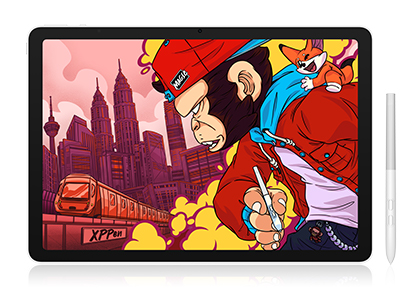
But with the release of the XPPen Magic Pro 13 , things have taken a game-changing turn in digital sketching. The Magic Pro 13 is a true dual-mode 2-in-1 hybrid: a high-performance standalone Android 16 tablet that can instantly convert into a hardware-level PC pen display via a single USB-C cable. But the real question remains. Is the XPPen Magic Pro 13 worth it for the professional artist, the illustrator, the 3D sculptor? That's the question we'll answer today. Let's take a full look at it.
Part 1. Standout Features & What Makes Magic Pro 13 Unique
The original XPPen Magic Drawing Pad was actually a massive leap forward for the standalone Android art tablet market. Building on that foundation, the Magic Pro 13 introduces several hardware and connectivity upgrades designed to deliver a more versatile and refined creative experience.

The XPPen Magic Pro 13 is designed from the ground up for digital artists. Here’s the proof:
-
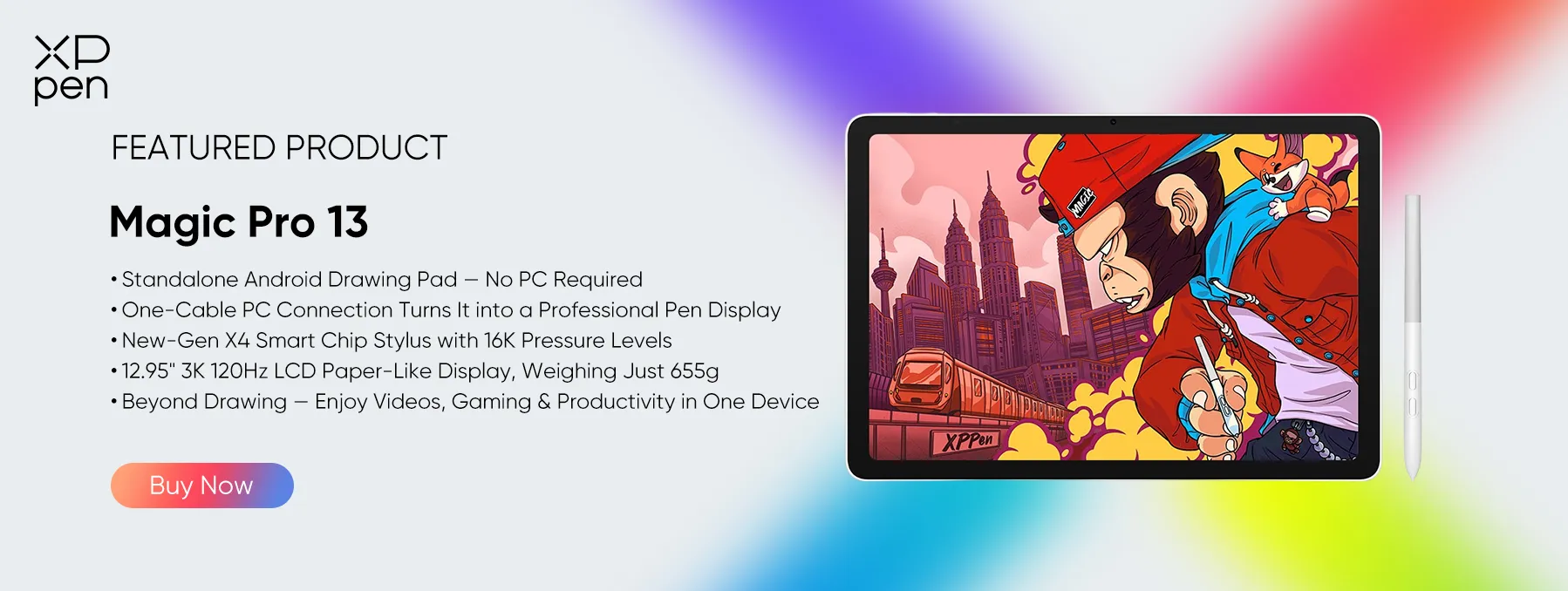
Dual-Mode Versatility: Runs standalone Android 16 apps like ibisPaint X and Clip Studio Paint outdoors, then connects natively to Windows or Mac as a plug-and-play desktop monitor.
-
12.95-inch 3K 120Hz AG Nano-Etched Display: A crisp 3096 × 2064 resolution (287 PPI) with a 3:2 canvas aspect ratio. The surface utilizes microscopic chemical etching (AG+AF nano-etched glass) to eliminate glare and deliver natural paper-like drag.
-
Next-Gen X4 Smart Chip Stylus: Delivers an extraordinary 16,384 levels of pressure sensitivity with a microscopic 2g initial activation force (IAF) and zero battery charging.
-
Flagship-Level Hardware: Powered by the MediaTek Dimensity 8300 4nm processor, 8GB RAM, 256GB storage (expandable up to 2TB via MicroSD), and a massive 10,200mAh battery with 45W PD fast charging.
1. Design, Build Quality & Accessories
The XPPen Magic Pro 13 has a very clean, minimalist design with a premium feel (very close to the iPad). It's a matte white frame with curved edges and consistent bezels around the 13" glass panel. Weighing only 655g and measuring 6.65 mm thick, it has a sleek, modern look that feels solid in the hand.
The dual port layout on the side is a massive improvement. One USB 3.2 Gen 1 port is for power delivery charging, and the other USB 3.2 Gen 2 port takes in full DisplayPort video for desktop use.
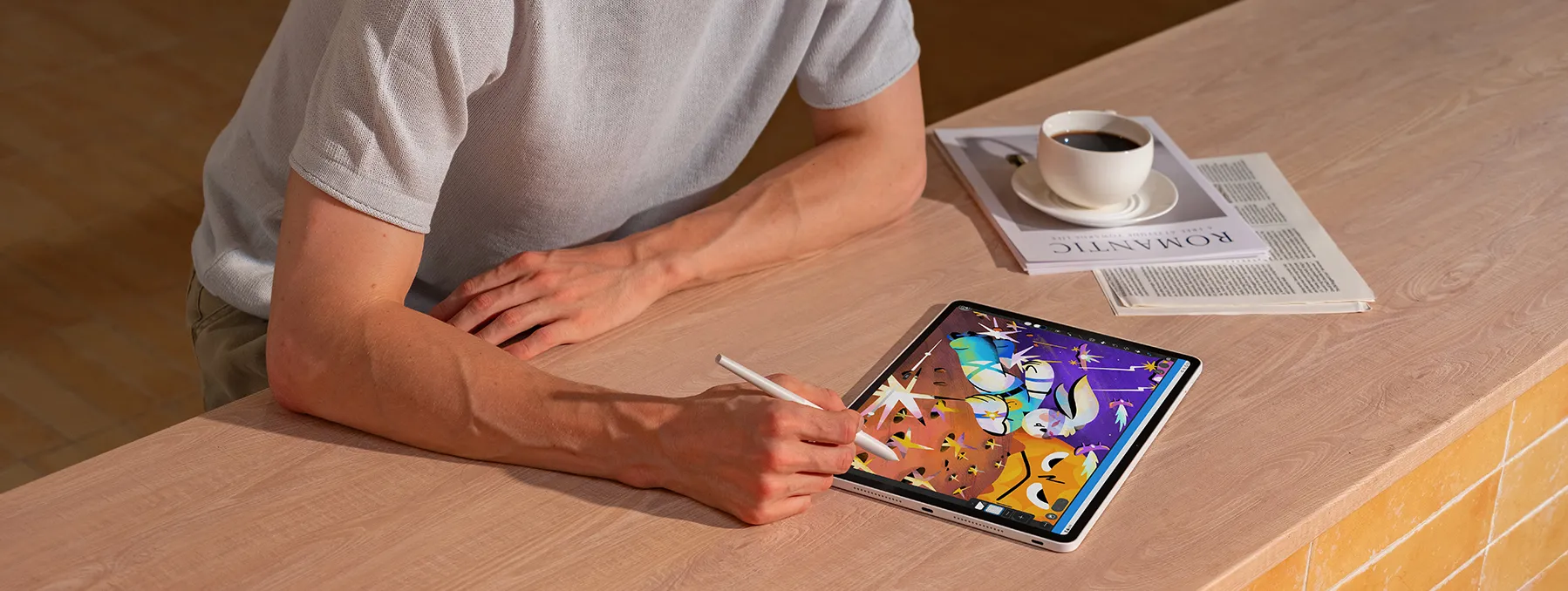
The best thing is, Magic Pro 13 includes high-value essential accessories right in the box that competitor ecosystems charge extra for:
-
The battery-free X4 Smart Chip Stylus matching the white frame
-
Replacement nibs (both smooth and textured feedback nibs)
-
A high-speed USB-C video/data transfer cable
-
An anti-fouling digital drawing glove
2. Screen Feel & Visual Performance
The most "painful" thing every digital artist will tell you about is drawing on standard glass displays (i.e., the iPad Pro), which is just like skating on wet ice. You end up with your hand muscles all tensed up just to keep the ink lines from sliding.
XPPen addresses this on the hardware side with its AG Nano-Etched Glass. The matte finish is etched into the glass rather than a plastic film you stick on, so it won't scratch off, and you won't lose any display clarity. Paired with the included black textured pen tip, the drawing experience gives you that subtle amount of tactile friction and soft acoustic feedback, which is very much the HB pencil on toothy paper experience.
100% sRGB / 96% DCI-P3 color coverage for rich, vibrant, truly lifelike colors, paired with 650-nit brightness (almost double the Magic Drawing Pad), so you can draw comfortably under bright studio lights or in the sun. A 120Hz refresh rate delivers smooth, fluid motion with instant cursor tracking and no pen-tip trailing when you're drawing quickly.
3. Pen Performance & Drawing Experience
The X4 Smart Chip Stylus is a huge step forward in digital drawing accuracy. It's doubled the pressure resolution from the previous generation (to 16,384) and reduced the initial activation force (IAF) right down to 2g. This means it can capture the very lightest, most delicate brushstrokes without requiring any real pressure at all to get the ink line going.
Line stability tests in both Medibang Paint and Clip Studio Paint show zero diagonal line wobble, smooth tapering, and perfectly aligned cursor all the way out to the display bezels. The stylus has two programmable side barrel buttons (for quick eraser/brush switch) and snaps magnetically onto the side frame when not in use.
4. Software Ecosystem & Desktop Workflows
Running Android 16 (with support for future version updates), the tablet has full official access to the Google Play Store, and you can run the big mobile art suites (ibisPaint X, ArtRage, Infinite Painter, Clip Studio Paint, etc.) without any issues at all. XPPen also has Canvas and Shelf pre-installed along with a Quick Draw function that will just wake the tablet up into a digital sketchbook if you tap the screen.
5. Direct One-Cable Desktop PC Connection
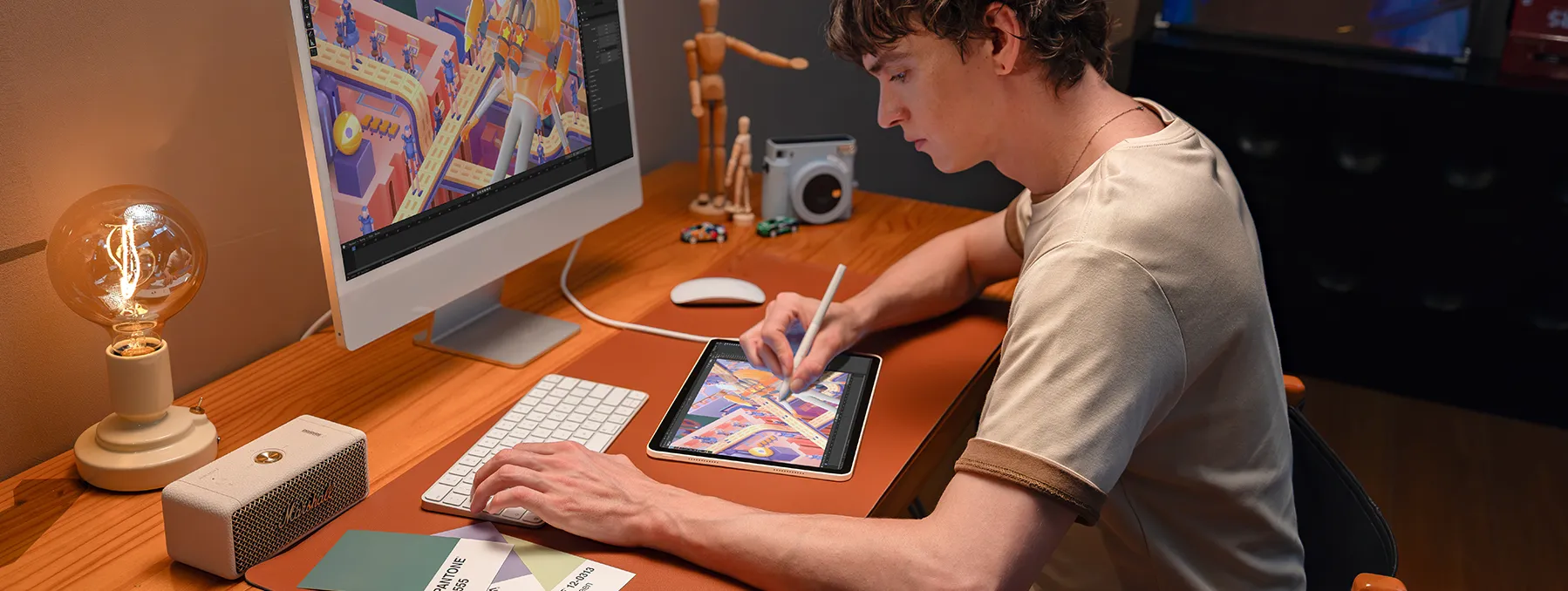
When you get back to your desk, you don't need any third party streaming apps or driver hacks at all. Just plug in the included USB-C cable from the tablet to your Windows PC or Mac. Once you've got the standard XP-Pen drivers installed the tablet becomes a full fledged hardware pen display. You can run full desktop Photoshop, full desktop Blender 3D sculpting, and full desktop ZBrush with zero streaming lag and full tilt and pressure.
Important: Why XPPen's Hardware Connection Stands Out?
The XPPen Magic Pro 13 offers native hardware-level PC connectivity via a single USB-C cable.
Unlike other products' complicated software-based solutions that may introduce color compression, increased latency, or limited pen functionality, XPPen preserves the full drawing experience—including color output, pressure sensitivity, tilt recognition, and stylus features. Simply plug in and draw, with no complicated setup or performance compromise.

Part 2. XPPen Magic Pro 13 vs iPad: Addressing iPad Pain Points for Artists
While the iPad Pro remains a top multimedia consumer tablet, artists frequently run into frustrating limitations of the Apple ecosystem that make the Magic Pro 13 a more focused creative choice:
1. Slippery Glossy Glass
Standard iPads use polished glass panels that lack drawing friction, forcing artists to buy aftermarket matte screen protectors that blur screen resolution. The XPPen Magic Pro 13 features native nano-etched anti-glare glass built right in.
2. No Hardware PC Mode
An iPad cannot act as a direct hardware display for a Windows PC. To use desktop PC art software, Windows users must pay for laggy third-party software subscriptions. The Magic Pro 13 connects to Windows or Mac as a native hardware pen display over a single cable with zero subscription fees.
3. Expensive Add-On Accessories
Buying an iPad requires an extra $129+ for an Apple Pencil, while XPPen includes the flagship 16K pressure X4 Smart Chip Stylus in the box.
4. Storage Markups
iPad storage upgrades cost hundreds of dollars. The Magic Pro 13 comes with 256GB base storage and includes a MicroSD card slot supporting up to 2TB of affordable expandable storage.
Speaking of XPPen Magic Pro 13 vs. iPad, a reddit reviewer demonstrates his experience in the following words:
"Right now, especially for artists, I feel like the Magic Pro 13 is THE best tablet in the world. I feel comfortable saying that because even the iPad Pro can't match hardware-level pen display functionality. It's DCI-rated, has a high-res, high-refresh, high-brightness screen, a SOLID chipset, fully independent functionality, and a professional-tier pen system. Honestly, what else could you ask from a tablet?"
Check out our in-depth comparison of XPPen Magic Pro 13 vs. iPad Pro for a detailed head-to-head comparison breakdown that goes beyond the spec sheet.

Part 3. Head-to-Head Comparison: XPPen Magic Pro 13 vs Competitors
| Feature | XPPen Magic Pro 13 | Other Brands | iPad Pro 13 (M4) |
|---|---|---|---|
| Price | ~$799 (Pen included) | Up to $1,099 | $1,199+ ($129 Apple Pencil extra) |
| Display Panel | 13" 3K 120Hz AG Nano-Etched LCD | 14" 120Hz OLED | 13" 120Hz Tandem OLED |
| Screen Texture | Native Tactile Paper-Feel Glass | Smooth / Anti-Glare | Glossy Glass (Screen protector needed) |
| Pen Pressure | 16,384 Levels | 8,192 ~ 16,384 Levels | ~4,096 Levels (Apple Pencil) |
| PC Hardware Mode | Yes (Native USB-C Hardware Connection) | Varies by model; often software-based | No (Requires third-party software on Windows) |
| Connection Experience | Single-cable, plug-and-play connection | Software setup, pairing, and configuration may be required | Third-party app setup required for Windows workflows |
| Drawing Performance in PC Mode | Native hardware-level signal transmission, preserving display output and pen functionality | Software-based solutions may introduce color compression, higher latency, and limited pen functionality | Dependent on third-party software |
| Storage Expansion | MicroSD up to 2TB | Fixed Internal | None (Cloud / Expensive Apple tiers) |
Part 4. XPPen Magic Pro 13 – Pros and Cons
Pros
1. Versatile 2-in-1 Design
Magic Pro 13 works as both a standalone Android drawing tablet and a hardware-based PC pen display. As Brad Colbow highlights in his review, it is not simply a tablet that mirrors a computer screen through software – it can connect directly to a computer and function as a drawing display.
XP Pen Magic Pro 13 Review by Brad Colbow
2. Flexible Creative Workflow
Switch seamlessly between drawing on the go with Android apps and working with desktop creative software. This flexibility makes it a practical choice for artists who want both mobile convenience and a desktop drawing setup.
3. Smooth and Comfortable Drawing Experience
The matte display, pressure sensitivity, and tilt support provide an enjoyable drawing experience. Teoh on Tech also highlights these drawing-focused features in his review.
XPPen Magic Pro 13 (review): Almost excellent Android drawing tablet by Teoh on Tech
4. Portable Design
Its compact form makes it easier to take your creative workspace wherever you go, offering an appealing alternative to larger, traditional pen displays.
5. Greater Flexibility for Long-term Use
With both standalone tablet and PC pen display functionality, Magic Pro 13 offers more than one way to stay creative. Its pen display mode also provides an alternative way to use the device beyond its Android tablet lifecycle.
Cons & Considerations
1. LCD Rather Than OLED
Magic Pro 13 features a 3K LCD display rather than an OLED panel. While it delivers clear visuals and a comfortable drawing surface, users who prioritize the deeper blacks and contrast of OLED displays may prefer an OLED device. On the other hand, LCD can be a reassuring choice for those concerned about OLED burn-in during extended creative sessions.
2. Premium Price Point
With a retail price of around ~$799, Magic Pro 13 sits in the premium tablet category. Its feature set may be more than casual users or beginners need. For casual users or beginners looking for a more budget-friendly drawing tablet, the US$469 XPPen Magic Drawing Pad may be a more suitable option.
3. Ongoing Android Updates and Improvements
Some users have concerns regarding software updates. We understand that long-term software support is an important consideration when choosing a creative tablet. XPPen is committed to providing future Android version updates for Magic Pro 13 , helping artists enjoy an increasingly smooth and reliable creative experience.
Part 5. FAQs About the XPPen Magic Pro 13
1. Is the XPPen Magic Pro 13 Worth It?
If you're looking for more than a conventional Android tablet, the Magic Pro 13 offers excellent value for creative work. Its combination of a 3K 120Hz display, X4 Smart Chip Stylus, powerful Dimensity 8300 processor, and dual standalone/PC pen display functionality makes it a versatile tool for digital artists.
While its premium price may seem high compared with standard Android tablets, you're essentially getting two creative devices in one: a standalone drawing tablet and a professional pen display for your computer. For artists who regularly use both mobile and desktop workflows, this versatility can make the investment worthwhile.
2. Magic Pro 13 and Magic Drawing Pad: Which One Should I Choose?
Both devices offer standalone Android drawing capabilities, but they target different creative needs. The Magic Drawing Pad is ideal for artists looking for a lightweight and more affordable digital sketchbook. The Magic Pro 13 is designed for more demanding creative workflows. It also features improved drawing accuracy, higher brightness, and enhanced hardware-level PC pen display functionality.
3. Does the Magic Pro 13 Support Android Updates?
The Magic Pro 13 comes with Android 16 pre-installed, providing access to Google Play and a wide selection of creative applications. XPPen will provide future Android system updates.
4. What Makes the Magic Pro 13's Drawing Display Mode Different from Software-based Screen Mirroring?
Both the XPPen Magic Drawing Pad and Magic Pro 13 feature dedicated hardware-level pen display connectivity. When connected to a compatible PC or Mac via USB-C, they deliver direct video and pen input without software-based streaming, helping preserve image quality, drawing responsiveness, full pressure sensitivity, and stylus functionality.
By contrast, other software-based solutions may introduce image compression, additional latency, or limited pen functionality. Also, the connection is more complicated.
Q5: Do I need to install extra software to use the Drawing Display Mode with a PC?
No. Just connect with a full-featured USB-C cable; no extra software is needed for Drawing Display Mode.
Its hardware-level USB-C connection ensures minimal latency, accurate colors, full pressure sensitivity, and complete pen functionality—unlike software-based screen mirroring solutions that may introduce lag, color compression, and limited pen features.
Conclusion
It's 2026, and you no longer have to pick between the portability of an outdoor sketchbook and the processing power of your PC. You can have both. XPPen Magic Pro 13 tackles the real pain points of its predecessor and enables instant USB-C hardware connectivity, which is what stops mobile drawing slates from doing the job.
The XPPen Magic Pro 13 is a fully liberated mobile studio that can also serve as a lag-free desktop monitor. That's the sort of workflow solution that a pro artist would want.
About Us
Founded in 2005, XPPen is a leading global brand in digital art innovation under Hanvon UGEE. XPPen focuses on the needs of consumers by integrating digital art products, content, and services, specifically targeting Gen-Z digital artists. XPPen currently operates in 163 countries and regions worldwide, boasting a fan base of over 1.5 million and serving more than ten million digital art creators.
Learn moreRecommended Articles
ROUNDUPS XPPen Magic Pro 13 vs Magic Drawing Pad: Which to Buy? FOCUSED Magic Pro 13 vs iPad Pro: The Best Standalone Drawing Pad? TIPS 20 Fun Arts and Crafts to Do at Home for Everyone KNOWLEDGE Color Picker From Image: 4 Free Online Tools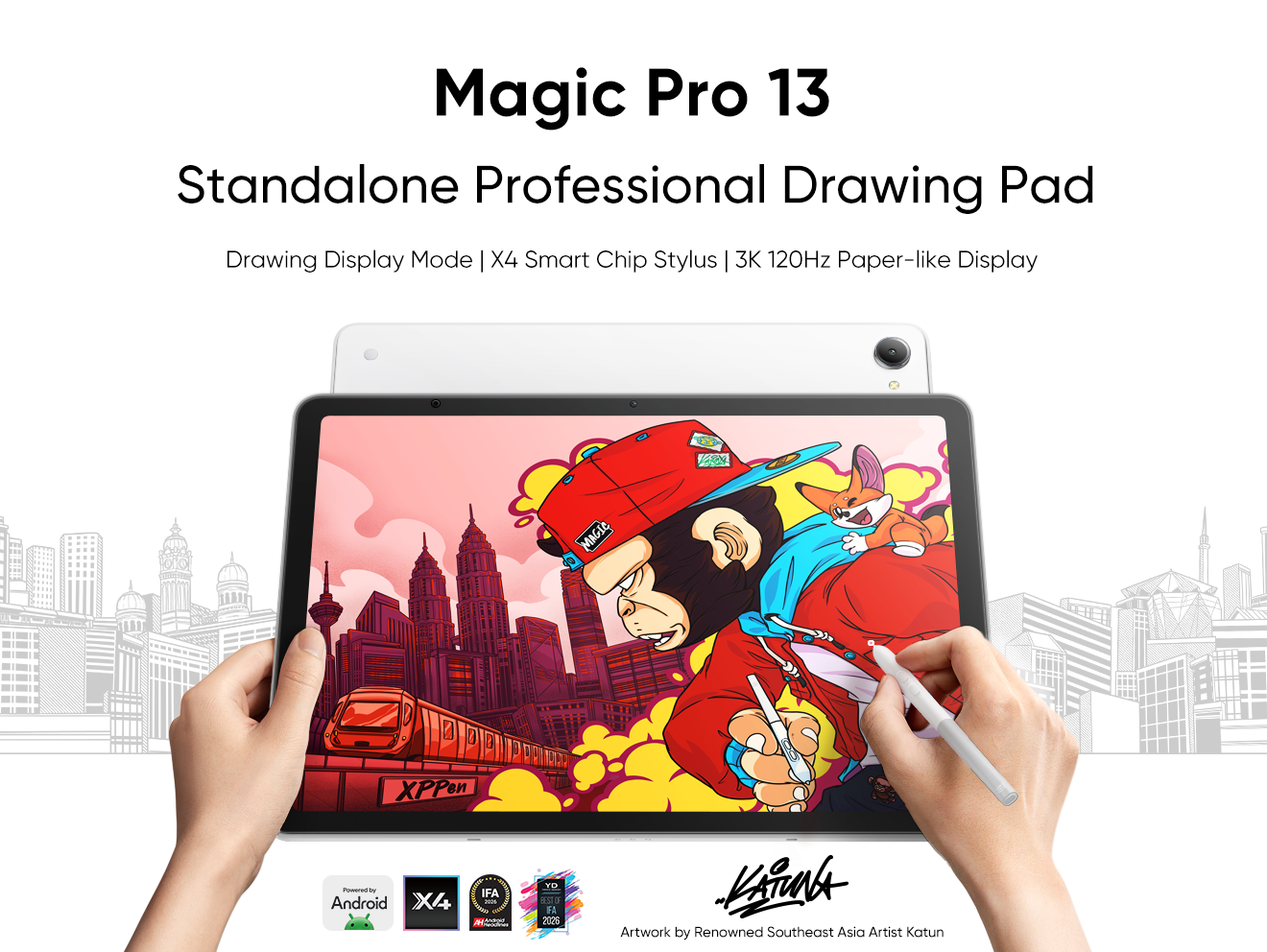


Ready to invest in the right tools?
Get expert buying advice, unbiased reviews, and exclusive deals on drawing tablets, and accessories.
