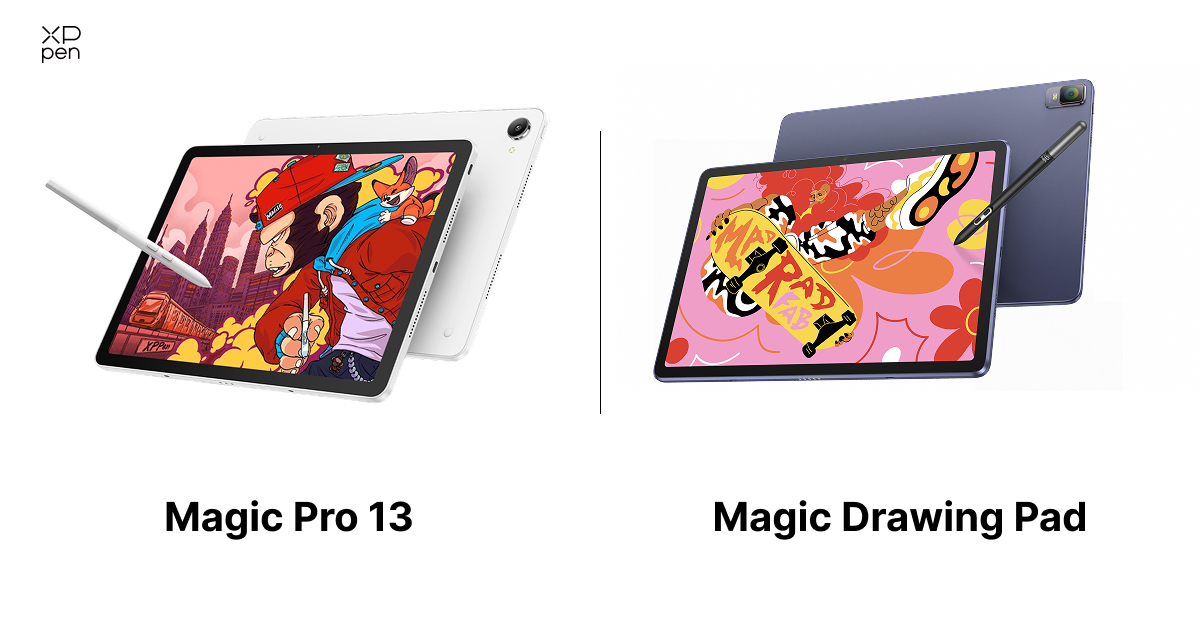
XPPen Magic Pro 13 vs Magic Drawing Pad: Which to Buy?
ROUNDUPSWhen XPPen launched the Magic Drawing Pad in 2024, digital sketching without a connected computer became reality. The new Magic Pro 13 Standalone Drawing Pad now aims to turn that independent freedom into a top-tier professional experience for all your digital sketching needs.
The comparison between the XPPen Magic Pro 13 vs Magic Drawing Pad is about looking at how each drawing pad performs with a pen, how well it meets your artistic needs, and whether you actually require a dedicated digital sketchbook or a studio display that serves two purposes.
Quick Pick
-
Go Magic Drawing Pad for a light, budget-friendly sketchbook (590g, paper-like screen, battery-free pen).
-
Go Magic Pro 13 for pro work: 12.95" 3K 120Hz display, 650 nits, Dimensity 8300, IP54, and dual-mode use as a standalone Android 16 tablet or a one-cable PC pen display.
Part 1. XPPen Magic Pro 13 vs Magic Drawing Pad: Detailed Comparison
1. Screen Experience and Visual Clarity
The 12.2-inch, 3K TFT-LCD on the XPPen Magic Drawing Pad offers a 60Hz refresh rate and a spacious 3:2 aspect ratio. With a peak brightness of 360 nits, it's a solid choice for daily outdoor sketching and social media illustrations. The surface features XPPen's anti-glare etching, while the anti-fingerprint coating ensures that your hand moves smoothly without leaving any smudges.

The XPPen Magic Pro 13 significantly upgrades visual depth and screen resolution:
-
3K Resolution at 120Hz: At a resolution of 3K and a refresh rate of 120Hz, the panel measures 12.95 inches. This transition almost completely eliminates cursor trail and line latency during quick, gestural strokes.
-
Pro-Grade Gamut and System Switching: 100% sRGB and 96% DCI-P3 color coverage deliver detailed, true-to-life colors for illustration, graphic design, and video post-production. Even better, with the tablet’s all-new system-level color gamut switching, you can choose the right color gamut for more professional creative needs.
-
650 Nits Peak Brightness: The Magic Pro 13 delivers twice the brightness of the previous model and remains readable in direct sunlight, making it easy to do landscape painting outdoors.
2. Drawing Experience and Stylus Accuracy
XP-Pen Magic Drawing Pad reviews based on hands-on testing show that artists praise the device's matte glass display.
The XP-Pen Magic Drawing Pad comes with an X3 Pro Slim Stylus that doesn’t require charging or Bluetooth pairing because it uses innovative Electromagnetic Resonance (EMR) technology .
It offers 16,384 levels of pressure sensitivity, has 60° tilt support, a 3g Initial Activation Force (IAF), and has a tip retraction distance of 0.6 ± 0.2 mm. It can perfectly detect small pressure variations when drawing with uneven pressure and adjust the line width based on the pressure applied.
Magic Pro 13 introduces the next-generation X4 Smart Chip Stylus , engineered to eliminate microscopic pen tip wobble:
-
2g Initial Activation Force: The sensor reacts to the slightest, almost imperceptible touch, picking up the minor variations in line thickness needed for detailed ink washes and for finely rendered hair strands.
-
3 mm Tip Travel: By halving the distance over which the mechanical tip moves, a firmer and more solid point of contact is achieved, with no internal mushiness.
-
Bullet-Shaped Nib: The redesigned bullet-shaped nib reducesstroke jitter by up to 200% and improves tracking responsiveness by 50%.
3. Dual-Mode Versatility
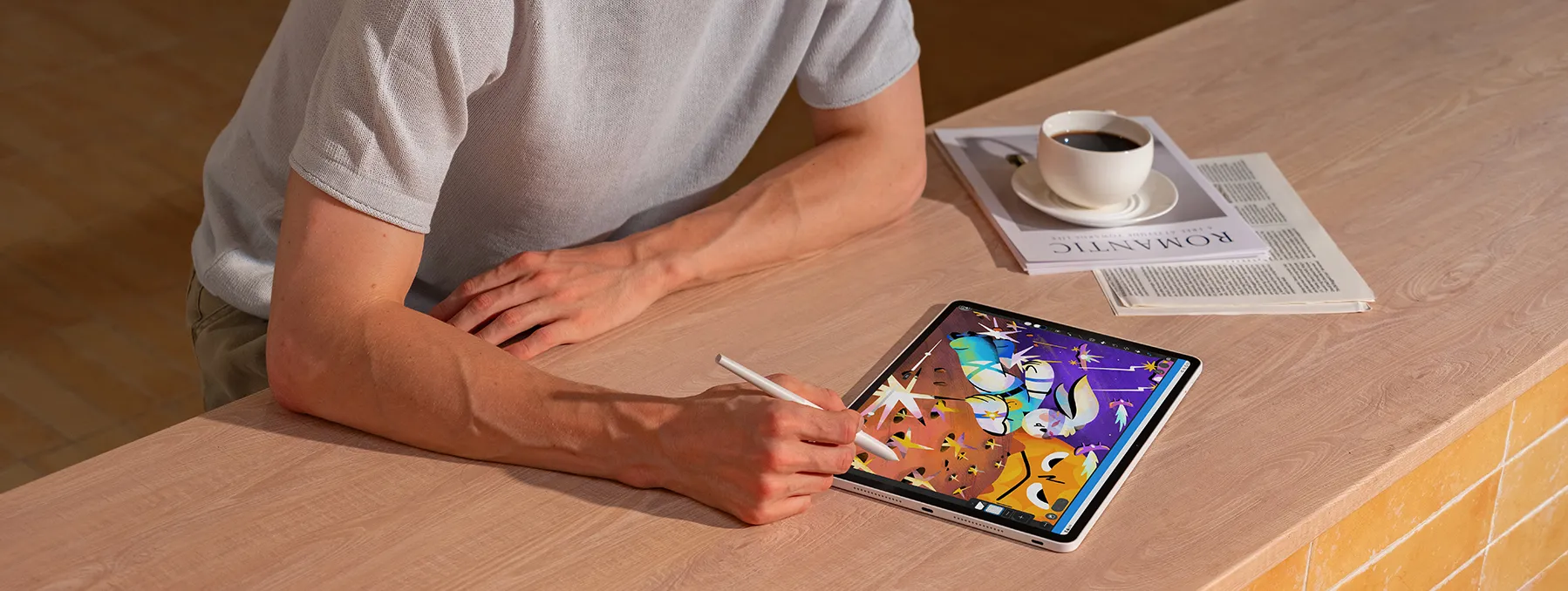
The first XP-Pen Magic Drawing Pad is intended to function as a standalone Android device; it also has the ' Drawing Display Mode ' feature when using USB-C. The XPPen Magic Pro 13 Drawing Pad is also designed as a dual-mode hybrid:
-
Standalone Android Slate: The Android Slate is capable of running full illustration software anywhere, thanks to its built-in 4nm processor and Android 16 (with support for future Android system updates).
-
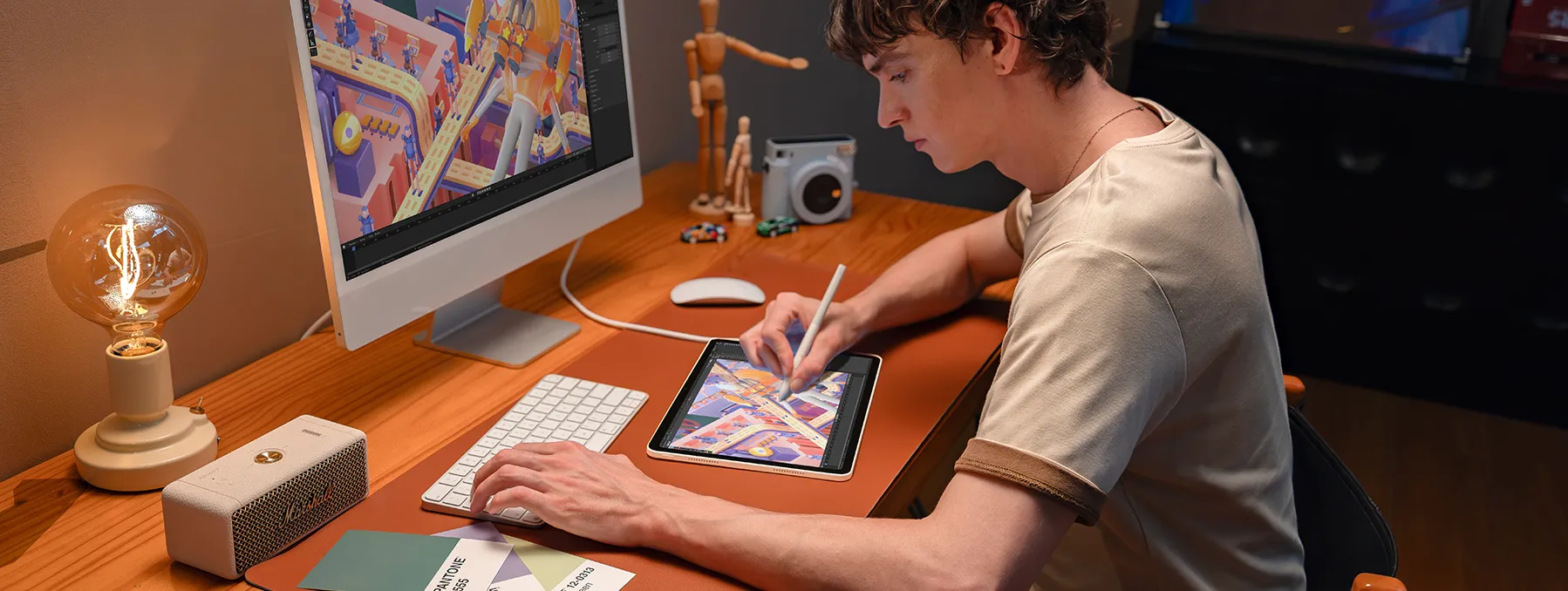
In Hardware-Level Pen Display Mode: By connecting your Magic Pro 13 to your PC or Mac with a single full-featured USB-C cable, the tablet will act as a dedicated pen monitor, providing native 3K resolution, a 120Hz refresh rate, 16K pressure tracking and tilt support for use with desktop digital art programs such as Photoshop, Corel Painter and Blender.

4. Performance, Processing, and Thermals
The Magic Drawing Pad: An octa-core MediaTek MT8781 CPU, Mali-G57 MC2 GPU, and 8GB of RAM ensure that drawing apps like ibisPaint X or Clip Studio Paint work swiftly. The default storage is 256GB but can be expanded up to 1TB using a MicroSD card.
The Magic Pro 13: It features a flagship 4nm MediaTek Dimensity 8300 processor, 8GB of RAM, 256GB of internal storage and supports MicroSD expansion up to 2TB. This processor upgrade, however, is a deciding factor for many artists since the 4nm architecture renders complex scenes and manages multitasking efficiently.
Smart Thermal Profiles: The Magic Pro 13 introduces Smart Thermal Control with two user modes:
-
Performance Mode: Delivers maximum performance for creative work.
-
Comfort Mode: Applies stricter temperature control for a more comfortable hands-on experience.
5. Operating System and Creative Software Ecosystem
When the earlier version of the XPPen Magic Drawing Pad was released in 2024, it came with Android 12. Subsequently, an updated version was released in mid-2025, coming pre-installed with Android 14 and later receiving an upgrade to Android 15.
The device supports split-screen multitasking so you can view photo references alongside your drawing canvas and includes three months of free access to both Clip Studio Paint and ibisPaint X, and exclusive MediBang Paint cloud storage.
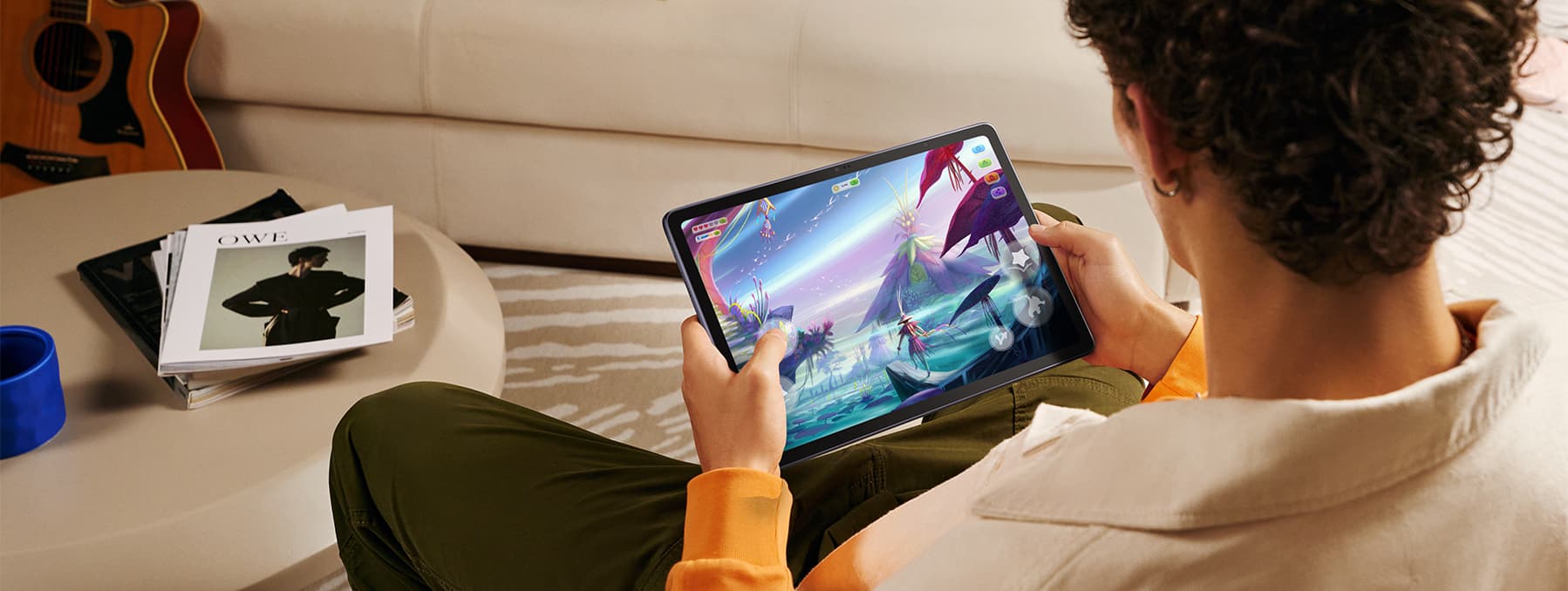
The Magic Pro 13 debuts on Android 16 and introduces XPPen's proprietary creative OS tools:
-
The 'Canvas' Quick Sketch Tool: A sketching application designed so that you can capture ideas instantly without being overwhelmed by menus.
-
Freeform Windowing: Allows reference windows that are floating and resizable, as well as browser tabs and music widgets, to be used throughout your drawing area.
-
Quick Draw (Screen-Off): With the tablet in its standby mode, simply tap the screen using the X4 stylus to open a blank canvas instantly.
-
Extended Software Perks: Get six months of ibisPaint, three months of Clip Studio Paint, three months of MediBang Paint, and one month of WPS Office.
6. Battery Life and Portability
Outdoor artwork requires dependable battery life and durable hardware:
The XPPen Magic Drawing Pad is 6.9 mm thick and weighs just 590 g, which gives it the feel of an extremely slim paper pad. Many users have highlighted that the pen holder on the back lets you hold the XP-Pen tablet vertically for a better grip.
The Magic Pro 13 is 6.65 mm thick and weighs 655 g; yet, with its large 12.95-inch screen and reinforced internal cooling, it is still comfortable to hold in your lap.
Battery and charging: The Magic Drawing Pad offers an 8,000 mAh battery and supports 33W charging, whereas the Magic Pro 13 packs a 10,200 mAh battery with 45W PD fast charging support. Rest assured, it keeps you powered through your day even during bright outdoor sketching sessions.
Ports and IP Certifications: The Magic Drawing Pad has one USB-C port; the Magic Pro 13, on the other hand, is equipped with two USB-C ports (one supporting USB 3.2 Gen 1 and the other USB 3.2 Gen 2), which enables you to draw in display mode while charging using power delivery. Since it has an IP54 rating for dust and water resistance, you need not be concerned about outdoor splashes and dirt.
Part 2. Tech Specs Comparison: XPPen Magic Pro 13 vs Magic Drawing Pad
| Specification | XP-Pen Magic Drawing Pad | XPPen Magic Pro 13 |
|---|---|---|
| Launch Date | January 2024 (Updated mid-2025) | October 2026 |
| Dimensions | 279 × 192 × 6.9 mm | 6.65 mm thickness |
| Weight | 590 g | 655 g |
| Display Size | 12.2 inches (3:2 ratio) | 12.95 inches (3:2 ratio) |
| Display Type | TFT-LCD (IPS) | LCD |
| Resolution | 2160 × 1440 (2K) | 3096 × 2064 (3K, 287 PPI) |
| Refresh Rate | 60 Hz | Adaptive 60Hz / 90Hz / 120Hz |
| Brightness | 360 nits | 650 nits (typical) |
| Color Gamut | 97% sRGB | 100% sRGB, 96% DCI-P3 |
| Surface Finish | AG Etched + AF Coating (X-Paper) | AG + AF Nano-Etched Glass |
| Stylus | X3 Pro Slim Stylus (EMR) | X4 Smart Chip Stylus (EMR) |
| Pressure Levels | 16,384 levels | 16,384 levels |
| Initial Activation Force | 3 g | 2 g |
| Tip Travel Distance | 0.6 ± 0.2 mm | 0.3 mm |
| Pen Accuracy & Resolution | ±0.4 mm center, 2540 LPI | ±0.2 mm center, 5080 LPI |
| Processor | MediaTek MT8781 Octa-core | MediaTek Dimensity 8300 (4nm) |
| Memory & Storage | 8GB RAM + 256GB ROM | 8GB RAM + 256GB ROM |
| MicroSD Expansion | Up to 1TB | Up to 2TB |
| Operating System | Android 15 | Android 16 (Shelf, Canvas) |
| Battery & Charging | 8,000 mAh (33W charging) | 10,200 mAh (45W PD charging) |
| Ports | 1 × USB-C | 2 × USB-C (3.2 Gen 1 & Gen 2) |
| Wireless | Wi-Fi 5, Bluetooth | Wi-Fi 6E, Bluetooth 5.4 |
| Price | $469.99 | $899.99 |
Part 3. Alternative Comparison: XPPen Magic Pro 13 vs iPad Pro
When comparing the magic drawing pad XPPen with XPPen Magic Pro 13, it’s only natural for artists to wonder where Magic Pro 13 stand compared to the iPad .
We all know Apple's flagship devices deliver strong overall computing power through their M-series chips and benefit from well-refined iPadOS drawing apps like Procreate. But even with a premium price tag, buyers must purchase the costly Apple Pencil separately, and its glossy screen usually needs a matte screen protector to add drawing friction.
Additionally, it cannot work natively as an independent PC graphics display without using third-party streaming software.
On the other hand, the Magic Pro 13 comes with the battery-free X4 stylus in the box, has a native AG nano-etched tooth, offers 16K hardware pressure sensitivity, and can be used as a plug-and-play desktop monitor display via USB-C.
In any in-depth review of the XP Pen Magic Drawing Pad vs iPad , reviewers commend the former for including a passive stylus, drawing glove, and protective case in the box, providing a dedicated drawing experience for students and hobbyists at a competitive price.
Part 4. Which One Should One Buy?
Choose the XPPen Magic Drawing Pad if:
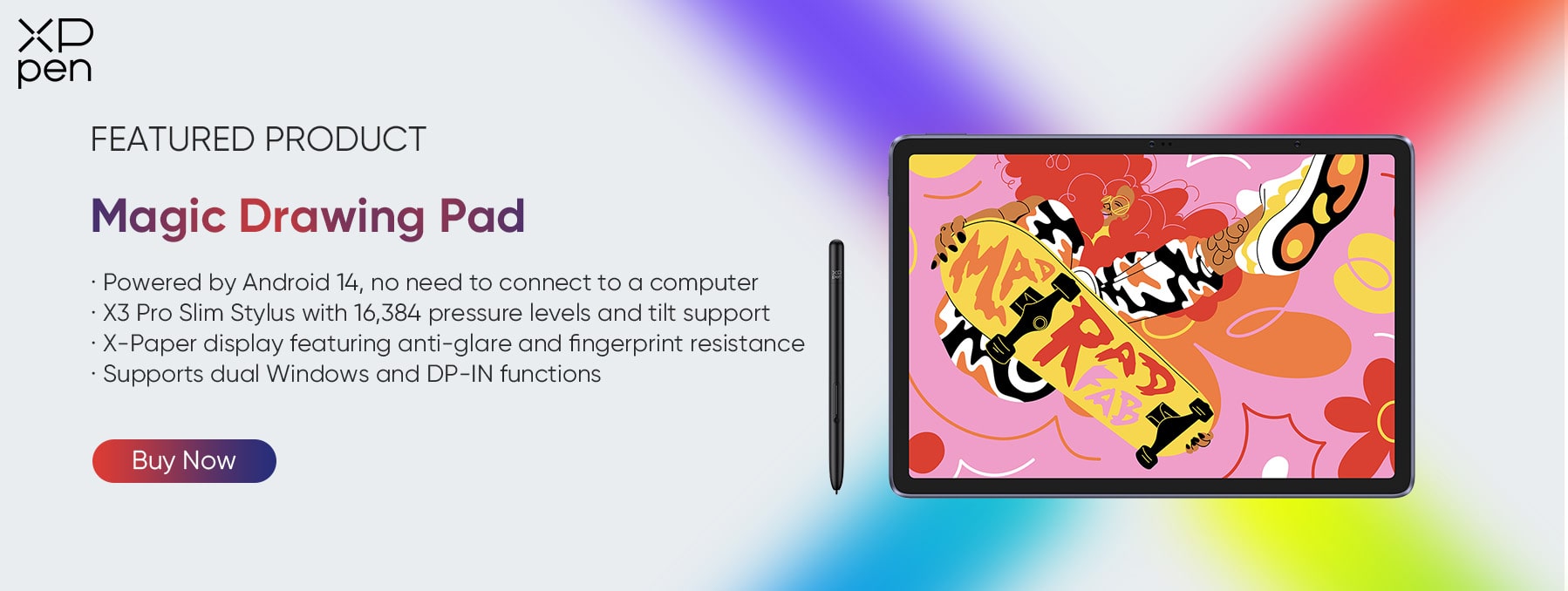
You are looking for a highly portable mobile sketchbook which weighs only 590 g, has a matte paper-like texture and comes with a stylus that requires no charging, all of which contribute to a focused experience for quick artistic work.
Or, you are working with a student or hobbyist budget, the 16K pressure tracking without the higher price makes this drawing tablet an ideal option for young artists who are looking for a cheap one. You can check out this detailed XPPen Magic Drawing Pad Review to make an informed decision before you buy.
Choose the XPPen Magic Pro 13 if:
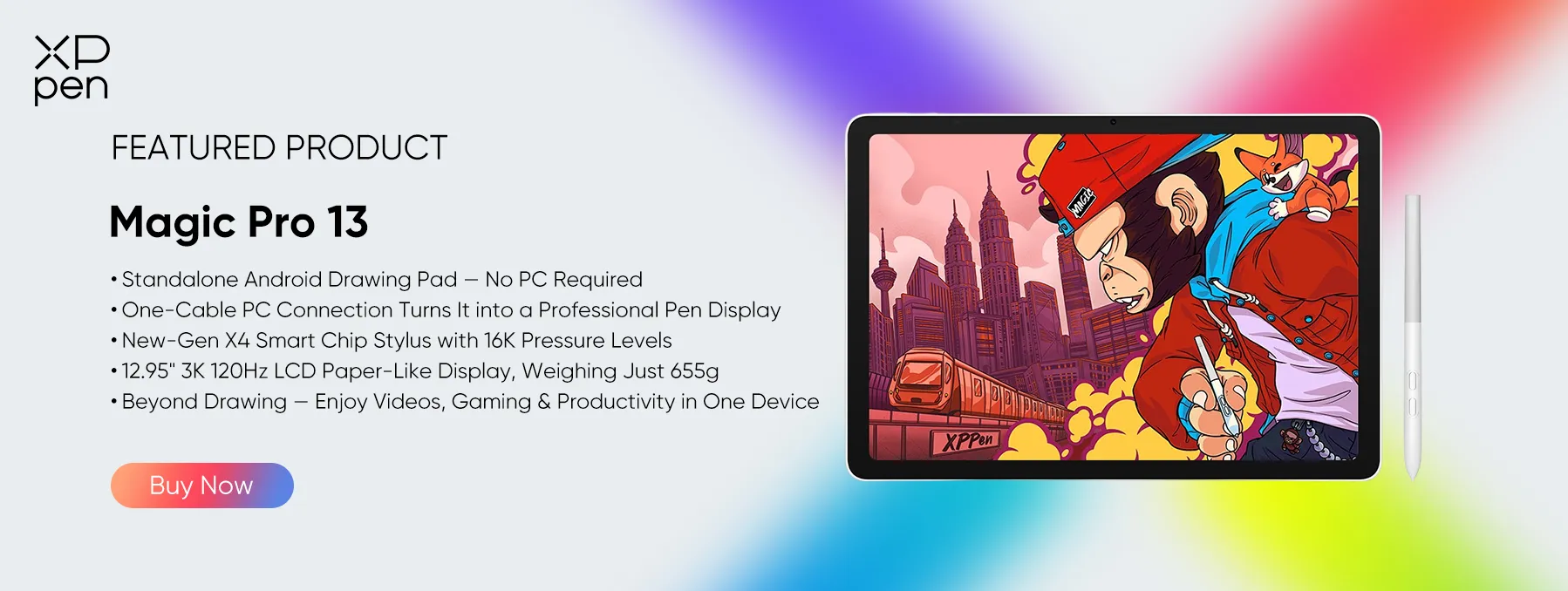
You want high-end display precision. The screen measures 12.95 inches, has 3K resolution, and features a smooth 120Hz refresh rate, plus wide 96% DCI-P3 colour reproduction, which is something you find attractive.
You want top-tier performance capabilities. The XPPen Magic Pro 13 offers a complete workstation upgrade, featuring a Dimensity 8300 processor with 8 GB of RAM, two USB-C interfaces, and the X4 Smart Chip stylus with precise accuracy.
You regularly go outdoors for painting. With a peak brightness of 650 nits and an IP54 rating for dust and water resistance, you won't have to worry about glare or the environment.
Part 5. [Video] What Reviewers and Users Say
1. Video Review of the Magic Pro 13
After three weeks with the Magic Pro 13, Teoh on Tech reported that drawing on it was genuinely enjoyable—operations felt remarkably smooth, visuals were crisp and clear, and the experience far exceeded expectations.
Users highlight the hardware-level pen display mode in particular: one noted it was "almost good enough" on the Magic Drawing Pad but "wasn't quite there," while the Magic Pro 13 feels like "a more mature implementation"—and crucially, "nobody else offers this feature." Another simply shared the excitement of waiting for this tablet.
The takeaway: a polished, mature dual-mode experience that stands out from the competition.
2. Video Review of the Magic Drawing Pad
Real-world feedback backs up the specs. In his "1 Year Later" review, well-known creator Brad Colbow called the XP Pen Magic Drawing Pad possibly his favorite Android tablet for drawing.
Users describe the same cord-free freedom—no laptop tethering, no cable clutter—which makes digital art feel far more accessible and lets them draw wherever they are, even when motivation or mood is fragile.
Another common theme is value: the tablet hits the essential threshold for a digital drawing device, and the price tag stands out as one of its biggest positives.
The takeaway: everyday accessibility, portable freedom, and strong value for the money.
Part 6. FAQs about Magic Pro 13 vs Magic Drawing Pad
Q1: Can an XPPen tablet work without a computer?
Yes. XPPen offers standalone drawing tablets that run Android independently, so no computer is required. The XPPen Magic Pro 13 is a standalone Android drawing pad with a 12.95-inch 3K 120Hz display. The XPPen Magic Drawing Pad is another standalone option, featuring a 12.2-inch display and the X3 Pro Slim Stylus.
Q2: Which is the best standalone drawing tablet?
It depends on your needs. The XPPen Magic Pro 13 is one of the top choices for professional, all-scenario work: 12.95-inch 3K 120Hz display, 650 nits brightness, 100% sRGB / 96% DCI-P3, and X4 Smart Chip Stylus with 16K pressure. It also works as a professional drawing display when connected to a PC.
The XPPen Magic Drawing Pad is a strong alternative for a lighter, budget-friendly digital sketchbook (590 g, 12.2-inch display, X3 Pro Slim Stylus).
Q3: Can I use a drawing tablet without a computer?
Yes, if it is a standalone tablet. The XPPen Magic Pro 13 and XPPen Magic Drawing Pad are both standalone Android devices that work without a computer.
The Magic Pro 13 additionally offers a hardware-level Drawing Display Mode: with a single USB-C cable, it becomes a professional pen display for a PC or Mac when you want desktop software like Photoshop or Blender. Traditional pen tablets without a screen still need a computer to function .
Q4: Can XPPen connect to a laptop?
Yes. Many XPPen devices connect to a laptop or desktop. The XPPen Magic Pro 13 connects to a PC or Mac via a single USB-C cable and works as a professional drawing display with native 3K resolution, 120Hz refresh rate, 16K pressure levels, and tilt support.
The XPPen Magic Drawing Pad also supports USB-C DP-in screen sharing, allowing it to act as a secondary display, though it is primarily an Android tablet. Traditional XPPen pen tablets and pen displays connect to a laptop via USB or USB-C as well .
Q5: Are the standalone pads accompanied by XPPen drivers that I need to install?
When using the Magic Drawing Pad in standalone Android mode, you don't need desktop drivers; the tablet handles stylus settings directly in its system settings.
Conclusion
The comparison of the XPPen Magic Pro 13 vs Magic Drawing Pad illustrates the rapid progress in digital sketching drawing pads.
The Magic Drawing Pad is an excellent choice for artists looking for a cheap, paper-like digital sketchbook for everyday use, thanks to its laminated matte glass screen, which provides gentle tactile feedback and good pressure sensitivity. On the other hand, the forthcoming XPPen Magic Pro 13 is a full-featured creative workstation equipped with a professional-quality display.
No matter which of the two you choose, both tablets let you ditch traditional sketchbooks and take your studio with you wherever you want. We hope this XPPen Magic Pro 13 vs Magic Drawing Pad review has answered any queries you might have before you buy so you can make an informed decision. Keep imagining!
About Us
Founded in 2005, XPPen is a leading global brand in digital art innovation under Hanvon UGEE. XPPen focuses on the needs of consumers by integrating digital art products, content, and services, specifically targeting Gen-Z digital artists. XPPen currently operates in 163 countries and regions worldwide, boasting a fan base of over 1.5 million and serving more than ten million digital art creators.
Learn moreRecommended Articles
FOCUSED Magic Drawing Pad: XPPen's First Standalone Drawing Tablet FOCUSED XPPen Magic Drawing Pad vs iPad Pro: I Tested Both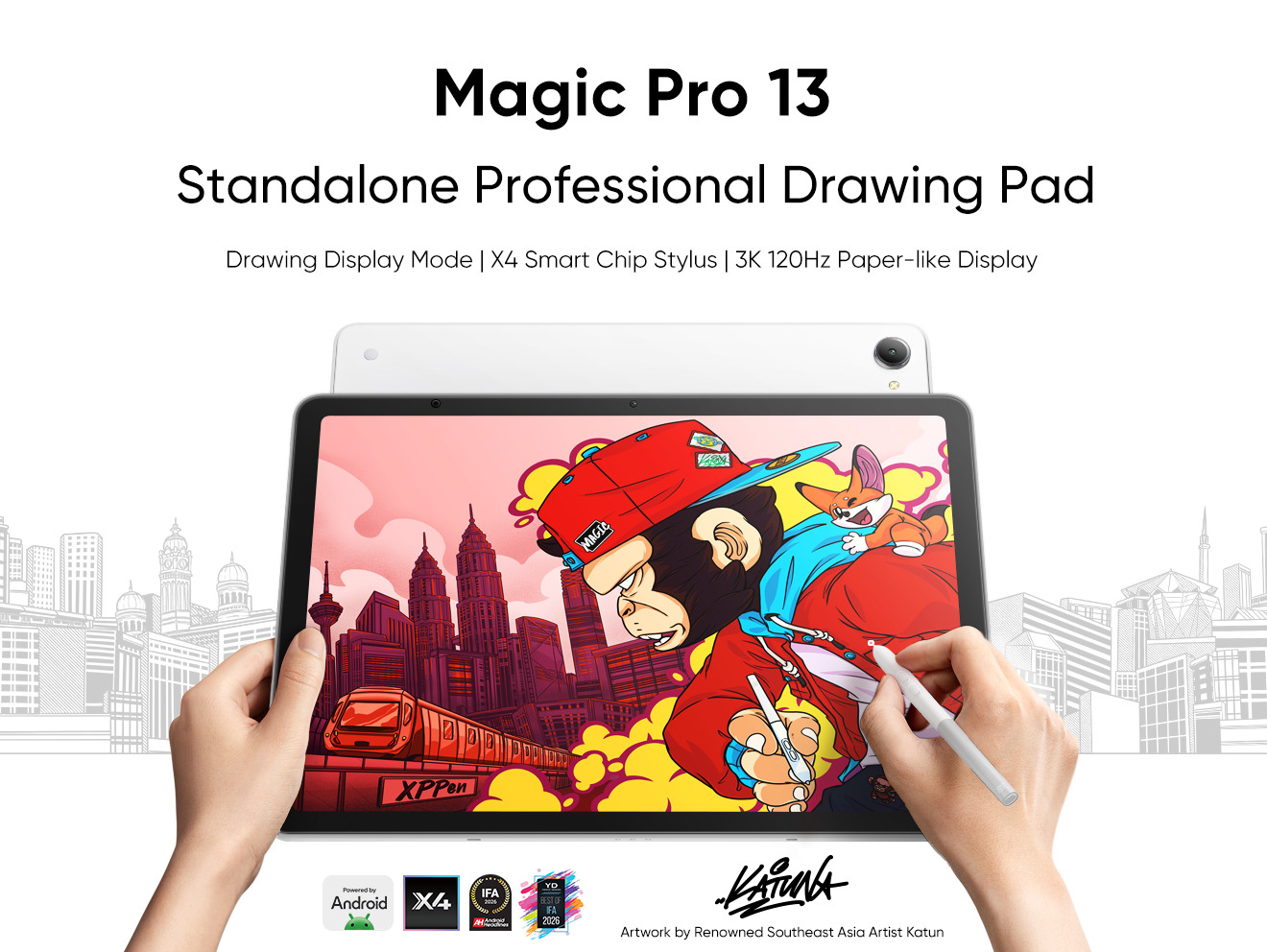





-
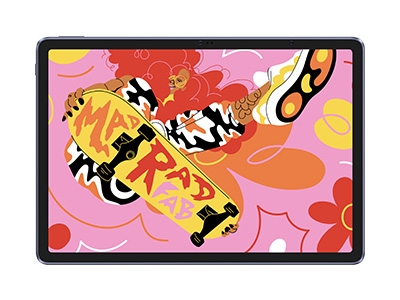
 Magic Pro 13
Standalone Android 16 Drawing Pad, No Computer Required
3K 120Hz Display with 100% sRGB Color
X4 Smart Chip Stylus with 16K Pressure Levels
One-Cable PC Drawing Display Mode
It features:
Best standalone drawing pad for professional creativity anywhere
-
 Magic Drawing Pad
X3 Pro Slim Stylus with 16,384 pressure levels and tilt support
X-Paper display featuring anti-glare and fingerprint resistance
Clip Studio Paint and ibis Paint X 3-month free membership
Super portable- just 6.9mm thin and weighs only 590g
Supports dual Windows and DP-IN functions
It features:
Powered by Android 15, no need to connect to a computer to use.
-
Magic Pro 13
Standalone Android 16 Drawing Pad, No Computer Required
3K 120Hz Display with 100% sRGB Color
X4 Smart Chip Stylus with 16K Pressure Levels
One-Cable PC Drawing Display Mode
It features:
Best standalone drawing pad for professional creativity anywhere
-
Magic Drawing Pad
X3 Pro Slim Stylus with 16,384 pressure levels and tilt support
X-Paper display featuring anti-glare and fingerprint resistance
Clip Studio Paint and ibis Paint X 3-month free membership
Super portable- just 6.9mm thin and weighs only 590g
Supports dual Windows and DP-IN functions
It features:
Powered by Android 15, no need to connect to a computer to use.
Ready to invest in the right tools?
Get expert buying advice, unbiased reviews, and exclusive deals on drawing tablets, and accessories.
