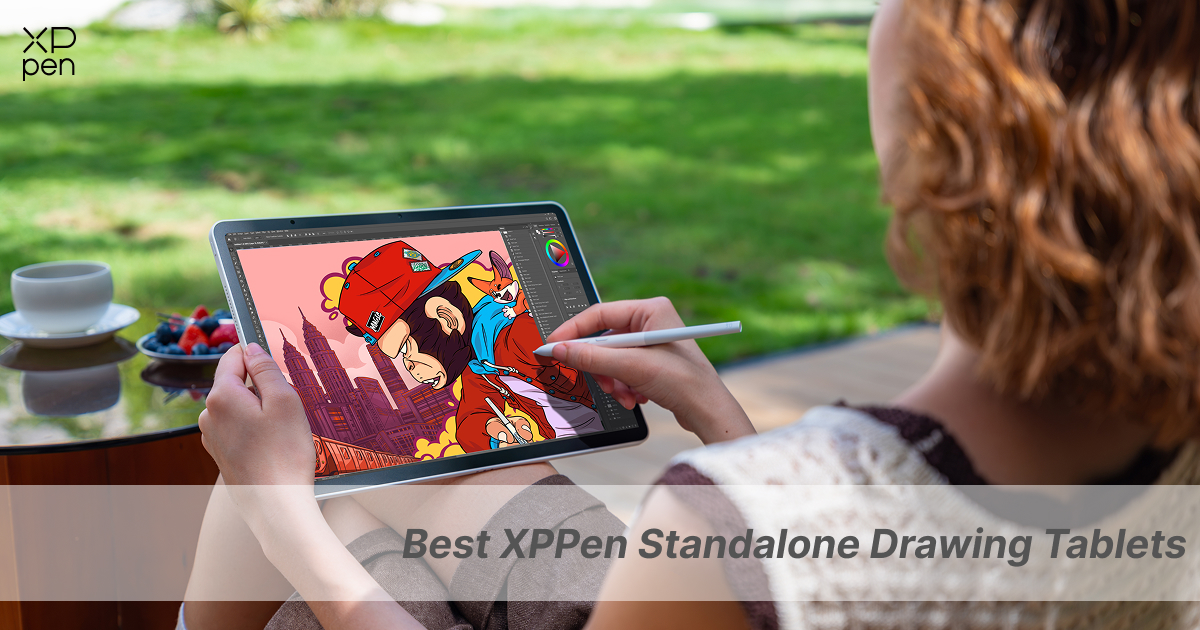
2 Best XPPen Standalone Drawing Tablets for Beginners and Pros
ROUNDUPSFor digital artists, the dream has always been the same: pick up a stylus and start wherever the creativity strikes. No cables, no PC tower, no strings attached. For a long time, though, they were stuck with a compromise. Either go for a traditional pen display, that tie you to your desk, or go for a consumer tablet, which treated drawing as an afterthought. And then, of course, you were forced to buy the pens and the anti-glare screen protectors separately.
XPPen finally broke the loop with its own purpose-built standalone drawing tablets that don't need a computer at all. The XPPen Magic Drawing Pad and the flagship XPPen Magic Pro 13 are designed for visual creators who want the best standalone drawing tablet. Whether you're a student looking for an affordable mobile sketchbook or a pro artist seeking a dual-mode studio workstation, this guide covers the best XPPen standalone drawing tablets available right now.
Part 1. Why Standalone Drawing Tablets Matter for Digital Art Workflows
Standalone drawing tablets eliminate the need for a full computer, you otherwise need to run professional art software. Adapting a genuine technological leap, these tablets take a full-blown OS, lots of raw processing power, and a top-tier display and pack it all into a single, portable device. Here's how they enable modern creatives to work far more efficiently, far more quickly, and with complete creative freedom:
-
True on-the-go Mobility: With built-in batteries, storage, and an Android operating system, you can sketch anywhere at all (on a flight, in a coffee shop, in the park, etc.) without the need for a PC nearby or for a wall socket.

-
Frictionless drawing startup: Ideas are perishable. The standalone device removes all the friction of booting up a desktop, plugging in your video cables, setting up your monitors, etc. You just tap the screen, pick up your stylus, and you're drawing.
-
Dual use versatility: Standalone drawing tablets are not just for illustration. You can use them as a full-fledged multimedia tablet for going through briefs, reading e-books, taking notes, and more. And when you come back to your desk, all you need a cable to display your reference boards right alongside your main desktop screen.
Part 2. Best XPPen Standalone Drawing Tablets Without Computer
Standalone drawing tablets don't just make drawing portable—they allow your creative process to adapt to how you actually live and work. Here’s an in-depth comparison of the two best standalone drawing tablets available on the market right now.
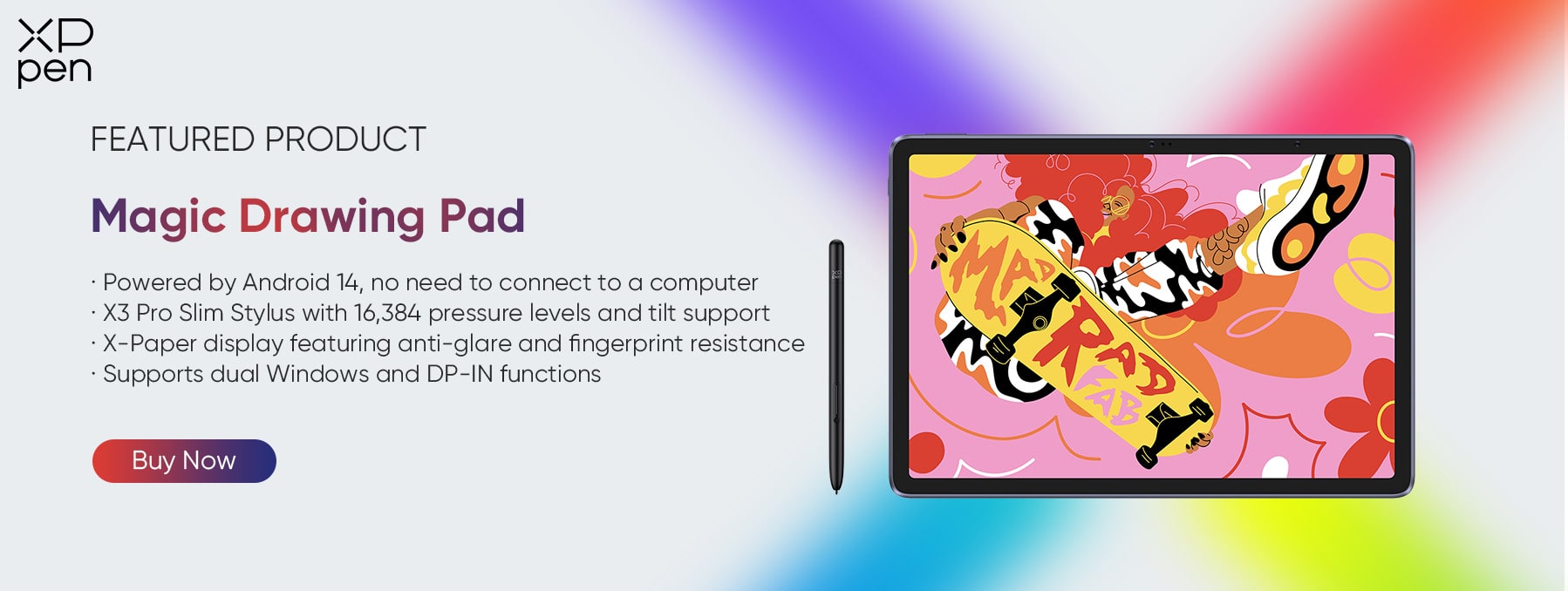
1. XPPen Magic Drawing Pad: The Portable Creative Canvas
Looking for a lightweight, inexpensive standalone drawing tablet that doesn't need a computer? The XPPen Magic Drawing Pad is a great option for digital artists who love to draw on the move.
Key Features
-
12.2-inch X-Paper Display (3:2 aspect ratio): The Magic Drawing Pad features an advanced AG (Anti-Glare) and AF (Anti-Fingerprint) nano-etched glass to mimic the very subtle friction and acoustic 'drag' of drawing with a pencil across paper. Even better, the artist-oriented 3:2 aspect ratio provides much more vertical canvas than a standard 16:9 consumer slate, so you're not constantly zooming in or scrolling up and down.
-
Unmatched Stylus Accuracy: The X3 Pro Chip Stylus features an EMR (Electro-Magnetic Resonance) smart chip that doubles industry-standard pressure sensitivity to 16,384 levels. It has an ultra-low Initial Activation Force (IAF) of just 3g and supports 60° tilt detection, so it can pick up the lightest ink flicks and shading angles without broken lines or stroke jitter. Best of all, being EMR-based, it's completely battery-free, no charging required at all and no Bluetooth pairing necessary.
-
All-day Mobility: The Magic Drawing Pad is no less than an ultra-portable studio in all its glory, at just 599g and with an ultra-slim 6.9mm chassis. A massive 8000mAh battery ensures up to 13 hours of continuous creative workflow backed by 33W fast charging.

-
Expandable Storage: Out of the box, the Magic Drawing Pad has 256GB of internal storage. With a MicroSD card slot supporting up to 1TB of storage, handling large RAW art files, high-res brushes, and video assets is not a big deal anymore.
-
Android Ecosystem: Magic Drawing Pad runs Android 15 with full access to the Google Play Store. Artists can install desktop mobile art apps (Clip Studio Paint, ibisPaint X, MediBang Paint, Infinite Painter, etc.) without a PC.
Why It Beats Competitors in Its Class
Unlike consumer tablets (iPad 10th Gen or Air), the Magic Drawing Pad includes the 16K pressure stylus in the box (no additional $129+ accessory required). It also has a native AG glass surface, which eliminates the slippery pen-drift problem; you don't need to buy a separate matte screen protector, which can reduce screen clarity.
If you want a deeper insight on all the winning points of Magic Drawing Pad over Apple, be sure to check out this detailed comparison of Magic Drawing Pad vs iPad Pro .
2. XPPen Magic Pro 13: The Next-Gen 2-in-1 Flagship
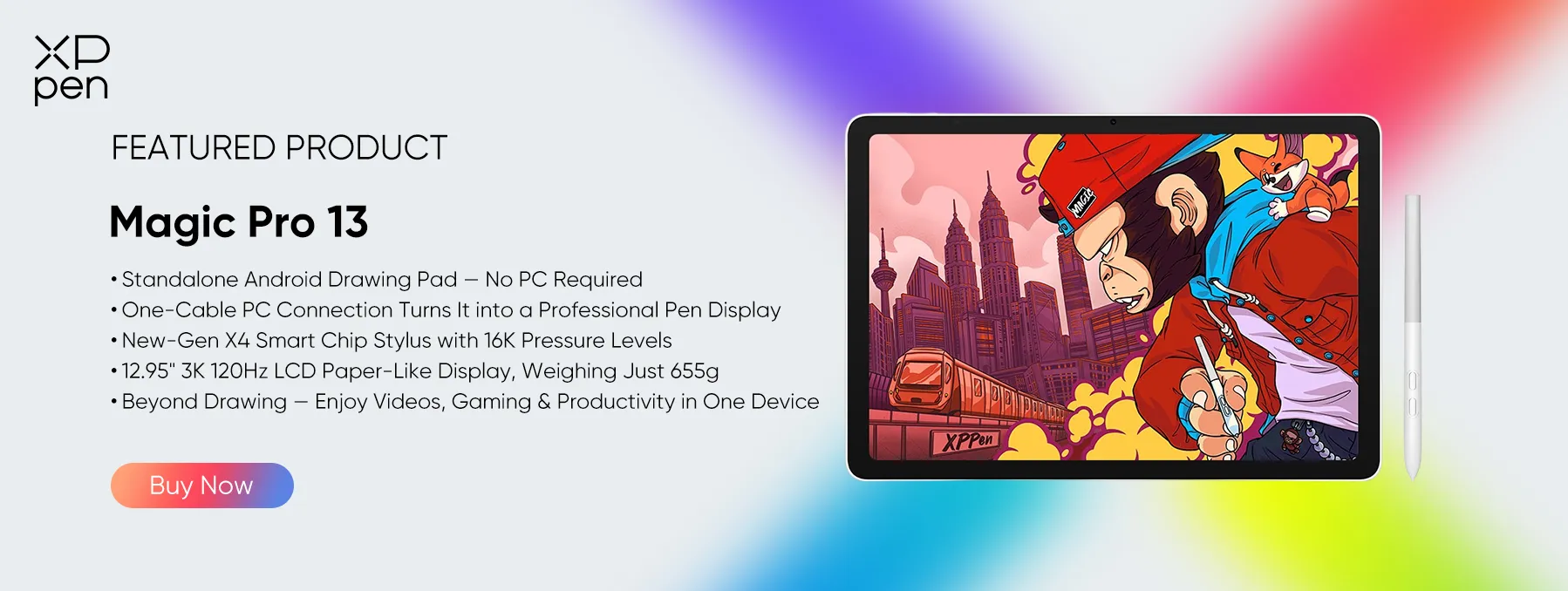
The XPPen Magic Pro 13 Standalone Drawing Pad , the company's latest release, clearly pushes the boundaries of portable digital art to the limit. It was designed in response to feedback from professional artists who used the original XPPen Magic Drawing Pad, and it stands out in any XPPen standalone drawing tablet review as a genuine dual-mode beast.
Technological Innovations & Key Upgrades Over Its Predecessor
-
Dual-mode hardware connectivity: Beyond the purely standalone Android experience, the Magic Pro 13 has native, hardware-level PC display integration. In the field, it's a fully standalone Android 16 tablet.
Once you get back to your desk, simply plug in a single full-featured USB-C cable to your Windows PC or Mac, and it becomes a zero-latency desktop pen display (native 3K up to 120Hz) straight away. No third-party streaming apps, no software subscription, and no complex developer debugging.

-
3K 120Hz AG+AF Nano-Etched Display: 12.95" screen with a sharp 3096 x 2064 resolution (3:2 golden ratio) and a high fluidity 120Hz refresh rate (up from 60Hz on the original Magic Drawing Pad). Motion blur is almost entirely gone when drawing rapidly or panning the camera.
All the while, the screen is backed by AG (Anti-Glare) + AF (Anti-Fingerprint) nano-etched glass and has a bright 650 nits peak brightness (nearly double than the original Magic Pad’s 360 nits), so it's crisp and clear with a paper-like drag even in the harshest direct studio light or under the midday sun.
-
Next Gen X4 Smart Chip Stylus: Designed to eliminate the mechanical play in mobile pens, the X4 Smart Chip Stylus has a rigid 0.3mm tip travel, removing the internal 'mushiness' for a much firmer point of contact.
Thanks to a microscopic 2g Initial Activation Force (IAF) and 16K pressure sensitivity, it can capture the lightest ink flicks and the most delicate pencil shading with no line wobble. Battery-free EMR, a flattened anti-roll body, dual customizable barrel buttons, hover preview tracking, and 60-degree tilt recognition and some of the standout features of X4 Smart Chip Stylus.
-
Flagship core performance and dual USB-C architecture. A 4nm MediaTek Dimensity 8300 octa-core processor and 8GB RAM mean it can handle the heaviest multi-layered canvases in Clip Studio Paint, do a cracking job of 3D sculpting in Nomad Sculpt, and handle 4K multitasking with ease on Android 16.
It's got dual USB-C ports (a massive upgrade over the original single-port model), so you can charge the tablet via 45W PD fast charging while simultaneously outputting video to a PC or using external hardware. 256GB of internal storage with a MicroSD slot for up to 2TB of expansion, plus a huge 10,200mAh battery to power all day of studio drawing.
Part 3. XPPen Magic Pro 13 vs. iPad Pro: Why XPPen Wins for Artists
Putting XPPen Magic Pro 13 vs. iPad Pro , the Apple tablet might seem like a premium and popular multimedia tablet on paper, but artists frequently run into frustrating limitations that make the Magic Pro 13 a far superior, purpose-built alternative:
-
Hardware Pen Display Mode vs. Software Mirroring: Speaking of Apple ecosystem limitations, when an artist wants to use an iPad as a Drawing Tablet for PC , things get a little complicated. As the iPad Pro cannot act as a direct hardware screen display for Windows, users are forced to pay for laggy third-party mirroring software subscriptions. The Magic Pro 13 solves this pain point by connecting natively to a PC or Mac via USB-C as a zero-latency hardware pen display with no subscription fees.
-
Tactile surface versus glossy glass: the standard iPad has a very slippery glass surface which leads to pen drift. The Magic Pro 13 comes with native AG+AF nano-etched glass right out of the box, giving you a genuinely paper-like feel under the nib.
-
Bundled Value vs. Add-On Fees: An iPad Pro requires you to buy an Apple Pencil Pro ($129) separately. The Magic Pro 13 bundles the flagship 16K X4 Smart Chip Stylus, replacement nibs, and high-speed video cables right in the box.
-
Storage Expansion: Upgrading iPad storage costs hundreds of dollars. The Magic Pro 13 includes a MicroSD slot supporting up to 2TB of affordable expanded storage.
Part 4. Side-by-Side Comparison: XPPen Standalone Tablets vs. Competitors
| Feature / Specification | XPPen Magic Drawing Pad | XPPen Magic Pro 13 | Apple iPad Pro 13" (M4) | Other Brands |
|---|---|---|---|---|
| Standalone OS | Android 15 | Android 16 | iPadOS | Android 15 |
| Hardware PC Display Mode | Yes (Single USB-C Cable) | Yes (Single USB-C Cable) | No (Requires Software) | Yes (Tethered Only) |
| Display & Refresh Rate | 12.2" 2K 60Hz AG Glass | 12.95" 3K 120Hz AG Glass | 13" 120Hz Tandem OLED Glossy Glass | 13.3" 60Hz OLED |
| Peak Brightness | ~360 nits | 650 nits | 1000 nits (SDR) / 1600 (HDR) | 350 nits |
| Stylus & Pressure Levels | X3 Pro (16,384 levels) | X4 Smart Chip (16,384 levels, 2g IAF) | Apple Pencil (~4,096 levels) | ~16,384 levels |
| Stylus Included in Box? | Yes | Yes | No ($129 Extra) | Yes |
| Storage Expansion | MicroSD up to 1TB | MicroSD up to 2TB | None | None |
Tip: Why Choose XPPen's Hardware-Level Pen Display Mode?
Both the XPPen Magic Drawing Pad and Magic Pro 13 offer a dedicated hardware-level pen display solution. When connected to a PC or Mac, they deliver a direct USB-C connection without software-based streaming, preserving color quality, drawing responsiveness, full pressure sensitivity, and stylus functionality. Setup is simple and fast with a single cable.
By contrast, some competing products offer instant pen display functionality through software-based solutions, which may involve color compression, higher latency, limited stylus features, and more complicated connection steps.
Part 5. Buyer's Guide: Which XPPen Standalone Drawing Pad Should You Choose?
Choose the XPPen Magic Drawing Pad if you're after a lightweight, portable mobile sketchbook for digital illustration, manga and quick concepts. It offers full 16K pressure sensitivity and a paper-like screen at a very accessible price.
Choose the XPPen Magic Pro 13 if you need a high-performance workstation that's equally efficient on the move as it is at home at your desk. It's got a 120Hz 3K screen, 650 nit brightness and a dual mode USB-C PC display connection so it's the ultimate 2 in 1 for heavy Photoshop, Blender and ZBrush work.
Part 6. FAQs about XPPen Standalone Drawing Tablet
Q1: Is there a standalone XPPen tablet available?
Yes, XPPen offers two of the best standalone drawing tablets that run on Android until 2026: Magic Drawing Pad and Magic Pro 13. You can draw anywhere without connecting it to a PC.
Q2: Should I Get an XP-Pen Standalone Drawing Tablet or an iPad for Digital Art?
If digital art is your priority, an XP-Pen standalone drawing tablet is designed specifically for artists, offering a paper-like anti-glare display and a pressure-sensitive stylus included in the box. An iPad is a more versatile device for general productivity and entertainment, but often requires purchasing an Apple Pencil separately. For dedicated digital art workflows, XP-Pen offers excellent value and artist-focused features.
Q3: Does an XPPen Drawing Tablet Need a PC or Laptop to Work?
It depends on the product line. XPPen offers two types of drawing tablets:
-
Standalone Drawing Tablets: Models like the Magic Drawing Pad and Magic Pro 13 run Android and work independently without a PC or laptop. They can also connect to a computer directly via USB-C and function as a professional pen display.
-
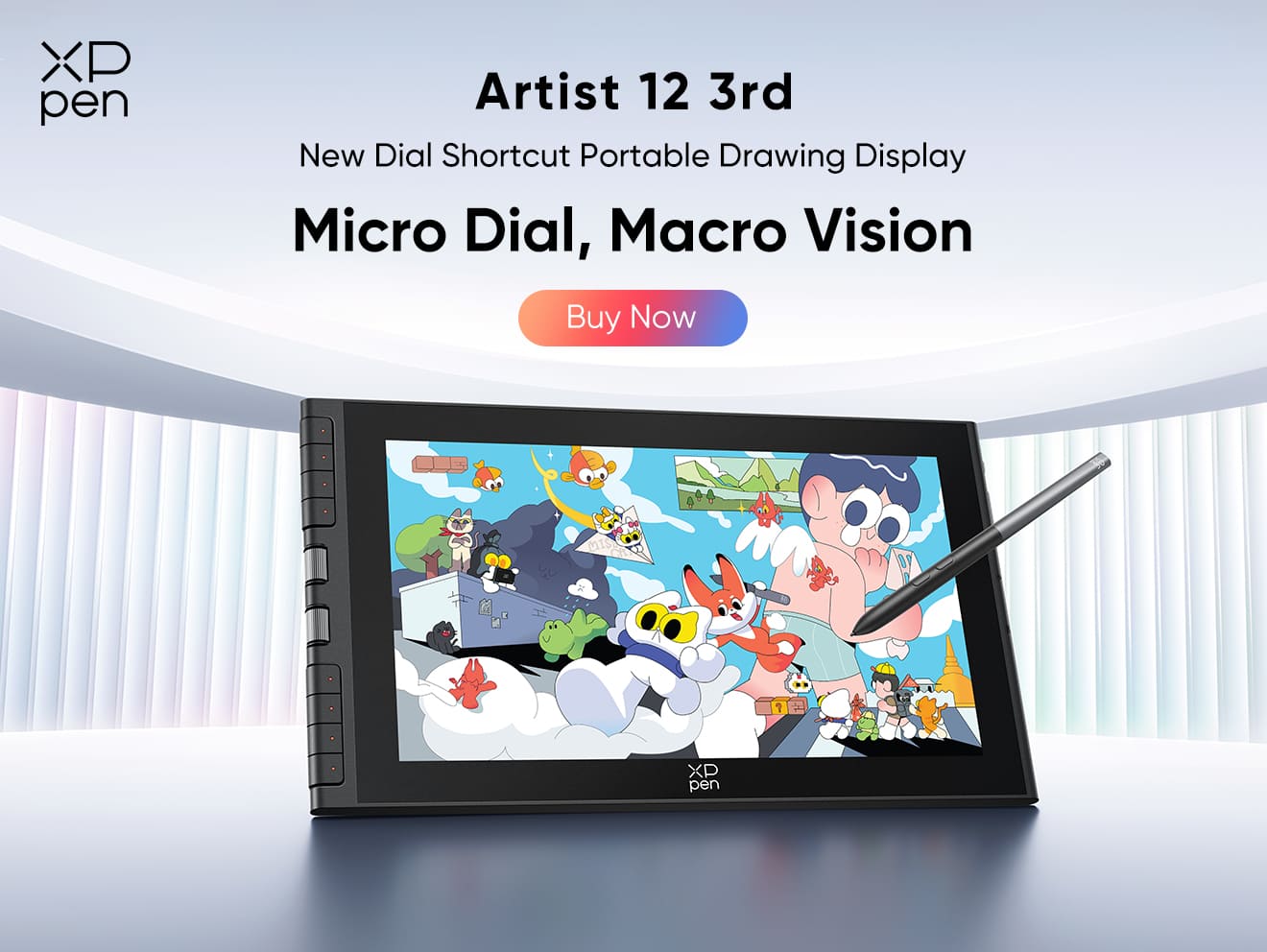
Computer-Connected Drawing Tablets: Traditional XPPen pen tablets and pen displays, like Artist 12 3rd, require a connection to a PC or laptop to run drawing software and create digital artwork.
Choose a standalone model if you want to draw anywhere without a computer, or a traditional drawing tablet if you prefer working at a desktop setup.
Q4: How much does an XPPen standalone drawing tablet cost?
XPPen standalone drawing tablets run from around $499 for the portable Magic Drawing Pad to $899 for the top-of-the-range Magic Pro 13 2-in-1 hybrid.
Q5: What is the cheapest XPPen standalone tablet for drawing?
The XPPen Magic Drawing Pad is one of the most affordable fully featured standalone drawing tablets you can buy, with 16K pressure sensitivity, an AG paper-like display and a stylus included in the pack. No subscription fees.
Conclusion
With a wide range of standalone drawing tablets on the market, artists now have more freedom to keep their workflow mobile without being tied to a PC setup. Rather than just taking a general consumer slate and loading it with drawing software, XPPen designed both the Magic Drawing Pad and the XPPen Magic Pro 13 to meet the demands of beginners and pro artists.
If you're stuck choosing between the best XPPen standalone drawing tablets, it depends on your artistic needs. If you're after lightweight portability and a really easy mobile sketchbook, then the Magic Drawing Pad is one of the most accessible XPPen standalone drawing tablets you can get that doesn't need a computer at all for your daily sketching.
If you want a more professional standalone drawing tablet that can go from a high-brightness mobile studio to a zero-latency hardware display at your desk, the Magic Pro 13 standalone drawing tablet sets a new benchmark for 2-in-1 creative hardware.
About Us
Founded in 2005, XPPen is a leading global brand in digital art innovation under Hanvon UGEE. XPPen focuses on the needs of consumers by integrating digital art products, content, and services, specifically targeting Gen-Z digital artists. XPPen currently operates in 163 countries and regions worldwide, boasting a fan base of over 1.5 million and serving more than ten million digital art creators.
Learn moreRecommended Articles
ROUNDUPS XPPen Magic Pro 13 vs Magic Drawing Pad: Which to Buy? FOCUSED Magic Pro 13 vs iPad Pro: The Best Standalone Drawing Pad? FOCUSED XPPen Magic Pro 13 Review: Is It Worth Buying?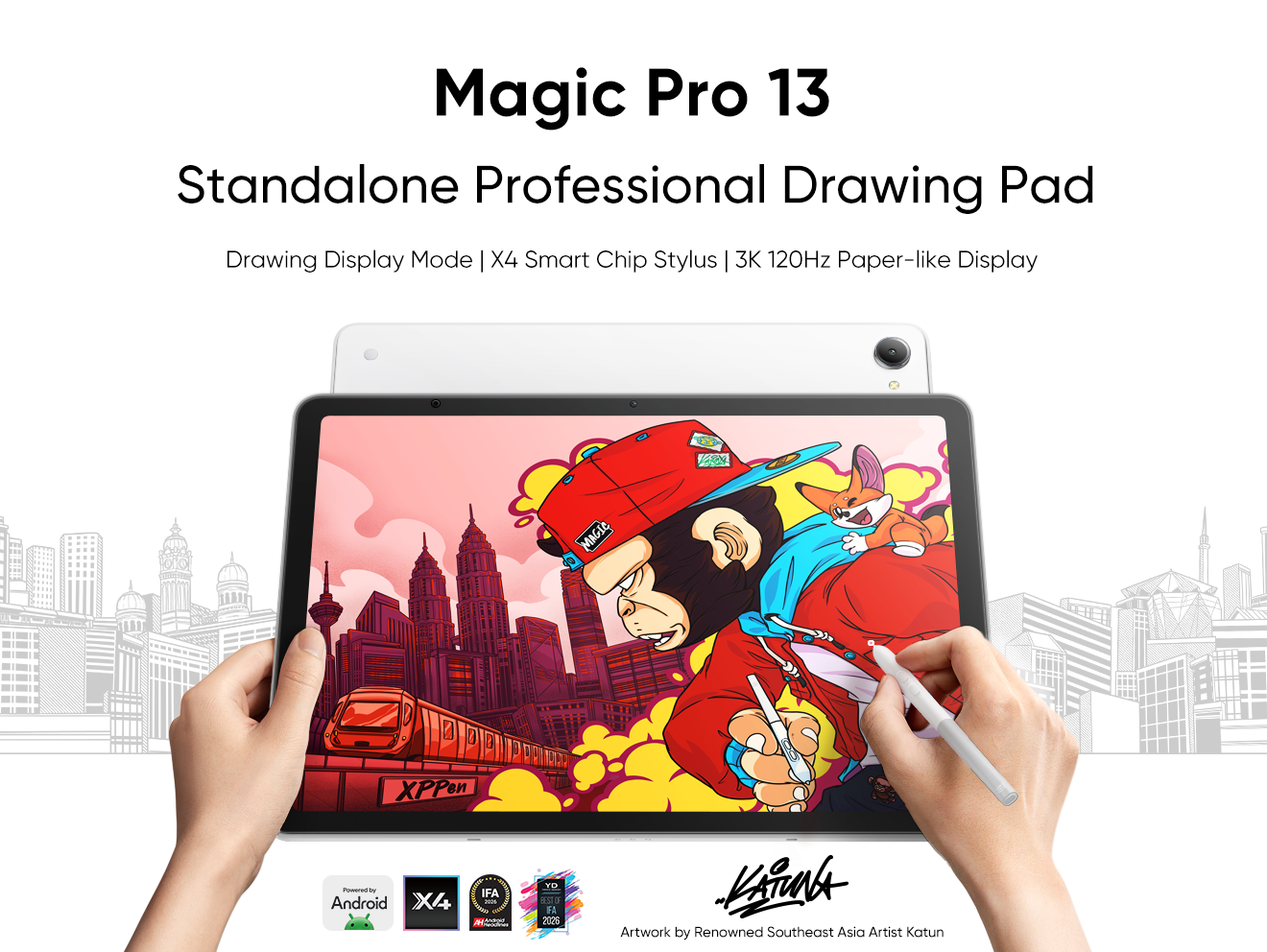


-
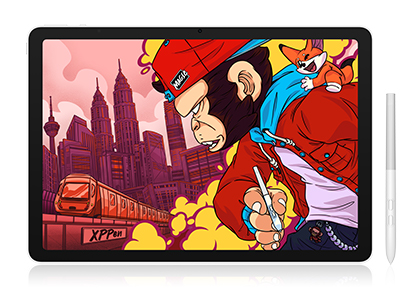 Magic Pro 13
Standalone Android 16 Drawing Pad, No Computer Required
3K 120Hz Display with 100% sRGB Color
X4 Smart Chip Stylus with 16K Pressure Levels
One-Cable PC Drawing Display Mode
It features:
Best standalone drawing pad for professional creativity anywhere
-
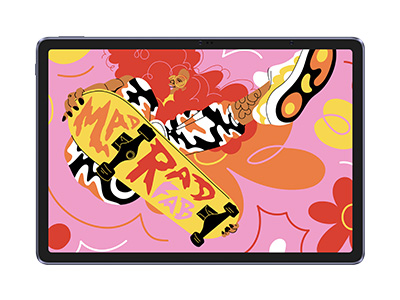 Magic Drawing Pad
X3 Pro Slim Stylus with 16,384 pressure levels and tilt support
X-Paper display featuring anti-glare and fingerprint resistance
Clip Studio Paint and ibis Paint X 3-month free membership
Super portable- just 6.9mm thin and weighs only 590g
Supports dual Windows and DP-IN functions
It features:
Powered by Android 15, no need to connect to a computer to use.
-
Magic Pro 13
Standalone Android 16 Drawing Pad, No Computer Required
3K 120Hz Display with 100% sRGB Color
X4 Smart Chip Stylus with 16K Pressure Levels
One-Cable PC Drawing Display Mode
It features:
Best standalone drawing pad for professional creativity anywhere
-
Magic Drawing Pad
X3 Pro Slim Stylus with 16,384 pressure levels and tilt support
X-Paper display featuring anti-glare and fingerprint resistance
Clip Studio Paint and ibis Paint X 3-month free membership
Super portable- just 6.9mm thin and weighs only 590g
Supports dual Windows and DP-IN functions
It features:
Powered by Android 15, no need to connect to a computer to use.
Ready to invest in the right tools?
Get expert buying advice, unbiased reviews, and exclusive deals on drawing tablets, and accessories.
