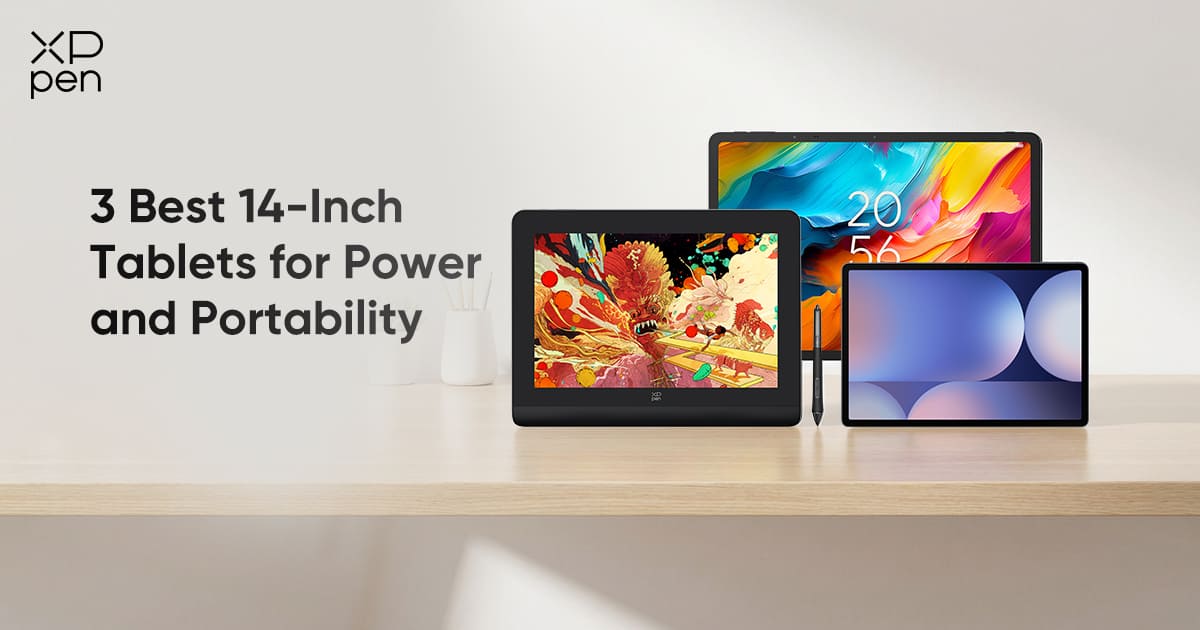
4 Best 14-Inch Tablets for Power and Portability
ROUNDUPSThe 14-inch tablet has become a popular choice for artists, students, professionals, and everyday users thanks to its balance of portability and usable workspace. It offers more room for note-taking, sketching, and media viewing than 10–12-inch tablets, while remaining far lighter and easier to carry than 16-inch or 17-inch models.
This guide highlights some of the top 14-inch options available today, including Android tablets from Samsung and TCL, as well as dedicated drawing tablets. Each device is evaluated for display quality, stylus performance, portability, connectivity, and overall suitability for creative, professional, educational, and general productivity tasks.
Part 1. Key Factors When Choosing a 14-Inch Tablet
When selecting a 14-inch tablet, users typically prioritize features such as a responsive stylus with high pressure sensitivity for drawing or handwriting, low-latency performance for smooth interactions, accurate color reproduction for media and creative fidelity, and a lightweight, portable build for mobility.
Additionally, many users look for long battery life, reliable connectivity options, and compatibility with multitasking features to enhance both productivity and leisure activities.
| Evaluation Dimension | Why Important | Recommended Specs / Notes |
|---|---|---|
| Screen Size & Resolution | Larger workspace for multitasking, media, and productivity | ~14″, resolution ≥ 1920×1200; high pixel density for sharp text and visuals |
| Stylus Support | Useful for note-taking, annotations, and creative tasks | Pressure-sensitive (optional for general use), tilt support, low latency; not mandatory for all users |
| Color Accuracy / Gamut | Important for media, content creation, and accurate visuals | ≥95% sRGB; Adobe RGB/Display P3 is a plus for creative users |
| Latency & Responsiveness | Ensures smooth touch interactions, scrolling, and app performance | Low touch and stylus latency; responsive processor and adequate RAM (≥6GB recommended) |
| Portability (weight, thickness, connectivity) | Easy to carry, convenient for mobile work, and compatible with peripherals | Weight<800g ideal; USB-C or multiple ports; good battery life (≥8 hours) |
| OS & Software Compatibility | Determines available apps, productivity tools, and workflow integration | Android, iPadOS, or Windows depending on ecosystem; supports major office, media, and design apps |
| Multimedia & Audio | Important for video calls, entertainment, and presentations | Stereo speakers, high-quality microphones, Full HD video playback |
| Battery Life | Critical for work or study on the go | 8+ hours of real-world usage; fast charging is a plus |
Part 2. Best 14-Inch Tablet Options
| Tablet | Screen | Stylus | Color Accuracy | Price | Battery Life | OS / Software | Portability | Connectivity | Notes |
|---|---|---|---|---|---|---|---|---|---|
| XPPen Artist Ultra 14 | 14″ 2.8K OLED, 90Hz, fully laminated | X3 Pro Series Stylus, 16K pressure, tilt support | 99% Adobe RGB, Delta E < 1 | $699.99 | N/A (needs external device) | Works with Windows/macOS apps | 6mm slim, 720g, portable | USB-C | Portable OLED drawing display with professional color accuracy, ideal for artists and designers |
| XPPen Artist Pro 14 (Gen 2) | 14″ fully laminated, 1920×1080, anti-glare | X3 Pro Smart Chip, 16K pressure, tilt support | 99% sRGB | $599.99 | N/A (needs external PC) | Works with Windows/macOS apps | Lightweight, portable | USB-C, HDMI input | Professional drawing tablet, minimal parallax, best for dedicated artists |
| Samsung Galaxy Tab S10 Ultra | 14.6″ AMOLED, 2960×1848, HDR10+ | S Pen, low-latency, tilt support | High, vibrant colors | $1,019.99 | ~12 hours | Android 13, DeX mode, Google Play | Lightweight for size, portable | Wi-Fi 6, 5G optional, USB-C | Flagship Android, multi-tasking, large drawing area, versatile for productivity and media |
| TCL NXTPAPER 14 | 14.3″ e-ink, 2560×1600, paper-like | Supports 4096-level stylus | Moderate, paper-like feel | $369.99 | ~8–10 hours | Android 12 | Extremely lightweight, thin | Wi-Fi, USB-C | Budget-friendly, portable, excellent for note-taking and reading, paper-like drawing feel |
1. XPPen Artist Ultra 14
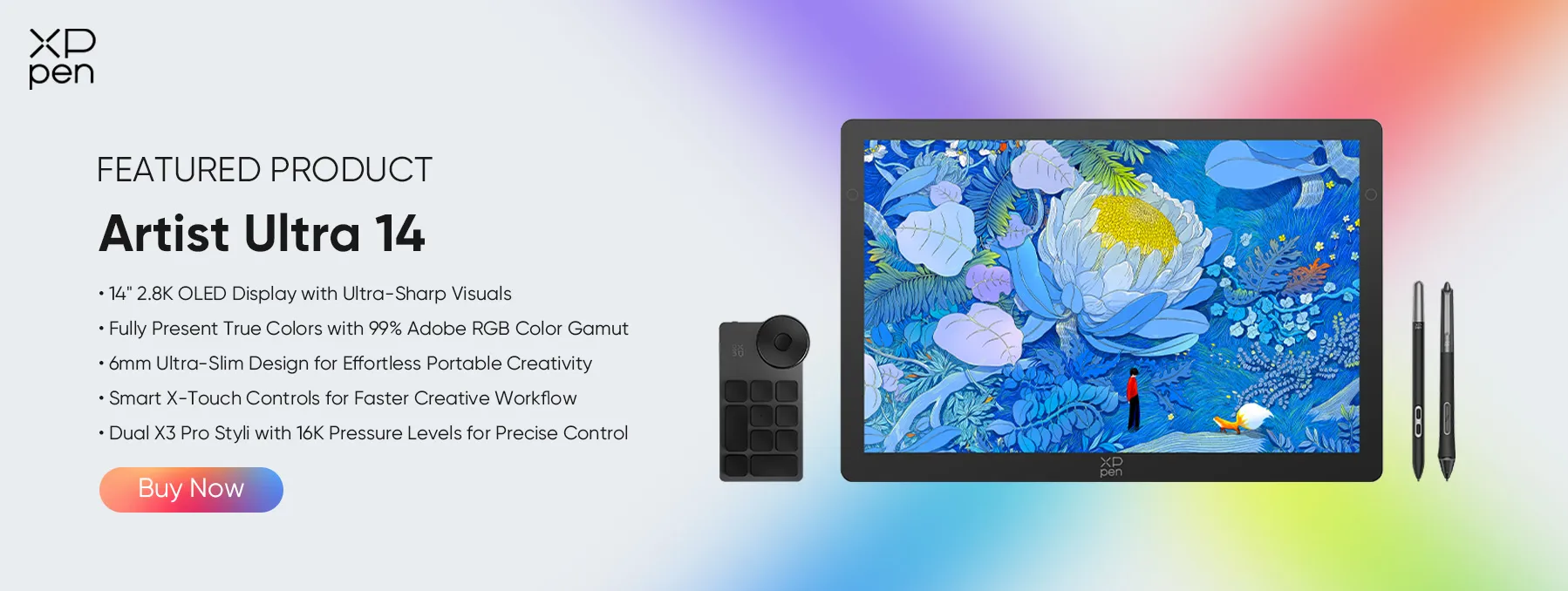
The XPPen Artist Ultra 14 is a portable 14-inch OLED drawing display designed for artists, illustrators, designers, and creative professionals who want a larger workspace without sacrificing portability. With a 90Hz refresh rate, 6mm slim body, and X-Touch controls, it combines a spacious canvas with a smooth and efficient creative workflow.
Strengths:
-
14″ 2.8K OLED display with 90Hz refresh rate and 99% Adobe RGB
-
X3 Pro Series Stylus with 16K pressure levels and tilt support
-
6mm slim body and 720g lightweight design
-
X-Touch controls for efficient creative workflows
Ideal for: Artists and designers who need a large, color-accurate display that remains portable.
Notes: This is a drawing display , not a standalone tablet, and requires connection to a compatible computer or device.
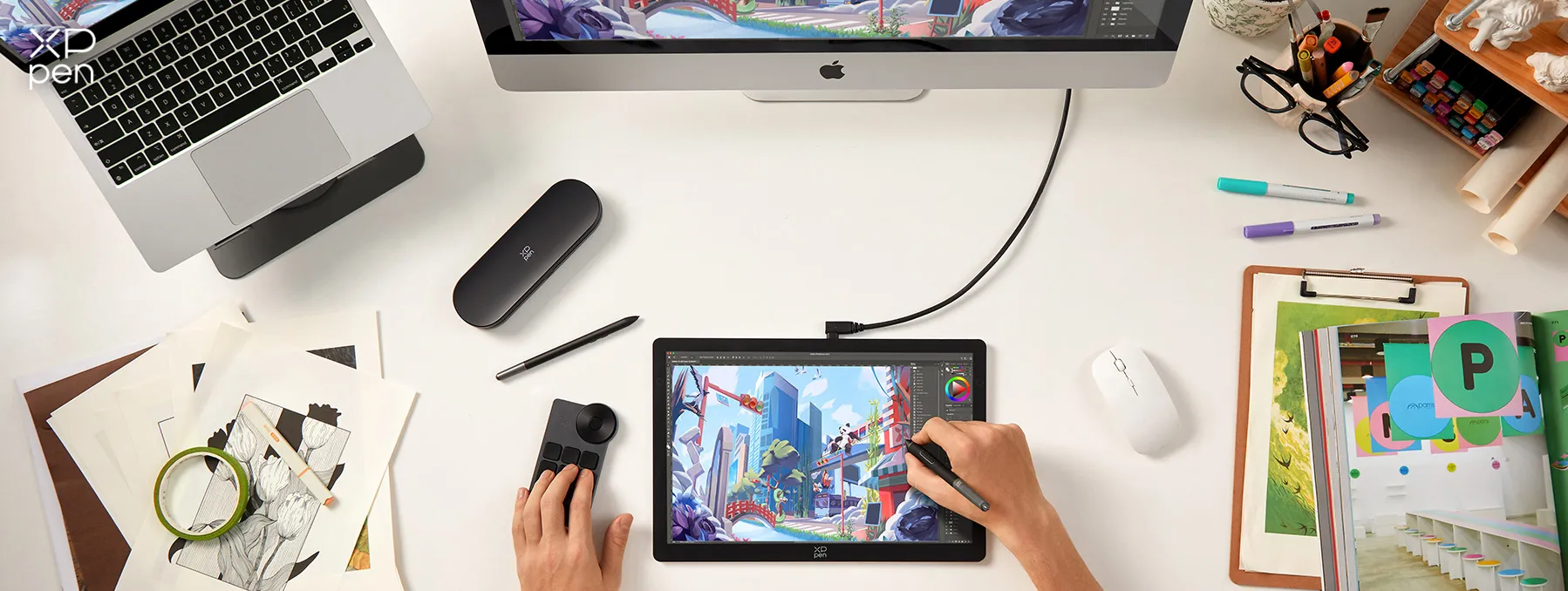
2. XPPen Artist Pro 14 (Gen 2)
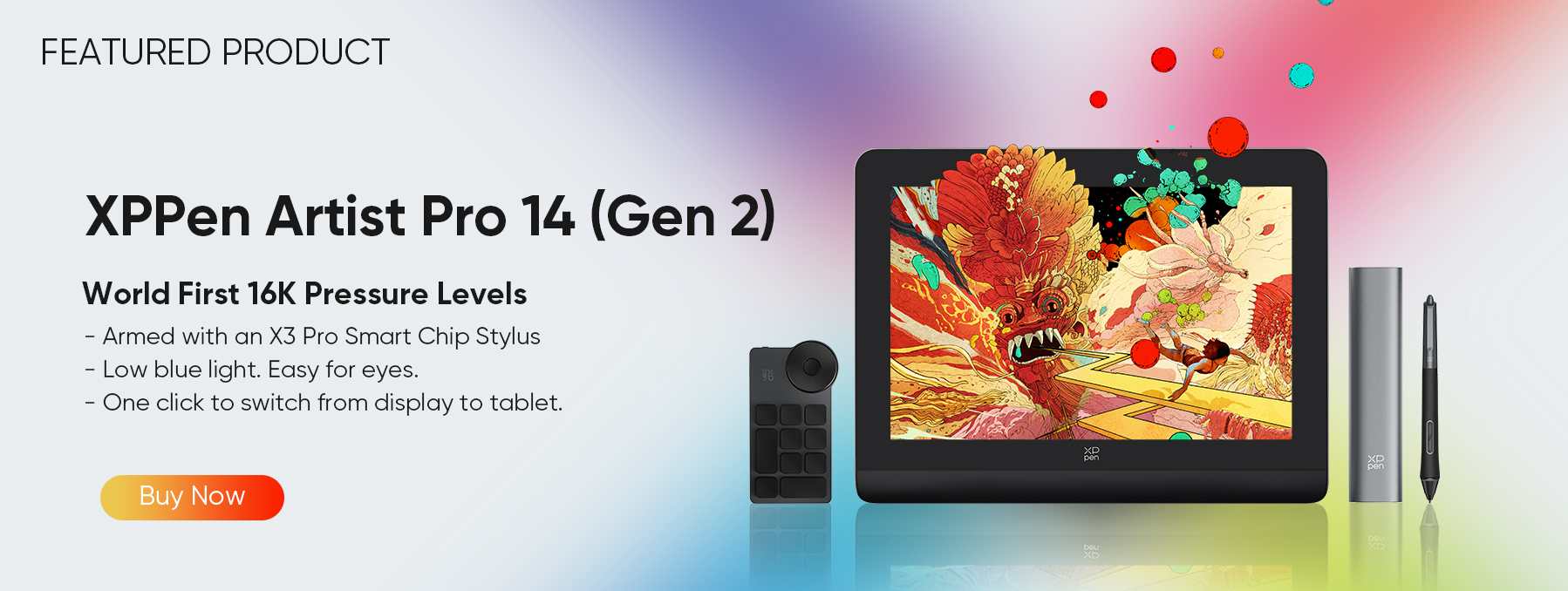
The XPPen Artist Pro 14 (Gen 2) is a professional 14-inch drawing tablet designed for artists, illustrators, designers, and creative professionals seeking precision and a natural drawing experience.
Featuring the industry-first X3 Pro Smart Chip Stylus with 16K pressure levels, tilt support, and ultra-low latency, it delivers incredibly accurate, smooth, and nuanced lines for digital art, illustration, and design work.
Its fully laminated X-Nature Display offers 1920×1200 resolution, 99% sRGB color coverage, and TÜV-certified low blue light, ensuring vibrant, true-to-life colors while protecting your eyes during long sessions.
Strengths:
-
14″ fully laminated X-Nature Display with 1920×1200 resolution, 178° viewing angle, and minimal parallax for precise stroke alignment
-
X3 Pro Smart Chip Stylus with 16,384 pressure levels, 60° tilt support, and ±0.4mm center accuracy for advanced precision
-
High color accuracy: 99% sRGB, 85% Adobe RGB, ΔE < 2.2, ideal for professional art and color-critical workflows
-
Compatible with professional creative software: Adobe Photoshop, Clip Studio Paint, Illustrator, SAI, Krita, CorelDRAW, Blender, MediBang, Toon Boom, and more
-
Broad device compatibility: works with Windows 7 or later, macOS 10.10 or later, Android (USB3.1 DP1.2), Chrome OS 88+, and Linux, making it versatile for multiple setups
Ideal for: Professional illustrators and designers need absolute precision and reliable pen performance.
Notes: This is a drawing tablet , not a standalone tablet—it must be connected to a computer. It excels at drawing but does not function as a general Android tablet.
3. Samsung Galaxy Tab S10 Ultra 14.6″
The Samsung Galaxy Tab S10 Ultra 14.6″ is a versatile large-format Android tablet that caters to a wide range of users, from creatives to professionals and media enthusiasts. Its high-end hardware and software ecosystem make it suitable for demanding tasks such as video editing, multitasking, and immersive media consumption.
The tablet supports extensive productivity workflows, including document editing, online collaboration, and multitasking with multiple apps simultaneously. While its size offers a generous workspace, it is slightly less portable than smaller tablets, making it ideal for users who primarily work at a desk or need a powerful all-in-one device for both professional and entertainment purposes.
Strengths:
-
14.6″ WQXGA+ AMOLED display with stunning color and contrast
-
S Pen support with low latency
-
Excellent for multitasking, office work, and media
Ideal for: Artists who want a device that balances drawing with general tablet use, gaming, and productivity.
Notes: Premium pricing and slightly larger footprint; less portable than smaller tablets.
4. TCL NXTPAPER 14
The TCL NXTPAPER 14 is a practical choice for users who need a versatile tablet for study, reading, and everyday productivity. Its lightweight, portable design makes it easy to carry between classes or workspaces, and it supports note-taking, document annotation, and casual browsing.
While it may not deliver the same precision or color fidelity as premium creative tablets, the NXTPAPER 14 offers sufficient functionality for basic creative exploration, research, and multitasking, making it a well-rounded device for learners, hobbyists, and anyone seeking a cost-effective large-screen tablet.
Strengths:
-
Paper-like matte display that reduces eye strain
-
Budget-friendly pricing
-
4096 pressure-level stylus support
Ideal for: Students, hobbyists, and creators seeking an affordable large-screen device for sketching, note-taking, and casual illustration.
Notes: Color gamut and stylus precision may not match premium models; best suited for light to moderate creative tasks.
Part 3. Choosing the Right 14-inch Tablet for You
| Scenario | Recommended Tablet(s) |
|---|---|
| Professional illustrator/designer, requires maximum precision and color accuracy | XPPen Artist Pro 14 (Gen 2), Samsung Galaxy Tab S10 Ultra |
| Multi-tasking for work, study, and creative projects | Samsung Galaxy Tab S10 Ultra |
| Budget-conscious user who wants a large-screen device for note-taking, reading, or casual creative tasks | TCL NXTPAPER 14 |
| Frequent travel, remote work, or on-the-go productivity | Choose a lightweight and portable tablet such as TCL NXTPAPER 14 or smaller Samsung tablets |
| Media consumption, streaming, and entertainment-focused | Samsung Galaxy Tab S10 Ultra |
| Students or professionals needing versatile tablet for study, document annotation, and video calls | TCL NXTPAPER 14 or Samsung Galaxy Tab S10 Ultra |
Part 4. Tips for Buying 14-inch Drawing Tablets
To make the best choice, keep these guidelines in mind:
-
Stylus Support: Look for pressure sensitivity, tilt, low latency, and whether the pen requires charging.
-
Screen & Lamination: Full lamination reduces parallax; anti-glare or matte surfaces improve comfort.
-
Color Gamut & Accuracy: Aim for ≥99% sRGB and low Delta E for color-critical work.
-
Latency & Report Rate: Ensure the pen tracks your movement smoothly without lag.
-
Portability & Connectivity: Consider weight, thickness, USB-C support, stands, and keyboard options.
-
Software & Ecosystem: Confirm compatibility with your preferred drawing and productivity apps.
-
Budget & Warrant: Balance price with long-term support, updates, and build quality.
Part 5. FAQs about 14-Inch Tablets
Q1. Why choose a 14-inch tablet for drawing and design?
14-inch tablets strike a balance between workspace and portability. They provide sufficient screen real estate for detailed artwork without being too large to carry or handle comfortably, unlike displays larger than 16 inches.
Q2. Do all 14-inch tablets support a stylus?
No. Not all tablets come with a stylus. Some require purchasing a compatible stylus separately. Always check for:
-
Pressure sensitivity (at least 4K levels for professional drawing)
-
Tilt support
-
Low latency and responsive tracking
Q3. What is the difference between a drawing tablet and a general Android tablet?
-
Drawing tablets (like XPPen Artist Pro 14 (Gen 2) are designed for precision art creation with high-pressure-level pens, color-accurate screens, and laminated displays to reduce parallax.
-
General Android tablets (like Galaxy Tab S series) can also be used for drawing with a stylus, but are multi-purpose devices suitable for productivity, media consumption, and gaming.
Conclusion
All three 14-inch tablets offer compelling options for a range of users, depending on their priorities and workflows. The XPPen Artist Ultra 14 and XPPen Artist Pro 14 (Gen 2) are best suited for professionals who need high-precision input and color-accurate displays, making it ideal for tasks that demand meticulous detail, whether in digital art, design, or other precision-focused work.
The Samsung Galaxy Tab S10 Ultra provides a versatile, high-performance Android experience, capable of handling multitasking, productivity, media consumption, and creative projects alike, making it a strong all-in-one device for both professional and personal use. For users seeking a budget-friendly, portable solution, the TCL NXTPAPER 14 delivers a large screen with a comfortable paper-like texture and adequate stylus support, suitable for note-taking, reading, casual creative work, or mobile productivity.
By understanding the strengths, features, and intended use cases of each tablet, users can choose the device that best aligns with their workflow—balancing performance, portability, and budget—whether for work, study, entertainment, or creative exploration.
About Us
Founded in 2005, XPPen is a leading global brand in digital art innovation under Hanvon UGEE. XPPen focuses on the needs of consumers by integrating digital art products, content, and services, specifically targeting Gen-Z digital artists. XPPen currently operates in 163 countries and regions worldwide, boasting a fan base of over 1.5 million and serving more than ten million digital art creators.
Learn moreRecommended Articles
TIPS 7 Best Free Drawing Websites Online No Download TIPS 7 Best Clothing Design Software Tools 2026 KNOWLEDGE Complete Game Designer Guide Salary, Skills & More TIPS Digital Nomad Lifestyle 101: Everything You Need to Know






-
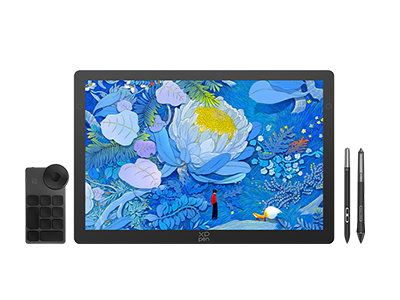 Artist Ultra 14
14-inch 2.8K OLED Display with Ultra-Sharp Visuals
99% Adobe RGB Color Gamut for True-to-Life Color
Ultra-Slim 6mm Design for Portable Creativity
Dual X3 Pro Styli with 16K Pressure Levels
Smart X-Touch Controls for Faster Workflow
It features:
Best 14" OLED drawing display for precision and portability
-
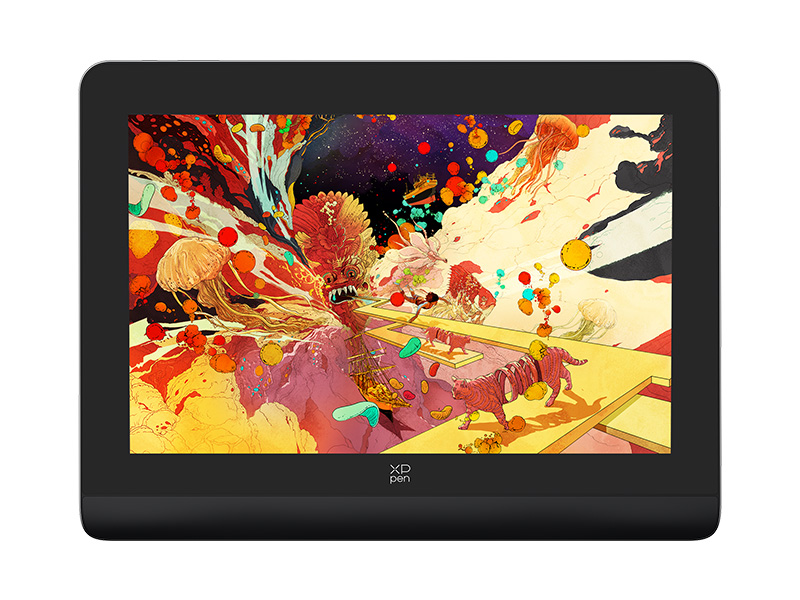 Artist Pro 14 (Gen 2)
16K Pressure Levels-World First
14-inch expansive artspace with an ideal 16:10 aspect ratio
It feartures:
One click to switch from display to tablet
-
Artist Ultra 14
14-inch 2.8K OLED Display with Ultra-Sharp Visuals
99% Adobe RGB Color Gamut for True-to-Life Color
Ultra-Slim 6mm Design for Portable Creativity
Dual X3 Pro Styli with 16K Pressure Levels
Smart X-Touch Controls for Faster Workflow
It features:
Best 14" OLED drawing display for precision and portability
Ready to invest in the right tools?
Get expert buying advice, unbiased reviews, and exclusive deals on drawing tablets, and accessories.
