7 Best Free Drawing Websites Online No Download
TIPSLove to draw? You don't always need installed digital art software. These free browser-based drawing tools let you sketch, paint, and create in seconds—no downloads required.
Whether you're a beginner, student, teacher, or pro, these sites offer tools for every skill level. Some keep it simple for quick sketches; others pack layers, brushes, and advanced editing.
Most work across devices, so you can draw anywhere. This guide covers the top 7 free drawing websites, what each offers, and how to pick the right one for you.
Part 1. 7 Best Free Drawing Websites Online
1. Canva Free Online Drawing Tool
Best For: Beginners, students, teachers, and anyone creating simple digital artwork.
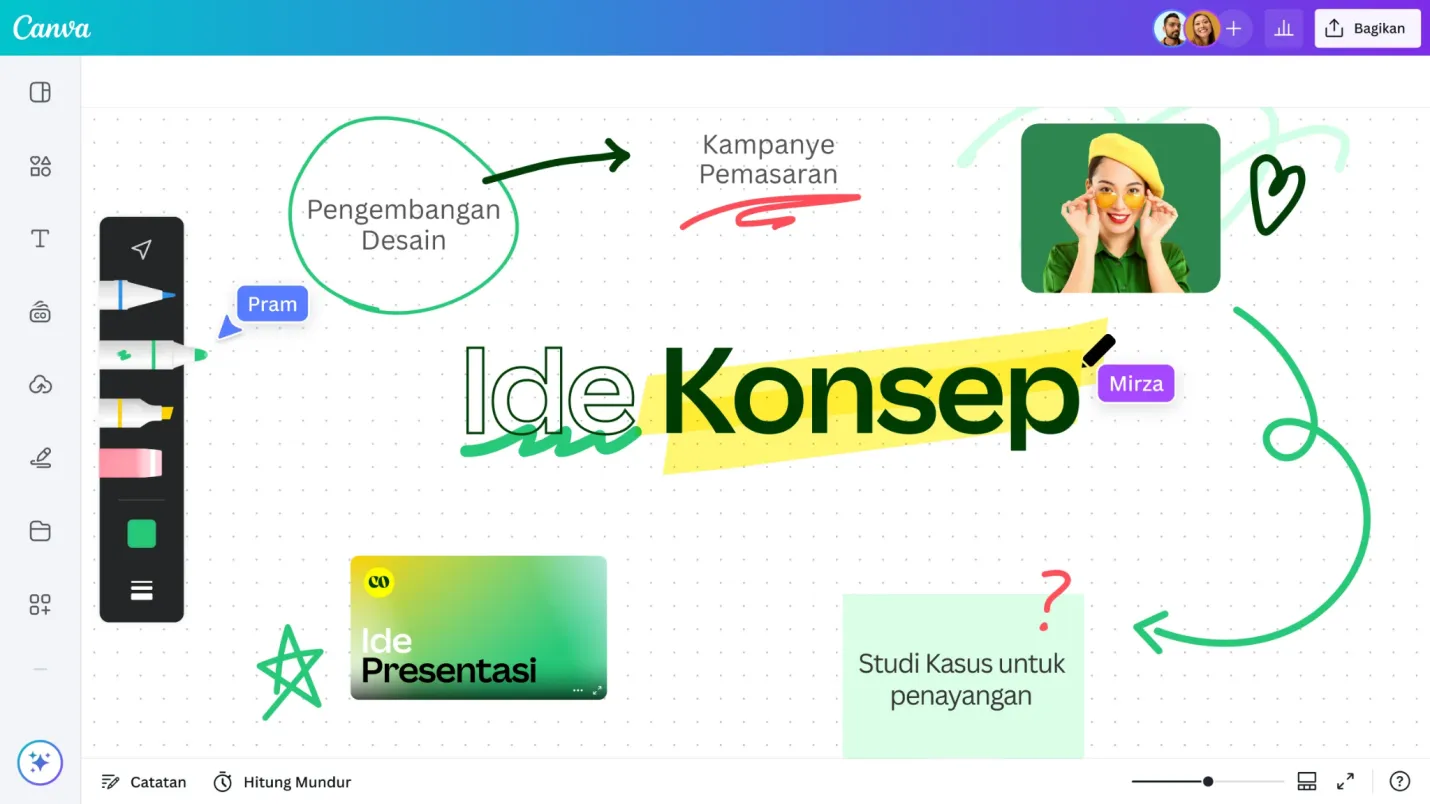
Canva Free Online Drawing Tool is one of the most popular free drawing websites available today. Many people know Canva for graphic design, but it also includes a free online drawing tool that lets you sketch directly in your browser.
Key Features of Canva Free Online Drawing Tool
-
No software download required
-
Easy-to-use drawing interface
-
Multiple pen and brush options
-
Color picker with many choices
-
Add drawings to Canva designs
-
Cloud saving with a free account
-
Works on Windows, Mac, and Chromebooks
You can create simple illustrations, decorate presentations, make posters, or add hand-drawn notes to your projects. The interface is clean and easy to understand. Even first-time users can begin drawing within minutes. You can choose different pen styles, brush sizes, and colors to match your idea.
Canva also lets you combine drawings with photos, text, icons, and shapes. This makes it useful for students, teachers, business users, and content creators.
2. Sketch.IO
Best For: Hobby artists, students, and users looking for a full online drawing experience.
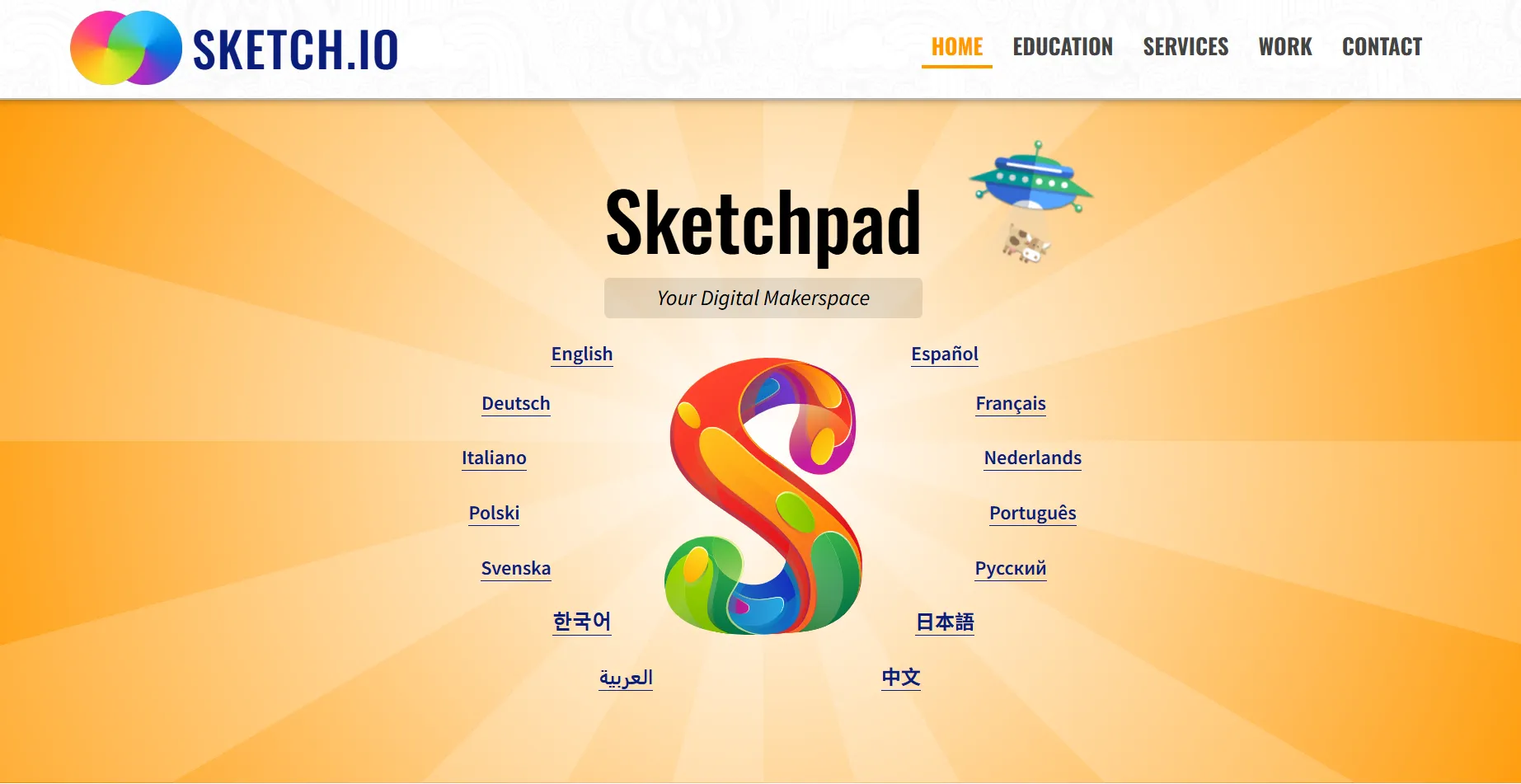
Sketch.IO is one of the most complete sketching websites you can use without installing software. It provides many tools that are usually found in desktop drawing programs while keeping everything inside your web browser.
Key Features of Sketchpad
-
Layers for organized artwork
-
Many brushes and pencils
-
Shape and text tools
-
Import and export images
-
Supports PNG, JPG, SVG, and PDF
-
No installation needed
The website includes pencils, brushes, shapes, text tools, layers, and image editing features. You can start with a blank canvas or edit an existing image.
The website also supports different file formats, making it easy to continue your work later. If you want more control over your drawings, Sketchpad offers more features than many other browser-based editors.
3. AutoDraw
Best For: Beginners, children, teachers, and users making quick illustrations.
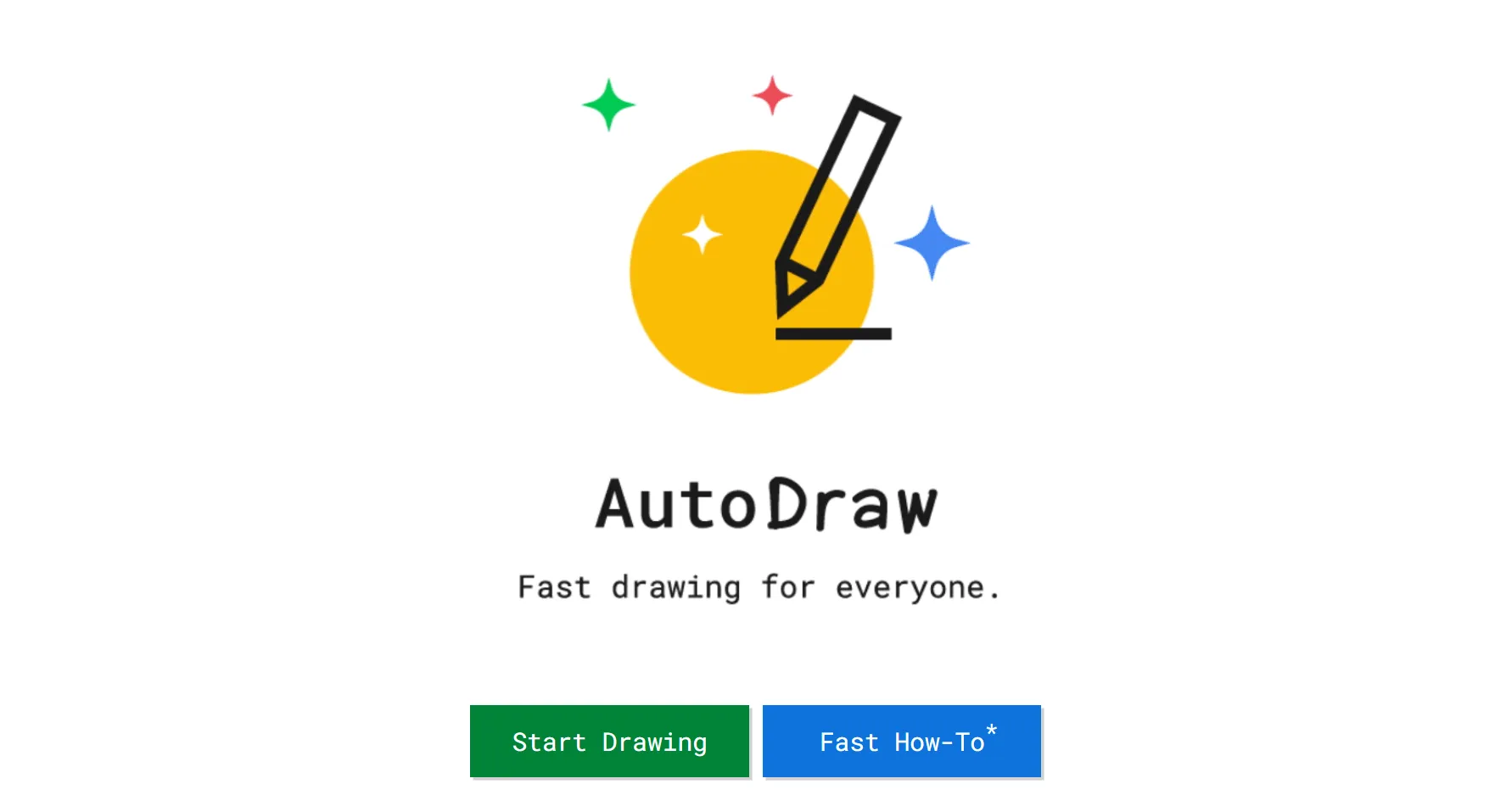
AutoDraw offers a different way to create drawings. Instead of providing many painting tools, it focuses on helping users make neat and clean sketches quickly.
Key Features of AutoDraw
-
Simple drawing interface
-
Suggests polished illustrations
-
Brush, fill, text, and shape tools
-
Easy color selection
-
Save drawings as image files
-
Works on computers and tablets
As you draw simple shapes, the website suggests matching icons and illustrations that you can choose from. This makes AutoDraw a good choice for people who cannot draw well but still want attractive graphics for presentations, school assignments, or personal projects.
The website works directly in your browser and loads very quickly. Since everything stays simple, users of all ages can enjoy using it. Although AutoDraw is not meant for professional artwork, it is one of the easiest free drawing websites to download for quick sketches.
4. Aqua Free Drawing Online
Best For: Casual users, beginners, and families looking for free drawing websites for kids.
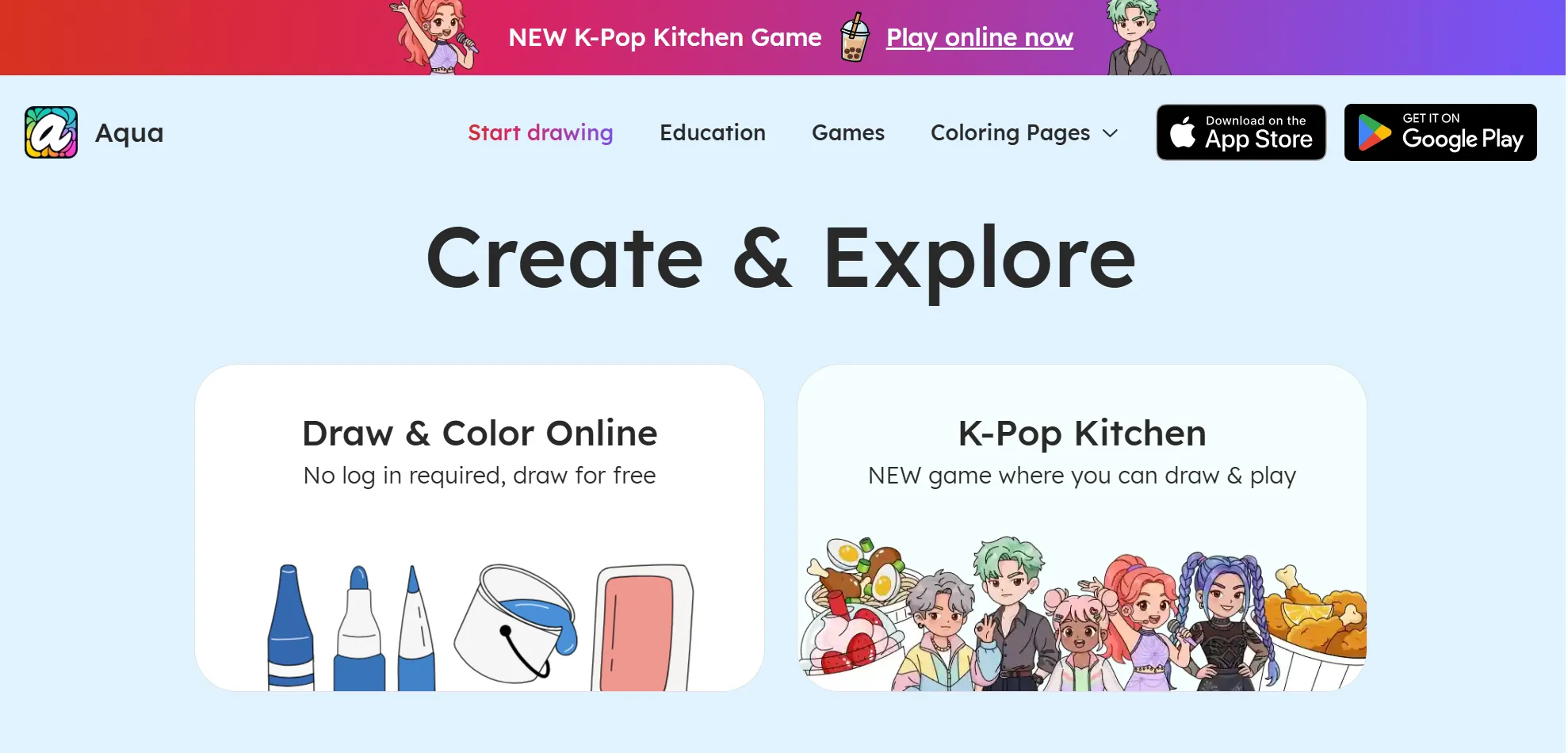
Aqua Free Drawing Online offers a simple browser-based drawing experience for users who want to sketch quickly without installing software.
Key Features of Aqua Free Drawing Online
-
Browser-based drawing
-
Simple brush tools
-
Easy color selection
-
Quick sketching
-
Clean workspace
-
No download required
The interface focuses on drawing instead of complex editing. You can use pens, brushes, colors, and simple editing tools to create digital sketches. Because the controls are straightforward, beginners can start drawing without reading tutorials.
This website is also suitable for free drawing websites for kids because the layout is easy to understand and does not include too many complicated tools.
5. KRESKA.art
Best For: Digital artists, designers, and users who enjoy trace drawing online free projects.
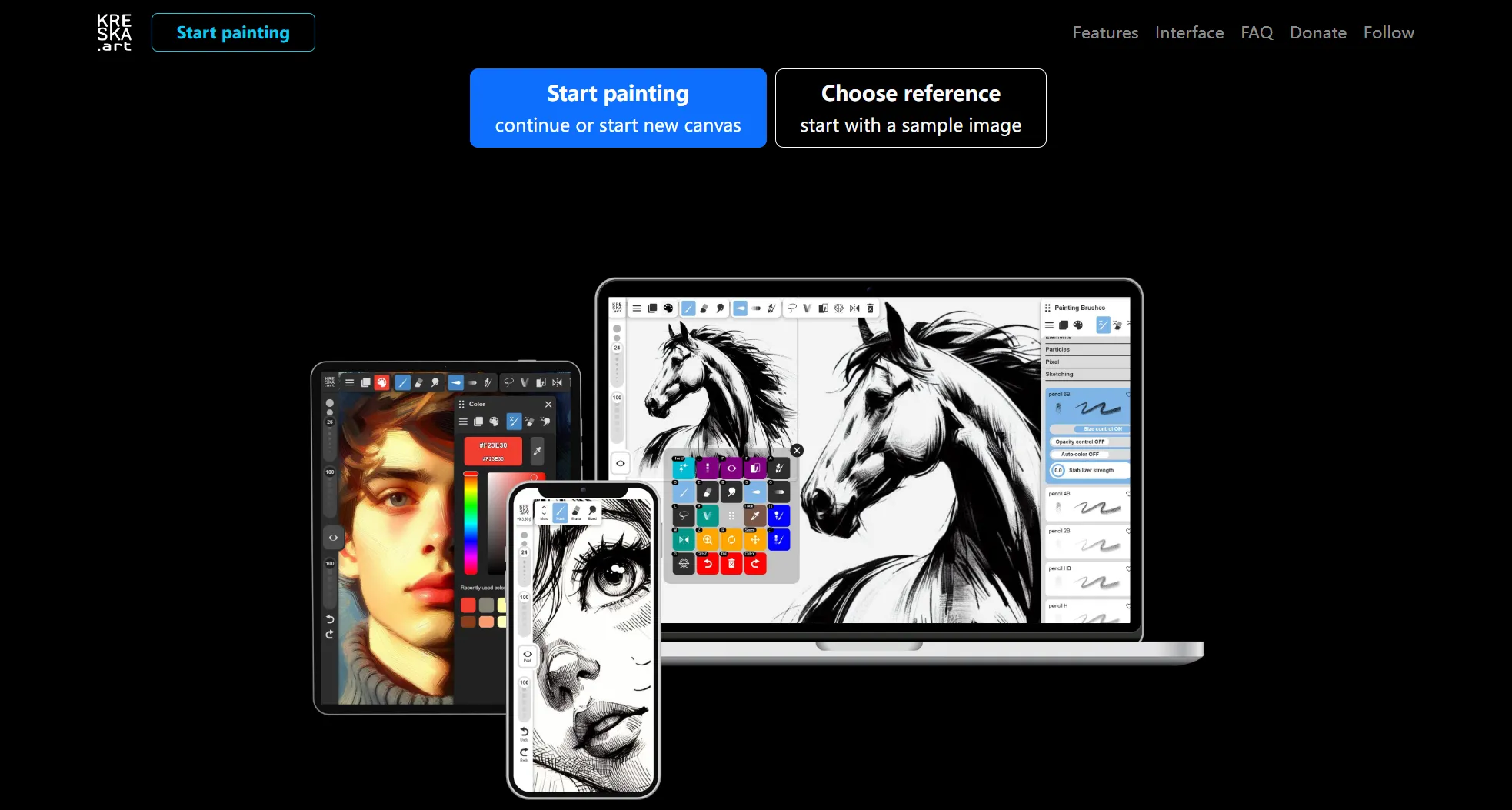
KRESKA.art is a browser-based drawing platform designed for digital artists. It provides a clean workspace with modern drawing tools that help users create sketches, illustrations, and concept art.
Key Features of KRESKA.art
-
Layer support
-
Adjustable brushes
-
Zoom and canvas controls
-
Modern workspace
-
Browser-based drawing
-
Save your artwork easily
The website supports layers, brush settings, and canvas controls. It also lets you organize your artwork without making the interface confusing. If you already have some drawing experience, you will appreciate the extra control it offers.
KRESKA.art works well for people who enjoy trace drawing online free or creating detailed illustrations from reference images.
6. Magma
Best For: Schools, creative teams, friends, and online art communities.
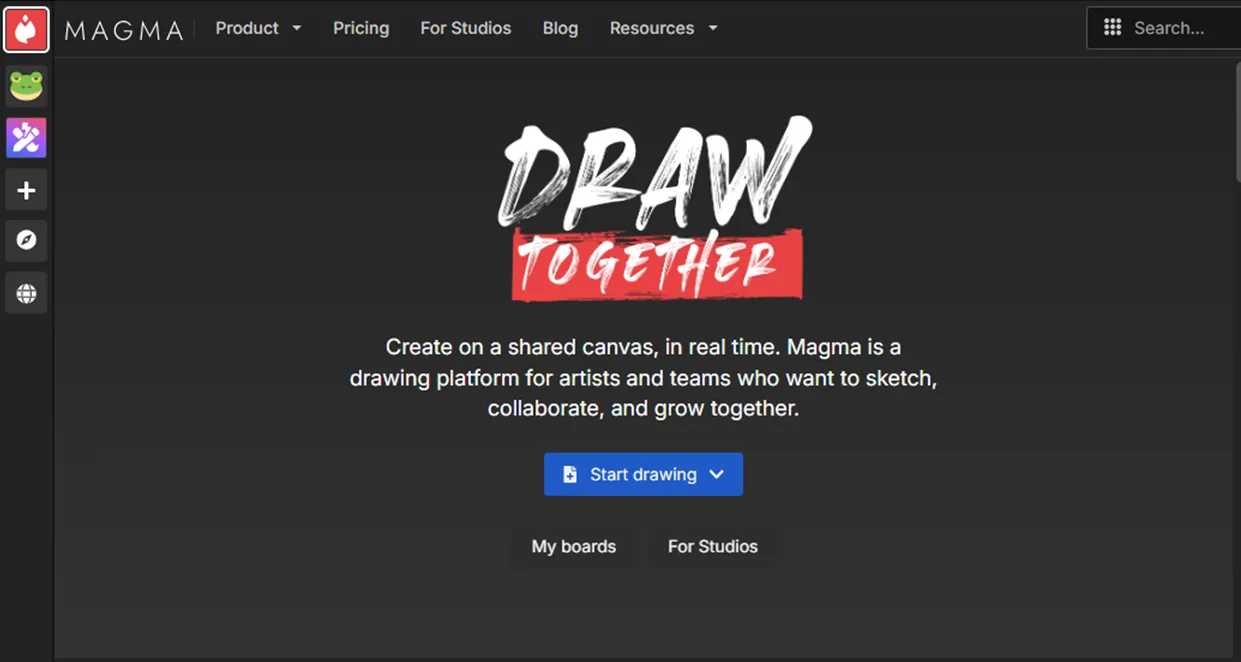
Magma is different from many other free drawing websites because it allows several people to draw on the same canvas together. Friends, classmates, or team members can join one project and work at the same time.
This makes Magma a great choice for online classes, design discussions, group projects, and creative teamwork. Each person can add ideas, edit artwork, and share feedback without sending files back and forth. Besides collaboration, Magma includes quality drawing tools, layers, brushes, and color controls.
Key Features of Magma
-
Real-time collaborative drawing
-
Layer support
-
Multiple brush options
-
Easy project sharing
-
Browser-based workspace
-
Works on different devices
7. Kleki – Paint Tool
Best For: Beginners, students, and anyone who wants quick freestyle drawing online.
Kleki is a lightweight drawing website that works directly in your browser. You do not need to create an account or install any software. Open the website, and you can start drawing immediately.
Key Features of Kleki – Paint Tool
-
No download or registration
-
Multiple brush types
-
Layer support
-
Color picker and blending tools
-
Import and export images
-
Works in most modern browsers
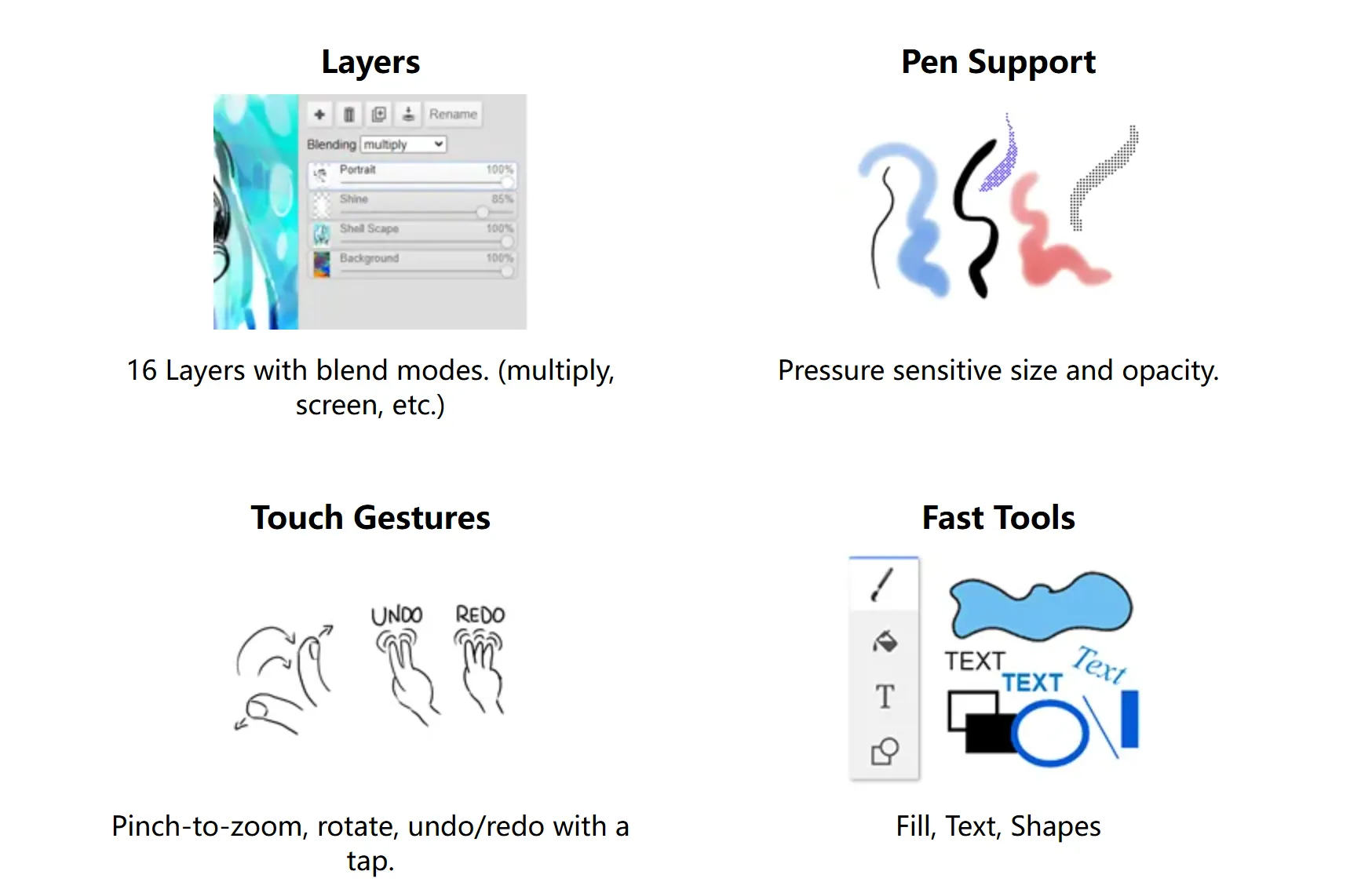
Although Kleki looks simple, it offers many useful tools for digital painting. You can use different brushes, an eraser, color picker, layers, and image editing options. The clean layout helps beginners learn quickly while still giving experienced users enough tools for creative work.
Many students and artists use Kleki because it runs smoothly on most computers. It is also a good choice if you want freestyle drawing online without waiting for a large program to load.
Part 2. Which Free Drawing Website Should You Choose?
Each website offers something different. The best choice depends on how you plan to use it.
| Website | Best For |
|---|---|
| Canva | School projects, presentations, beginners |
| Sketch.IO | Detailed drawing and illustration |
| AutoDraw | Quick sketches and simple graphics |
| Kleki | Digital painting and freestyle drawing online |
| KRESKA.art | Detailed artwork and trace drawing online free |
| Magma | Team drawing and online collaboration |
| Aqua Free Drawing Online | Beginners and free drawing websites for kids |
If you only need quick sketches, AutoDraw and Canva are excellent choices. If you want more creative control, Sketch.IO, Kleki, and KRESKA.art provide better drawing tools. Magma stands out if you want to draw together with friends or classmates.
Part 3. Beyond the Browser: Draw Freely Anywhere with XPPen Artist Ultra 14
Browser-based drawing websites are great for learning, practicing, and making quick sketches. They are easy to access because you only need a web browser and an internet connection.
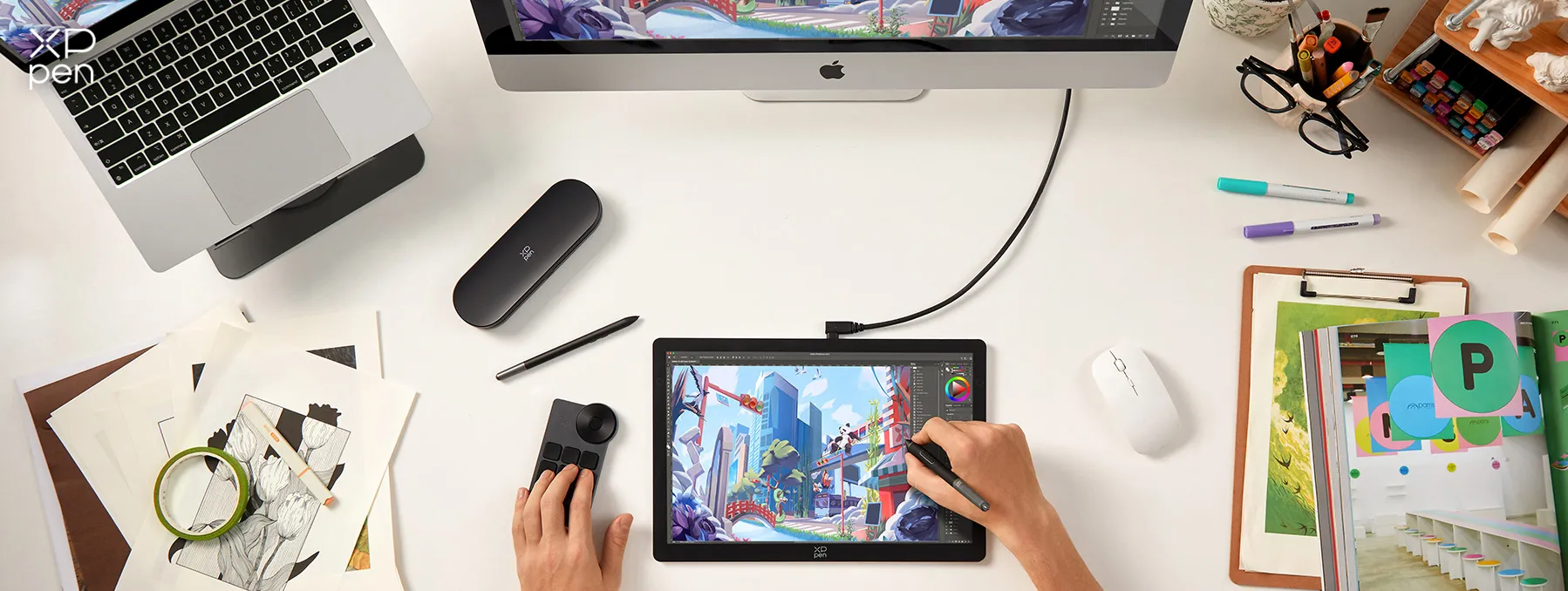
However, as your skills improve, you may want better pen control, a larger drawing area, and more features than online tools can provide. That is where the XPPen Artist Ultra 14 becomes a great choice.
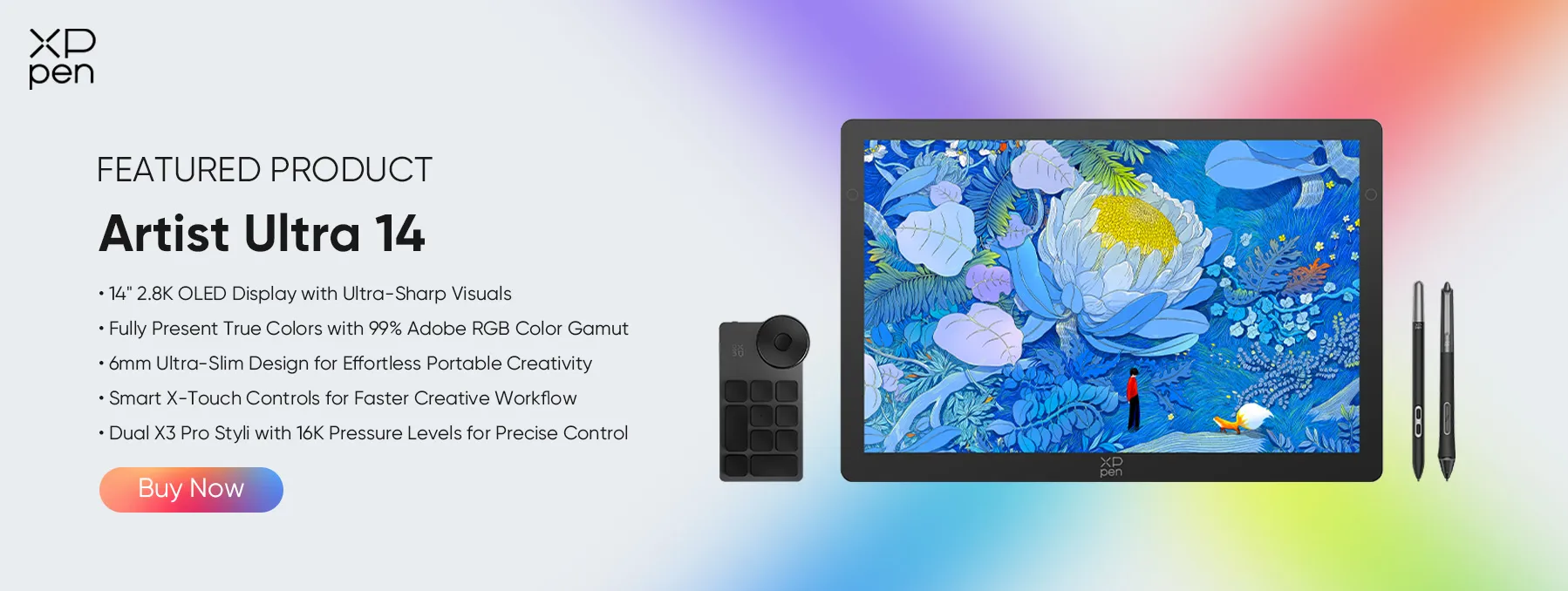
The Artist Ultra 14 is a pen display made for artists, students, designers, and creators who want a more natural drawing experience. Instead of drawing with a mouse, you draw directly on the screen with a digital pen. This gives you better accuracy and makes sketching feel closer to drawing on paper.
Whether you enjoy freestyle drawing online, create illustrations, design comics, or practice digital painting, the Artist Ultra 14 helps you work more comfortably.
Part 4. FAQs about Free Drawing Websites
Q1. Is there a way to draw on a website?
Yes. Many free drawing websites allow you to draw directly in your browser without installing software. Websites like Canva, Sketch.IO, Kleki, and Magma let you create sketches, illustrations, and paintings online.
Q2. How do I draw people to my website?
If you mean attracting visitors, publish helpful content, improve your website's SEO, and share your work on social media. If you mean drawing human figures, many sketching websites include brushes and layers that help you practice figure drawing.
Q3. How do I use a pen on a website?
You can use a mouse, a touch screen, or a digital pen. If you own a drawing display like the XPPen Artist Ultra 14, simply connect it to your computer, install the required driver, and open your favorite drawing website or software.
Q4. Can I draw on Google Chrome?
Yes. Google Chrome supports many browser-based drawing tools. Simply open a free drawing website with no download option such as Canva, Sketch.IO, or Kleki, and start drawing without installing additional software.
Q5. Where do artists draw online?
Artists use many different platforms depending on their needs. Beginners often choose free drawing websites for kids or simple sketching tools, while experienced artists may use Sketch.IO, KRESKA.art, or browser tools for quick ideas before moving to professional software with devices like the XPPen Artist Ultra 14.
Conclusion
The best free drawing websites make it easy to practice your skills, create artwork, and share your ideas without downloading software. Canva, Sketch.IO, AutoDraw, Kleki, KRESKA.art, Magma, and Aqua Free Drawing Online each offer useful features for different types of users. Some focus on simple sketches, while others provide layers and more detailed drawing tools.
If you want to move beyond browser-based drawing, XPPen Artist Ultra 14 offers a more natural and accurate drawing experience. Start with free online drawing tools, and when you need more precision, the Artist Ultra 14 is a reliable next step.
About Us
Founded in 2005, XPPen is a leading global brand in digital art innovation under Hanvon UGEE. XPPen focuses on the needs of consumers by integrating digital art products, content, and services, specifically targeting Gen-Z digital artists. XPPen currently operates in 163 countries and regions worldwide, boasting a fan base of over 1.5 million and serving more than ten million digital art creators.
Learn moreRecommended Articles
TIPS 6 Best Random Drawing Prompt Generators Easy & Funny FOCUSED XPPen Artist Pro 16 (Gen 2) Review: 16K Drawing Tablet for Beginners & Pros TIPS 30 Doodle Drawing Ideas - Join XPPen's Doodle Game & Win!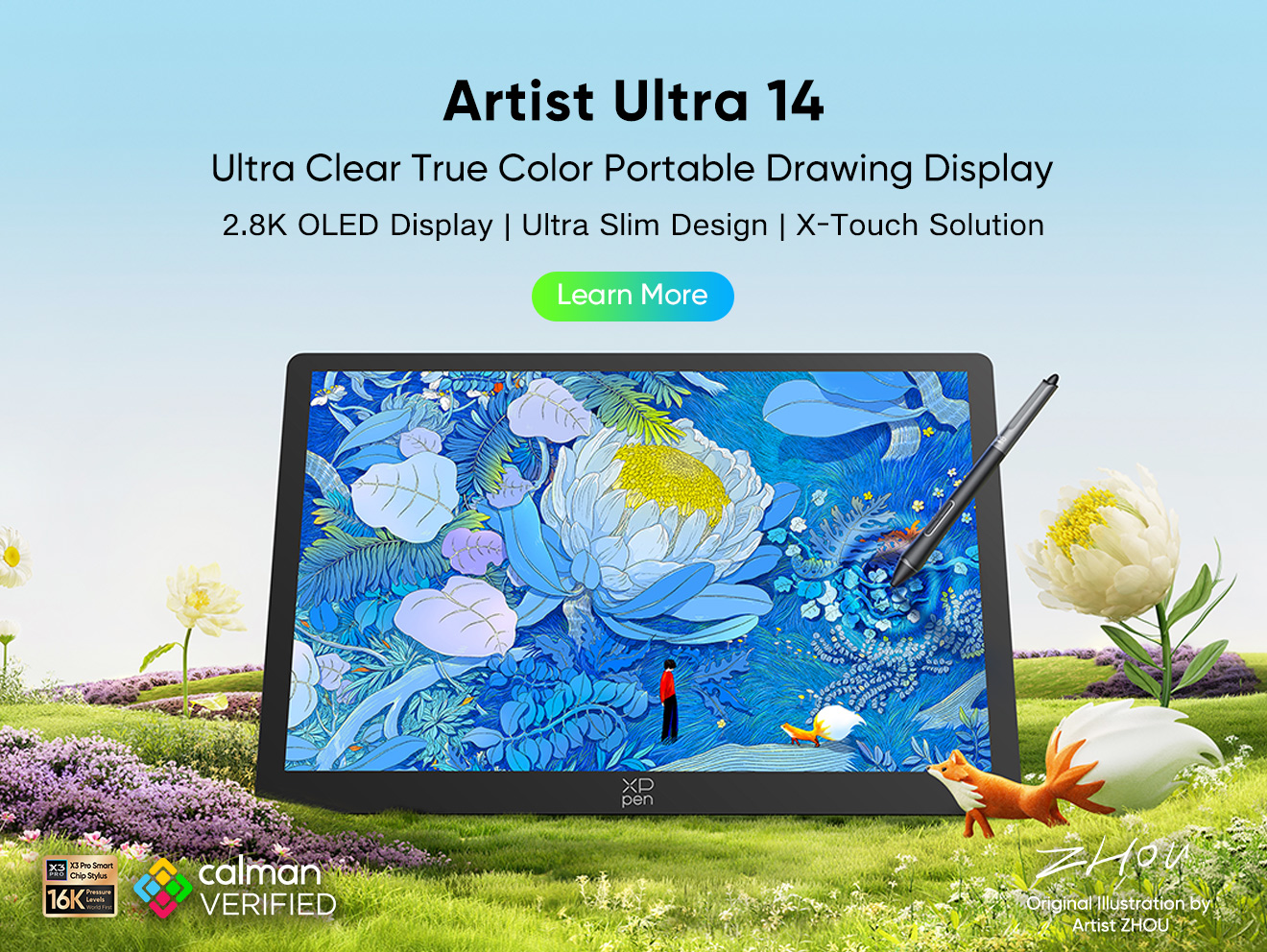





-
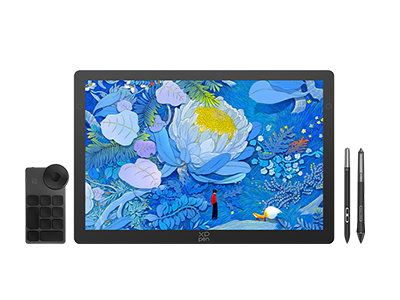 Artist Ultra 14
14-inch 2.8K OLED Display with Ultra-Sharp Visuals
99% Adobe RGB Color Gamut for True-to-Life Color
Ultra-Slim 6mm Design for Portable Creativity
Dual X3 Pro Styli with 16K Pressure Levels
Smart X-Touch Controls for Faster Workflow
It features:
Best 14" OLED drawing display for precision and portability
-
Artist Ultra 14
14-inch 2.8K OLED Display with Ultra-Sharp Visuals
99% Adobe RGB Color Gamut for True-to-Life Color
Ultra-Slim 6mm Design for Portable Creativity
Dual X3 Pro Styli with 16K Pressure Levels
Smart X-Touch Controls for Faster Workflow
It features:
Best 14" OLED drawing display for precision and portability
Looking for the Best Drawing & Design Apps?
Discover essential drawing techniques, expert tips, and the best app recommendations to boost your creativity and master digital art.
