7 Best Softwares for Photo Editing for PC/Mobile 2026
KNOWLEDGEPicking the right photo editor isn't always straightforward—many programs offer similar features at first glance. Some cater to beginners, some to professionals, and performance varies widely across Windows, Mac, Android, and iPad.
Your ideal choice depends on your needs, budget, and everyday device. This guide compares the top options for 2026, covering free PC software, Android apps, and iPad editors.
Quick Verdict
Different users have different editing needs. Here are our top recommendations.
-
Best Overall: Adobe Photoshop
-
Best for RAW Photo Editing: Adobe Lightroom
-
Best Value for Money: Affinity Photo
-
Best for Professional Color Editing: Capture One Pro
-
Best for Easy Workflow: Zoner Studio
-
Best Android App: Snapseed
-
Best iPad App: Adobe Lightroom for iPad
Each of these programs offers useful editing tools, regular updates, and good performance. If you also create wedding albums, portfolios, or business projects, they can become the best software for photo editing & album designing depending on your workflow.
Part 1. 5 Best Softwares for Photo Editing for PC 2026
If you need the best software for photo editing on your computer, these five programs offer excellent editing tools, reliable performance, and features for beginners, hobbyists, and professional photographers.
1. Adobe Photoshop
Rating: 5/5
Adobe Photoshop has been the best software for photo editing for many years because it offers complete control over every image. You can remove unwanted objects, replace backgrounds, retouch portraits, create graphics, and edit RAW photos with professional-quality results.
Key Features of Adobe Photoshop
-
Advanced layer editing
-
AI-powered selection tools
-
Object removal
-
Background replacement
-
RAW image support
-
Text and graphic design tools
Available Platforms
-
Windows
-
macOS
Pricing: Available through Adobe Creative Cloud with a monthly subscription.
Beginners can learn basic adjustments, while experienced users can work with layers, masks, and advanced editing tools. Photoshop is also one of the best software for photo editing & album designing because photographers use it to create wedding albums, marketing materials, posters, and social media designs.
Photoshop is also one of the best software for photo editing & album designing because many photographers use it to create wedding albums, magazines, and marketing materials.
What I Like
-
Industry-standard editing tools
-
Excellent image quality
-
Regular feature updates
-
Huge collection of tutorials
2. Adobe Lightroom
Rating: 4.9/5
Adobe Lightroom is designed for photographers who manage and edit large photo collections. It makes RAW editing simple while keeping image quality high. Users can adjust exposure, colors, contrast, and white balance with just a few clicks. Lightroom also helps organize thousands of photos using albums, keywords, and ratings.
Key Features of Adobe Lightroom
-
RAW editing
-
Color correction
-
Exposure adjustment
-
Cloud storage
-
Presets
-
Photo library management
Available Platforms: Windows, macOS, Android, iPhone, iPad
Pricing: Monthly subscription through Adobe.
Many professionals edit their pictures in Lightroom before making detailed changes in Photoshop. It is one of the best software for photo editing 2026 and a popular choice for travel, wildlife, landscape, and wedding photographers.
If you edit travel, landscape, or event photography, Lightroom is one of the best software for photo editing 2026. Many users also consider it the best software for photo editing on iPad because Adobe offers an excellent tablet version.
What I Like
-
Easy to organize thousands of photos
-
Excellent RAW processing
-
Fast editing workflow
-
Works across multiple devices
3. Zoner Studio
Rating: 4.6/5
Zoner Studio combines photo management, editing, and publishing in one application. It offers a clean interface that is easy for beginners while providing enough tools for experienced photographers. Users can edit RAW files, organize large collections, apply batch edits, and export images for print or online sharing.
The software also supports basic layer editing and AI masking. Anyone looking for the best software for photo editing in PC free can try its free trial before choosing a paid plan.
Key Features
-
RAW photo editing
-
Layer support
-
AI masking
-
Catalog management
-
Batch editing
-
Video creation tools
Available Platforms: Windows
Pricing: Free trial with paid subscription plans.
Many photographers searching for the best software for photo editing in PC free start with the free trial before upgrading. It is also suitable for people who want the best software for photo editing & album designing without paying for more expensive software.
What I Like
-
Easy interface
-
Fast photo management
-
Good value
-
Useful batch editing
4. Capture One Pro
Rating: 4.8/5
Capture One Pro is well known for its excellent color editing and RAW processing. Many studio photographers and commercial professionals use it because it produces outstanding image quality.
The software gives users detailed control over colors, exposure, contrast, and sharpness. One of its biggest advantages is tethered shooting. Photographers can connect their camera directly to the computer and view photos instantly during a photoshoot. This feature saves time and helps photographers check image quality before finishing a session.
Key Features
-
Professional RAW editing
-
Excellent color grading
-
Layer-based editing
-
Tethered shooting
-
Noise reduction
-
Lens correction
Available Platforms: Windows, macOS
Pricing: Available through subscription or one-time purchase.
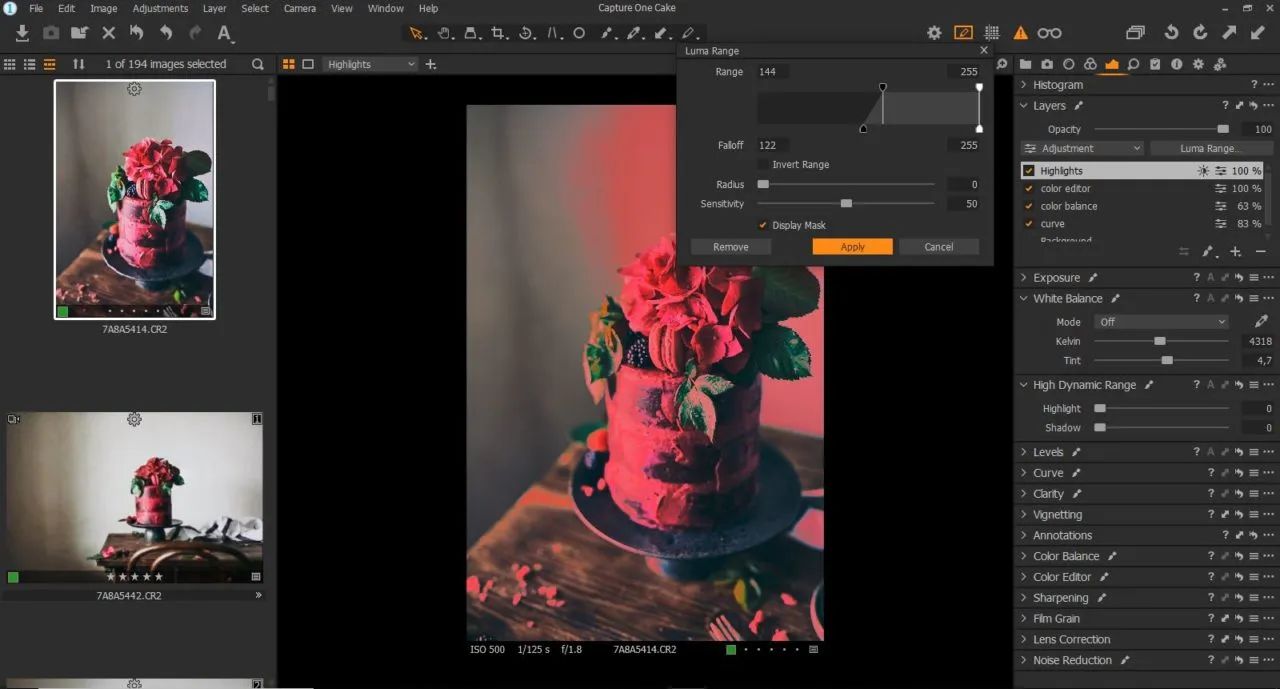
Capture One Pro is one of the best software for photo editing 2026 for photographers who work in studios or shoot commercial projects. It also works well as the best software for photo editing & album designing because of its high-quality export options.
What I Like
-
Outstanding image quality
-
Excellent color controls
-
Fast performance
-
Professional workflow
5. Affinity Photo
Rating: 4.8/5
Affinity Photo has become one of the strongest alternatives to Photoshop. It offers many professional editing tools without requiring a monthly subscription. You pay once and use the software for as long as you like. This makes it a great choice for freelancers, students, and photographers who want advanced editing at a lower cost.
The software supports RAW editing, layers, HDR editing, panorama creation, focus stacking, and advanced retouching. It also runs smoothly on modern computers and receives regular updates.
Key Features
-
RAW image editing
-
Unlimited layers
-
HDR merge
-
Panorama stitching
-
Focus stacking
-
Advanced retouching tools
Available Platforms: Windows, macOS, iPad
Pricing: One-time purchase.
If you want the best software for photo editing without paying every month, Affinity Photo is an excellent option. It is also one of the best software for photo editing & album designing because it supports high-resolution layouts and professional printing.
What I Like
-
No monthly subscription
-
Professional editing tools
-
Fast performance
-
Easy value for money
Part 2. Best Software for Photo Editing Android
If you want the best software for photo editing android, choose an app that offers simple controls, powerful editing tools, and high-quality results without slowing down your phone.
Snapseed
Snapseed is one of the best softwares for photo editing android. Google developed this free app, and it continues to be one of the easiest photo editors for beginners while offering enough tools for experienced users.
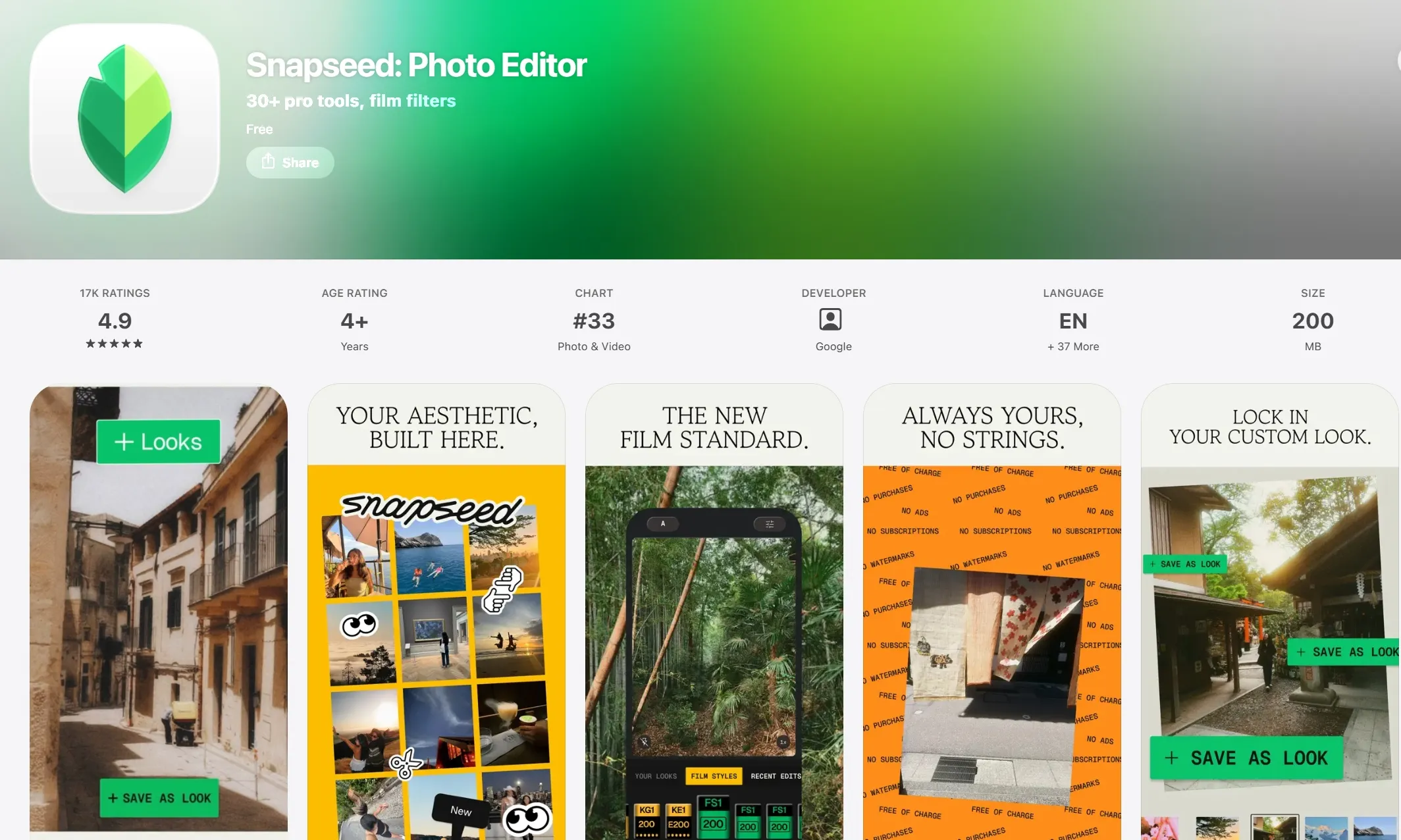
Snapseed provides professional editing features without charging users. You can edit portraits, landscapes, travel photos, food pictures, and social media content directly from your phone.
For anyone looking for the best software for photo editing android, Snapseed remains one of the safest and most useful choices. Even many professional photographers use it when they need to edit photos while traveling.
Part 3. Best Software for Photo Editing on iPad
If you need the best software for photo editing on iPad, choose an app that combines powerful editing tools, smooth touch controls, and easy file management for professional-quality results anywhere.
Adobe Lightroom for iPad
The iPad has become a powerful editing device, especially when paired with the Apple Pencil. Adobe Lightroom takes full advantage of the large screen and touch controls.
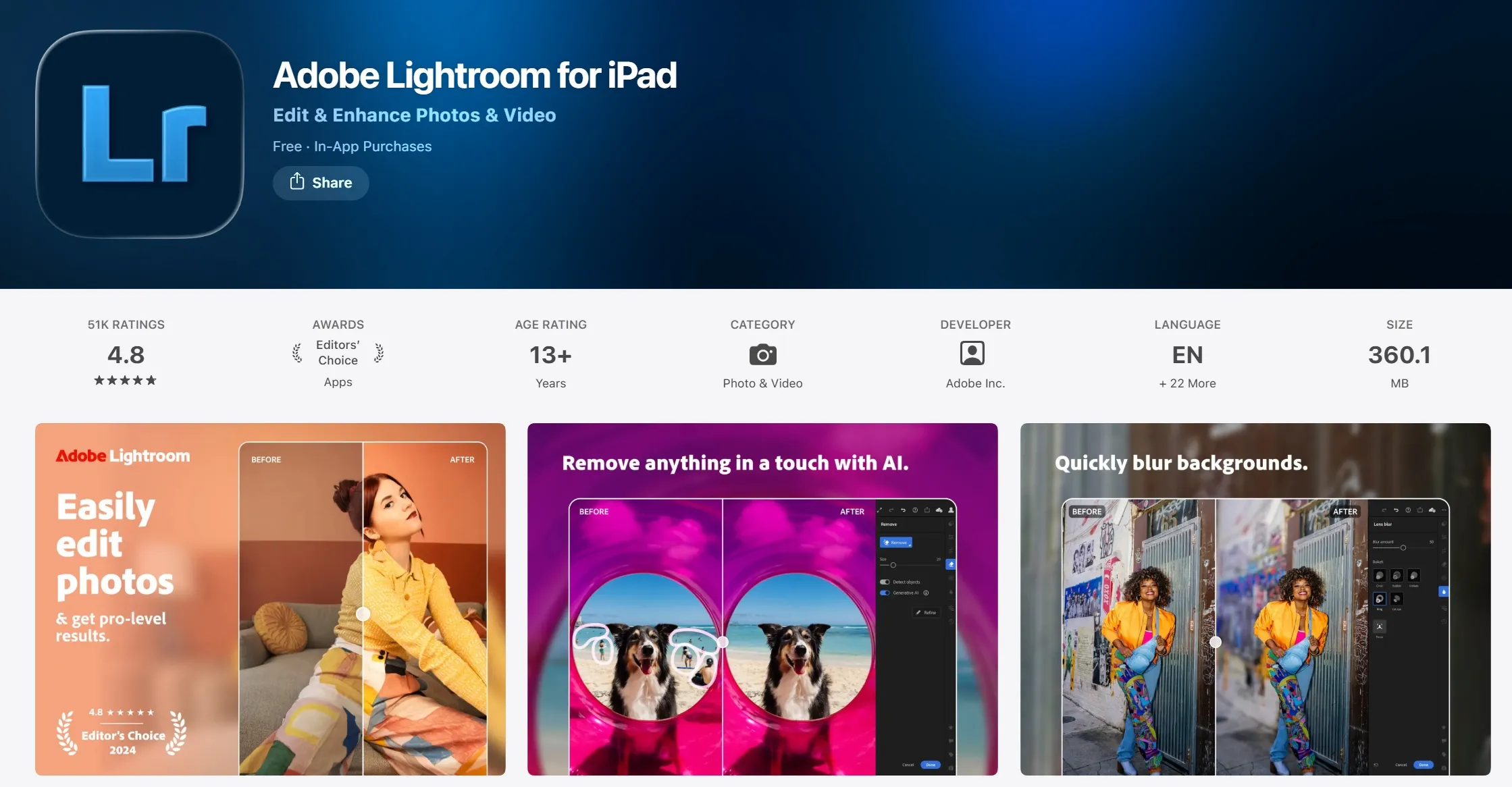
Many photographers edit photos on their iPad while traveling and finish larger projects later on their computer. Lightroom automatically syncs projects through Adobe Creative Cloud, making it easy to continue editing on another device.
If you need the best software for photo editing on iPad, Adobe Lightroom is one of the strongest options available today. It combines speed, simplicity, and professional editing quality.
Part 4. Why You Should Pair Your Editing Software with a Physical Console
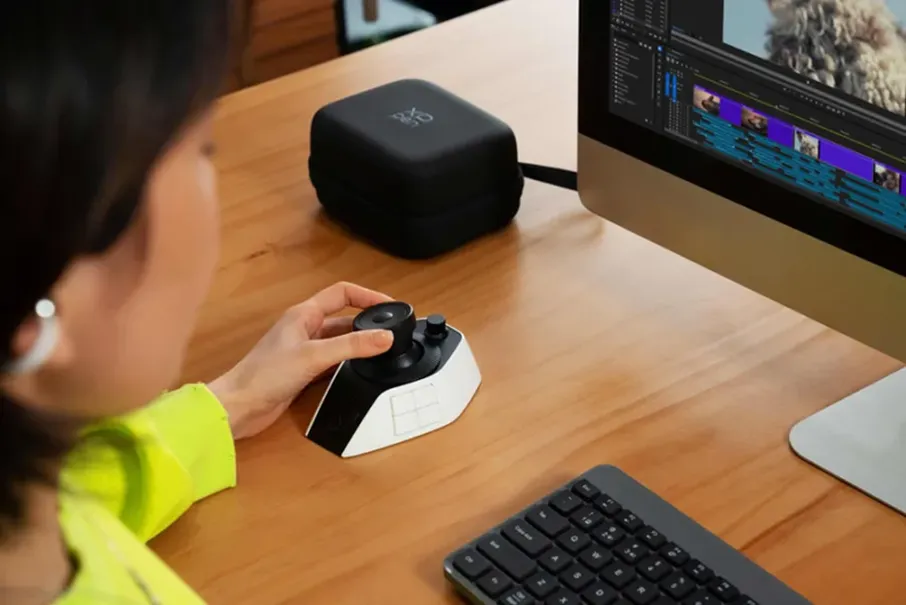
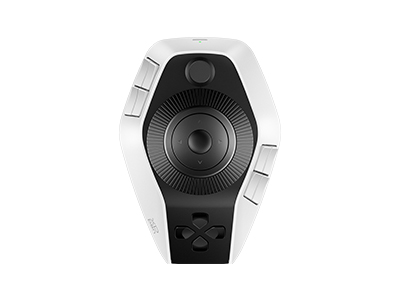
Photo editing often requires many repeated actions. You constantly zoom, rotate, adjust sliders, change brush sizes, and switch between tools. Using only a keyboard and mouse can slow your work during long editing sessions. XPPen Pilot Pro Editing Console helps make these tasks faster.
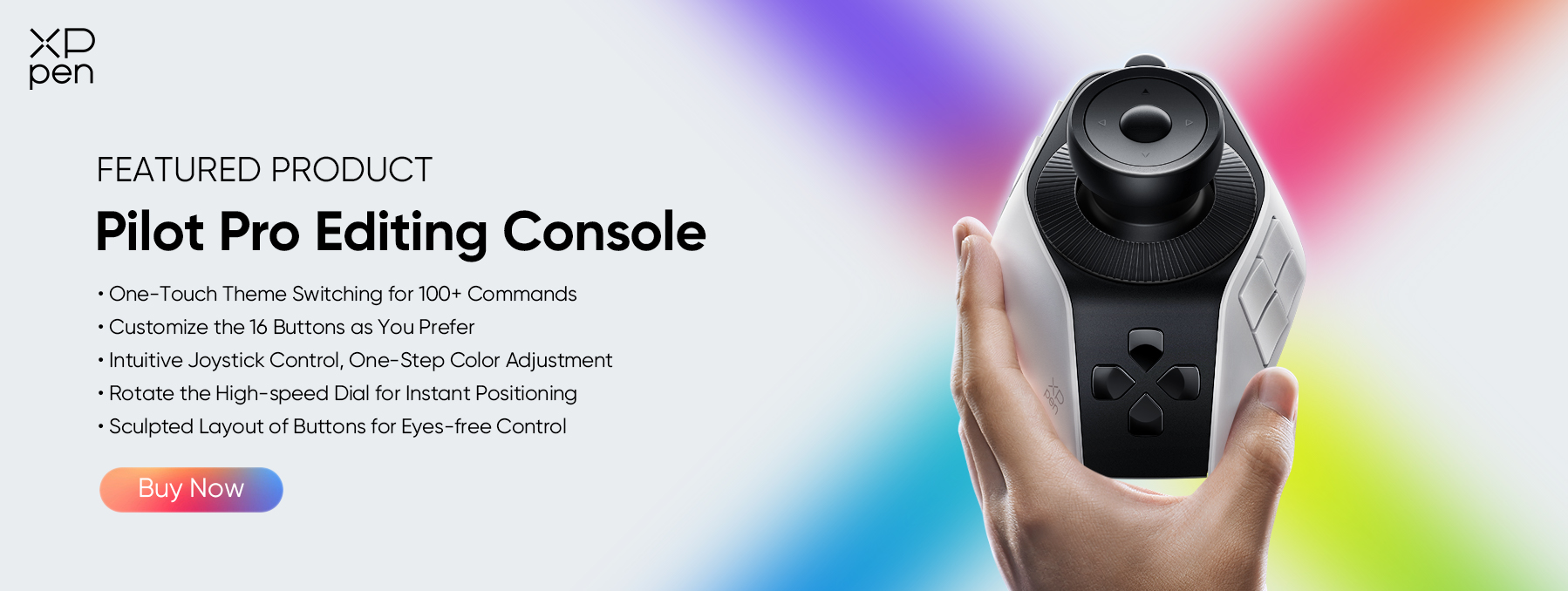
XPPen Pilot Pro Editing Console includes programmable buttons, rotary dials, and shortcut controls that work with many popular editing programs. Instead of searching through menus, you can assign common actions to the console and complete your work with fewer clicks.
Some useful shortcuts include:
-
Zoom in and out
-
Brush size adjustment
-
Undo and redo
-
Layer switching
-
Color adjustment
-
Timeline navigation
-
Canvas rotation
The Pilot Pro works well with Adobe Photoshop, Adobe Lightroom, and several other creative applications. Adding a physical editing console can improve your editing speed and reduce hand movement during long projects.
Part 5. FAQs About Photo Editing Software
Q1. Is Lightroom or Photoshop better?
It depends on your work. Lightroom is better for organizing photos, editing RAW images, and processing large photo collections. Photoshop is better for detailed retouching, graphic design, compositing, and advanced image editing. Many professionals use both together because each program has different strengths.
Q2. Which photo editor is 100% free?
Snapseed is one of the best completely free photo editors available. It offers professional-quality editing tools without subscriptions or watermarks. If you need the best software for photo editing android, Snapseed is an excellent free choice. GIMP is another free option for desktop users.
Q3. Is there a better app than Photoshop?
Photoshop remains the industry standard for advanced editing, but some alternatives may fit your needs better. Affinity Photo offers professional features with a one-time purchase, while Capture One Pro provides outstanding color editing. The best choice depends on your budget and editing style.
Q4. What do most professional photographers use to edit?
Most professional photographers use Adobe Photoshop and Adobe Lightroom together. Studio photographers also choose Capture One Pro for its color accuracy and tethered shooting. Wedding photographers often combine Lightroom with Photoshop because this workflow saves time while delivering high-quality images.
Conclusion
The best photo editing software depends on your skill level, budget, and device. Photoshop leads for advanced editing, while Lightroom excels in workflow. Capture One Pro offers premium color control, Affinity Photo delivers great value, and Zoner Studio makes organizing and editing easy for beginners. For mobile, Snapseed tops Android and Lightroom leads on iPad.
To speed up your workflow and reduce fatigue, consider pairing your software with XPPen Pilot Pro Editing Console —it's compatible with major programs and makes long editing sessions more comfortable.
About Us
Founded in 2005, XPPen is a leading global brand in digital art innovation under Hanvon UGEE. XPPen focuses on the needs of consumers by integrating digital art products, content, and services, specifically targeting Gen-Z digital artists. XPPen currently operates in 163 countries and regions worldwide, boasting a fan base of over 1.5 million and serving more than ten million digital art creators.
Learn moreRecommended Articles
KNOWLEDGE 5 Best Color Grading Softwares Free & Paid 2026 TIPS Lightroom vs Photoshop: Which is Better for Photo Editing? ROUNDUPS 6 Best Photo Editing Controllers in 2026 FOCUSED What Makes a Good Video Editing Console in 2026? FOCUSED Best Photo Editing Console for Beginners & Pros: Speed Up Your Editing Workflow





Looking for the Best Drawing & Design Apps?
Discover essential drawing techniques, expert tips, and the best app recommendations to boost your creativity and master digital art.
