Clip Studio Paint Free Trial: How to Get It with XPPen Magic Drawing Pad?
KNOWLEDGEYou’ve purchased the XPPen Magic Drawing Pad — a powerful standalone Android drawing tablet built for serious creators. With its advanced pen technology and paper-like display, you already have an exceptional tool for digital art. But creating professional-quality work requires more than great hardware — it also depends on the right creative software.
To support artists at every stage, XPPen has partnered with Celsys, the developer of Clip Studio Paint, one of the industry’s most trusted digital art applications. Every Magic Drawing Pad comes with an exclusive 3-month free trial of Clip Studio Paint, giving you access to professional-grade tools right out of the box.
This guide will walk you through the simple steps to get started with Clip Studio Paint on your Magic Drawing Pad. You’ll learn how to install the app, activate your free trial, and begin creating immediately.
Why Clip Studio Paint on the Magic Drawing Pad?
Magic Drawing Pad Key Features
-
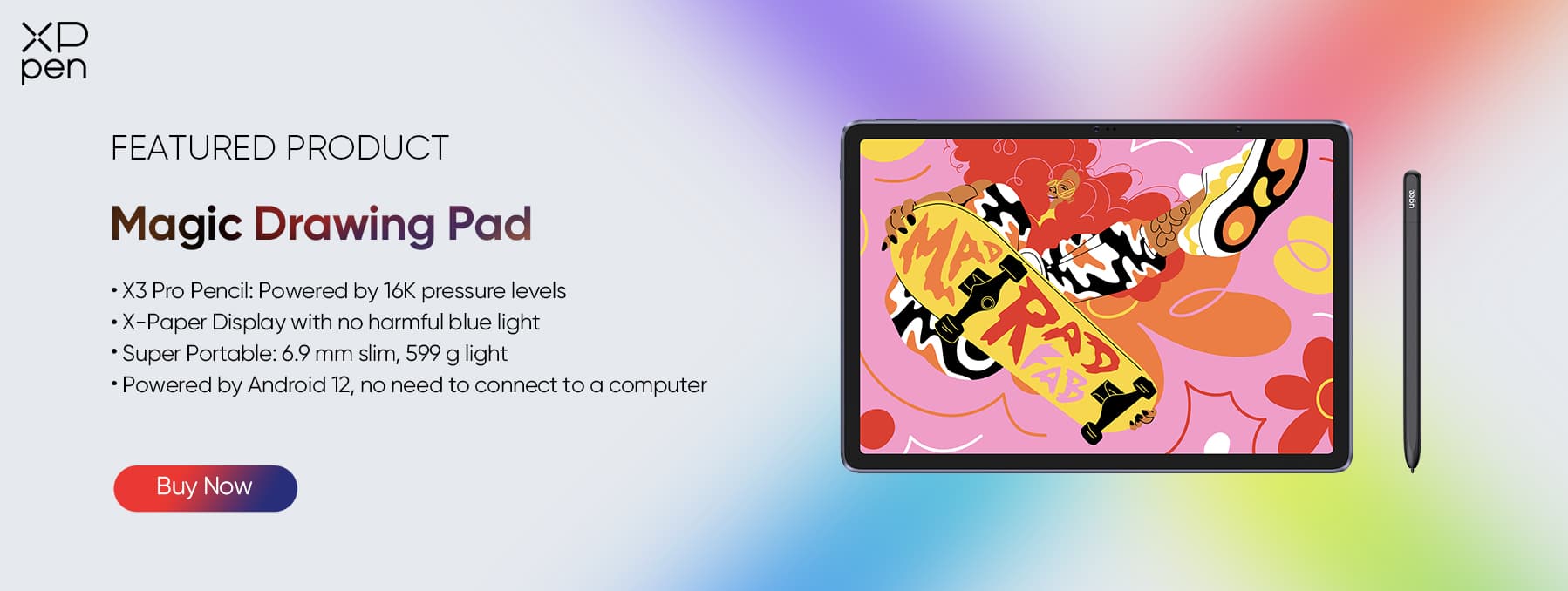
Standalone Device: The Magic Drawing Pad runs on Android 14 and can be used independently without connecting to a computer.
-
The X3 Pro Slim Stylus(16K Levels): Unlike standard capacitive styluses, the included X3 Pro Slim Stylus is powered by EMR technology (no charging or pairing required) and features the world’s first 16,384 pressure levels on a mobile tablet. This allows for incredibly subtle line weight variations in Clip Studio Paint’s brush engine, capturing every nuance of your hand.
-
X-Paper Display: The 12.2-inch screen features AG Etched Technology that simulates the friction of a pencil on paper. This matte surface eliminates the slippery "glassy" feel of typical tablets, providing the control needed for precise line art and inking.
-
Portable Independence: At just 6.9mm thick and 599g, it allows you to run the full version of Clip Studio Paint anywhere—cafe, park, or sofa.
Why Clip Studio Paint on your Magic Drawing Pad?
Unlike simplified mobile apps, Clip Studio Paint on Android offers a full desktop experience, including layer management, vector tools, and an animation timeline. XPPen provides a 3-month free trial of Clip Studio Paint, making it easy to start using all these features immediately.
Step-by-Step Guide to Getting the Clip Studio Paint Free Trial
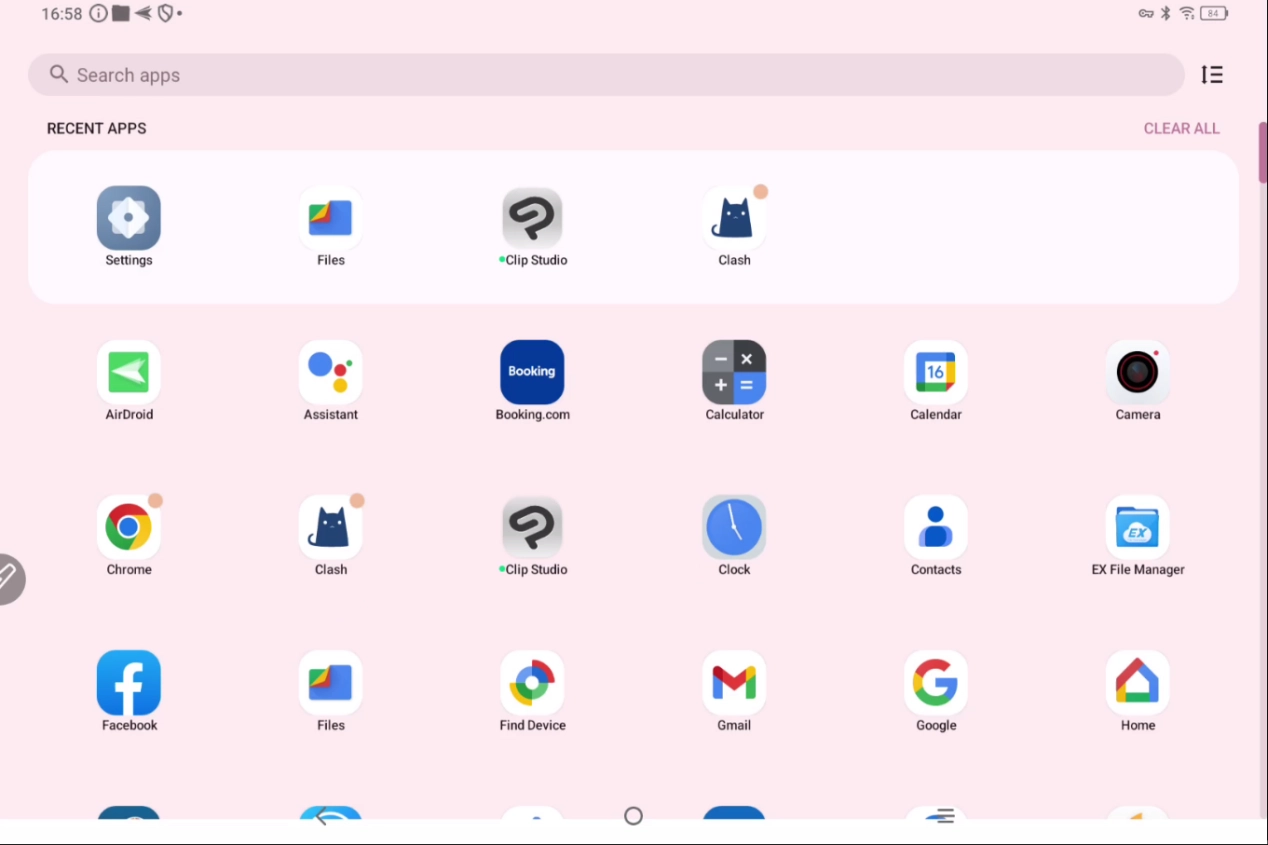
Step 1: Download and Launch the App
-
Power on your Magic Drawing Pad.
-
Open the Google Play Store.
-
Search for “Clip Studio Paint”.
-
Download and install the application.
-
Launch the app after installation.
Step 3: Sign up and Activate
-
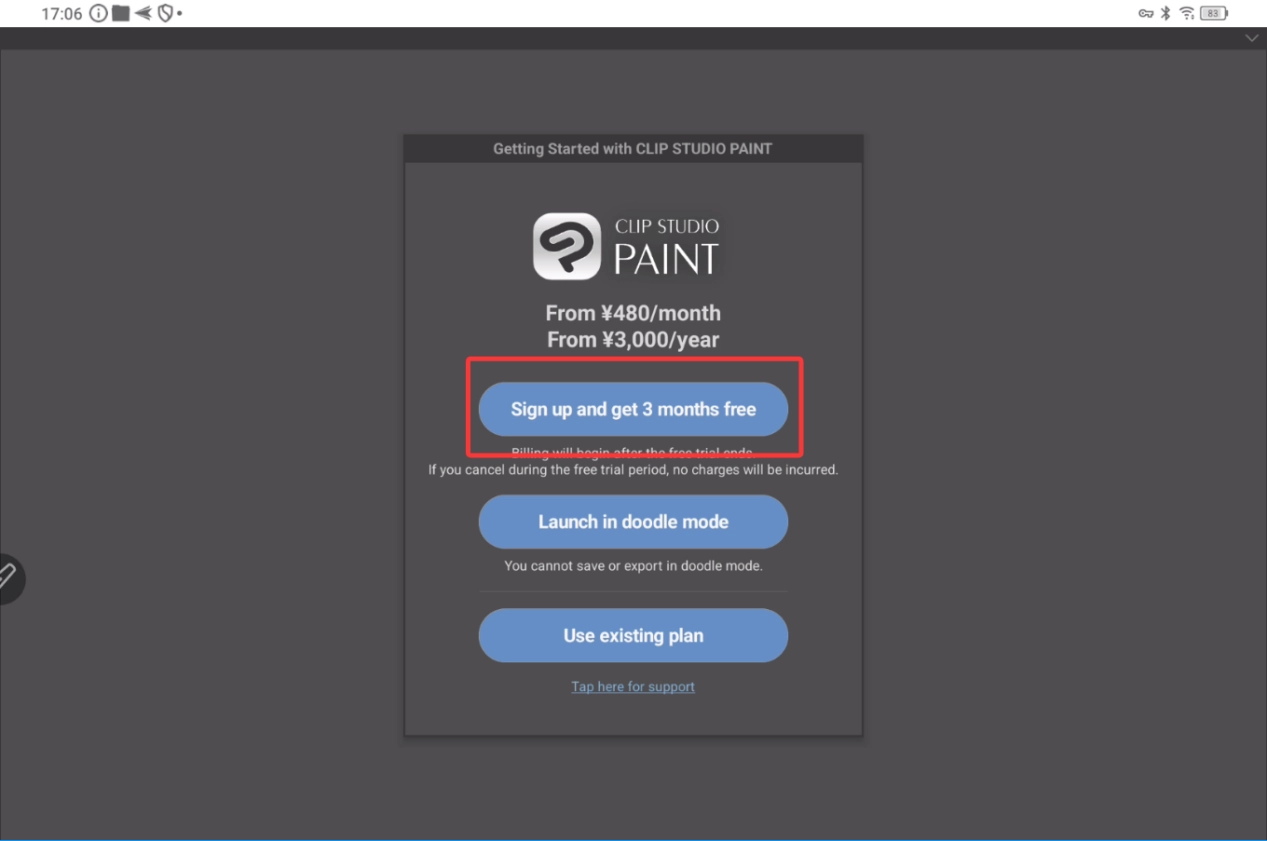
When opening Clip Studio Paint for the first time, you will see a banner or button that reads:“Sign up to get your first 3 months free.”Tap this button to continue to the activation process.
-
Enter your account password and log in
Important Note: No payment is charged immediately. The first 3 months are completely free. You can manage or cancel your subscription anytime before the trial ends via your Google Play Store subscription settings.
Conclusion
Getting started with Clip Studio Paint on your XPPen Magic Drawing Pad is fast and effortless. Simply download the app, activate your free trial, and your tablet instantly becomes a full professional illustration and manga production station—no serial numbers, no activation codes, no complicated steps.
Open the Google Play Store on your Magic Drawing Pad, install Clip Studio Paint, and begin your creative journey today!
For more free drawing software, please refer to the Official Free Software Redemption Page.
About Us
Founded in 2005, XPPen is a leading global brand in digital art innovation under Hanvon UGEE. XPPen focuses on the needs of consumers by integrating digital art products, content, and services, specifically targeting Gen-Z digital artists. XPPen currently operates in 163 countries and regions worldwide, boasting a fan base of over 1.5 million and serving more than ten million digital art creators.
Learn moreRecommended Articles
FOCUSED Drawing Display Mode: Hardware DP-IN for a Better Pen Display Experience FOCUSED XPPen Magic Drawing Pad vs iPad Pro: I Tested Both






-
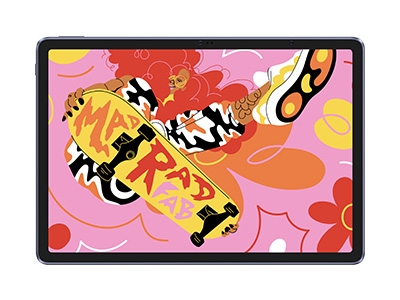 Magic Drawing Pad
X3 Pro Slim Stylus with 16,384 pressure levels and tilt support
X-Paper display featuring anti-glare and fingerprint resistance
Clip Studio Paint and ibis Paint X 3-month free membership
Super portable- just 6.9mm thin and weighs only 590g
Supports dual Windows and DP-IN functions
It features:
Powered by Android 14, no need to connect to a computer to use.
-
Magic Drawing Pad
X3 Pro Slim Stylus with 16,384 pressure levels and tilt support
X-Paper display featuring anti-glare and fingerprint resistance
Clip Studio Paint and ibis Paint X 3-month free membership
Super portable- just 6.9mm thin and weighs only 590g
Supports dual Windows and DP-IN functions
It features:
Powered by Android 14, no need to connect to a computer to use.
Looking for the Best Drawing & Design Apps?
Discover essential drawing techniques, expert tips, and the best app recommendations to boost your creativity and master digital art.
