How to Get Better at Drawing: 15 Tips & Exercises
OTHERSWe have all been made to believe that great artists are born with a magical, innate gift—that you either have the "drawing gene" or you don't. But that is a complete myth. Drawing isn't a mysterious talent; it is a trainable fine motor skill and a way to master hand-eye coordination.
And to get good at it, you have to practice. It won't happen overnight, and there are no secret shortcuts. If you put in consistent, focused time, your hand will inevitably catch up to your vision. Using intentional exercises as a daily warm-up builds fine motor control, hand-eye coordination, and visual confidence.
Below is a complete guide on how to get better at drawing with practice hacks, proven pro tips, and modern digital devices. Whether you're a beginner exploring digital art with the XPPen Magic Drawing Pad or an experienced artist looking to elevate your creative workflow with the professional XPPen Magic Pro 13 , the right tools can make every step of your drawing journey more enjoyable and rewarding.
Part 1. What to Draw to Improve Drawing Skills
When deciding things to draw to improve your art, variety is your best friend. Combining simple daily sketching with complex, abstract artwork that involves a lot of detail builds both fundamental muscle memory and creative problem-solving skills.
1. Draw Ordinary Things (And Intimidating Ones, Too)
Look around your desk at the moment. A coffee mug, a paperweight, your house keys, a pair of old sneakers will all make excellent sketchbook subjects. Drawing what you see every day forces you to focus on light, shadow, and proportion rather than drawing from memory.
Don't fall into the trap of "I'll do the hard stuff when I'm better". If you want to learn how to get better at drawing people, or how to get better at drawing anime, like drawing a dog , start drawing them now. Doing so with the more difficult forms early on will actually reduce your fear of failure and will tell you precisely what areas of your technique need work.
2. Work in Black and White First
Before you move on to complex colour palettes, stick to monochrome exercises using pencil, charcoal, ink, or a grayscale digital brush. As a beginner artist , work in black and white to focus purely on light and shadow.
Simple geometric forms in strong sunlight and high-contrast still life will train your eye to see value relationships very clearly indeed. This is a fundamental skill, and it makes adding colour much easier later on. Try 100 easy things to draw and practice.
3. Master Basic Anatomy
If you're after drawing figures, anime, or original characters, you absolutely have to study basic human anatomy; for example, drawing anime eyes . No need to memorise every single muscle fibre; just focus on the major skeletal landmarks (ribcage, pelvis, clavicles, joints) and the primary muscle groups.
The more you practice doing quick anatomical breakdown sketches, the better you'll get at understanding how the forms flex, stretch, and interlock under the skin, which is what gives your figure drawing that sense of weight and real proportion.
4. Observe and Draw from Life (Not Just Other Art)
While copying art from your favourite artists seems like a good idea, drawing from life or from original photo references is what actually gets you ahead. Drawing people at a local cafe, or sketching a pet dog in a park, is about making spatial decisions, mastering lighting, and translating 3D space into your own drawing.
5. Draw from Imagination
You don't go from using references to drawing from memory by magic. It's achieved by constructing your subject from simple 3D primitives (cubes, spheres, cylinders, and cones).
To get there, practice drawing basic geometric shapes in your sketchbook and rotate them through all the different angles. Once you can draw a cylinder or a box in perspective from memory, you can combine and modify those forms to create a stylised character, a complex vehicle, or an entire imaginary landscape from nothing but your own head.
6. Practice Freehand Circles and Geometric Drills
It sounds surprisingly basic, but learning how to get better at drawing circles freehand is one of the fastest ways to build shoulder and arm control. Drawing from your wrist leads to stiff, scratchy lines. Practice drawing large, continuous circles, ovals, and ellipses from your elbow and shoulder joints. Beyond building muscle memory and skill, this exercise doubles as a calming, meditative warm-up that gets you out of your head and into the creative flow.
7. Fill Grids with Patterns, Symbols, and Repeating Marks
Draw a simple grid of square boxes across a sketchbook page. Fill each square with a different repeating pattern: parallel hatching lines, cross-hatching, stippling dots, or geometric symbols. Maintaining consistent line spacing and uniform pressure across a grid trains your hand for steady line weight control—a vital skill when learning how to get better at drawing details.
8. Draw Knots, Interlocking Line Art, and Lettering
Sketching interwoven ropes, Celtic knots, or draped fabric will get your brain working on depth, overlap, and foreground/background. Do some calligraphy or lettering as well (writing out the alphabet, some poetry, a song, etc in a notebook is great for developing precision pen control and consistent spacing).
Feel free to draw 3D block letters and add a very subtle drop shadow on one side to create instant depth. As you're filling the space, you can play around with kerning (the amount of space between letters and words) to really get a feel for line weight, spatial control, and composition.
9. Master Figures, Poses, and Gestures
If you're looking to learn how to get better at drawing characters, then mix in some quick gesture warm-ups with some long, sustained poses.
Quick 30-60 second gestures get you into the habit of laying down bold, energetic lines very quickly. They force you to focus on rhythm, overall weight, primary shapes, and the pose's immediate statement, rather than getting caught up in details.
On the other hand, long sustained poses (30 minutes or so) focus on slower, more controlled mark-making. The longer the pose, the more opportunity you have to develop complex forms, realistic lighting, subtle shadow edges, and a compelling focal point.
Alternating between fast, expressive strokes and slow, considered lines gives you complete control over both your speed of mark-making and your media.
Part 2. How to Get Better at Drawing: Pro Tips & Hacks
Unlocking rapid growth isn't all about working more hours. It's about working smarter.
1. Practice, Practice, Practice (But with a Purpose)
Every artist makes bad drawings (in fact, hundreds). The problem with endless, aimless doodling while watching TV, though, is that it won't produce the results you're after.
Your practice has to have a clear objective. If you're struggling with shading, then spend an entire session on rendering a sphere using a 5-step value scale. Focused, purposeful practice gets you through the plateau phase a hell of a lot quicker than just mindless scribbling.
2. Watch Pro Artists Making Art
Short art clips online are great for inspiration, but nothing beats a well-structured lesson. If you're just jumping from video to video, you're going to leave massive gaps in your knowledge and understanding. You need to work through the fundamentals in sequence: perspective, value, form, and anatomy.
3. Keep a Dedicated Sketchbook
Take your sketchbook with you wherever you go, and you'll find that the little bits of time you have on your hands (waiting for your coffee, on the train, etc.) can be put to good use for visual practice. It's the perfect opportunity to experiment with new techniques, to get down some ideas as they occur to you and to make a hash of things without any fear of wasting a properly priced sheet of paper.
Most importantly, your sketchbook becomes a physical record of your progress. When you're feeling stuck or just can't get going, looking back at the pages you've filled over time is a massive confidence booster.
4. Play Around with Different Art Supplies
Don't restrict yourself to just one pencil or standard printer paper! Try all sorts of tools, from the smoothest Moleskine journals and pocket Field Notes to the most textured watercolour sheets, index cards, soft charcoal, and fine-liner ink pens.
The paper's weight and how the ink takes up on it will directly affect your stroke speed and line quality. It's a very personal journey and one that you'll go through in order to discover what works best for your own particular way of working.
5. Embrace Mistakes
Never fear a ruined drawing. Every artist makes many bad drawings before one becomes a masterpiece. Bad sketches are diagnostic tools, really. Ask yourself i s the head too big? Are the values too muddy? Keep a dedicated daily sketchbook so you can track your progress without fearing you have to make every page perfect.
Part 3. How to Get Better at Drawing Digitally
Getting started with digital drawing doesn't have to be complicated. With the right tools, beginners can easily develop drawing fundamentals, experiment with different styles, and build confidence through regular practice. As your skills grow, you can also move on to more advanced devices that offer greater precision and flexibility for professional creative work.
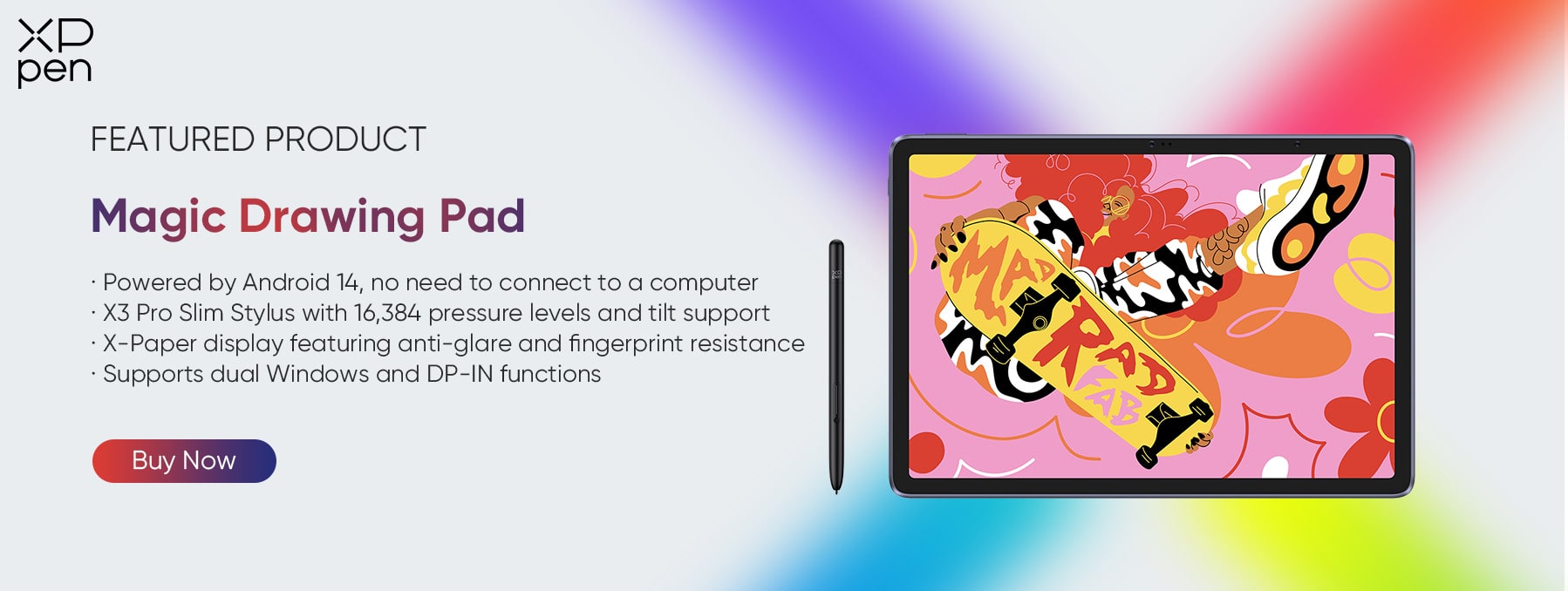
Start Your Digital Drawing Journey with the Magic Drawing Pad
If you're new to digital art, the XPPen Magic Drawing Pad is a great place to start. Designed as a standalone drawing tablet, it lets beginners explore digital illustration without needing to connect to a computer or deal with a complicated setup. Simply pick up the stylus, open a compatible drawing app, and start creating.

Its paper-like screen texture offers a more natural pen-on-paper drawing experience, helping beginners get comfortable with digital sketching and develop better hand control. The X3 Pro Pencil also supports pressure-sensitive drawing, allowing you to experiment with different line weights, shading techniques, and brush effects as you learn.
Powered by Android, the Magic Drawing Pad supports compatible drawing apps, giving you plenty of room to explore different creative styles. Whether you're practicing basic shapes, learning to draw characters, trying out digital colouring, or creating your first illustrations, its portable, all-in-one design makes daily practice simple and enjoyable.
You can also connect compatible models to a PC or Mac via USB-C to use Drawing Display Mode, giving you access to desktop creative software as your skills develop.
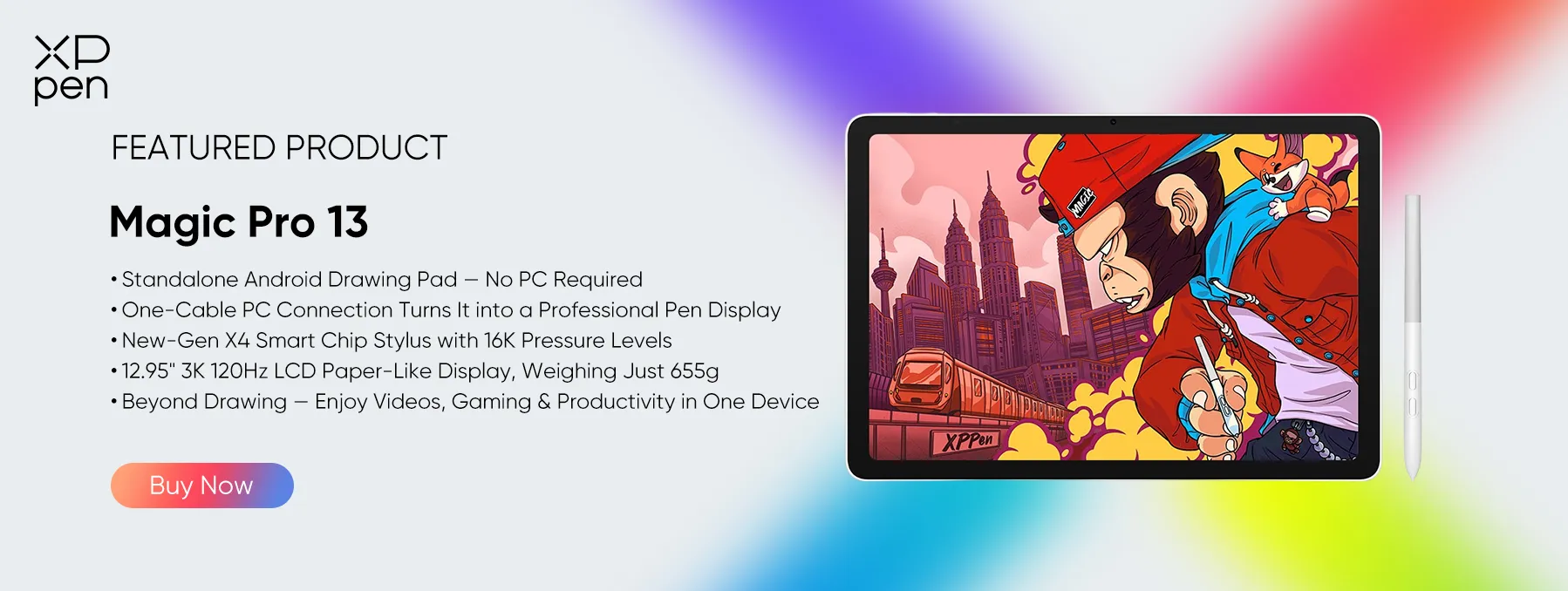
Take Your Digital Art Further with the Magic Pro 13
Once you've mastered the basics and are ready to take your artwork to the next level, the XPPen Magic Pro 13 Standalone Drawing Pad is a compelling choice for more advanced artists and professional workflows.
Built for creators who need greater control and a more capable digital workspace, it combines a high-quality, anti-glare paper-like display with the responsive X4 Smart Chip Stylus.
The textured drawing surface provides comfortable pen control, while the stylus captures subtle variations in pressure, making it easier to achieve precise linework, detailed shading, and sophisticated brush effects.

It works as a standalone Android drawing pad, but can also connect to a PC or Mac via a single USB-C cable to function as a professional drawing display.
When connected to a computer, you can work with professional software such as Adobe Photoshop, Corel Painter, and Blender directly on its screen.
For artists working on complex illustrations, character designs, concept art, or professional projects, these features support a more refined and efficient creative process. Its portable design also makes it convenient for artists who want to work across different environments without sacrificing their drawing experience.
Part 4. Frequently Asked Questions (FAQs)
How do I improve my drawing skills?
Focus on deliberate daily practice, hand-eye coordination warm-ups (freehand circles, line hatching, etc.), drawing from life, and the fundamentals of value, perspective, and proportion.
What is the 70/30 rule in sketching?
The 70/30 rule is to spend 70% of your drawing time on the fun, creative stuff (the bits you actually enjoy) and 30% on the serious study and the fundamental drills. That way, you don't burn out, and you still make real progress.
What is the 4-8-8 method of drawing?
The 4-8-8 method breaks down a subject into a series of steps: 4 minutes sketching simple gesture/bounding shapes, 8 minutes establishing solid proportions and interior forms, and 8 minutes adding detail, values, and line work.
How do you get good at drawing quickly?
While true mastery takes time, you can move the ball down the track quickly by replacing passive doodling with focused weakness training, getting feedback from online art communities, taking structured foundational courses, and keeping up daily drawing sessions.
Conclusion
Developing your drawing ability is a gradual process, and it's absolutely rewarding. You need three things really: desire, knowledge, and practice. Be patient with yourself. If you take a sketch you've done today and compare it to one you finished last week, you're not going to see a huge leap. But if you compare your current work to drawings you did a year or two ago, you'll be absolutely gobsmacked.
And to make every session count, pair the XPPen Magic Drawing Pad , or XPPen Magic Pro 13 Standalone Drawing Pad for smooth, comfortable, smudge-free drawing. With these two by your side, there's nothing between you and your next masterpiece—start today!
About Us
Founded in 2005, XPPen is a leading global brand in digital art innovation under Hanvon UGEE. XPPen focuses on the needs of consumers by integrating digital art products, content, and services, specifically targeting Gen-Z digital artists. XPPen currently operates in 163 countries and regions worldwide, boasting a fan base of over 1.5 million and serving more than ten million digital art creators.
Learn moreRecommended Articles
TIPS 7 Best Digital Art Software Tools (Free & Paid) ROUNDUPS XPPen Magic Pro 13 vs Magic Drawing Pad: Which to Buy? FOCUSED Magic Pro 13 vs iPad Pro: The Best Standalone Drawing Pad?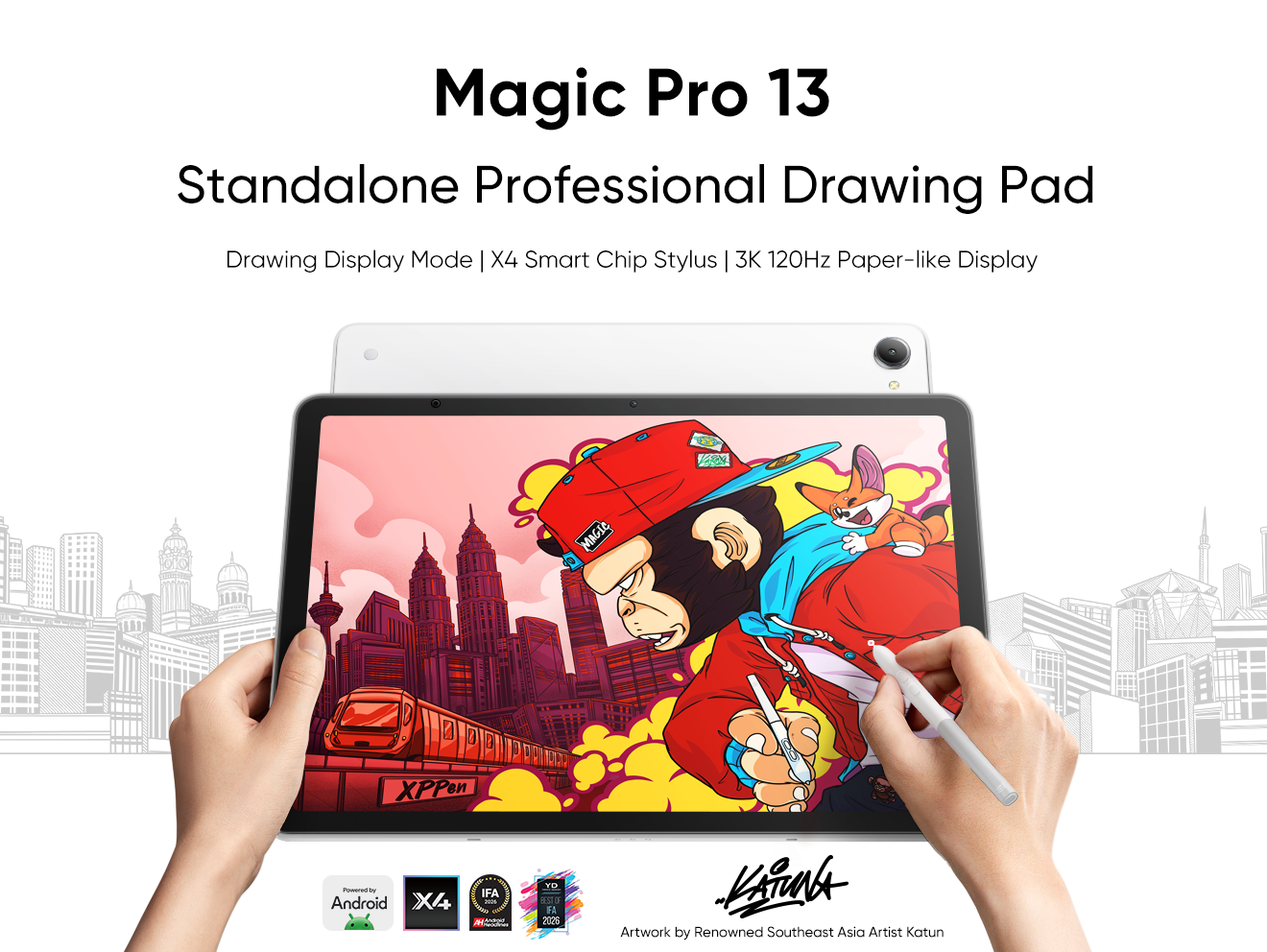


-
 Magic Pro 13
Standalone Android 16 Drawing Pad, No Computer Required
3K 120Hz Display with 100% sRGB Color
X4 Smart Chip Stylus with 16K Pressure Levels
One-Cable PC Drawing Display Mode
It features:
Best standalone drawing pad for professional creativity anywhere
-
 Magic Drawing Pad
X3 Pro Slim Stylus with 16,384 pressure levels and tilt support
X-Paper display featuring anti-glare and fingerprint resistance
Clip Studio Paint and ibis Paint X 3-month free membership
Super portable- just 6.9mm thin and weighs only 590g
Supports dual Windows and DP-IN functions
It features:
Powered by Android 15, no need to connect to a computer to use.
-
Magic Pro 13
Standalone Android 16 Drawing Pad, No Computer Required
3K 120Hz Display with 100% sRGB Color
X4 Smart Chip Stylus with 16K Pressure Levels
One-Cable PC Drawing Display Mode
It features:
Best standalone drawing pad for professional creativity anywhere
-
Magic Drawing Pad
X3 Pro Slim Stylus with 16,384 pressure levels and tilt support
X-Paper display featuring anti-glare and fingerprint resistance
Clip Studio Paint and ibis Paint X 3-month free membership
Super portable- just 6.9mm thin and weighs only 590g
Supports dual Windows and DP-IN functions
It features:
Powered by Android 15, no need to connect to a computer to use.
Want to elevate your drawing skills?
Discover step-by-step tutorials, expert tips, and creative techniques to boost your drawing skills.
