Best Video Editing Courses Free & Paid in 2026
KNOWLEDGEVideo editing now spans YouTube, short-form content, films, ads, and business media. The right course teaches both technical skills and editorial thinking—whether through animation-focused programs, university study, or free online options. Your choice should match your skill level and goals.
This guide compares top free and paid courses, explains costs, and helps you pick the best fit, from beginner to professional, in 2026.
Part 1. Best Video Editing Courses Free & Paid 2026
There is no single learning option for every editor. Some students need a short video editing course for beginners, while working creators may need a professional video editing course focused on advanced workflows.
The following platforms cover different budgets, learning styles, and software. You can also compare each video editing course by price and skill level before enrolling.
| Course | Free or Paid | Starting Fee * | Best For | Certificate |
|---|---|---|---|---|
| Skillshare Video Editing Courses | Paid (Free Trial Available) | Around $32/month or $168/year | Beginners & Intermediate | No |
| Udemy Video Editing Courses | Paid | Usually $15–$100 (frequent discounts) | Beginners to Advanced | Yes |
| Great Learning Video Editing Basics | Free | Free | Beginners | Yes |
| Coursera Video Editing Courses | Free to Audit / Paid Certificate | Around $39–$79/month | Professional learners | Yes |
| Adobe Video Training | Mostly Free | Free | Adobe users | No |
| University of the Arts London (UAL) Premiere Pro Course | Paid | Check latest course page | Beginners wanting instructor-led training | Yes |
1. Skillshare Video Editing Courses
Best for: Beginners and creators who enjoy project-based learning
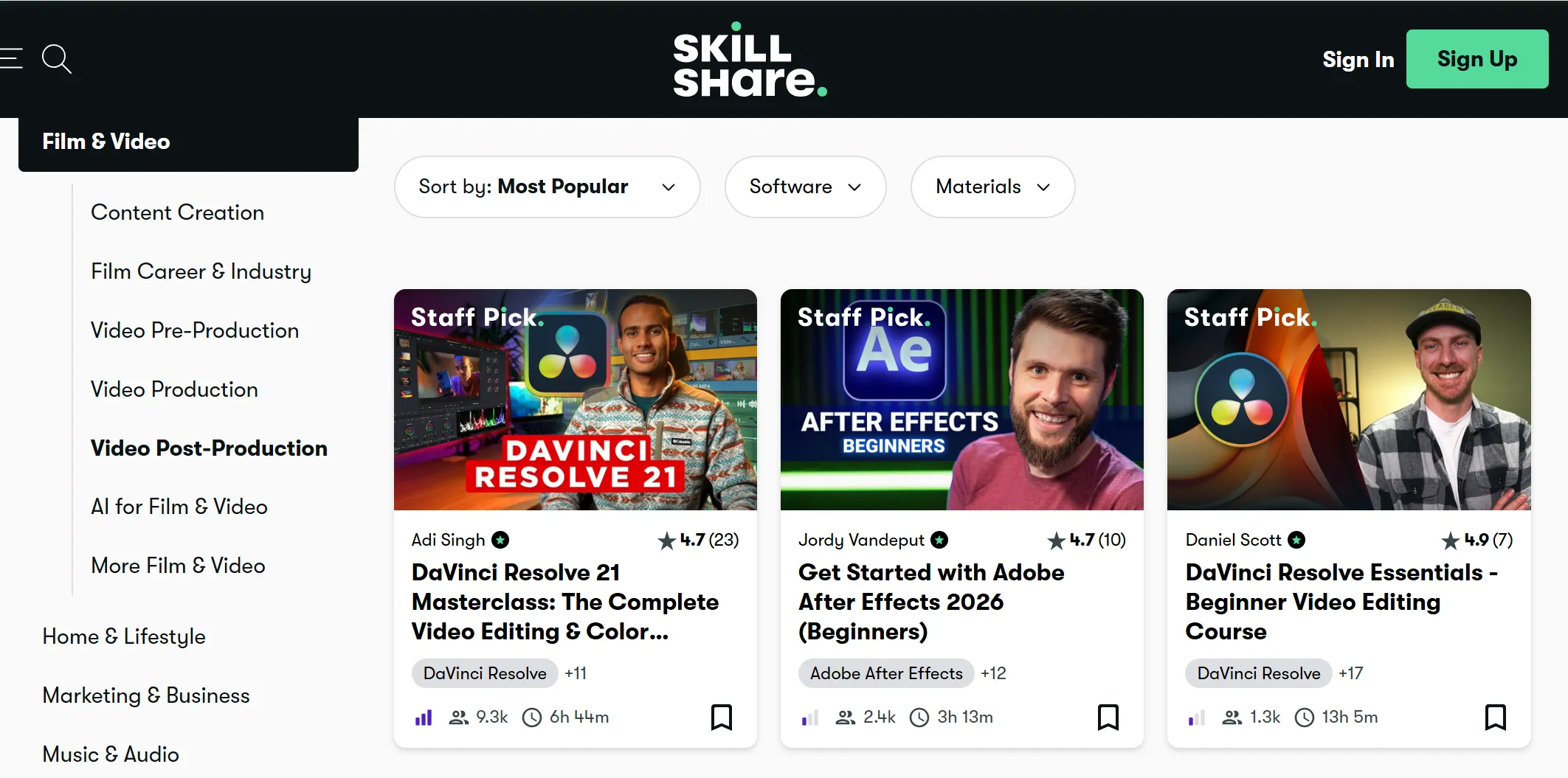
Skillshare offers one of the largest collections of creative classes, making it a popular choice for anyone looking for a video editing course for beginners .
Instead of following one long program, you can choose lessons based on your interests, such as YouTube editing, Premiere Pro, DaVinci Resolve, Final Cut Pro, CapCut, or mobile editing.
Key Features
-
Thousands of creative classes
-
Covers Premiere Pro, DaVinci Resolve, Final Cut Pro, CapCut, and more
-
Project-based lessons
-
Mobile and desktop access
-
Community discussions
Most classes include practical projects, allowing you to edit real videos while learning. The instructors are experienced creators who explain each step in simple language. Since new classes appear regularly, you can continue improving your skills without changing platforms.
2. Udemy Video Editing Courses
Best for: Affordable lifetime learning
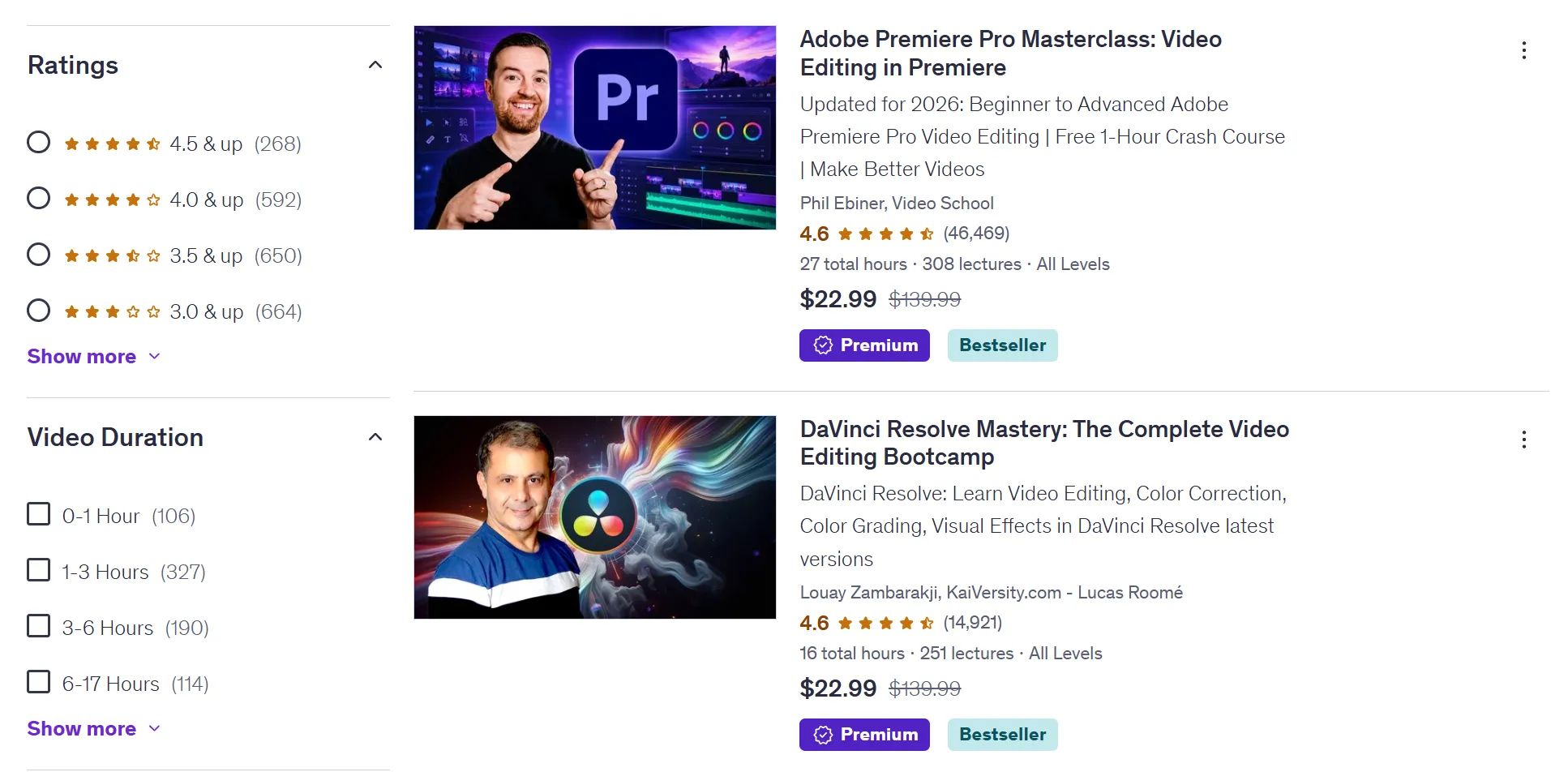
Udemy remains one of the most popular places to buy a professional video editing course . Instead of paying every month, you usually pay once and keep lifetime access to the course.
Key Features
-
Lifetime access after purchase
-
Downloadable resources
-
Practice files included
-
Certificate of completion
-
Large instructor selection
The platform offers thousands of classes covering Adobe Premiere Pro, DaVinci Resolve, After Effects, Final Cut Pro, Filmora, and many other editing tools. Many instructors update their lessons when software receives major changes, helping students stay current.
One advantage of Udemy is the large number of beginner-friendly options. Many courses explain everything from importing footage to exporting professional-quality videos.
3. Great Learning Video Editing Basics
Best for: Free beginner learning
If you want a video editing course online free , Great Learning Academy offers a beginner-friendly option without charging tuition fees. The lessons explain basic editing concepts, common editing terms, timeline management, transitions, trimming, and exporting videos.
Key Features
-
Completely free
-
Self-paced learning
-
Beginner-friendly lessons
-
Free certificate
-
Online access
The course is shorter than many paid programs, making it a good starting point for complete beginners. After completing the lessons, learners receive a free certificate, which can help strengthen a beginner portfolio.
Although this course does not cover advanced editing techniques, it builds a strong foundation before moving to more detailed training.
4. Coursera Video Editing Courses
Best for: Career-focused learning
If you want structured university-style education, Coursera video editing course options are worth considering. Coursera partners with universities and industry organizations to provide guided learning paths, assignments, quizzes, and certificates.
Key Features
-
University-backed courses
-
Professional certificates
-
Flexible schedule
-
Guided assignments
-
Free audit option
Many courses allow you to audit the lessons for free, while paying the monthly subscription unlocks graded assignments and certificates. Several programs also include storytelling, filmmaking, production planning, visual communication, and editing techniques instead of focusing only on software tools.
This broader approach helps students understand how professional editors work.
5. Adobe Video Training
Best for: Adobe Premiere Pro users
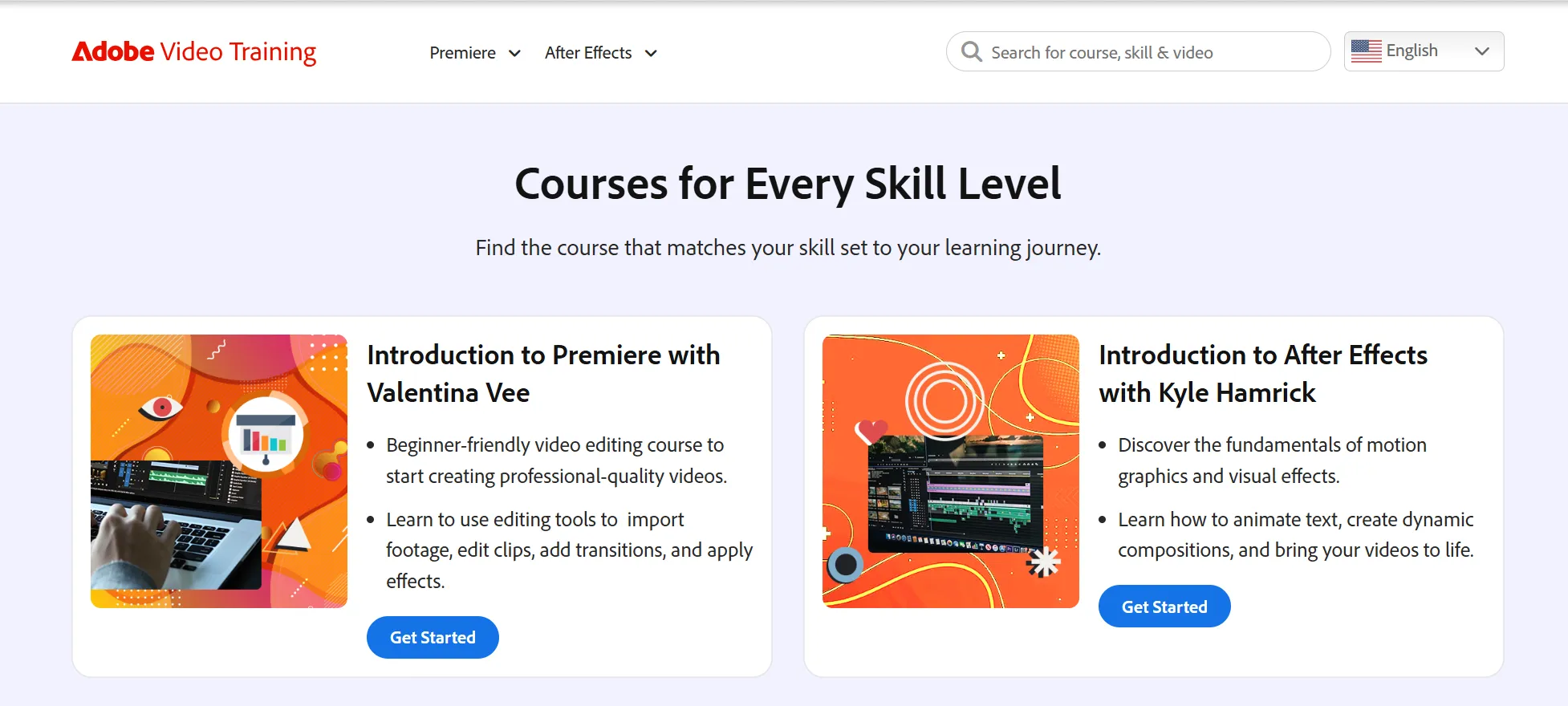
Adobe provides official video training resources for editors who want to master Premiere Pro and other Creative Cloud applications. These lessons are created by Adobe experts and cover editing basics, keyboard shortcuts, timeline editing, audio improvements, color correction, multicam editing, captions, and exporting videos.
Key Features
-
Official Adobe tutorials
-
Updated learning materials
-
Covers beginner and advanced topics
-
Short practical lessons
-
Free learning resources
Because Adobe updates Premiere Pro regularly, the training materials usually reflect current features. This makes Adobe Video Training useful for both beginners and experienced editors.
If you already subscribe to Adobe Creative Cloud, these tutorials can help you learn directly from the software maker.
6. University of the Arts London (UAL) – Adobe Premiere Pro Video Editing for Beginners
Best for: Students who prefer instructor-led learning
The University of the Arts London offers an animation and video editing course designed for beginners who want classroom-style instruction.
The course introduces Adobe Premiere Pro through guided lessons, helping students understand editing tools, timeline management, importing media, basic color correction, transitions, and exporting finished videos.
Key Features
-
Live instructor support
-
Beginner-friendly structure
-
Adobe Premiere Pro training
-
Practical editing exercises
-
Certificate after completion
Unlike self-paced platforms, students learn directly from experienced instructors and can ask questions during the training. This makes it a good choice for learners who prefer structured guidance.
Before enrolling, check the official website for the latest schedule and video editing course fees, as prices and available sessions may change throughout the year.
Part 2. Essential Tips for Video Editing Course Students
Paying for a course doesn’t guarantee skill—practice does. Whether you’re in a beginner or advanced program, these tips will help turn lessons into real ability.
1. Practice with real projects.
Edit interviews, product clips, YouTube videos, and social content. Real footage forces you to handle poor audio, missing shots, pacing, and lighting issues. As Reddit users note, self-learning, trial and error, and copying strong edits build judgment. After each lesson, create a small edit on your own footage—don’t just follow along.
2. Learn storytelling before effects.
A flashy transition can’t fix a weak story. Cut with purpose, remove weak material, and let pacing guide your choices. Reddit editors stress asking “why” behind every cut. This applies to animation courses too—motion graphics should serve the message, not distract from it.
3. Stay organized and keep it simple.
Use clear folders for video, audio, graphics, and exports. Name files properly from the start. Good organization saves time when clients ask for changes. The best course teaches workflow, but you must use it daily.
Follow a three-month practice plan:
-
Month 1: Learn the interface, cuts, audio, and export settings.
-
Month 2: Edit full projects; study color, captions, B-roll, and pacing.
-
Month 3: Build 3–5 portfolio pieces and redo weak edits.
Don’t compare courses by price alone—compare how much hands-on practice they offer. A beginner course with consistent practice often beats passive advanced training.
Part 3. Edit Faster, Edit Better: Best Consoles for Video Editors
Speed isn’t just about software knowledge—physical controls can make a big difference, especially for editors moving from beginner to paid work.
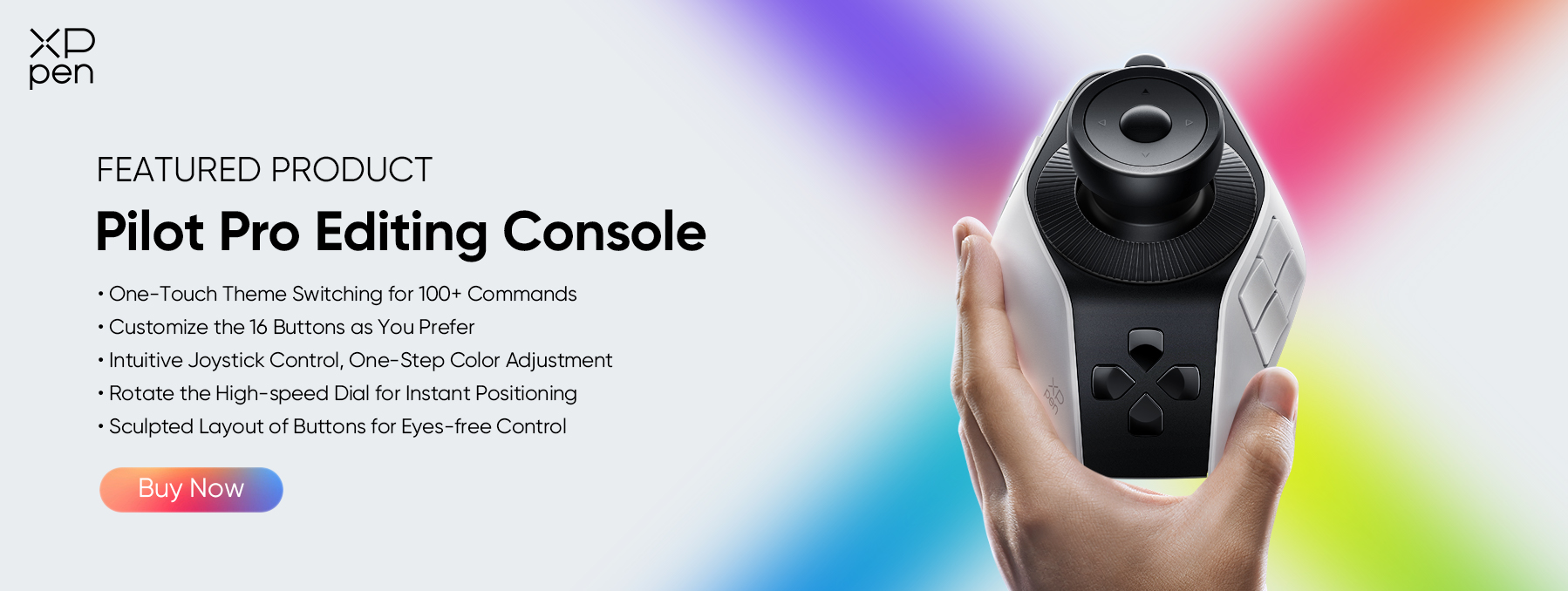
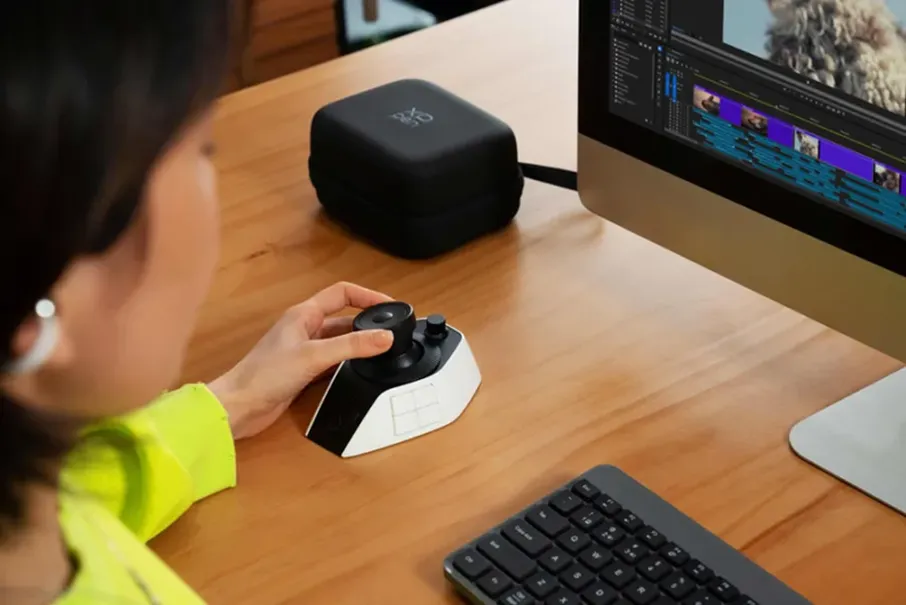
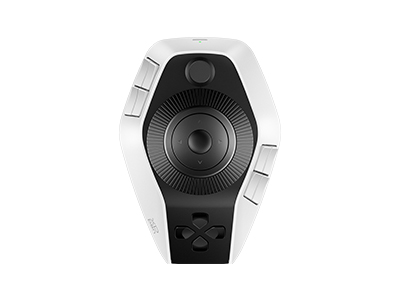
XPPen Pilot Pro Editing Console provides one-hand, eyes-free control over common editing tasks, reducing repetitive keyboard and mouse use. It supports 100+ customizable commands, rotating controls, and an all-way joystick.
Compatible with Premiere Pro, DaVinci Resolve, Final Cut Pro, etc., it’s a practical tool for both students and pros.
Key Features:
-
100+ Custom Commands – Supports up to seven themes for different software and tasks.
-
All-Way Joystick – Handles directional commands, playback, clip selection, and cutting.
-
Three Rotating Controls – Includes a high-speed dial for scrubbing and a precision knob for frame-by-frame adjustments.
-
Wide Compatibility – Works with major editing and design software on Windows and macOS.
-
Flexible Connectivity & Battery – Offers Bluetooth 5.4, USB-C, and up to 15 days of battery life (under stated conditions).
Part 4. FAQs About Video Editing Course
Q1: What is the best course for video editing?
It depends on your level. Beginners can start with free options like Great Learning or Adobe Video Training. UAL offers structured Premiere Pro courses from £470, Udemy has affordable self-paced classes, and Coursera provides organized online learning.
Choose a professional course once you master basic cuts, audio, and timeline tools.
Q2: Is video editing still in demand in 2026?
Yes. U.S. employment for film and video editors is projected to grow 4% from 2024 to 2034, with a median annual wage of $70,980 (May 2024). Courses build core skills, but employers want real work. Adding an animation focus can broaden your creative opportunities.
Q3: Can I learn video editing in 3 months?
Yes, with consistent practice. Take a beginner course, edit several projects weekly, and study pacing, audio, color, and exports. Free online courses can cover basics without high costs. Three months won't make you an expert, but it can build a solid starter portfolio.
Q4: Is it possible to learn video editing?
Absolutely. Practice, feedback, and a clear plan are key. Start with a course suited to your level—whether Coursera, Adobe, or animation-focused—then advance to professional training for color, sound, and post-production workflows.
Q5: How to find video editing course near me?
Search Google Maps or college websites with "video editing course near me" plus your city. Compare fees, software, tutor experience, and hands-on projects. If local options are limited, online courses (free, Coursera, etc.) offer more variety without travel.
Conclusion
Choosing the right course in 2026 starts with your skill level, budget, and goals. Free options like Great Learning and Adobe suit beginners; UAL, Udemy, Skillshare, and Coursera cater to different needs.
Start with a beginner course before moving to professional training, and consider an animation focus if relevant to your career.
The best course teaches tools, but real skill comes from regular practice. As your workload grows, tools like XPPen Pilot Pro Editing Console can help speed up timeline control and daily editing tasks.
About Us
Founded in 2005, XPPen is a leading global brand in digital art innovation under Hanvon UGEE. XPPen focuses on the needs of consumers by integrating digital art products, content, and services, specifically targeting Gen-Z digital artists. XPPen currently operates in 163 countries and regions worldwide, boasting a fan base of over 1.5 million and serving more than ten million digital art creators.
Learn moreRecommended Articles
KNOWLEDGE 5 Best Color Grading Softwares Free & Paid 2026 KNOWLEDGE DaVinci Resolve Shortcuts for Mac & Windows [The Complete Guide] KNOWLEDGE Adobe Premiere Pro Tutorial for Color Grading: 2026 Complete Guide FOCUSED Best Photo Editing Console for Beginners & Pros: Speed Up Your Editing Workflow KNOWLEDGE What is Color Grading? Guide for Film, Video and Photography





Looking for the Best Drawing & Design Apps?
Discover essential drawing techniques, expert tips, and the best app recommendations to boost your creativity and master digital art.
