8 Best Landscape Design Software Tools (Free & Paid)
TIPSChoosing the right landscape design software can make planning an outdoor space much easier. Whether you are designing a small backyard, planning a garden, or creating professional landscape plans, the right software helps you turn ideas into clear 2D layouts and detailed 3D designs.
Some tools focus on simple planning for homeowners, while others provide advanced drafting, planting schedules, terrain tools, BIM features, and professional documentation. Free options can also help beginners explore landscape design without a large investment.
In this guide, we compare the 8 best landscape design software tools to help you choose the right option.
Part 1. Best Landscape Design Software at a Glance
The best choice depends on the type of project you want to create. Some tools focus on simple garden planning, while others provide detailed CAD drawings, 3D models, plant databases, and construction documents.
| Software | Best For | 2D | 3D | Ease of Use | Price |
|---|---|---|---|---|---|
| SketchUp | Beginners, Mac users, 3D design | Yes | Excellent | Easy | Free web plan; Pro from $559/year |
| Realtime Landscaping | Homeowners | Yes | Excellent | Easy | $279 one-time |
| AutoCAD | Precise 2D plans | Excellent | Yes | Moderate | $2,095/year |
| Vectorworks Landmark | Professionals | Excellent | Excellent | Moderate | Contact for pricing |
| Structure Studios Vip3D | Outdoor living and 3D | Yes | Excellent | Moderate | Contact for pricing |
| Revit | BIM and large projects | Excellent | Excellent | Advanced | $3,005/year |
| Land F/X | Landscape architects | Excellent | Yes | Advanced | From $695/year for Planting F/X |
| iScape | Beginners and homeowners | Yes | Yes | Very easy | Free; Pro $29.99/month |
Prices can change by region, plan, or promotion. Always check the vendor before purchasing. SketchUp currently lists a free web-based option and paid Go, Pro, and Studio plans, while Autodesk lists AutoCAD at $2,095/year and Revit at $3,005/year.
Quick Picks
-
Landscape design software free: SketchUp
-
Landscape design software for beginners: iScape
-
Landscape design software for homeowners: Realtime Landscaping
-
Landscape design software free online: SketchUp
-
Landscape design software for Mac: SketchUp
-
2D landscape design software: AutoCAD
-
3D landscape design software free: SketchUp
-
Professional landscape design software: Vectorworks Landmark
Part 2. 8 Best Landscape Design Software Tools
These landscape design software tools can help you plan gardens, yards, patios, paths, and outdoor spaces with greater control. From simple free apps to professional design programs, each option offers different features for 2D plans, 3D models, and visual presentations.
1. SketchUp
Best for: 3D landscape concepts, beginners, Mac users, and flexible design work
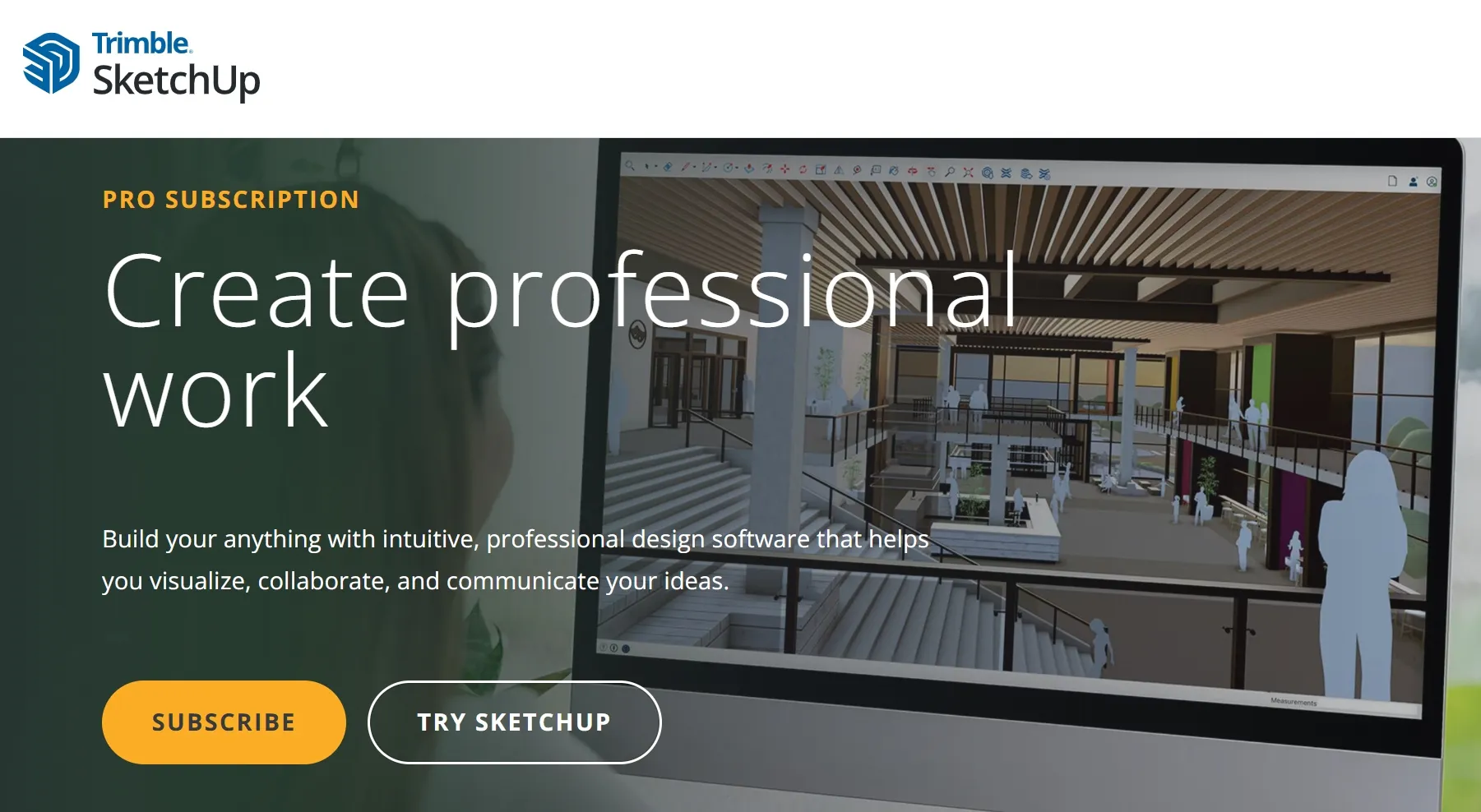
SketchUp remains one of the most useful choices when you want to build a landscape in 3D. Its simple tools let you create patios, decks, paths, walls, gardens, outdoor kitchens, and other yard elements without learning a complex CAD system first.
Key features of SketchUp:
-
3D landscape modeling
-
2D documentation
-
Large 3D model library
-
Extensions for additional tools
-
Web-based free option
-
Mac and Windows support
The web version gives users a free way to start 3D modeling, while SketchUp Pro adds desktop modeling, 2D documentation, and extension support.
The current Pro plan starts at $559 per year in the US. SketchUp also works well on Mac, which makes it a strong option for users who do not want Windows-only landscape software.
2. Realtime Landscaping
Best for: Homeowners who want detailed garden and yard plans
Realtime Landscaping focuses directly on landscape projects. You can design gardens, lawns, patios, decks, fences, pools, ponds, and other outdoor spaces without building everything from scratch.
Key features of Realtime Landscaping:
-
Large plant library
-
2D and 3D views
-
Walkthroughs and animations
-
House and yard design
-
One-time purchase
-
Windows support
The software includes more than 6,300 plants and many landscape objects. It also supports 3D views, realistic presentations, walkthroughs, and animations.
The 2026 version costs $279 as a one-time purchase, and Idea Spectrum also provides a free trial. This makes it a good landscape design software for homeowners who want more control than a basic garden planner provides.
3. AutoCAD
Best for: Accurate 2D landscape plans and professional drafting
AutoCAD is a strong choice when accuracy matters more than simple visual planning. Landscape designers can use it to create precise site plans, planting layouts, paths, walls, and other technical drawings.
Key features of Autodesk:
-
Precise 2D drafting
-
3D modeling
-
DWG support
-
Layers and technical drawings
-
Industry toolsets
-
Professional documentation
Autodesk specifically supports landscape workflows with AutoCAD and related products. Its tools can create accurate 2D drawings and 3D models, while Civil 3D and other Autodesk products can support larger site and terrain projects.
AutoCAD takes more time to learn than iScape or SketchUp, but it gives professionals much more control over technical drawings.
The current AutoCAD annual subscription is listed at $2,095, although Autodesk also offers monthly and Flex options.
Also Read: 18 Best 2D & 3D CAD Software for Technical Drawing: Free, Paid and Online
4. Vectorworks Landmark
Best for: Professional landscape architects and design firms
Vectorworks Landmark combines 2D drafting, 3D modeling, planting tools, hardscape design, grading, irrigation, and project documentation. It targets professional landscape workflows rather than simple home garden planning.
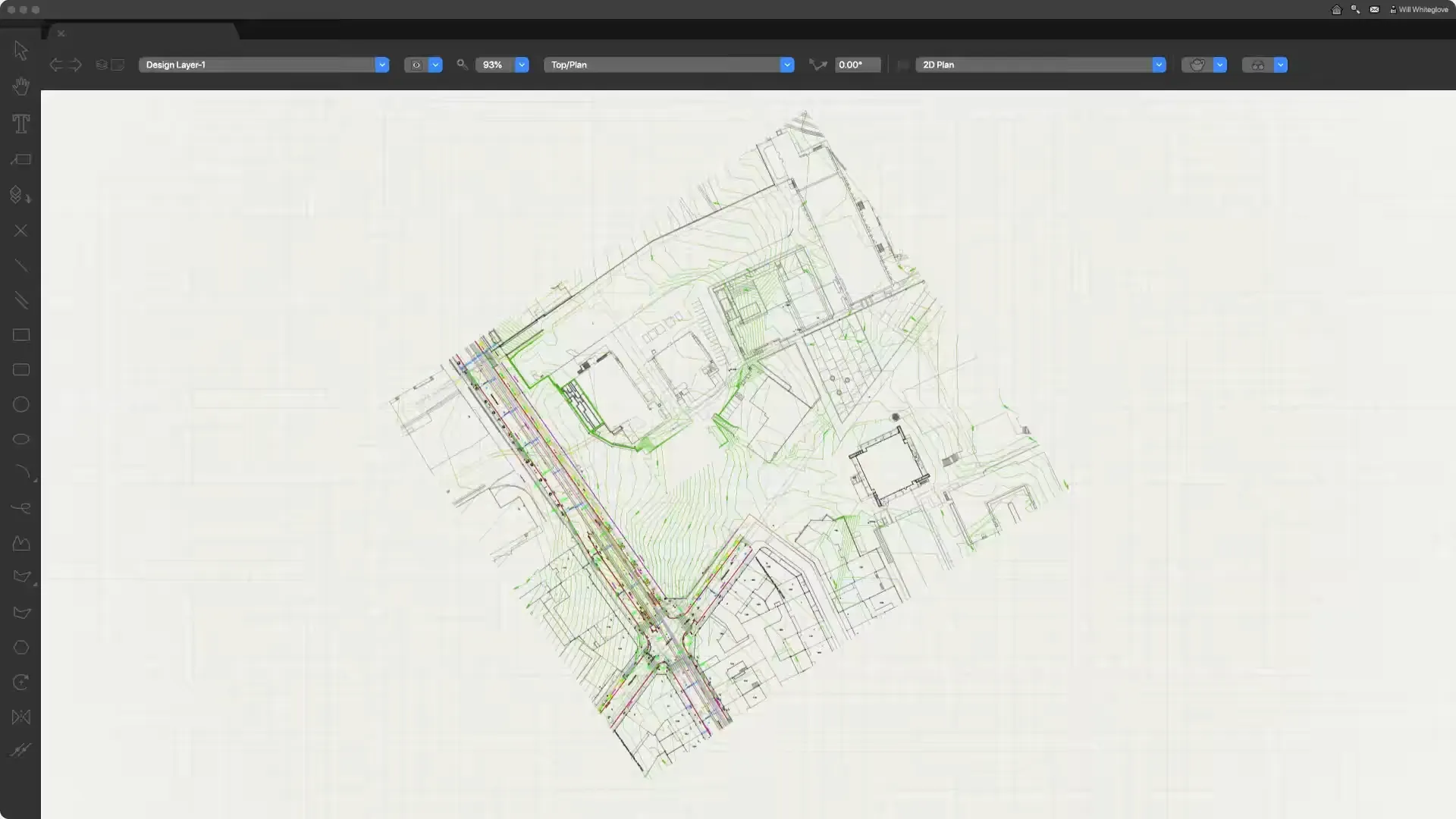
Vectorworks says Landmark includes landscape-specific objects for planting, grading, hardscape, and irrigation. It also supports quantity takeoffs, automated schedules, BIM coordination, and advanced presentation tools. The software runs natively on both Mac and Windows.
Key features of Vectorworks Landmark:
-
Landscape-specific design tools
-
2D and 3D workflows
-
Planting and grading tools
-
Quantity takeoffs
-
BIM support
-
Mac and Windows support
If you manage professional projects and need detailed drawings, Vectorworks Landmark offers a much deeper toolset than basic landscape planners.
5. Structure Studios Vip3D
Best for: High-quality 3D outdoor living designs
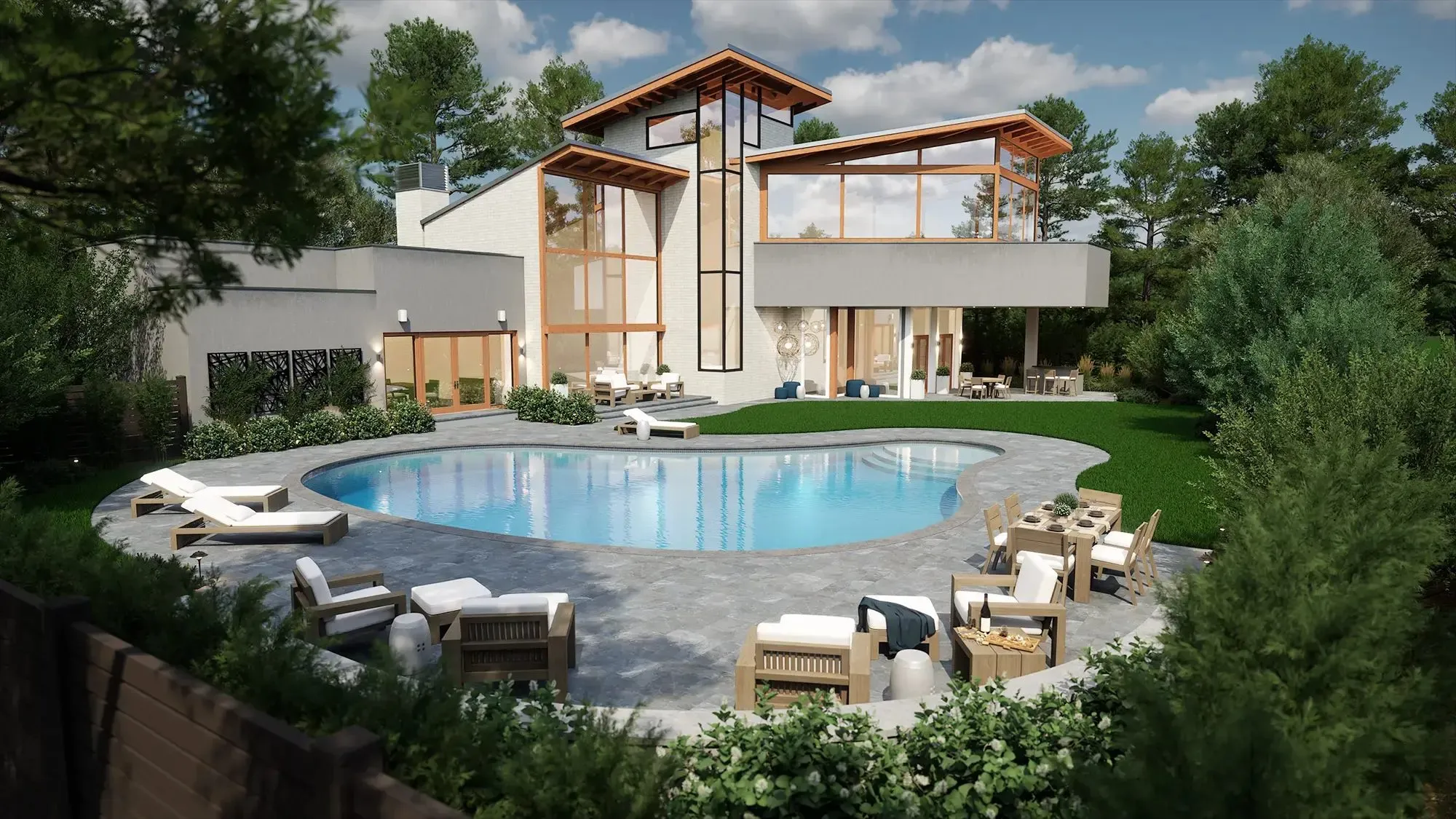
Structure Studios Vip3D works well for designers who create pools, patios, outdoor kitchens, gardens, and other outdoor living spaces. The software connects design, presentation, and construction work in one workflow. Vip3D can turn 2D designs into 3D models, use aerial and terrain data, create construction plans, and calculate materials.
Key features of Structure Studios Vip3D:
-
2D-to-3D conversion
-
3D landscape design
-
Pool and outdoor living tools
-
Material calculations
-
Aerial imagery and terrain data
-
High-quality rendering
Its 2026 Version 4 added features such as path tracing, global illumination, improved rendering controls, GIS data, and construction layout tools.
This software makes more sense for professional outdoor design businesses than for someone planning a small backyard project.
Also Read: 12 Best 3D Architecture Software for Beginners: Free & Paid
6. Revit
Best for: BIM-based landscape and architectural projects
Revit works best when landscape work connects with buildings, site planning, architecture, engineering, or larger construction projects. It uses Building Information Modeling, so users can manage design information along with the model.
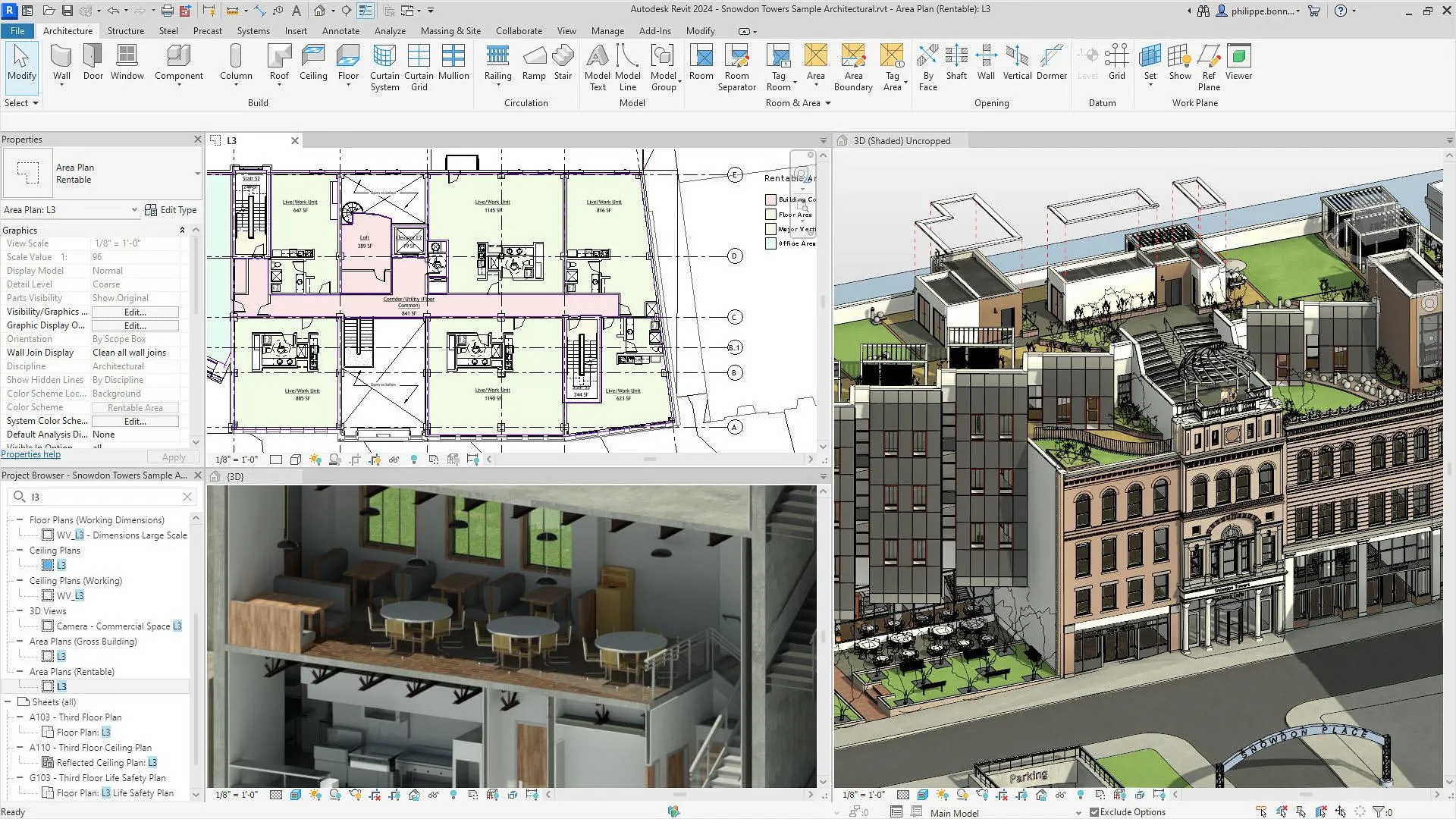
Autodesk provides landscape workflows for Revit and explains how users can build landscape elements and topography with Revit. It has a steeper learning curve, so beginners should usually start with simpler software.
Key features of Revit:
-
BIM-based design
-
3D modeling
-
Construction documentation
-
Site and topography tools
-
Coordination with other disciplines
-
Autodesk ecosystem support
Revit costs $3,005 per year or $380 per month according to Autodesk's current subscription information.
7. Land F/X
Best for: Professional planting plans and landscape architects
Land F/X , including Planting F/X, adds landscape-specific tools to CAD, SketchUp, and Revit workflows. It helps designers manage plant data, labels, quantities, schedules, and plan checks.
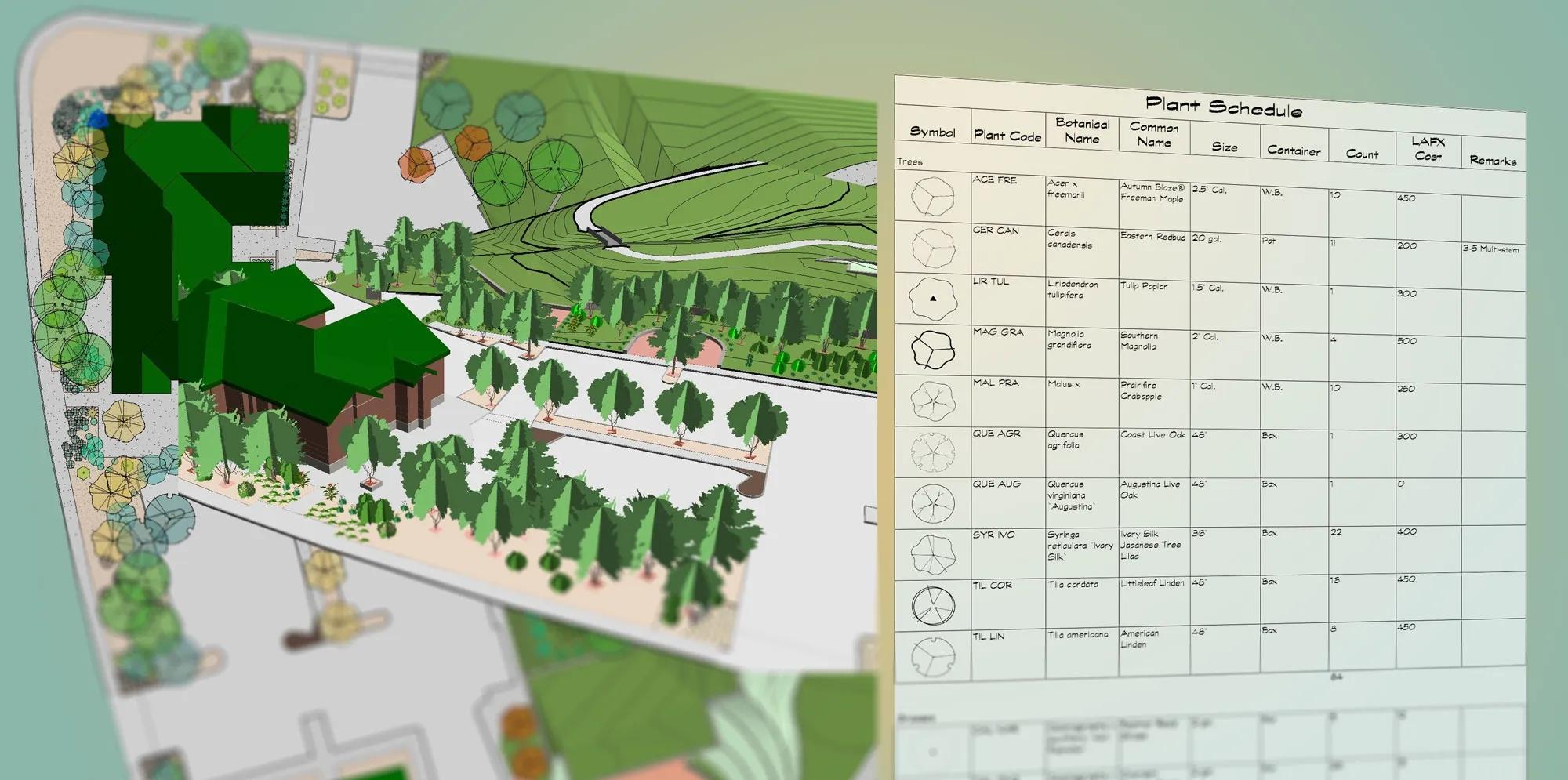
Key features of Land F/X:
-
Plant database
-
Automatic plant quantities
-
Plant labels and schedules
-
Error checking
-
CAD, SketchUp, and Revit support
-
3D connection
Planting F/X provides plant databases, smart blocks, plant placement tools, automatic labeling, error checking, schedules, and colorization. Land F/X suits professionals who need accurate planting documents rather than casual garden planning.
Land F/X updated its 2026 pricing to $695 per year for Planting F/X and $995 per year for Irrigation F/X. F/X CAD costs $775 per year.
8. iScape
Best for: Beginners, homeowners, and quick visual plans
iScape offers one of the easiest ways to plan a yard. Instead of building everything from a blank screen, you can use photos of your actual property and place plants, hardscape elements, lawns, and other items over the image.
For a homeowner who wants to see how a new patio, tree, lawn, or flower bed could look before spending money, iScape offers a simple starting point.
Key features of iScape:
-
Photo-based landscape planning
-
2D and 3D design
-
Plant and hardscape library
-
Proposal tools
-
Free trial
-
Easy interface
The free version offers limited features, while iScape Pro costs $29.99 per month or $299.99 per year. The Pro plan adds the full database, thousands of plants and products, proposal tools, and image uploads. iScape runs on iOS, so it works best for iPhone and iPad users.
Part 3. How to Choose Landscape Design Software
The best landscape design software depends on your skill level, project size, device, and required output.
For Homeowners
Choose software that lets you test ideas without requiring CAD experience. Realtime Landscaping works well for detailed home projects, while iScape works well for photo-based planning. A simple tool can help you check spacing, plant placement, paths, patios, and other changes before you buy materials. iScape also recommends using design tools to understand spacing, scale, sunlight, and other outdoor planning factors.
For Beginners
Start with SketchUp or iScape. SketchUp gives you more room to learn 3D modeling, while iScape offers a simpler photo-based approach. Realtime Landscaping also gives beginners access to a large library without forcing them to learn traditional CAD first.
For Professionals
Professional designers should consider AutoCAD, Vectorworks Landmark, Land F/X, Revit, or Vip3D. Focus on the features you need most: accurate 2D plans, planting schedules, BIM, terrain data, quantity calculations, or client presentations. Do not choose software only because it has many features. Choose the tool that fits your normal workflow and produces the files your clients, contractors, or other designers need.
Part 4. Enhance Your Landscape Design Workflow with XPPen Artist Ultra 14
Landscape designers often move between technical plans and visual work. A drawing display can help when you sketch planting ideas, mark up site photos, adjust presentation graphics, or create concept drawings.
The XPPen Artist Ultra 14 provides a 14-inch 2.8K OLED display with a 2880 × 1800 resolution. It also supports 10-point touch and includes two X3 Pro styluses. The display can work with Windows, macOS, Android, ChromeOS, and Linux, while the stylus supports 16,384 pressure levels.
For landscape work, you can use it alongside software such as Photoshop, Illustrator, or other compatible creative applications. Its high-resolution screen and pen input can make hand-drawn notes and visual edits easier to control.

Part 5. FAQs About Landscape Design Software
Q1: Is SketchUp good for landscape design?
Yes. SketchUp works well for landscape design because it makes 3D modeling relatively easy. You can create patios, paths, decks, walls, plants, and other outdoor elements. The free web version also gives beginners a way to start without buying a full professional plan.
Q2: Is AutoCAD or Vectorworks better for landscape design?
AutoCAD works well for precise drafting and technical drawings. Vectorworks Landmark provides more landscape-specific features, including planting, grading, hardscape, and irrigation tools. Choose AutoCAD when drafting is your main need and Vectorworks when you want a broader landscape workflow.
Q3: What is the best free landscape design software?
SketchUp is one of the strongest free options because its web version supports 3D modeling. iScape also offers a free version, but its free plan limits features and content.
Q4: What is the best software for 2D landscape design?
AutoCAD is a strong choice for accurate 2D landscape plans. Land F/X can add planting-specific tools to a CAD workflow for professional landscape documentation.
Q5: What is the best software for 3D landscape design and rendering?
Realtime Landscaping, SketchUp, and Vip3D are strong choices. Realtime Landscaping focuses directly on gardens and outdoor spaces, while SketchUp offers flexible 3D modeling. Vip3D suits professional outdoor living and high-quality presentations.
Q6: What landscape design software is easiest to learn?
iScape and Realtime Landscaping are among the easier choices for beginners. SketchUp also has a relatively accessible interface, but users need more time to learn 3D modeling.
Conclusion
The best landscape design software depends on what you want to create. SketchUp works well for free and flexible 3D design, iScape suits beginners and homeowners, and Realtime Landscaping provides a more complete home landscape workflow. AutoCAD and Land F/X fit technical professional work, while Vectorworks Landmark and Revit support larger design workflows. Vip3D works especially well for outdoor living projects and detailed 3D presentations.
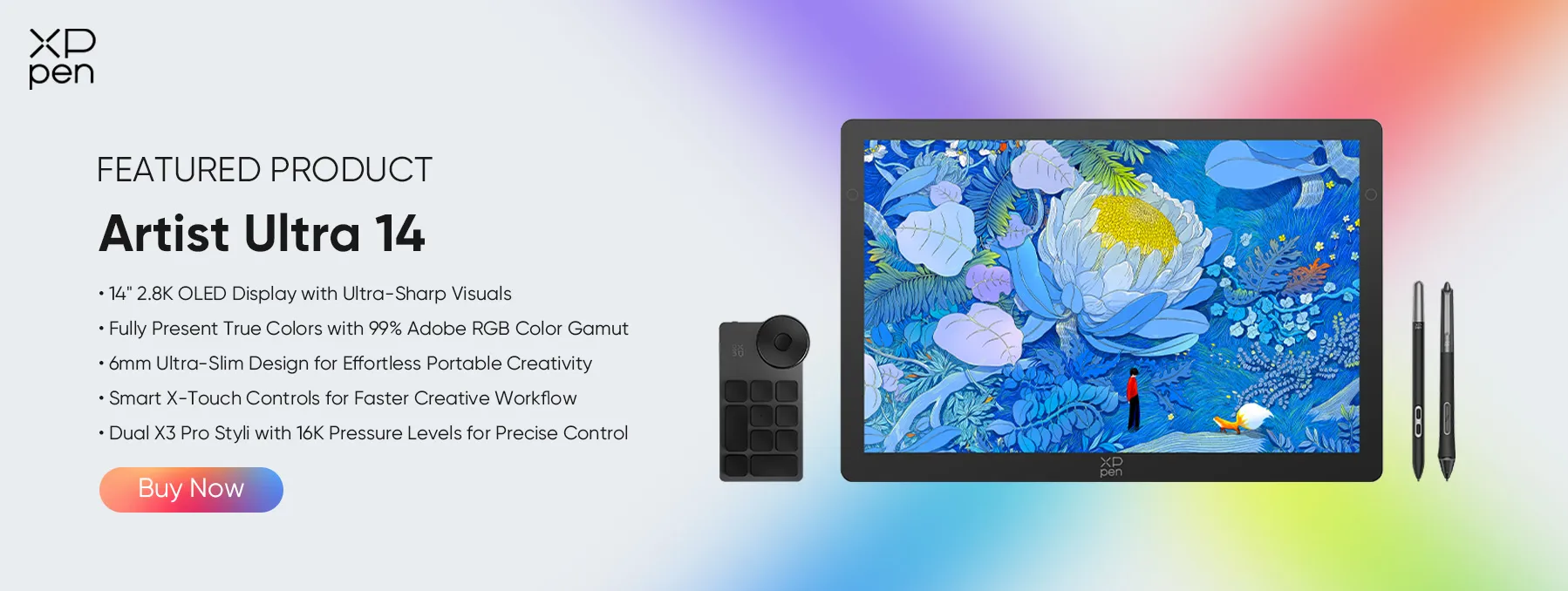
For hand-drawn concepts, photo markups, and visual presentation work, the XPPen Artist Ultra 14 can also fit well into a landscape designer's setup with its 2.8K OLED display, pen input, touch support, and accurate color.
About Us
Founded in 2005, XPPen is a leading global brand in digital art innovation under Hanvon UGEE. XPPen focuses on the needs of consumers by integrating digital art products, content, and services, specifically targeting Gen-Z digital artists. XPPen currently operates in 163 countries and regions worldwide, boasting a fan base of over 1.5 million and serving more than ten million digital art creators.
Learn moreRecommended Articles
KNOWLEDGE 8 Best Apps for Interior Design (Free & Paid) TIPS 10 Best Free Drawing Software Tools for Digital Art TIPS 8 Best 3D Printing Design Software Tools 2026 TIPS 8 Best 3D Printing Design Software Tools 2026 FOCUSED XPPen Artist Ultra 14 Review: Is It Worth Buying?





-
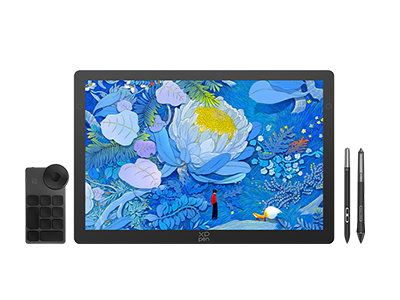 Artist Ultra 14
14-inch 2.8K OLED Display with Ultra-Sharp Visuals
99% Adobe RGB Color Gamut for True-to-Life Color
Ultra-Slim 6mm Design for Portable Creativity
Dual X3 Pro Styli with 16K Pressure Levels
Smart X-Touch Controls for Faster Workflow
It features:
Best 14" OLED drawing display for precision and portability
-
Artist Ultra 14
14-inch 2.8K OLED Display with Ultra-Sharp Visuals
99% Adobe RGB Color Gamut for True-to-Life Color
Ultra-Slim 6mm Design for Portable Creativity
Dual X3 Pro Styli with 16K Pressure Levels
Smart X-Touch Controls for Faster Workflow
It features:
Best 14" OLED drawing display for precision and portability
Looking for the Best Drawing & Design Apps?
Discover essential drawing techniques, expert tips, and the best app recommendations to boost your creativity and master digital art.
