Color Correction vs. Color Grading Fully Explained
KNOWLEDGEColor has a major impact on how audiences experience a video. The same scene can feel warm and emotional, or cold and distant, depending on how colors are adjusted. But creating the right visual style is not simply about adding filters or increasing saturation.
In professional video editing, color work usually includes two important steps: color correction and color grading .
Although these terms are often used together, they solve different problems:
-
Color correction fixes the image and makes footage look natural.
-
Color grading creates a style and shapes the feeling of the video.
Understanding the difference helps creators build a better editing workflow and avoid common color mistakes.
Part 1. What Is Color Correction / Color Grading?
What Is Color Correction?
Color correction is the process of fixing technical issues in footage and creating a balanced starting point for editing.
During filming, many factors can affect the final image, including lighting, camera settings, and shooting conditions. As a result, footage may appear:
-
Too bright or too dark
-
Too warm or too cool
-
Inconsistent between different shots
-
Incorrect in skin tones
Color correction adjusts these problems through changes such as:
-
Exposure
-
White balance
-
Contrast
-
Saturation
-
Shadow and highlight balance
-
Skin tone adjustment
For example, a filmmaker may record an interview using two cameras. One camera creates a warmer image, while the other produces cooler colors. Without correction, switching between shots can feel unnatural. After correction, both clips can look like they belong to the same scene.
The goal of color correction is simple:
Make the footage look realistic, balanced, and consistent.
What Is Color Grading?
Color grading is the creative stage that comes after color correction. Instead of fixing problems, it focuses on creating a specific visual mood and style.
A color grade can change how viewers feel about a scene.
For example:
-
Warm colors can create a comfortable or nostalgic feeling.
-
Cooler tones can create distance or tension.
-
Strong contrast can make a scene feel more dramatic.
-
Softer colors can create a calm and natural look.
This is why movies, commercials, and professional videos often have recognizable color styles.
A thriller may use darker shadows and cooler colors to build suspense, while a lifestyle video may use bright and clean tones to feel positive and energetic.
The purpose of color grading is not to make footage look “more colorful.” It is to make the color support the story.
Part 2. Color Correction vs. Color Grading: Key Differences
The easiest way to understand the difference is to look at their goals. Color correction is mainly technical, while color grading is creative.
| Color Correction | Color Grading | |
|---|---|---|
| Main purpose | Fix and balance footage | Create a specific visual style |
| Focus | Accuracy and consistency | Mood and storytelling |
| Common adjustments | Exposure, white balance, contrast, skin tone | Color tone, atmosphere, cinematic look |
| Timing | Usually done first | Usually done after correction |
| Result | Natural-looking footage | Stylized and emotional footage |
A useful way to remember it is that color correction makes footage look right, while color grading makes footage feel right.
Both processes are important, but they solve different problems. A beautiful color grade cannot fully fix poorly corrected footage, and technically perfect footage may still feel flat without creative grading.
Part 3. When Do You Need Color Correction / Color Grading?
When Do You Need Color Correction?
Almost every video project benefits from color correction because cameras do not always capture colors exactly as our eyes see them.
Correction is especially important for:
-
Multi-camera projects: Different cameras often produce different colors. Correction helps create a consistent look.
-
LOG footage: LOG footage captures more image information but often looks flat before editing. Correction restores the image before grading.
-
Interviews and commercial videos: Natural skin tones and accurate product colors are important for maintaining viewer trust.
A Practical Example: From Raw Footage to Final Look
Imagine shooting a sunset travel video. The original footage looks flat because the camera settings were not ideal.
During color correction , you:
-
Adjust brightness
-
Fix white balance
-
Recover details in shadows
-
Make colors more accurate
The footage now looks natural.
During color grading , you may:
-
Add warmer sunset tones
-
Increase contrast slightly
-
Create a more cinematic feeling
The correction fixes the image. The grading gives it personality.
Part 4. Common Color Grading and Color Correction Mistakes
Beginners often stumble on these pitfalls. Avoiding them will immediately elevate your work.
1. Applying effects before fixing the footage
Adding LUTs or creative grades to poorly balanced shots (with bad exposure or white balance) results in unnatural images. Always correct the technical foundation first.
2. Over-saturating colors
Cranking up saturation makes skin tones look fake and reduces professionalism. High-quality work relies on subtle, controlled adjustments, not extreme pushes.
3. Ignoring skin tones
The human eye is hyper-sensitive to skin color. Unless it’s a deliberate artistic choice, keep skin tones natural—viewers may not know why, but they’ll notice when it’s off.
4. Using the same look for every project
A cinematic style that works for one video may ruin another. Your color choices should always match the specific story, audience, and purpose—a vlog, commercial, and short film all need distinct approaches.
Part 5. Best Tools for Color Correction and Color Grading
Today, creators have many options like different color grading softwares for color editing. The best choice depends on your experience level, workflow, and project needs.
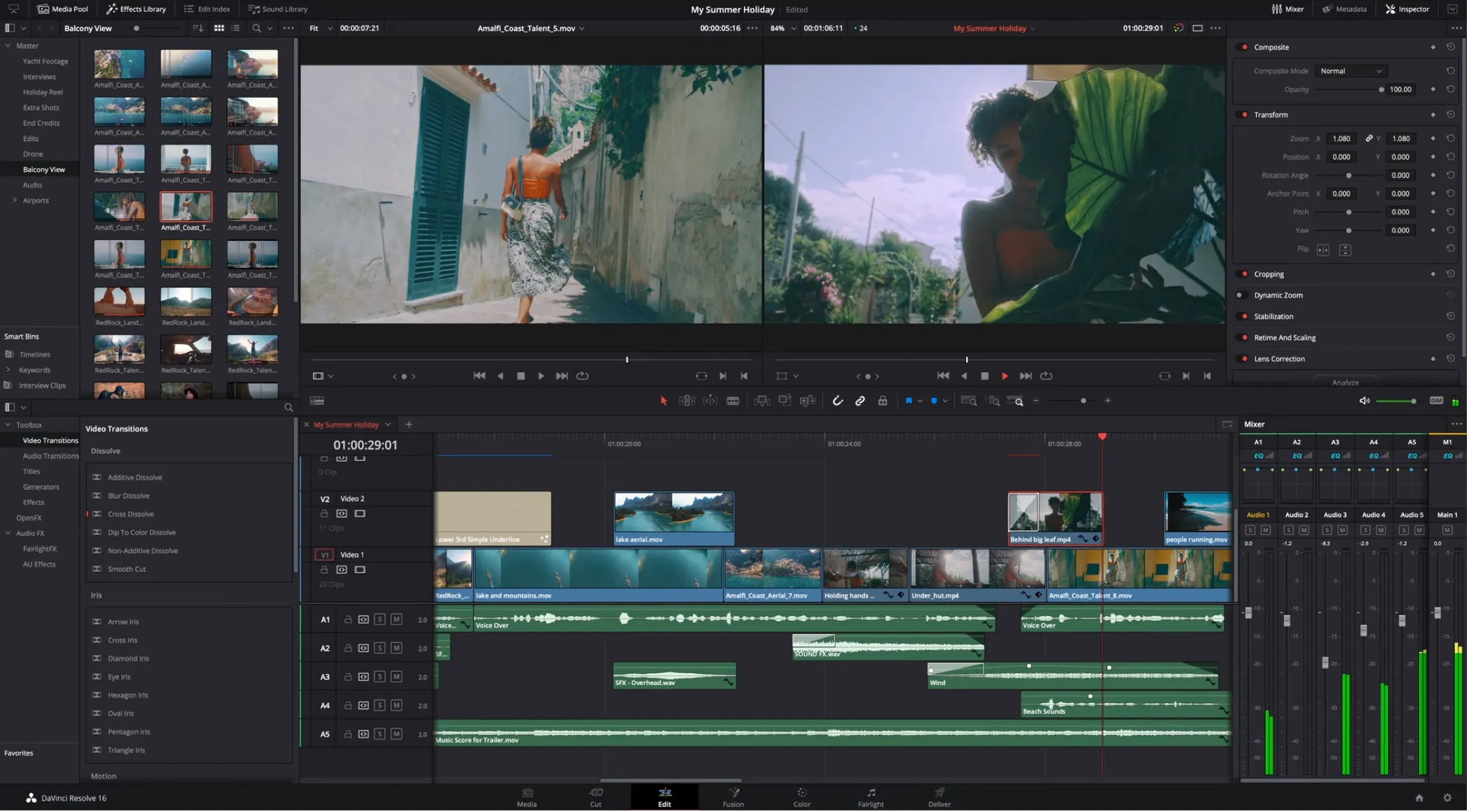
1. DaVinci Resolve
DaVinci Resolve is widely known for its color tools and is popular among professional editors and filmmakers. It provides advanced controls for color correction, grading, scopes, and professional workflows.
It is a strong choice for users who want to focus on color and learn a complete post-production process.
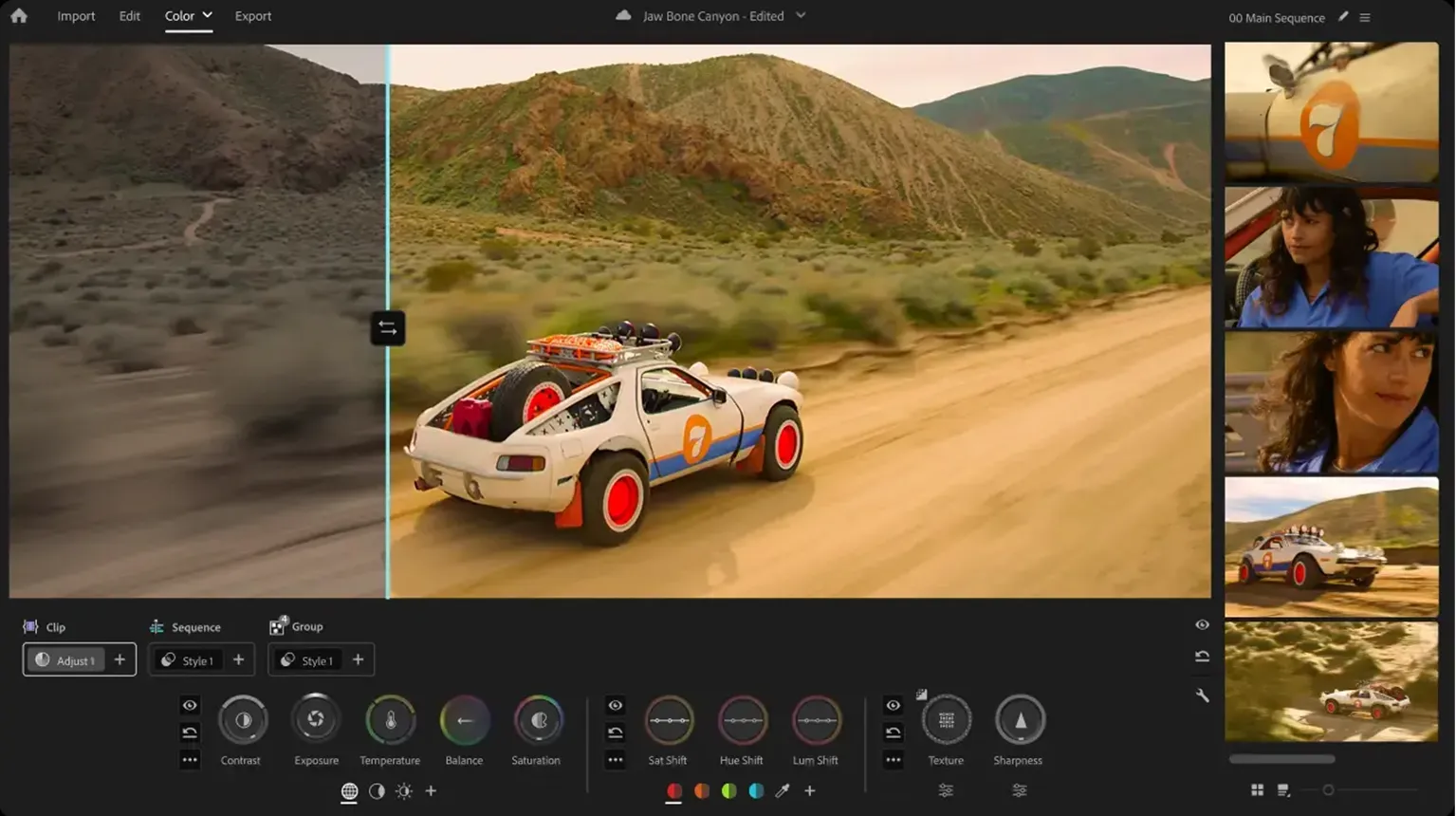
2. Adobe Premiere Pro
Adobe Premiere Pro is commonly used for editing and includes built-in color tools through Lumetri Color. It works well for creators who want to edit and adjust colors in the same application.
It is especially popular among YouTubers, content creators, and video professionals.
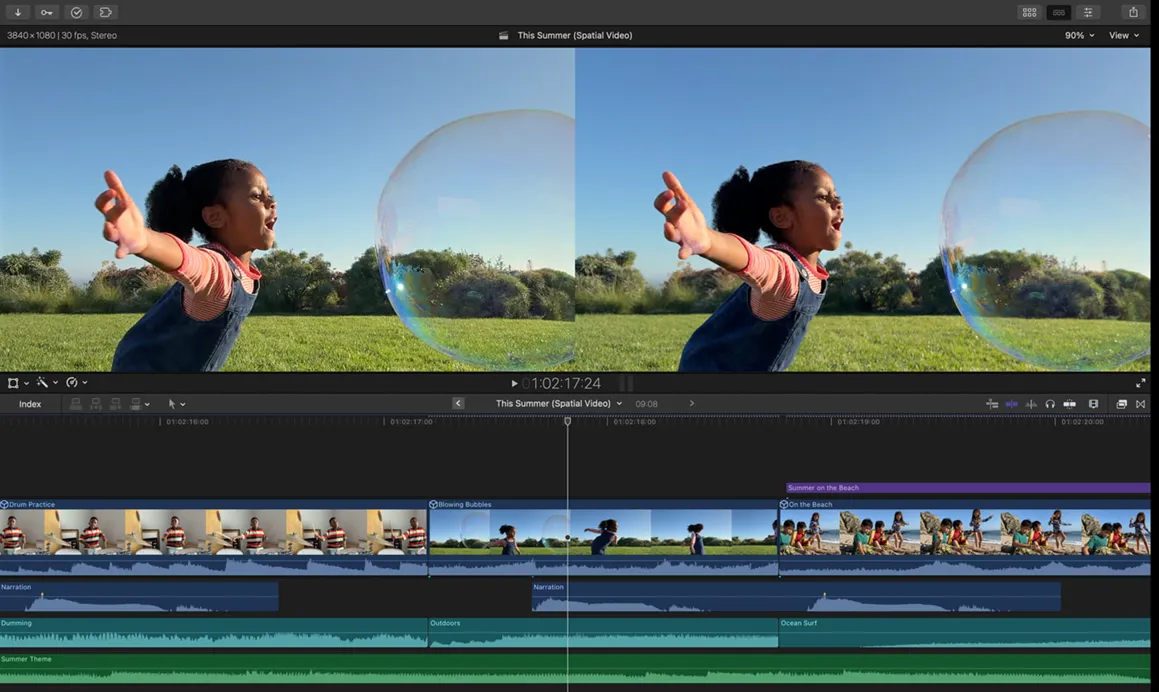
3. Final Cut Pro
Final Cut Pro provides color adjustment tools designed for fast editing workflows. It is a common choice for Mac users who want efficient video production.
No matter which software you choose, the basic principles remain the same: correct first, then create.
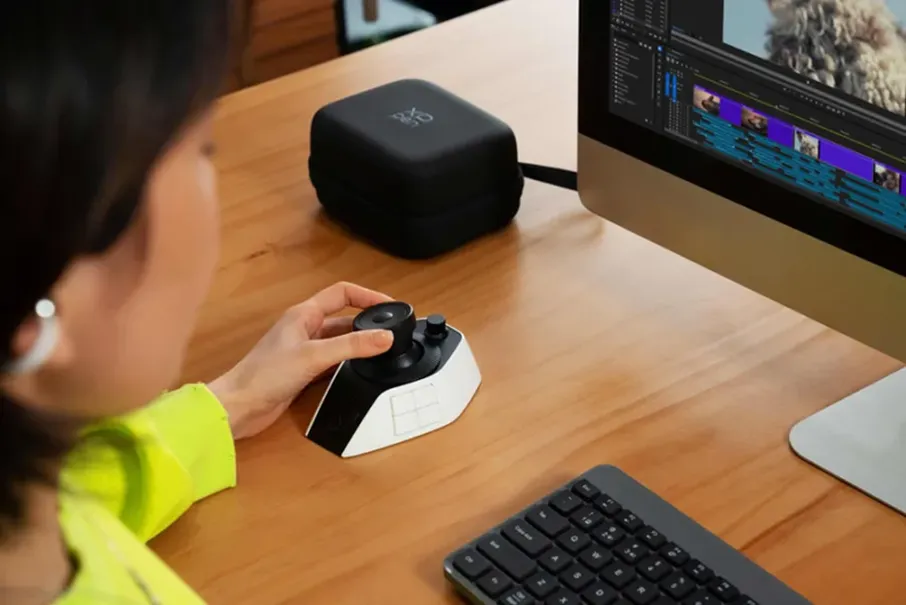
4. XPPen Pilot Pro Editing Console
Besides editing software, a dedicated control tool can make color work faster and more precise. The XPPen Pilot Pro Editing Console is designed for creators who need quick access to editing functions.
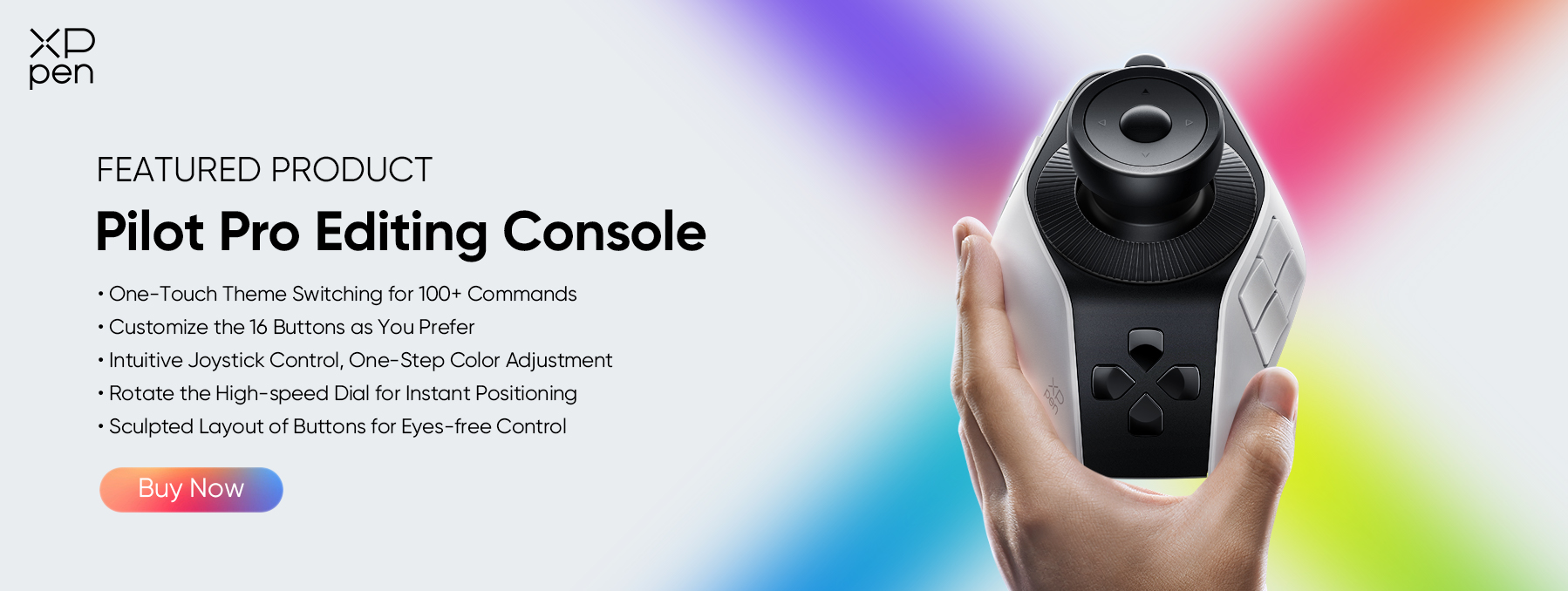
With customizable controls and a hands-on workflow, it helps editors adjust settings, switch tools, and manage creative tasks more efficiently. For color correction and grading, a physical control interface can make small adjustments easier and reduce repetitive mouse operations.
Part 6. FAQs About Color Grading vs. Color Correction
Q1: Is color grading the same as color correction?
No. Color correction fixes technical problems and creates a balanced image. Color grading changes the style and mood of the footage.
Q2: Which comes first, color correction or color grading?
Color correction usually comes first. Editors normally balance the footage before applying creative color changes.
Q3: Can I color grade without color correction?
You can, but the result may not look consistent. Correcting the footage first gives you better control.
Q4: Is color grading only for professionals?
No. Beginners can learn color grading as well. The key is to start with basic correction skills and gradually build experience.
Q5: Why should color correction come before color grading?
Because creative effects like LUTs work best on a properly balanced image. If your footage has exposure, white balance, or consistency issues, a LUT won’t fix them—it will often make them worse. The professional workflow is: correct first (fix exposure, white balance, and shot matching), then grade creatively. This gives you more control and a cleaner final result.
Conclusion
Color correction and color grading play different but equally important roles in video editing. Correction fixes the image and creates a balanced foundation, while grading adds style, emotion, and visual identity.
With the right workflow and tools, creators can turn simple footage into more professional and engaging videos. The XPPen Pilot Pro Editing Console can further improve the editing process with faster controls and more precise adjustments.
Great color is not just about appearance—it helps tell the story behind the image.
About Us
Founded in 2005, XPPen is a leading global brand in digital art innovation under Hanvon UGEE. XPPen focuses on the needs of consumers by integrating digital art products, content, and services, specifically targeting Gen-Z digital artists. XPPen currently operates in 163 countries and regions worldwide, boasting a fan base of over 1.5 million and serving more than ten million digital art creators.
Learn moreRecommended Articles
KNOWLEDGE 5 Best Color Grading Softwares Free & Paid 2026 KNOWLEDGE 5 Best Photo Video Color Correction Softwares 2026 KNOWLEDGE What Is a Colorist? Job, Skills and Career Guide 2026 KNOWLEDGE What Is a Colorist? Job, Skills and Career Guide 2026 ROUNDUPS 6 Best Photo Editing Controllers in 2026






Looking for the Best Drawing & Design Apps?
Discover essential drawing techniques, expert tips, and the best app recommendations to boost your creativity and master digital art.
