10 Best iPad Note Taking Apps in 2026
KNOWLEDGEThe days of carrying heavy backpacks stuffed with spiral-bound notebooks and colored highlighters are long gone. Today, a sleek iPad paired with an Apple Pencil serves as an infinite digital canvas, letting you capture lectures, annotate PDFs, and organize your entire life in one lightweight device. However, with dozens of options crowding the App Store, finding the best iPad note taking apps can feel overwhelming.
In this comprehensive guide, we explore the top-rated note-taking apps for iPad. In the end, we’ll also reveal when and why finding a perfect note taking app can be only half the battle.
Part 1. Top 10 Best iPad Note-Taking Apps for 2026
1. GoodNotes
GoodNotes is widely regarded as the gold standard for traditional notebook feel on iOS. It lets you create custom aesthetic covers, organize notes into neat virtual folders, and enjoy incredibly smooth, lag-free handwriting ink.
Beyond its stunning visual presentation, AI-powered Ask GoodNotes can read your handwritten notes across different notebooks, making it easy to search for past lecture notes.
Whether you are using hyperlinked digital planners or annotating dense textbooks, GoodNotes provides a structured, paper-like digital binder experience.
2. Notability
Notability ’s standout feature that gives it an edge over GoodNotes is its speed. Hit +New, and you’re already writing, unlike GoodNotes, where you have a setup screen to go through before you start working.
Another killer feature is its ability to record audio while you write. When you tap on a specific handwritten word in your notes later during review, the app plays back the exact audio recording from the exact moment you wrote it.
Coupled with its smooth continuous scrolling, mixed-media support, and split-view multitasking, it is an absolute powerhouse for capturing fast-paced lectures without missing a single detail.
3. Apple Notes
Often underestimated because it comes pre-installed on every iPad, Apple Notes has evolved into an exceptional productivity hub. With instant iCloud synchronization across all Apple devices, quick-note corner shortcuts, robust PDF markup tools, and smooth Apple Pencil integration, it's one of the best free iPad note taking apps. You can scan physical documents instantly, lock sensitive notes with Face ID, and sketch diagrams without ever worrying about subscription paywalls.
Imported files act more like attachments than part of your notes, and PDF features are more limited than in most dedicated note-taking apps. To annotate, you need to open the file, use the Markup tools, and then copy anything you want back into your note. It works, but it takes a few extra steps each time.
4. MarginNote
If your note-taking involves lots of reading, academic research, and complex study material, MarginNote is the perfect fit. It allows you to split your screen to read dense PDFs on one side while extracting highlights, turning margin notes into flashcards, and automatically organizing concepts into visual mind maps on the other.
It bridges the gap between active reading and long-term memory retention, making it one of the best iPad note taking apps for college students, especially in fields like law and medicine.
5. MyScript Notes (Formerly Nebo)
Powered by advanced interactive ink technology, MyScript Notes excels at converting messy handwritten notes into clean, formatted digital text in real time. As you write, the app accurately interprets your cursive or print and instantly converts it into editable typed text. It also handles complex math equations with automatic solving and converts hand-drawn diagrams into precise digital shapes that stay fully editable for professional presentations and reports.
Gestures are a winning feature of MyScript Notes. You can draw a box around a word to highlight it, underline a line twice for a title, or scratch out text to erase it. Gestures work whether you’re typing or handwriting, and they make real-time editing feel faster than using the toolbar.
6. CollaNote
Built specifically for collaborative student workflows, CollaNote lets multiple people write, draw, and annotate the same note at once, watching each other’s changes live. That makes it a natural fit as the best iPad note taking apps for students who want to write, draw, and annotate on the same note together in real time or teams marking up a shared document.
It also offers fantastic freehand drawing tools and built-in audio recording without requiring expensive monthly subscriptions.
7. Noteshelf
Noteshelf focuses heavily on tactile customization and bold visual appeal. It offers a massive, gorgeous library of specialized paper templates, vintage notebook covers, and fluid pen styles, giving you the closest possible digital experience to writing in a luxury physical journal. You can choose from hundreds of pre-made templates or create your own and even use your own photos or ones from Unsplash.
It also includes in-page audio recording, letting you attach voice memos directly to specific pages so your aesthetic notebooks stay fully functional and interactive. Working with PDFs is just as simple, thanks to built-in OCR that makes scanned documents, handwritten notes, and imported files searchable. You can also use color-coded bookmarks to organize content and create a table of contents for PDFs that don't already include one.
8. Microsoft OneNote
Unlike traditional page-limited notebook apps, Microsoft OneNote provides an infinite digital canvas where you can type, write, draw, and paste media clips anywhere, without boundary restrictions. Its drawing tools include pens, highlighters, shapes, and creative ink colors. It also supports PDF imports, audio and video recording, embedded media, a Math Assistant, and a web clipper.
Because OneNote syncs effortlessly with Microsoft OneDrive across devices, it is the ultimate choice for professionals and students who constantly switch between Windows desktop workstations and mobile iPads. The main drawbacks are its multi-level sidebar navigation and 5GB free storage limit.
9. Google Keep
Google Keep strips away complicated folder hierarchies in favor of a fast, colorful card-based interface designed for speed. It is fantastic for rapid brainstorming, jotting down immediate thoughts, making quick checklists, and syncing instantly across Google accounts and web browsers.
When you just need to capture an idea before it slips away, Keep opens and saves faster than almost any other app on the market.
10. Notion
While Notion is not a traditional freehand stylus drawing app, it excels as an all-in-one workspace for organizing structured information, personal wikis, university syllabi, and robust task databases. It lets you nest pages inside pages, link related projects, and turn raw notes into a fully searchable, highly customized personal database that scales with your workflow.
It’s imperative to note that Notion relies heavily on an internet connection (though limited offline caching exists). And one more thing: Notion AI can help you summarize notes and autofill database properties.
Part 2. Is Finding a Perfect Note-Taking App All You Need?
That said, you’ve probably concluded one thing: There isn’t one single perfect note-taking app that does it all. GoodNotes offers clean folder organization, Notability stands out for audio sync, and Apple Notes is a perfect fit when you want something fast, free, and simple.
However, regardless of which app you use, you're still writing on a glass screen, and it comes with a downside.
It’s slippery, offers very little friction, and makes the Apple Pencil glide across the display. This lack of resistance forces your hand and brain to make constant tiny adjustments to keep your handwriting neat and controlled.
Writing slowly with some physical resistance engages your brain differently, helping you process and remember information. The smooth surface of glass encourages faster strokes, which may reduce some of the benefits associated with deliberate, handwritten note-taking .
Your note taking app determines how easily you can organize and retrieve your notes, but the writing surface determines how comfortably you can create them. That's why choosing a paper-like writing experience is just as important as choosing the right note-taking app. That’s where a paper-like display comes in.
Part 3. The XPPen Magic Note Pad: Best Note-Taking App Meets Best Note-Taking Tablet
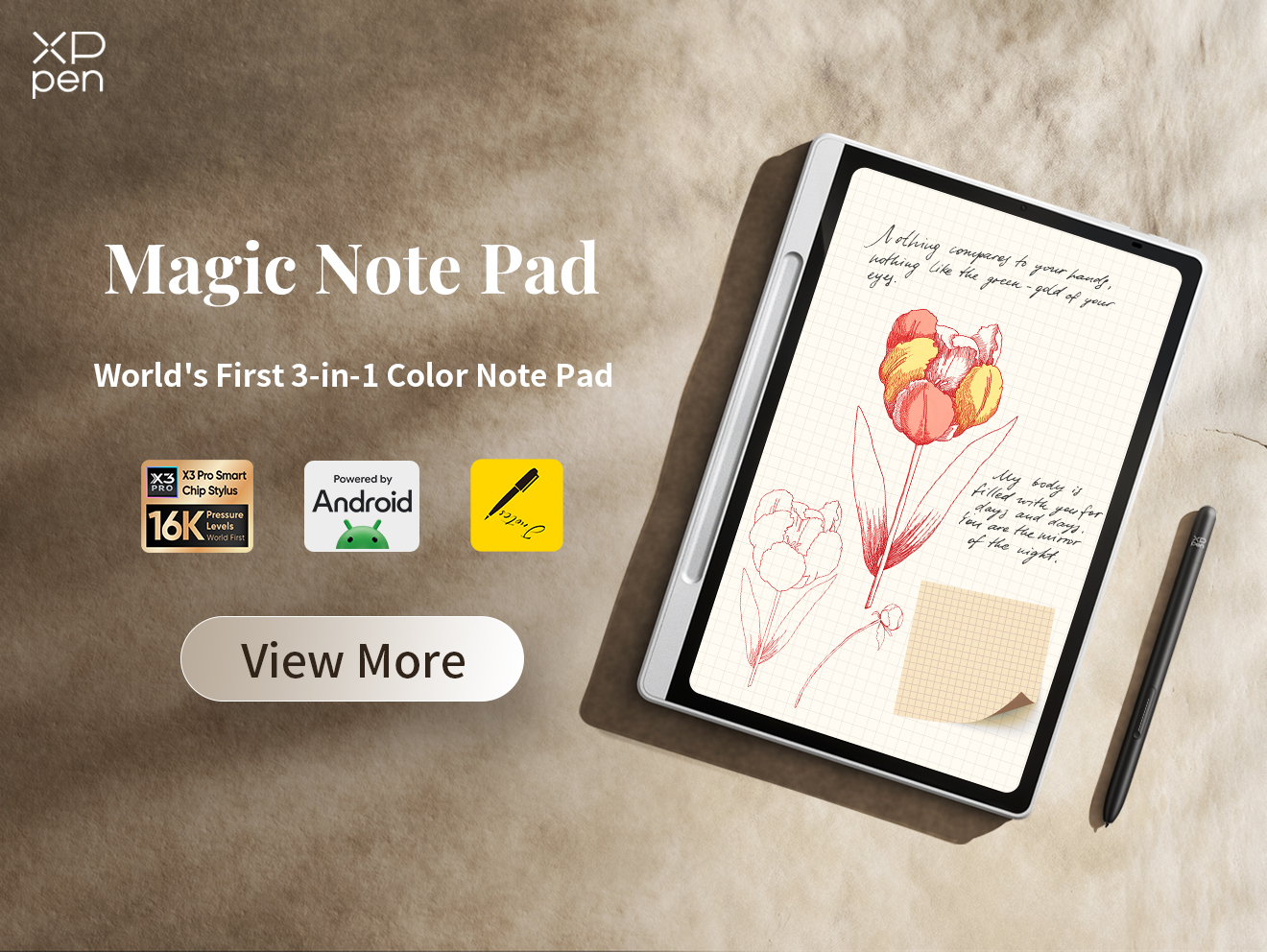
Meet the XPPen Magic Note Pad , the ultimate intersection of note-taking software and natural paper-like hardware.
How XPPen Magic Note Pad Changes the Note Taking Game
-
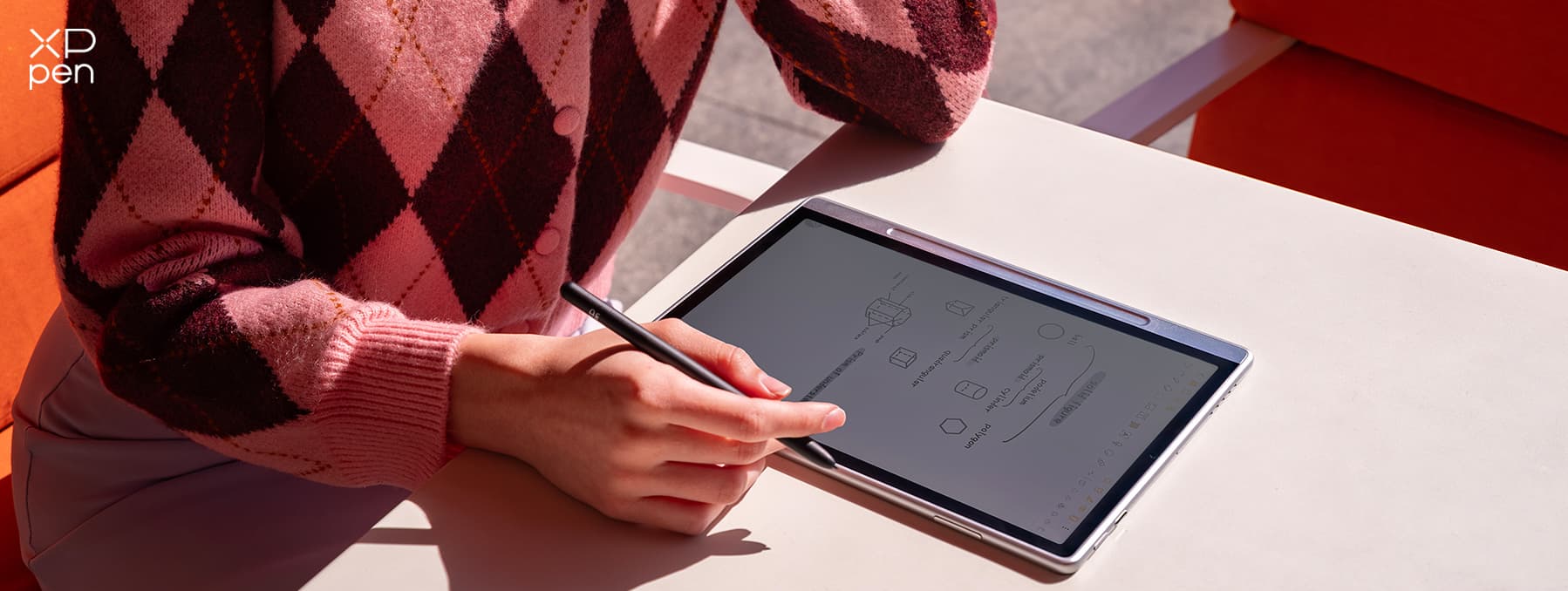
X-Paper Display: Unlike glossy consumer tablets that feel like gliding on ice, the Magic Note Pad features a specialized nano-etched anti-glare glass display that emulates the tactile friction and natural resistance of real paper. It eliminates hand fatigue and glare in bright lecture halls or offices.
-
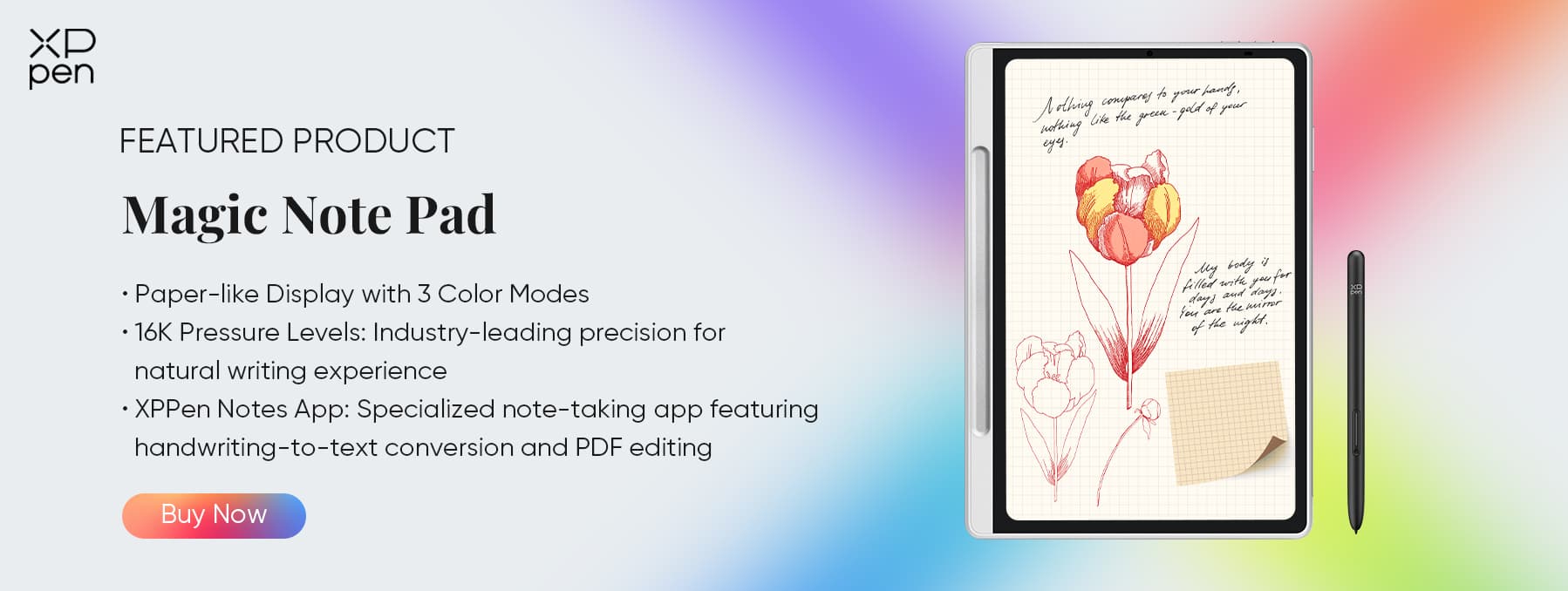
16K Ultra-Sensitive X3 Pro Pencil 2: Equipped with an advanced battery-free stylus supporting an incredible 16,384 levels of pressure sensitivity and ultra-low Initial Activation Force (IAF). Every subtle shift in line weight and pressure is captured with organic precision.
-
Tailored Note-Taking Environment: Out of the box, the pre-installed Notes app is designed from the ground up for handwritten notes, annotations, and sketches. You can effortlessly capture ideas, digitize handwriting, and record or export meeting summaries for hassle-free editing.
Tip: XPPen Magic Pro 13 – A Powerful iPad Alternative for Drawing and Note-Taking
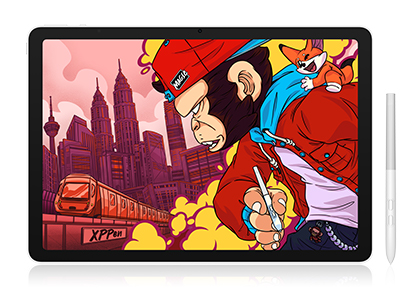
For professional drawing, digital illustration, and intensive note-taking, the XPPen Magic Pro 13 Standalone Drawing Pad offers a high-resolution 120Hz display, a stylus with 16,384 pressure levels, and etched glass for a natural, paper-like writing experience.
Its responsive pen and smooth display provide excellent precision and control for both artists and note-takers.
Conclusion
We all want very different things from a note taking software. A student taking notes mid-lecture has totally different needs than someone trying to annotate a bunch of PDFs.
In addition to replacing the iconic duo of pen and paper, note taking apps also organize your notes, markup PDFs, record meetings, help with research materials, and much more.
When finding the best iPad note taking apps, start with the ones that fit your workflow. That’s the easy half. There’s also a physical side to it. A paper-feel screen, as on the XPPen Magic Note Pad , adds the resistance that glass doesn’t have, so your stylus drags instead of sliding. Put both together, and your study sessions and research sprints will feel like a breeze.
FAQs
Q1: What is the best app to take notes on my iPad?
It depends on your workflow. GoodNotes is best for general organization and digital planners, Notability excels at audio-recording lectures, and Apple Notes is the top free built-in option.
Q2: Is GoodNotes free for iPad?
GoodNotes offers a free tier with a limited number of notebooks, but unlocking its complete feature set requires a one-time purchase or an annual subscription.
Q3: Is Notability or GoodNotes better for iPad?
GoodNotes is generally preferred for clean folder organization, PDF annotation, and digital planning. Notability is favored for its infinite scrolling pages, audio recording synchronization, and fast drafting.
Q4: What are the best iPads for note-taking?
The iPad Air and iPad Pro (powered by M-series chips) offer the smoothest performance, premium displays, and seamless Apple Pencil Pro or Apple Pencil compatibility.
Q5: Does iPad have a free note-taking app?
Yes, Apple Notes comes pre-installed on every iPad for free, offering robust typing, sketching, document scanning, and folder organization features.
Q6: What's the best free note-taking app?
Alongside Apple Notes, apps like CollaNote, Google Keep, and the free tiers of GoodNotes or Microsoft OneNote offer great free note-taking experiences.
About Us
Founded in 2005, XPPen is a leading global brand in digital art innovation under Hanvon UGEE. XPPen focuses on the needs of consumers by integrating digital art products, content, and services, specifically targeting Gen-Z digital artists. XPPen currently operates in 163 countries and regions worldwide, boasting a fan base of over 1.5 million and serving more than ten million digital art creators.
Learn moreRecommended Articles
FOCUSED Best Tablets for Note Taking in 2026: 7 Picks Tested & Compared FOCUSED XPPen Magic Note Pad Review: A 3-in-1 Paper-Like Tablet FOCUSED Best Tablets for Taking Handwritten Notes in 2026 TIPS 10 Best Tools for Digital Note-Taking for Students, Work & More TIPS Notability vs GoodNotes: Which Note-Taking App Is Better?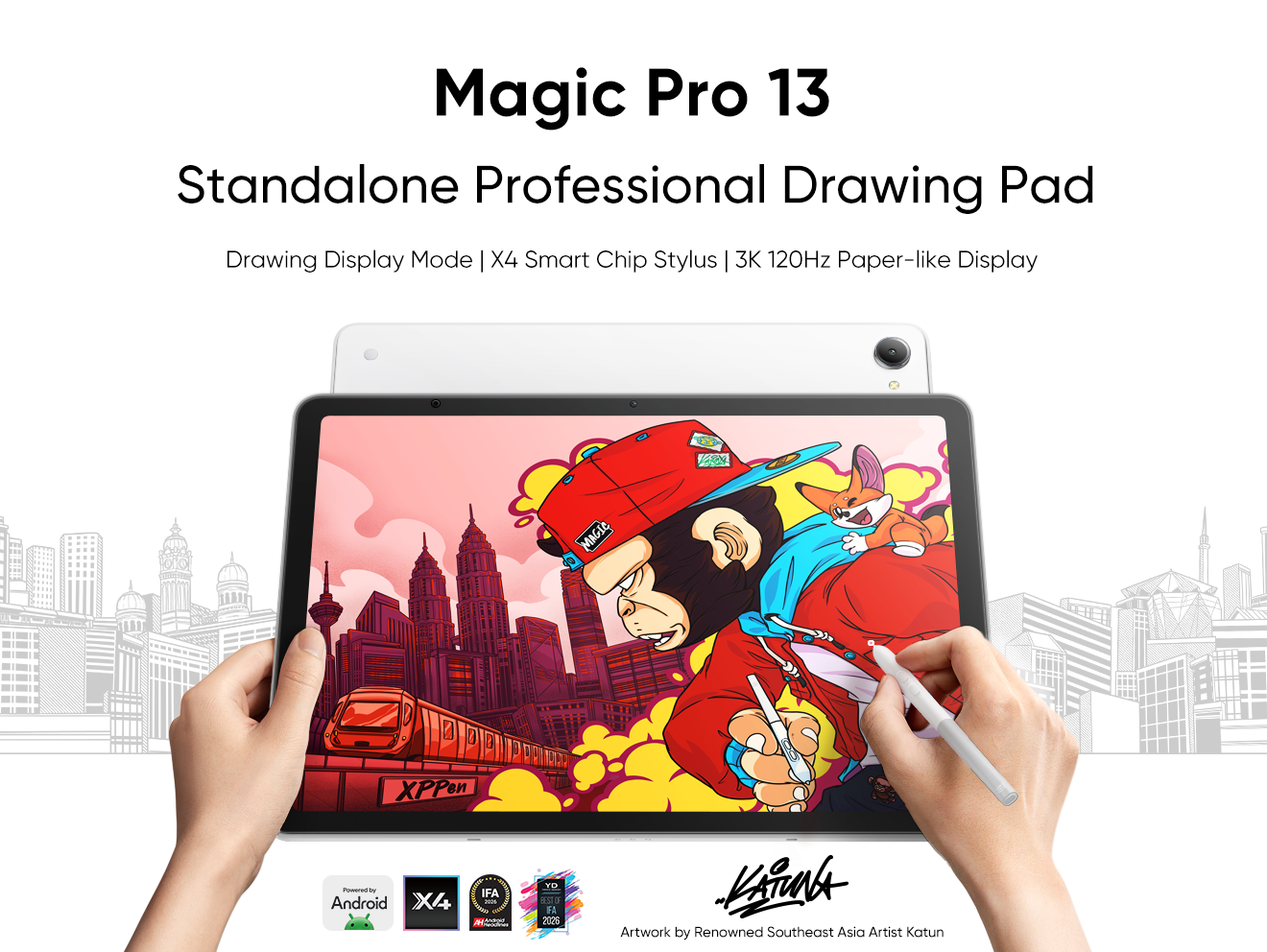


-
 Magic Pro 13
Standalone Android 16 Drawing Pad, No Computer Required
3K 120Hz Display with 100% sRGB Color
X4 Smart Chip Stylus with 16K Pressure Levels
One-Cable PC Drawing Display Mode
It features:
Best standalone drawing pad for professional creativity anywhere
-
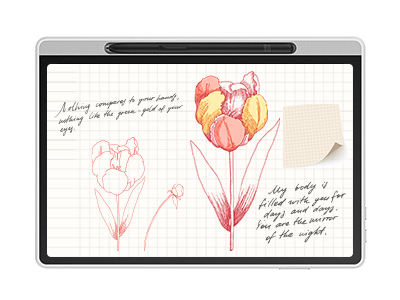 Magic Note Pad
Paper-like Display with 3 Color Modes
Industry-leading 16K pressure-sensitive stylus
Specialized note-taking app featuring handwriting-to-text conversion and PDF editing
It features:
The world's first 3-in-1 color notepad, perfect for note-taking.
-
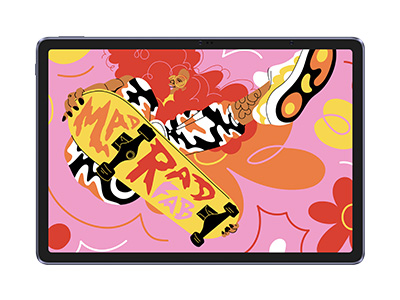 Magic Drawing Pad
X3 Pro Slim Stylus with 16,384 pressure levels and tilt support
X-Paper display featuring anti-glare and fingerprint resistance
Clip Studio Paint and ibis Paint X 3-month free membership
Super portable- just 6.9mm thin and weighs only 590g
Supports dual Windows and DP-IN functions
It features:
Powered by Android 15, no need to connect to a computer to use.
-
Magic Pro 13
Standalone Android 16 Drawing Pad, No Computer Required
3K 120Hz Display with 100% sRGB Color
X4 Smart Chip Stylus with 16K Pressure Levels
One-Cable PC Drawing Display Mode
It features:
Best standalone drawing pad for professional creativity anywhere
-
Magic Note Pad
Paper-like Display with 3 Color Modes
Industry-leading 16K pressure-sensitive stylus
Specialized note-taking app featuring handwriting-to-text conversion and PDF editing
It features:
The world's first 3-in-1 color notepad, perfect for note-taking.
-
Magic Drawing Pad
X3 Pro Slim Stylus with 16,384 pressure levels and tilt support
X-Paper display featuring anti-glare and fingerprint resistance
Clip Studio Paint and ibis Paint X 3-month free membership
Super portable- just 6.9mm thin and weighs only 590g
Supports dual Windows and DP-IN functions
It features:
Powered by Android 15, no need to connect to a computer to use.
Looking for the Best Drawing & Design Apps?
Discover essential drawing techniques, expert tips, and the best app recommendations to boost your creativity and master digital art.
