Notability vs GoodNotes: Which Note-Taking App Is Better?
TIPSIf you are looking for a note-taking app, you have probably heard of Notability and GoodNotes. Both are popular, both are useful, and both can turn your tablet into a digital notebook. But they are not the same, and the right choice depends on how you study, work, and organize your notes.
This guide explains the real differences between Notability and GoodNotes in simple terms. It also includes a pricing comparison, so you can see which note-taking app gives you better value. Without further ado, let's get started.
What Do Notability and GoodNotes Do?
Both apps turn your tablet into a digital notebook. You can use them to:
-
Write by hand with a stylus (like an Apple Pencil)
-
Add PDFs and mark them up
-
Organize notes into folders or subjects
-
Type text along with your handwriting
-
Search through your notes later
The real difference is not what they do, but how they do it. That is usually what decides which app feels better in daily use.
Notability vs GoodNotes: Quick Comparison
Notability and GoodNotes are two of the most popular note-taking apps for iPad, but they offer different features and writing experiences. This quick comparison will help you understand the key differences so you can choose the app that best fits your needs.
| Feature | Notability | GoodNotes |
|---|---|---|
| Best for | Fast note capture, lectures, meetings | Organized notebooks, planning, and PDFs |
| Layout style | Continuous scroll | Page-by-page, like a real book |
| Audio recording | Yes, synced to your notes | No |
| Organization | Subjects and dividers | Folders and notebooks |
| Handwriting feel | Smooth, natural | Polished, with more pen styles |
| Platforms | Apple devices only | iPad, iPhone, Mac, Windows, Android |
| Price model | Free trial, one-time option, or subscription | Free trial, one-time option, or subscription |
Notability: Best for Fast, Simple Note-Taking
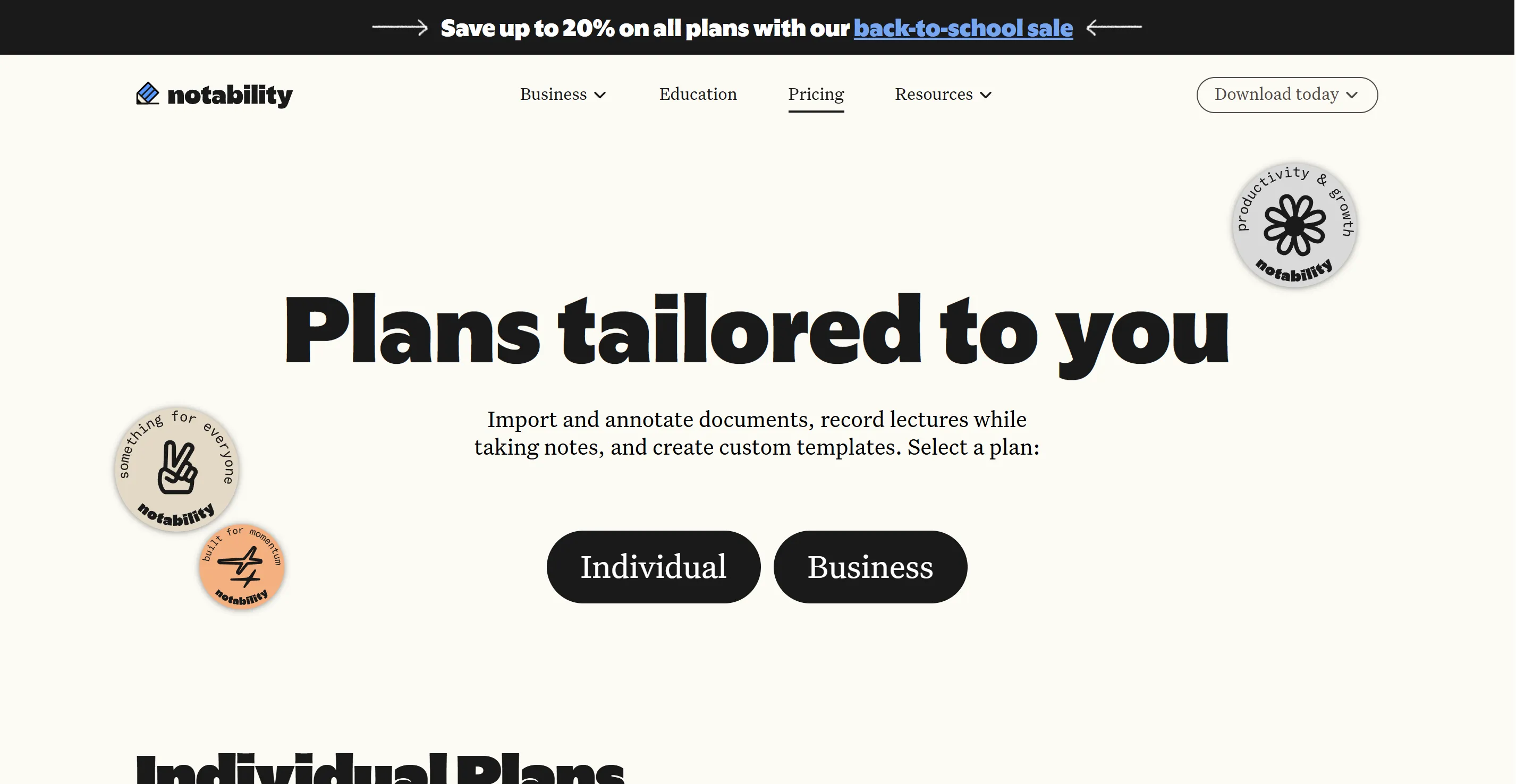
Notability was built to keep you writing without getting in your way. Instead of flipping between pages like a real notebook, it lets you scroll down forever on one long page. This makes it great for taking notes quickly during a class or meeting.
What Makes Notability Special?
-
Audio recording that syncs with your notes. This is Notability's biggest feature. You press record, take notes as normal, and later you can tap any word to hear exactly what was being said at that moment. This is extremely useful for students in lectures or professionals in meetings.
-
Simple organisation. Notability uses "subjects" and "dividers" instead of deep folders. It's less flexible than GoodNotes, but it's faster to use because there's less to set up.
-
Smooth handwriting feel. Many users say Notability's pen tool feels natural and responsive. It has pressure sensitivity and tilt shading. These features work well, even when you zoom in on your notes.
Who Should Choose Notability?
Notability is a strong pick if you:
-
Attend a lot of lectures or meetings and want audio playback
-
Want a simple app that doesn't need much setup
-
Only use Apple devices (iPad, iPhone, Mac)
-
Prefer writing quickly over organizing carefully
GoodNotes: Best for Organization and Flexibility
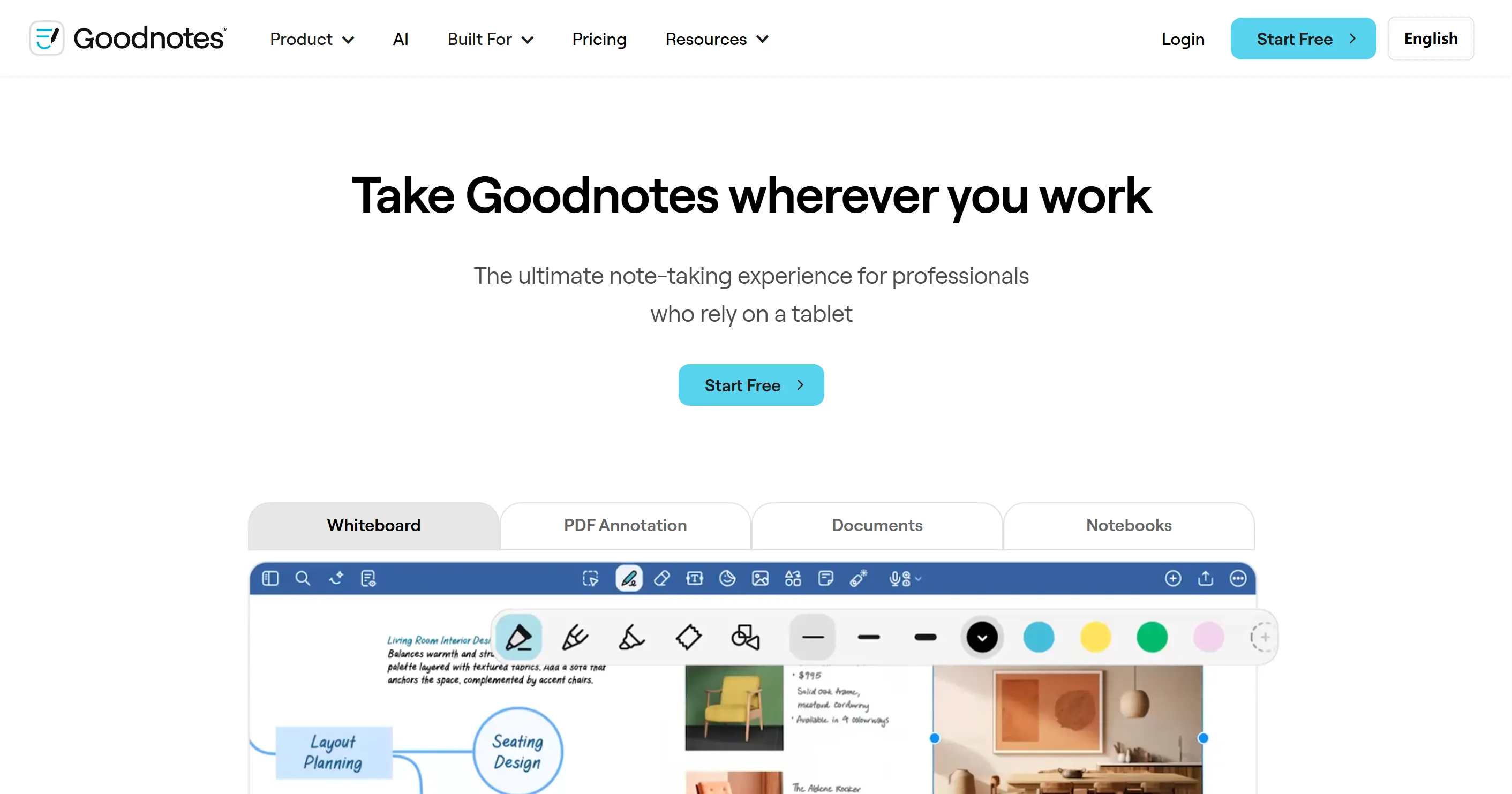
GoodNotes takes a different approach. It treats your notes like a real digital binder, with notebooks, folders, and pages you can flip through one at a time. It's built for people who like structure.
What Makes GoodNotes Special?
-
Deep organisation. You can create folders inside folders, custom notebook covers, and templates. This makes GoodNotes popular with digital planners and students juggling many subjects.
-
Works on more devices. Unlike Notability, GoodNotes runs on iPad, iPhone, Mac, Windows, and Android, so it's a better fit if you switch between an iPhone and a non-Apple laptop.
-
More pens and drawing tools. GoodNotes has many pen styles, like fountain and brush pens. Artists and visual note-takers really like these options.
-
Flexible pricing. GoodNotes has three options: a free version, a one-time purchase, and a subscription. You can choose the plan that suits your budget, so you’re not stuck with yearly payments.
Who Should Choose GoodNotes?
GoodNotes is a strong pick if you:
-
Like keeping things organized in folders and notebooks
-
Use more than just Apple devices
-
Enjoy digital planning, journaling, or drawing
-
Want a one-time payment option instead of a yearly subscription
Notability vs GoodNotes: Pricing Comparison
| Plan Type | Notability | GoodNotes |
|---|---|---|
| Free plan | ✅️ | ✅️ |
| Monthly subscription | ✅️ Lite($3.99), Plus($5.99), Pro($15.99) | / |
| Yearly subscription | ✅️ Lite($11.99); Plus($15.99); Pro($79.99) | ✅️ Essential($11.99); Pro($35.99); Teams($120/seat) |
| One-time purchase | ✅️ Classic($39.99) | ✅️ Special Edition ($35.99, Apple-only) |
Note: Specific prices vary by region and promotions; please check the official page for accurate information.
In general:
· Notability offers a free Starter plan and paid plans (Lite, Plus, and Pro). Its paid plans provide a tiered pricing structure: monthly subscription, yearly subscription, and one-time purchase. The one-time purchase option is available only under Classic, which was announced to return by the Notability official on July 14, 2026.
· GoodNotes offers a free version and paid plans that are mainly annual subscriptions (Essential, Pro, Teams). Within the paid Essential and Pro plans, there is also an optional AI Pass add-on, which is billed monthly at $9.99/month. In addition, GoodNotes mentions in its New Payment Plans that Special Edition is a one-time purchase option, available for Apple devices only.
Our Best Use Cases Verdict Between Notability and GoodNotes
Here is the easiest way to decide:
Choose Notability if you are:
-
A student who takes live lecture notes.
-
A working professional who records meetings and wants synced playback.
-
Someone who prefers a fast, lightweight interface.
-
An Apple-only user who wants a simple note-taking app.
Choose GoodNotes if you are:
-
A student with multiple subjects or class notebooks.
-
A planner, journal user, or heavy PDF annotator.
-
Someone who uses more than one device.
-
A user who wants more control over how notes are organized.
A Hardware Alternative Worth Considering
If you do not want to rely only on a note-taking app, there is another path: a dedicated note-taking device.
One option is the XPPen Magic Note Pad. It is built for note-taking, reading, and light sketching, so it gives you a more focused writing experience than a general-purpose tablet app. That can be useful if you want something that feels closer to a real notebook and less like a device full of distractions.
Some things that make it different:
-
It comes with a built-in note-taking app, so there is no separate app subscription.
-
The stylus is battery-free, so you do not need to charge the pen.
-
The screen is designed to feel paper-like while reducing eye strain.
-
It can switch between color, light, and black-and-white reading modes.
This kind of device makes sense if you want simple, distraction-free note-taking and do not want to compare app subscriptions every year.

FAQ
Q1: Is GoodNotes free?
Yes. GoodNotes offers a free plan, but it is limited. Free users can still take and organize notes, but some premium features are restricted.
Q2: Is Notability free?
Yes. Notability offers a free Starter plan, but it also has limits. It is enough for basic note-taking, while paid plans unlock more advanced features.
Q3: Is Notability or GoodNotes better for students?
It depends on the student. Notability is better for lecture recording and fast note capture, while GoodNotes is better for organizing multiple subjects and keeping notes tidy.
Q4: Can I use GoodNotes or Notability on Windows?
GoodNotes works on Windows, Mac, iPad, iPhone, and Android. Notability is limited to Apple devices.
Q5: Which app is better for drawing and sketching?
GoodNotes usually offers more tool variety, so it is a better choice for users who want more flexibility in drawing and visual notes.
Q6: Which is better in 2026: GoodNotes or Notability?
There is no single winner. GoodNotes is better if you want stronger organization and cross-platform support, while Notability is better if you want fast note capture and audio recording. The better choice depends on whether you value structure or speed more.
Final Words
In 2026, we think both Notability and GoodNotes are excellent, but they serve different people. If you want speed and audio support, go with Notability; if you want structure and flexibility, GoodNotes is the stronger pick.
About Us
Founded in 2005, XPPen is a leading global brand in digital art innovation under Hanvon UGEE. XPPen focuses on the needs of consumers by integrating digital art products, content, and services, specifically targeting Gen-Z digital artists. XPPen currently operates in 163 countries and regions worldwide, boasting a fan base of over 1.5 million and serving more than ten million digital art creators.
Learn moreRecommended Articles
TIPS 14 Best Note-taking Apps with Stylus Across iPad, Mac, Windows, Android in 2026 TIPS Is Buying A Graphics Tablet for Note-Taking Worthwhile? TIPS Obsidian vs. Notion: Which Note-Taking App is Right for You? FOCUSED Best Tablets for Note Taking in 2026: 7 Picks Tested & Compared ROUNDUPS 3 Best Tablets for Students with Pen: Top Choices for Note-Taking and Creative Tasks TIPS Evernote vs. OneNote: A Detailed Comparison of Note-Taking Apps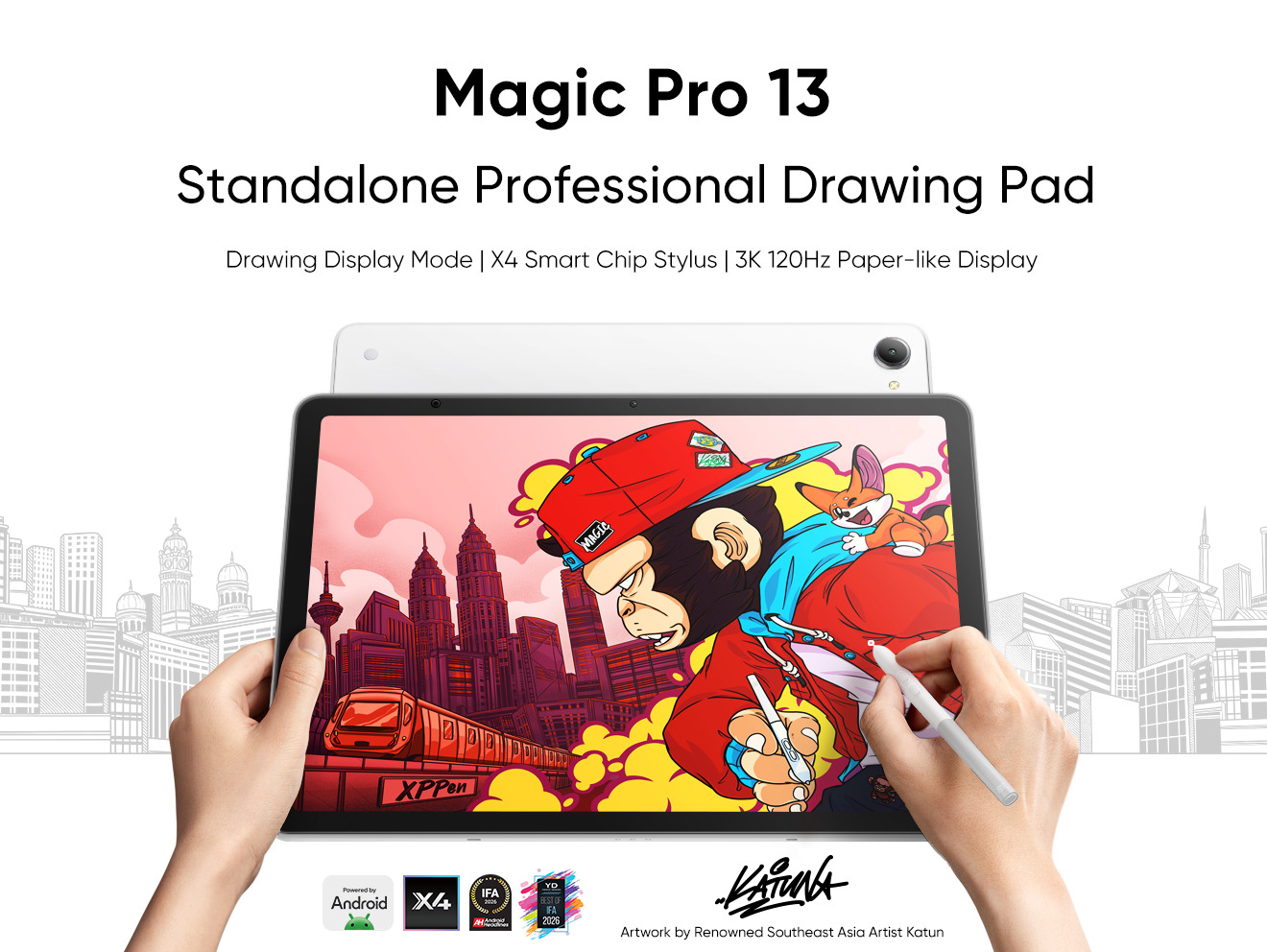





Looking for the Best Drawing & Design Apps?
Discover essential drawing techniques, expert tips, and the best app recommendations to boost your creativity and master digital art.
