Products
Note Pad
Note Pad
NEW
Magic Note Pad
3-in-1 X-Paper | 16K Pressure Levels | XPPen Notes App
View more
Drawing Pad
Drawing Pad
NEW
Magic Drawing Pad
X3 Pro Slim Stylus, 16K Pressure Levels, X-Paper Display
View more
Drawing Display Series
Artist Ultra Series Drawing Display
NEW
Artist Ultra 16
4K OLED Display | X-Touch Solution | 16K Pressure Levels
View more
Artist Pro Series Drawing Display
NEW
Artist Pro 27 (Gen 2)
4K+120Hz Mega Display | 1.07 Billion Colors | X-Touch Solution
NEW
Artist Pro 22 (Gen 2)
2.5K QHD | 16K Pressure Levels | Calman Verified
NEW
Artist 15.6 Pro V2
15.4-Inch Display | X3 Pro Smart Chip Stylus | 16K Pressure Levels | Red Dial Quick Keys
NEW
Artist 13.3 Pro V2
13.3-Inch Display | X3 Pro Smart Chip Stylus | 16K Pressure Levels | Red Dial Quick Keys
HOT
Artist Pro 24 (Gen 2) 4K
4K Ultravision | X-Color Master | 16K Pressure Levels
Artist Pro 24 (Gen 2) 165Hz
Industry First 165Hz | X-Color Master | 16K Pressure Levels
Artist Pro 19 (Gen 2)
Dual X3 Pro Series Styli
Calman Verified, 16K Pressure Levels
Artist Pro 16 (Gen 2)
Armed with an X3 Pro Smart Chip Stylus of 16K pressure levels 16-inch expansive display
Artist Pro 14 (Gen 2)
Get the game-changing Artist Pro 14 (Gen 2) in the world of creative pen displays with groundbreaking 16K pressure levels for precision and smoothness. Use any drawing software and create with ease. Perfect for artists, designers, and creatives.
View more
Artist Series Drawing Display
NEW
Artist 12 3rd
X4 Smart Chip Stylus | 16K Pressure Levels | Innovative X-Dial Shortcut
NEW
Artist 22 Plus
World's first 16K pressure levels
22-inch expansive display
NEW
Artist 12/16 Pen Display (2nd Gen) Le Petit Prince Edition
Le Petit Prince Edition, laminated anti-glare display, 127% sRGB, Android support. Ultra-precise X3-Smart-Chip Elite Plus stylus.
NEW
Artist 24 Drawing Display (FHD)
XPPen Artist 24 FHD drawing display tablet boasts anti-glare matte film, 1920x1080 resolution screen with 132% sRGB color gamut. External mount support. Elevate your artistry today!
Artist 13 (2nd Gen)
13.3-inch FHD laminated Anti-glare screen, 96% Adobe RGB, X3 Smart Chip stylus!Supports Android.
Artist 10 (2nd Gen)
10.1-inch FHD laminated Anti-glare screen, 120% sRGB, 4 colors, X3-Smart-Chip stylus. supports Android.
NEW
Artist 16 (2nd Gen)
15.4" Lminated Anti-glare Display, 94% Adobe RGB, 4 Colors, X3-Smart-Chip Stylus! Supports Android.
Artist 12 (2nd Gen)
11.9" laminated Anti-glare screen, 4 Colors, 127% sRGB, supports android. super precise X3-Smart-Chip Stylus.
Artist 24
23.8-inch 2K QHD Display, 127% sRGB color accuracy. Battery-free Stylus, Natural Tilt-Responsive Support.
View more
Drawing Tablet Series
Deco Pro Series Drawing Tablet
NEW
Deco Pro (Gen 2) Series
The XPPen Deco Pro (Gen 2) is a creative pen drawing tablet that offers breakthrough 16K pressure levels, seamless simulated paper surface, lightweight portability, and hassle-free Bluetooth 5.0 connectivity. Ideal for artists seeking precision and convenience.
Deco Pro Series Bluetooth
Sleek and Slim Design. Two Sizes: Small & Medium. Bluetooth Connection (Model: SW/MW).
View more
Deco Series Drawing Tablet
NEW
Deco mini7W V2
Bluetooth 5.0 | Precise Mapping | 16K Pressure Levels | Eight Shortcut Keys
NEW
Deco mini7 V2
Create anytime, anywhere
NEW
Deco 01 V3
New compatibility, new potential. More color, more brilliance.
NEW
Deco 640
NEW
Deco M & Deco MW Bluetooth
8" x 5" active area, Super-Accurate Stylus with X3 Smart Chip. Four colors, Bluetooth v5.0.
Deco L & Deco LW Bluetooth
10" x 6" active area, Stylus Powered by X3 Smart Chip. Four colors available, Support Bluetooth v5.0.
Deco mini7W wireless
2.4GHz wireless Connection, 7 x 4 inches working area, 8 shortcut keys. Compatible Android and Chrome OS devices.
Deco mini7 Anniversary Edition
Identify your color! Specially designed gift packaging, more creative accessories
Deco mini7
7 x 4 inches work area, tilt function support. Supports connect to Android and Chrome OS devices.
View more
Deco Fun Series Drawing Tablet
Deco Fun XS/S/L
Three sizes (XS/S/L) and four colors available! Works with Chromebook and Android Devices. Study·Work·Play·Draw. Classic black, space blue, apple green, and carmine red.
View more
LINE FRIENDS Range
Star G640 LINE FRIENDS Edition
Drawing with such a lovely graphic tablet is such a treat—it feels so indulgent!
Deco 01 V2 LINE FRIENDS Edition
At just 8-mm thick, it shows you just how slim and hot a graphics tablet can be.
Artist 12 Pro LINE FRIENDS Edition
We've spruced up our Artist 12 Pro, giving it a LINE FRIENDS theme.
View more
Star Series Drawing Tablet
Star G960S & Star G960S Plus
9 x 6 inches work area, tilt function, Android compatibility. stylus PH2 with soft digital eraser!
Star G640S V2 Android
6.5 x 4 inches work area, 8192 Levels, 6 shortcut keys. Compatible with Chromebook and Android devices.
Star G430S
4 x 3" active area, Battery-free stylus, 8192 levels. perfect for digital signature, write, edit, play osu!
Star G640
6 x 4" work area, Battery-free stylus, 8192 levels. great for sketch, edit, write, draw, play osu!
Star 06C Wired
8192 pressure levels, 10 x 6 inches large working area. Six shortcut keys and a touch dial.
Star 06 wireless
2.4ghz wireless connection, 10 x 6 inches work area, 8192 pressure levels. Six shortcut keys and a touch dial.
Star 05 Wireless
2.4 GHz wireless connection, 8 x 5 inches work area. 8192 Levels, 6 touch-sensitive shortcut keys.
Star 03 V2
10 x 6 inches work area, 8 shortcut keys. 8192 levels, battery-free stylus. Works with Chromebook devices.
View more
Smart Notebook
Smart Notebook
NEW
Note Plus
Bluetooth Smart Notebook
View more
Accessories
Stylus
NEW
X4 Smart Chip Stylus
X4 Smart Chip | 16K Pressure Levels | Magnetic Storage
NEW
X3 Pro Slim Stylus
Powered by X3 Pro Smart Chip
16K Pressure Levels , 10g Net Weight
X3 Pro Roller Stylus
Customized scroll wheel | X3 Pro Smart Chip Stylus of 16K pressure levels
X3 Pro Smart Chip Stylus
Get the ultimate digital pen experience with XPPen X3 Pro, the world’s first smart chip stylus with 16K pressure levels. A smart pen for digital drawing, PC writing, and note-taking.
X3 Elite & X3 Elite Plus Stylus
Design for XPPen Deco L, Deco LW, Deco M, Deco MW and Artist 10/12/13/16 (2nd Generation) models.
PA6 Battery-Free Stylus
Design for XPPen Artist 22 (2nd Generation) and Artist 24 drawing display models.
PA5 Battery-Free Stylus
Design for XPPen Innovator 16 drawing display model.
P05D Battery-Free Stylus
Design for XPPen Deco mini4, Deco mini7 and Deco mini7W drawing tablet models.
PH2 Battery-Free Stylus
Design for XPPen Star G960S Plus and Artist Pro 16TP drawing tablet models.
View more
Accessories for Drawing Tablets
NEW
XPPen Folio Keyboard
NEW
ACS15 Ergo Stand
Height & Angle Flexible Adjustment | Ergonomic Design
NEW
ACS18 Adjustable Stand
NEW
XPPen Tablet Sleeve Bag
NEW
XPPen Smart Keyboard
HOT
ACK05 Wireless Shortcut Remote
-direction Programmable, 10 Shortcut Keys
Bluetooth Connection Supported, Plug and Play
ACS05 Foldable Tablet Stand
Portable aluminum stand, Design for 12"~16" displays, Support 6 tiltable angles from 18° to 45°.
ACJ02/ACJ03 Sleeve Case
ACJ02 suitable for all displays up to 13.3 inch. ACJ03 suitable for displays up to 15.6 inch.
ACJ08/ACJ09 Sleeve Case
ACJ08 suitable for small A6 screenless pads, ACJ09 suitable for big A4 graphic tablets.
View more
Creative Derivatives
NEW
XPPen - Fenix Pen Holder
All-Size Storage | Instant Nib Replacement
XPPen Tote Bag
Made of cotton, straps come in 25mm width. Better for Outdoor Use.
XPPen Marker Pen
Up to 80 Bright colors, Alcohol-based, eco-friendly ink Fade and smudge resistant.
XPPen Desk Pad
Multiple sizes and colors, Made of durable PVC leather, Dual-sided use Waterproof and easy to clean.
AC 62 Mascot Model
XPPen's specially designed Mascot Model. A colorable model that allowing you to paint it any way you like.
View more
Compare
Community
Blog
Community
Applications
Digital Drawing
Graphic Design
Photo Editing
Education Applications
Business Applications
Business
Product Solutions
Technical Solutions
Explore
About XPPen
Brand History
Brand Moments
Join Us
Contact Us
Support
Certificate Inquiry
FAQ
Free Drawing Software
Registration
Purchase Inquiry
Mail Consultation
Developer Center
Firmware upgrade tool
Drivers
Stores
Australia
Africa
Brasil
Canada
Chile
Colombia
France
Germany
India
Indonesia
Ireland
Italy
Japan
Middle East
México
Malaysia
Northern Europe
Netherlands
Türkiye
Poland
Philippines
Portugal
Spain
South Korea
Southern Europe
Southeast Asia
United States
United Kingdom
Vietnam
Compare
Stores
Australia
Africa
Brasil
Canada
Chile
Colombia
France
Germany
India
Indonesia
Ireland
Italy
Japan
México
Malaysia
Middle East
Türkiye
Netherlands
Northern Europe
Portugal
Poland
Philippines
Spain
South Korea
Southern Europe
Southeast Asia
United States
United Kingdom
Vietnam
Quick search
XPPen
>
Search
Product
(0)
FAQ
(85)
Blog
(97)
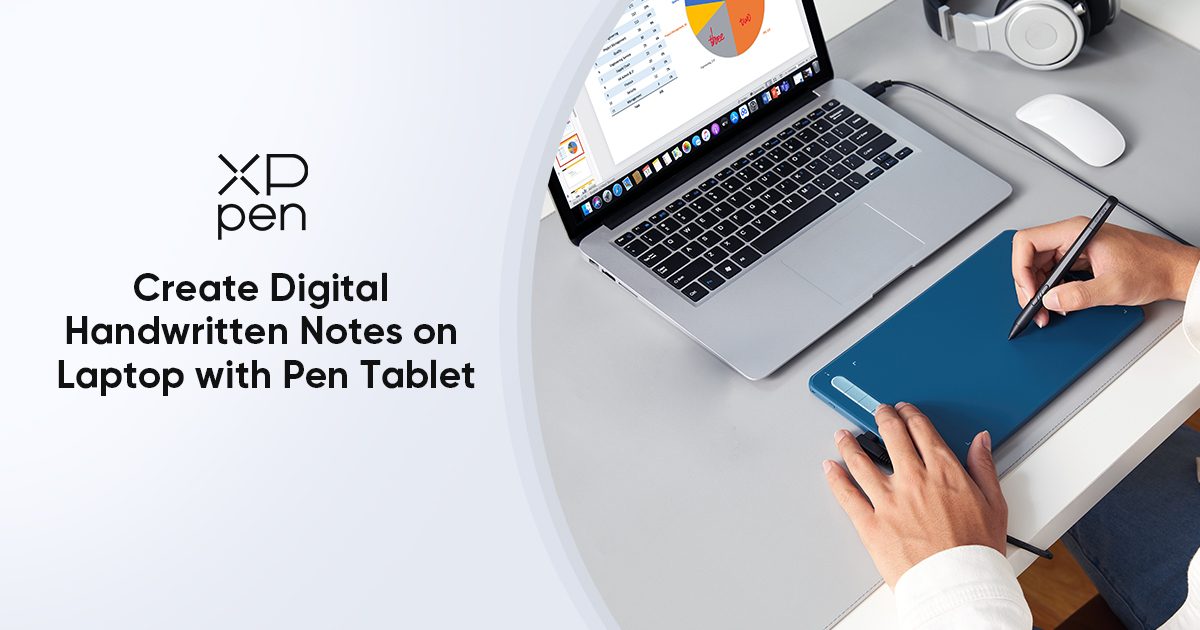
How
to
Take Digital Handwritten Notes
on
Laptop with Pen Tablet
In this article, we will learn how to use a pen tablet to take digital handwritten notes on our laptop.
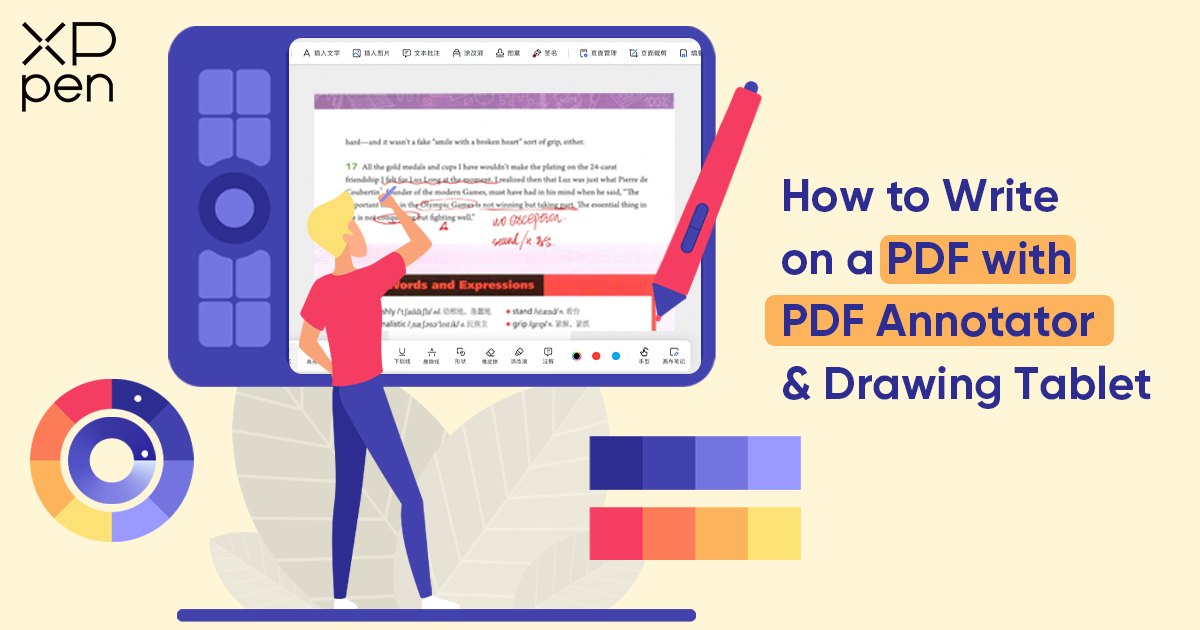
How
to
Write
on
a PDF with PDF Annotator & Drawing Tablet
Learn how to enhance your PDF annotation experience using a drawing tablet with PDF Annotator. Explore step-by-step guidance for writing and drawing on PDFs seamlessly.
How
to
Learn
to
Draw Manga & Anime
Do you want to learn how to draw manga but you have no idea where to start? Explore essential skills of learning manga drawing and a few methods to learn how to draw manga through this blog post.
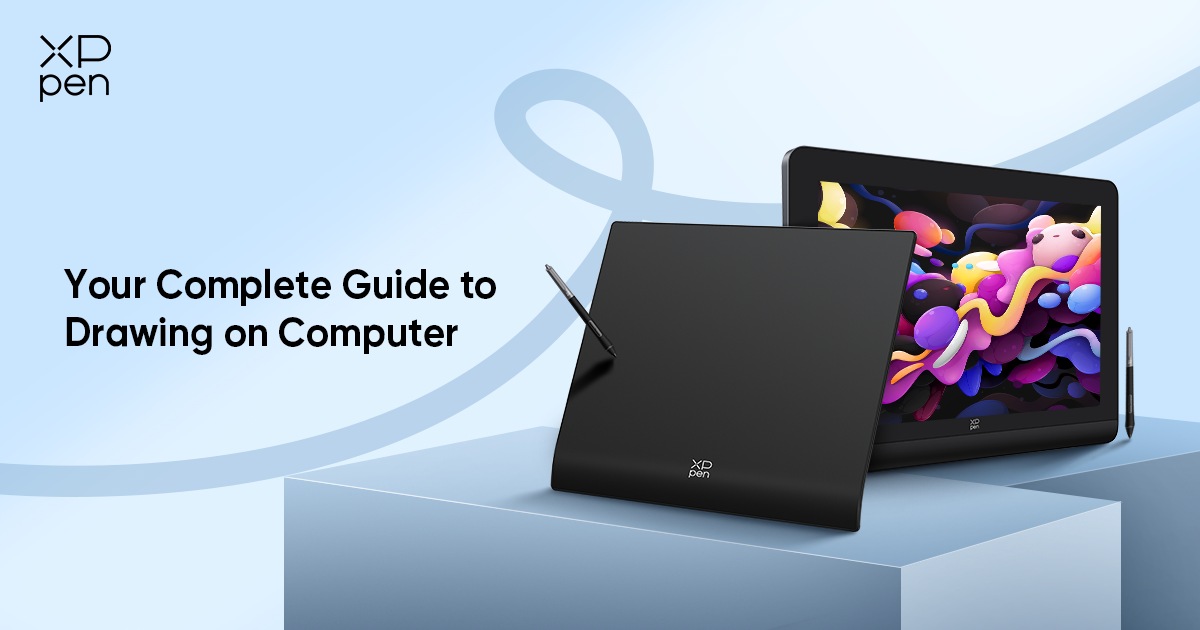
How
to
Draw
on
a Computer – Step-by-Step Guide
Gone are the days when art and creativity are reserved for people who can spend a fortune on traditional art materials, thanks to technology and innovation. When art and art tools became more accessible, both amateurs and professionals are able to dive in
Ultimate Guide:
How
to
Use a Drawing Tablet
on
Roblox
Discover the ultimate gaming experience in Roblox with the best graphic tablet. Dive into a world of precision and creativity as we explore the advantages, key factors, and top recommendations. Learn how to set up your drawing tablet for Roblox and unlock your potential as a game creator.
How
to
Get Characters in Genshin Impact? Here's All You Need
to
Know
This guide covers how to unlock characters in Genshin Impact in 4 ways. Check it out now to get started!
A Beginner's Guide
to
Digital Art: What It Is and
How
to
Make It
This guide will help you understand what digital art is and how to create it. Learn about the tools, techniques, and software used by digital artists.
OSU! Skins: Where
to
Get Them &
How
to
Download
How to download, install, and use OSU! skins? Read on to learn how to personalize your gameplay experience now!
How
to
Adjust
to
Studying at Home
Discover how to adjust to studying at home with XPPen's essential tips for effective remote learning.
Understanding
How
Long Do Tablets Last and
How
to
Extend It
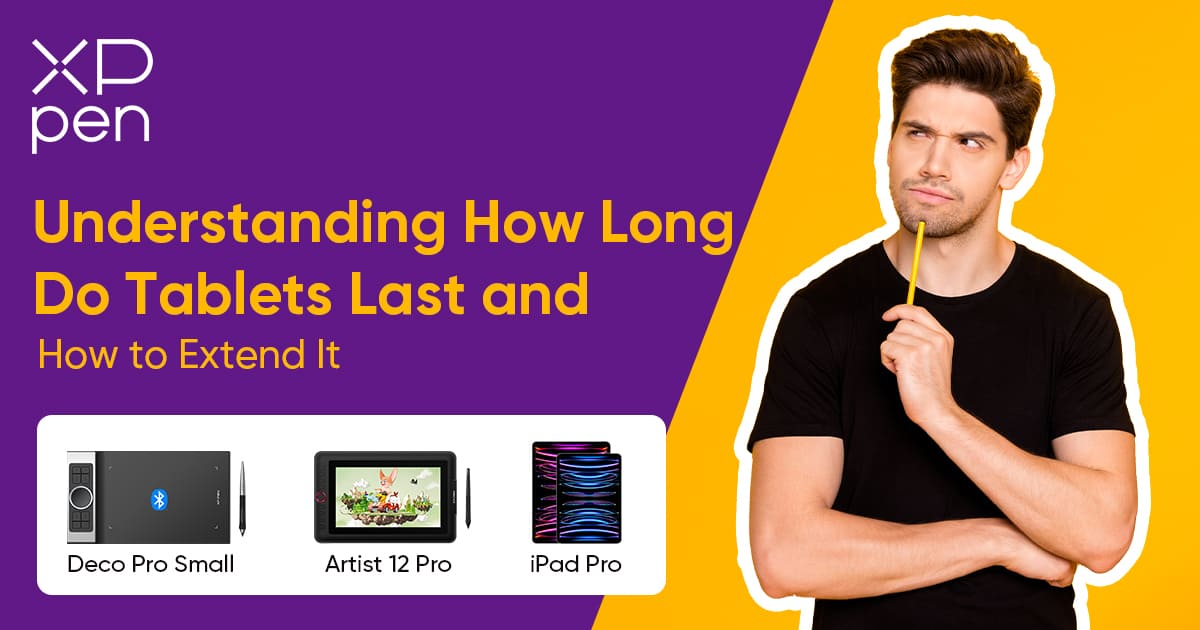
There are variations of tablets, with their own strengths and weaknesses that impact their expected lifespan. In this blog post, we will understand and answer the question: how long does a tablet last?
How
to
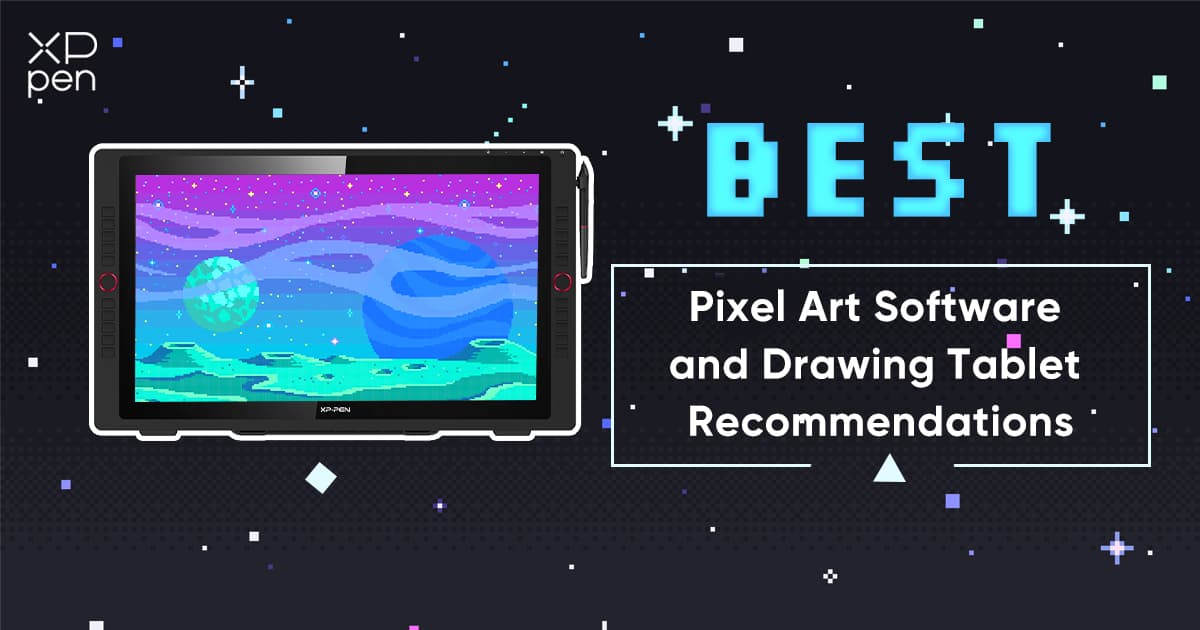
Draw Pixel Art: Best Pixel Art Software and Drawing Tablet Recommendations
Discover the finest pixel art software and drawing tablets that empower you to bring your digital visions to life with precision and flair.
How
to
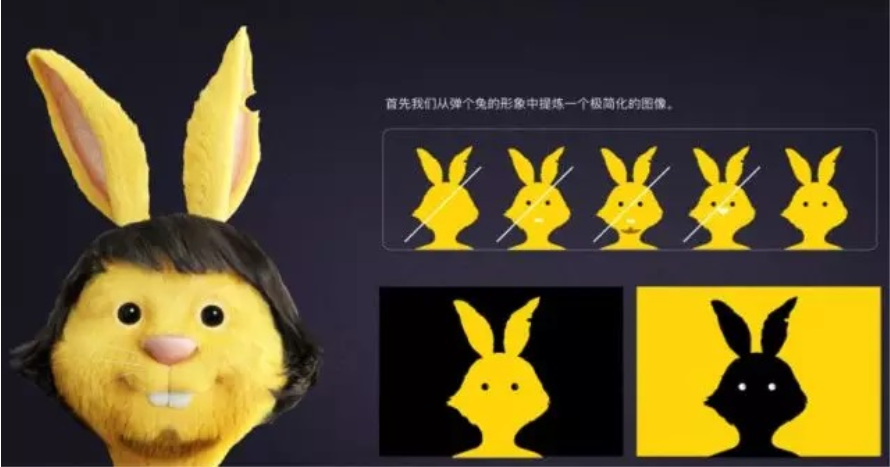
Create a Cartoon Mascot with a Drawing Tablet
Learn how to create a cartoon mascot with a drawing tablet using XPPen. Follow these easy steps and create your own unique character.
How
to
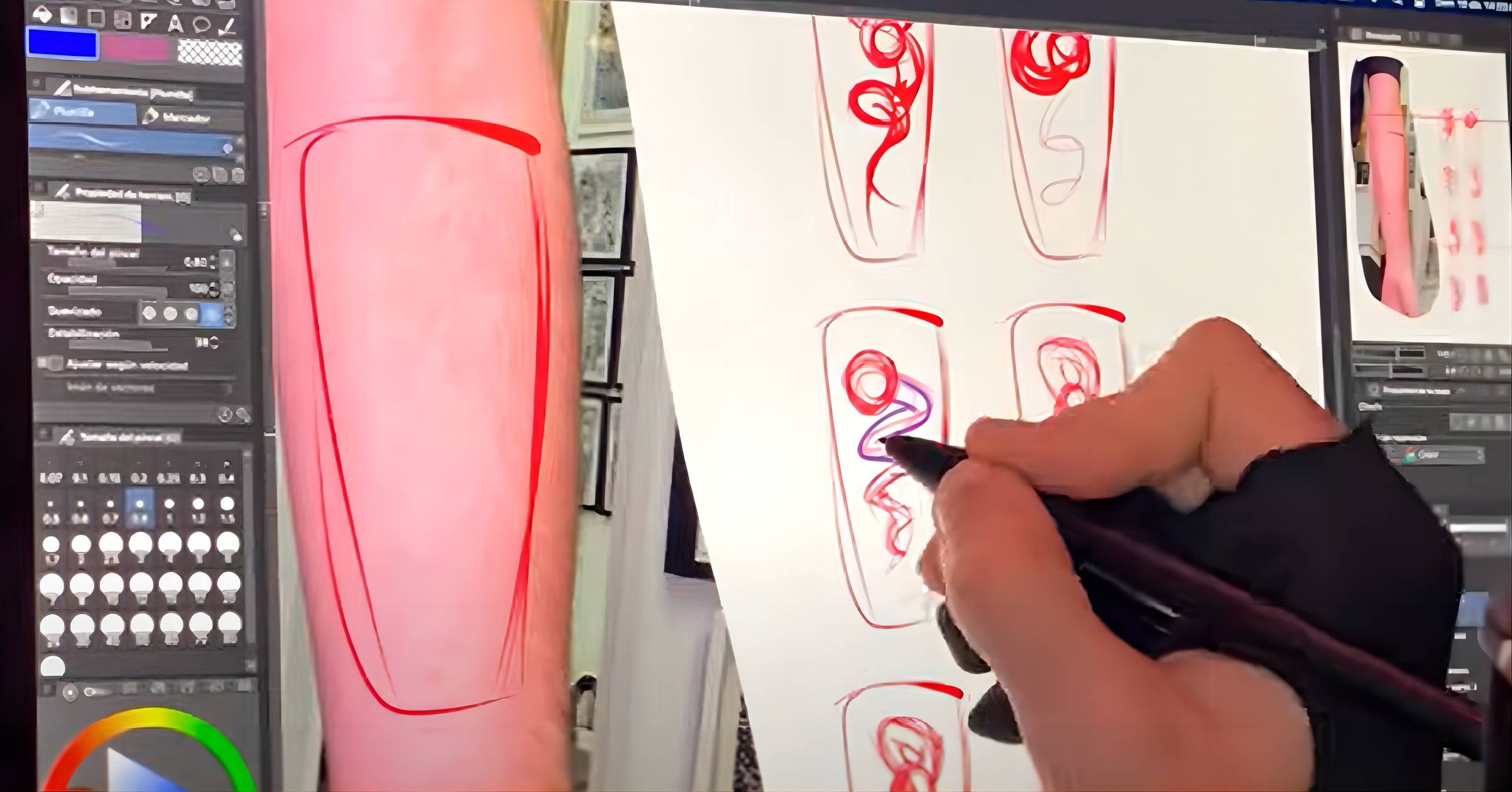
Draw Tattoos with Drawing Tablet [Complete Guide]
Follow a step-by-step guide on how to draw tattoos on a digital drawing tablet, and discover how digital tools are changing the tattoo landscape!
How
Touchscreen Functions
on
Drawing Tablets Enhance Your Art
Modern touch input on pen displays has addressed most of what made artists wary of it, and the question in 2026 is no longer whether touch input is valuable. It's how much of your current workflow you're leaving on the table by not using it.
How
to
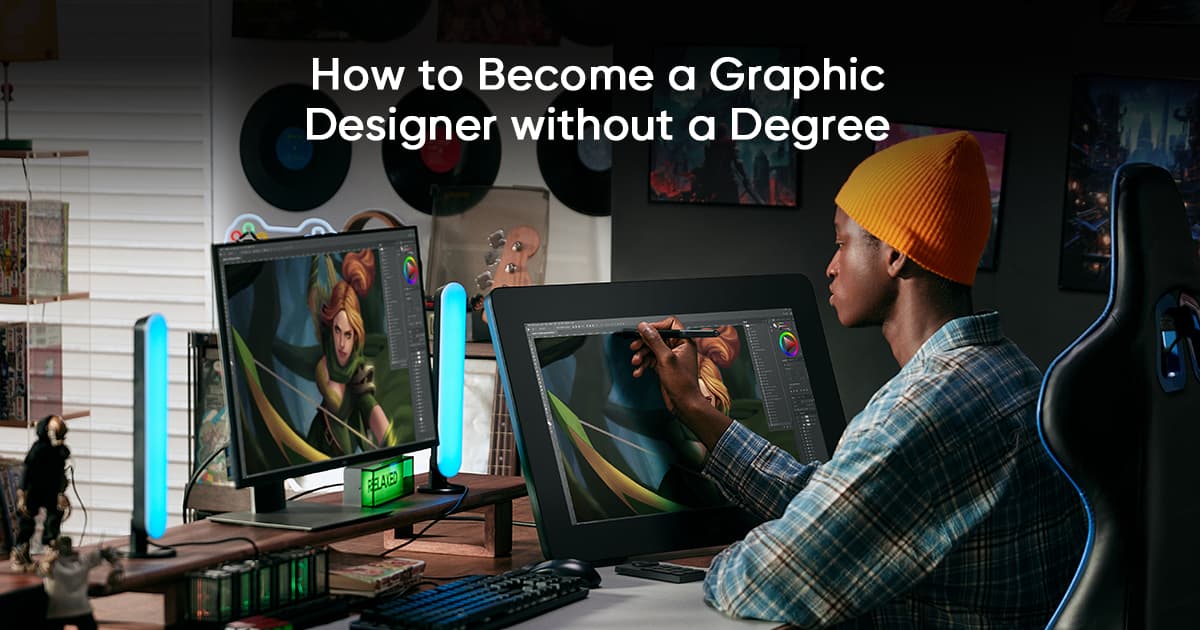
Become a Graphic Designer Without a Degree
Let's explore how to become a graphic designer without a degree, covering everything from the required soft skills to locating the best resources.
How
To
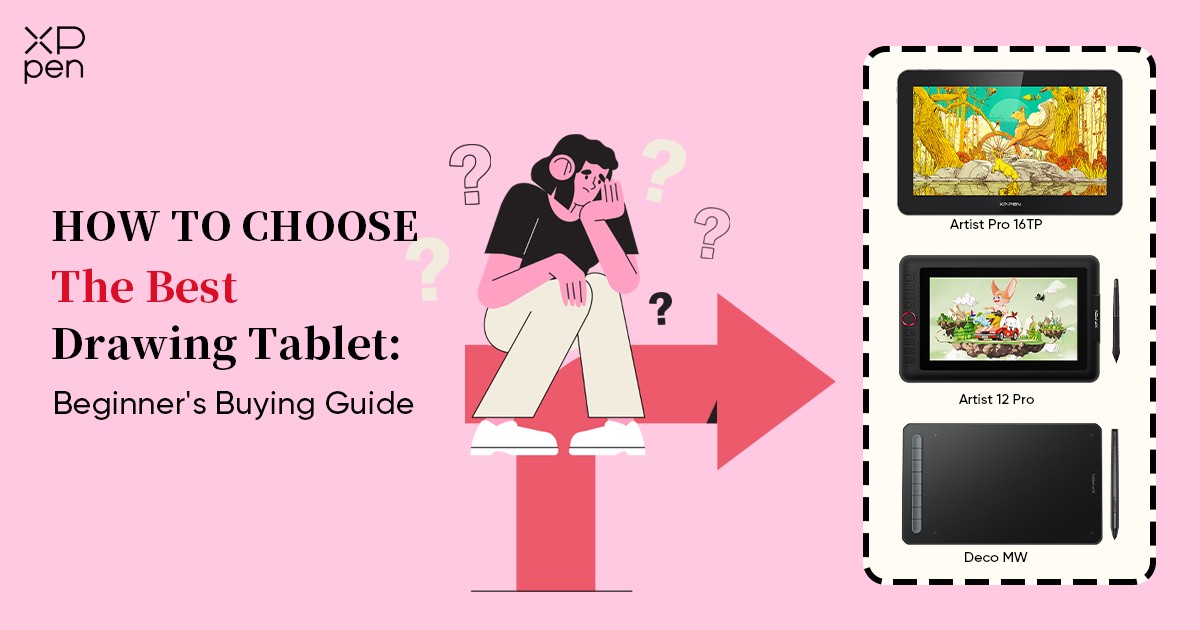
Choose The Best Digital Art Drawing Tablet: A Beginner's Buying Guide
This beginner's guide by XPPen will help you choose the best graphic drawing tablet and drawing display for your needs, with tips on features, compatibility, and pricing.
How
to
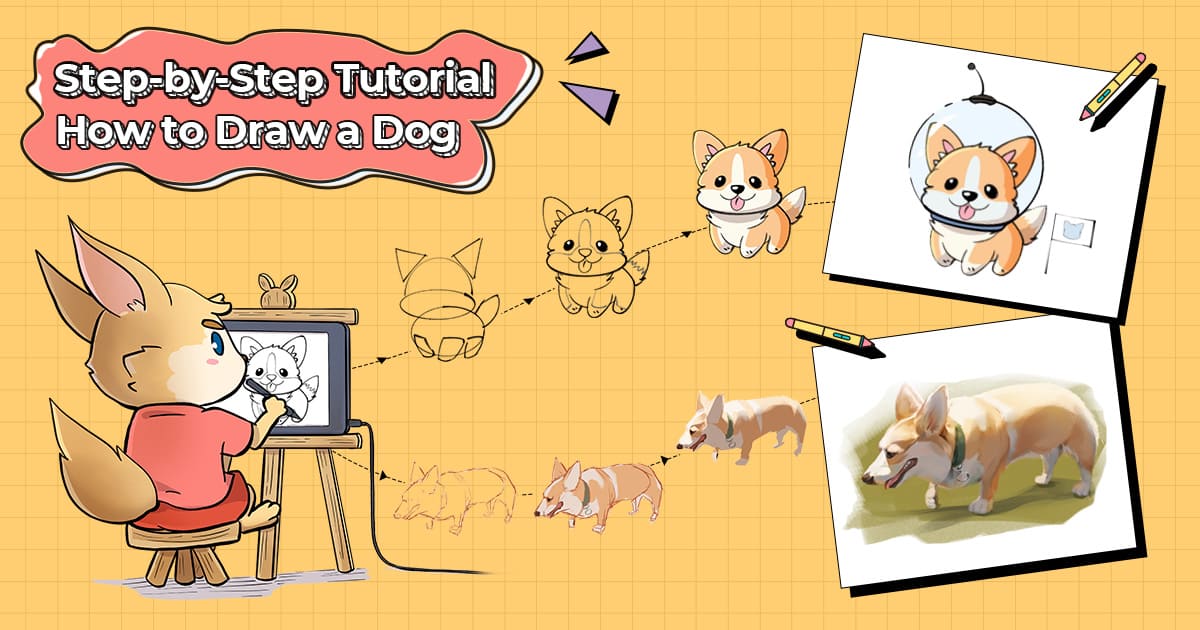
Draw a Cute Dog Step by Step (Cartoon & Realistic Styles)
Explore how to draw a cute dog step by step in cartoon and realistic styles with our illustrator!
How
to
Draw with a Mouse: A Step-by-Step Guide for Beginners
For beginners, drawing with a mouse is an excellent way to learn the fundamentals of digital art.This guide will provide practical tips for creating digital art using a mouse, from improving cursor control to leveraging software tools that make drawing more efficient.
How
to
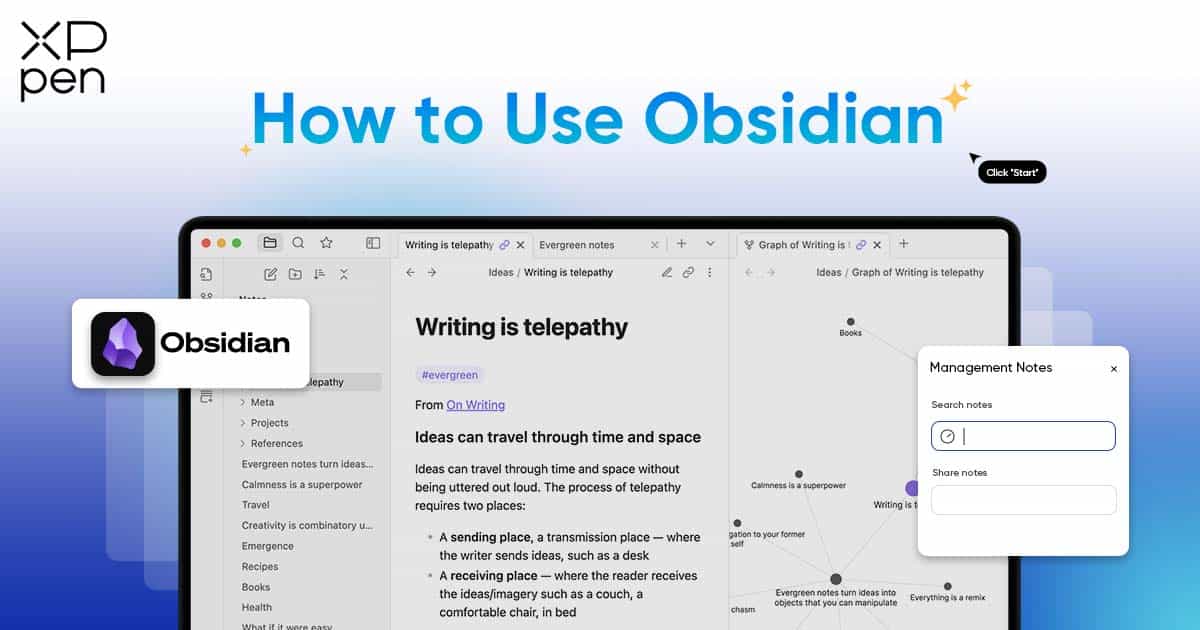
Use Obsidian: Tips and Tricks for Structured Knowledge Management
This article provides a comprehensive guide to mastering Obsidian for structured knowledge management.
How
to
Make a XP-Pen Mascot GIF in Photoshop
Learn to create an adorable XPPen mascot GIF in Photoshop with this easy tutorial from XPPen. Spice up your designs with this cute character!
«
1
2
3
4
5
»